


Where control boards sit in the print workflow
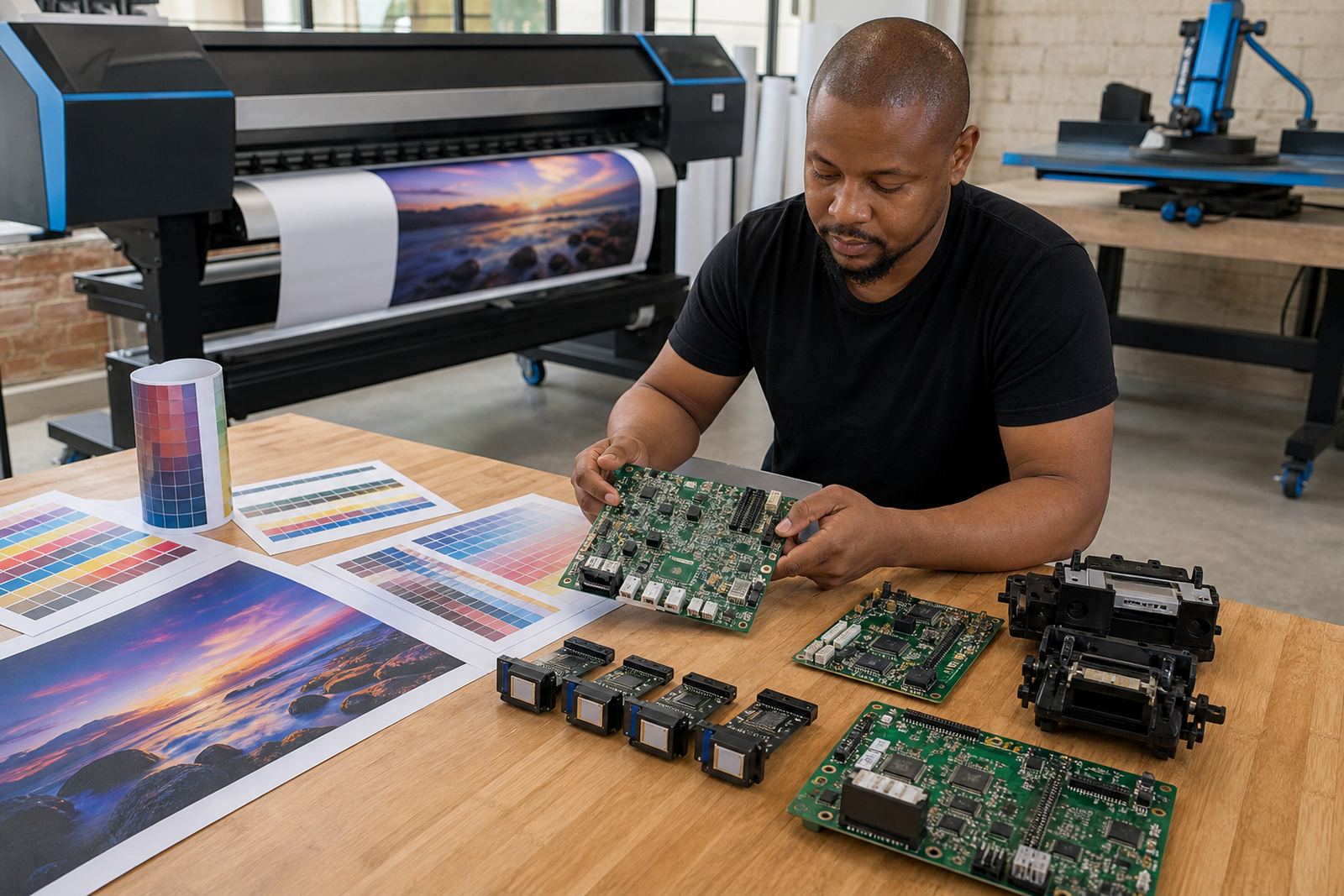
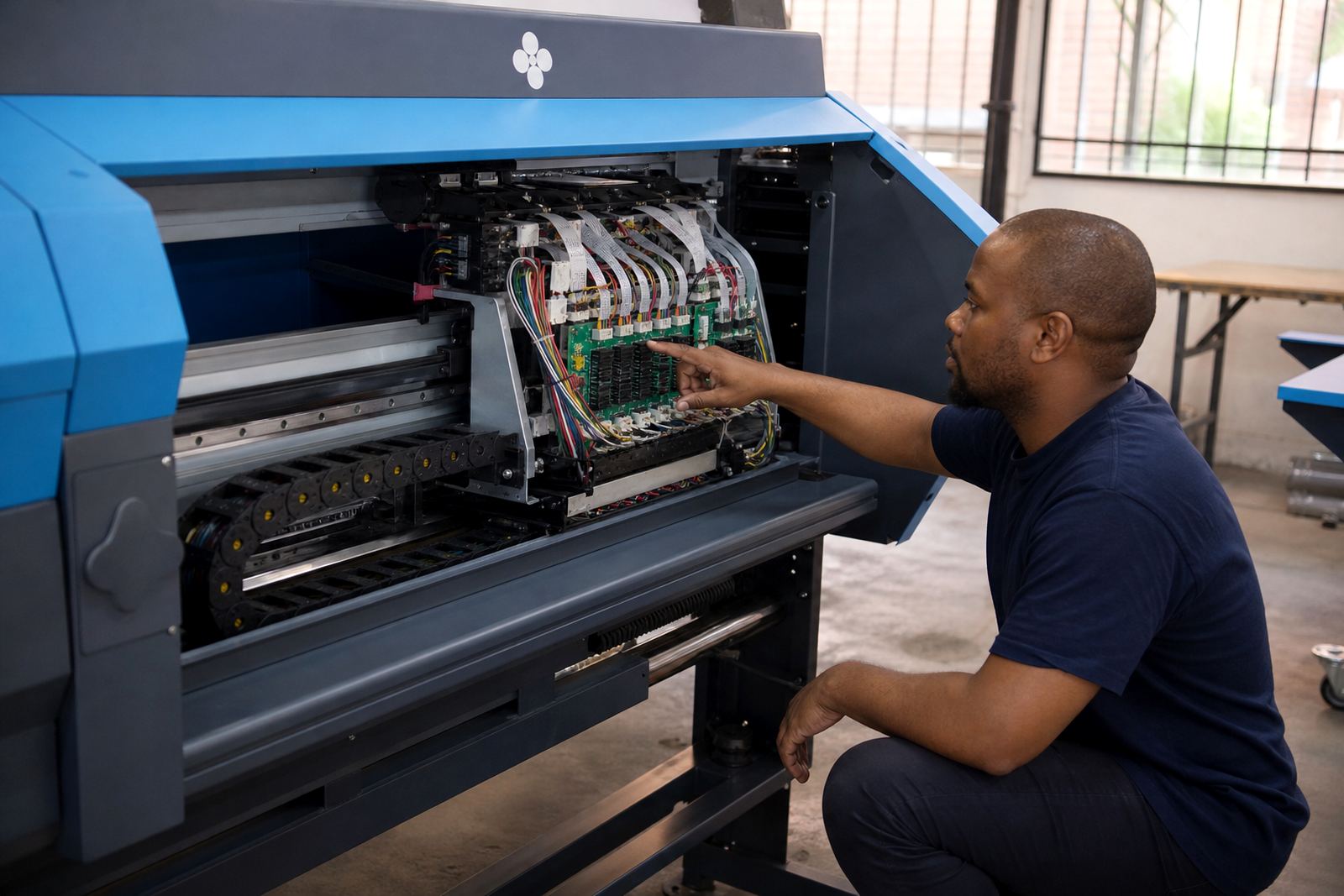
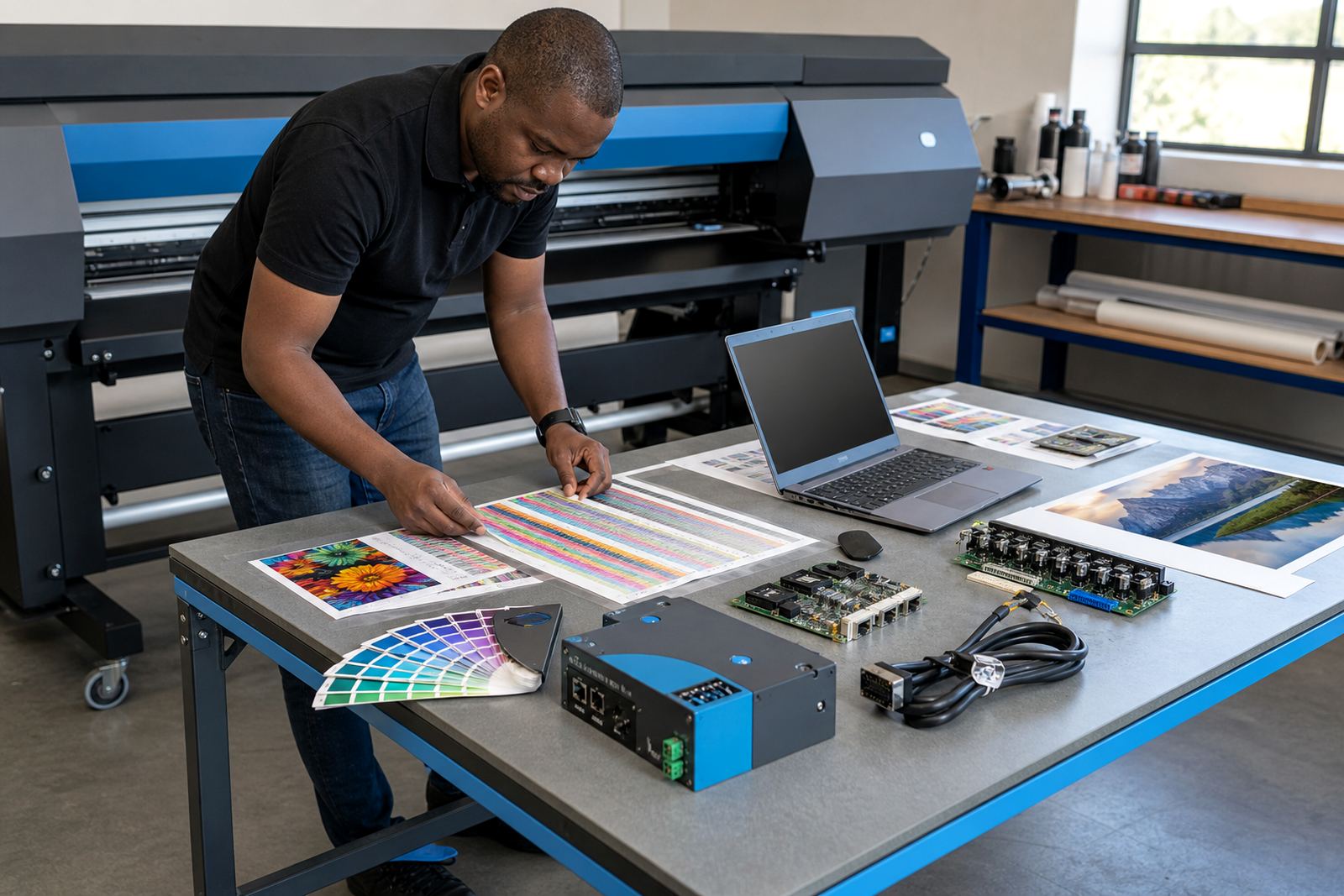
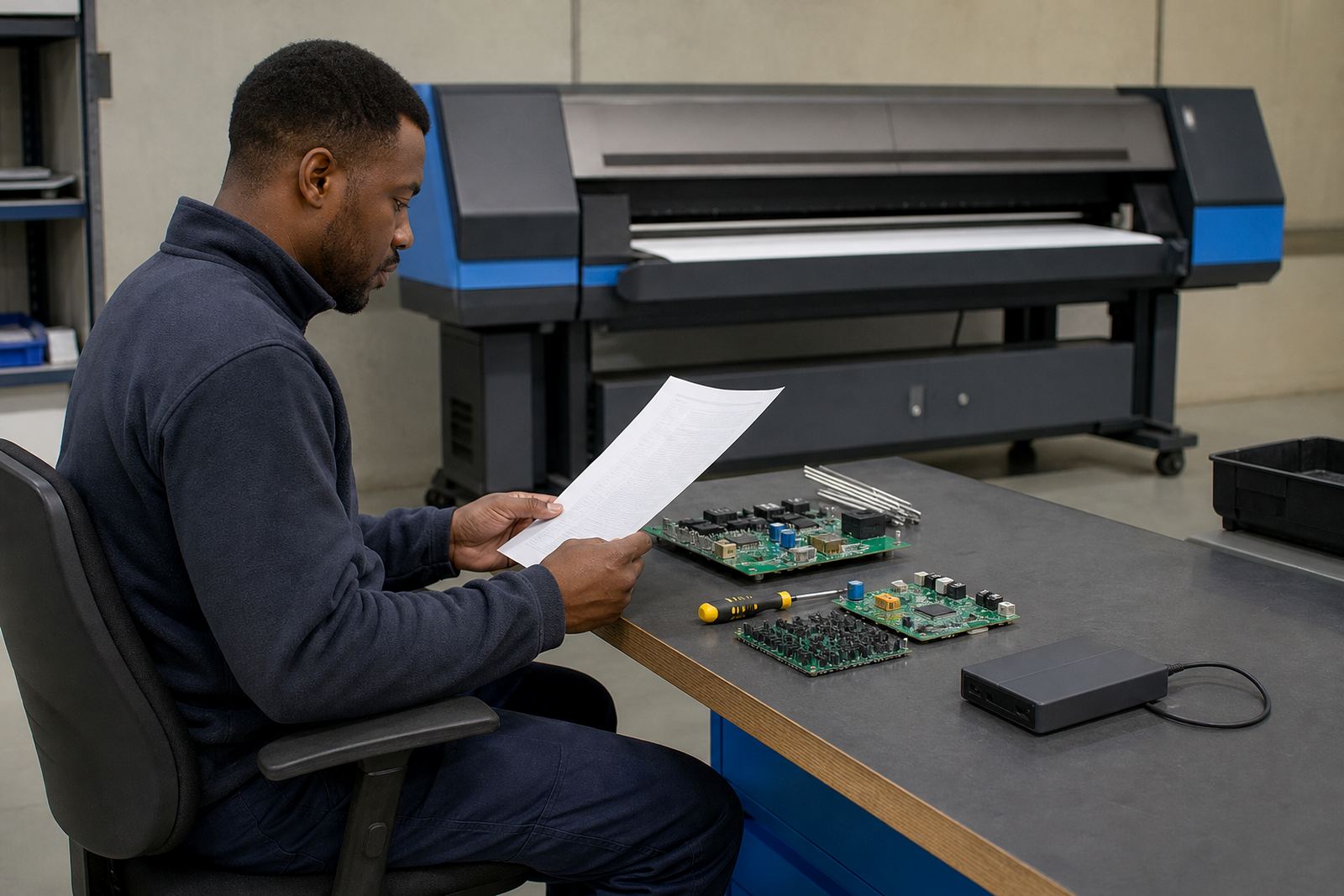
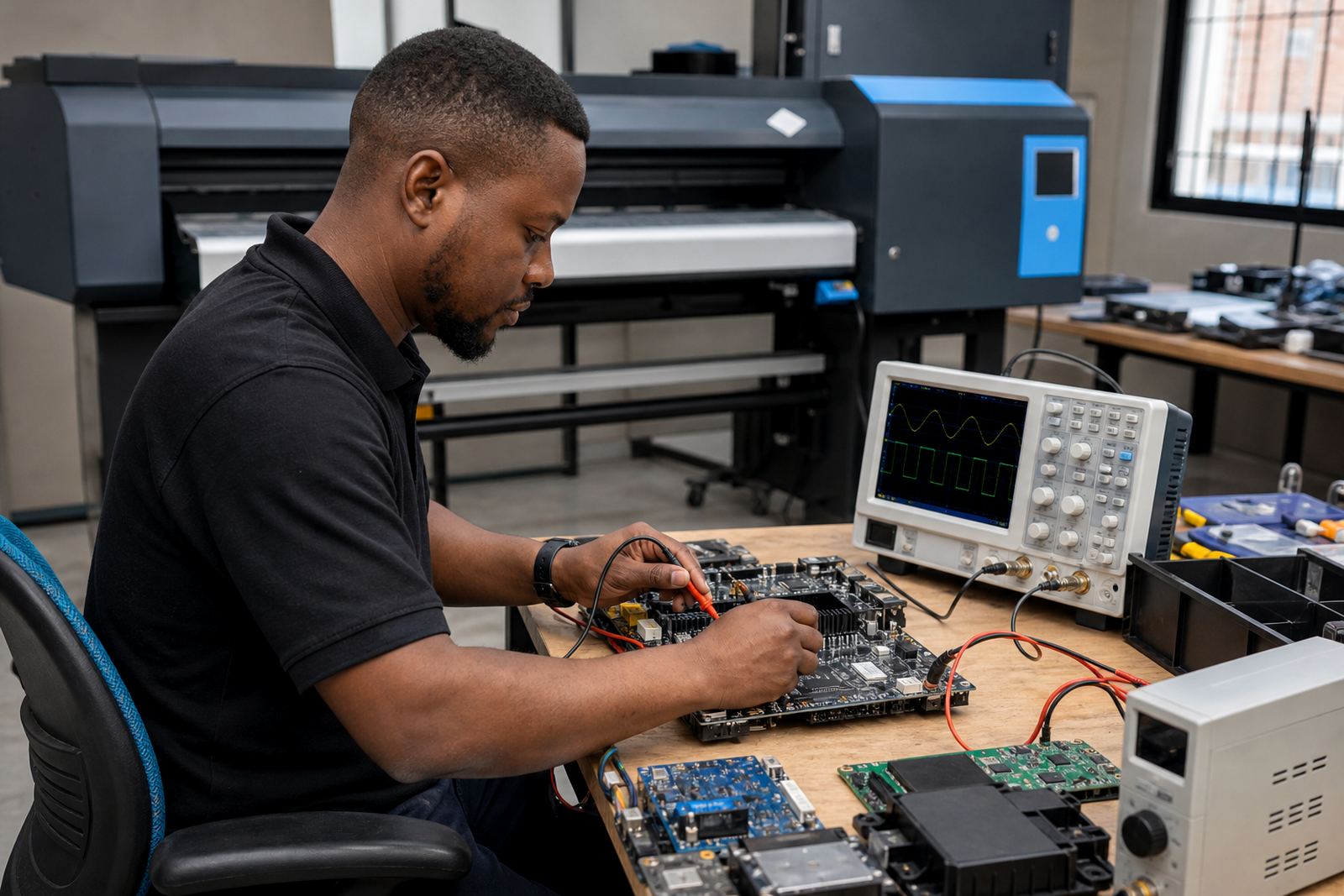
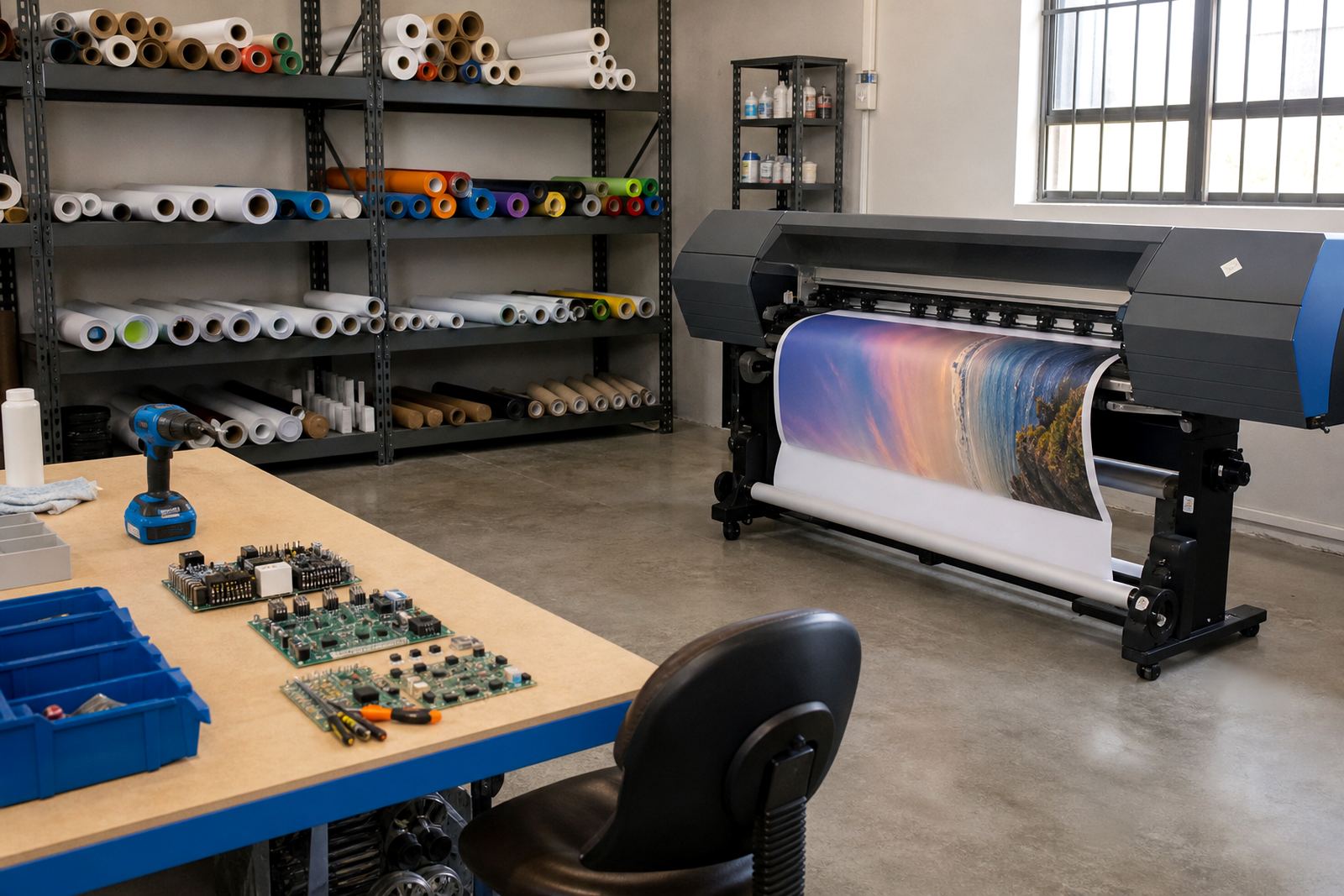
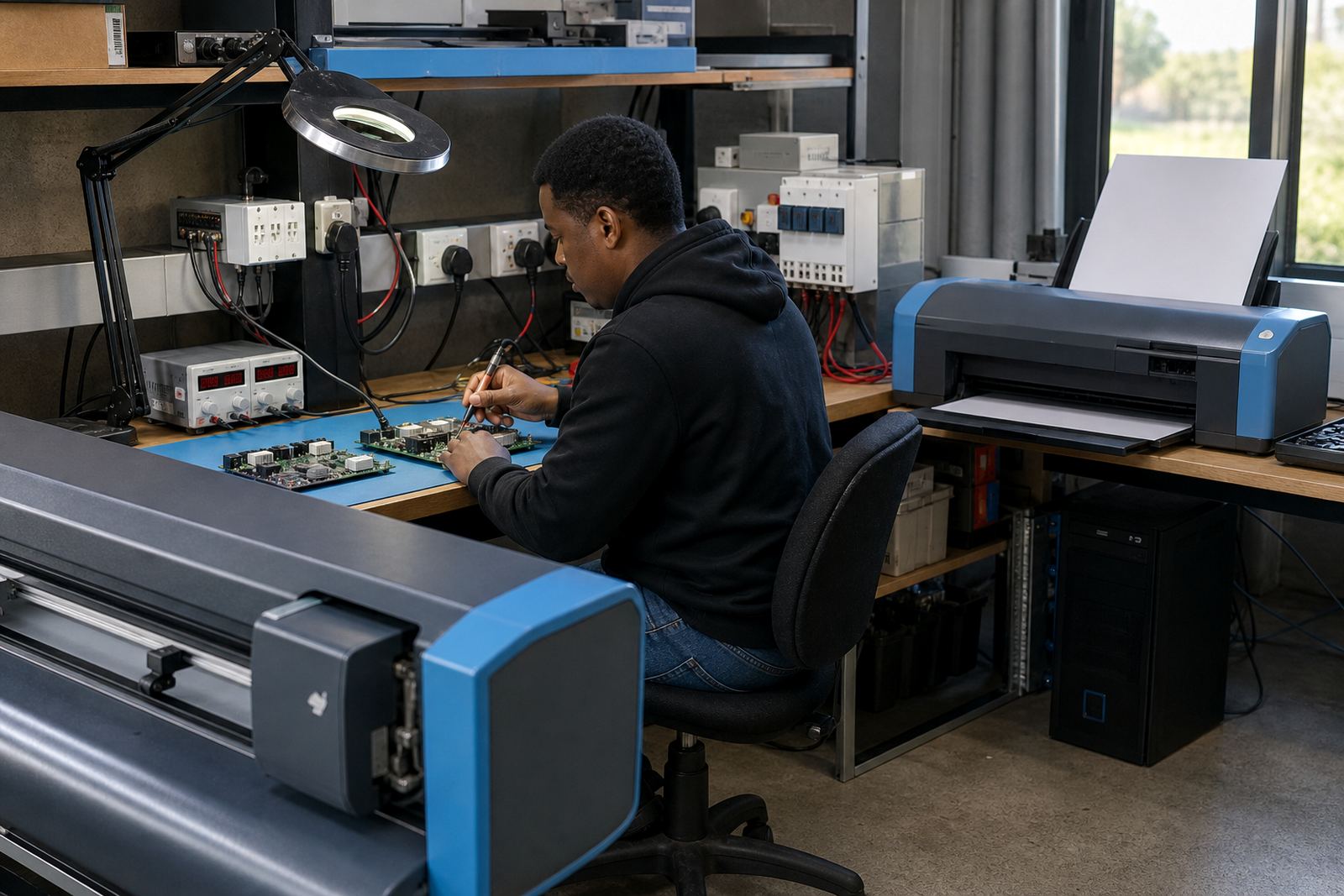
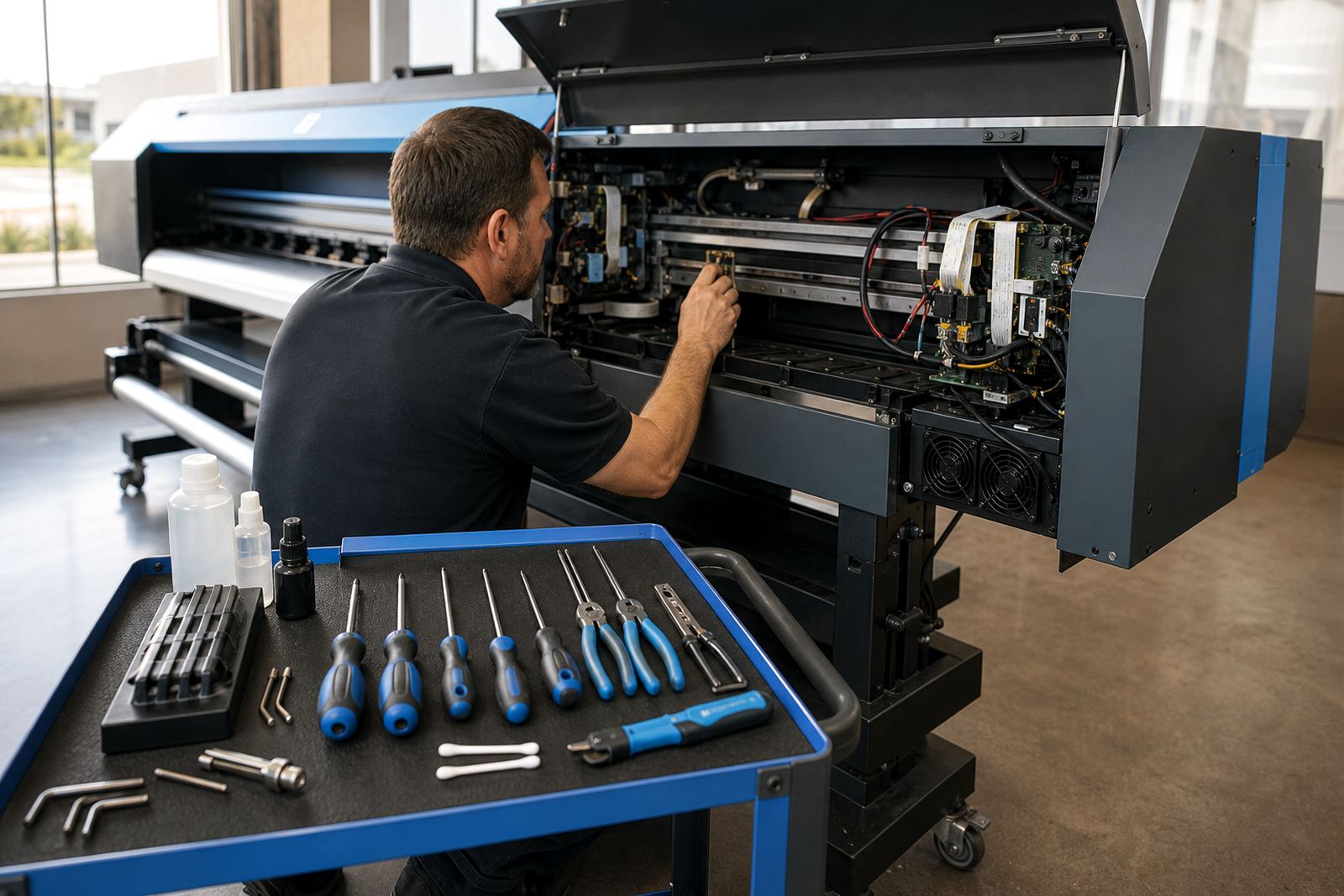
Printer control boards sit between the file, the RIP and the print engine. They manage communication, pass job data to the printhead drivers and help keep movement, firing order and media handling in step. In a busy shop, board faults often show up as unstable output, missing channels or jobs that stop halfway through a run. Coastal humidity can also make cabinet and cable issues more noticeable if equipment is not kept clean and dry.
When a shop is comparing board options, the real question is how the hardware fits the printer frame, the carriage type and the software version in use. The wrong match can turn a steady machine into a constant fault callout.
RIP settings that shape everyday production
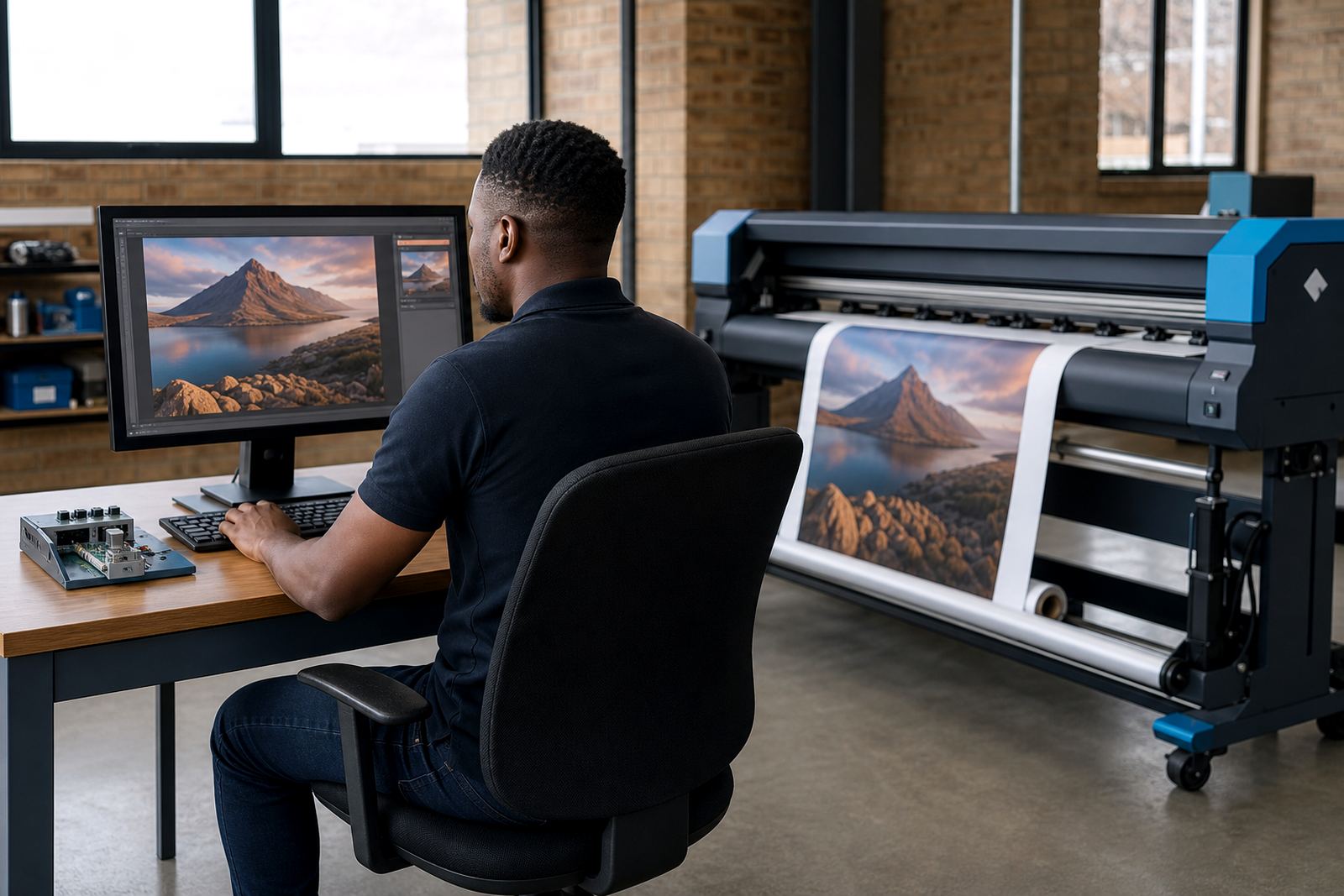
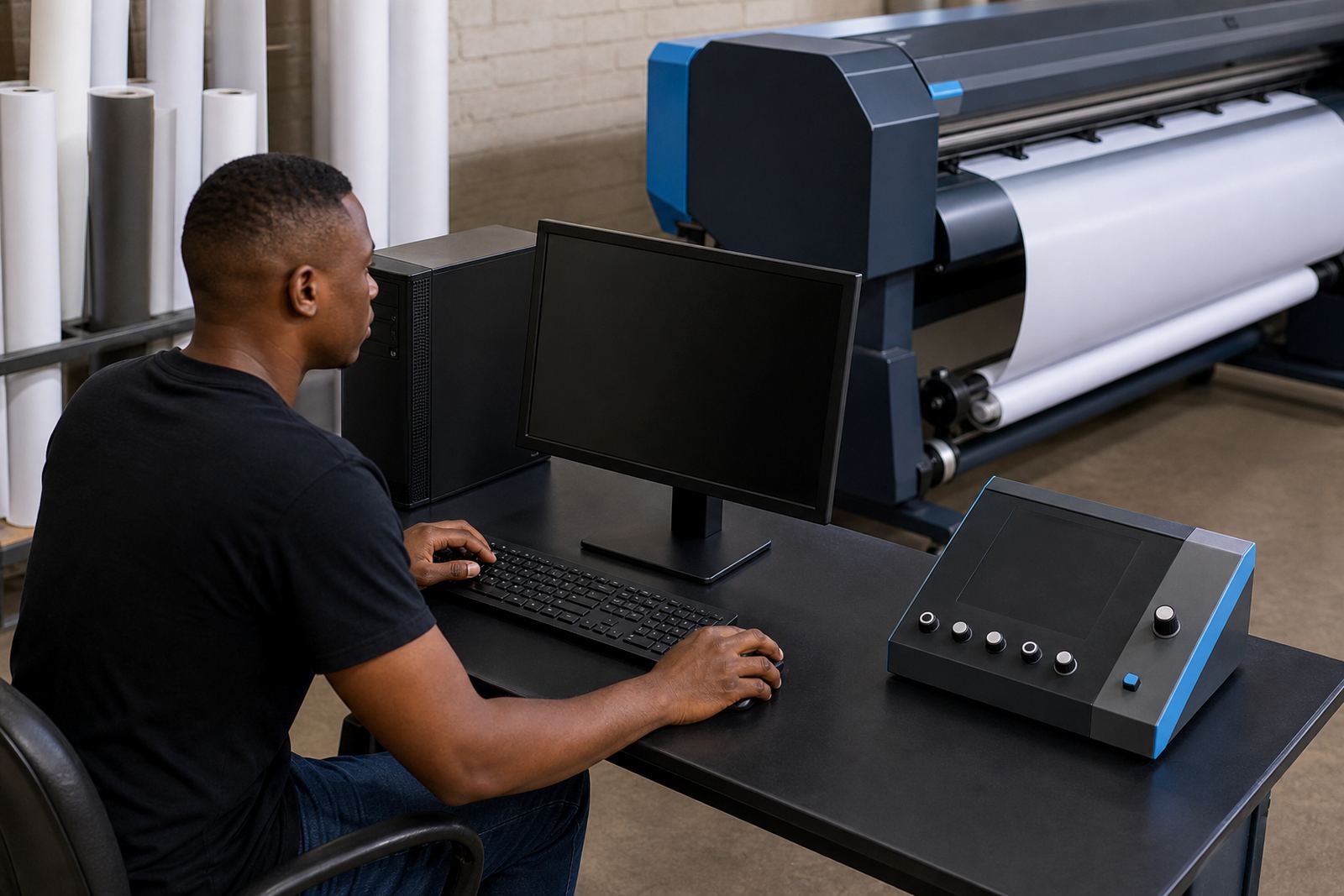
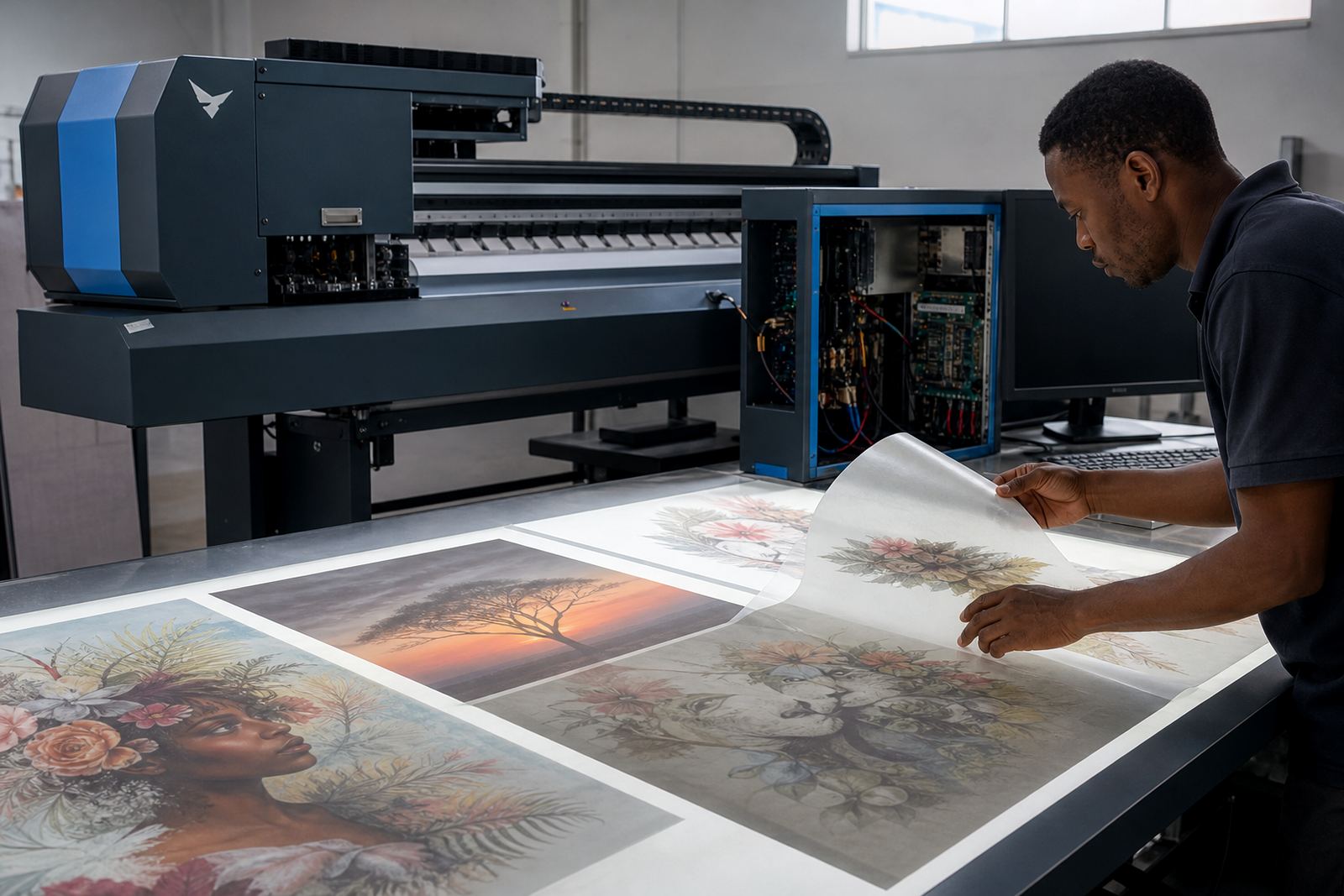
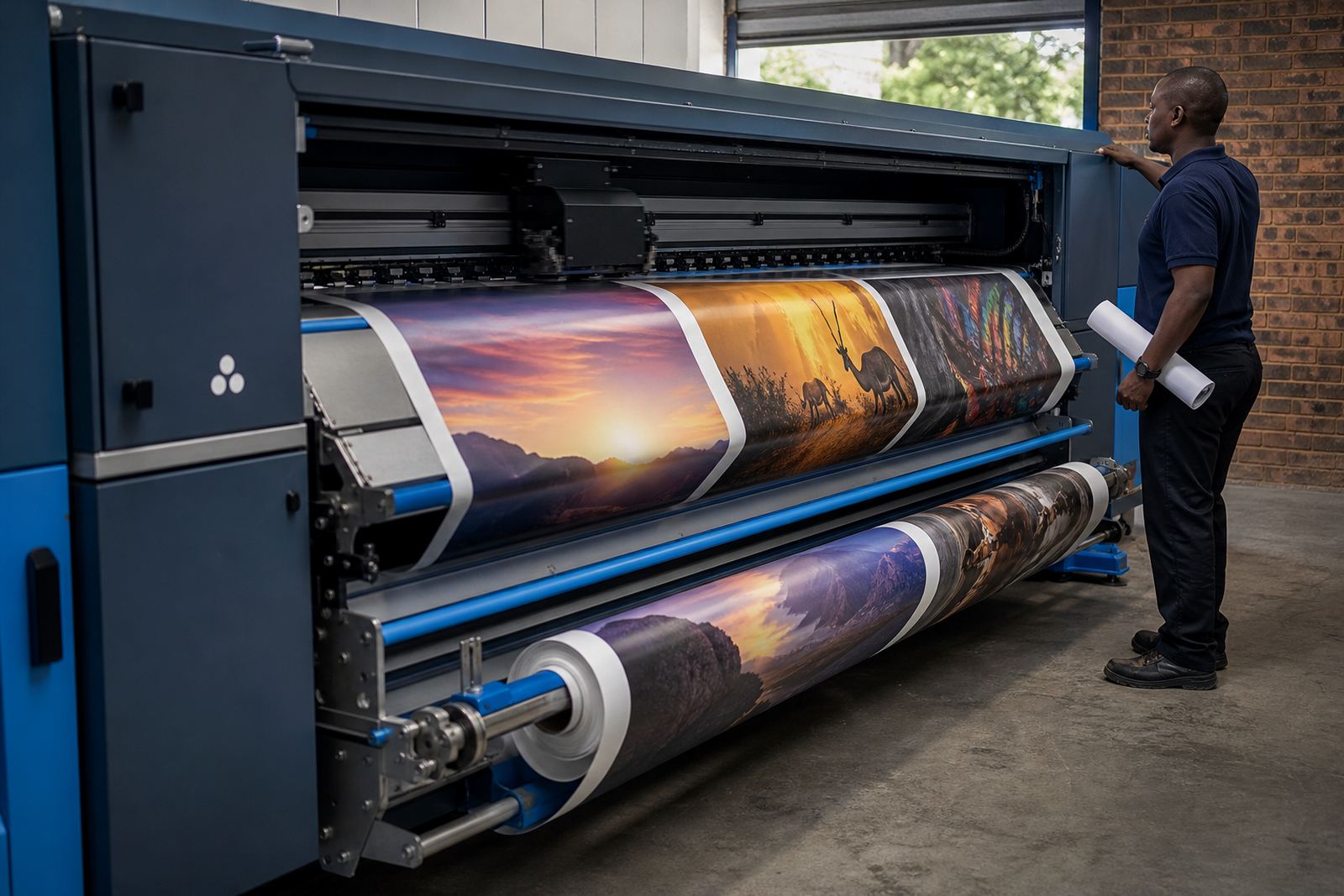
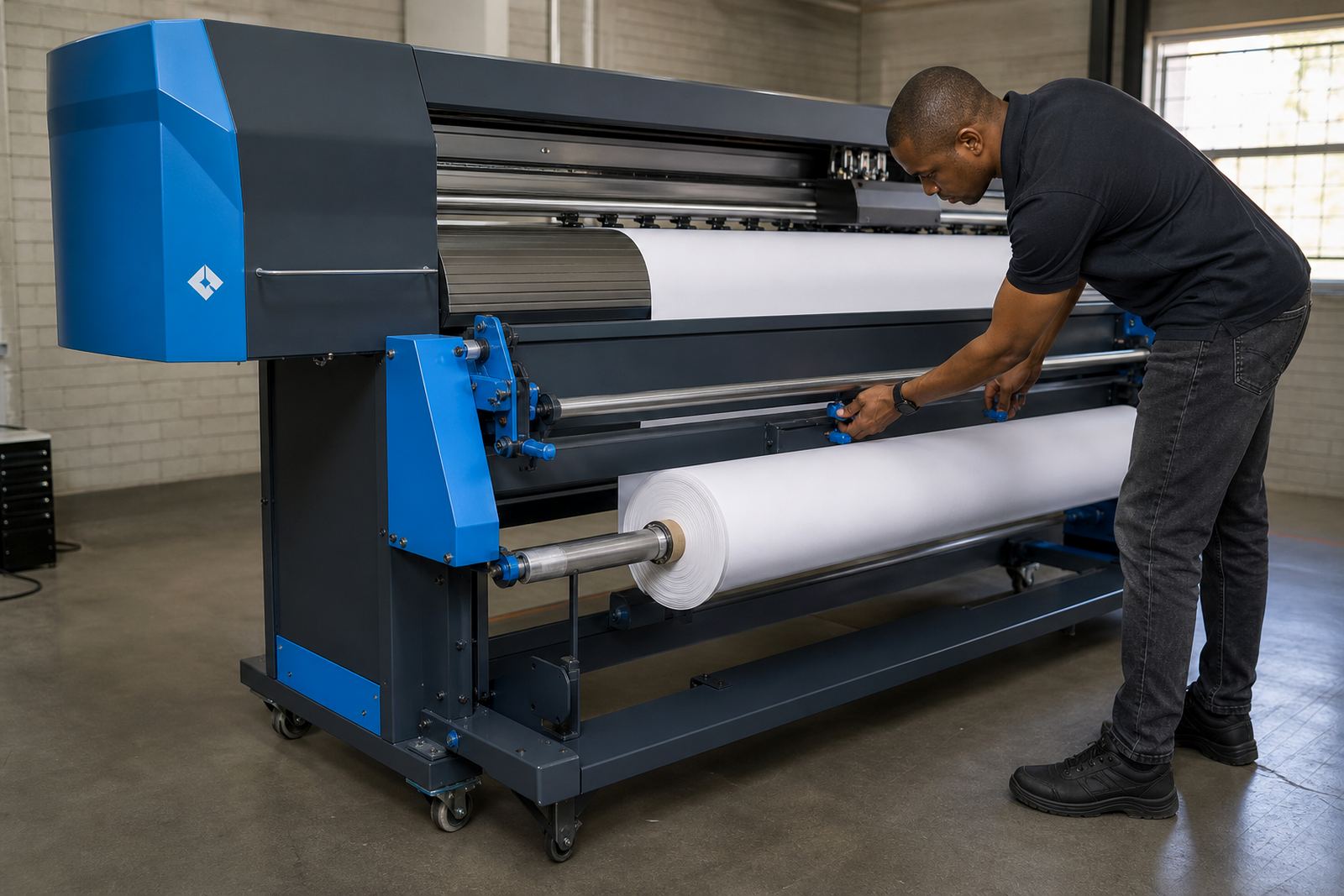
RIP software does far more than send a file to print. It controls ink limits, raster detail, pass count, speed, nesting and queue order. A useful setup gives predictable output on different media and helps staff keep jobs moving without reworking the same file five times.
- Set the right resolution for the job, not the highest setting by habit
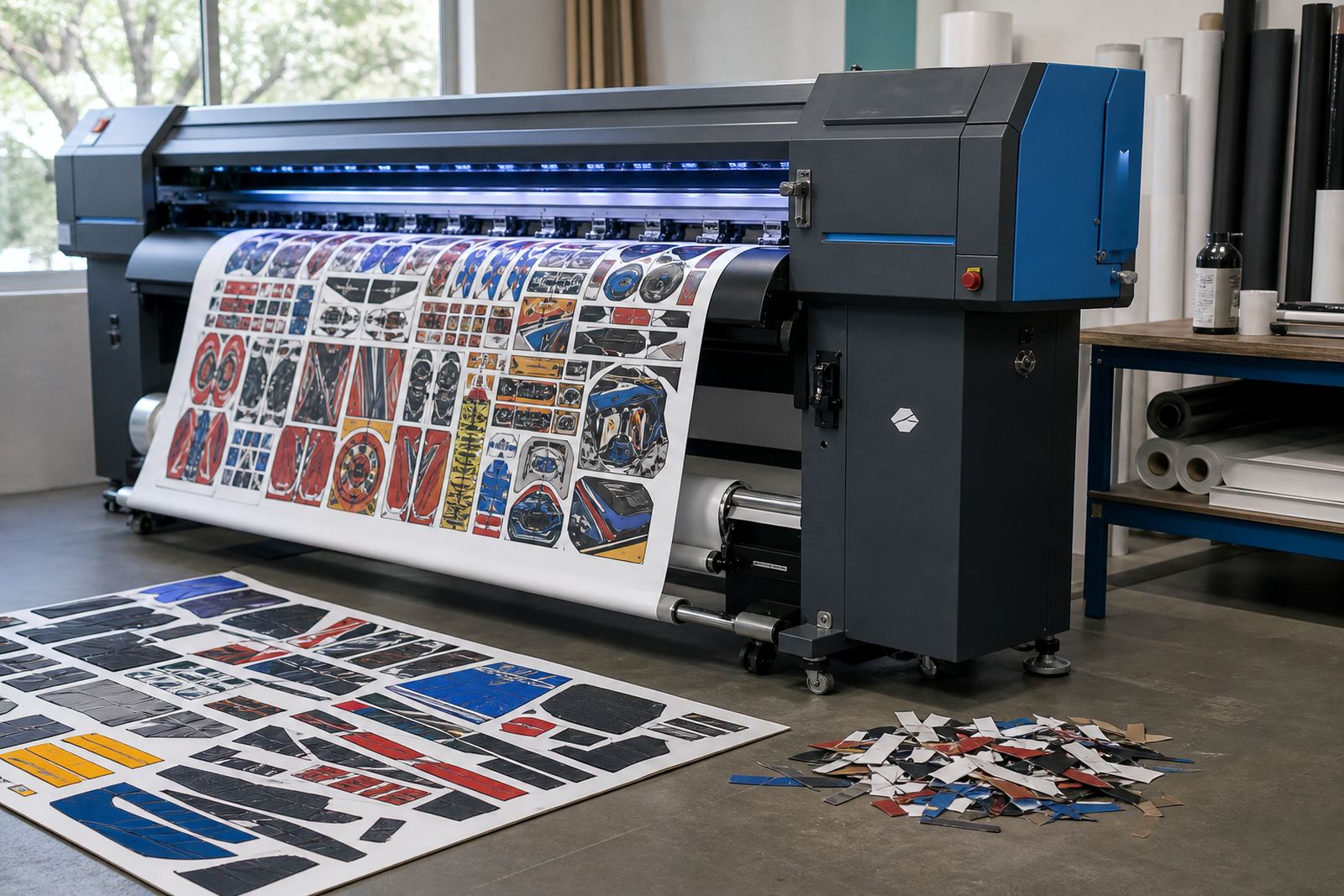
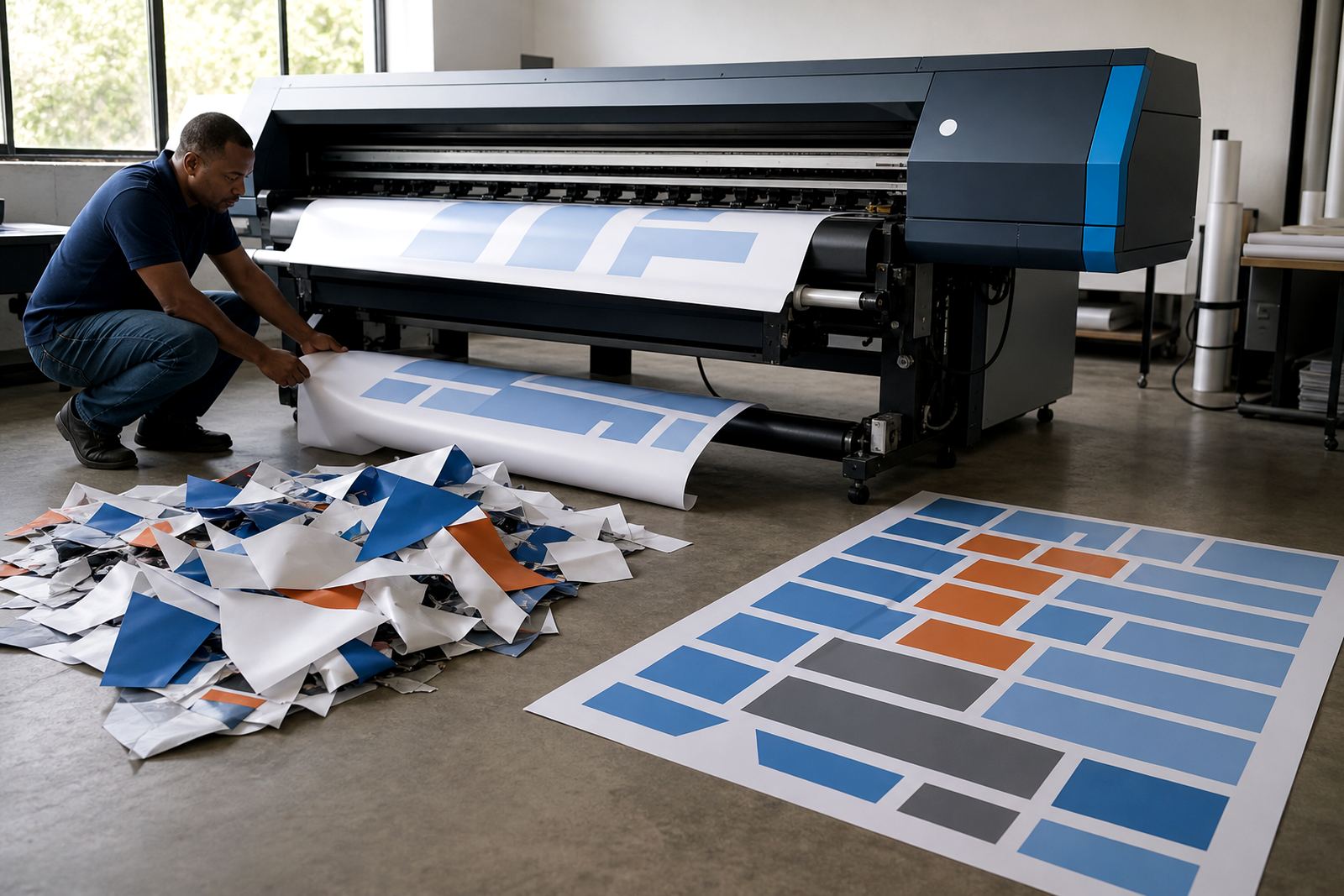
- Use nesting to reduce media waste on short runs and mixed sizes
- Keep queue names clear so operators know what prints next
- Save separate presets for vinyl, banner, canvas and backlit work
Small changes in RIP setup can affect drying time, colour shift and edge quality, so the settings need to suit the actual printer, not just the artwork.
Colour profiles that hold up across jobs
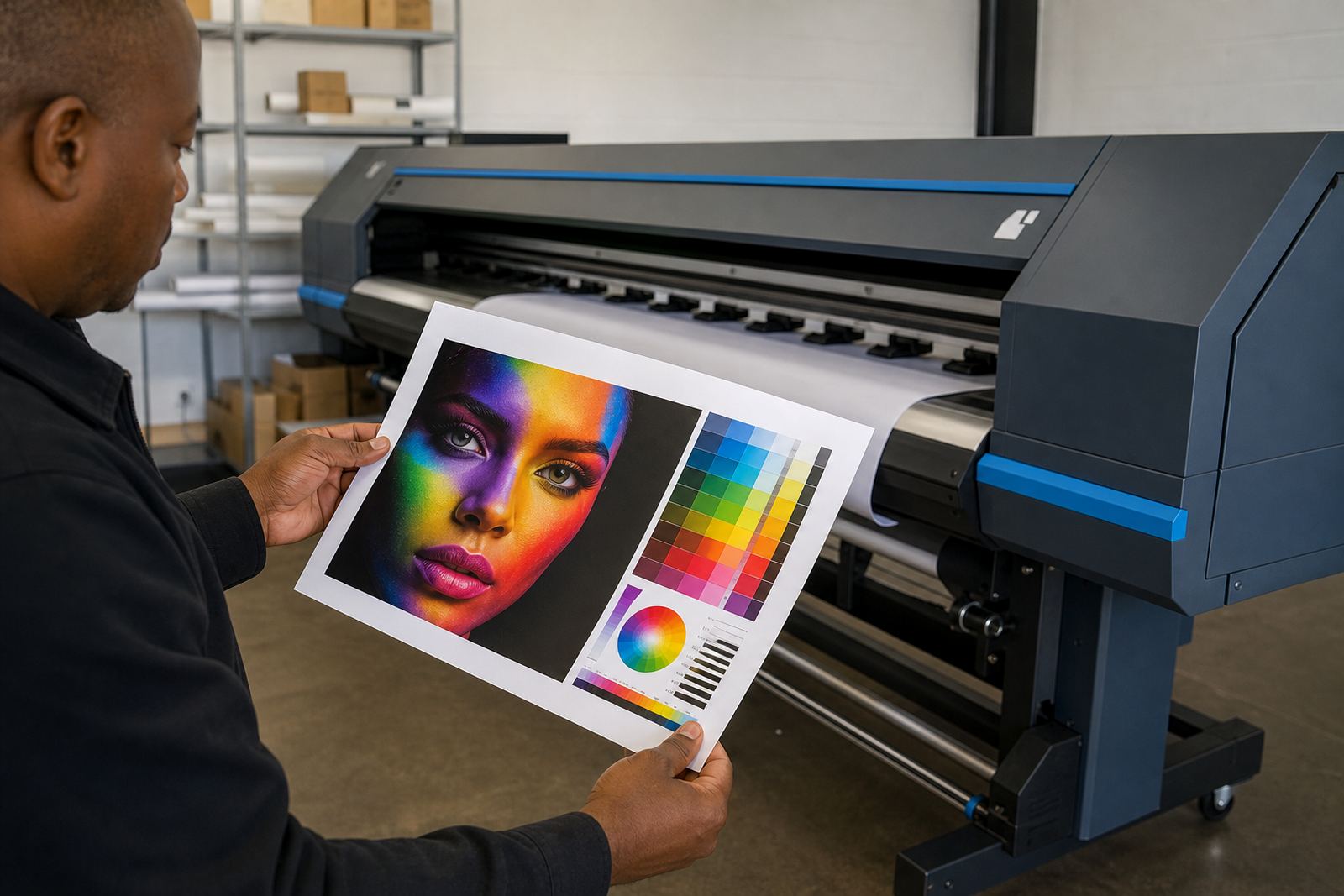
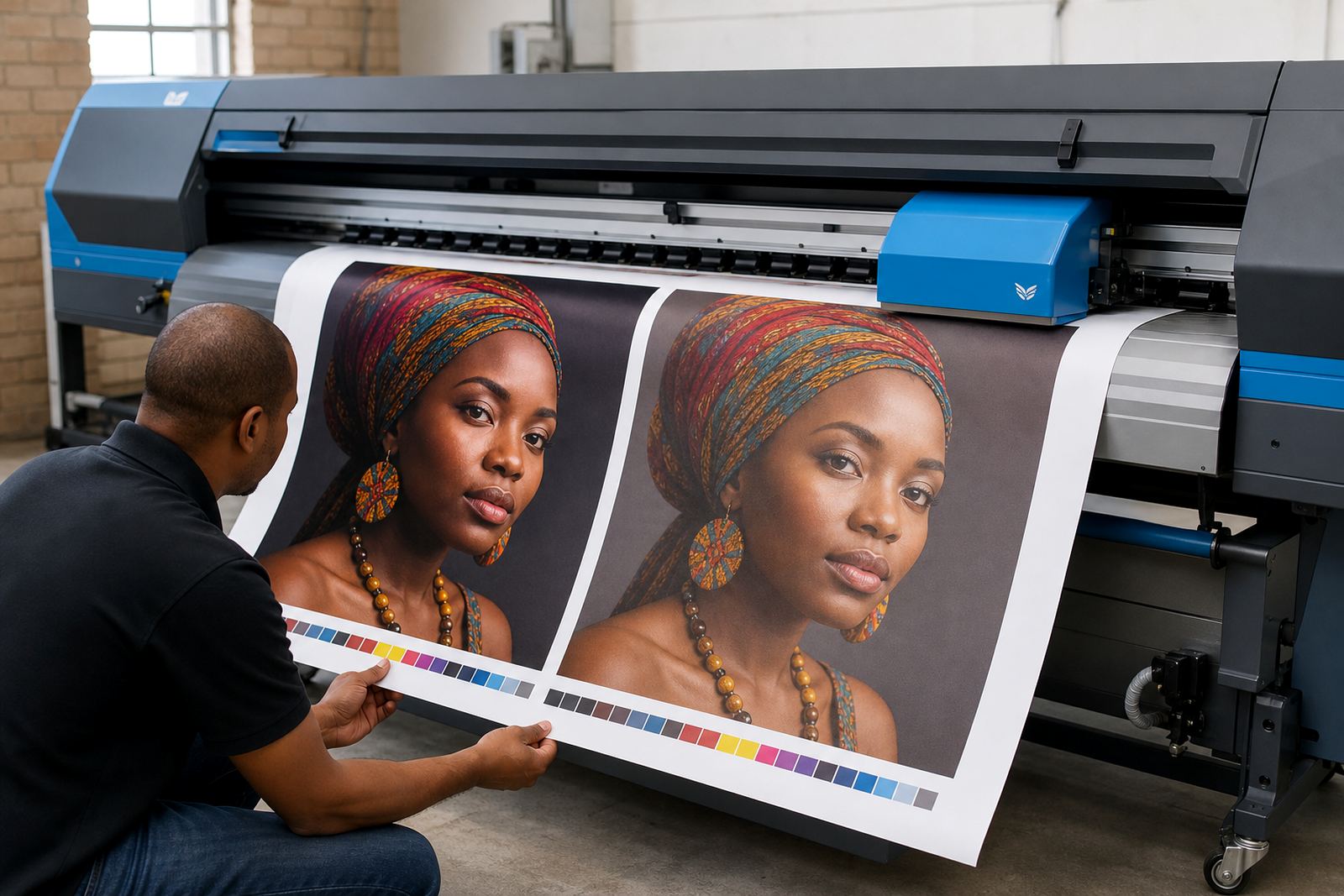
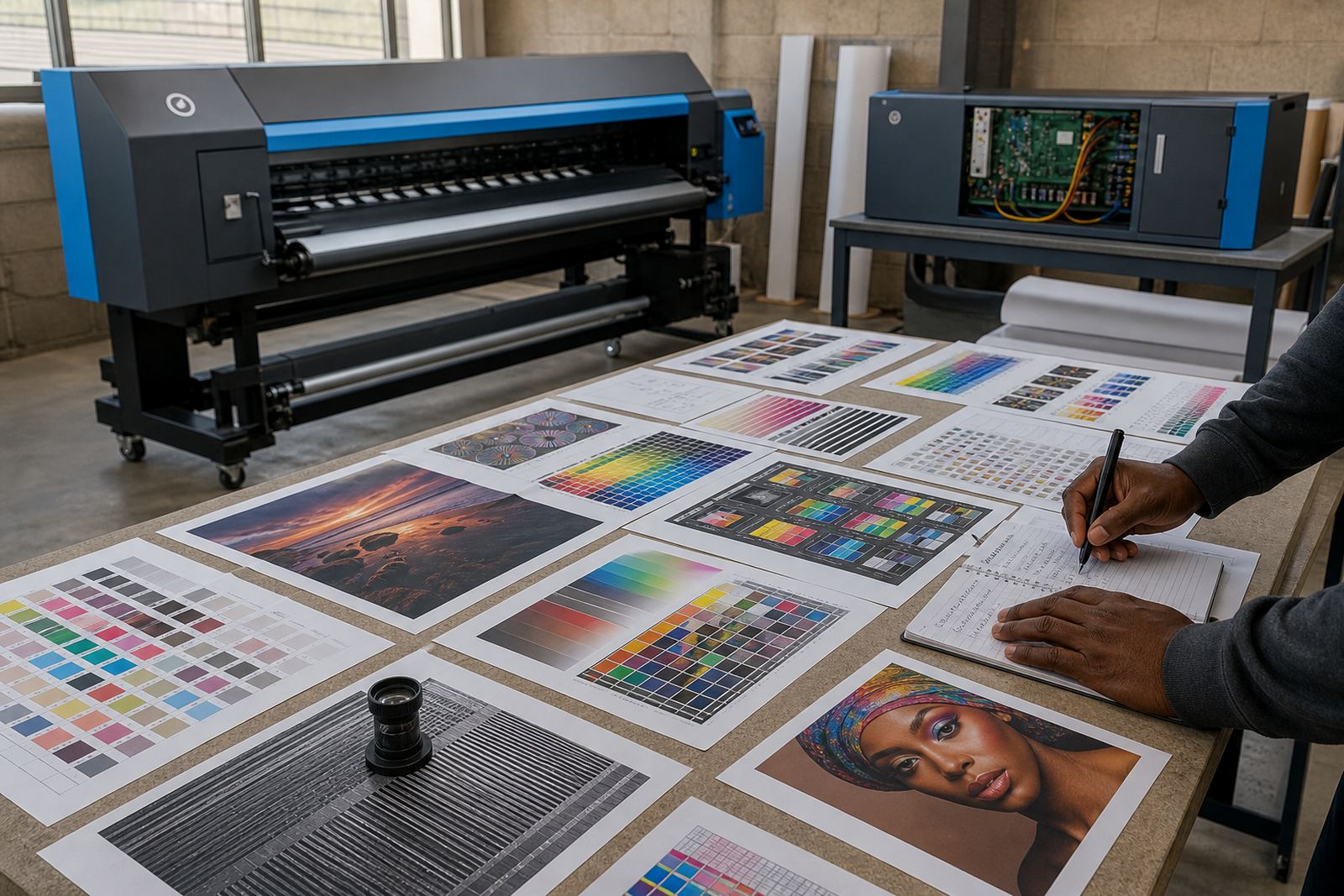
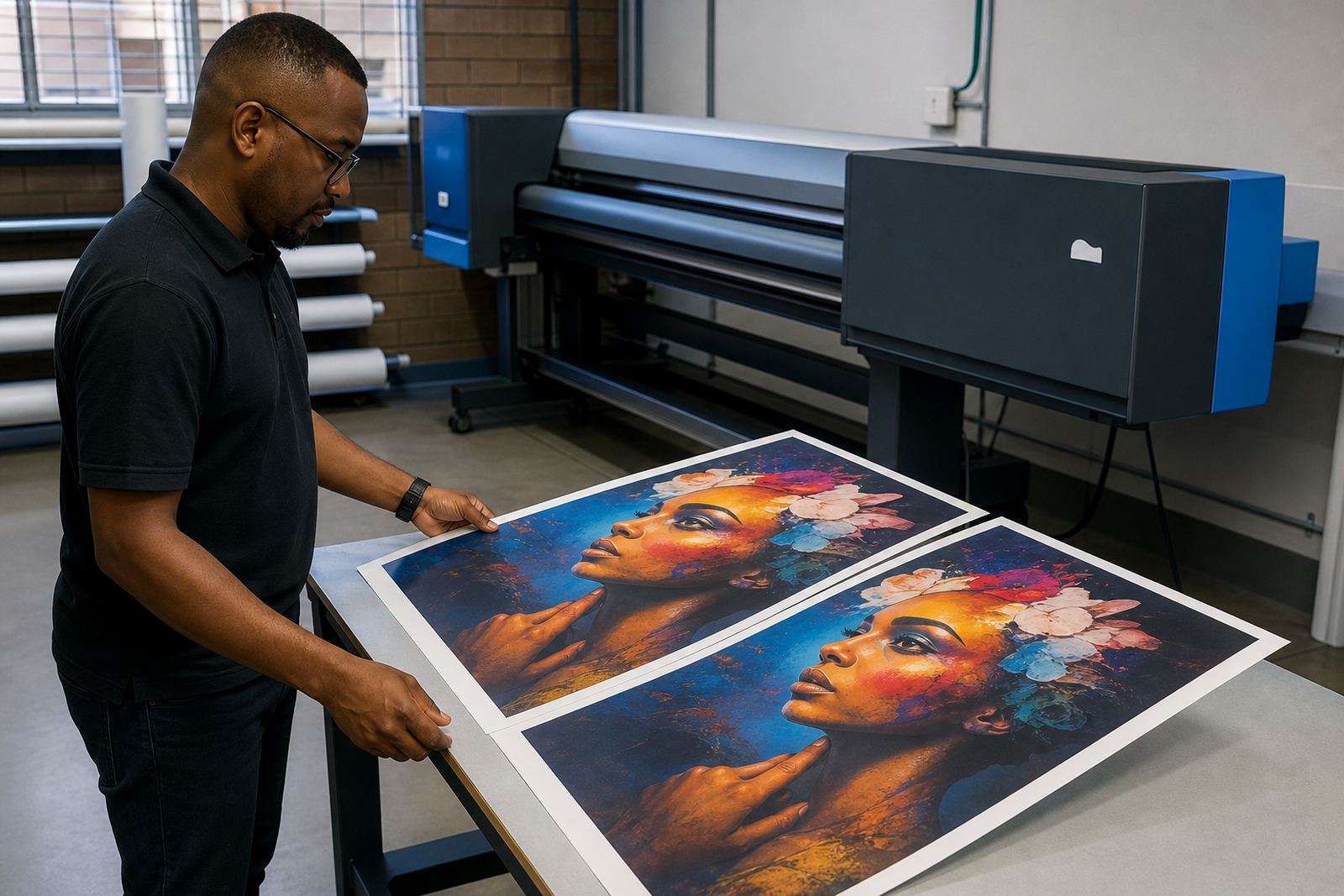
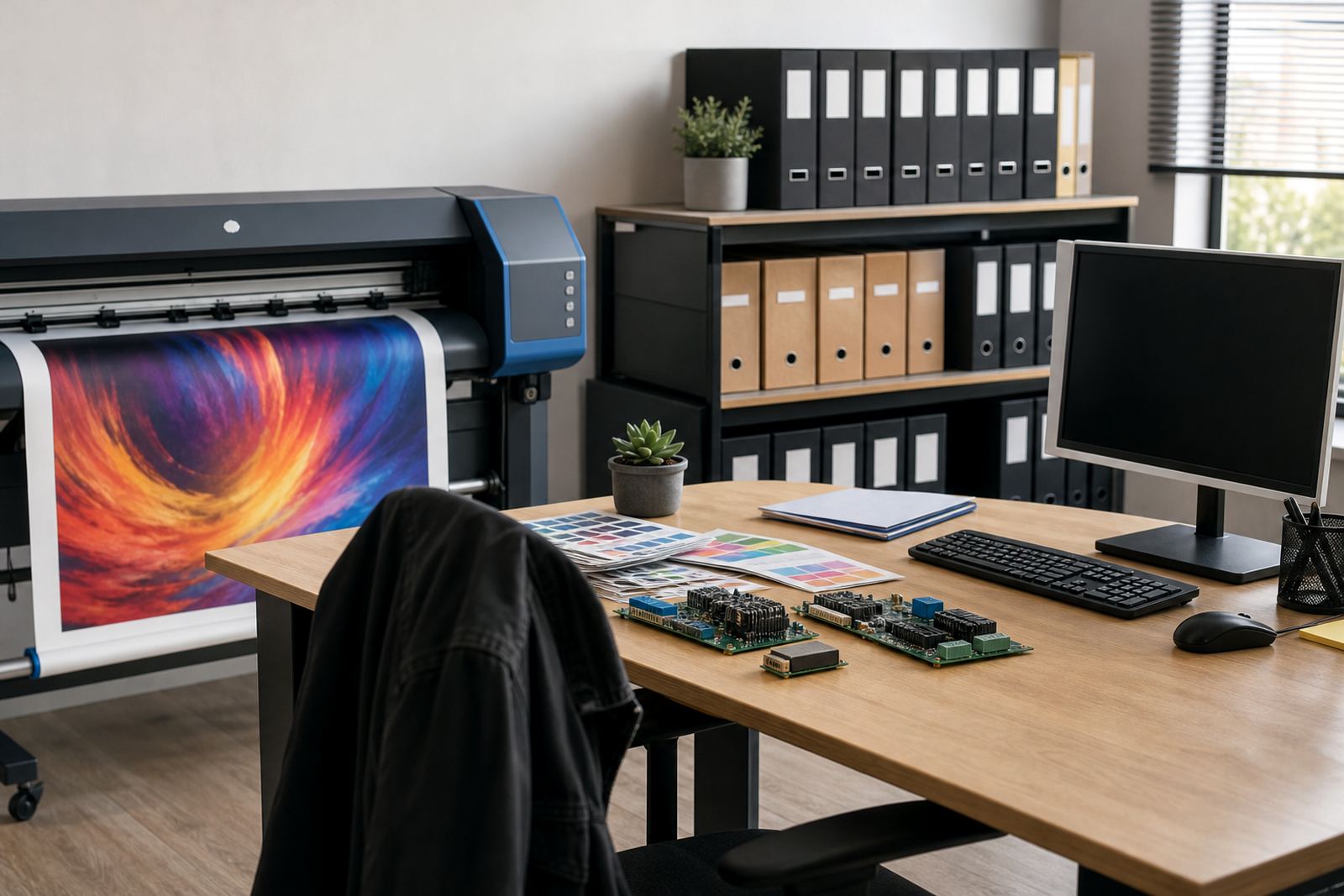
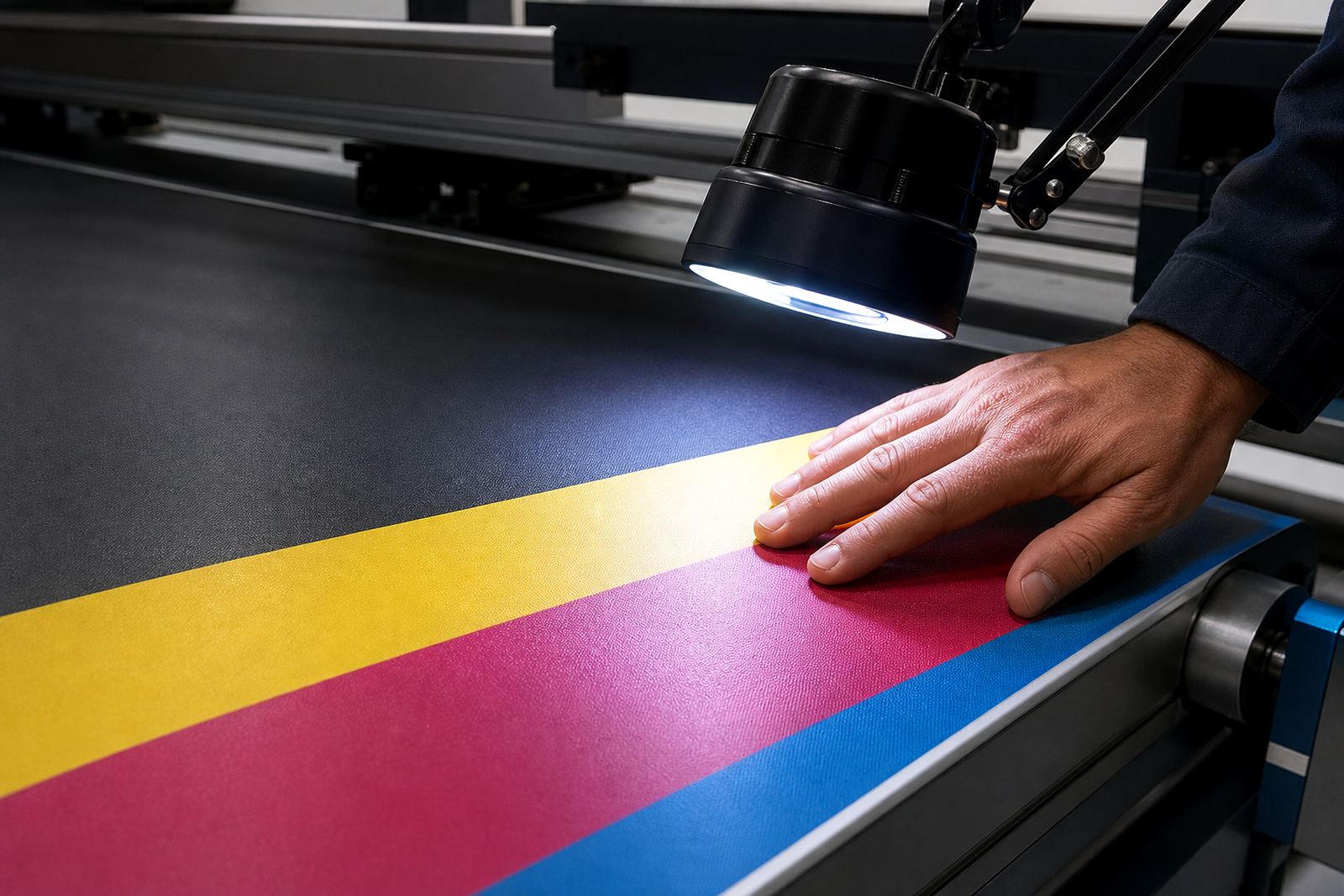
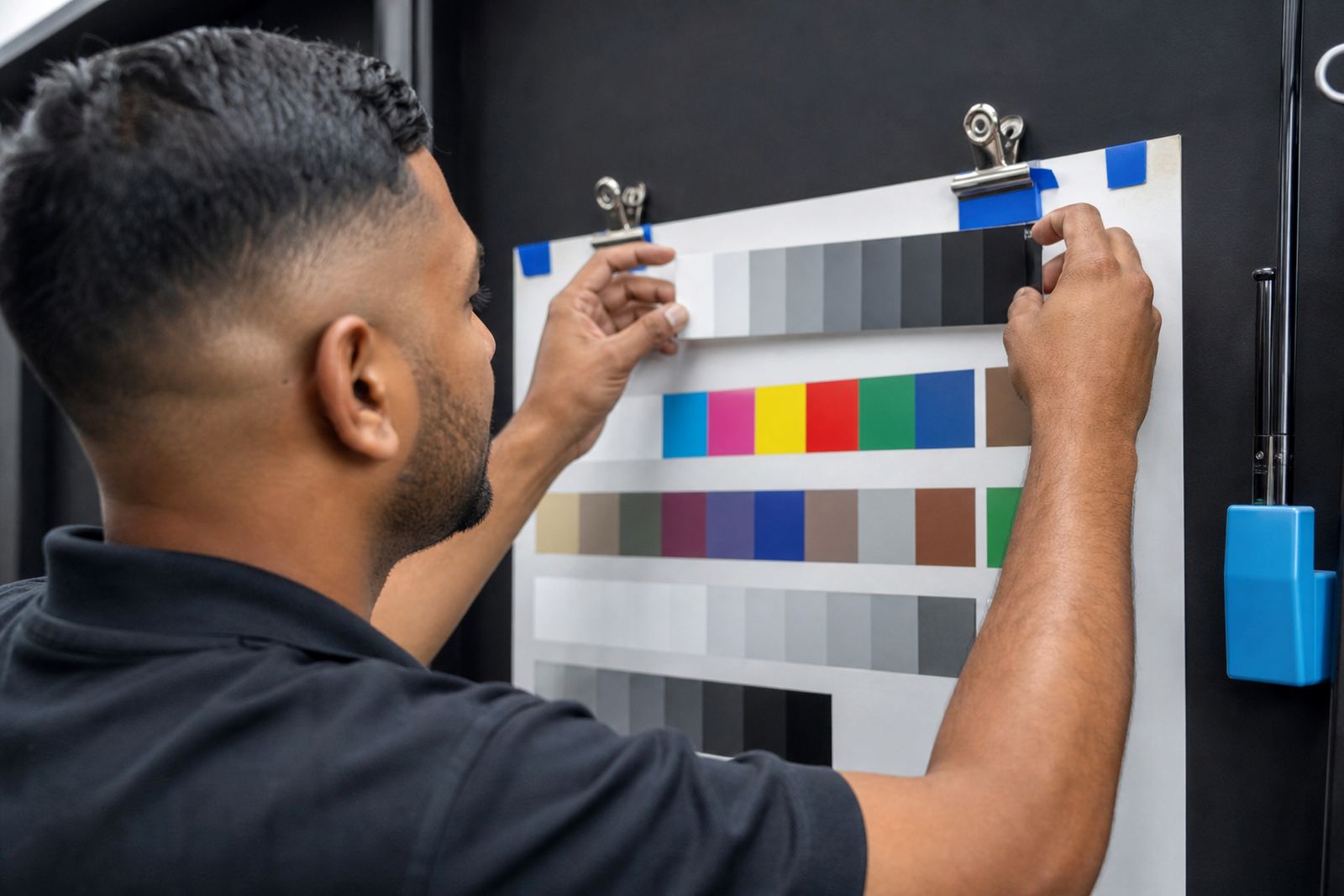
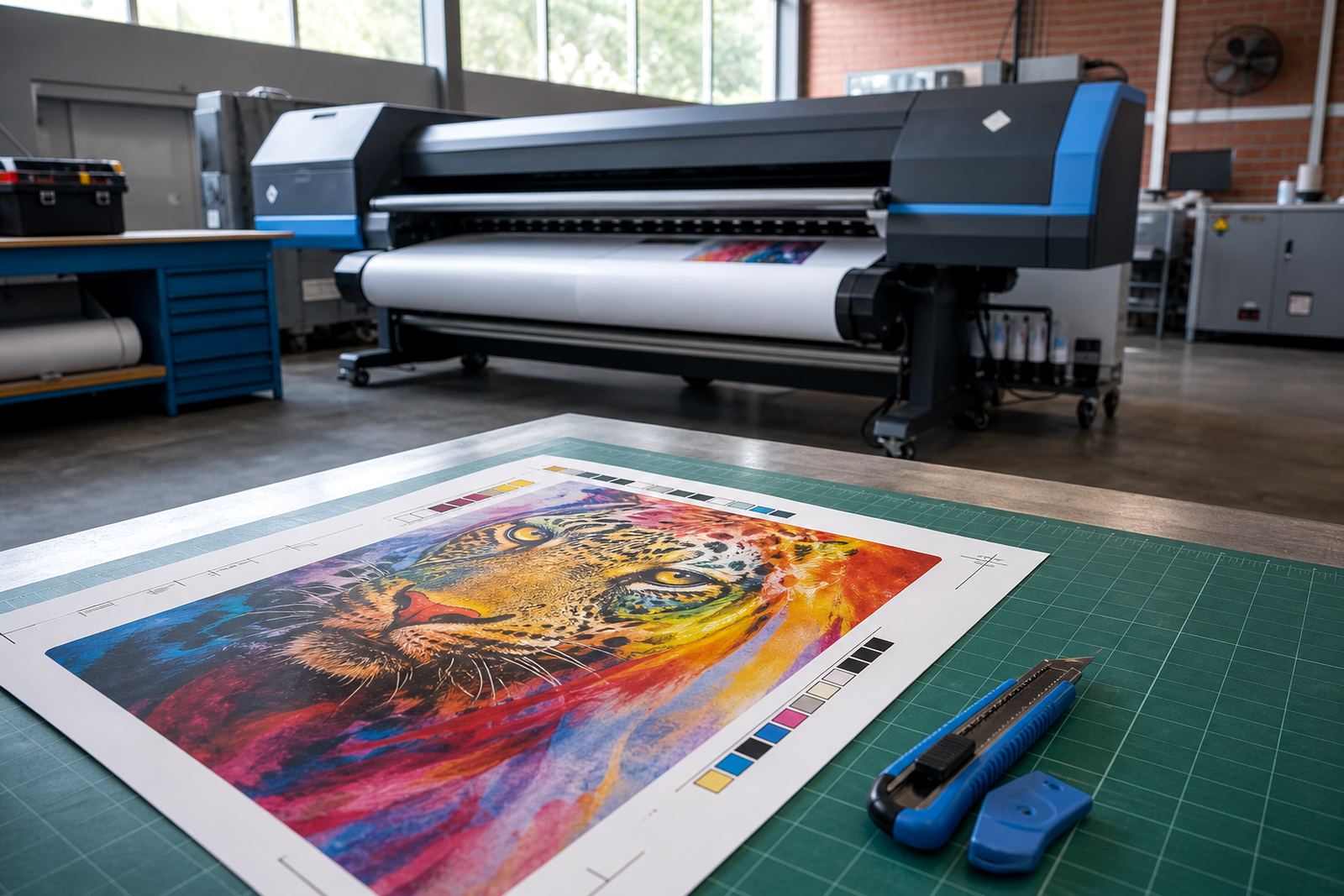
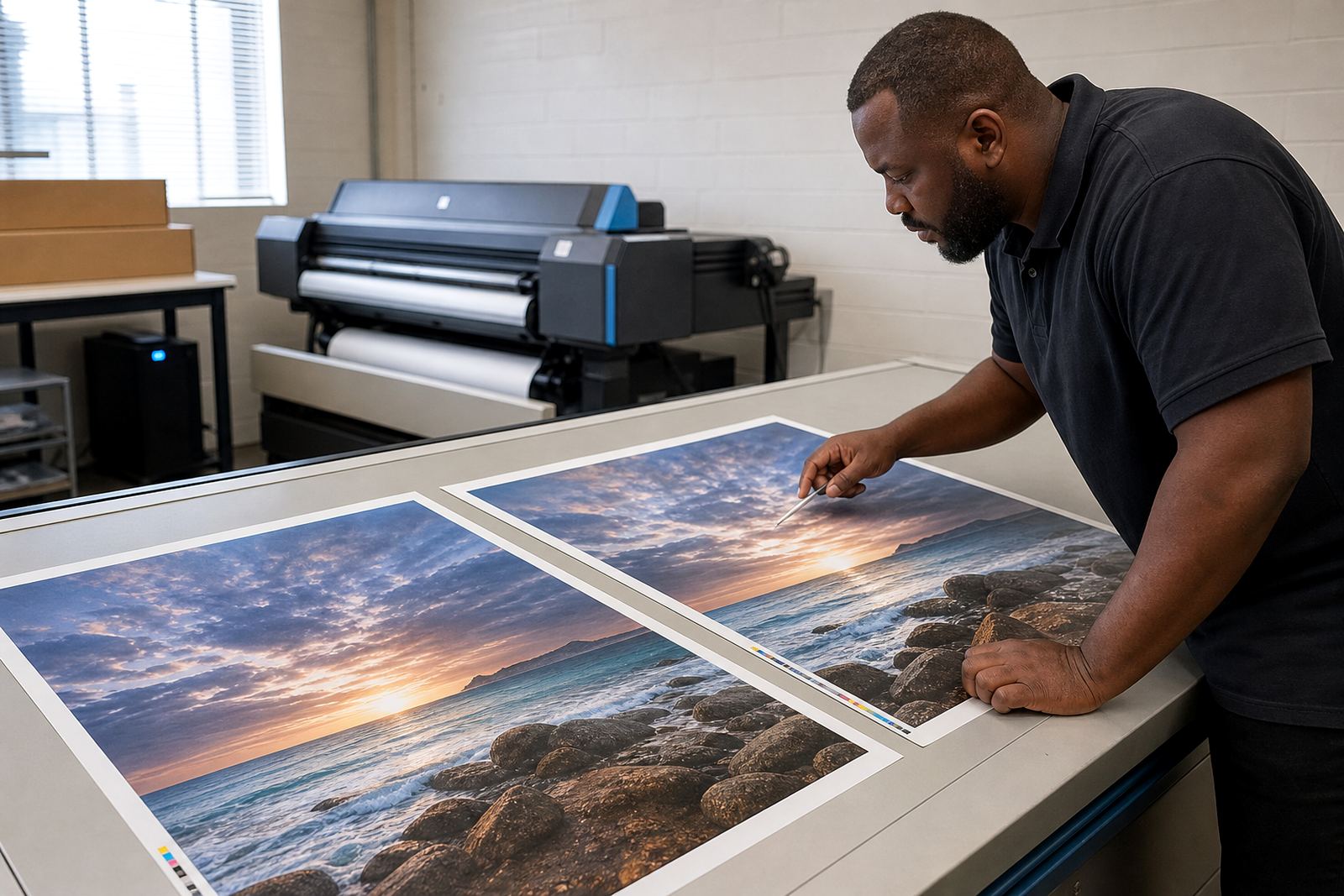
Colour work starts with the printer, the ink set and the media. A good profile helps match the same brand colour across reprints, even when the weather changes or the stock comes from a different batch. In Gauteng, dry winter air can behave differently from the warmer, more humid conditions some coastal shops see, so one profile seldom suits every setup.
Colour workflow also depends on the way the file enters production. Files with poor embedded profiles, unbalanced blacks or oversaturated solids can slow the whole line down. That is where a proper profile review saves time and reduces spoilage.
Maintenance that keeps print lines steady
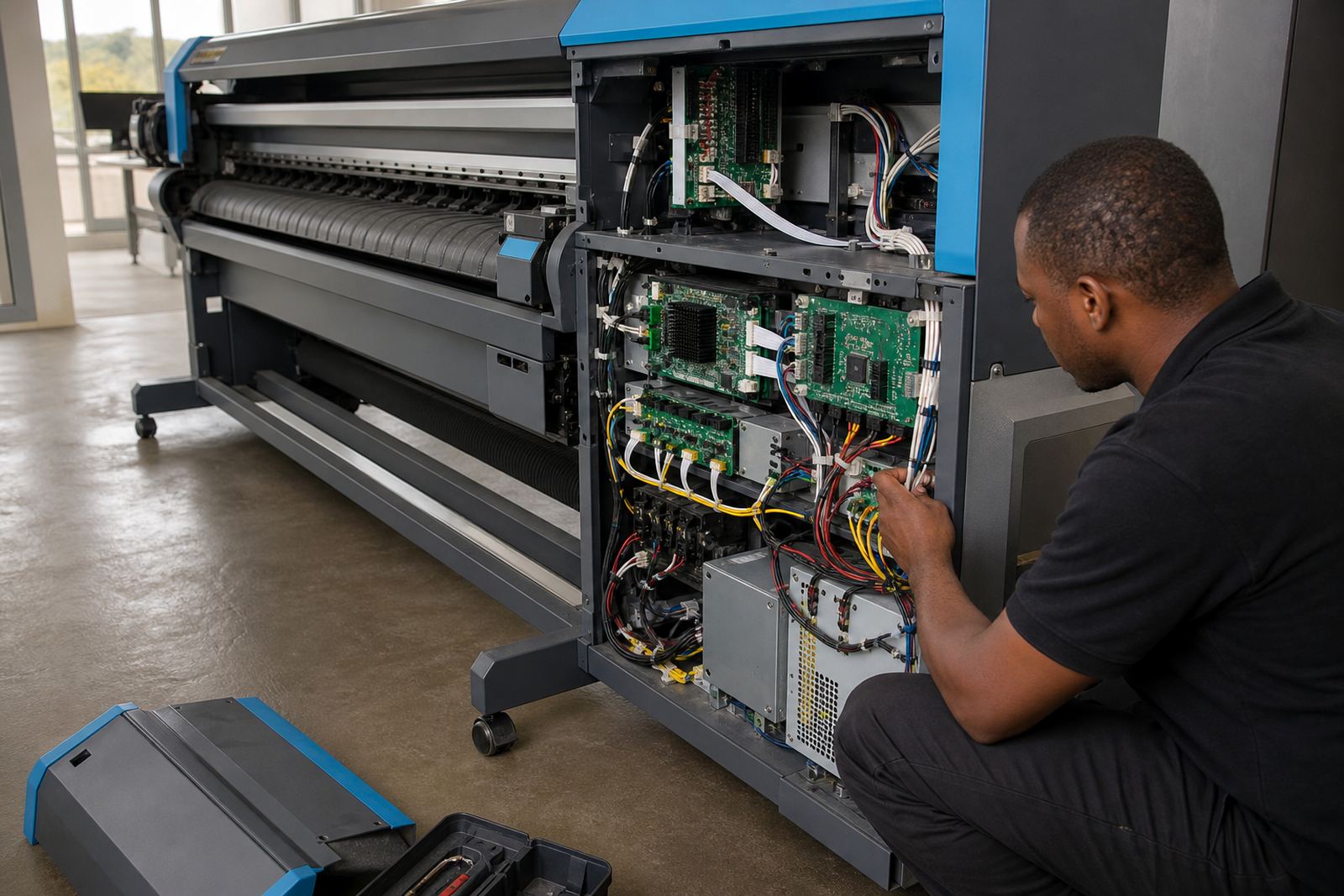
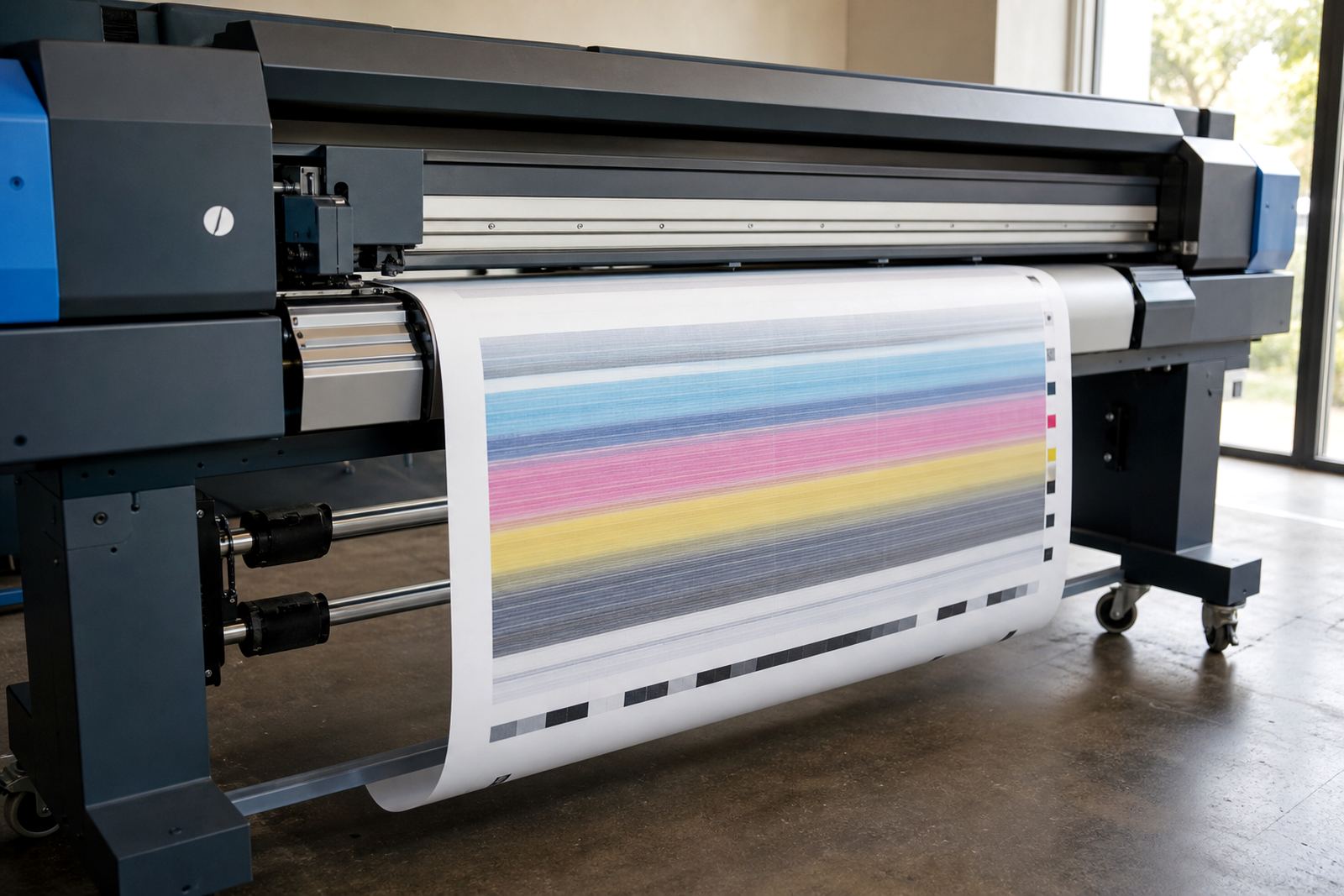
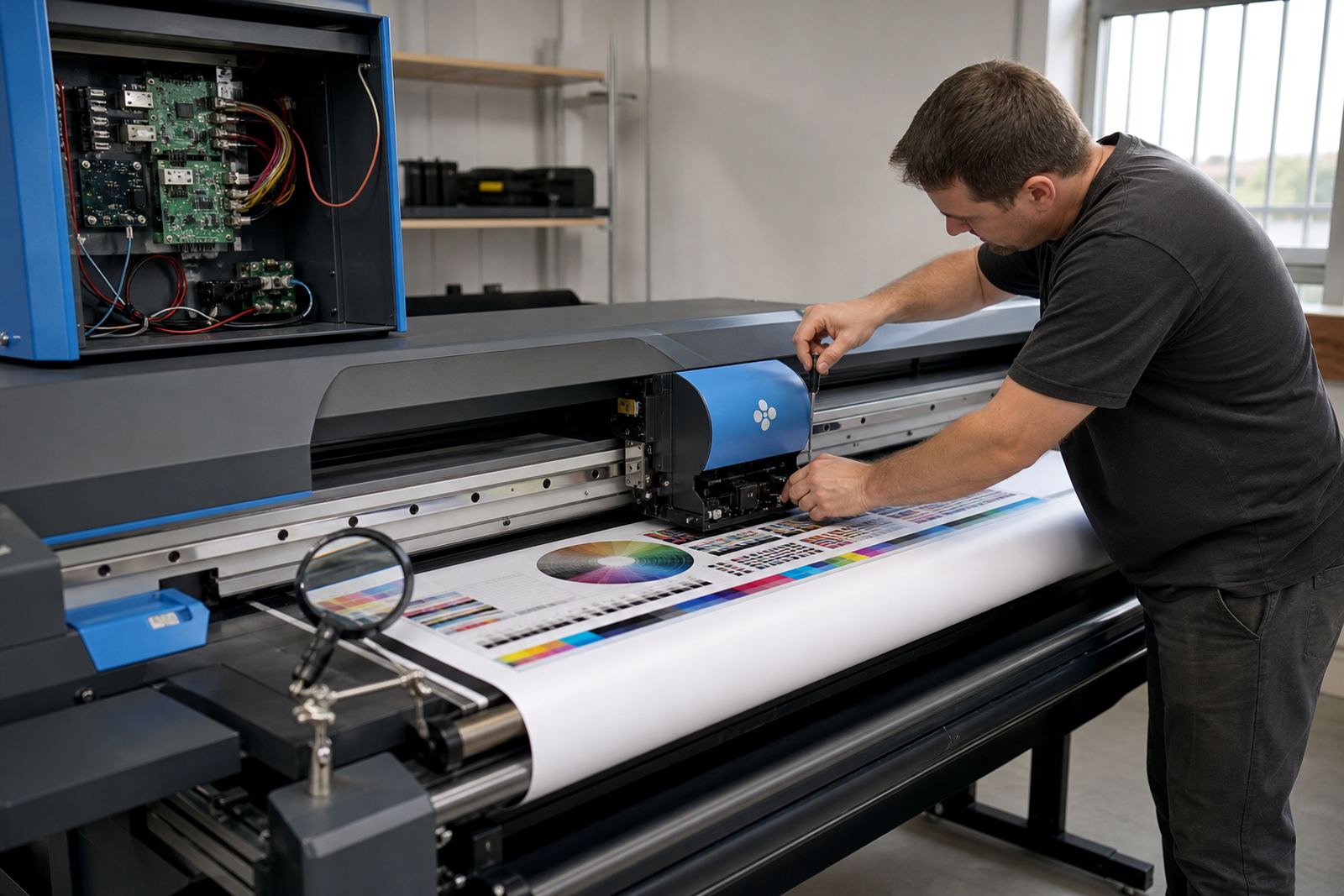
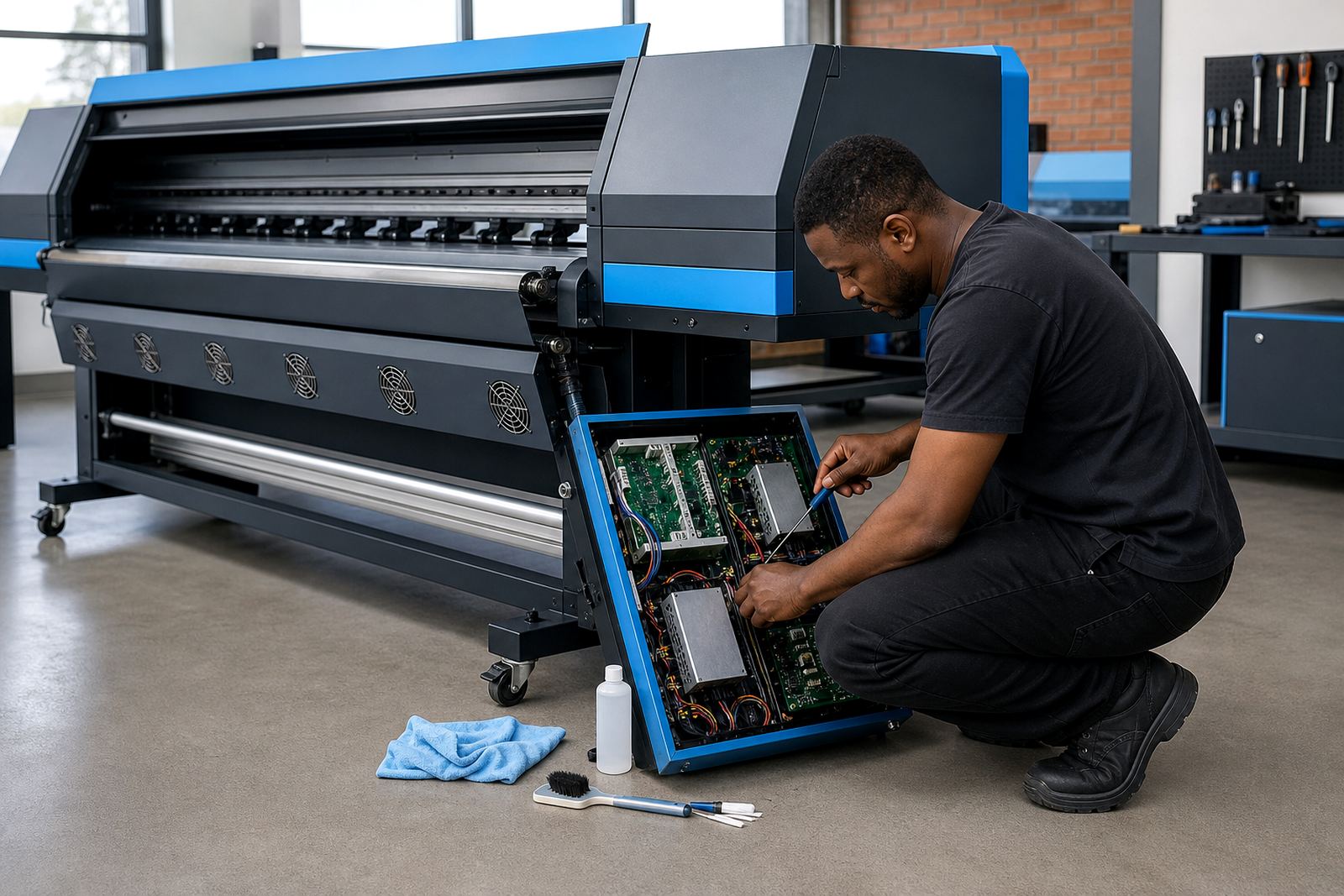
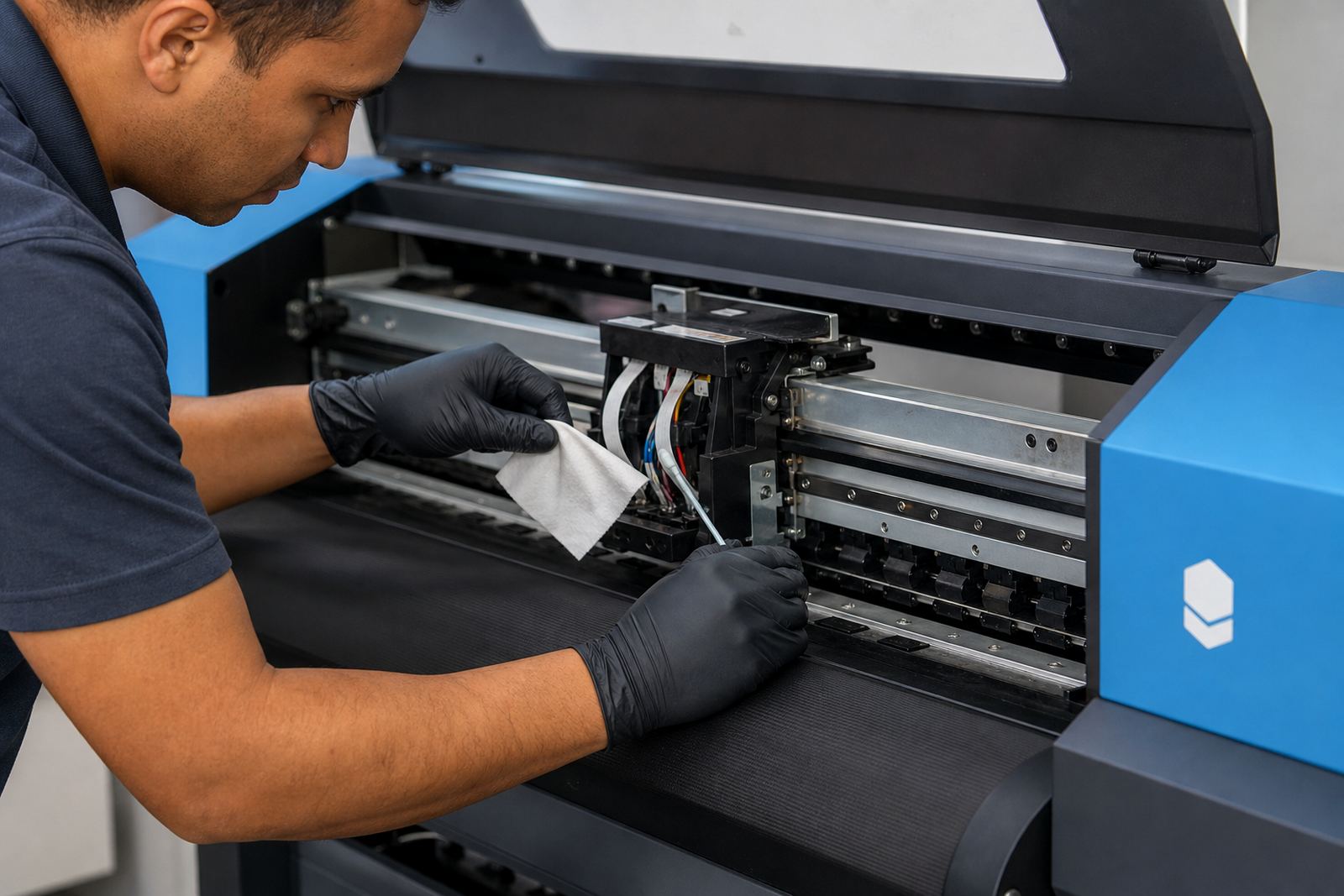
Preventive maintenance is not just cleaning for the sake of it. It includes checking cables, fans, sensors, carriage movement, board seating and printhead driver behaviour before the machine starts throwing errors. On production printers, a neglected system can waste metres of media before the fault becomes obvious.
- Inspect dust build-up around boards and connectors
- Check for drifting nozzle behaviour before long runs
- Test backup files and job libraries before a busy shift
- Review power quality where mains supply is unstable
Maintenance plans work best when they fit the print schedule, not when they interrupt it at the worst possible moment.
Remote support for shops in multiple cities
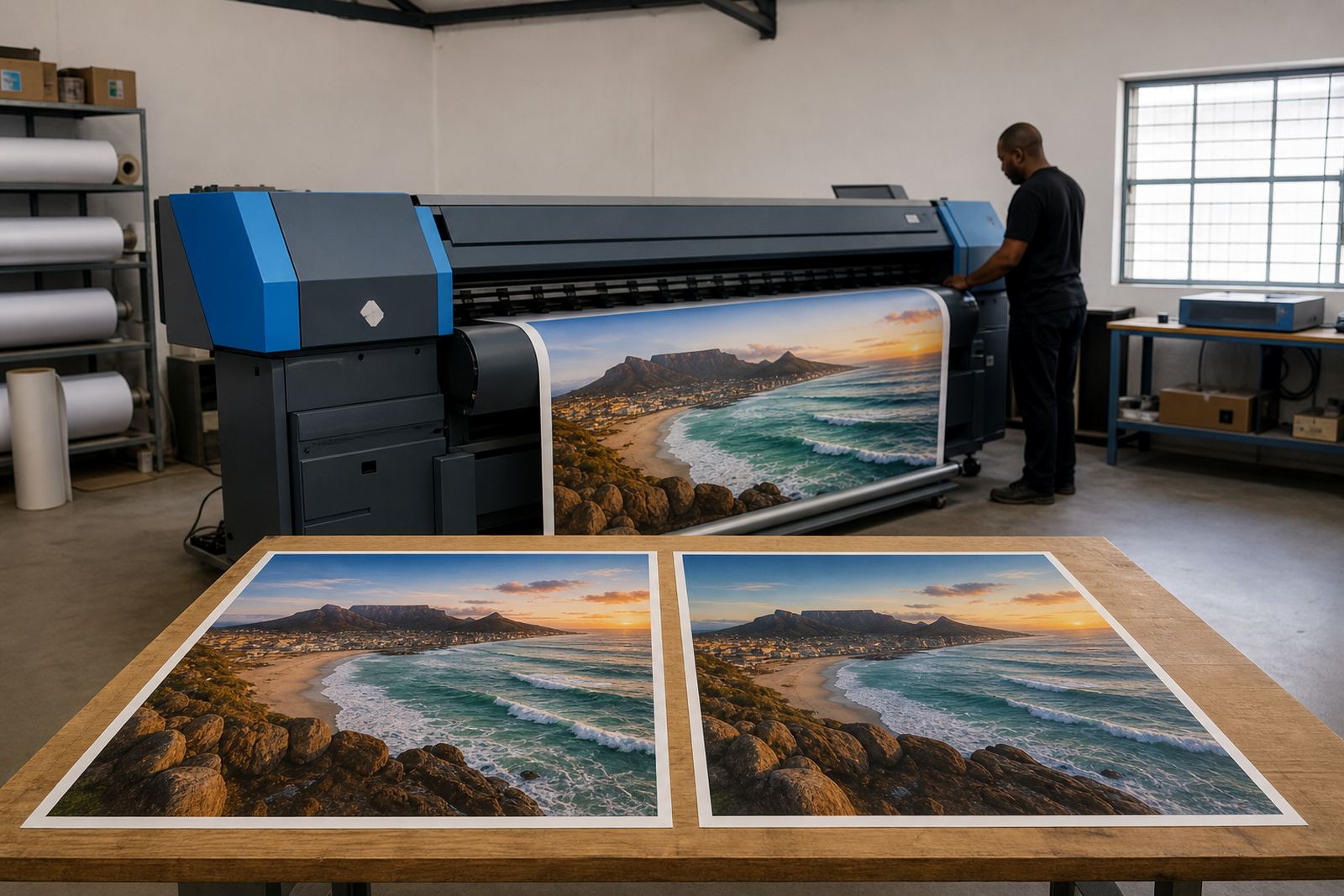
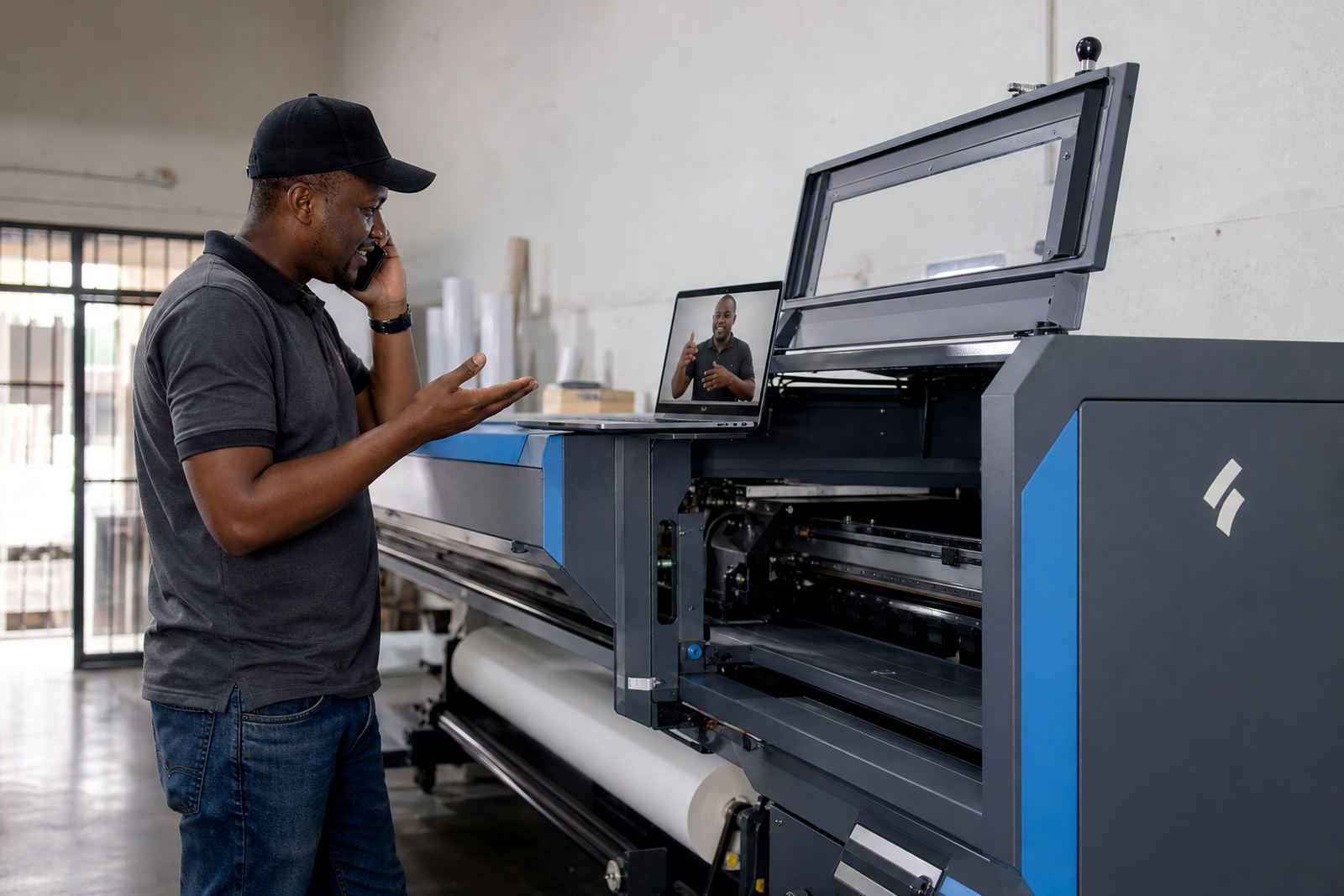
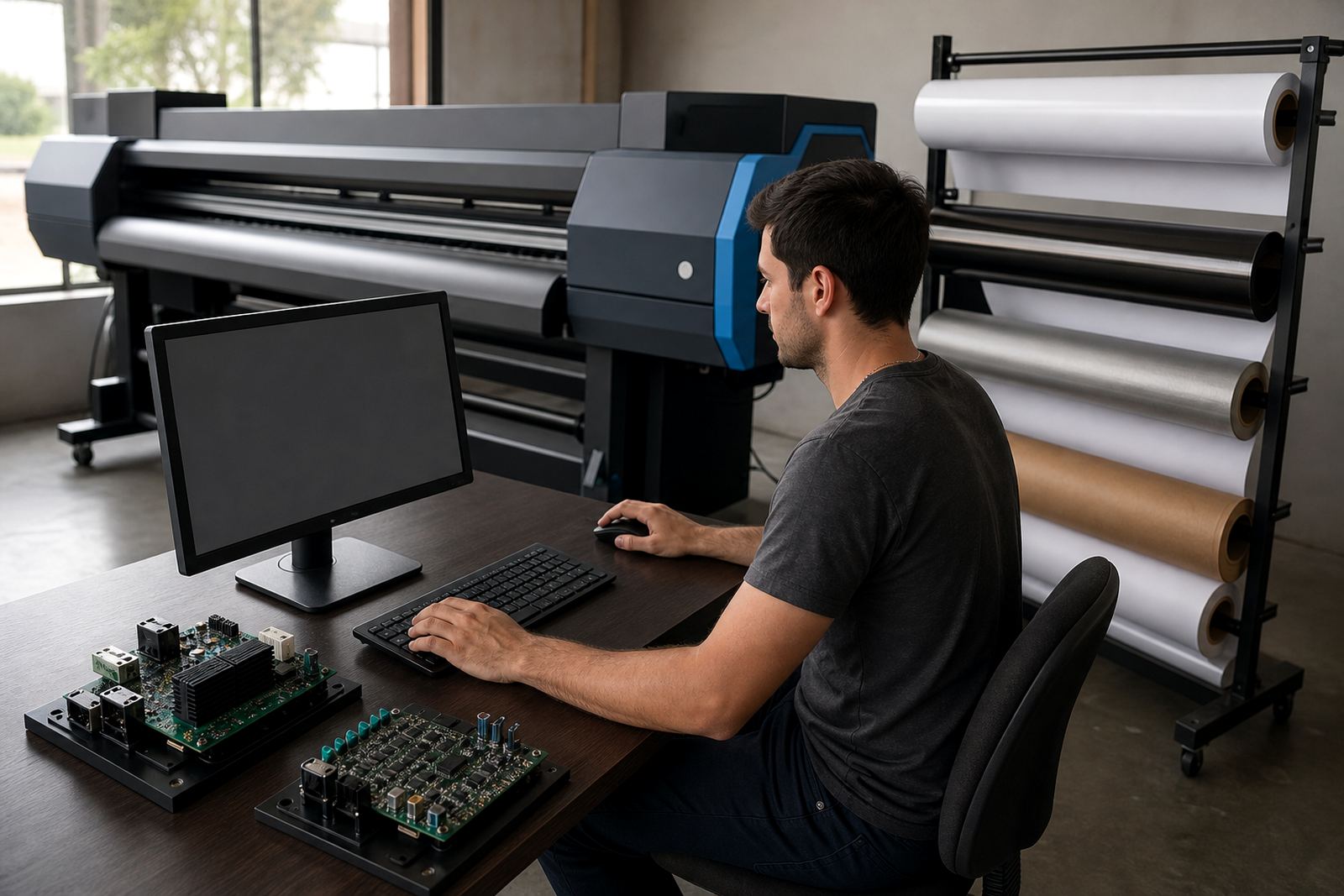
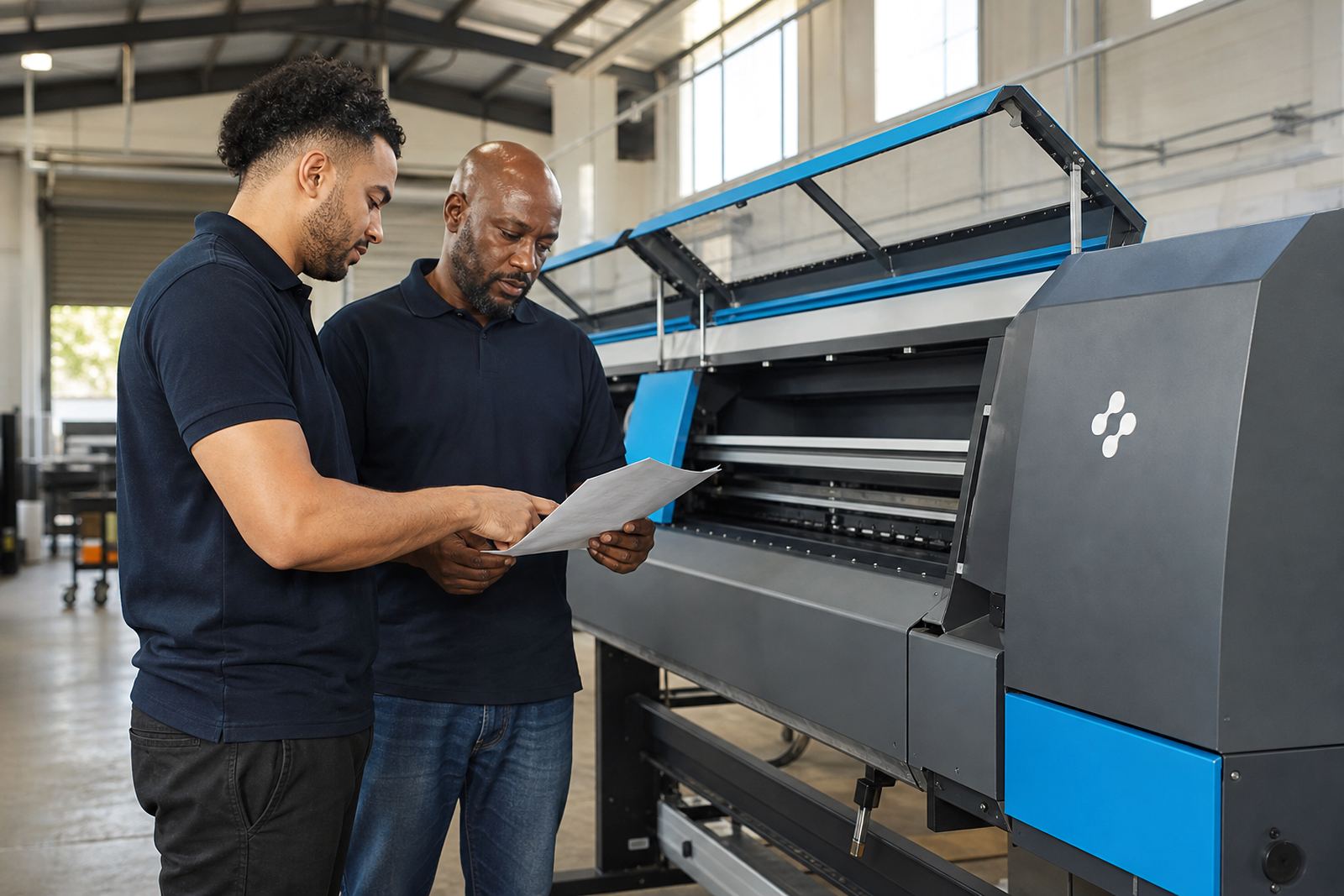
Many print shops need help that starts with software and ends with production checks. Remote setup is useful for RIP loading, profile loading, queue design and operator training, especially where the same printer model appears in more than one branch. A team in Johannesburg may need one setup, while a Cape Town site needs another because the media mix or room conditions are different.
Support also helps with backup and recovery when a workstation is changed or a queue is rebuilt after a fault. The aim is to restore order in the print line, not just get a file to move across the screen.
What this hub covers next
These notes are meant to help graphic designers, print shops and production teams sort through the practical side of wide-format inkjet work. Some articles focus on boards and drivers, others on colour, nesting, fault finding or operator habits on a real production floor. If your setup runs in Midrand, Pretoria, Durban, Cape Town, Bloemfontein or the broader Gauteng area, the same core principles still apply, though the details change with the printer and the job mix.
Use the notes as a way to narrow the problem before you change hardware or rebuild a workflow. That usually leads to a cleaner result and less trial work on the press.