When the board and RIP are talking different languages
A wide-format printer depends on the control board, printhead drivers and RIP software working as one unit. When those settings do not match, the printer may still run but the results can drift, band or show weak solids. That is common in shops that have upgraded one part of the system without checking the rest. The machine then spends more time correcting itself than printing cleanly.
In Midrand and across Gauteng we often see jobs where the board profile was copied from another unit and left unchanged. The print looks acceptable on a quick test, then shifts colour under heavier production. On a busy floor that means wasted vinyl, extra ink and a queue full of reprints.
Profile shortcuts that look fine until the roll is full
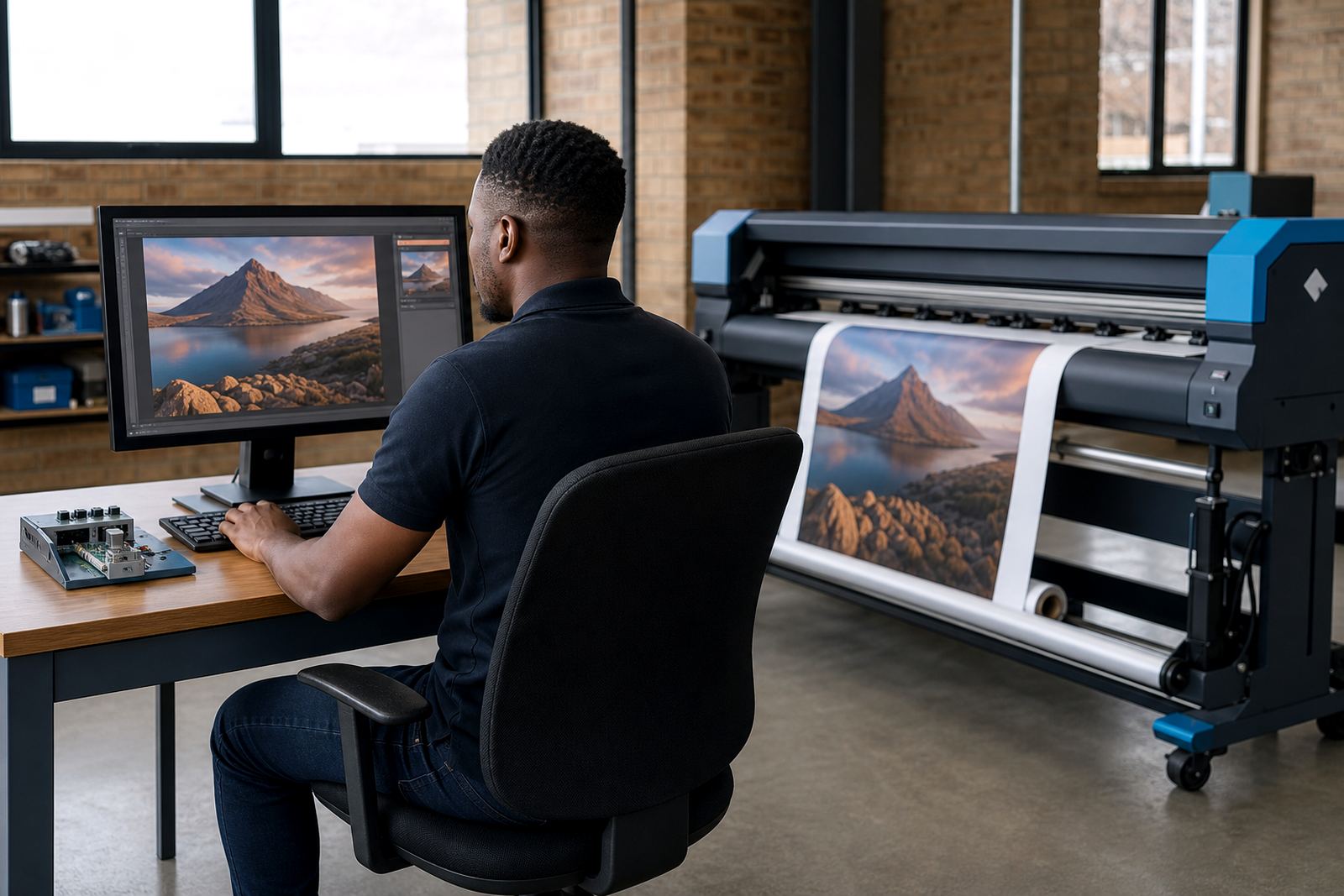
Colour profiles are not a decorative add-on. They control how the RIP translates artwork into ink laydown, drying behaviour and colour balance for a specific media and printer setup. A generic profile can be close enough for a sample, then fail on a longer run when heat humidity or feed tension changes. Coastal jobs in Durban often show this first, especially on coated media that reacts to moisture.
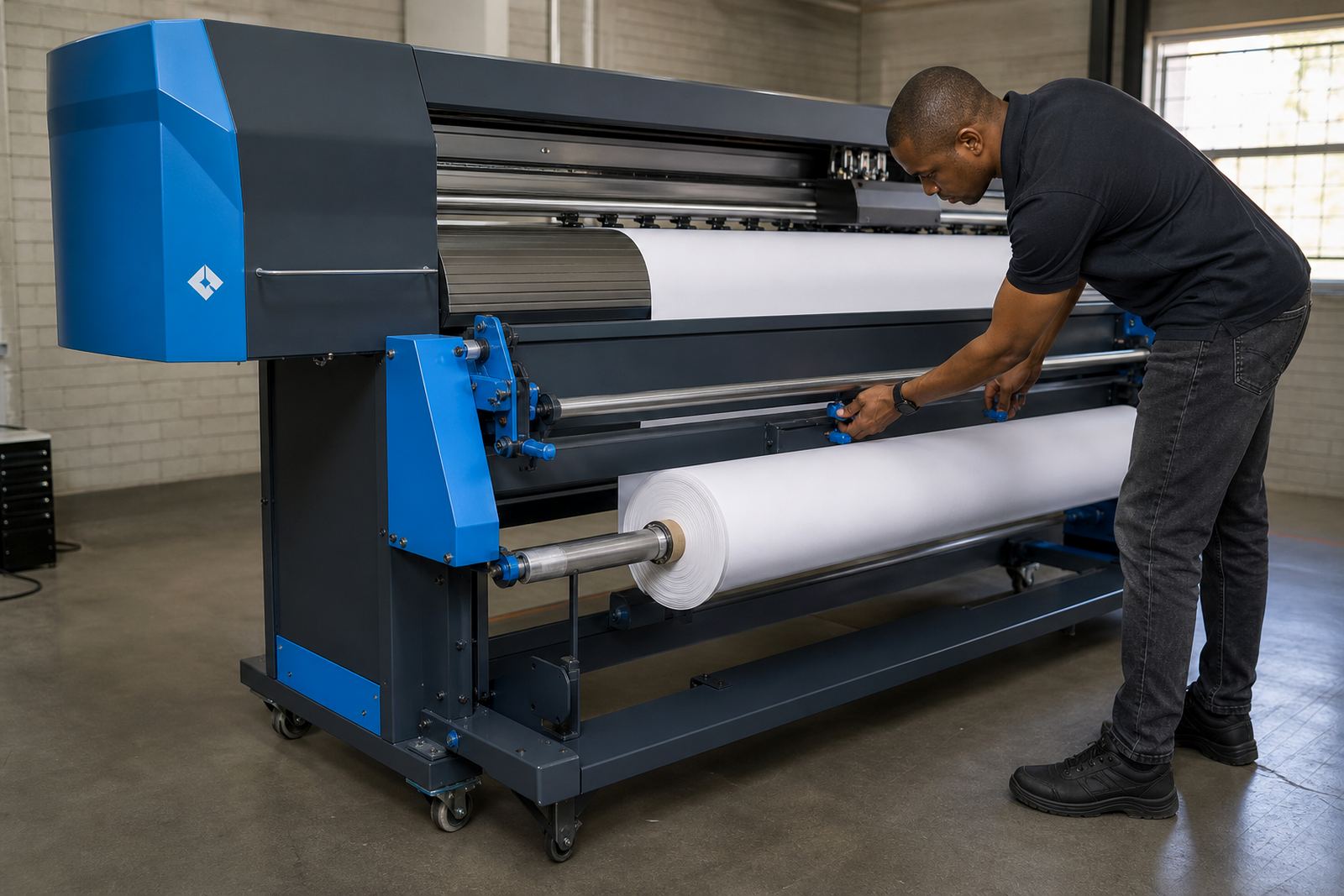
Operators sometimes keep one profile for every material because it saves time. That choice is usually expensive. A proper setup keeps separate profiles for banner, self-adhesive vinyl, backlit film and any other material that behaves differently on press.
- Use a profile matched to the actual media roll, not only the media type.
- Recheck density after board changes or printhead service.
- Keep test prints and final production files on the same queue settings.
Queue stacking that slows the whole shop
Slow queues are often blamed on the printer, but the problem can sit inside the RIP workflow. Too many hot folders, mixed job sizes and incorrect nesting settings can leave a machine waiting for instructions while media sits idle. In practical terms, that means more operator intervention and less output per shift.
We often see artwork sent in with loose dimensions, then resized job by job on the RIP computer. That extra handling creates mistakes. A better workflow sets the queue rules once, groups similar jobs together and uses nesting only where the print width and finishing plan allow it.
- Set one person to manage queue rules during production.
- Keep similar materials and ink limits in the same job lane.
- Use nesting carefully so trim lines stay practical for finishing.
Maintenance habits that protect colour and uptime
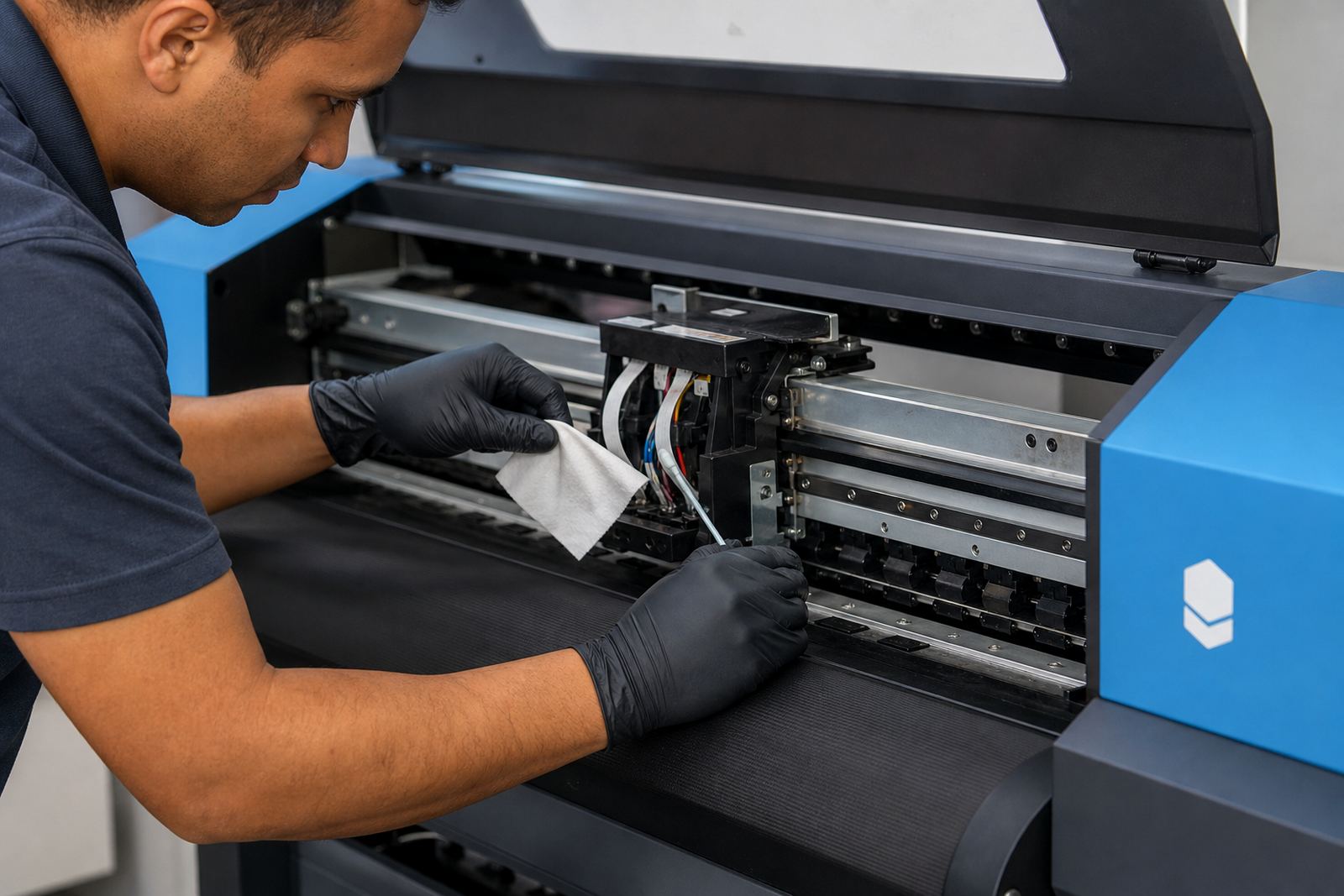
Maintenance is not only for mechanical parts. RIP maintenance also includes backup files, driver records, profile folders and board settings. If those are not stored properly, a shutdown or board fault can turn into a full rebuild. That is a hard lesson for shops running live work in Johannesburg or Pretoria where daily output cannot wait for a fresh setup.
A sound maintenance routine checks the board firmware, confirms printhead driver values and stores working profiles in more than one place. It also includes checking for file corruption before production starts. One missing setting can change a full run from clean colour to patchy output and no one wants that after media has already been cut.
Remote setup done badly still leaves the same problems
Remote setup can work very well for wide-format inkjet systems, but only if the operator gives complete information and the machine is ready for calibration. When the notes are vague or the photos are unclear, the technician is forced to guess at cable order, board status or queue assignment. That is how a simple setup turns into repeated fault finding.
In a recent local example, a print shop in Midrand had a clean mechanical printer but poor colour on all solids. The problem was not the head itself. The RIP was using an old profile and the queue was pushing the wrong ink limits for the chosen media. Once the profile, board settings and printhead driver values were aligned, the job quality settled and the reprints stopped.
Training operators to spot problems before they spread
Many RIP mistakes start with small habits on the floor. An operator may copy a queue, rename it and move on without checking the profile attached to it. Another may run a rush job on the wrong media preset because the labels are unclear. Those slips are easy to miss at first, then they show up in the finishing room as colour mismatch or wasted material.
Training should cover the steps that matter most in daily production: how to load the correct queue, how to confirm profile choice, how to read warning signs from the printer and when to stop a run before more media is lost. The best shops keep those checks practical and brief, so the team can use them under pressure without slowing the whole day.
A steadier path for print shops across South Africa
The most common RIP mistakes are not dramatic failures. They are ordinary setup gaps that repeat until they cost too much: a copied profile, a loose board setting, a messy queue or a skipped backup. Once those points are handled properly, the printer becomes easier to manage and colour stays closer to spec across the run.
InkFlow RIP works with print shops, graphic studios and production floors from Midrand to Durban, Cape Town and Bloemfontein. The work usually starts with board installation, RIP setup, colour profile setup or fault finding, then moves into maintenance and operator training where needed. For shops that want cleaner output and less waste, the process has to be practical from the first file to the final roll.