How a Roll Behaves Once It Leaves the Floor
A roll does not move through a printer in a perfectly straight line on its own. The core, the winding direction, the weight of the media and the way the roll is seated on the spindle all affect how steadily it feeds. If one side pulls harder than the other, the printer has to work against that imbalance and the media starts tracking off line.
In a Midrand workshop or a Durban print floor with humid air moving in from the coast, the same roll can behave differently from one day to the next. The material may soften slightly, curl at the edges, or hold more memory from storage. That is why roll handling is not just storage discipline, it is part of print control.
Signs That Tension Is Too Loose Or Too Tight
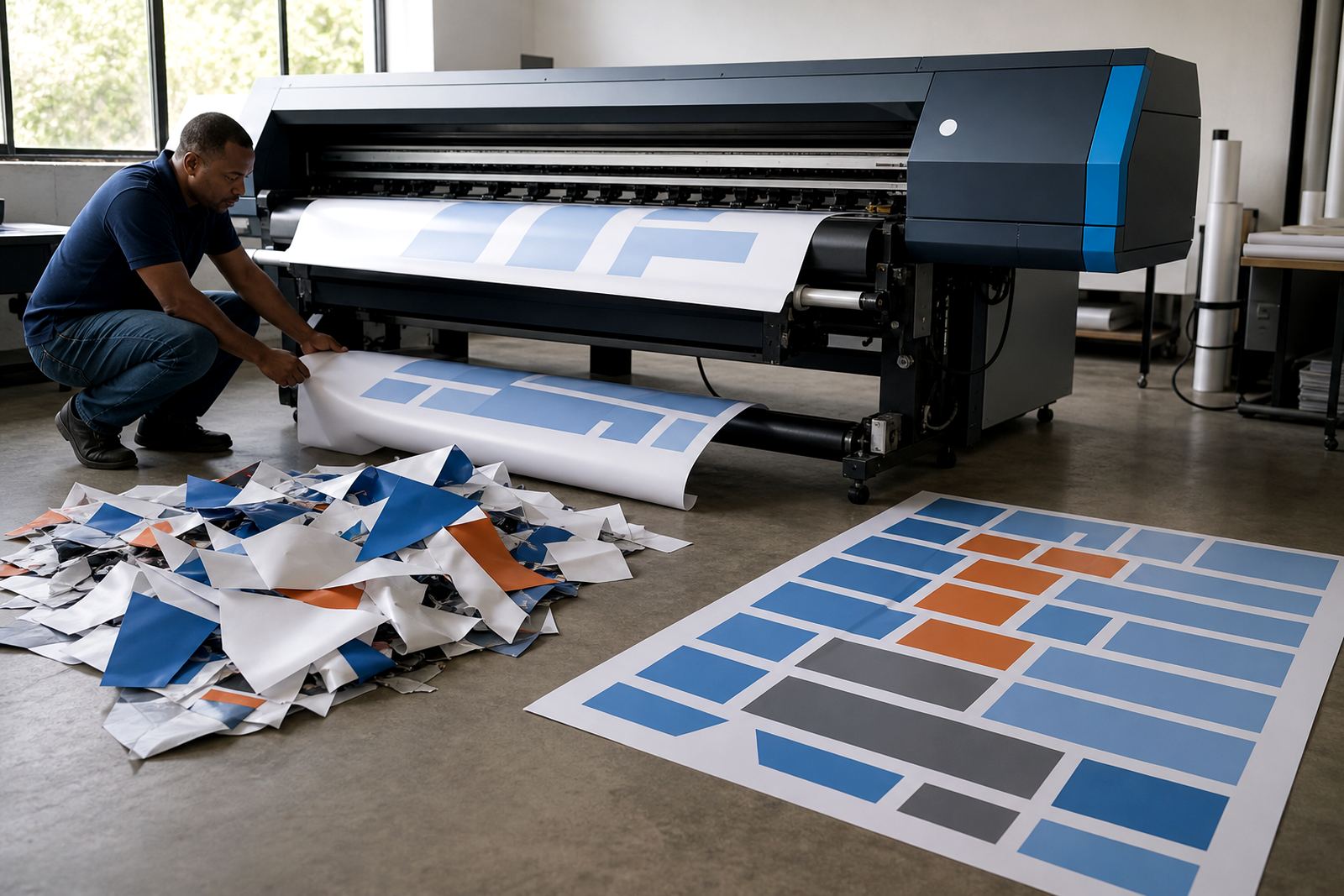
When tension is out, the symptoms usually show before the job is finished. A loose roll may wave at the edges, feed unevenly, or let the media creep sideways during long prints. Too much tension can leave a polished look on coated stock, create edge curl, or put strain on the drive path and take-up system.
- Edge drift that gets worse over a long run
- Wrinkles appearing near the left or right side
- Scuff marks where the media rubs too hard
- Uneven winding on the take-up roll
- Banding that appears after the feed starts to slip
These signs can look like a printhead issue, but the roll path is often the real source. If the media is not feeding squarely, colour work and artwork placement can be correct while the print itself still lands out of line.
Loading The Roll So The Printer Can Track Properly
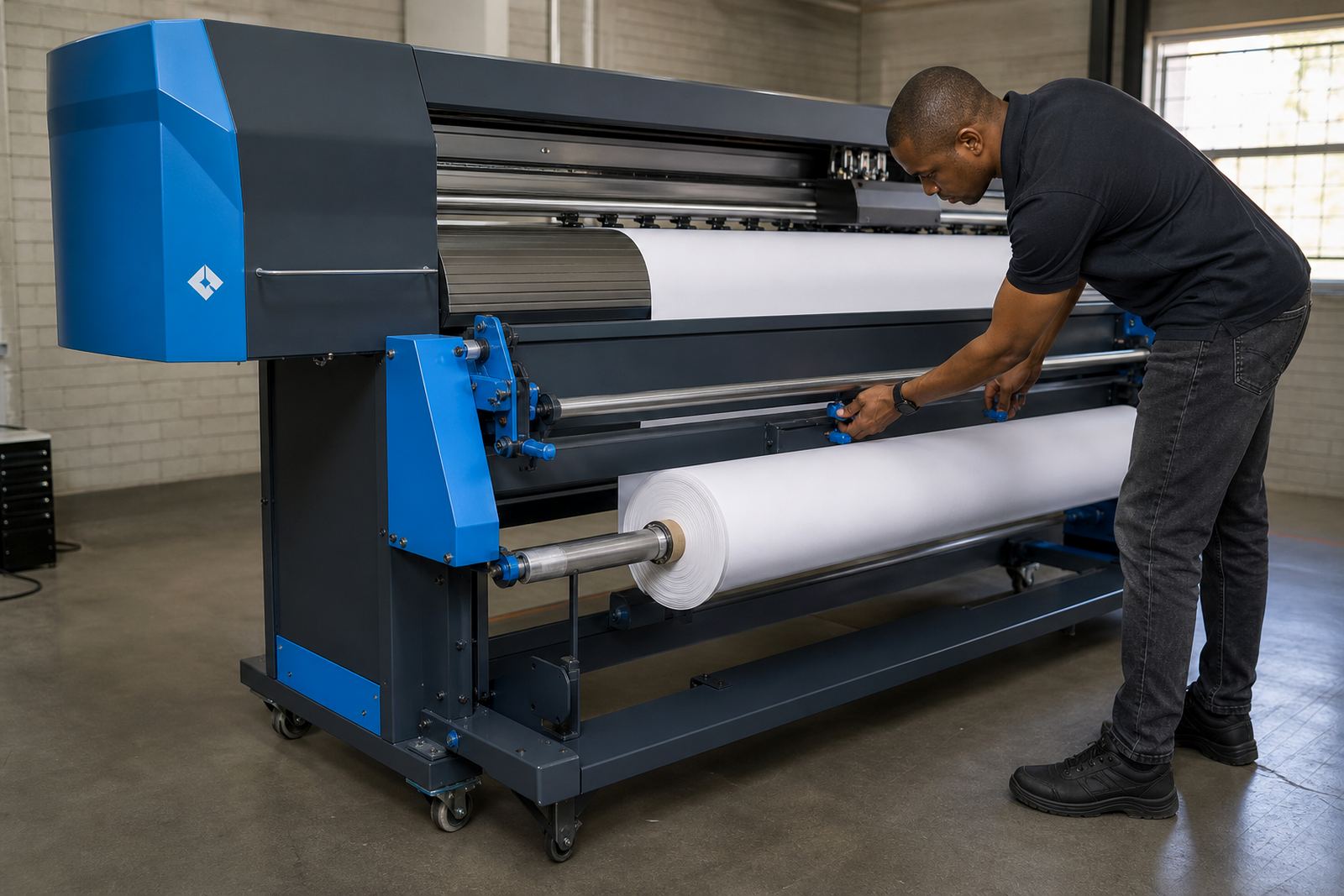
Good roll loading starts before the media reaches the printer. The edges should be clean, the core should sit level, and the roll should unwind in the correct direction for that machine. A small tilt at the spindle can become a long tracking error across metres of output.
It helps to check the leading edge before loading. If the cut edge is skewed, the printer may spend the whole job correcting a problem that was there from the start. On heavier banner stock, or on thinner coated film, even a few millimetres matter. For shops doing vehicle graphics, exhibition panels, or long signage runs, that detail saves material and rework.
- Seat the roll evenly on both sides of the spindle
- Keep the media edge square before threading
- Use the same loading direction for repeated jobs where possible
- Check that the core is not crushed or loose
- Make sure the roll path is free of dust and trim scraps
Why Tension Changes The Print Surface Itself
Tension does more than move media forward. It changes how the surface sits under the heads, which affects dot placement, droplet spread and the look of fine detail. If the substrate is stretched too hard, the surface can flatten in one area and relax in another, which shows up as slight changes in density or finish.
That matters on gloss and satin materials where light reflects across the surface. It also matters on adhesive vinyl and coated papers where even small lift points can affect ink laydown. A shop may think the colour profile is at fault, when the real issue is that the print surface is not holding steady through the full pass.
Setups That Help On Real South African Jobs
Local conditions shape roll performance. In Johannesburg, dry indoor air can make some films feel firmer and less forgiving. In coastal cities such as Durban and Cape Town, humidity can soften the media and change how it tracks, especially after a roll has been opened and left near a door or loading bay.
For busy shops in Pretoria, the best practice is usually a repeatable loading routine. Keep rolls stored flat, avoid leaning them against a wall for long periods, and let the media rest in the print room if it has been moved from a warmer vehicle or a cold storeroom. Small handling differences can show up in finished work, especially on long runs where the machine has no place to hide a feed fault.
When tension control is linked with RIP setup, the job becomes steadier. The queue can be arranged to suit the media, the colour profile can match the surface, and maintenance checks can catch feed wear before it affects production.
Where Board Control And RIP Settings Fit In
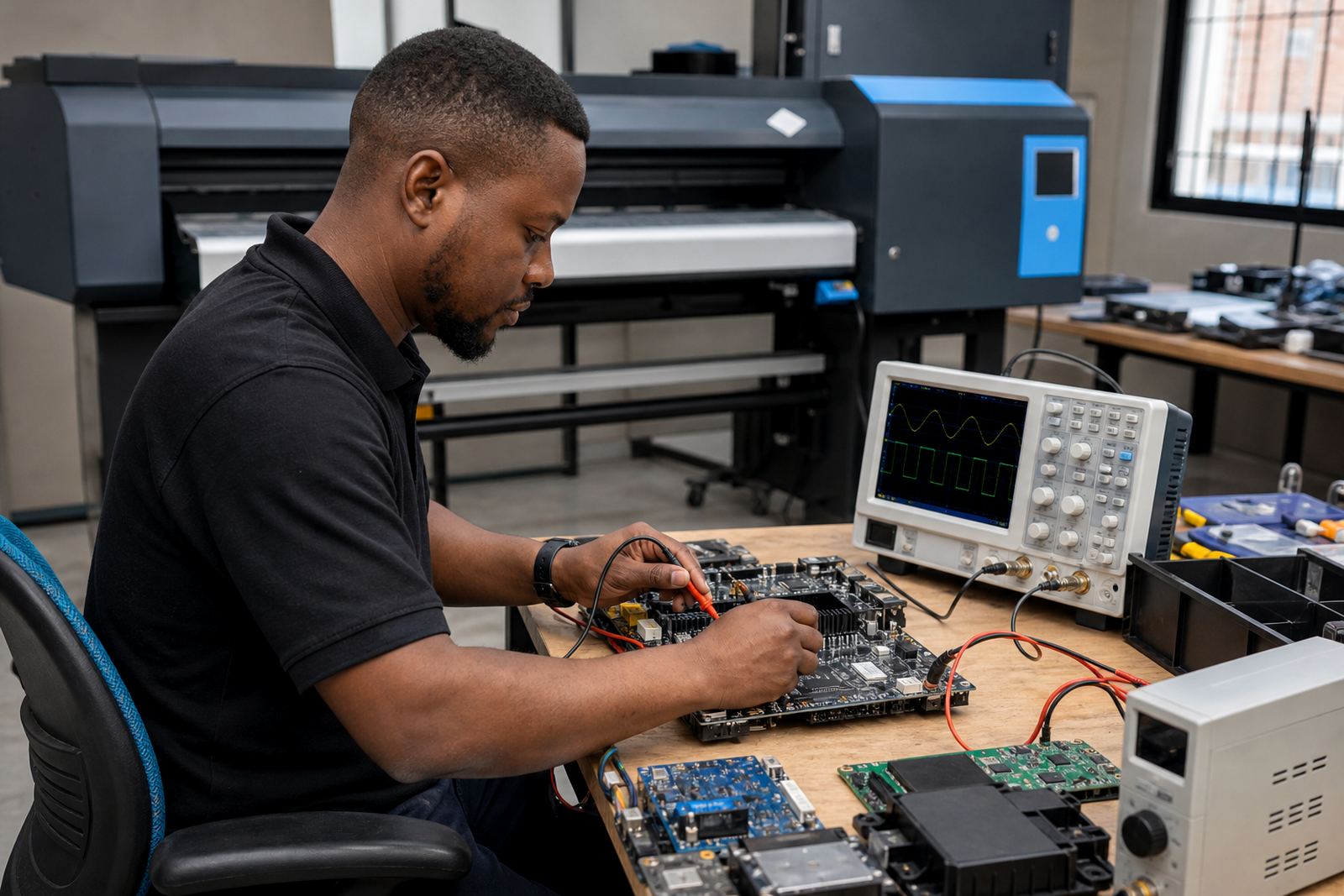
Roll tension is a mechanical issue first, but it often needs to be handled alongside printer control boards and RIP settings. The board manages the feeding logic, while the RIP decides how the job is prepared for output. If the system is not tuned together, the printer may feed too aggressively on one media type and too softly on another.
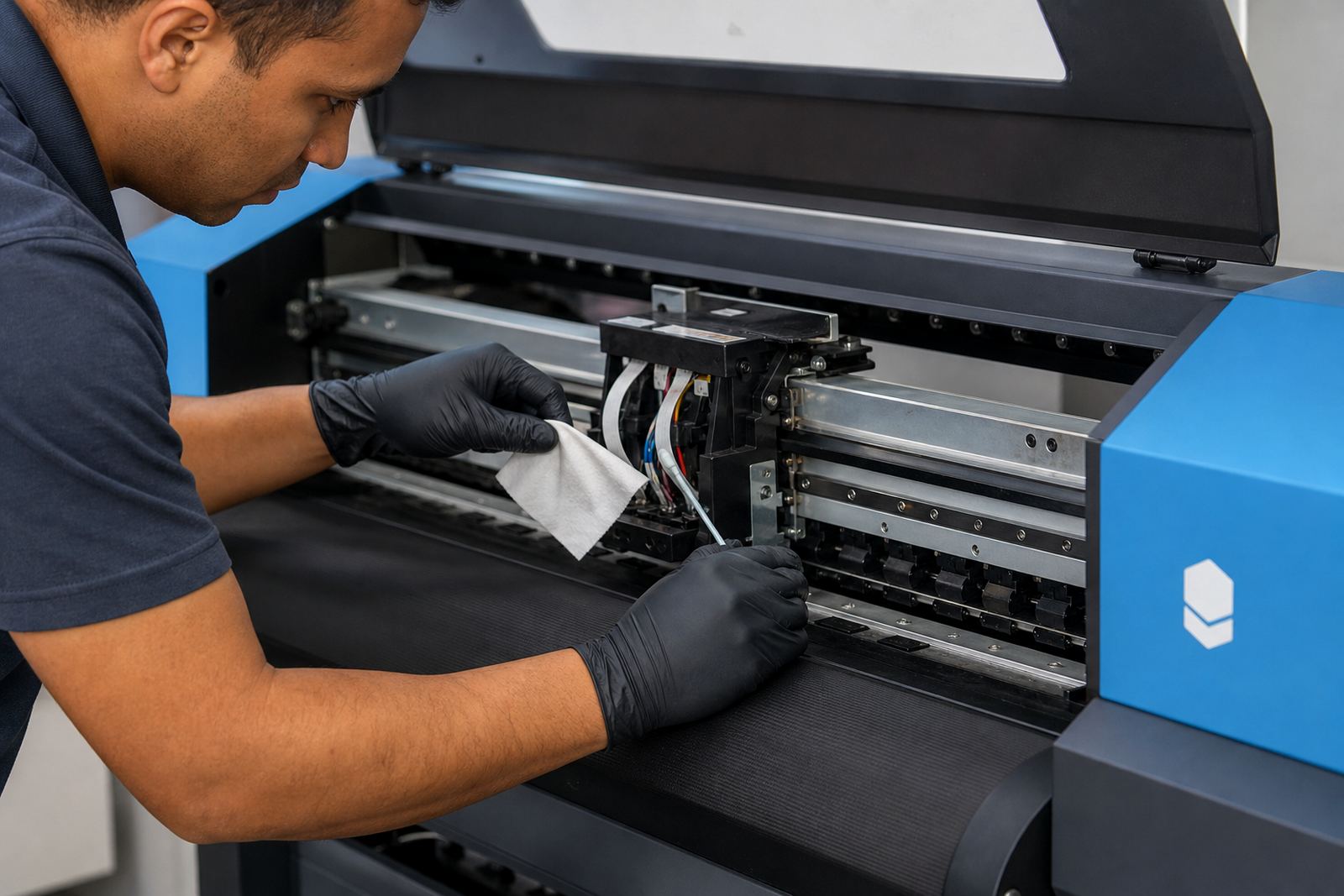
That is where queue workflow, production tuning and fault finding matter. A clean control board installation, the right printhead driver setup, and proper maintenance can prevent false alarms and reduce wasted media. If a shop is handling murals, decals, exhibition panels and general signage in the same week, those settings need to be predictable, not guessed.
- Check feed behaviour after any board replacement
- Use the same media type names inside the RIP for consistency
- Review nesting so the printer is not driven into awkward roll movement
- Keep backup settings for high-volume jobs
- Train operators to spot tension changes before a full run starts
A Midrand Example Of What Can Go Wrong
A print shop in Gauteng may load a long roll for a Durban courier job and see perfect first passes, then notice the edge drifting after several metres. The team might think the artwork file is at fault, but the real problem is a slightly uneven load and a take-up roll that is pulling harder on one side. Once the roll is reseated and the feed path checked, the same job can settle down without changing the design file.
That kind of correction saves time and material, but it also shows how closely roll tension is tied to the rest of the production line. Remote support, operator training and preventive maintenance all help, yet the basics still begin with the roll itself. If the media is loaded square and held at the right tension, the rest of the print process has a far better chance of staying true.