

Control boards and RIP setup that fit the machine
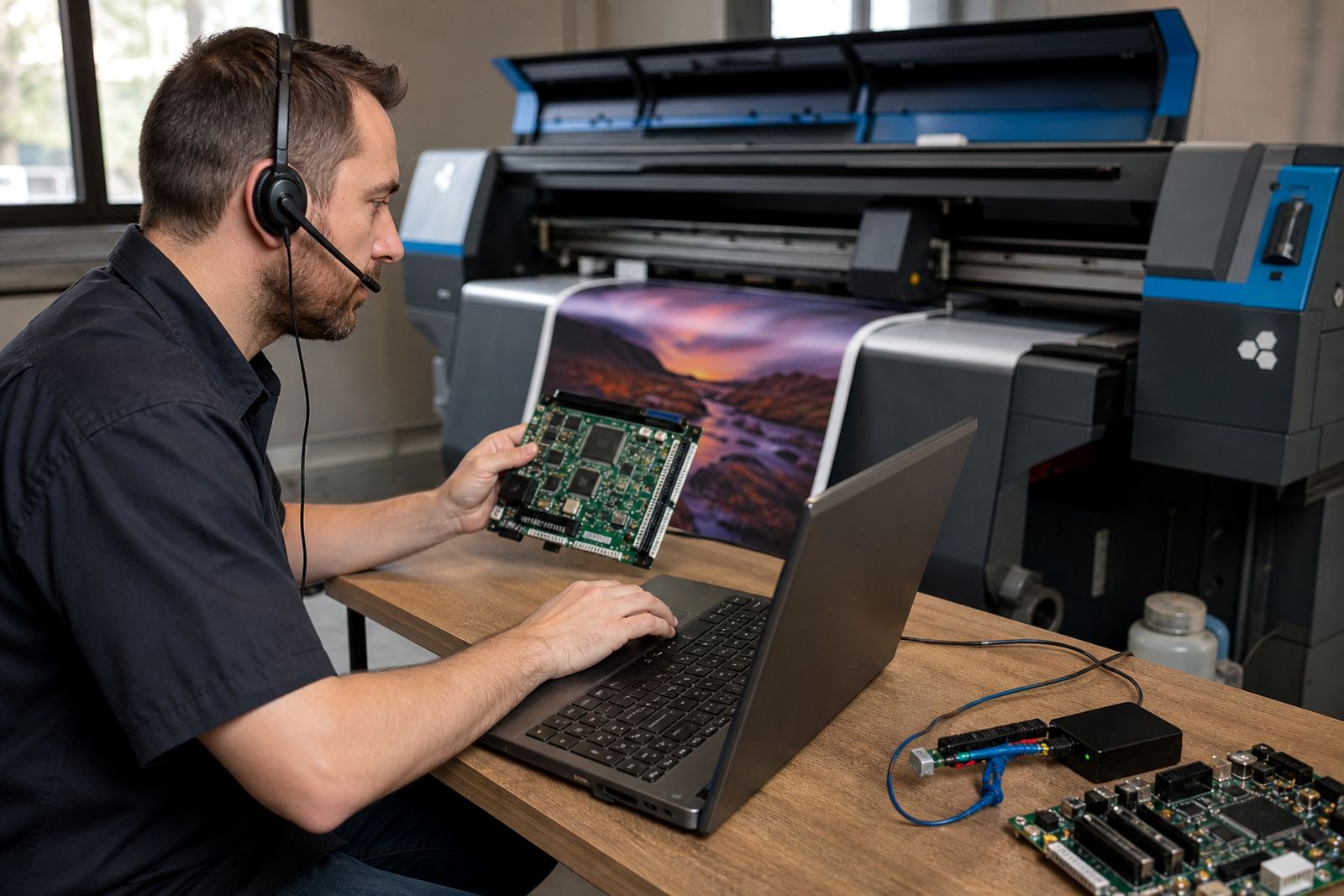
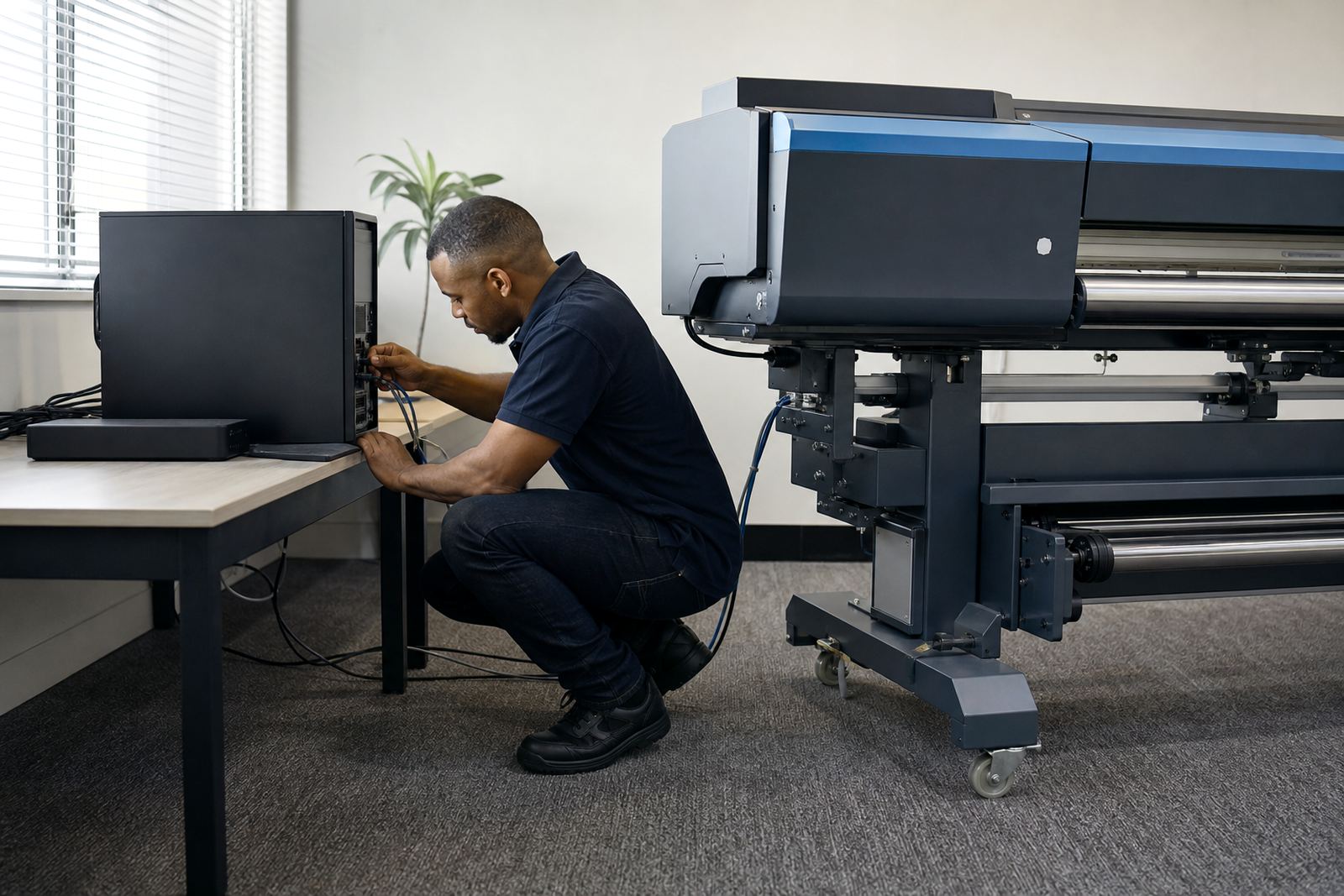
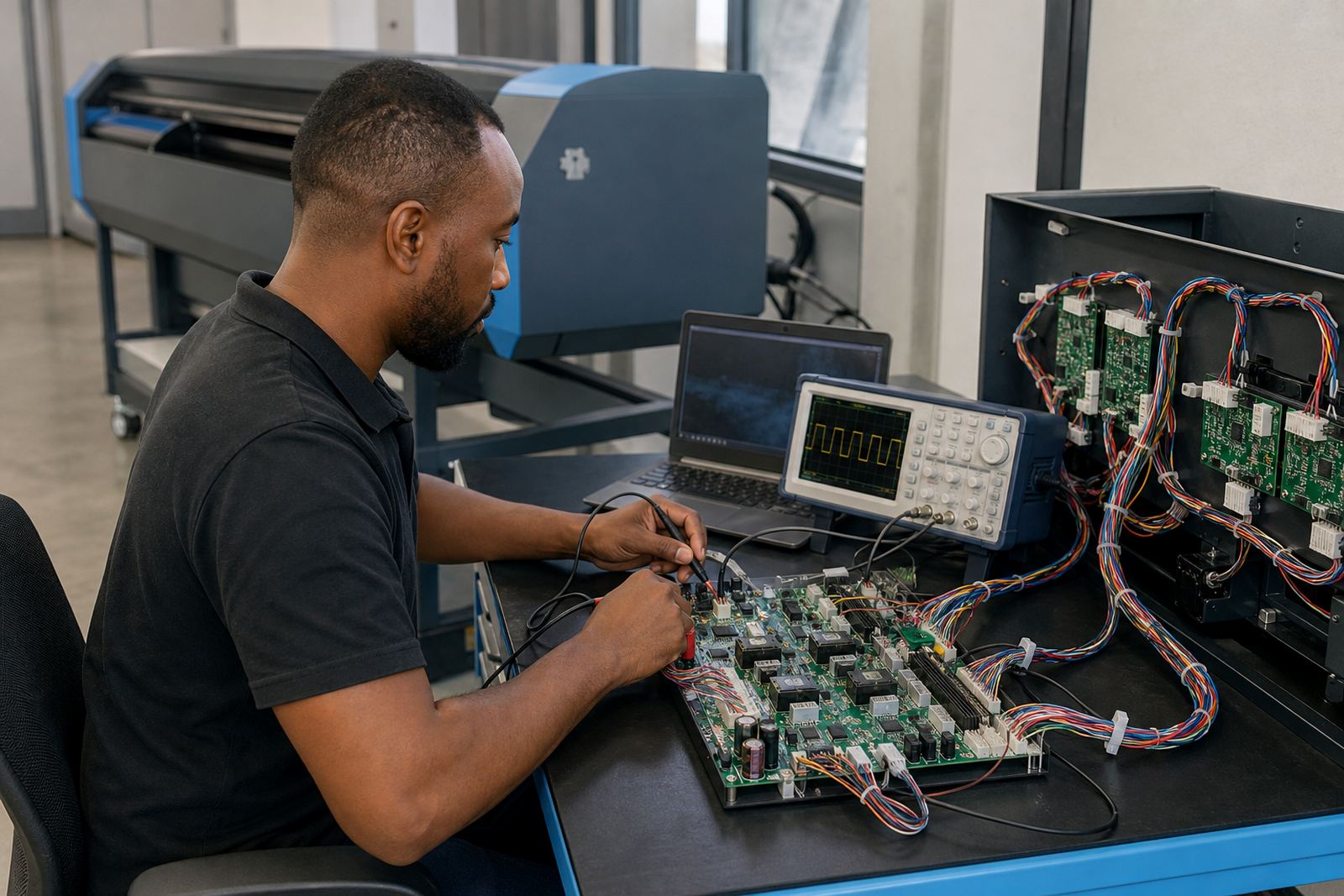
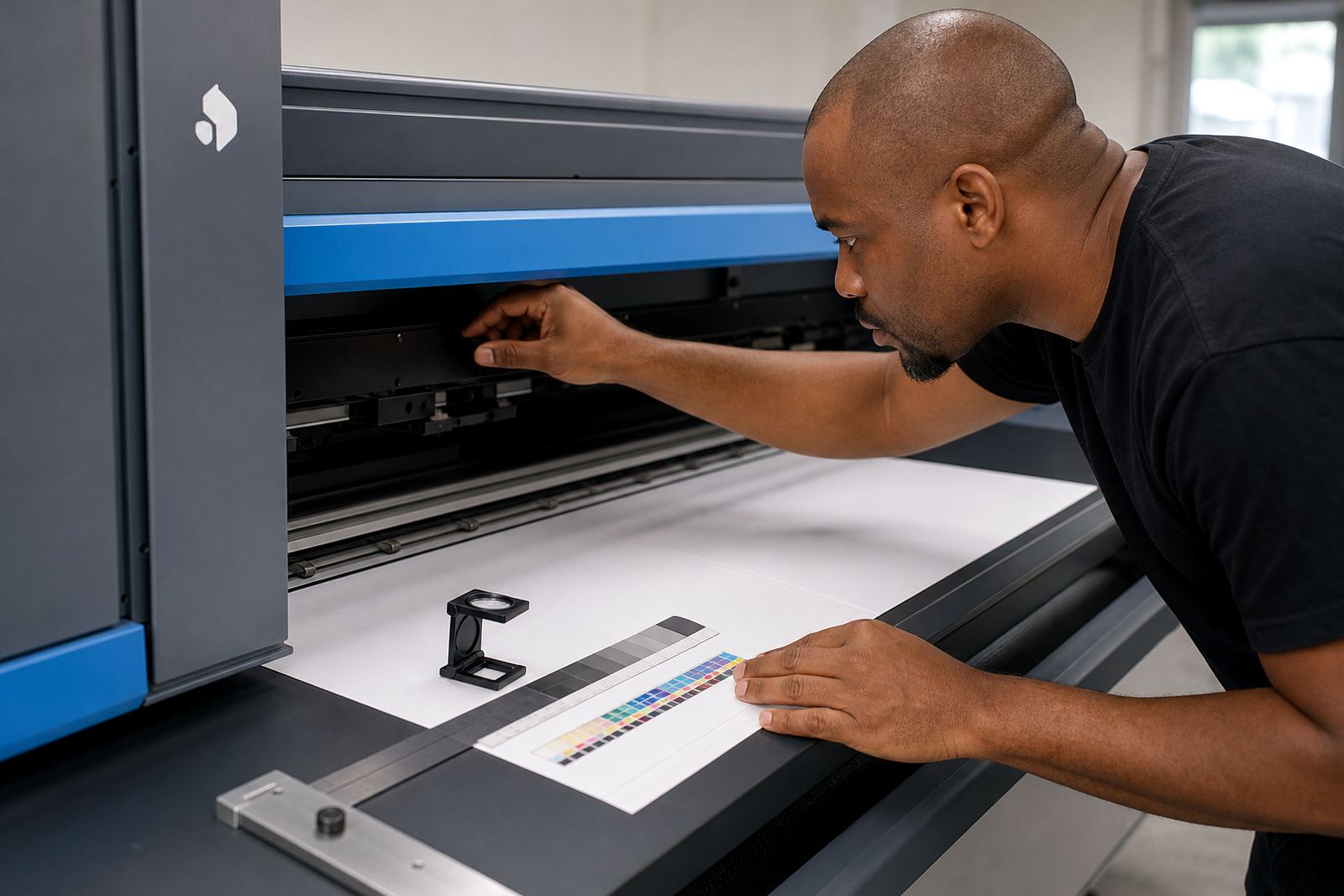
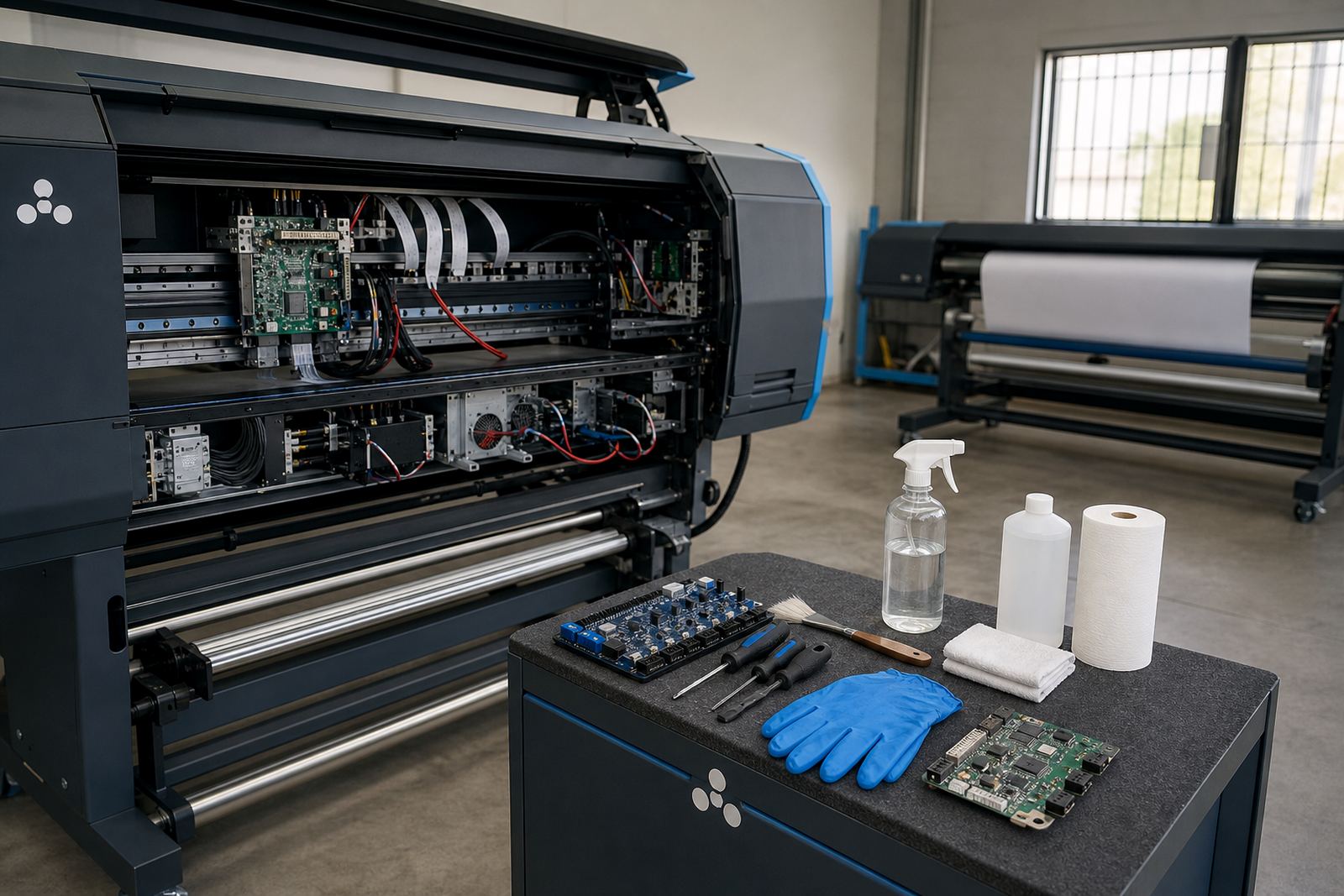
Wide-format inkjet systems depend on the control board, printhead driver setup and RIP software working as one unit. If those parts are out of step, you get awkward banding, missing passes, colour drift or jobs that need far too much handwork. We handle installation and configuration in a practical order, then test the machine with live production files so settings match the way the printer is actually used.
For shops in Midrand, Johannesburg, Pretoria and further afield, this means the machine is set up with the right heads, media handling, queues and output rules from the start. The aim is not only to get it running but to keep it steady when operators change, jobs stack up, or a new media type is introduced midweek.
Colour profile work for sharper, repeatable output
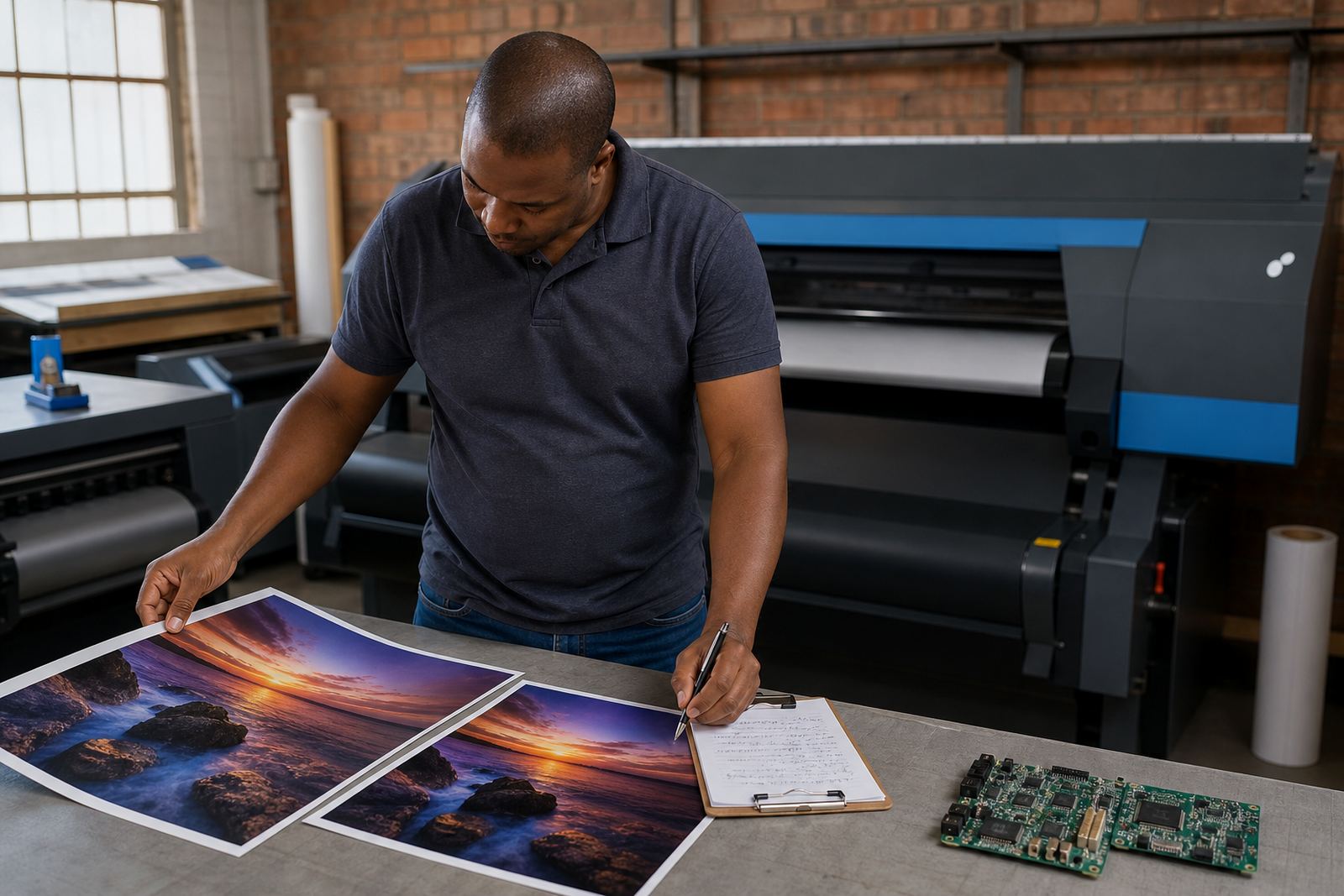
Colour profile setup matters when a customer expects the same result across reprints, multiple machines or different media. We work on colour profiles, ink limits, linearisation and related RIP controls so artwork reaches the printer with less guesswork. That helps graphic designers and production teams keep proofing, press checks and final output closer together.
On coastal jobs in Durban and Cape Town, humidity can affect media behaviour and drying, so colour setup often needs a tighter pass than people expect. In Gauteng, dust, temperature shifts and long production days can still change how a system behaves, and a profile that was never tuned properly will show it.
- ICC and device profile setup
- Ink limit and channel balancing
- Media-specific output tuning
- Spot colour handling for production work
Queue planning that keeps the line moving
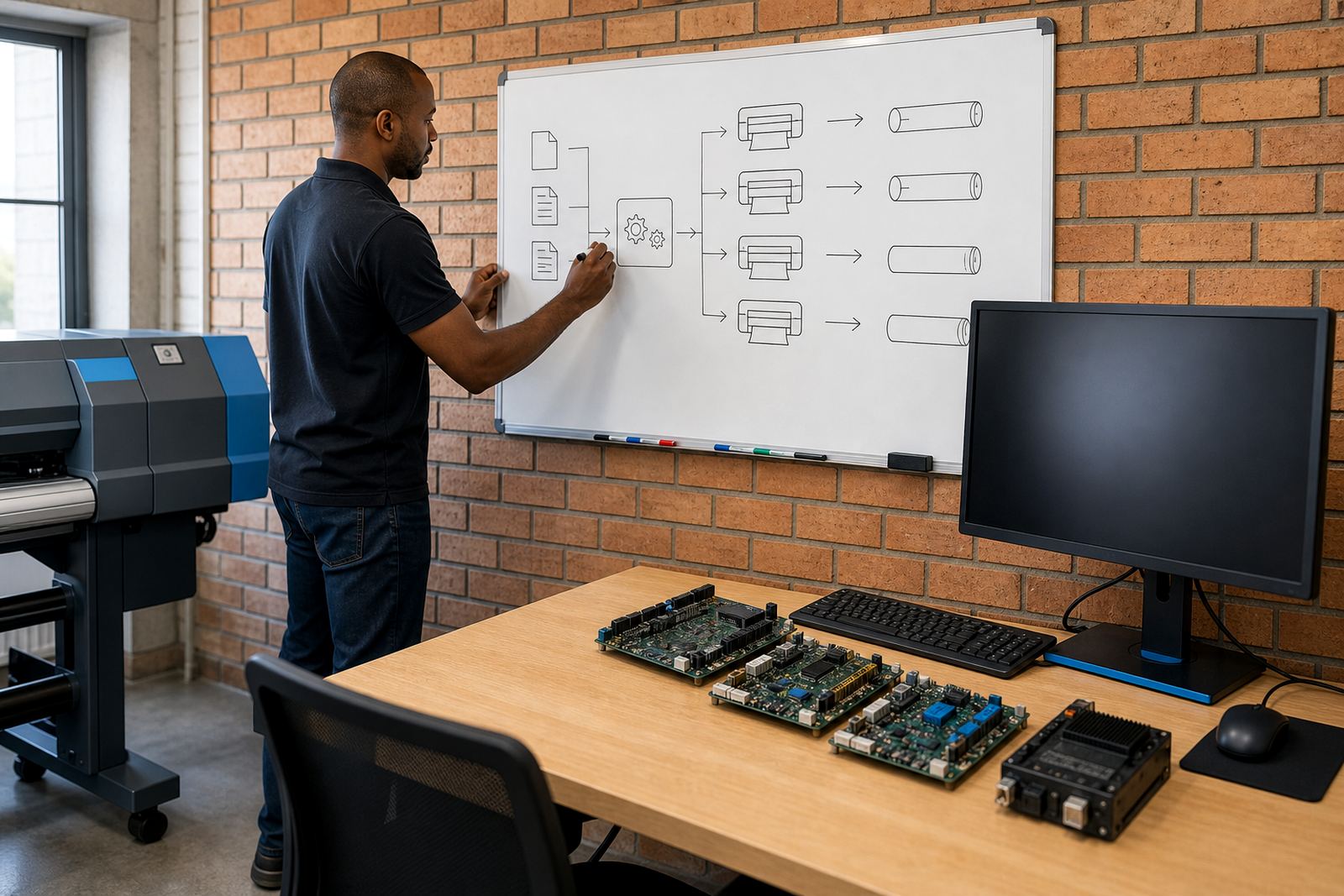
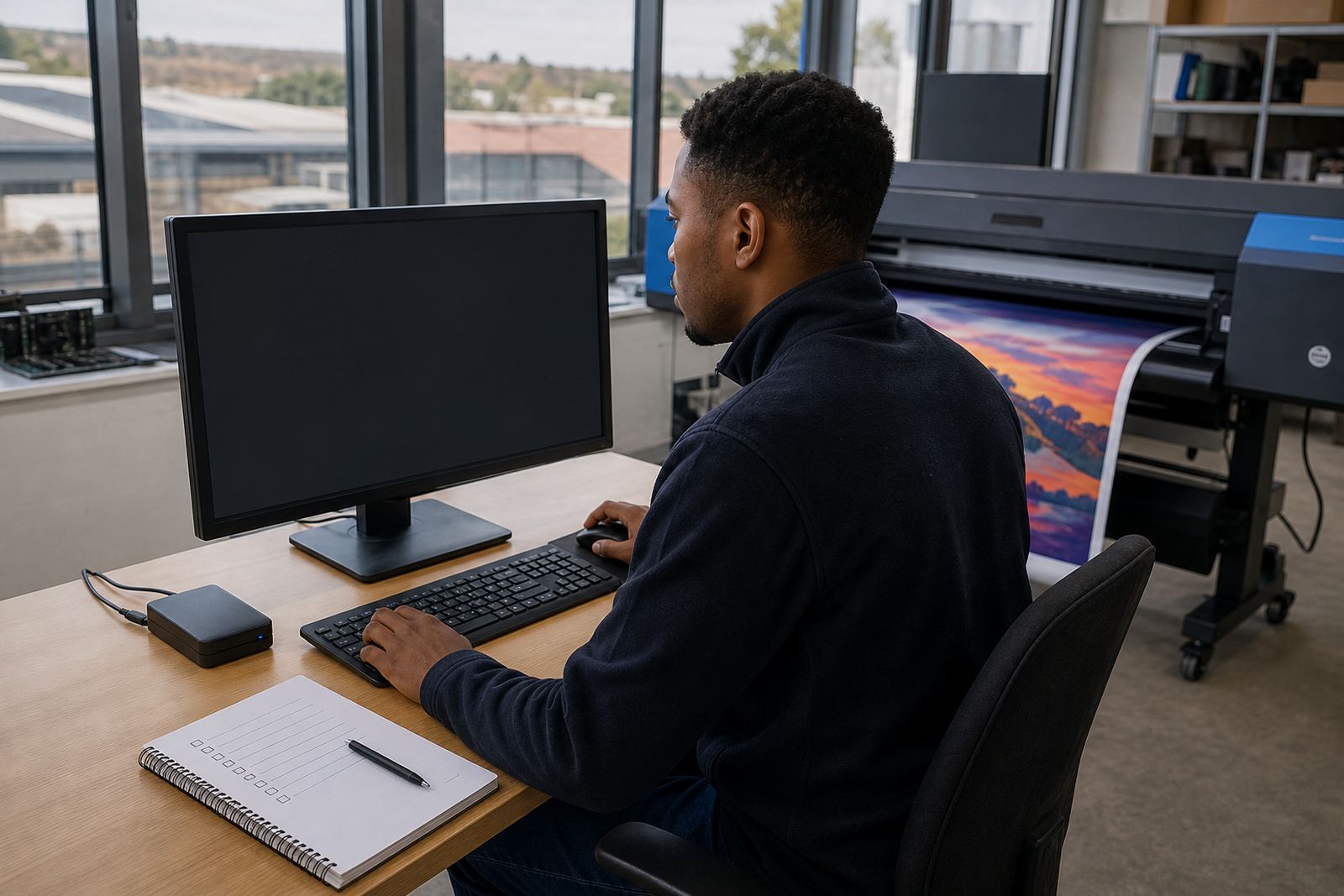
Queue workflow design is about how jobs move through the shop, who releases them, and what happens when work arrives in bursts. A tidy queue layout helps larger facilities reduce stops, prevent duplicate printing and keep operators from making avoidable changes in the middle of a run. It also makes it easier to separate urgent work from scheduled production without confusion.
We build queue structures around the way the shop handles day-to-day work, whether that is short runs, repeat signage, textile-related output or larger production batches. If a machine is shared across shifts, the queue needs clear naming, sensible defaults and a predictable file path. It sounds small, but those details save a lot of time.
Fault finding that gets to the real cause
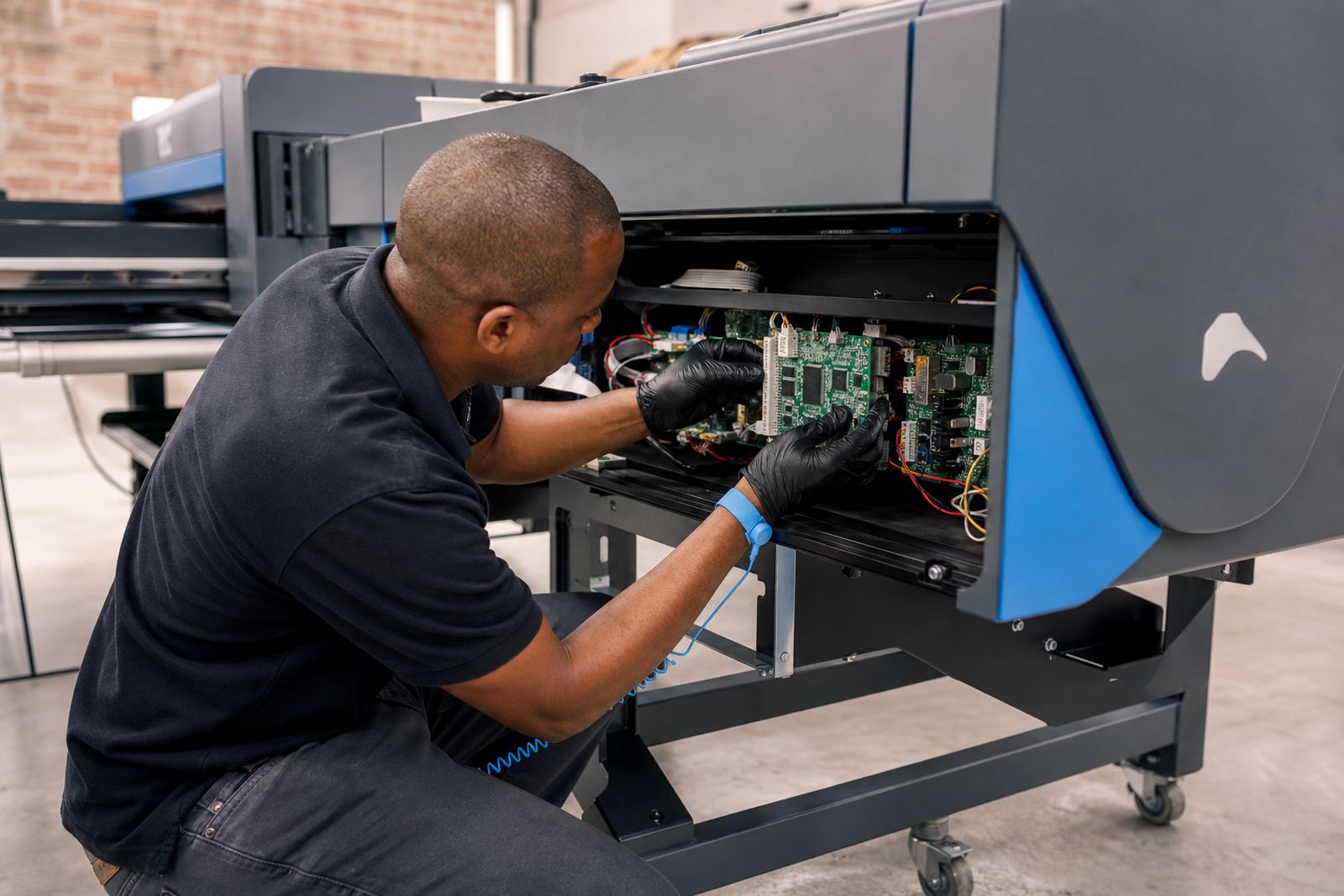
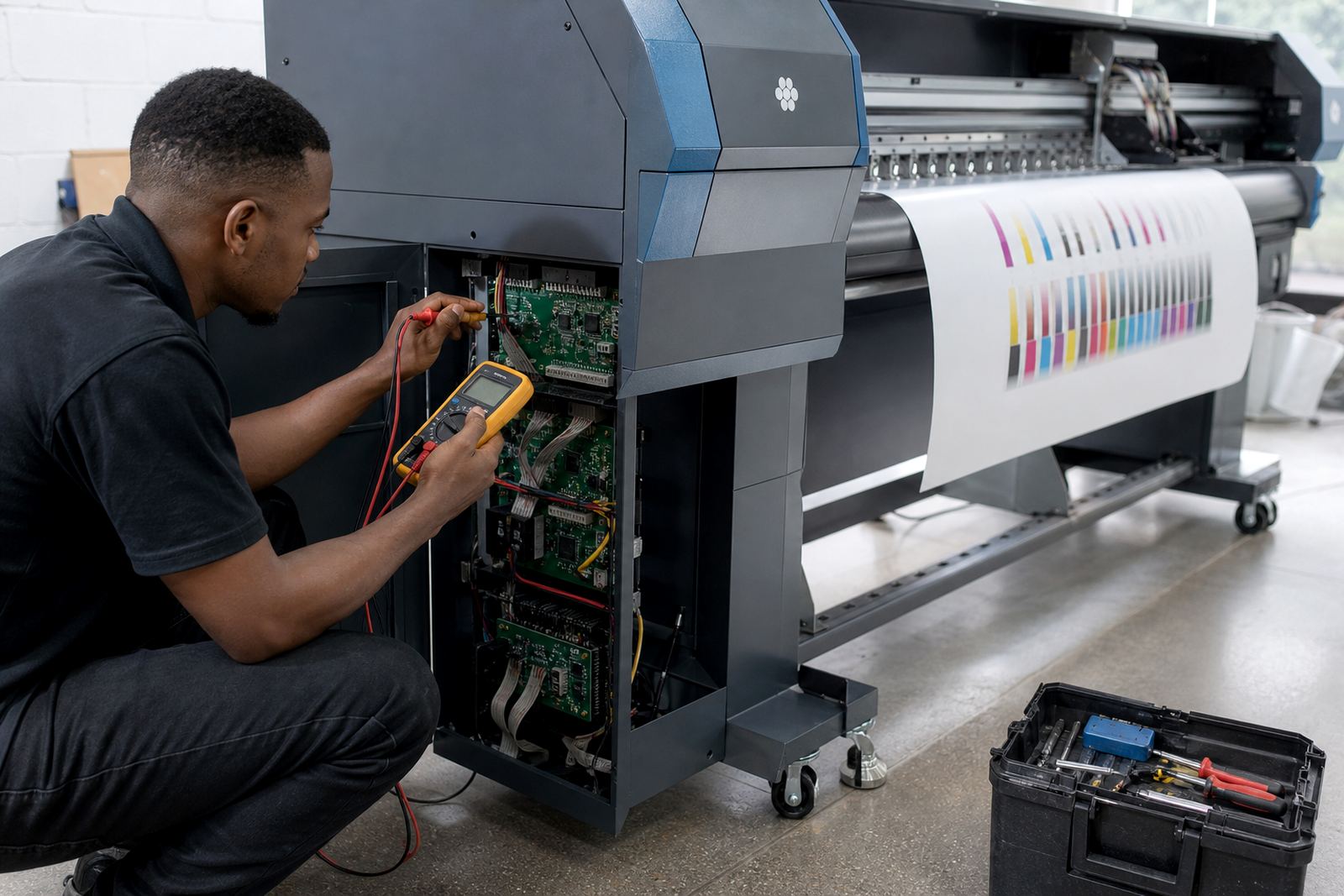
Fault finding covers print quality issues, board faults, communication errors, driver problems and irregular behaviour inside the RIP. The point is to trace the fault properly instead of changing parts at random. A printer can look like it has a head problem when the real issue sits in the board settings, data path or workflow file.
Our board repair technician and RIP technician work across the hardware and software side so the fix matches the fault. That matters in production where the wrong diagnosis can waste ink, media and a full shift. Where a board needs replacement or repair, the machine is handled with the same attention to cable paths, firmware compatibility and output checks.
- Board communication checks
- Printhead driver diagnosis
- Output defect tracing
- Recovery after failed settings or corrupt queues
Maintenance guidance for steadier production weeks
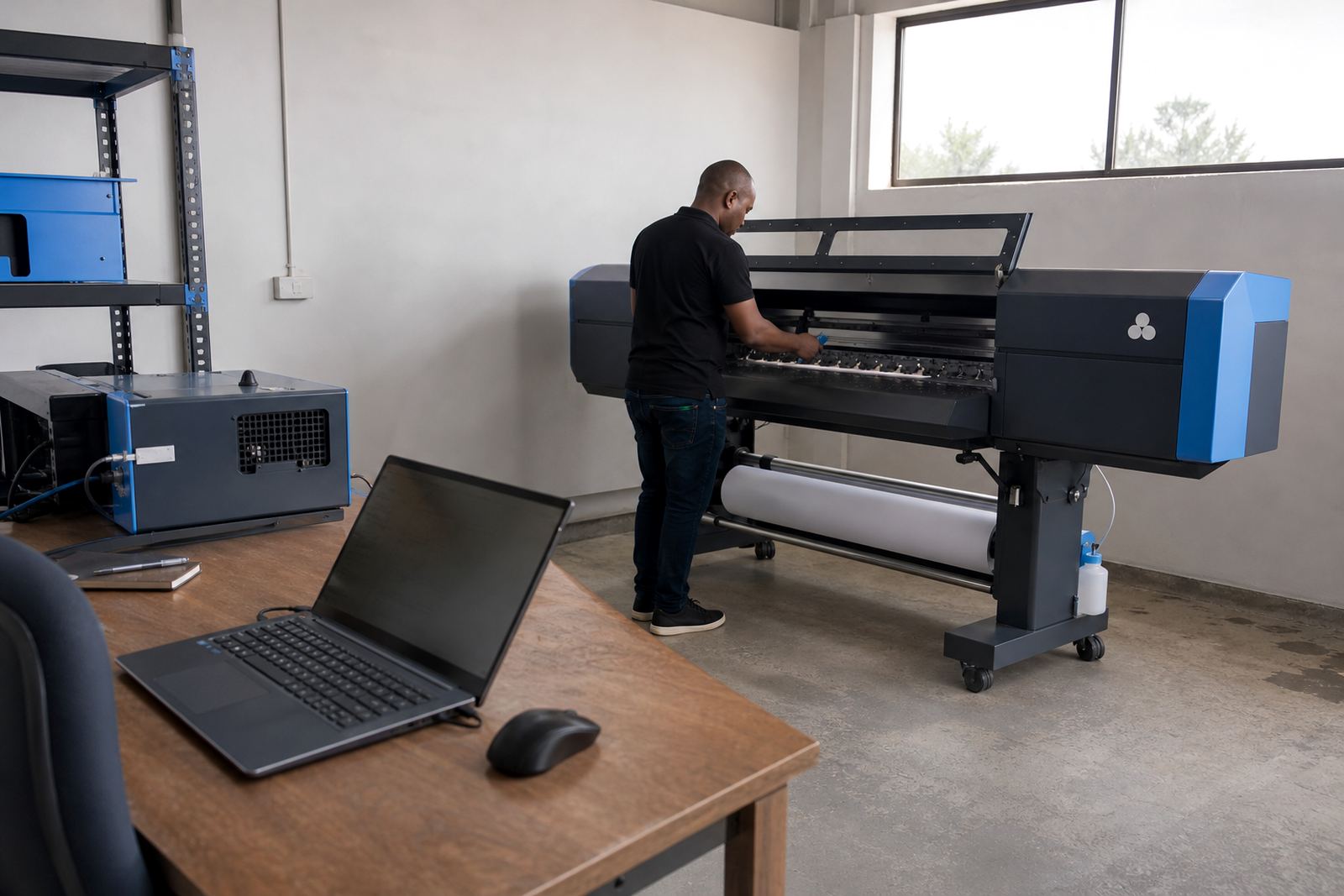
Preventive maintenance is not only about cleaning. It includes routine checks on drive settings, head alignment, nozzle behaviour, cabling, profile changes and the habits that affect uptime over time. For shops running across South Africa, this also helps teams plan around seasonal heat, humidity and long production cycles without waiting for a failure to force the issue.
We guide operators and supervisors through the maintenance steps that matter most for the system in front of them, then set up backup and recovery routines so important settings can be restored without drama. A shop with good records and saved configurations is usually easier to keep stable than one that has to rebuild everything after a fault.
Operator training that lowers daily friction
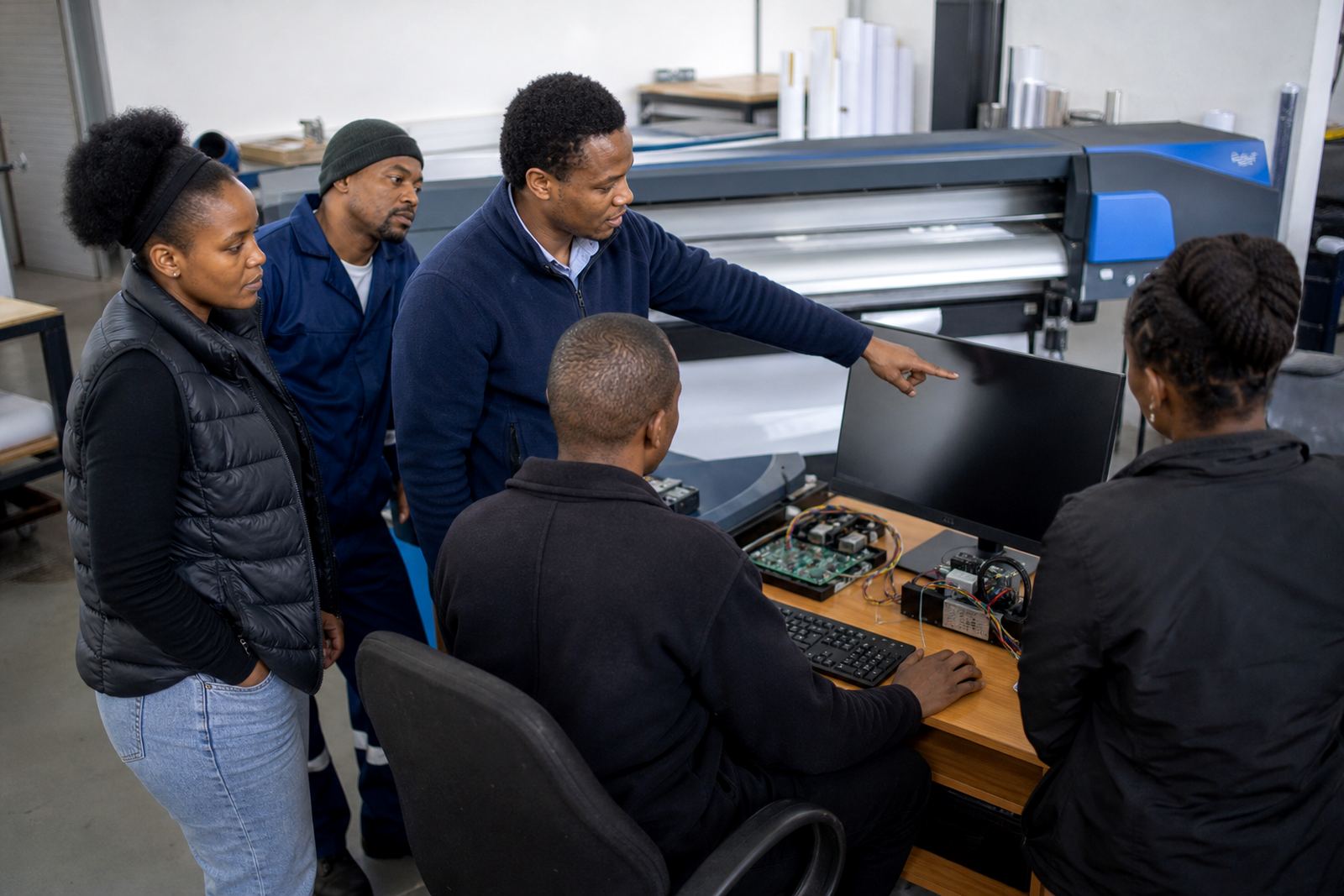
Training needs to be practical. We show operators how to load jobs, check profiles, confirm output settings, manage queues and spot the early signs of trouble before a print run goes off track. The aim is to make the system easier to run on an ordinary Tuesday, not just when the senior technician is standing nearby.
Bianca Rademeyer coordinates training sessions with a focus on real shop routines, while Aiden Phiri supports remote setup where a machine is already in place and the team needs clear guidance. Lerato Khoza keeps the service process organised, and Johan Letsoalo, Zanele Moagi and Kagiso Pienaar handle the technical side with the practical detail these systems need.
- New operator handover
- Refresher training for existing staff
- Production tuning for busy queues
- Recovery steps for common setup issues