Installation Built Around Your Printer Line
RIP installation starts with the printer model, media range and production method already in use at your site. We set up the RIP software, connect the printer control board where required, and align the printhead driver settings to the machine’s resolution, pass count and ink layout.
The setup is handled for wide-format inkjet printers used on vinyl, banner, canvas, self-adhesive media and coated papers. Where a shop runs more than one unit, we can build a common workflow so operators move between machines with less checking and fewer surprises at the console.
- RIP software installation and licence setup
- Printer control board pairing and verification
- Printhead driver configuration for the specific carriage and ink set
- Basic queue setup for production use
- Job naming, presets and media groups
Colour Control That Holds On To Detail
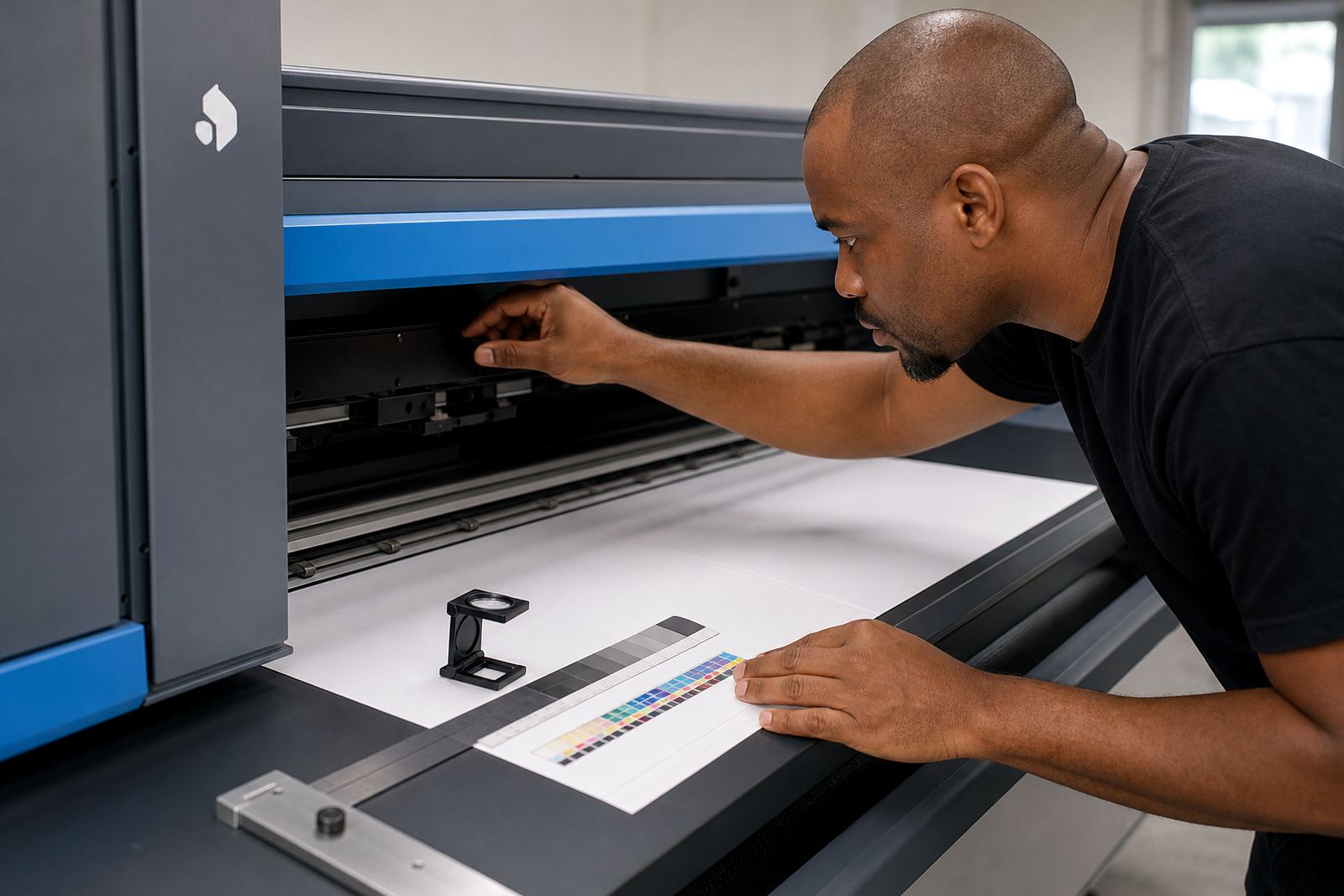
Colour profile setup is part of the installation, not an afterthought. We set media profiles, linearisation and ink limits so shadows do not clog, pale tints keep detail and solid areas stay even across the width of the print.
For design studios and print shops working with brand colours, the target is controlled output that can be repeated from one run to the next. We also check the way the RIP handles greyscale, black generation and overprint settings, because those choices affect edge sharpness and drying behaviour on many materials.
- Custom media profile loading or creation
- Ink limit and linearisation setup
- Spot colour handling and CMYK workflow setup
- Greyscale balance and black channel control
- Calibration for coated and uncoated media
Queue Design For Daily Production
A good RIP installation needs a queue structure that suits the way operators work on the floor. We arrange hot folders, print queues and preset groups so common jobs can be loaded with less manual editing, while more demanding work still has room for fine control.
Where a site handles mixed work, we can separate queues for fast turnaround items, colour critical work and long production runs. That keeps the workflow cleaner and helps reduce wrong media choices, wrong pass settings and wasted ink on trial prints.
- Hot folder and queue naming structure
- Preset groups for common media and sizes
- Nesting setup for better sheet or roll use
- Job rotation and margin control
- Output order for multi-page and tiled jobs
What The Setup Covers On Site Or Remotely
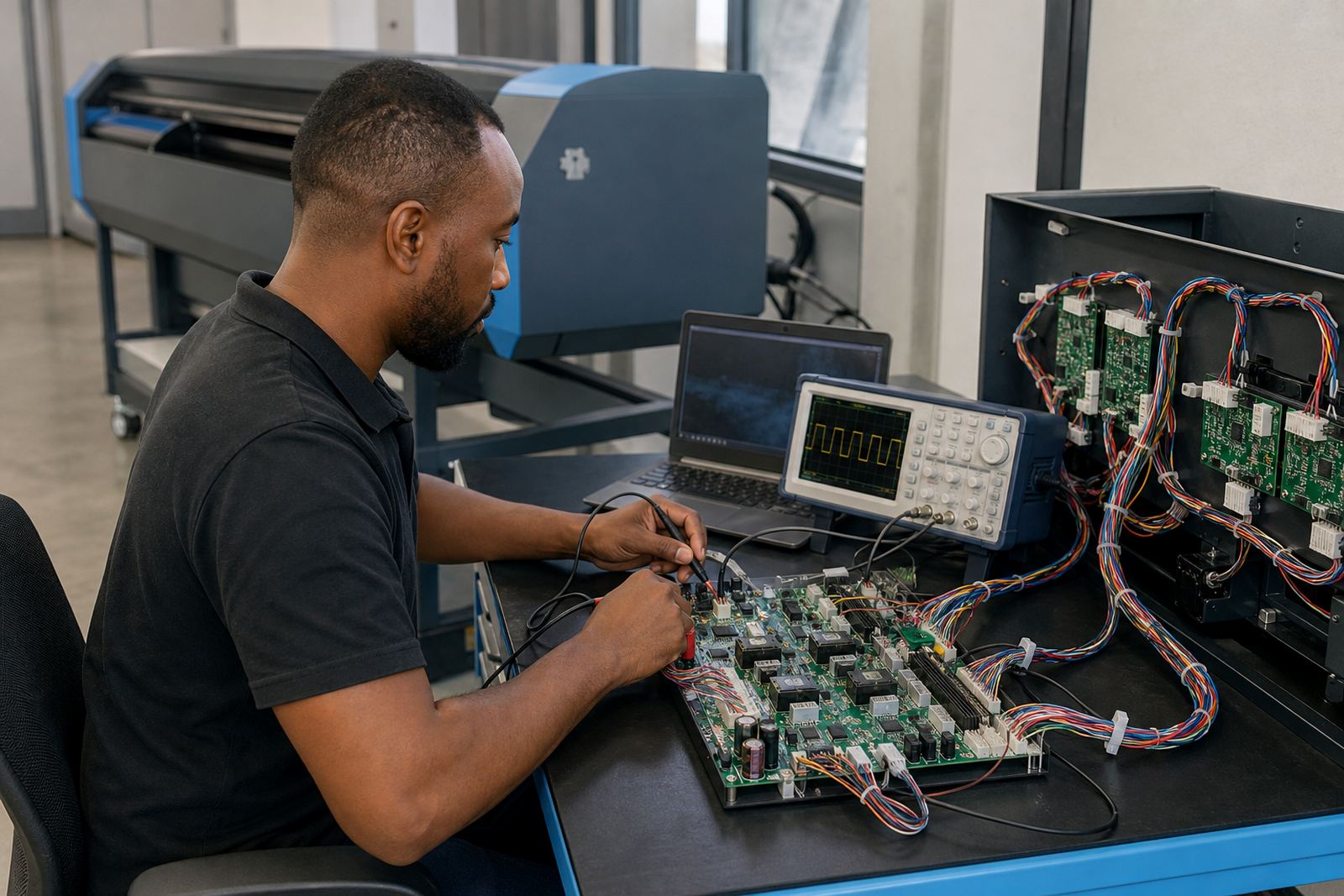
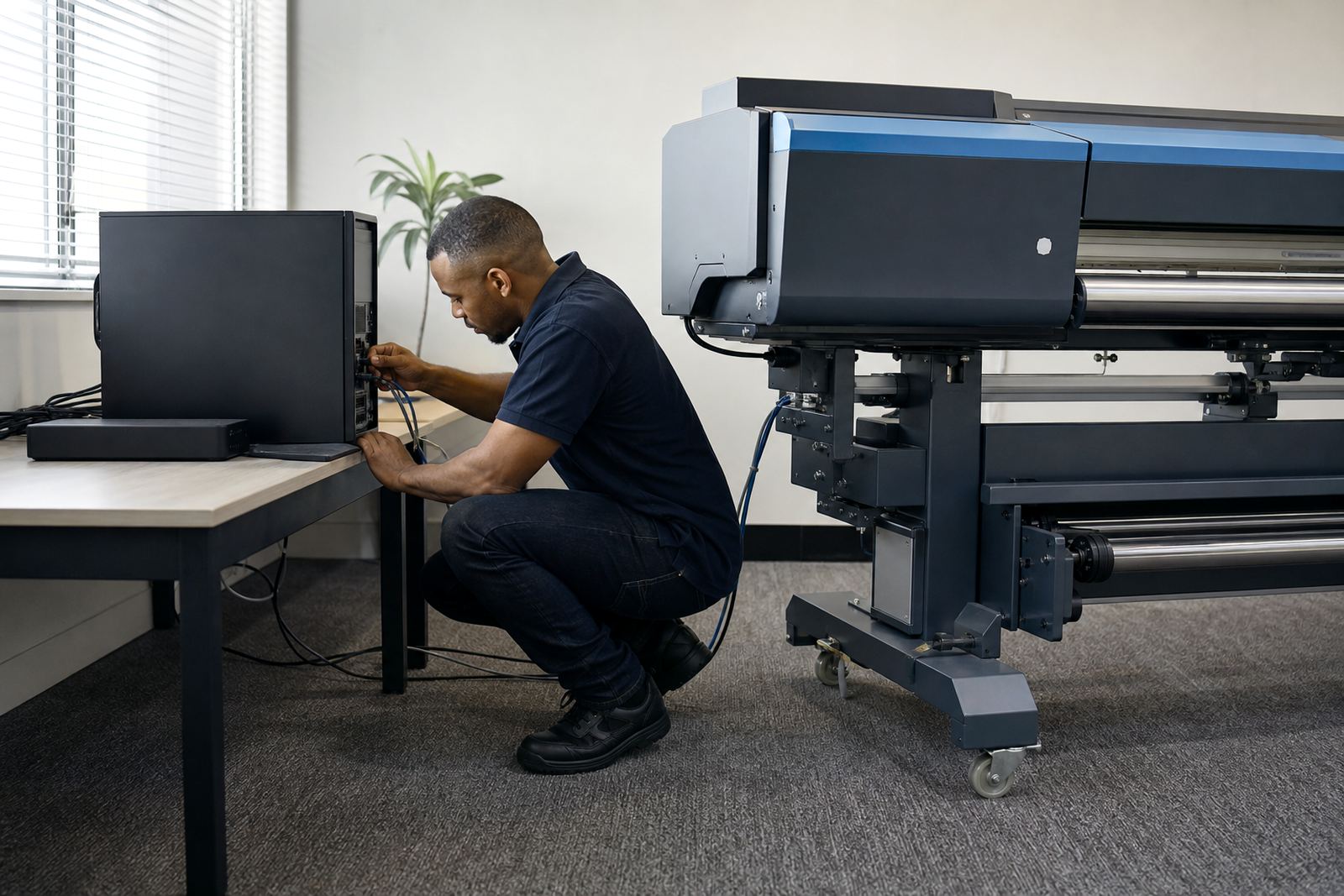
Installation can be handled remotely for many setups, and on site when the printer board, driver path or production layout needs hands-on attention. In both cases we work through the same practical checks: computer readiness, network access where needed, printer communication and the status of the ink channels and media sensors.
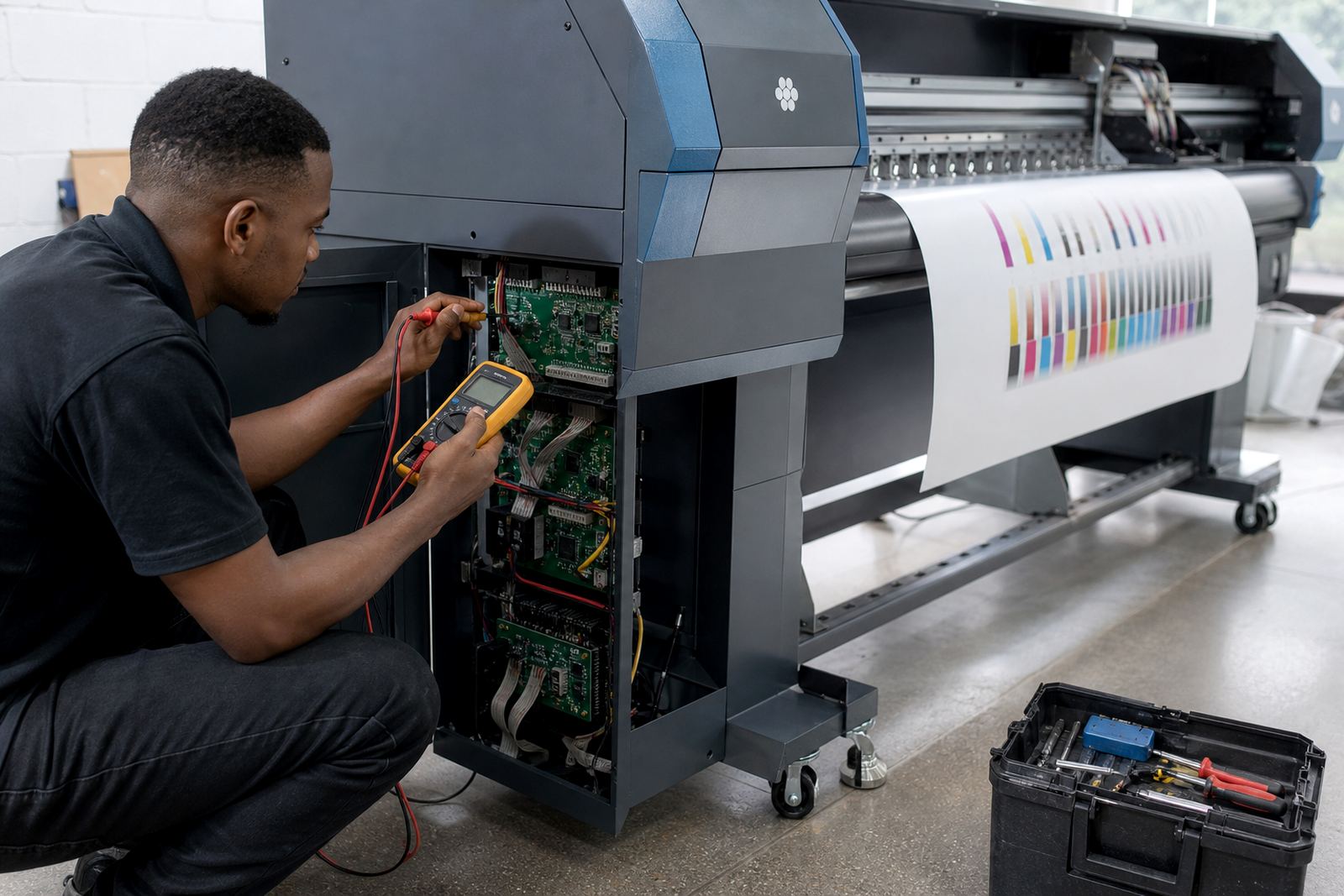
Remote setup works well for shops in Johannesburg, Pretoria, Durban, Cape Town and Bloemfontein when the machine is already connected and accessible. If a board needs fitting, repair or deeper fault finding, we will work through the hardware side with the same installation plan so the RIP and printer speak the same language.
- Remote or on site configuration depending on the machine
- Printer communication checks
- Board and driver alignment where hardware is involved
- Media sensor and ink channel verification
- Operator handover on the installed workflow
Project Timing, Pricing And Site Variables
Each RIP installation is priced according to the printer count, the level of profile work, the queue design needed and whether board setup or fault finding is included. A single machine with a standard workflow takes less preparation than a multi-printer room with separate profiles, mixed media and operator access control.
Timing also depends on file access, the condition of the workstation, and how much of the current workflow must be rebuilt. If the shop is in a busy production cycle, we can stage the work so the main queue stays usable while the new configuration is brought online.
- Single printer or multi-printer setup
- Standard preset build or custom workflow design
- Colour profiling and calibration depth
- Board work, if needed, is quoted separately
- Remote support or site visit as required
Aftercare For Shops That Run On Tight Schedules
After installation, support covers practical follow-up on presets, profile adjustments and queue behaviour when media or production requirements change. If a shop adds a new substrate, changes ink channels or needs a cleaner handover for a new operator, we help adjust the RIP settings so the workflow stays usable.
We also assist with backup and recovery of the RIP environment, which matters when a workstation is replaced or files are moved after an outage. The aim is not a complicated system. It is a setup that lets operators load jobs, keep colour under control and keep the machine working without constant guesswork.
- Profile and preset adjustments after the first runs
- Queue support for new operators and new job types
- Backup and recovery of key RIP settings
- Workflow review after printer or media changes
- Fault finding when output drifts or queues misbehave
Key facts
| Software scope | RIP installation, queue setup, profile loading and print workflow configuration |
|---|---|
| Printer type | Wide-format inkjet printers used for graphics, signage and production printing |
| Control hardware | Printer control boards and printhead drivers where the setup requires them |
| Colour work | Media profiles, linearisation, ink limits and spot colour handling |
| Workflow tools | Hot folders, nesting, job presets and production queue structure |
| Support method | Remote setup, on site assistance, fault finding and operator training |