

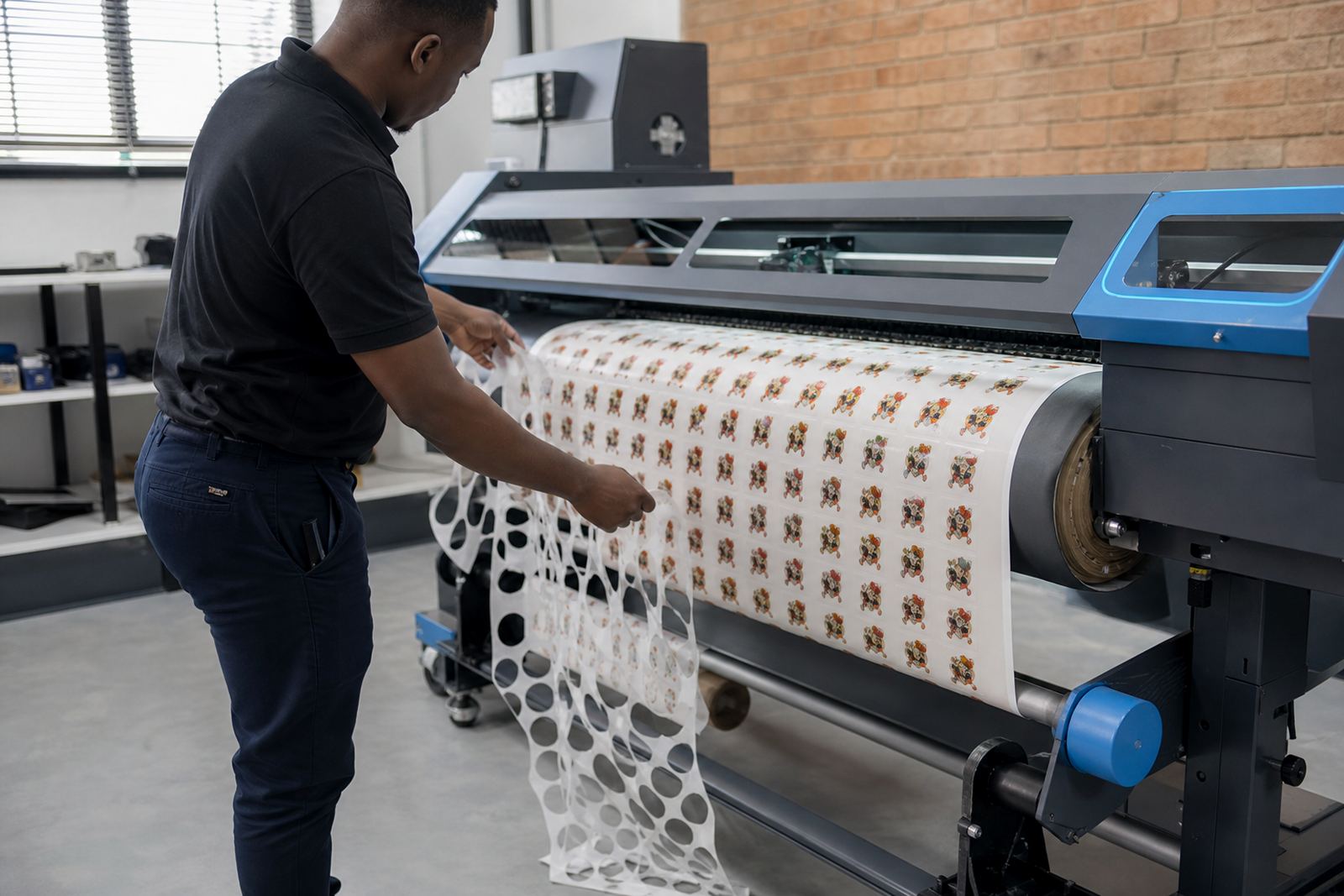
How the printer type changes the job
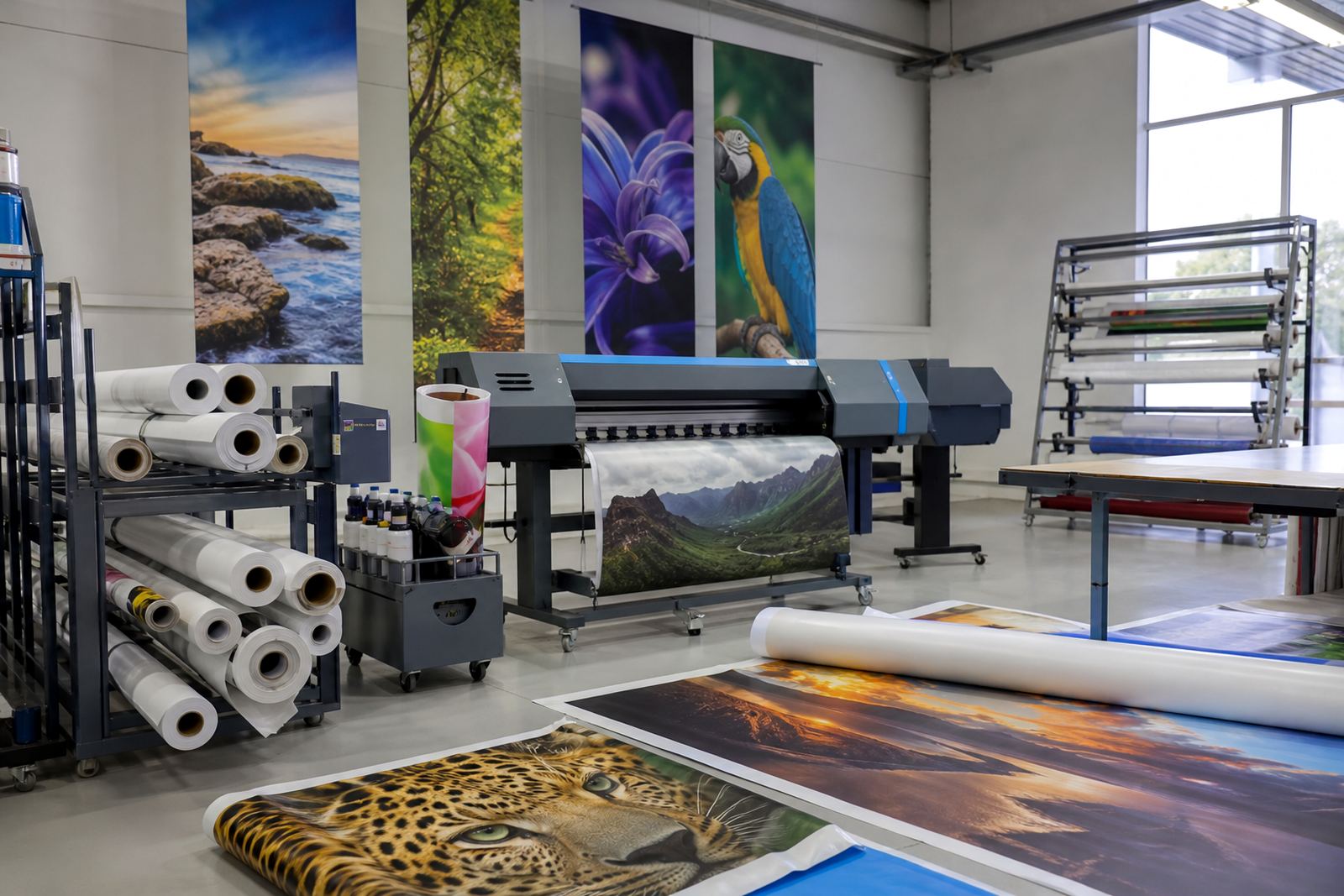
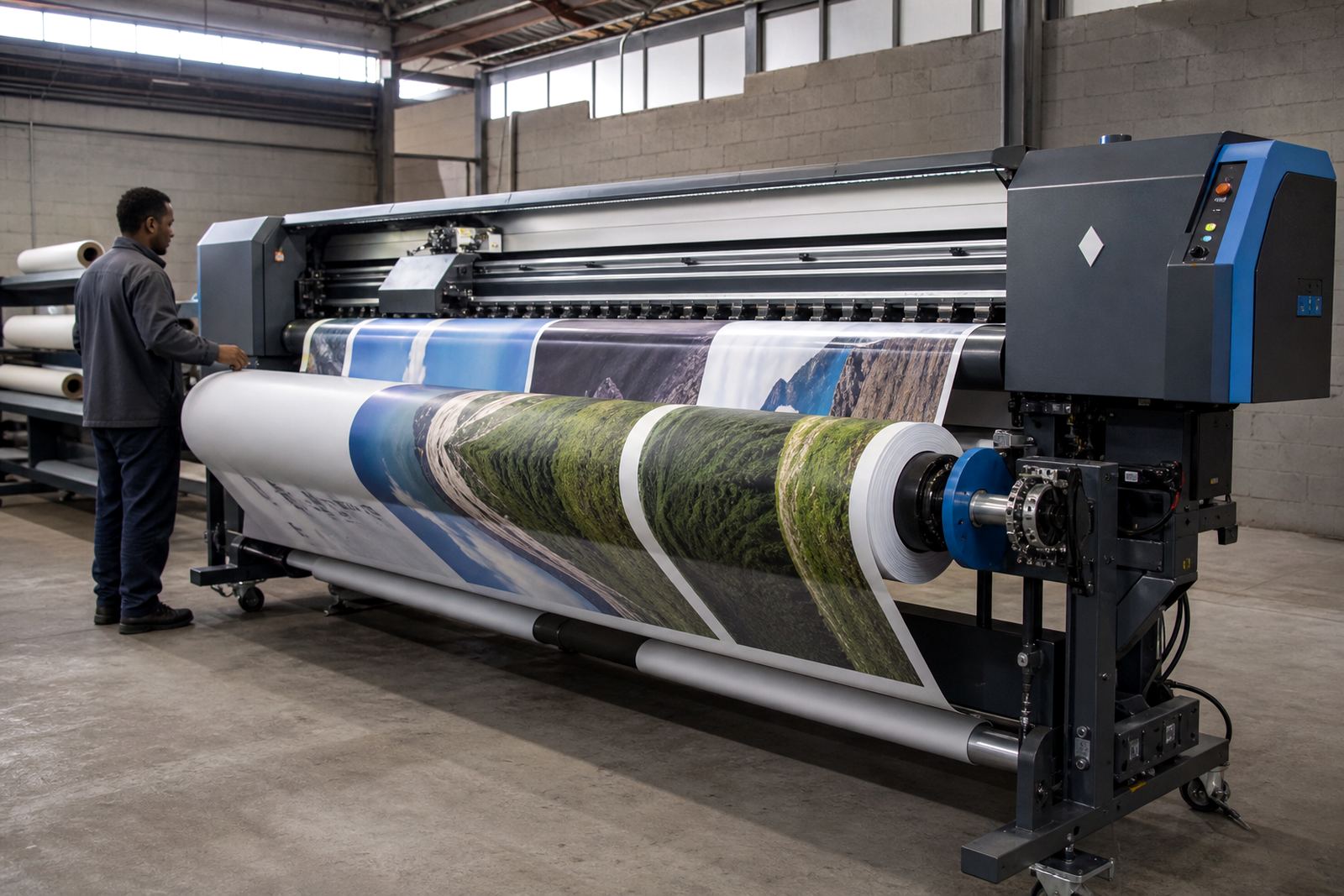
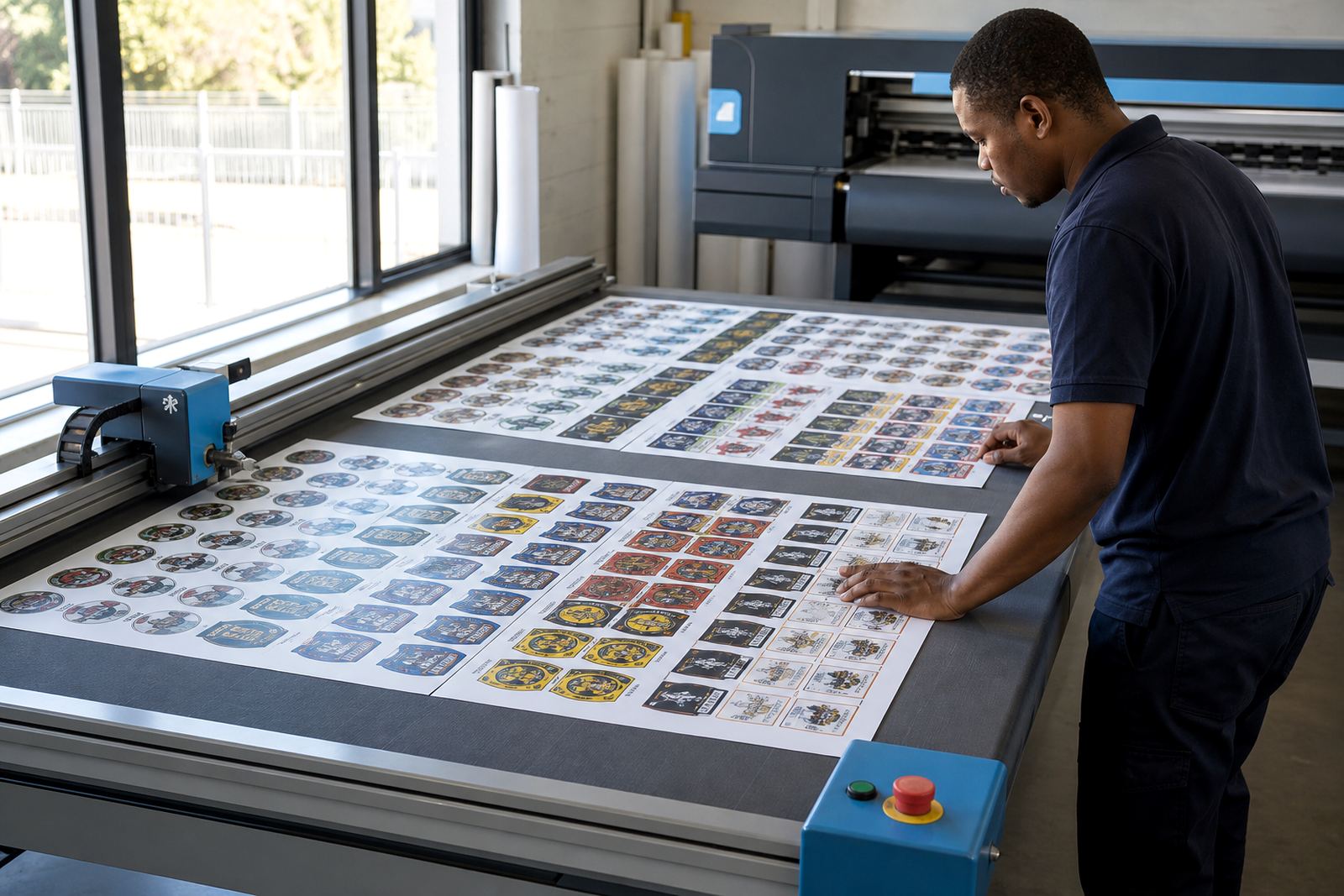
A banner printer in a Cape Town shop does not behave the same as a busy machine turning out vehicle graphics in Midrand. Media width, ink coverage, drying time, head health and operator habits all shape the control board setup and the RIP profile that sits behind the print.
We group printer types by the work they do, not by marketing language. That helps a print shop in Johannesburg, Pretoria, Durban or Bloemfontein match the right board settings, colour handling and queue layout to the actual job flow.
Wide-format work we support
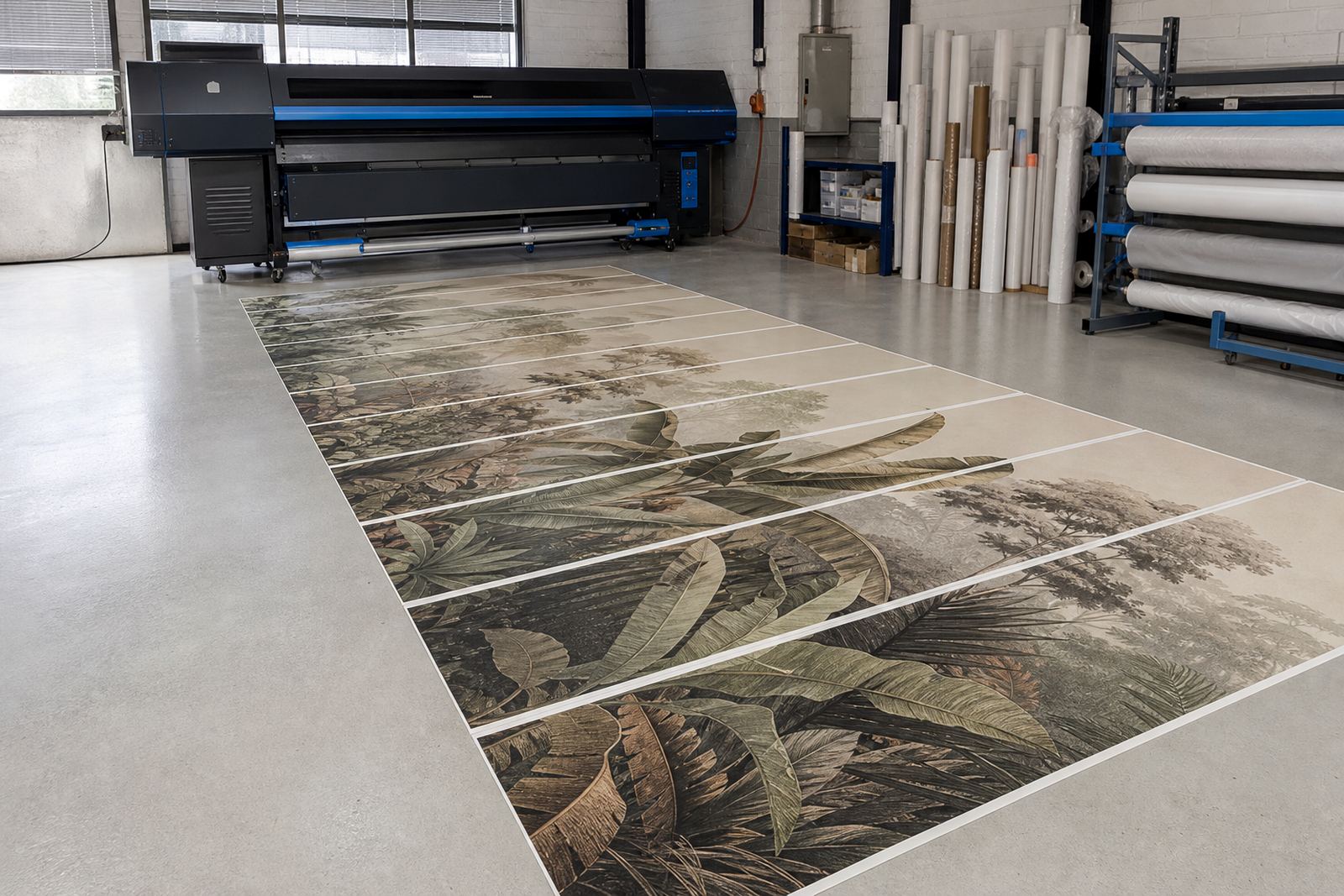
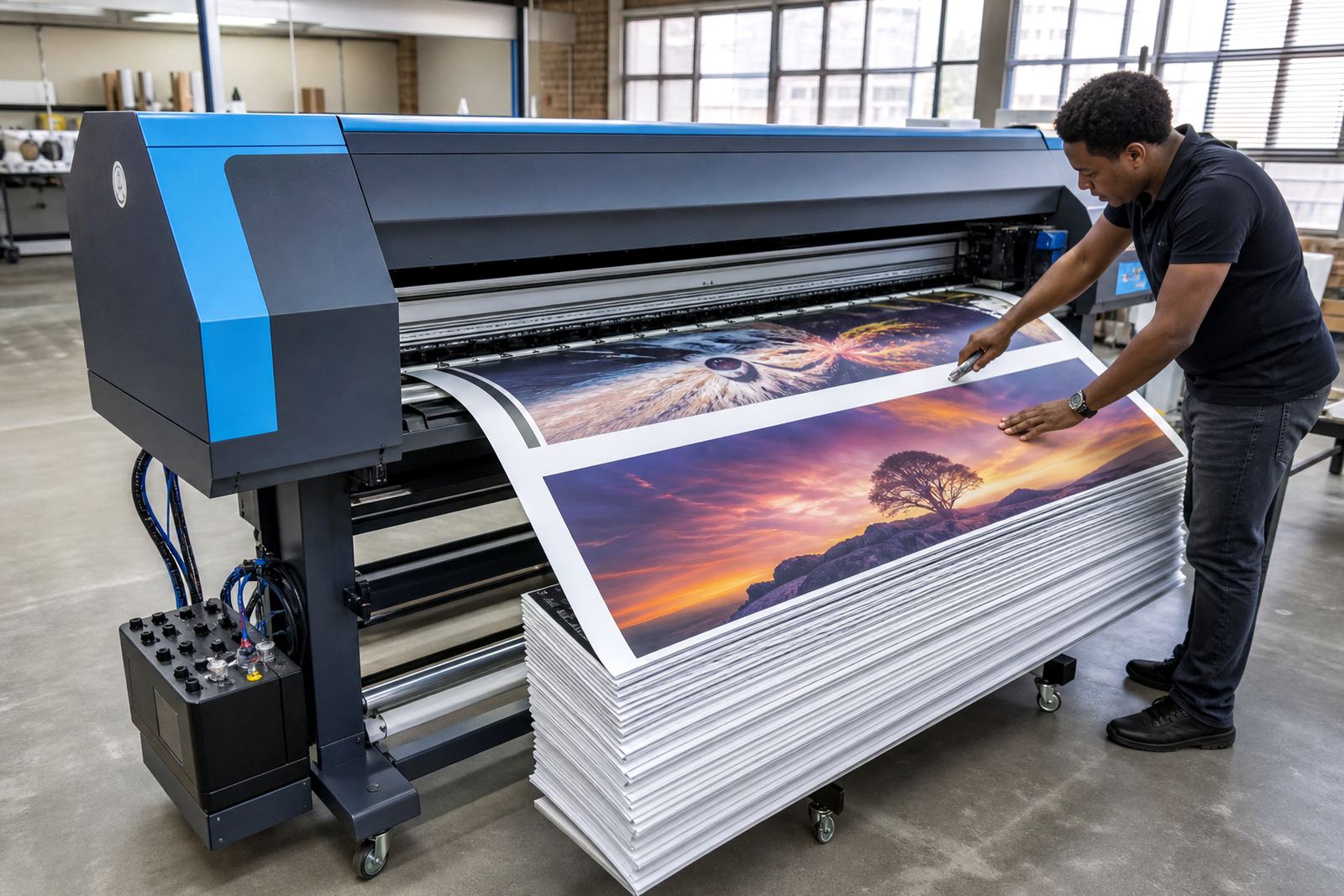
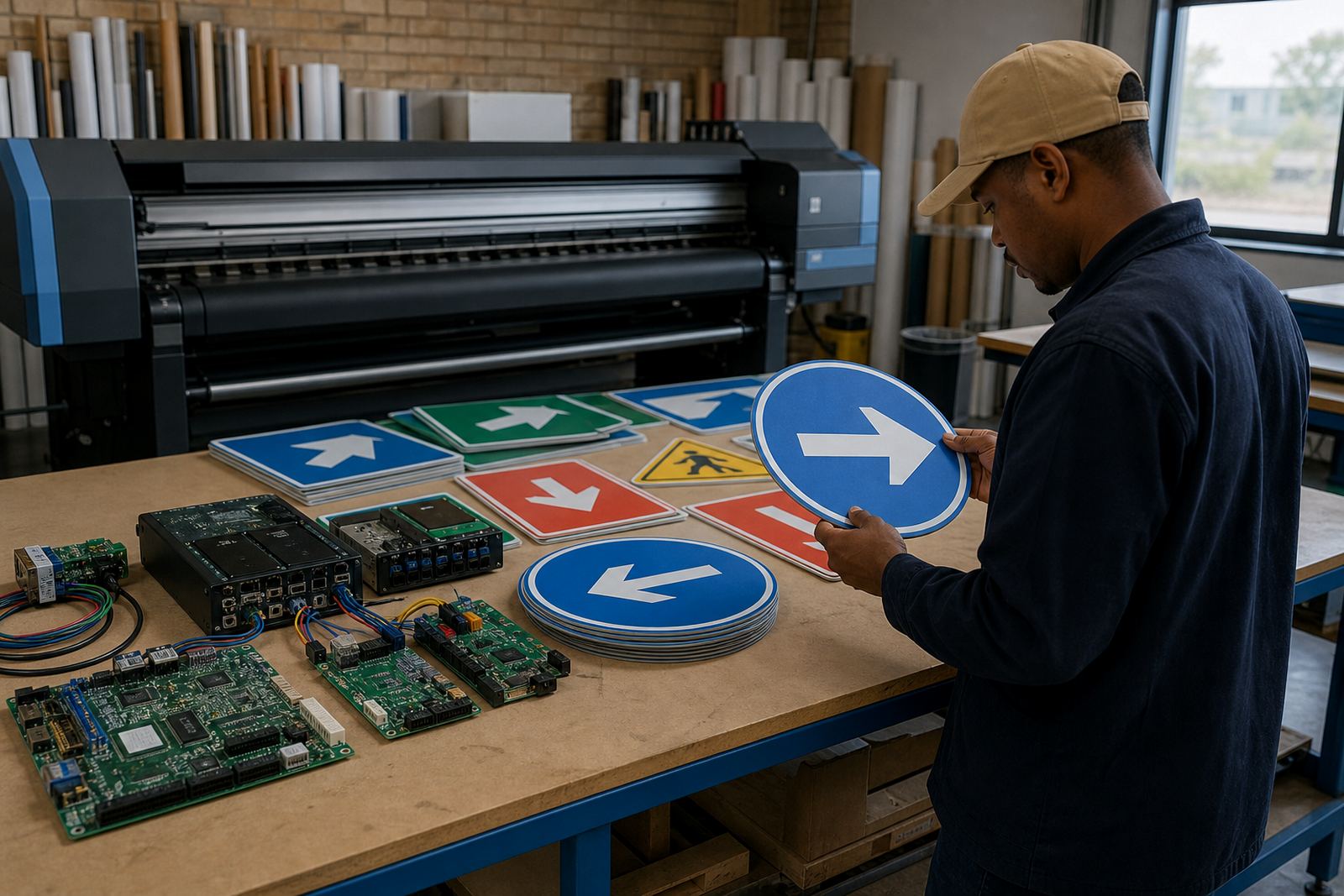
InkFlow RIP supports a practical spread of wide-format inkjet applications used by South African print shops and production houses. The details vary, but the same core controls matter: stable board communication, clean printhead driver setup, sensible nesting and dependable colour profiles.
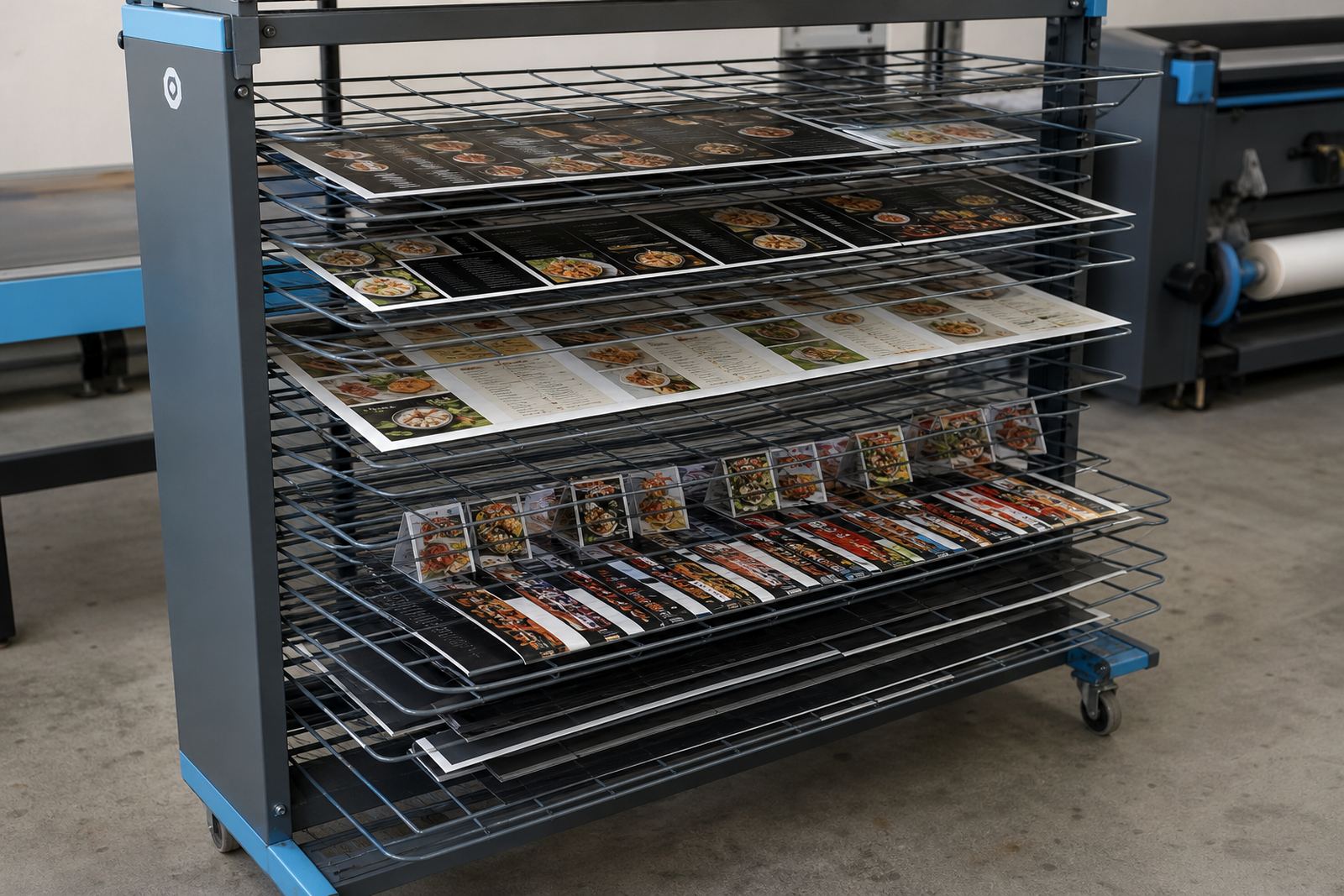
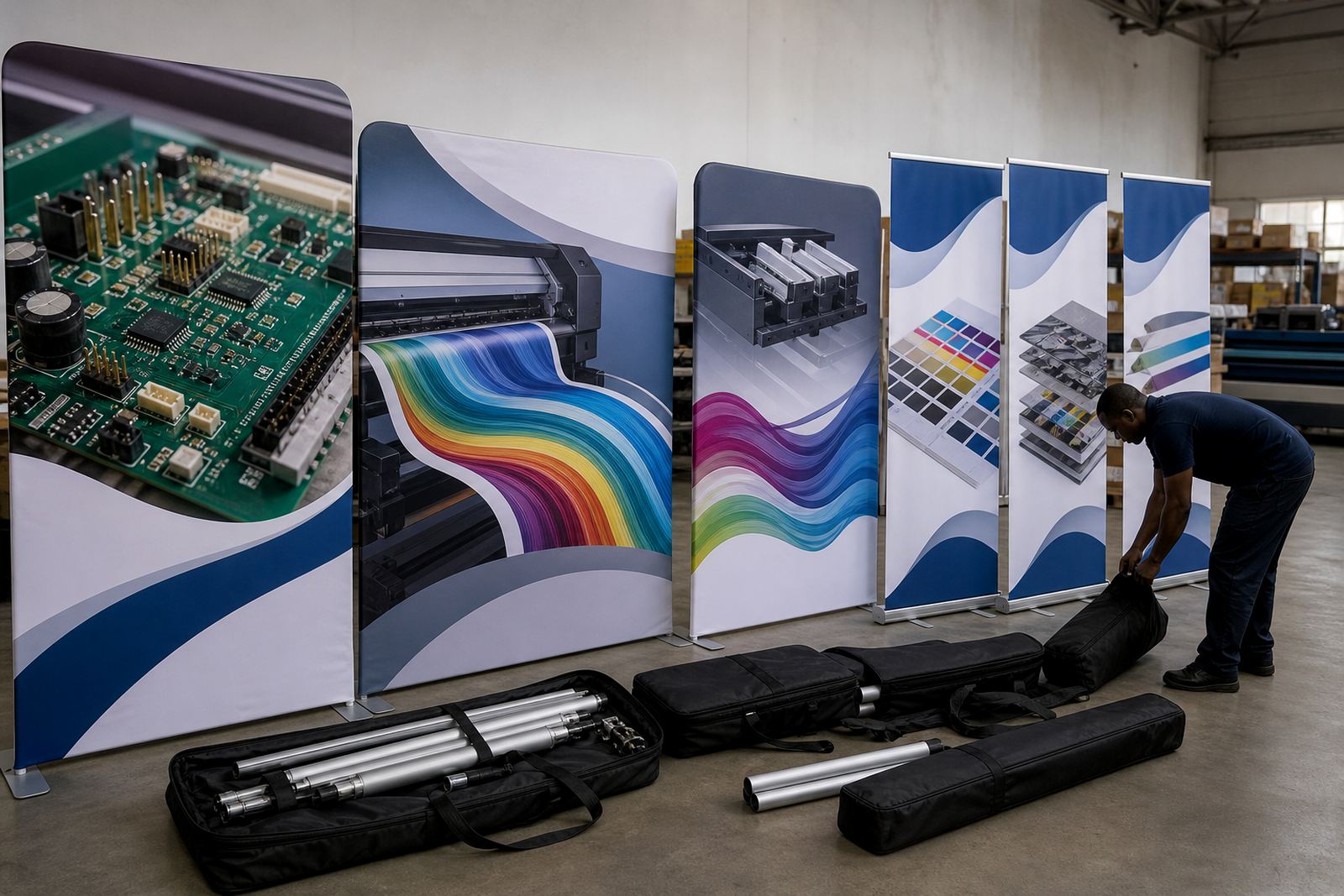
- Banners, posters and retail graphics
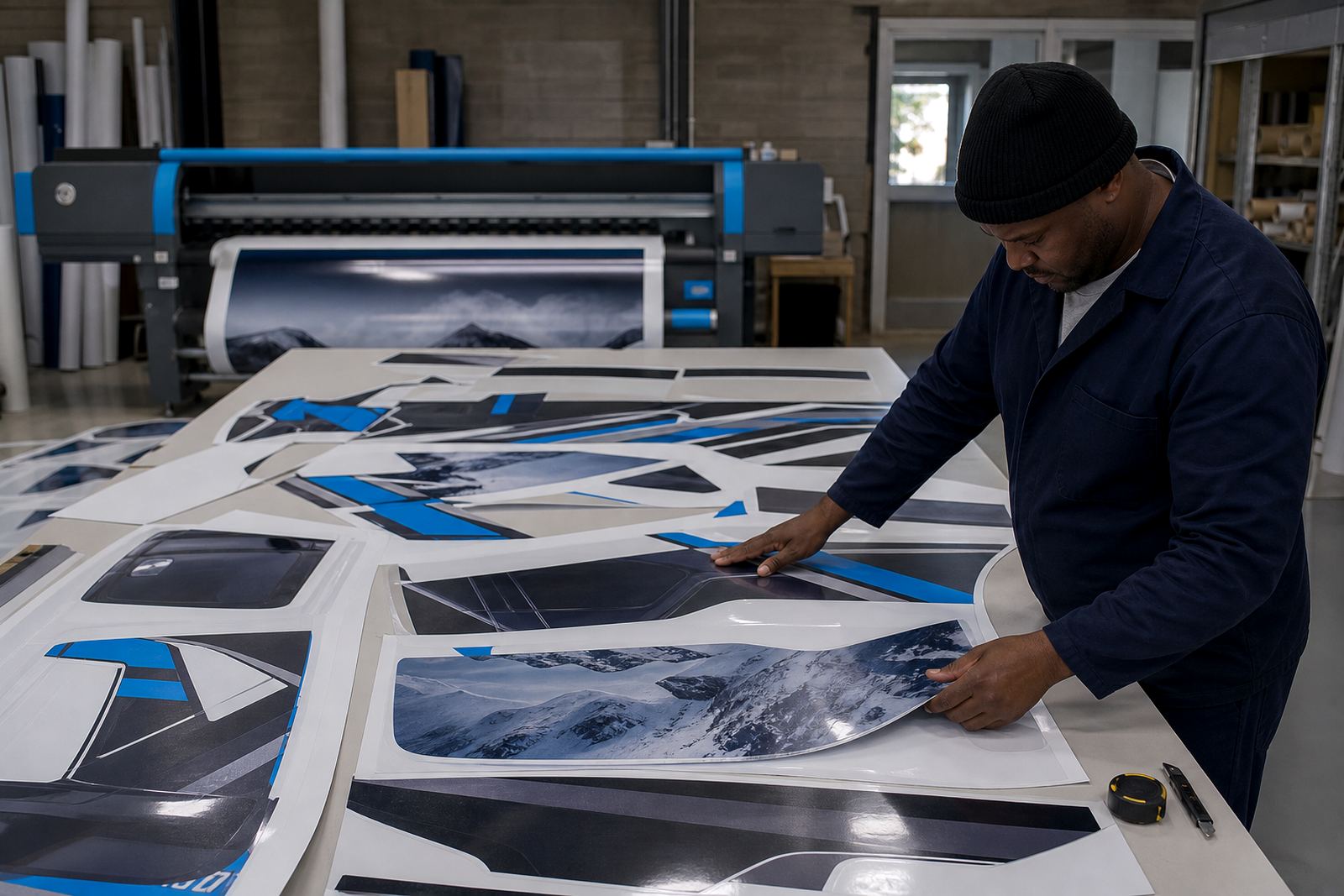
- Vehicle graphics and wrap panels
- Indoor display work on coated media
- Outdoor signage for short and long runs
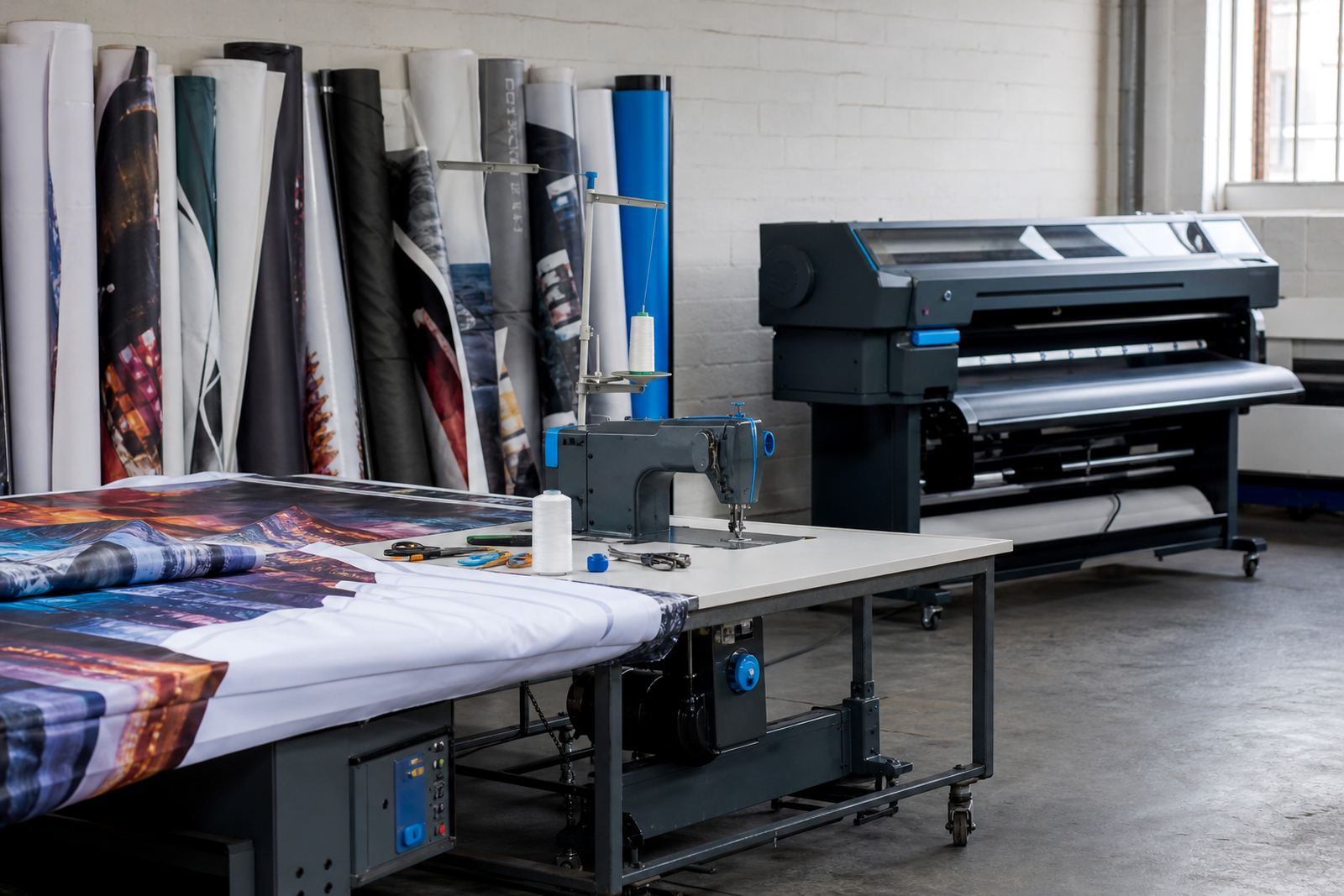
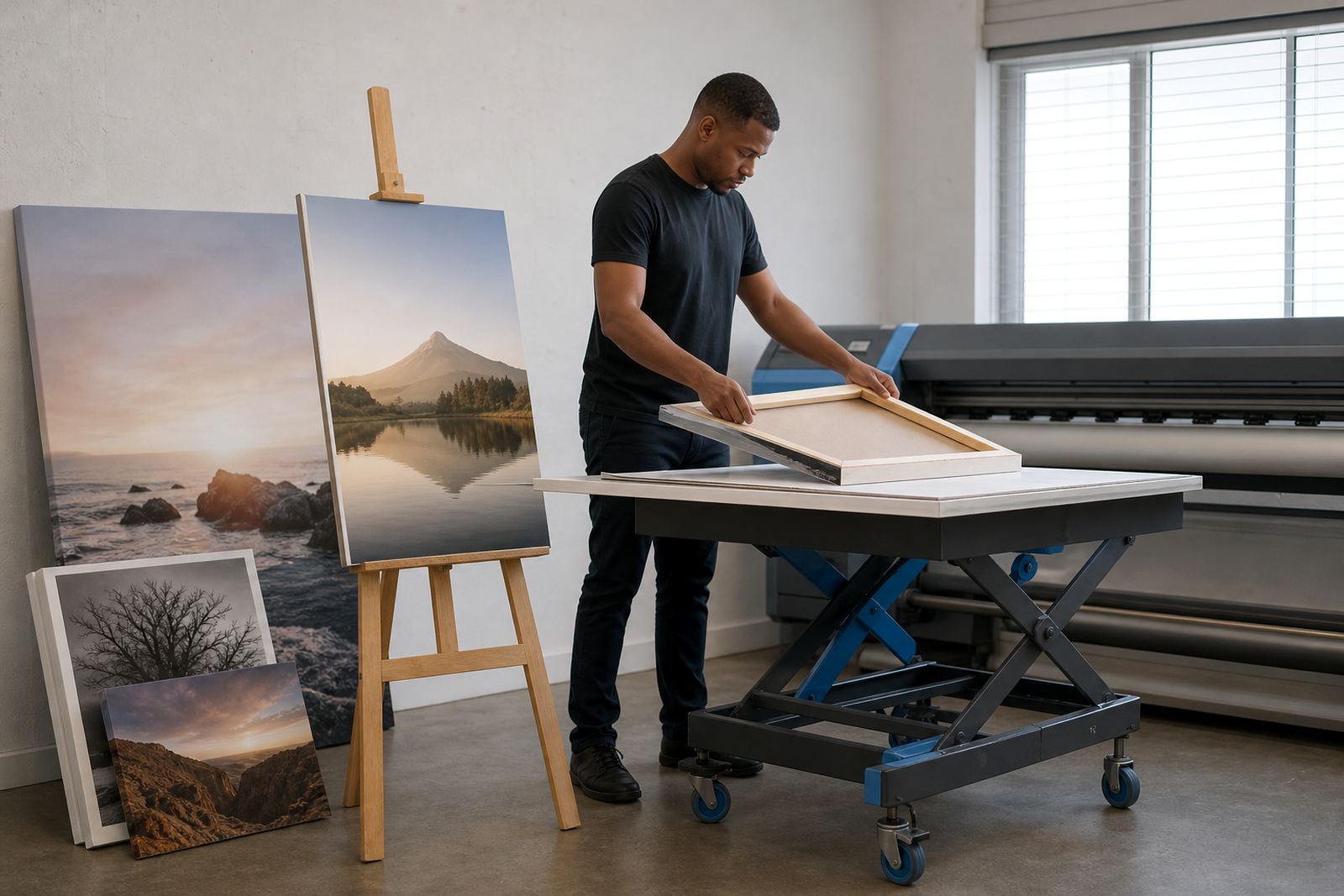
- Canvas, fabric and specialty media jobs
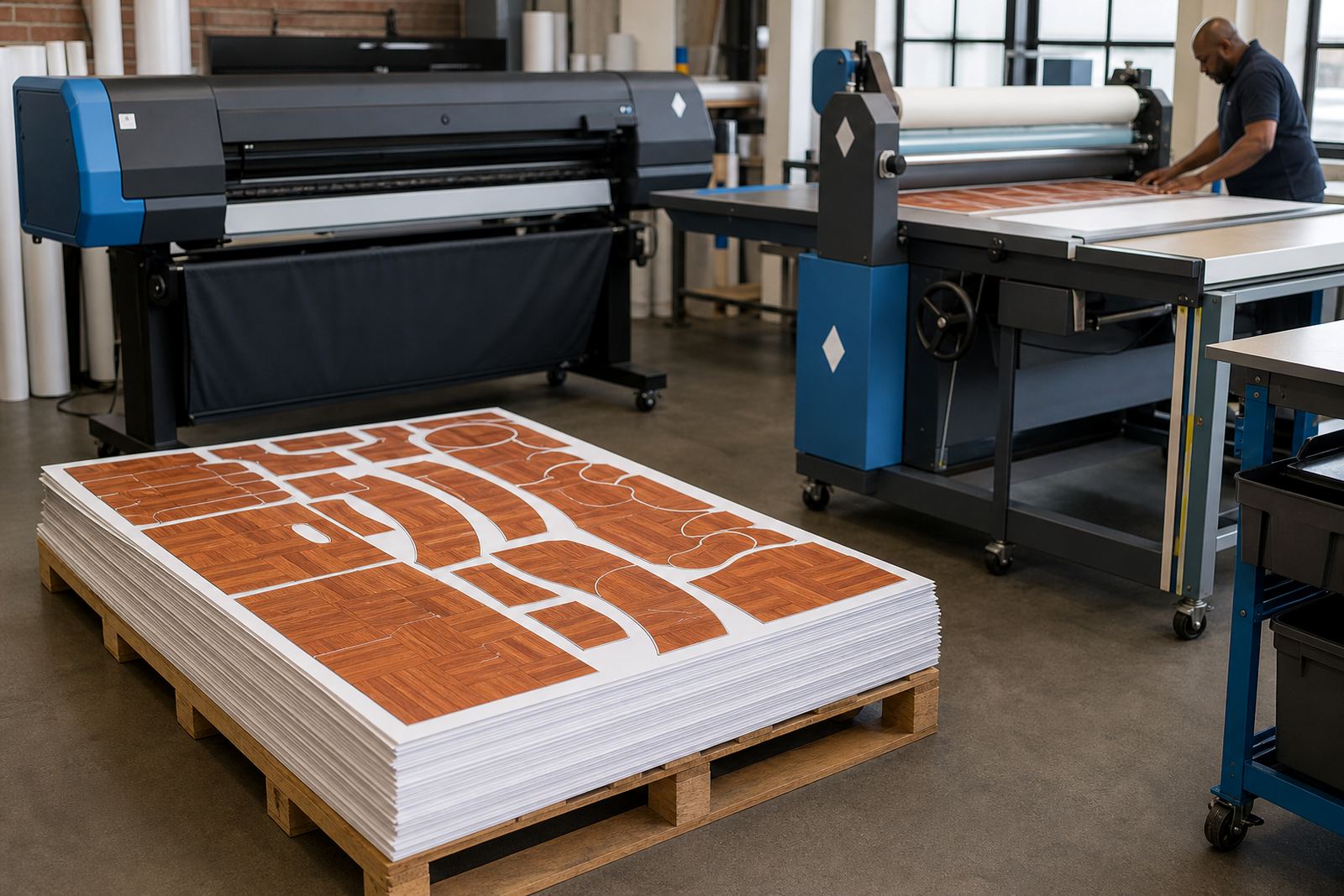
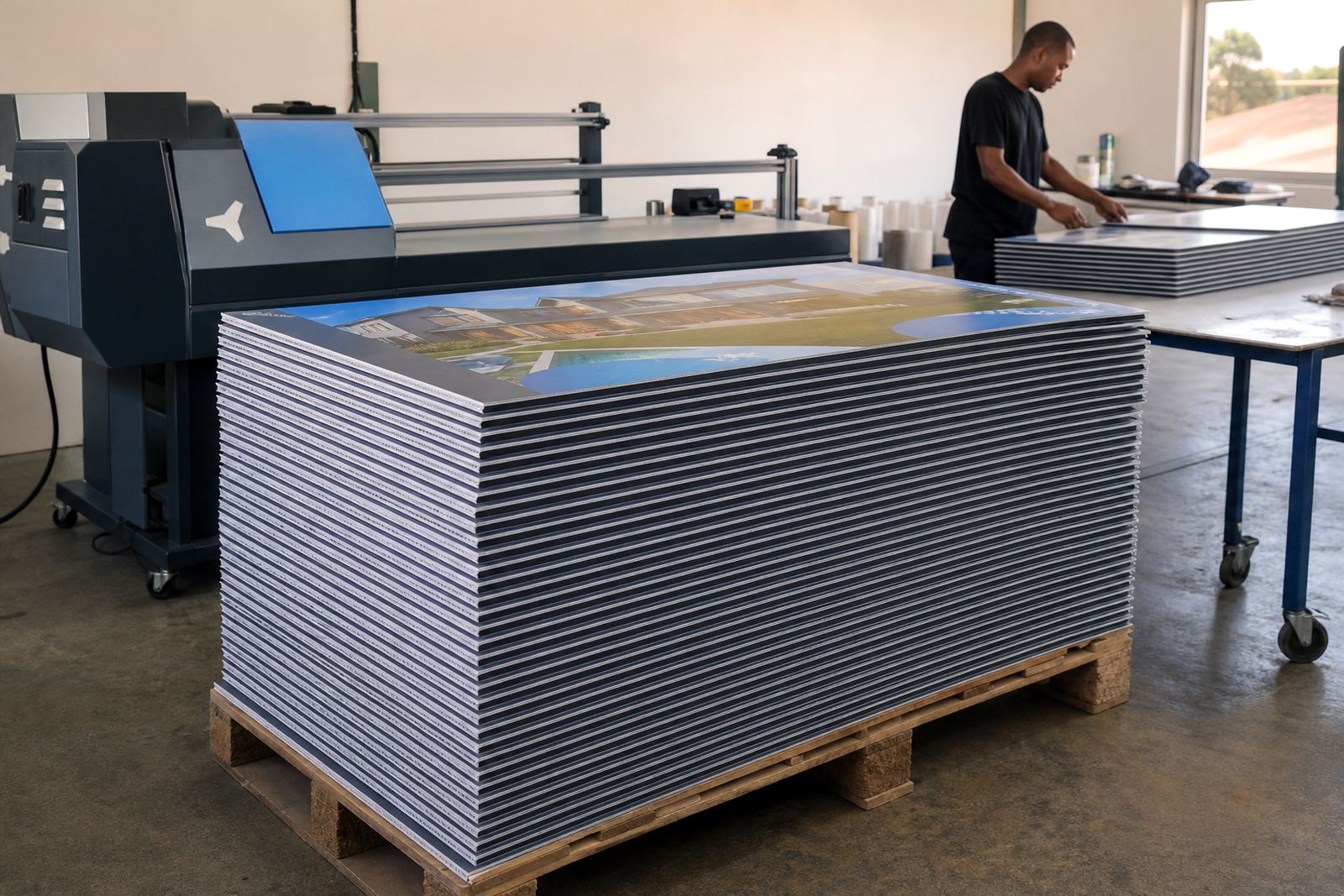
- High-volume reprints and mixed-job queues
When colour work needs more than a basic profile
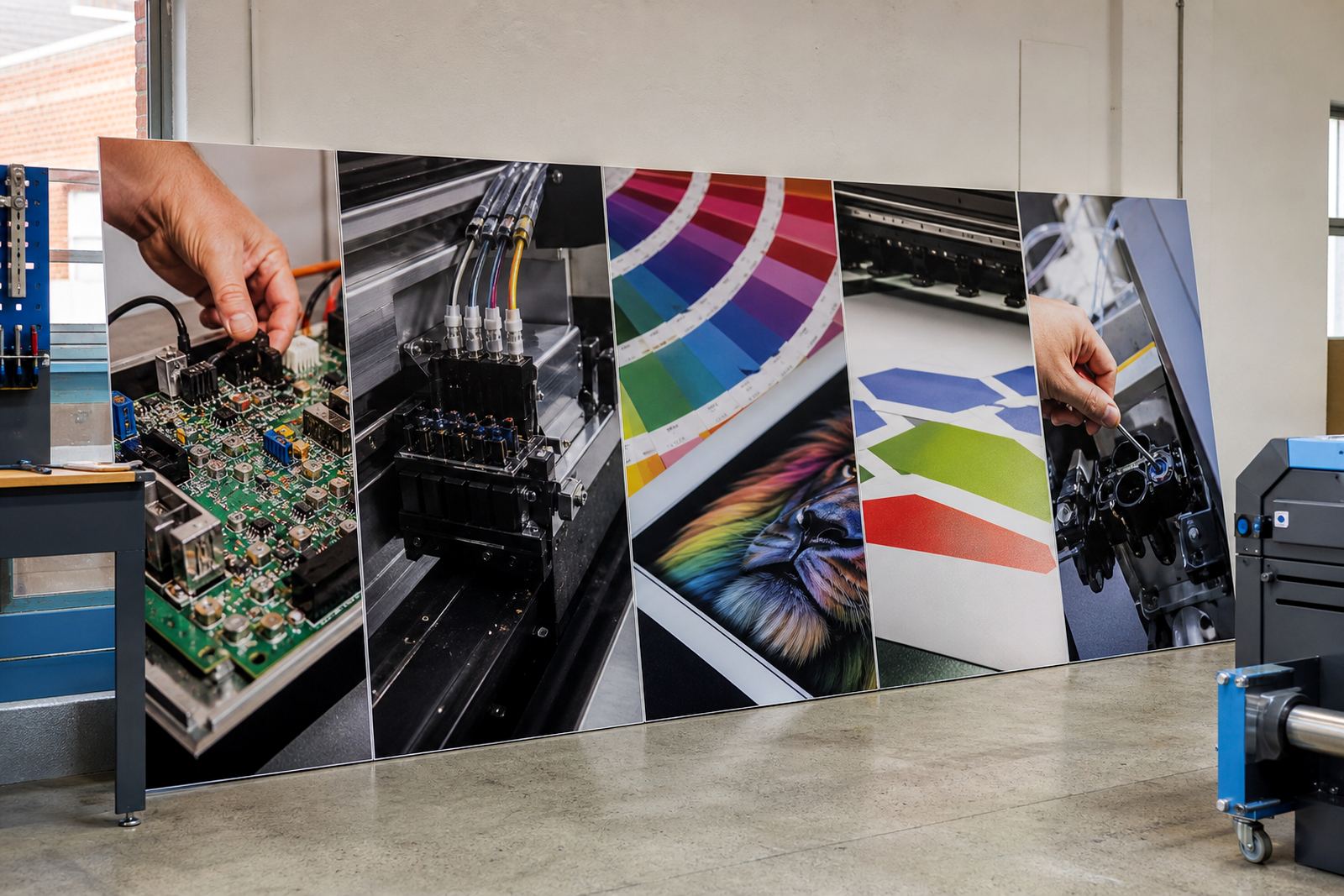
Some printers only need a straightforward setup. Others need tighter colour control for brand work, artwork with dark solids or repeat jobs that must hold a steady look across different shifts. In those cases we work on colour profiles, print modes, ink limits and the order of jobs in the queue so the machine spends less time idling between files.
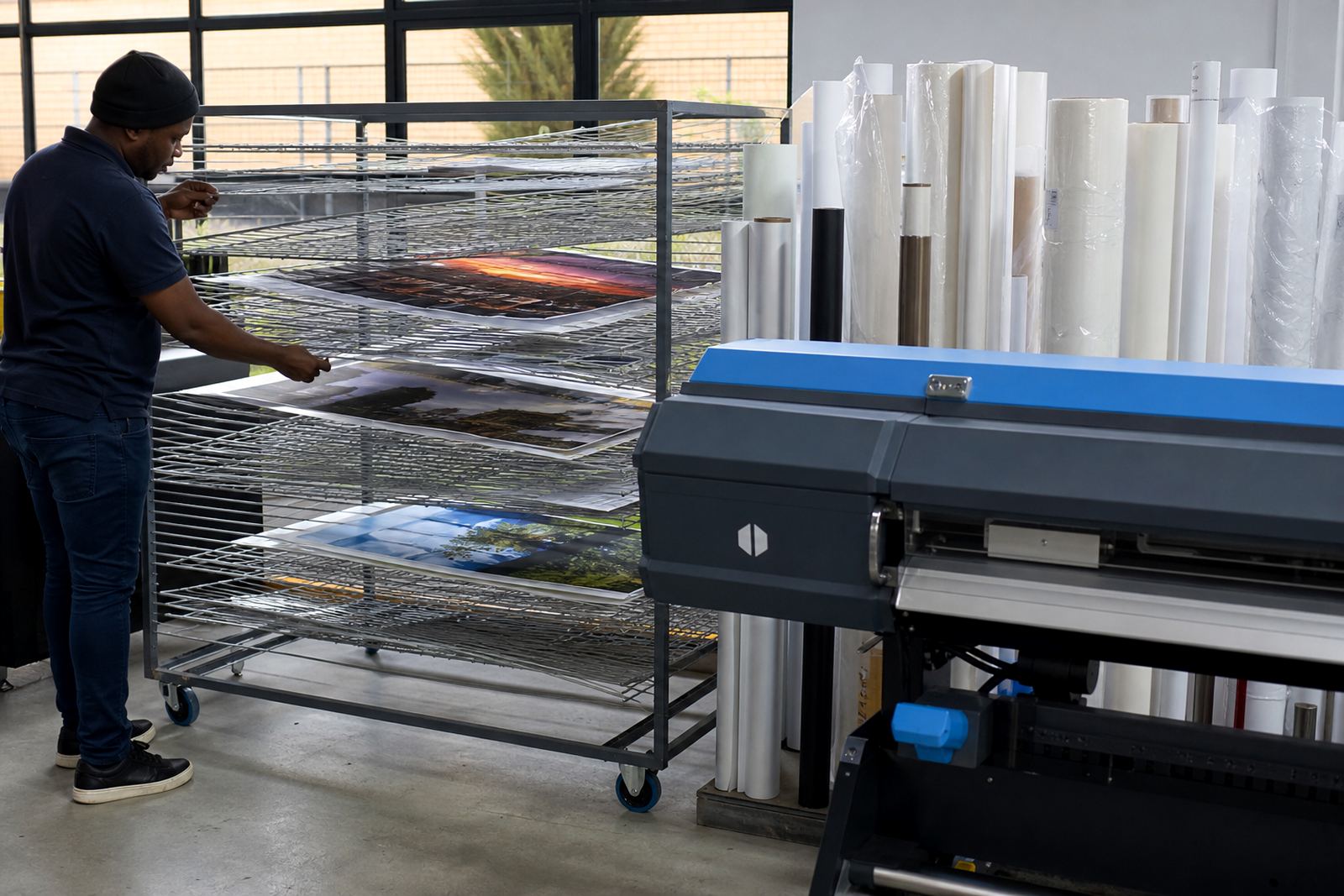
Coastal humidity in Durban can affect media handling and drying behaviour, while a dustier production floor inland may show up as inconsistent feed or head checks. Small adjustments in RIP settings can make a clear difference, especially when operators are juggling artwork, materials and delivery deadlines.
Control boards and drivers that suit real production
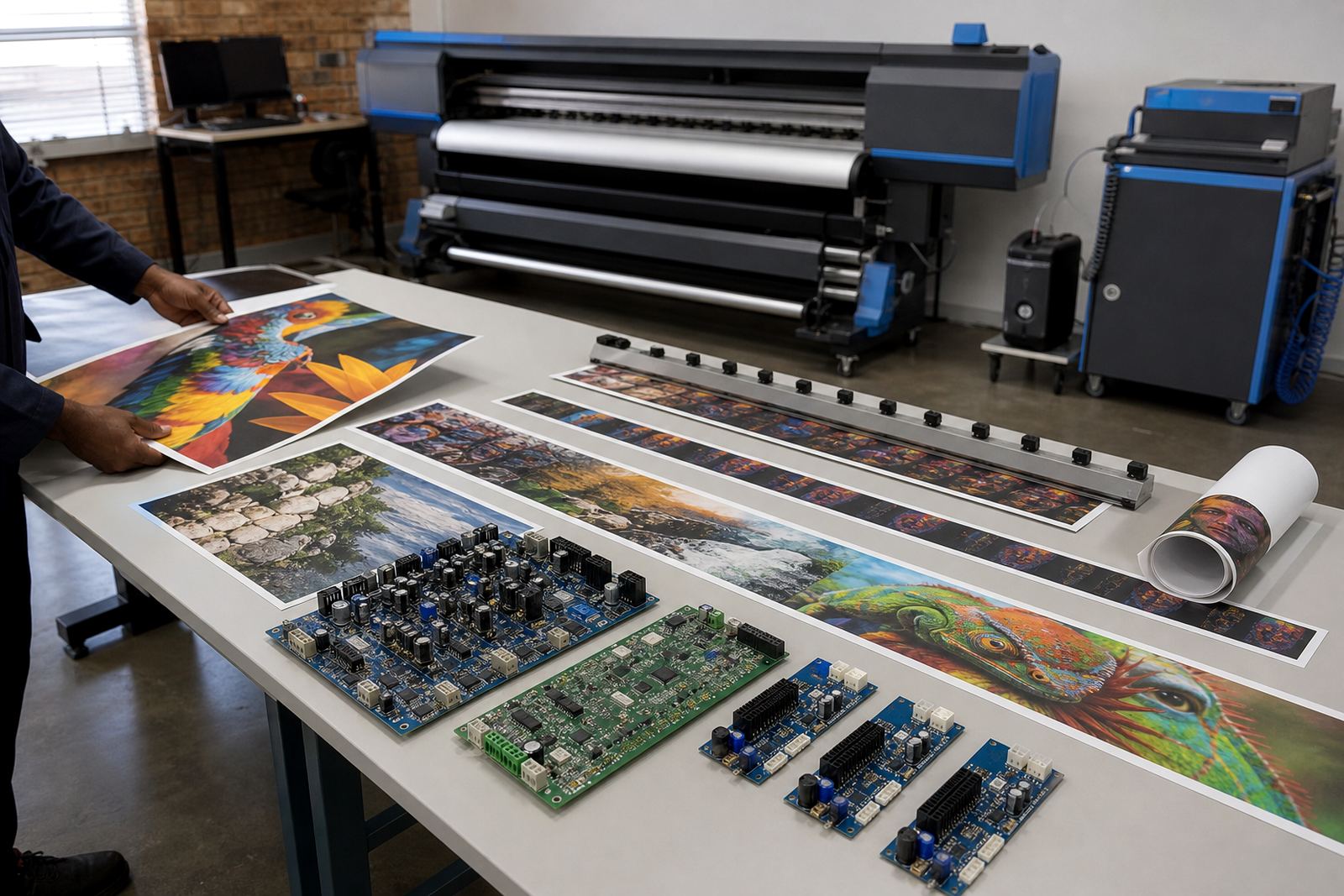
A control board has to speak cleanly to the printer and the RIP without dropping data or creating strange pauses mid-job. We set up board communication, driver behaviour and printhead control so the machine behaves predictably during long runs, short rush jobs and mixed media changes.
Where a printer already has a workable board, the focus may be on fault finding, backup and recovery, or preventive maintenance. Where a board has been replaced, the setup has to be checked carefully so feed timing, nozzle use and queue control all line up properly.
Choosing a page for the machine on your floor
If you are looking through these printer pages, start with the machine’s main workload. A shop doing mostly signage needs different settings from a business handling textile panels, and a high-output production line needs different queue discipline from a smaller studio with one or two operators.
- Start with the media width and typical job size
- Match the page to the ink set and print speed used most often
- Check whether colour matching or volume output matters more
- Look at whether the machine needs local support, remote setup or both
- Consider operator training if more than one person runs the queue
Support across Midrand and the main production centres
Our base is in Midrand, Gauteng, with support paths for Johannesburg, Pretoria, Durban, Cape Town, Bloemfontein, East Rand and West Rand print operations. Remote setup works well for many software tasks, while board installation, repair work and hands-on fault finding need a closer look at the machine itself.
Thabo Zungu heads the business, with Lerato Khoza overseeing operations, Johan Letsoalo handling RIP work, Zanele Moagi on colour workflow, Aiden Phiri leading remote support, Kagiso Pienaar on board repair and Bianca Rademeyer coordinating client training. That mix helps when a print shop needs one contact for several parts of the setup, not three different suppliers talking over each other.