When repeated labels start slipping out of line
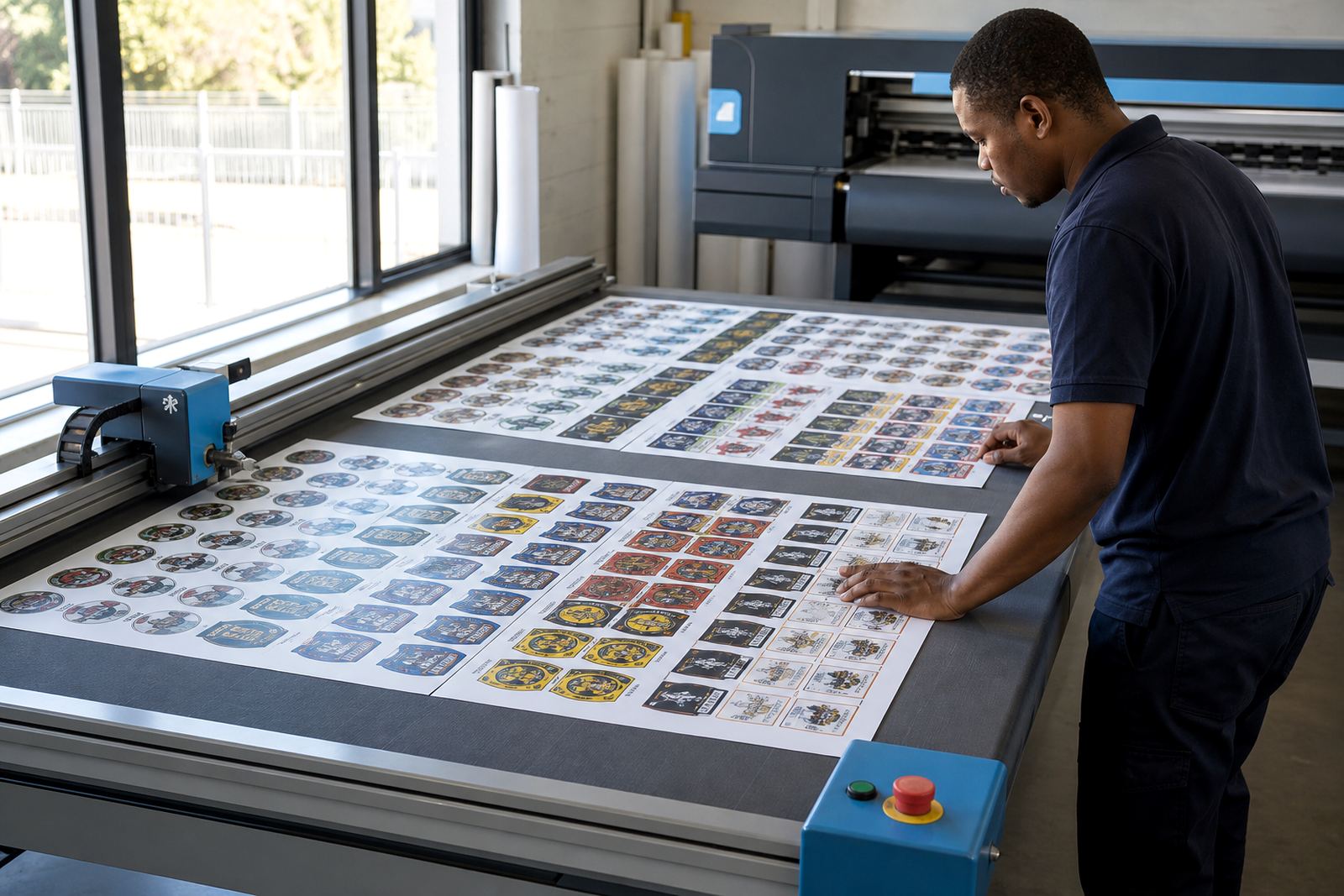
Label sheet work usually looks straightforward until the job gets large enough for small errors to show. A layout that is a few millimetres off on the first pass can create wasted sheets, uneven margins and extra trimming at the finishing table. In a busy print shop that handles short runs for different clients, the pressure is often on the RIP setup rather than the printer itself.
We work with shops producing repeated label layouts for product packs, sample labels, promotional stickers and short production runs where each sheet must hold the same position. The usual problem is not the artwork, it is the workflow around it: how the file nests, where the cut marks sit, how the colour profile behaves, and whether the board keeps the printer talking to the RIP without interruption.
The equipment stack behind label sheet production
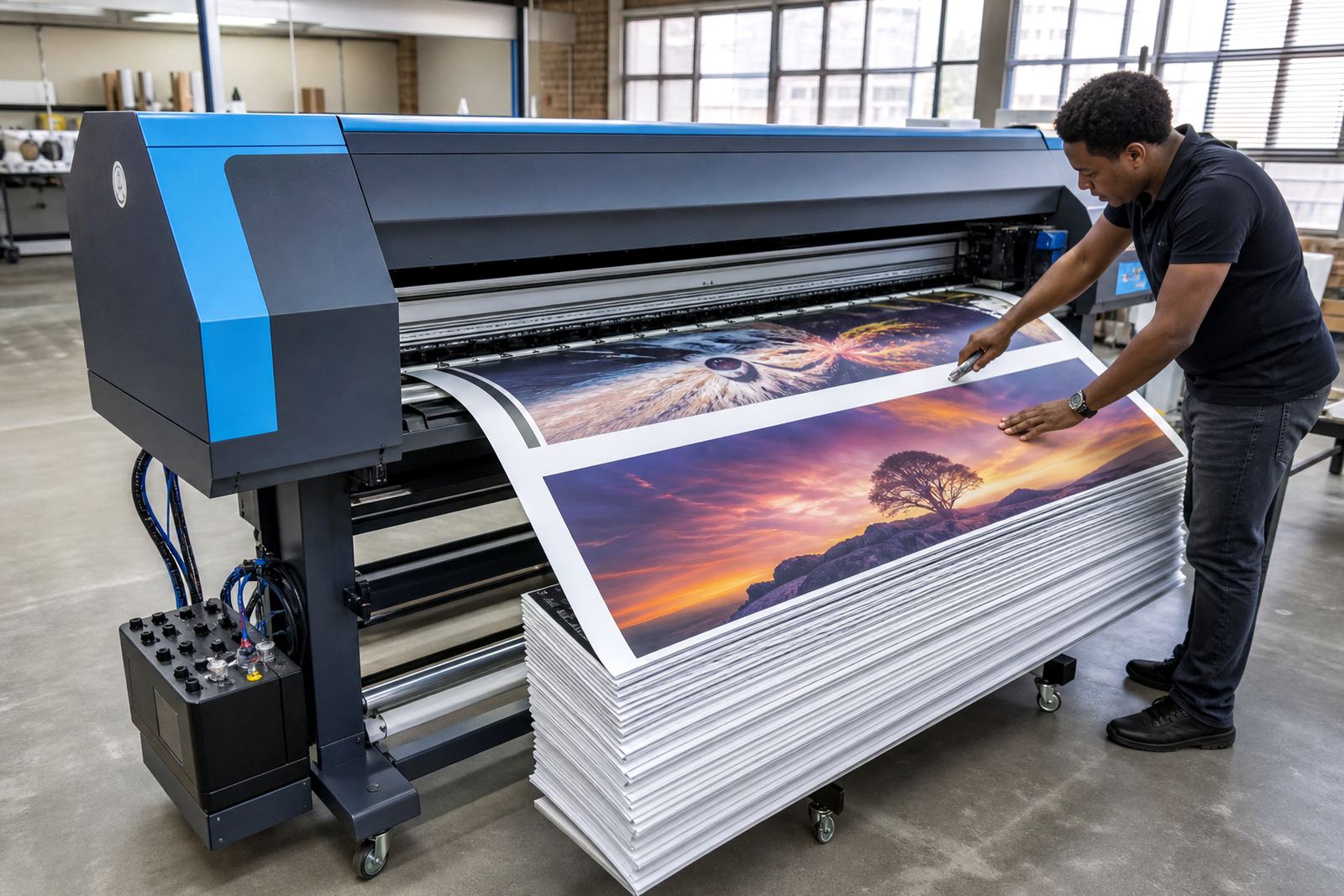
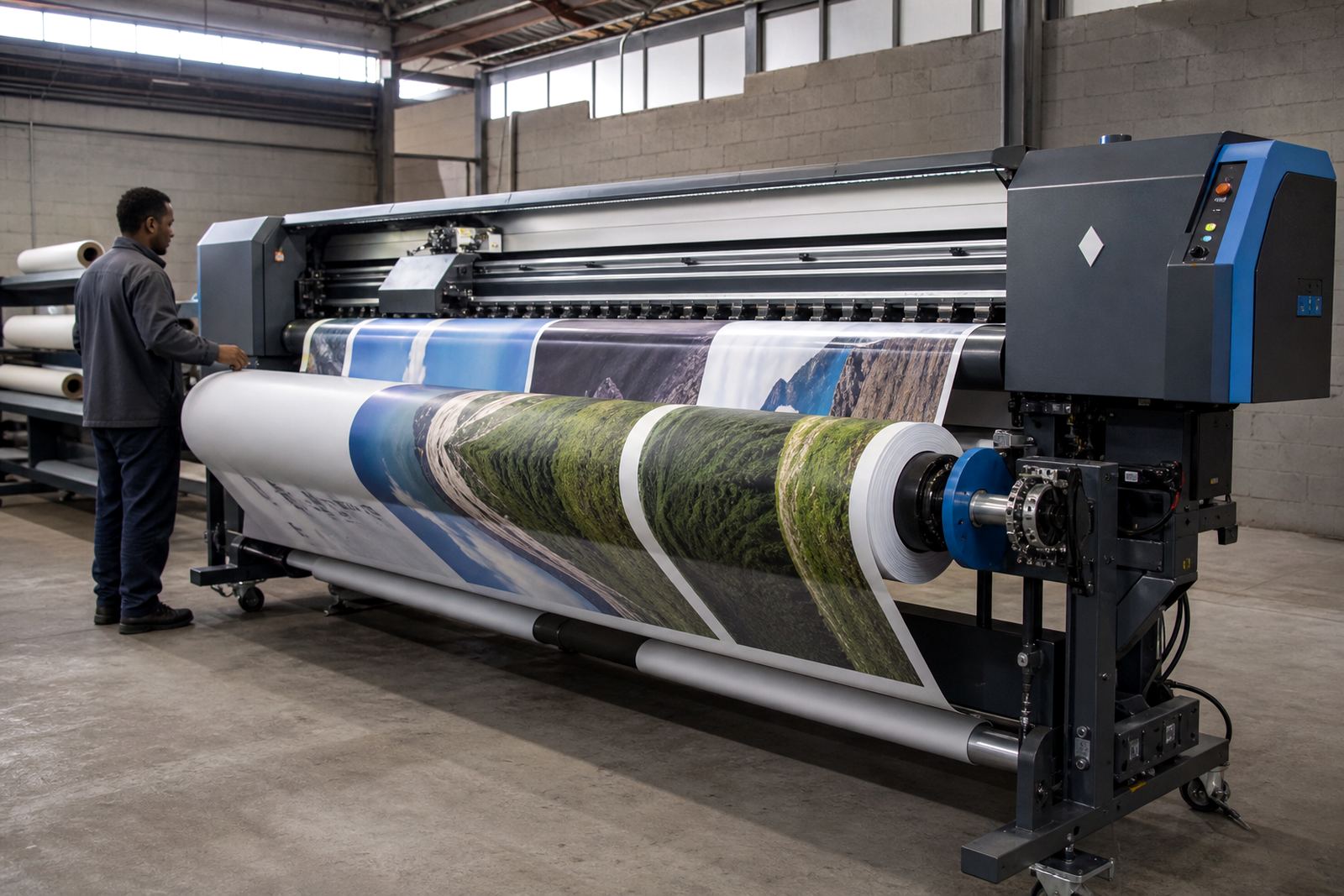
Label sheets are normally produced on wide-format inkjet printers with a control board, printhead driver setup, RIP software and colour-managed output. In many shops, the printer is asked to handle different media types in the same week, from coated label stock to self-adhesive sheets with variable thickness. That makes the control side important, because feed accuracy and pass alignment have a direct effect on finished labels.
The usual set-up includes:
- A wide-format inkjet printer with a compatible control board
- Printhead drivers set for the correct pass mode and ink delivery
- RIP software for imposition, nesting and cut-mark placement
- Colour profiles matched to the label stock and ink set
- Backup files for repeat jobs and reprints
When these parts work together, the label sheet run is easier to manage, especially where a finishing team is waiting on clean sheets for guillotining, kiss-cutting or hand finishing. If one part is out, the whole line can slow down a lot.
Planning repeated layouts before the job lands on press
Good label sheet planning begins with the finished sheet size, not the artwork file. The layout has to account for margins, bleed, trim marks and the space needed for handling after print. If the sheet is going to a finishing stage, the marks must be readable but not intrusive, and the repeat spacing must stay consistent across the run.
For shops in Johannesburg, Pretoria, Durban, Cape Town or Bloemfontein, the most useful planning step is to lock the template before the order hits production. That means setting the sheet grid, checking how many labels fit across and down, and deciding whether the run needs nesting to save material. A label job can look neat on screen but still waste stock on press if the repeat is not arranged properly.
- Keep the repeat size fixed before exporting the file
- Allow enough bleed around each label edge
- Place cut marks where the finishing team can read them cleanly
- Use the same profile for all sheets in the run
- Test one sheet before loading a full batch
Colour control where small labels still need to look sharp
Colour on labels is usually judged more harshly than on posters or banners, because the printed area is smaller and the eye notices defects quickly. On a product label, a slight shift in skin tones, brand colours or background greys can change the whole feel of the pack. That is why colour profile setup matters just as much as the mechanical side.
InkFlow RIP setup for label sheets focuses on predictable tone, clean solids and stable output across the run. In humid coastal conditions, especially around Durban and Cape Town, stock can behave differently from a dry inland store room and that changes the way sheets feed. A practical setup helps reduce surprises and keeps the same label looking the same from one batch to the next, which is exactly what most finishing teams want.
Common mistakes that waste sheets and finishing time
Most label sheet issues are caused by a few repeated mistakes. The files are often sent with mixed sizes, the cut marks are too close to the artwork, or the nesting leaves unused space that should have been recovered. In some cases, the printer is technically fine but the board or driver setup is out of step with the RIP settings, so the sheet drifts during longer runs.
Other common problems are easy to miss until production starts:
- Using the wrong media profile for the label stock
- Changing artwork after the layout has already been imposed
- Ignoring feed direction and sheet orientation
- Leaving too little margin for guillotine work
- Skipping backup copies of the RIP queue and profiles
These mistakes do not always stop a job completely, but they add labour and scrap. On larger label runs that gets expensive very quickly.
Typical cost bands for label sheet setups in Rand
Budget depends on whether the job needs a fresh RIP setup, a control board install, colour profiling, operator training or fault finding on existing equipment. For label sheet workflows, many shops start with software configuration and then add board work or printhead driver tuning if the printer is not holding registration properly. Remote setup is often enough when the machine is already healthy and only the workflow needs tightening.
As a practical guide, label sheet-related work can fall into these broad bands:
- Basic RIP or queue setup: R1 500 to R4 000
- Colour profile setup and media calibration: R2 500 to R6 500
- Board installation or control board replacement: R4 500 to R12 000
- Printhead driver setup and production tuning: R3 000 to R8 500
- Fault finding and preventive maintenance: R1 800 to R5 500
Complex multi-printer environments, or shops with older hardware and mixed label stock, usually need a more detailed scope. That is especially true where the same machine prints labels during the week and other wide-format work on the weekend.