When a wall graphic must line up room after room
Interior wall coverings ask more from a printer than a single poster or banner. Pattern repeats must meet cleanly, colours must sit close from panel to panel, and the production file must stay stable when a job runs across many sheets or metres. In retail spaces, offices, reception areas and hospitality interiors, a small shift in scaling or colour balance shows up straight away once the sheets go on the wall.
That is where a proper RIP setup matters. The software has to manage repeat patterns, paneling, crop marks, overlap, and print order without forcing the operator to guess. It must also work with the printer control board and printhead driver settings so the machine lays down ink in a steady way, even on long runs. For wall coverings, the difference between a tidy production file and a rushed setup is easy to see on the wall.
Typical equipment in a wall covering workflow
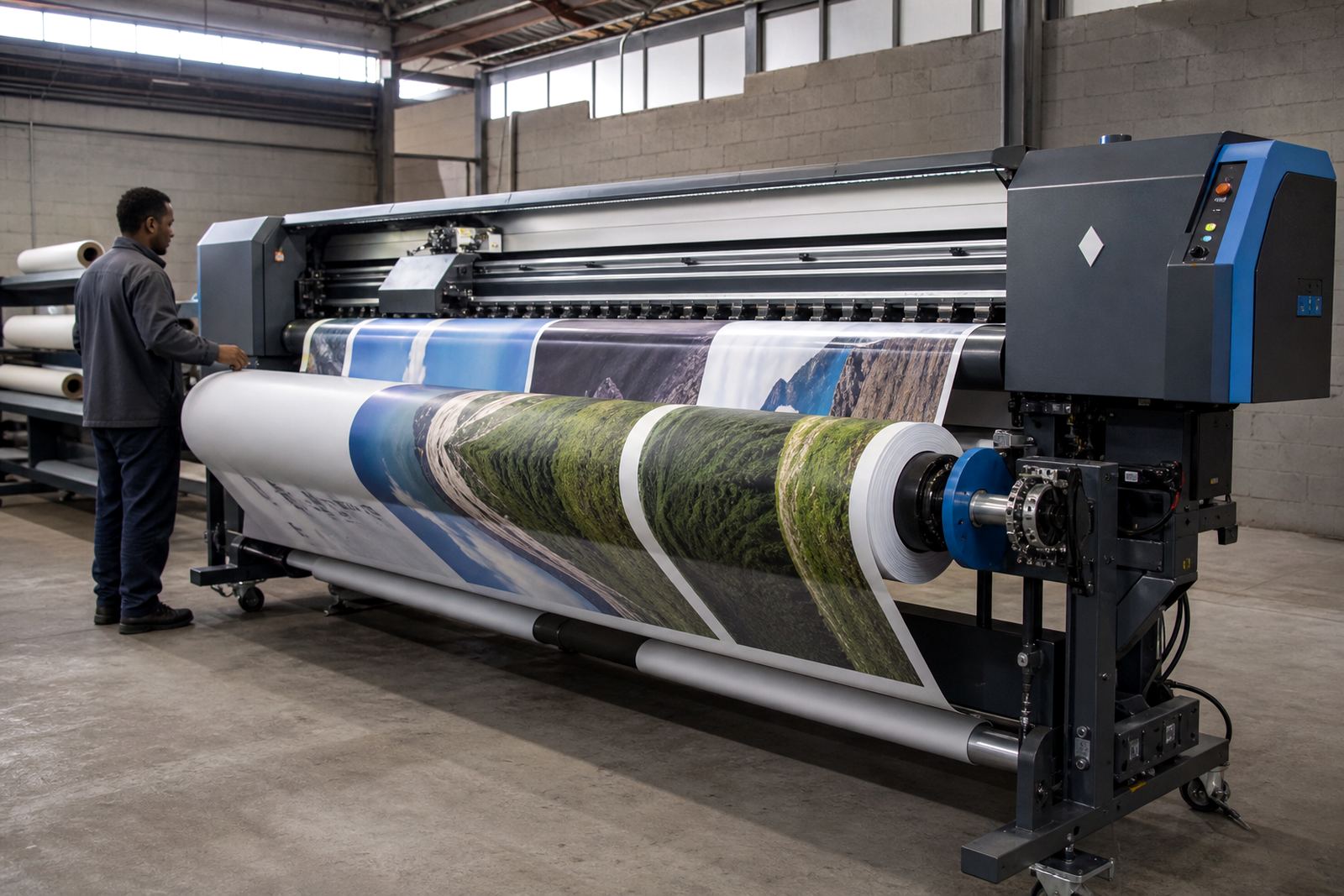
A wide-format wall covering line usually includes a printer control board, printhead drivers, RIP software, colour profiles and a dependable workflow for nesting and queue control. Some workshops also run a cutter or finishing station alongside the printer, which makes job order and file naming worth getting right from the start. If the production room handles several media types, the profile set must stay organised so each substrate prints with the right ink limits and drying behaviour.
- Printer control boards that keep the machine communication steady
- Printhead driver setup matched to the printer’s head configuration
- RIP software for repeat layout, tiling and queue control
- Colour profiles for coated, textured or matte wall media
- Nesting tools for saving material on multi-panel jobs
- Maintenance routines for heads, sensors and firmware settings
When these parts work together, operators spend less time correcting files and more time producing clean panels. In humid coastal towns, paper-based wall media can also react differently during storage, so a reliable workflow helps reduce handling errors before the print even starts.
Layout choices that keep repeat patterns honest
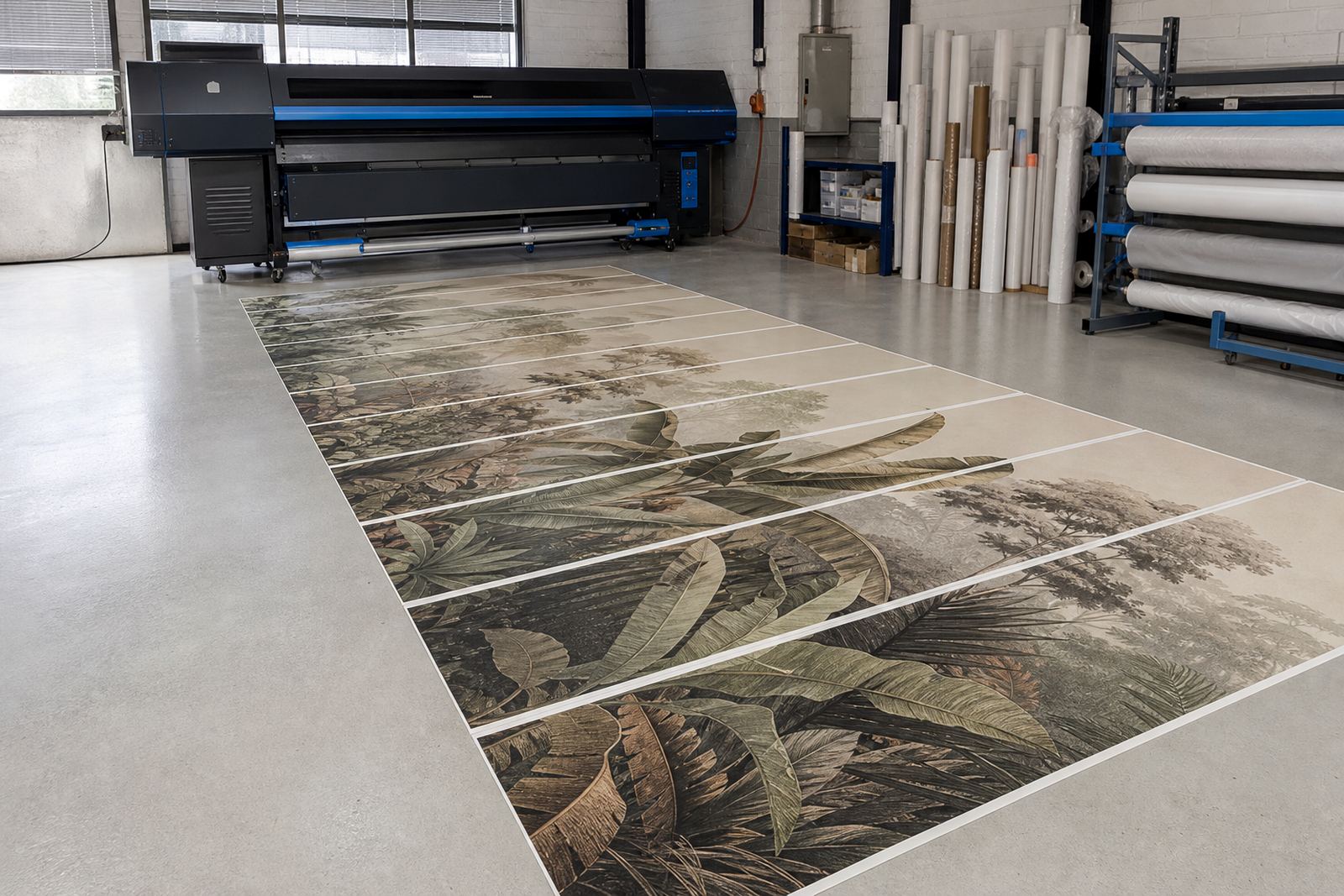
Wall coverings usually fail on layout long before they fail on print quality. A repeat pattern that looks fine on screen can drift once it is tiled across several panels, especially where the designer has not checked the repeat length against the actual print width. Good planning starts with the finished wall size, the panel count, the overlap or butt join allowance, and the trim method at site.
For long corridors or feature walls, it helps to separate the job into clear production blocks. That means checking panel orientation, setting a consistent bleed, and locking the scaling so the artwork does not shift between revisions. Colour should be soft-proofed against the chosen media profile, because a warm white wall base in one job can make a grey tone look flat or yellow if the profile is left too loose. Johan and Zanele often work through these steps together on more exacting jobs, since a slight mismatch in profiling can travel across an entire wall run.
Mistakes that show up only after installation
Some errors only become visible once the panels are on the wall and the installer steps back. A common one is poor nesting, where the operator tries to save material but leaves the artwork sequence messy, which makes trimming and matching harder. Another is weak colour control, especially when one set of panels is printed on a different day without checking the profile or ink limit settings again. That can leave one section slightly cooler or darker than the next.
Other problems include incorrect head driver settings, dirty sensors, and queue files that are not named clearly enough for repeat production. If a board is not communicating cleanly with the RIP, you may see pauses, banding or misreads that waste media on a long run. In a busy shop, those faults usually cost more in time and scrap than they would have cost to sort out upfront.
- Wrong scale on tiled repeats
- Uneven colour between panels printed on separate days
- Poor overlap or trim allowance at the joins
- Incorrect head driver values for the printer model
- Unclear queue order during multi-job production
Remote setup for print shops in South Africa
InkFlow RIP works with print shops across Johannesburg, Pretoria, Durban, Cape Town and Bloemfontein, as well as Midrand and the East and West Rand. Remote setup is useful when a workshop needs help building a wall covering workflow without stopping production for long. The process can cover RIP installation, board installation, printhead driver setup, colour profile setup, queue workflow design, fault finding and backup recovery.
For sites with several operators, training matters just as much as software setup. Bianca handles client training so the team can keep repeat jobs consistent, while Aiden supports remote fault finding and production tuning. Kagiso takes care of board repair work where hardware issues are the real cause, and Lerato keeps operations organised when more than one machine is feeding the same production plan. That kind of support helps a shop keep wall jobs moving even when the work is divided across different printers and shifts.
Budget ranges for wall covering production support
The budget for a wall covering setup depends on the printer size, the number of channels on the head carriage, the amount of colour work required and whether the shop needs new profiles or a full queue rebuild. A small single-machine setup may only need software configuration and operator training, while a larger production room may need board installation, maintenance checks and colour workflow corrections across several devices. The scope changes the cost more than the job title does.
As a working guide, a focused RIP configuration for wall graphics often sits in the lower thousands of Rand, while a fuller production setup with profiling, board work and workflow planning can move higher into the mid-thousands or beyond. Shops with several printers, heavy repeat output and ongoing support needs should allow for a larger budget band. The useful question is not only what the software costs, but what it saves when the panels line up and the colour stays steady across the full wall.