When a canvas job looks flat on press
Canvas reproductions often begin with a file that looks fine on a monitor, then shifts once it moves through the printer and onto textured stock. The surface weave can soften fine detail, dark areas can plug up, and soft gradients may step or band if the RIP settings are not matched to the media. In Gauteng print shops, and also in coastal areas like Durban where humidity changes day to day, those small shifts can show up quickly on a wall piece or gallery run.
For this kind of work, the client usually needs more than standard output settings. A printer control board must communicate cleanly with the machine, printhead drivers need to stay stable, and the RIP has to hold a proper profile for the canvas type in use. We work with wide-format inkjet printers used for décor pieces, retail displays, exhibition panels and fine art reproduction, where shadow detail and skin tones matter just as much as saturation.
The equipment set behind a steady canvas run
Most canvas setups use a wide-format inkjet printer with a suitable control board, RIP software and a colour workflow that has been tuned for the media. Depending on the machine, the job may also need printhead driver setup, queue handling and maintenance routines that keep the output consistent during longer runs. If the system is drifting, the result can be uneven blacks, weak greys or a visible shift from one panel to the next.
- Printer control board setup for accurate communication and job control
- RIP installation with media presets for textured and coated canvas
- Printhead driver setup for stable passes and cleaner detail
- Colour profile setup for tonal balance, skin tones and shadows
- Queue workflow design for mixed jobs and repeat production runs
- Backup and recovery for settings that must not be lost
In many shops, the production team also wants a simple way to switch between canvas, photo paper and other wide-format media without rebuilding the full workflow each time. That is where clear naming, sensible presets and operator training help keep the line moving.
How the layout needs to work for textured stock
Canvas layout is not only about placing an image on a sheet. The image size, bleed allowance, border wrap and panel nesting all affect the final look. A busy production room in Johannesburg or Pretoria may be running several jobs in one shift, so it helps when the RIP can organise artwork for efficient media use without squeezing the image into a poor fit.
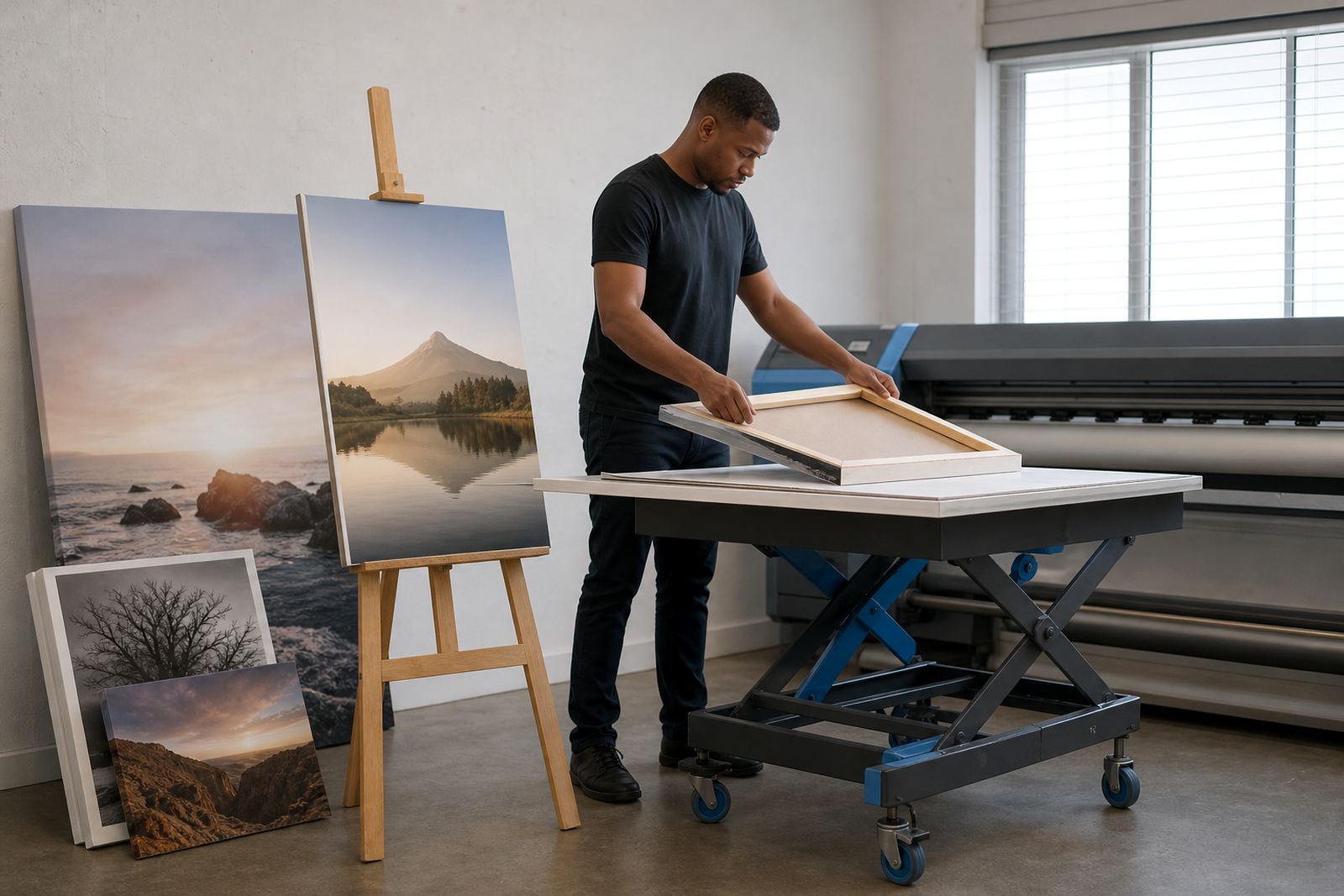
For stretched pieces, the image needs enough edge content for wrapping around a frame. For framed reproductions, border handling may need a little extra breathing room so the picture does not feel cramped. If the canvas has a pronounced weave, soft shadows and smooth transitions need closer attention, because that texture can hide some detail and exaggerate others.
- Leave wrap margins where the canvas will stretch over stretcher bars
- Keep important faces, signatures and text away from the edges
- Use nesting only where it does not disturb tonal balance
- Set a sensible resolution for the printer and viewing distance
- Save separate presets for glossy, matte and artist-style canvas
Mistakes that show up on wall art fast
One common mistake is using a generic profile for all textured media. A canvas that carries a warm base may need different ink limits and black handling than a smoother coated stock. Another issue is operator drift, where one person changes a setting to solve a single job and the change stays in the system, then the next run comes out off colour. That sort of thing can waste metres of media and time very quickly.
Head maintenance also matters. On a wide-format inkjet printer, blocked nozzles or unstable printhead behaviour can give a fine image a rough, broken look. If the board or driver path is not cleanly configured, you may see banding, dropped lines or poor repeatability. Maintenance routines should match the pace of the shop, not a perfect but unrealistic schedule.
A practical setup usually includes:
- Clear media profiles for each canvas type
- Ink limits that suit the texture and coating
- Operator notes for loading, drying and handling
- Regular checks on nozzle health and print alignment
- Backups for colour settings and queue templates
Budget ranges that fit real production work
For canvas reproduction work, budget depends on whether the shop needs a fresh RIP installation, a control board repair, colour profile setup or a full production tune. A smaller correction job may sit in the lower range, while a broader setup with training, recovery and queue planning can cost more. For South African print rooms, it is useful to think in bands rather than fixed numbers, because machine size and workflow depth change the scope.
Typical project ranges often start around R3 500 for a targeted software or profile adjustment, move into the R8 000 to R18 000 band for broader setup work, and can reach R25 000 or more where board replacement, deeper fault finding and structured training are needed. A busy shop handling décor, exhibitions and repeated canvas production may also want ongoing support, especially when several operators share the same printer.
We handle remote setup for print shops in Midrand, Johannesburg, Pretoria, Durban, Cape Town and Bloemfontein, with support that suits the way wide-format production is actually run. That can include production tuning, preventive maintenance and recovery of saved profiles after a system change or fault.
A cleaner path for repeat canvas orders
When canvas output is handled properly, the same image can hold its tone from the first print to the last. That depends on stable board control, careful RIP settings and enough attention to the profile that the artwork sits on. For graphic designers and production teams, the goal is not only a bright print but one that keeps its depth, balance and texture across the run.
Thabo Zungu leads the operation from our Midrand base, with Lerato Khoza coordinating work and Johan Letsoalo handling RIP detail. Zanele Moagi focuses on colour workflow, Aiden Phiri leads remote support, Kagiso Pienaar repairs boards, and Bianca Rademeyer coordinates training for operators who need a steadier process on the floor. If your canvas jobs need cleaner gradients, better shadow separation and less waste on textured media, the right setup makes a noticeable difference.
For enquiries, clients use the enquiry form on our contact page.