When a decal run has to move without fuss
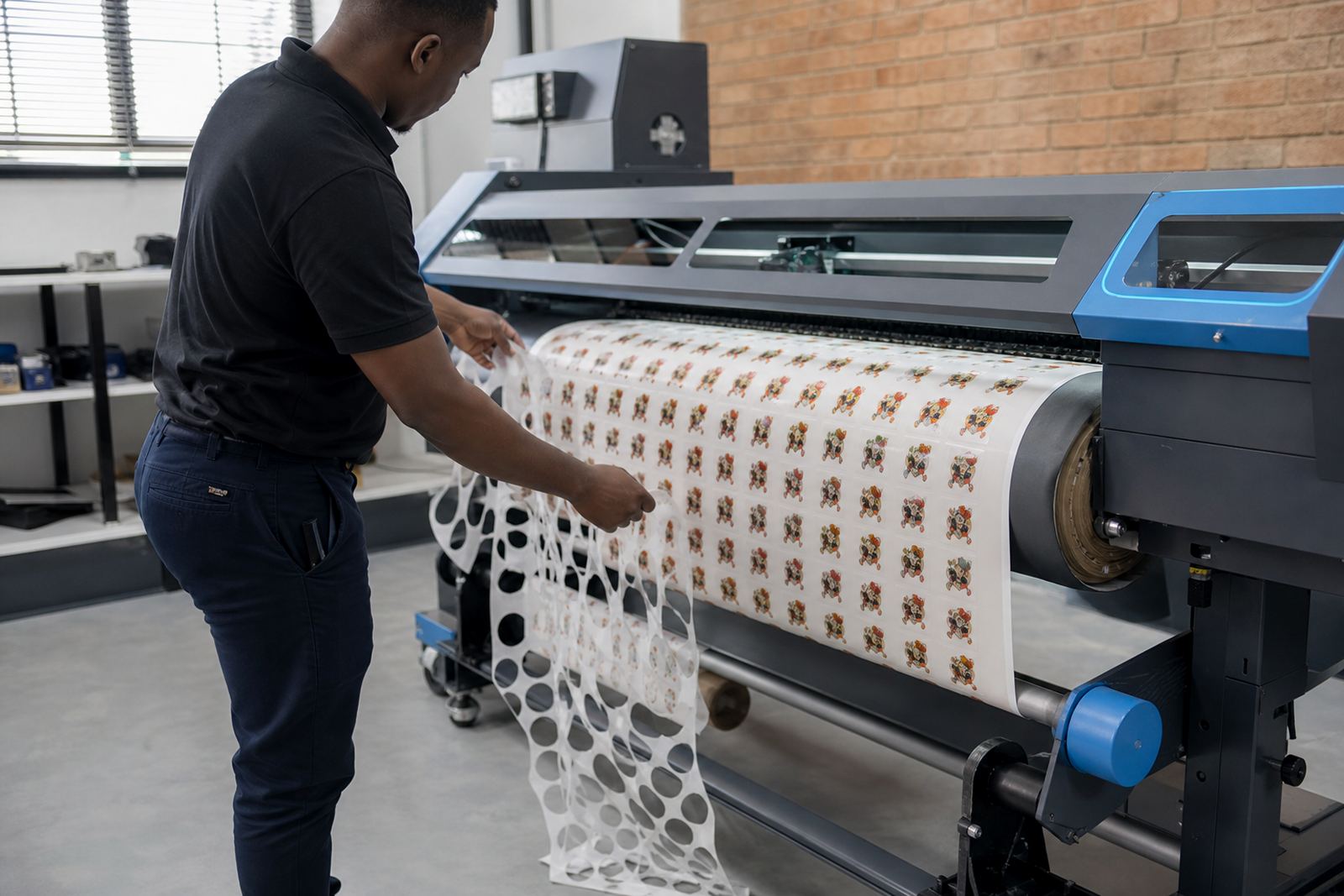
Short run decals usually mean a mixed order list, a few panel sizes, and repeat printing on the same material with very little room for waste. A shop may be producing labels for equipment, shopfront graphics, safety decals, vehicle markings or promotional pieces, all on the same day. In that setting the RIP has to keep the queue tidy, hold the colour consistent, and place jobs in a way that makes trimming and cutting easier.
That is where the setup matters. A proper RIP layout reduces awkward gaps, keeps cut marks where the finishing team expects them, and helps the operator load the next file without reworking every setting. In a busy print room, that saves material and cuts down on the little mistakes that creep in when the work is rushed.
Typical printer boards and software in the mix
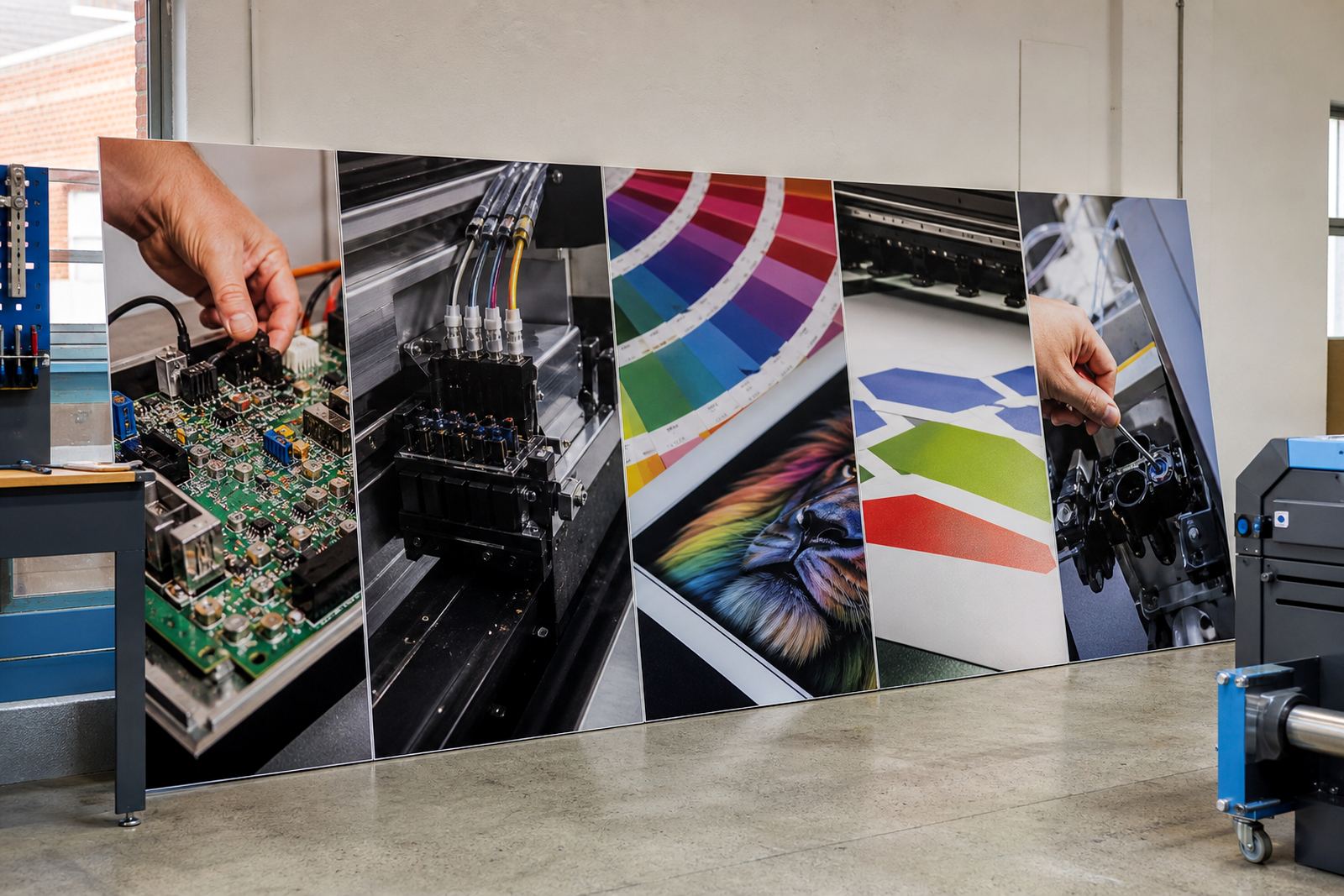
For short run decal production, the equipment set usually includes a wide-format inkjet printer with a control board that handles communication between the print file and the machine. The printhead driver settings must match the heads, the ink set and the media being used, otherwise the job can drift off in density or sharpness. RIP software then manages the print queue, tiling, scaling, colour output and nesting so the work moves in a predictable way.
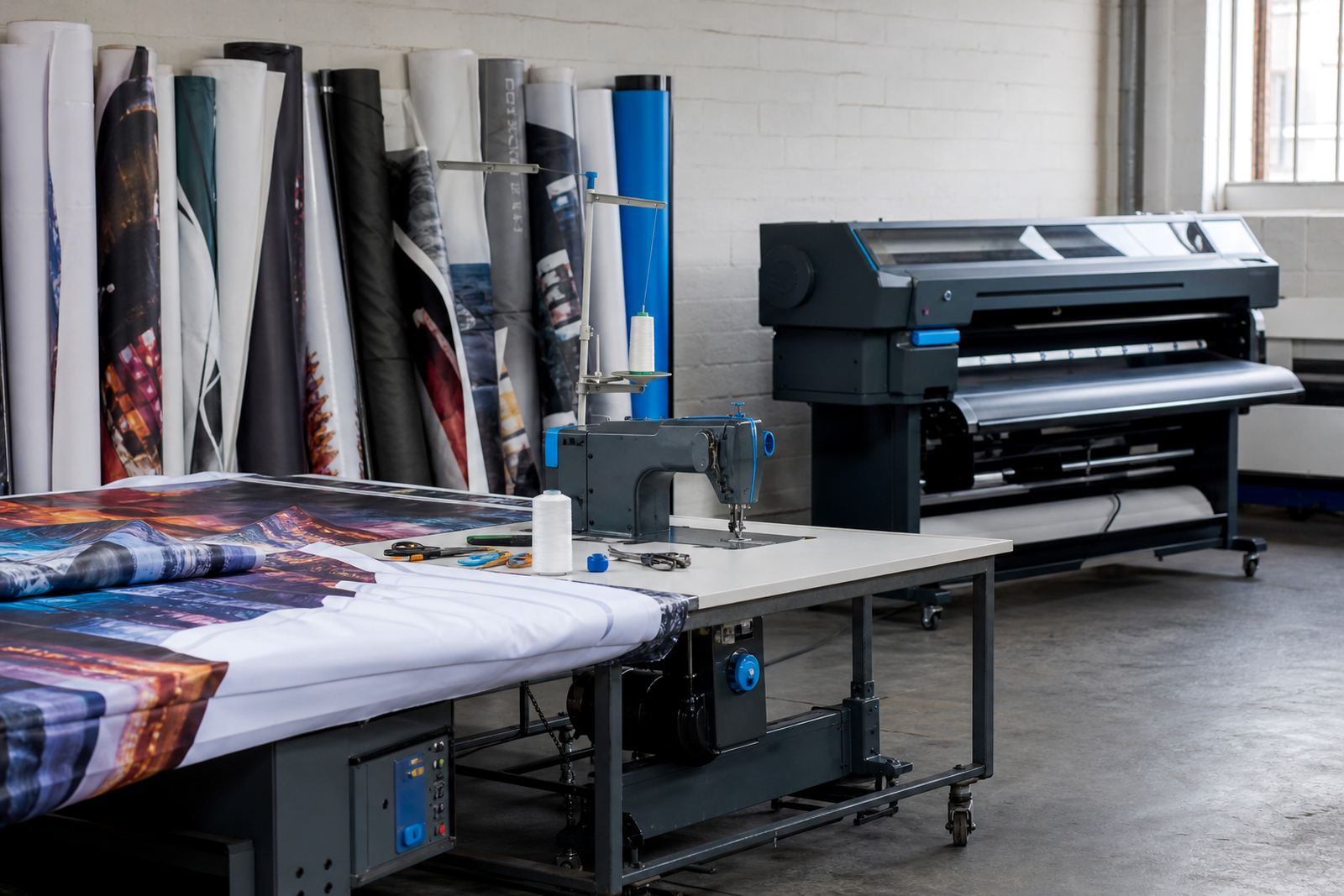
In many South African print shops, the same machine needs to handle PVC vinyl, self adhesive media, clear films and sometimes coated roll stock. Each of those materials takes ink a little differently. Coastal humidity in Durban or Cape Town can also change drying behaviour, so a useful setup pays attention to curing time, pass count and how jobs are stacked in the queue. It sounds small, but those details show up on the finished sheet.
- Printer control boards for wide-format inkjet systems
- Printhead driver setup matched to the machine and ink set
- RIP software for queue management and output control
- Colour profiles for repeat decal batches
- Cut marks, nesting and tiling for cleaner finishing
Layout choices that save material on repeat jobs
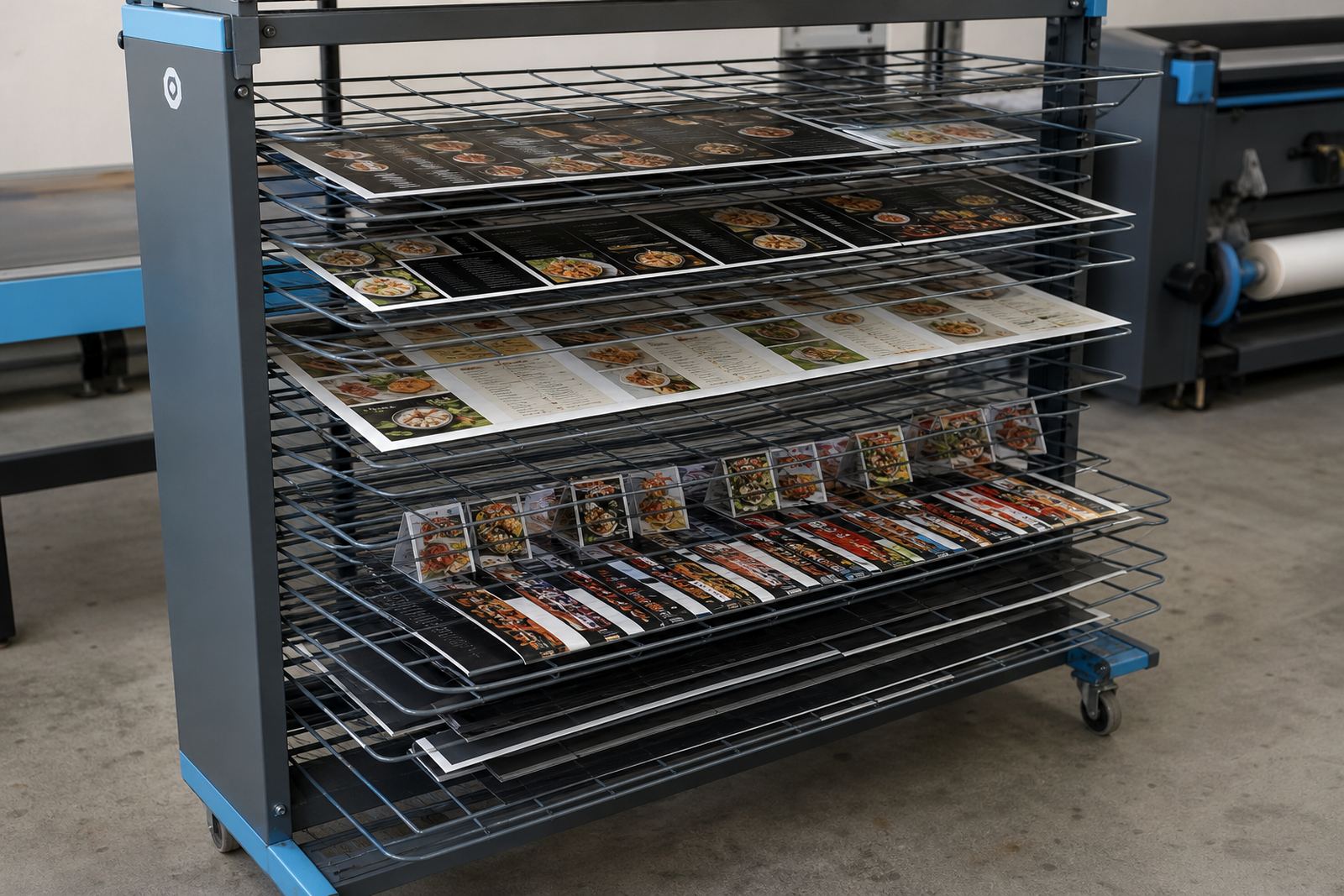
Short run decals work best when the nesting rules are set before the first print starts. If the file list contains several small decals, the RIP should group them tightly while keeping a sensible margin for trimming and cutting. On larger orders, it helps to separate jobs by media type or colour density so the operator is not guessing which setting belongs where. A few minutes spent on setup can save a stack of wasted metres later.
It also helps to standardise the queue presets for the common sizes your team prints most often. A consistent decal sheet, a vehicle strip, and a set of warning labels should each have their own settings for passes, resolution and marks. Lerato Khoza often sees that once a shop stops rebuilding the same setup from scratch, the run becomes steadier and the finishing table is less cluttered.
- Set common decal sizes into named queue presets
- Use nesting only where trimming remains practical
- Keep cut marks clear and away from artwork edges
- Group similar media together for fewer setting changes
- Leave enough bleed for laminate and cutting tolerance
Common faults that interrupt a small decal batch
When a shop prints short runs every day, the same issues keep returning if the workflow is not locked down. A file may arrive in the wrong colour space, a profile may not match the media, or the queue may hold onto an old setting from the previous job. The result is usually a stack of prints that look nearly right but need hand correction, and that slows the rest of the day.
Johan Letsoalo and Zanele Moagi often deal with jobs where the printer itself is fine, but the board setup, profile choice or queue preset is out of step with the media. On a decal job that means edge banding, weak blacks, heavy reds, or marks that land in the wrong place for cutting. It is not always a hardware fault. Sometimes the file path, driver setting and output profile simply do not agree.
- Wrong profile loaded for the media in use
- Old queue preset reused without checking the file size
- Cut marks placed too close to artwork
- Inconsistent drying on humid days
- Backlog in the queue because jobs were not sorted
Budget bands for setup, tuning and support
The budget for short run decal support depends on how much of the system needs attention. A basic RIP installation for one printer can sit in a modest range, while a fuller job that includes board installation, colour profile setup, queue workflow design and operator training will cost more. Remote setup is often suitable when the machine is already running and the aim is to tighten the workflow rather than rebuild it from scratch.
As a practical guide, smaller support calls may sit from about R1 500 to R4 500, especially where the task is limited to software setup, printhead driver configuration or queue preset work. A broader setup with colour profiling, nesting rules and production tuning can move into the R6 500 to R15 000 range. If the board needs repair, replacement planning or a deeper fault finding process, the figure can rise further depending on the machine and the time needed on site or remotely.
For larger print rooms in Johannesburg, Pretoria or along the coast, preventive maintenance and backup planning can be worth more than a one-off fix. A lost queue preset or a damaged board can stop a small batch and throw off a finishing plan for the whole day.
How remote setup fits print shops across South Africa
InkFlow RIP supports print shops from Midrand and across South Africa with remote setup and support for short run decal work. That includes Johannesburg, Pretoria, Durban, Cape Town, Bloemfontein, East Rand and West Rand sites where the same printer may carry several materials through the week. Thabo Zungu oversees the team, while Aiden Phiri handles the remote support side and Bianca Rademeyer coordinates operator training where needed.
For decal work, remote support is useful when the printer is already installed and the issue sits in the workflow, board settings or colour management. It allows the queue presets, printhead driver setup, nesting rules and backup files to be checked against the real production pattern. The aim is not more complication. It is cleaner control so the operator can run a short batch with fewer surprises and less waste.
Clients reach us through the enquiry form on our contact page when they need support for short run decal production or a wider printer control setup. That route suits shops that want their RIP, board and colour workflow kept in step with the work they actually print.