


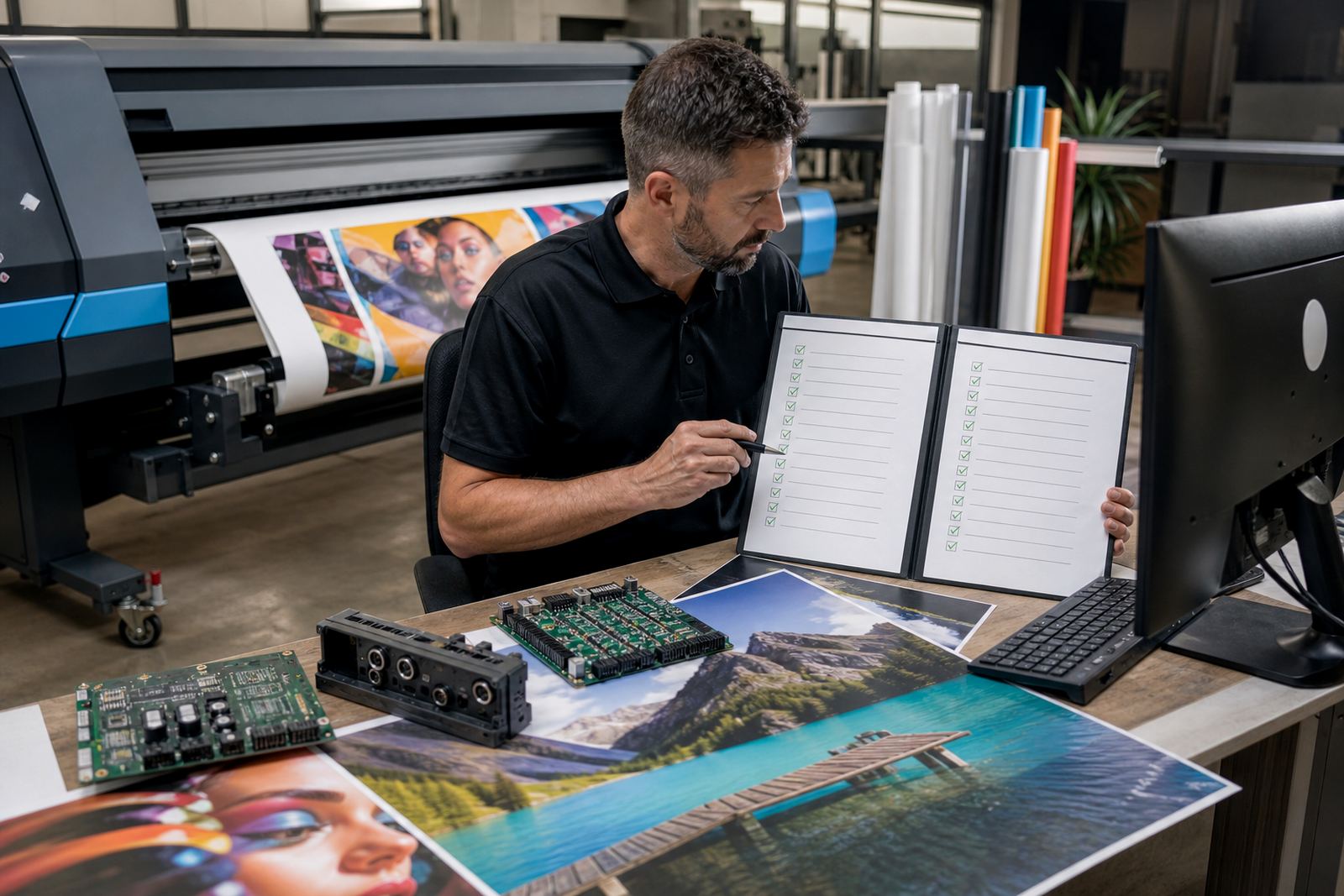
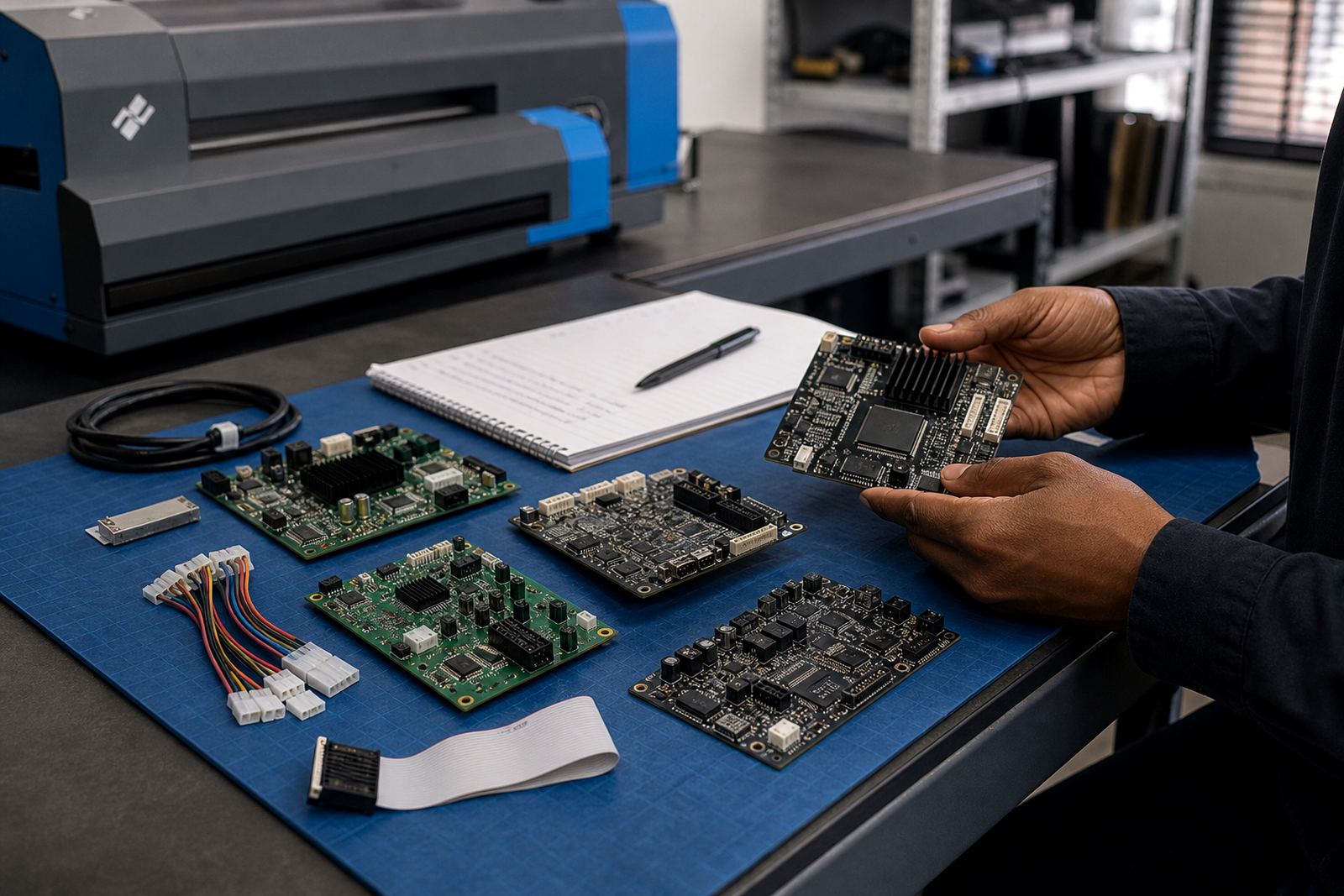
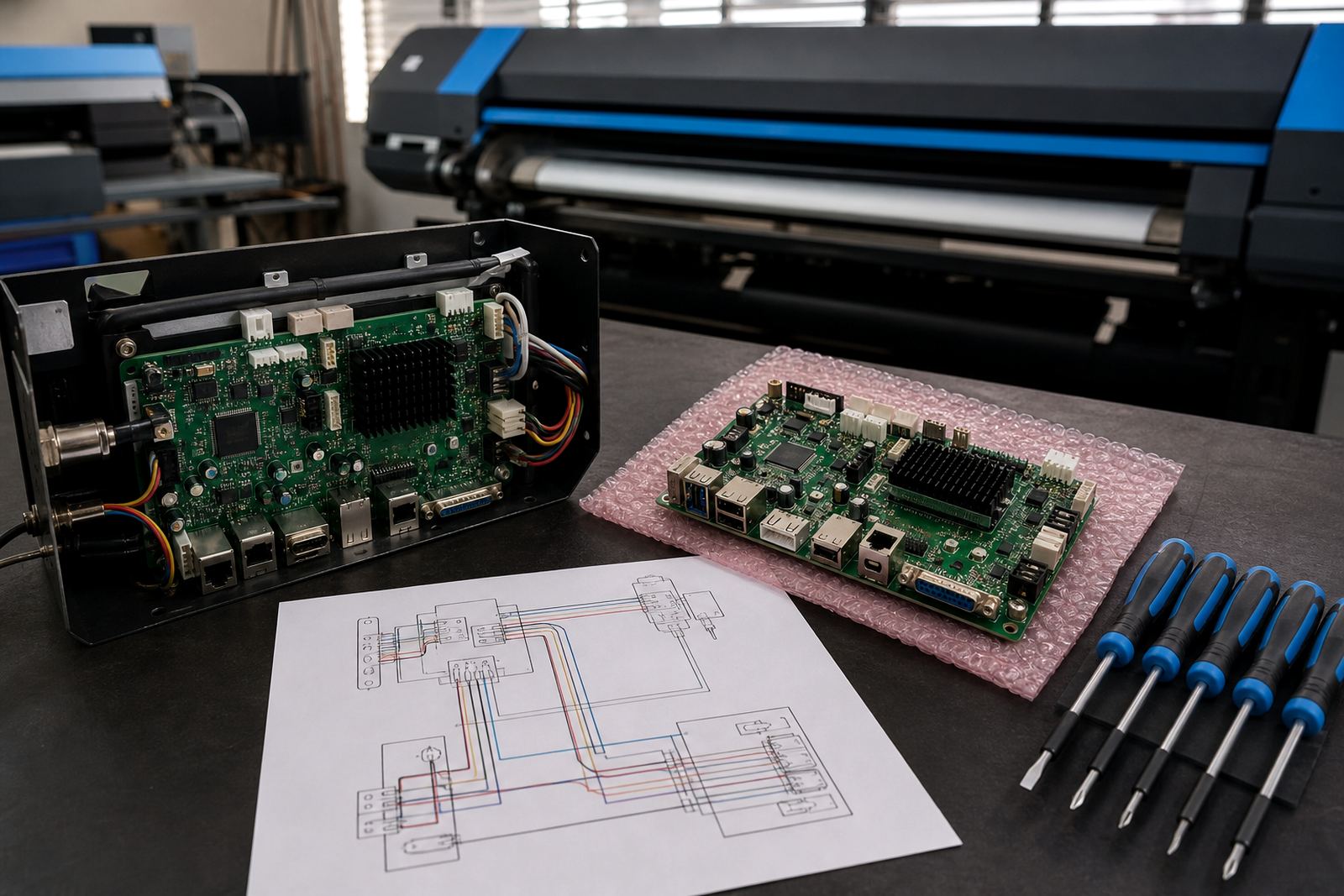
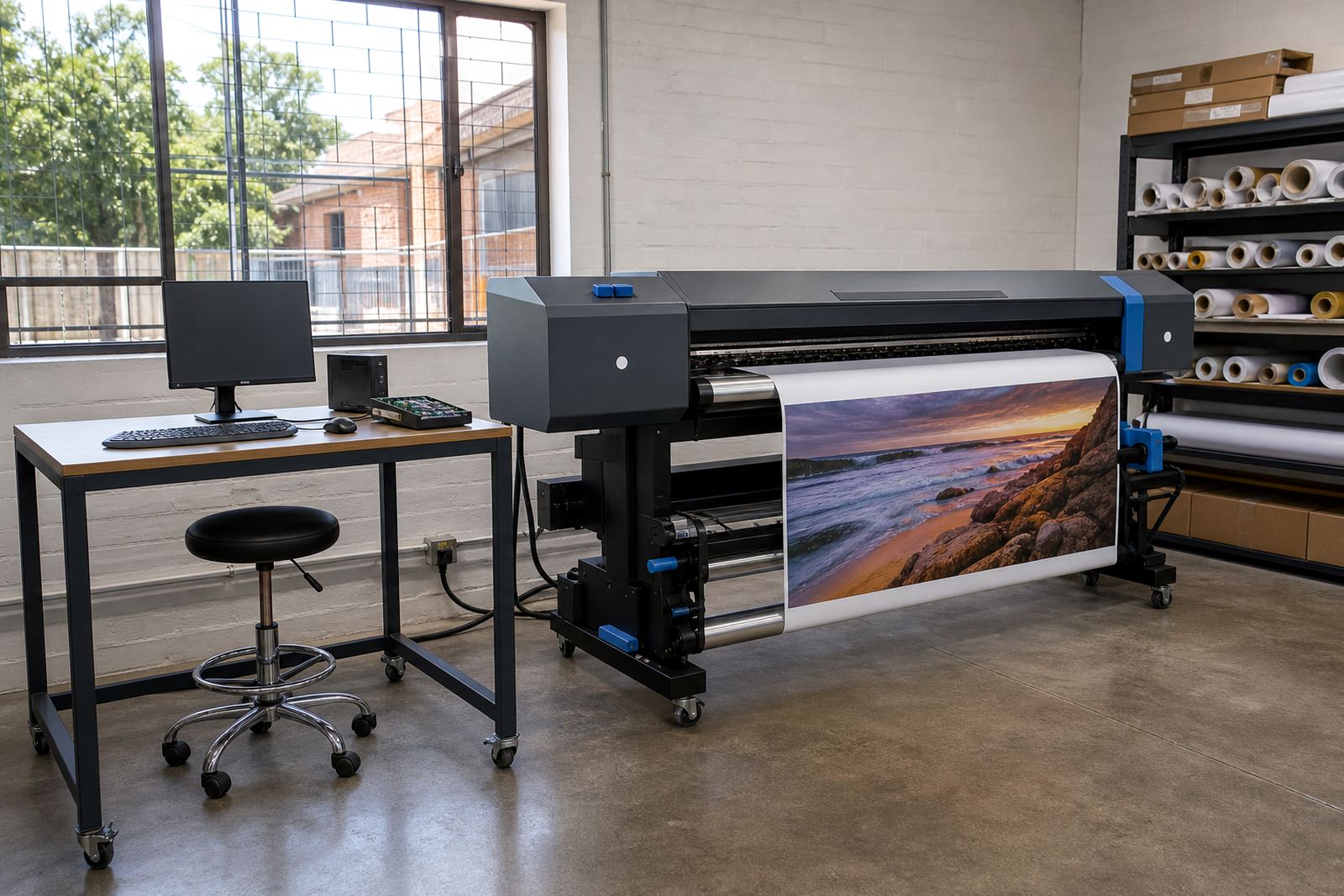
Where control boards and RIP software meet on the shop floor
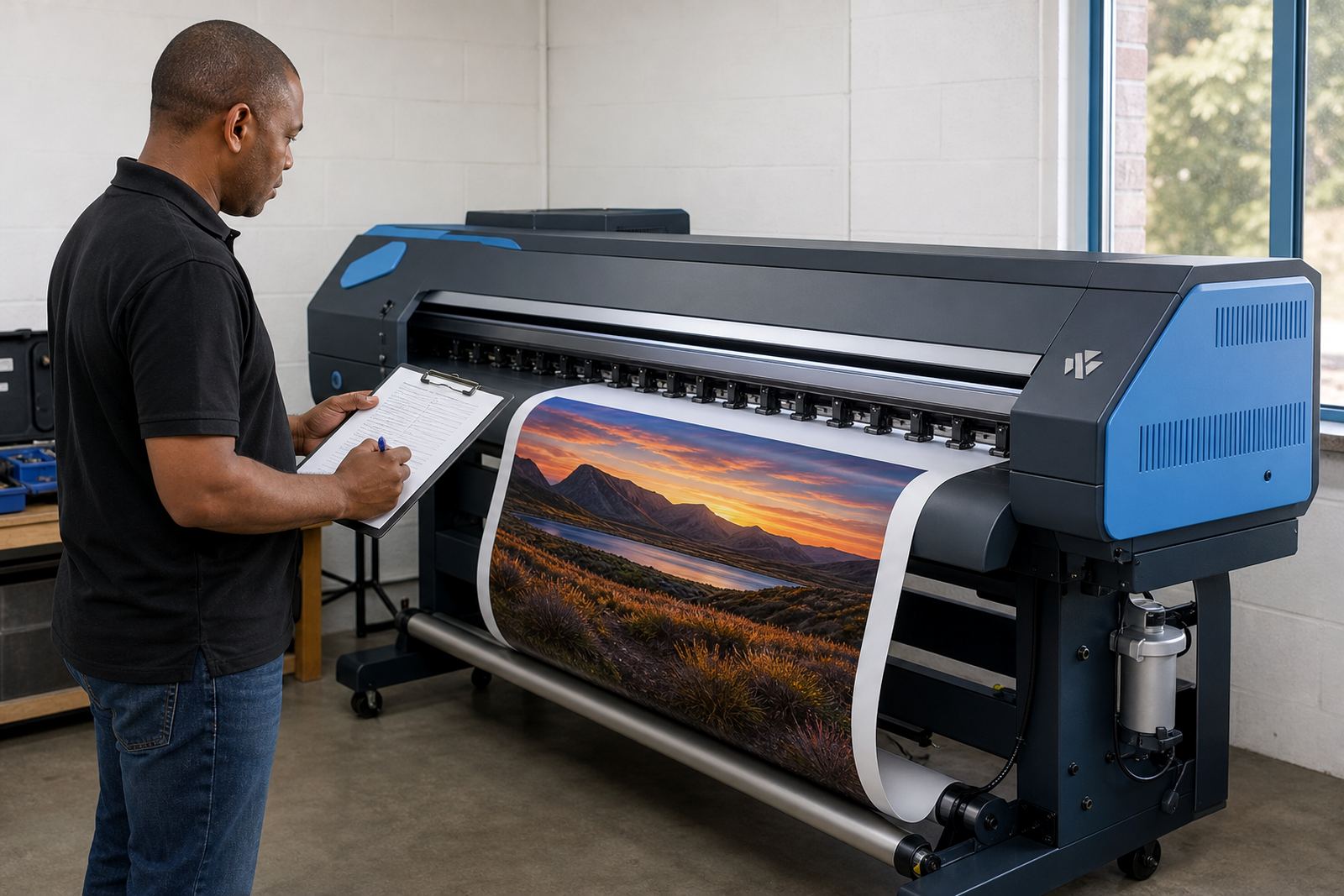
Wide-format inkjet printers rely on two linked parts of the workflow. The control board manages machine communication and movement, while RIP software prepares artwork for the printer, sets colour handling and sends the job in the right format. When both parts are matched properly, the printer is easier to run and the output is more consistent from one job to the next.
These guides cover the questions that usually come up during a setup, a fault call or a production change. That includes board compatibility, printhead driver settings, queue handling, colour profiles and the practical steps that keep a printer moving when the schedule is tight.
How to read the guides for your own setup
Different shops need different answers. A small sign studio in Midrand may want help with a cleaner queue layout, while a Durban production room may need more care around humidity, media storage and colour stability. A busy Cape Town print floor may focus on nesting and repeatable output across multiple operators.
Use the guides to match your own printer model, print volume and team structure. If the room runs several shifts, the notes on operator handover, backups and file naming will matter. If one technician handles everything, the sections on preventive maintenance and fault finding may be more useful. The aim is to narrow the decision before any board or software change is made.
- Check whether the issue is mechanical, electrical or software related.
- Confirm if the current workflow handles your daily job mix.
- Look at colour consistency across different media and sizes.
- Review whether the operator team can follow the same process each time.
Colour, nesting and production flow
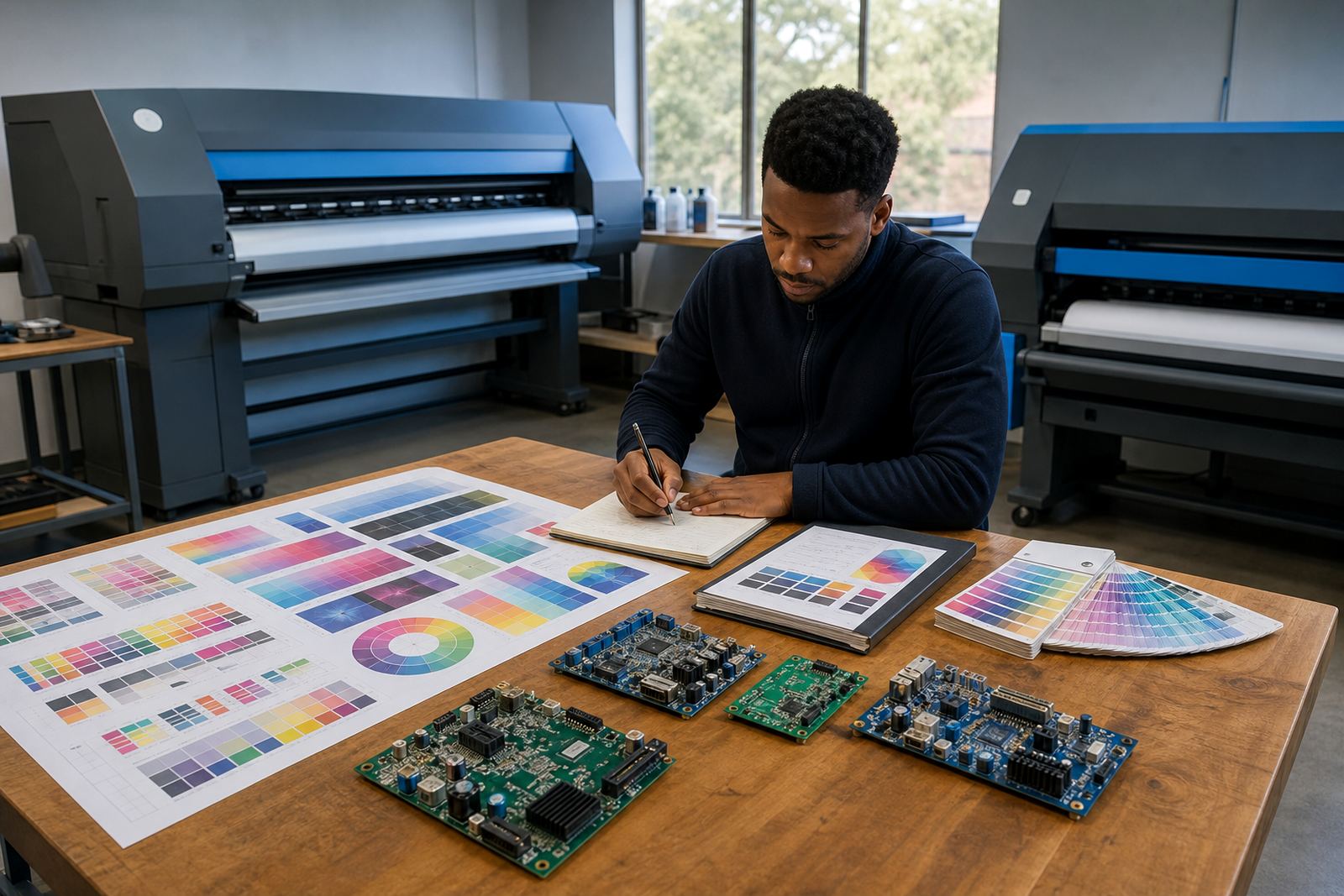
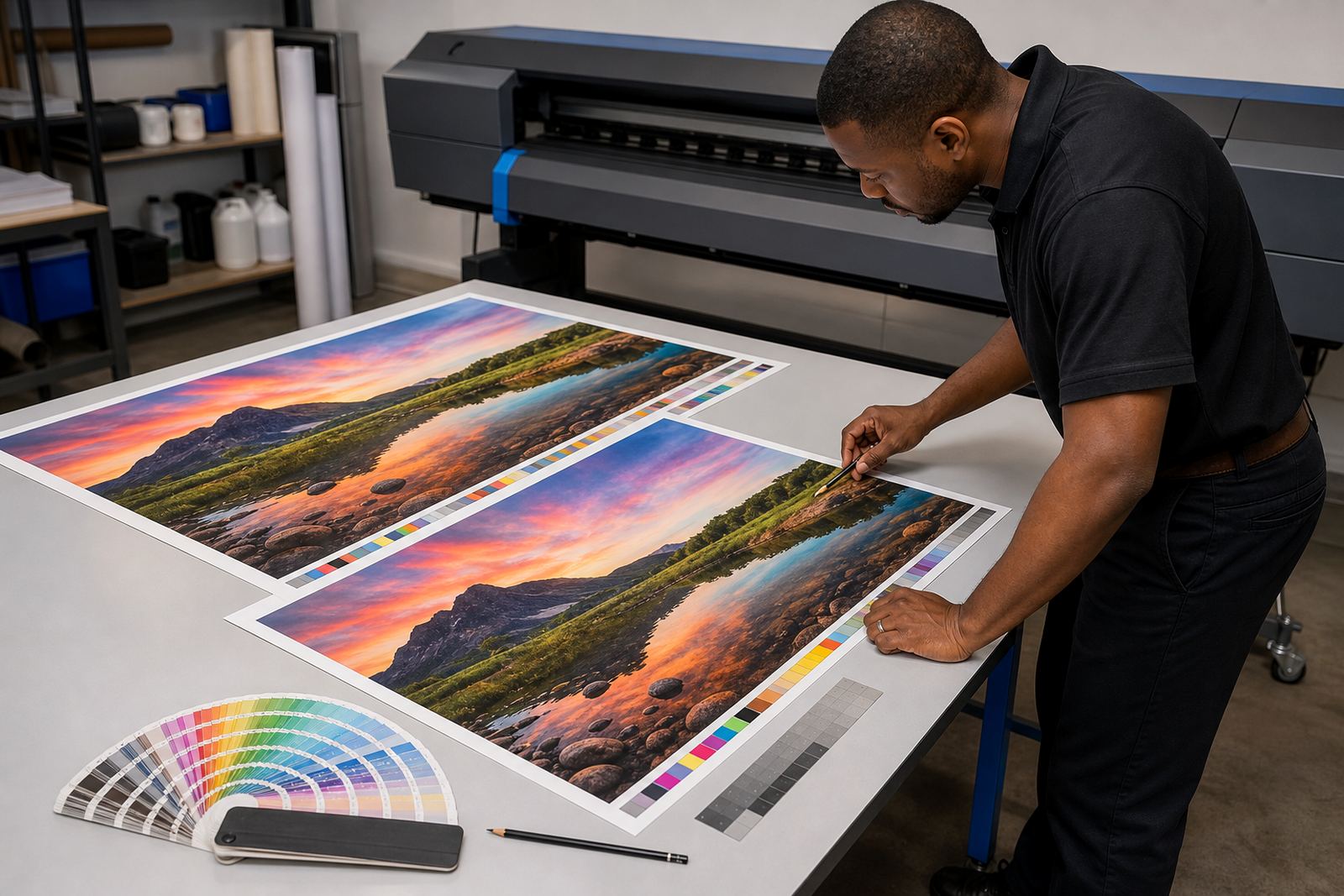
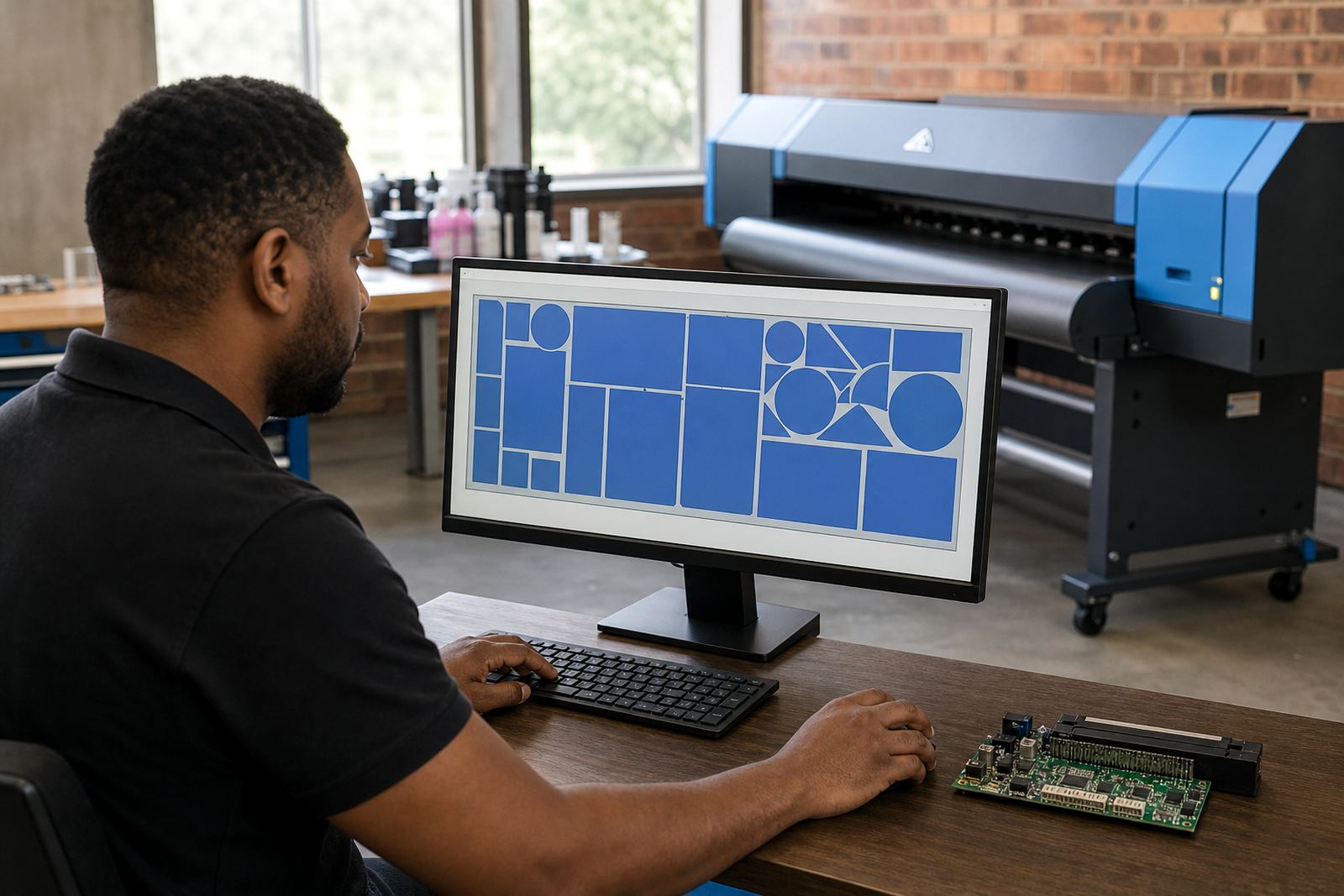
Good RIP setup is not only about sending a file to print. It also shapes how media is used, how jobs are nested, how colour is built and how much manual correction happens at the printer. In many shops, the small gains matter most, especially where vinyl, canvas, backlit media or coated paper each need a different profile.
Our guides explain the value of colour profiles, queue workflow design and production tuning in plain terms. They also show where users often lose time, such as repeated re-ripping, poor nesting choices or profiles that were copied from a different machine. A sound setup can reduce waste and keep the print room steadier on busy days.
Board faults, printhead drivers and recovery steps
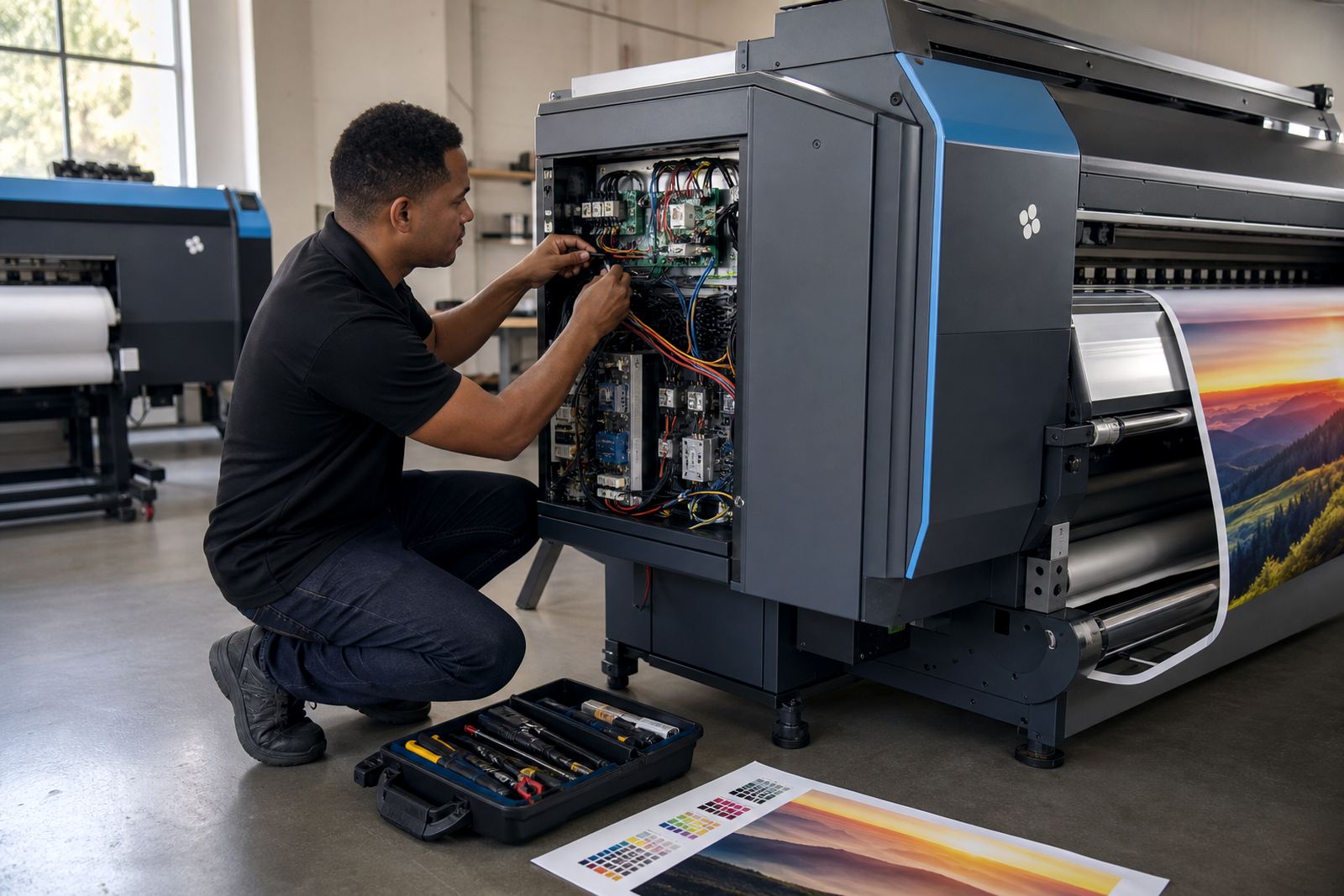
Printer control boards and printhead drivers can fail in ways that look similar on the surface. A job may stop mid-run, a channel may disappear, or the printer may behave differently after a power interruption. The guides help readers separate board issues from software issues before parts are changed or settings are altered.
This section also covers the basics of backup and recovery. That includes saving working configurations, keeping a record of profile versions and protecting settings after a board repair or software update. In production rooms across Johannesburg, Pretoria and Bloemfontein, that kind of record can save a long morning of guesswork.
- Watch for missing channels, drift or repeated job interruptions.
- Keep a copy of working RIP settings and queue layouts.
- Note any changes made after maintenance or repairs.
- Test the printer with known files before full production resumes.
Maintenance habits that help printers stay steady
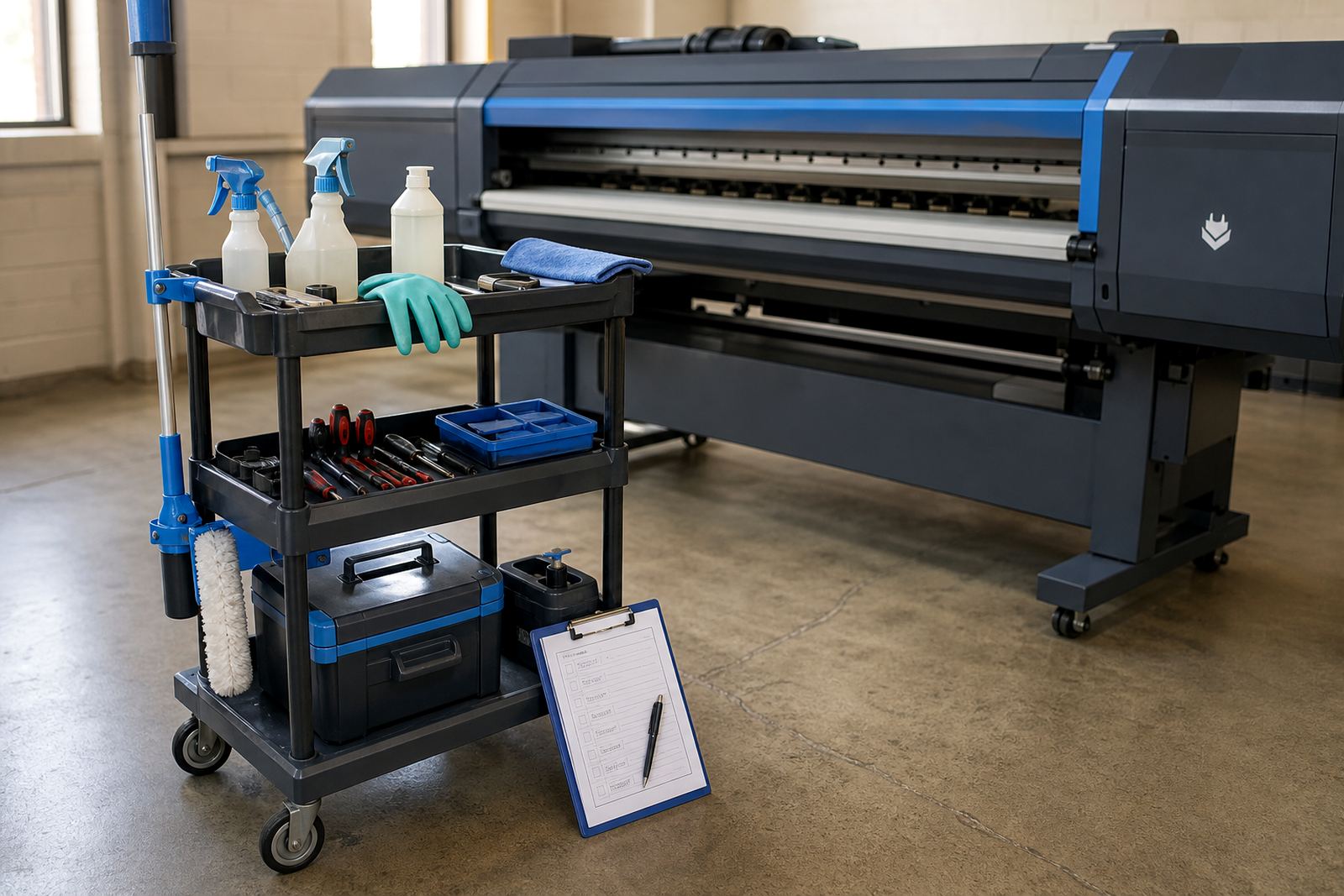
Preventive maintenance matters on wide-format inkjet equipment because small issues build up fast. Dust on sensors, worn cables, unstable profiles and poor storage conditions can all affect output. Coastal humidity in Durban and salt air near the coast can also change how media and components behave, so the same machine may need slightly different attention in different towns.
The guides cover maintenance in a practical way, with a focus on what technicians and operators can control. That includes cleaning routines, checking consumables, keeping firmware and software aligned, and reviewing whether a queue is still suitable for the shop's present workload. It is often cheaper to maintain a stable setup than to keep adjusting after faults appear.
What each support area can expect from these guides
Our support areas across Midrand, Johannesburg, Pretoria, the East Rand, the West Rand, Durban, Cape Town and Bloemfontein use the same basic knowledge base, but the conditions on the ground are not identical. A board issue in a suburban print room may need a different approach from a queue problem in a large production facility running several devices at once.
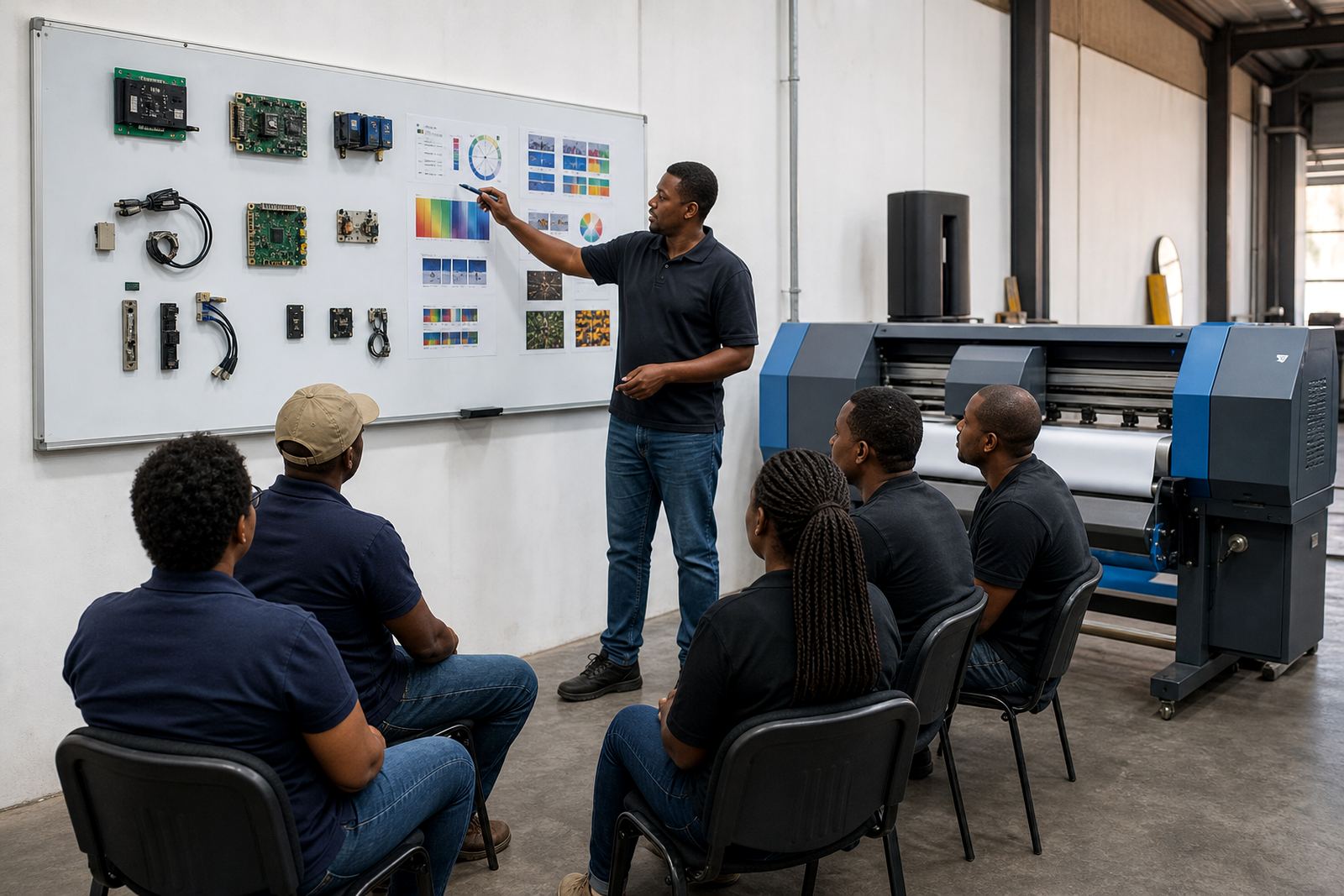
That is why the guides are grouped by topic rather than by marketing language. They help buyers, operators and production managers compare RIP installation, board installation, remote setup, fault finding, operator training and ongoing support without getting lost in technical noise. The point is clearer decisions, better handover and fewer surprises once the printer is live.