Daily walk-around before the first queue starts
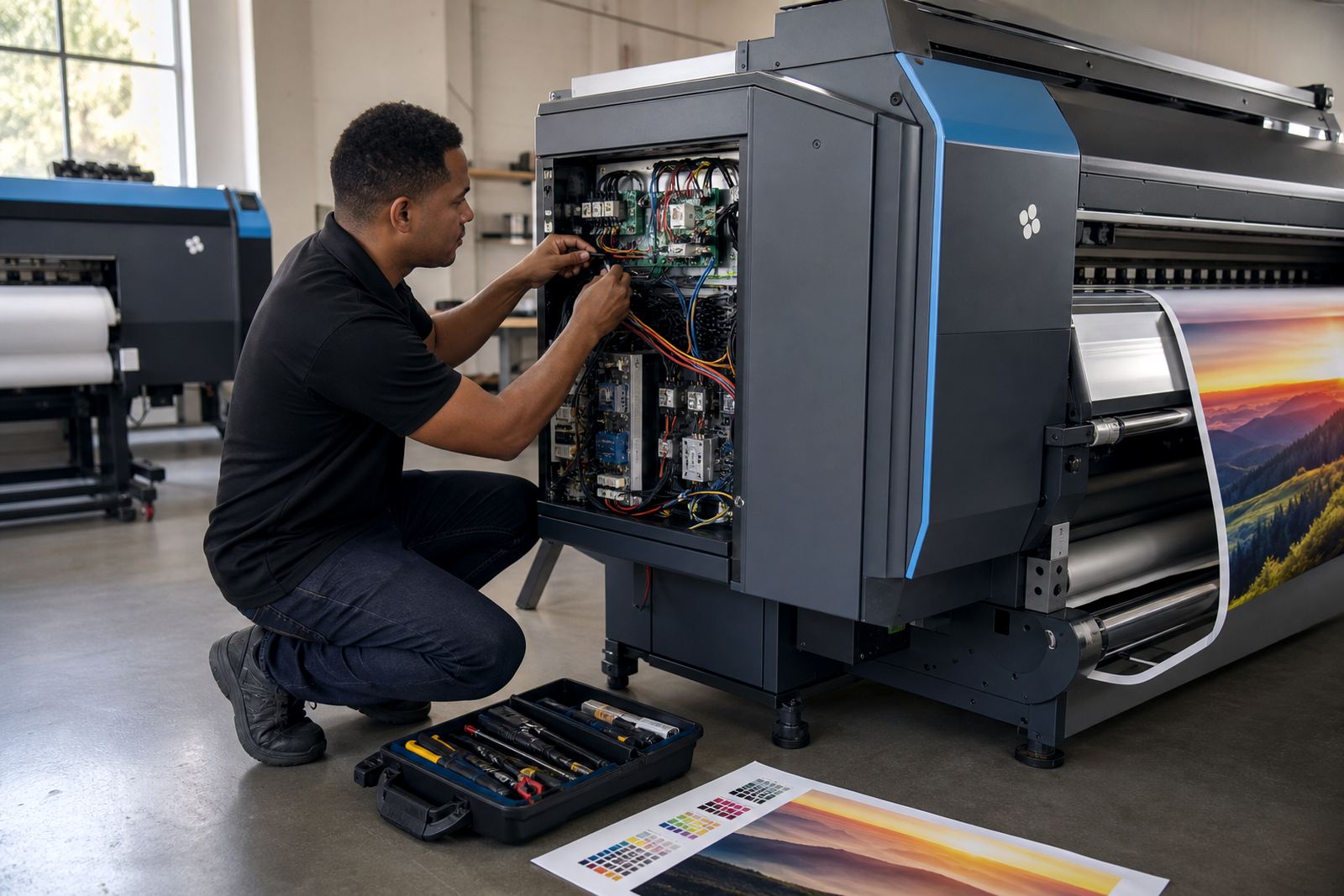
Begin with a visual check around the printer, control board area and ink supply path. Look for loose cables, dust on vents, dried ink near the carriage path and signs of condensation after a cold night in Johannesburg or a damp morning in Durban. Small faults are easier to handle before the first job is loaded.
Check media feed rollers for slip marks, confirm the vacuum or hold-down system is behaving as expected, and make sure the RIP queue is clear of old jobs that can confuse the operator. If the machine has been idle, run the normal nozzle check and inspect for missing channels or banding before production starts.
- Wipe access covers and external surfaces with a clean dry cloth.
- Confirm ink levels and waste collection are within normal operating range.
- Check that the correct media preset is loaded in the RIP.
- Inspect cable strain points at the printer and control board.
- Run a test print before a full production run.
Weekly cleaning that protects print quality
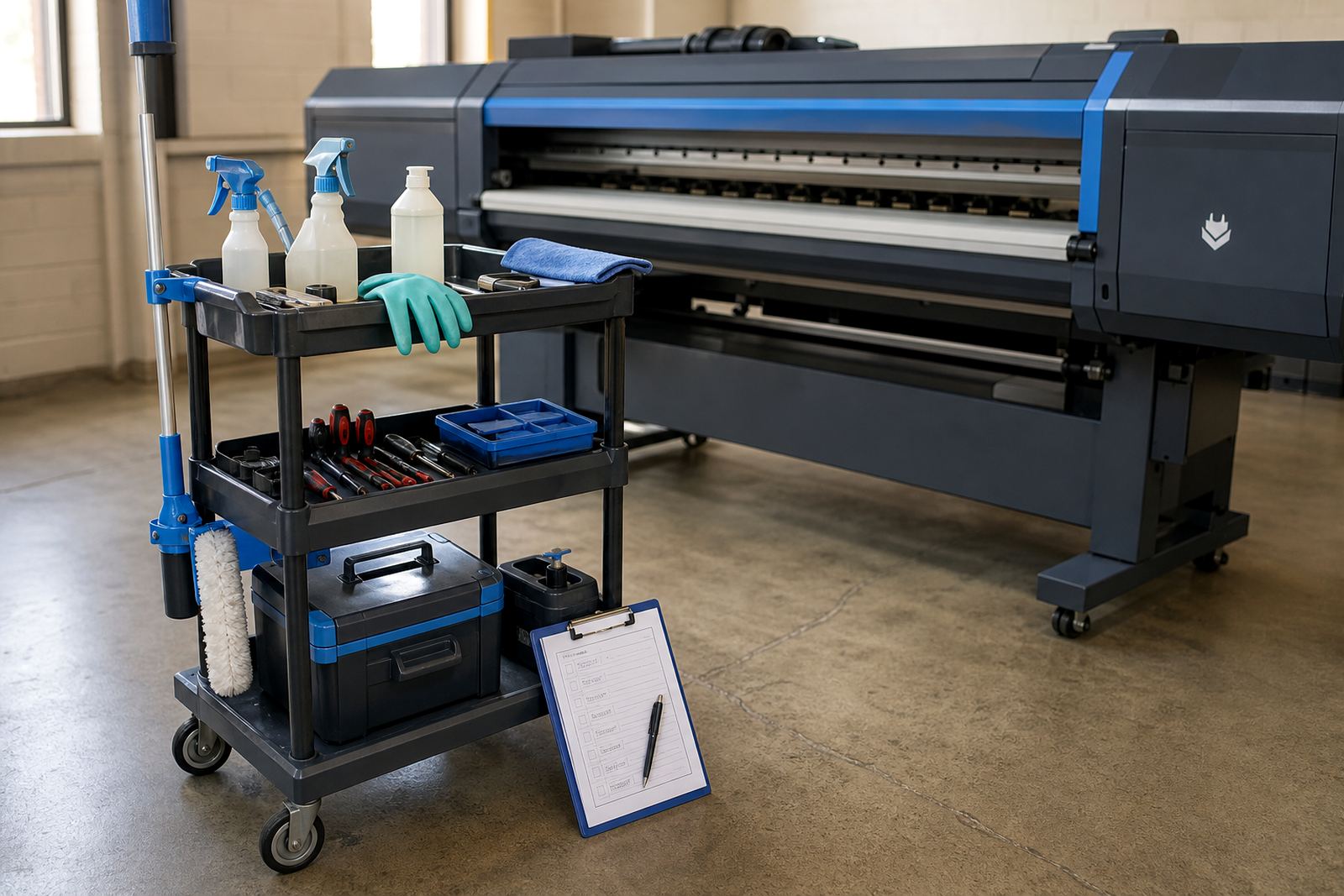
Weekly care is where most shops save themselves trouble. Fine dust, fibre from media rolls and overspray can build up inside the printer and around the board enclosure. In Gauteng, where air can be dry and dusty, this matters just as much as humidity does near the coast. Use approved cleaning methods only, and avoid flooding any electrical section with liquid.
Pay attention to carriage rails, wipers, cap tops where fitted and the areas around printhead driver connections. A small amount of residue can affect firing consistency and lead to uneven output. If the machine uses replaceable filters or air paths, clean or replace them on schedule so the printer can breathe properly during long runs.
- Clean dust from vents, fans and access panels.
- Check for ink build-up around the service station.
- Inspect media path sensors for lint or adhesive residue.
- Review nozzle test history for repeated drop-outs.
- Back up RIP settings before any software change.
Colour stability starts with profile discipline
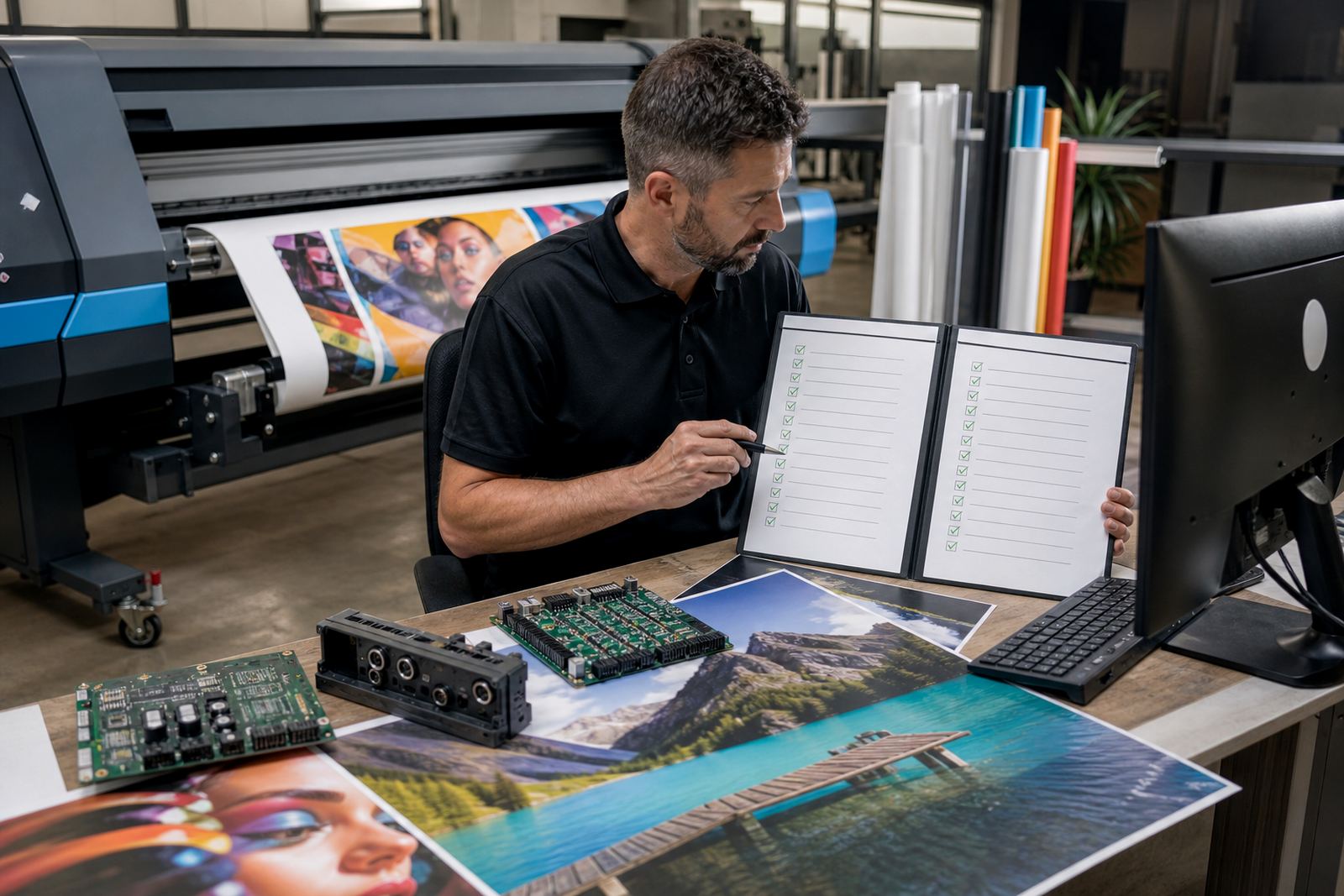
Colour drift is often blamed on the printer when the real issue is a changed workflow. A profile made for one media type will not behave the same on another, and a queue with the wrong colour handling can waste metres of material. Keep a clear naming system for media presets, ink limits and output modes so operators do not guess under pressure.
When a client expects repeat work, use the same colour profile, resolution and pass count that was used for the approved print. If the job is moving between sites in Midrand, Pretoria or Cape Town, make sure the same settings file travels with it. That kind of discipline reduces rework and keeps colour closer from one batch to the next.
Maintenance here includes checking that profiles are current, verifying the RIP is pointing to the right printer queue and confirming that nesting settings do not alter the intended layout. A small change in a setup file can shift a whole production day.
Board and driver checks that prevent silent faults
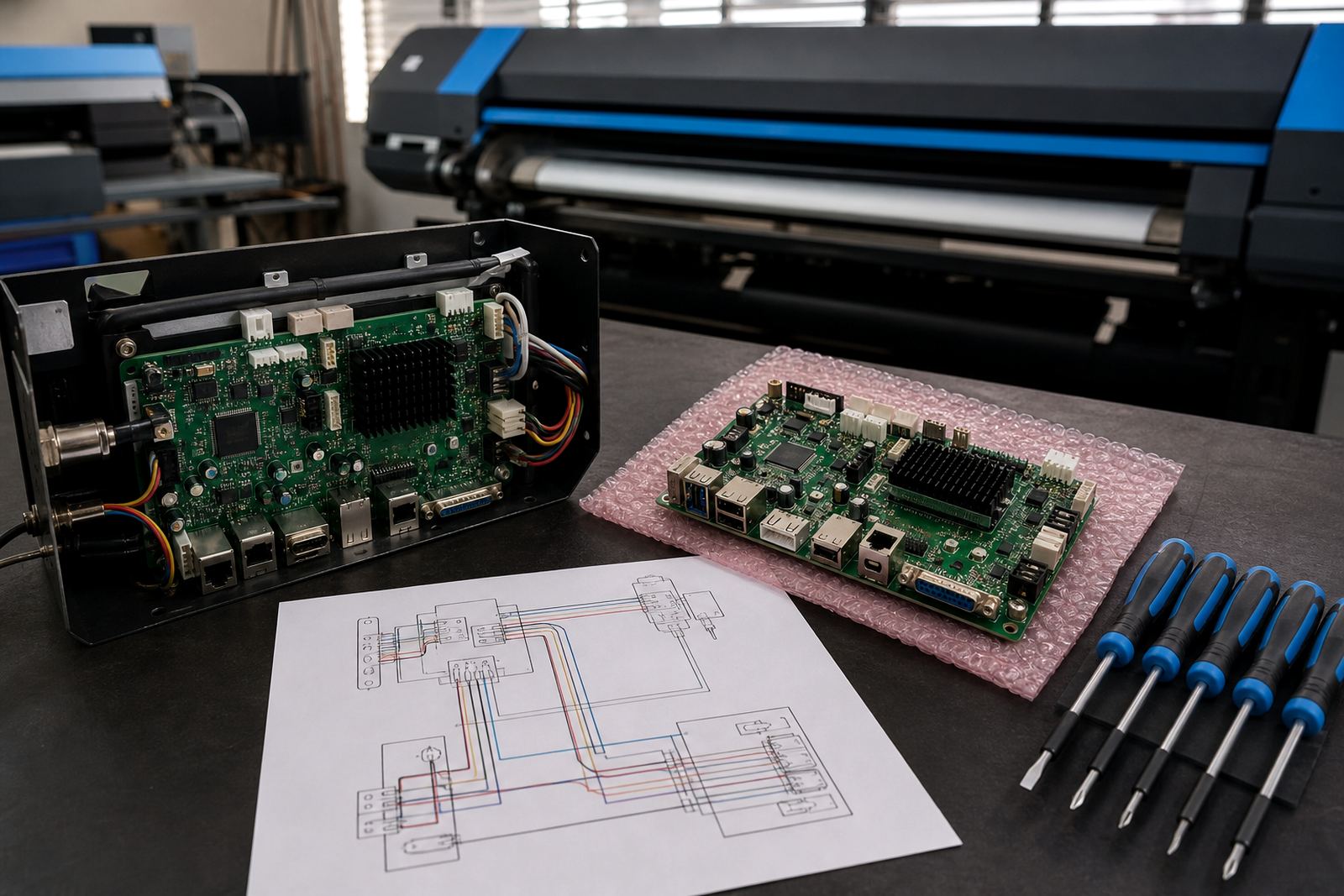
Control boards and printhead drivers can develop faults that do not show up immediately. A machine may still power on and move media, yet lose data on a channel or misread a signal during a long run. That is why a regular board inspection matters, especially on machines that work through full shifts in production houses.
Keep the enclosure clean and dry, and look for loose terminals, scorched marks, swollen capacitors or heat discolouration around connectors. If a fault keeps returning after cleaning and reseating cables, stop treating it as a minor nuisance. Repeated errors can point to a failing board, a power issue or damage in the signal path.
Good practice includes storing backup settings, noting the exact fault message, and checking whether the issue appears only on one channel or across the whole system. That detail helps separate a software setting from a physical board problem.
A practical checklist for shutdowns and long weekends
When a shop closes for a long weekend or a municipal power interruption, a short shutdown routine helps protect the printer and the electronics around it. Do not leave media loaded under tension if the machine will sit idle for days. Clear queued jobs, park the carriage where the machine expects it and close out any open RIP session cleanly.
In places where the room can get hot over a long break, check that ink lines and waste paths are not under strain from temperature changes. If the workshop is near the coast, moisture control matters as much as dust control. A dry, covered environment is better than a space that stays open to the evening air.
- Close the active RIP queue and save the current job settings.
- Remove unused media rolls from the printer area.
- Check that consumables and spare parts are stored clean and sealed.
- Disconnect only in line with the machine procedure, not by guesswork.
- Record any warning lights or fault codes before shutting down.
When a fault calls for a technician, not a reset
Some issues can be handled by the operator, but others need trained attention. If the printer shows repeated banding, loses communication with the RIP, or develops the same fault after each restart, the cause may sit in the board, driver path or firmware layer rather than in the media or ink. Repeated resetting can hide the real fault and waste material.
Fault finding is easier when the team keeps a simple log of what changed before the problem began. Note the media type, file size, queue name, room conditions and any recent cleaning or setup changes. That record helps separate a genuine hardware issue from an operator setting that shifted during production.
For shops across Johannesburg, Durban, Bloemfontein and surrounding areas, remote support works best when the operator can describe the symptoms clearly and show the exact screen state. Good notes shorten the diagnostic path and make board repair, RIP correction or driver setup more direct.
The training habit that keeps maintenance useful
Maintenance only holds when everyone uses the same routine. If one operator clears a queue one way and another does it a different way, the machine starts to behave inconsistently. A short handover note at the end of each shift keeps the next operator from guessing at hidden settings or unfinished jobs.
Train staff to recognise a normal nozzle pattern, a media tracking problem and a sign that the board or driver path is not behaving properly. That knowledge matters in busy print shops where time is tight and a small mistake can affect several orders at once. The best maintenance records are plain, dated and easy to follow.
When the team treats setup files, profiles and cleaning steps as part of production, the printer stays easier to manage. It also makes remote support more useful, because the people on site can give accurate details instead of trying random fixes.