Match the RIP to the jobs you print most
Start with the work that fills your week. A shop handling exhibition graphics needs different RIP functions to a production site running long rolls for retail signage and fleet graphics. The right package should handle nesting, queue control, spot colour handling, variable file sizes and clear output logs without forcing operators to guess what is happening next. If the software fits the job mix, fewer sheets are wasted and reprints become easier to trace.
It also helps to look at file types. Some teams work with large layered artwork from design software, while others receive flattened artwork from customers or agencies. The RIP should process both without slowing the workflow to a crawl, and it should stay predictable when several users send work to the same printer board.
Build the right colour path from file to print
Colour is where many shops lose time. A good RIP should support clean colour profiles, linearisation, ink limit control and repeatable calibration so the same job prints consistently across shifts. If you print for brand colours, backlit work or skin tones, colour control matters far more than fancy settings that nobody uses. On coated media in humid coastal conditions, profiles may need more regular checking than in a dry inland workshop.
In practice, colour setup should make sense to the people on the floor. The operator needs clear steps for media choice, resolution and pass count, and the colour specialist should be able to save settings for repeat jobs. That way a reprint in Durban or Cape Town looks like the last approved sample, not a fresh guess.
- Profile support for common media types and ink sets
- Ink limit and drying control for different substrates
- Linearisation for steady greys and strong solids
- Repeatable presets for recurring jobs
Queue control should fit the pace of the room
Some print rooms run one printer with one operator. Others run several machines, each with different media, widths and finishing steps. The RIP needs queue control that lets the team hold, reorder, nest and release jobs without confusion. A clean queue layout also helps when work is moving between morning setup, midday rush and late production. If the queue is messy, mistakes travel fast.
Look for a setup that makes short runs easy to slot in between long jobs. Nesting should reduce waste on expensive media, while hot folders or presets can keep repeated work moving without constant manual input. Where a board or printhead driver is part of the control chain, the operator should see clear status information, not a row of cryptic alerts. That is a small thing but it saves a lot of head scratching.
Board control and driver setup need a steady hand
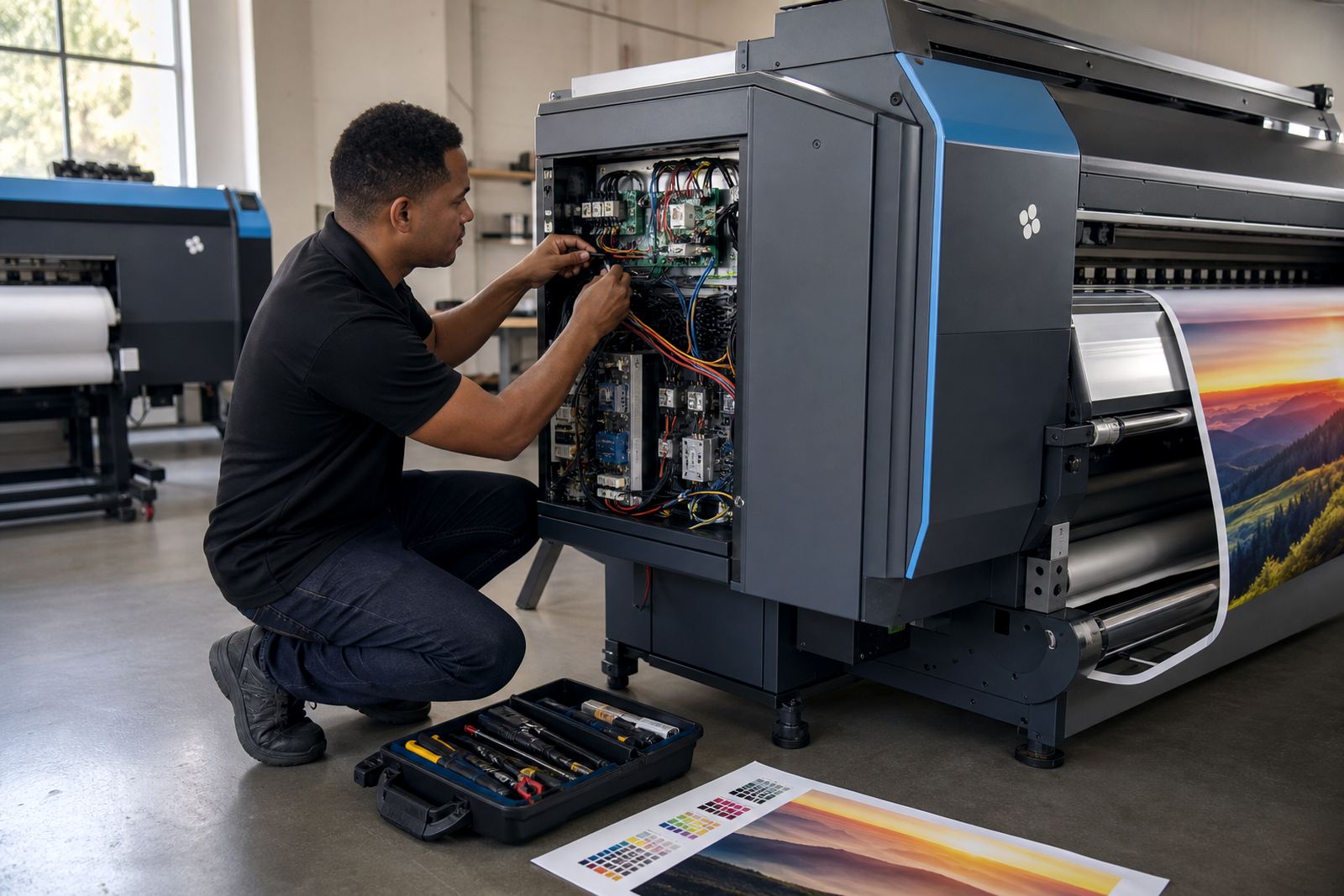
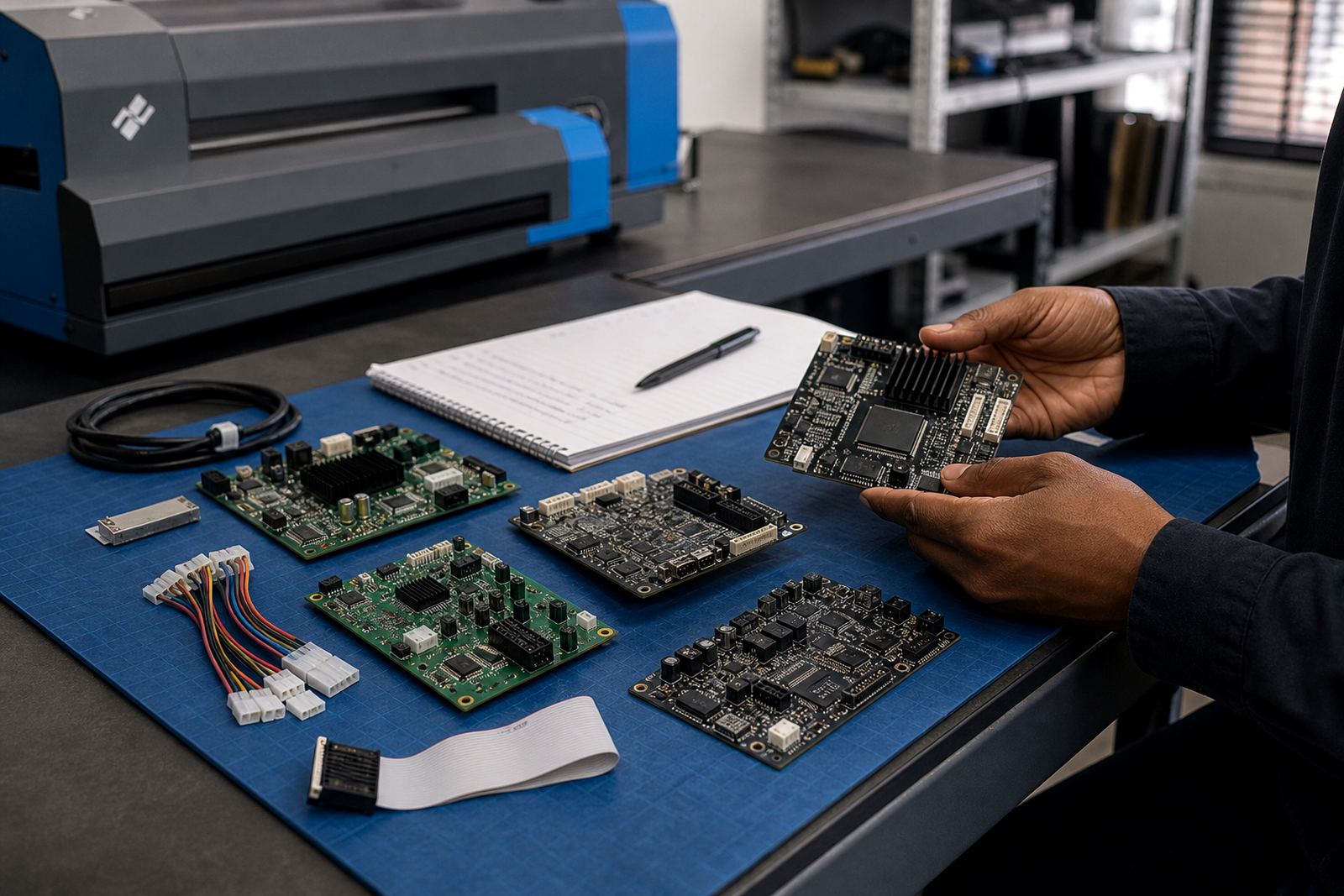
Wide-format inkjet printer control boards and printhead drivers sit close to the heart of production. If they are not matched correctly to the machine, the shop may see banding, dropped nozzles, inconsistent carriage behaviour or files that process properly but do not print as expected. Board installation should be done with attention to cabling, firmware settings and the way the printer is used every day.
Remote setup can be useful for shops in Johannesburg, Pretoria, Midrand, Bloemfontein, Durban and Cape Town, especially where the production team needs the machine back into service without dragging a technician across the country. But the setup still has to be methodical. Drivers, board settings, media presets and RIP output all need to speak the same language. When one part is off, the print tells on it straight away.
- Confirm board and RIP compatibility before rollout
- Set printhead driver values to match the printer model
- Check test patterns before full production starts
- Save a known working configuration for recovery
Choose maintenance tools that stop small faults from growing
Preventive maintenance is not just for mechanical parts. RIP maintenance features can help a shop spot bad jobs, queue errors and profile drift before they take up a whole afternoon. Good software should make it easier to archive presets, back up settings and restore a working environment after a PC fault or operator error. That matters on a production floor where a single lost profile can throw off several rolls of material.
Fault finding is simpler when logs are readable and job history is stored in a sensible way. A technician should be able to see where the problem started, whether it sits in the file, the board, the driver or the output preset. In many shops, that trace is worth more than a fancy menu full of options nobody uses.
Train operators on the steps they repeat daily
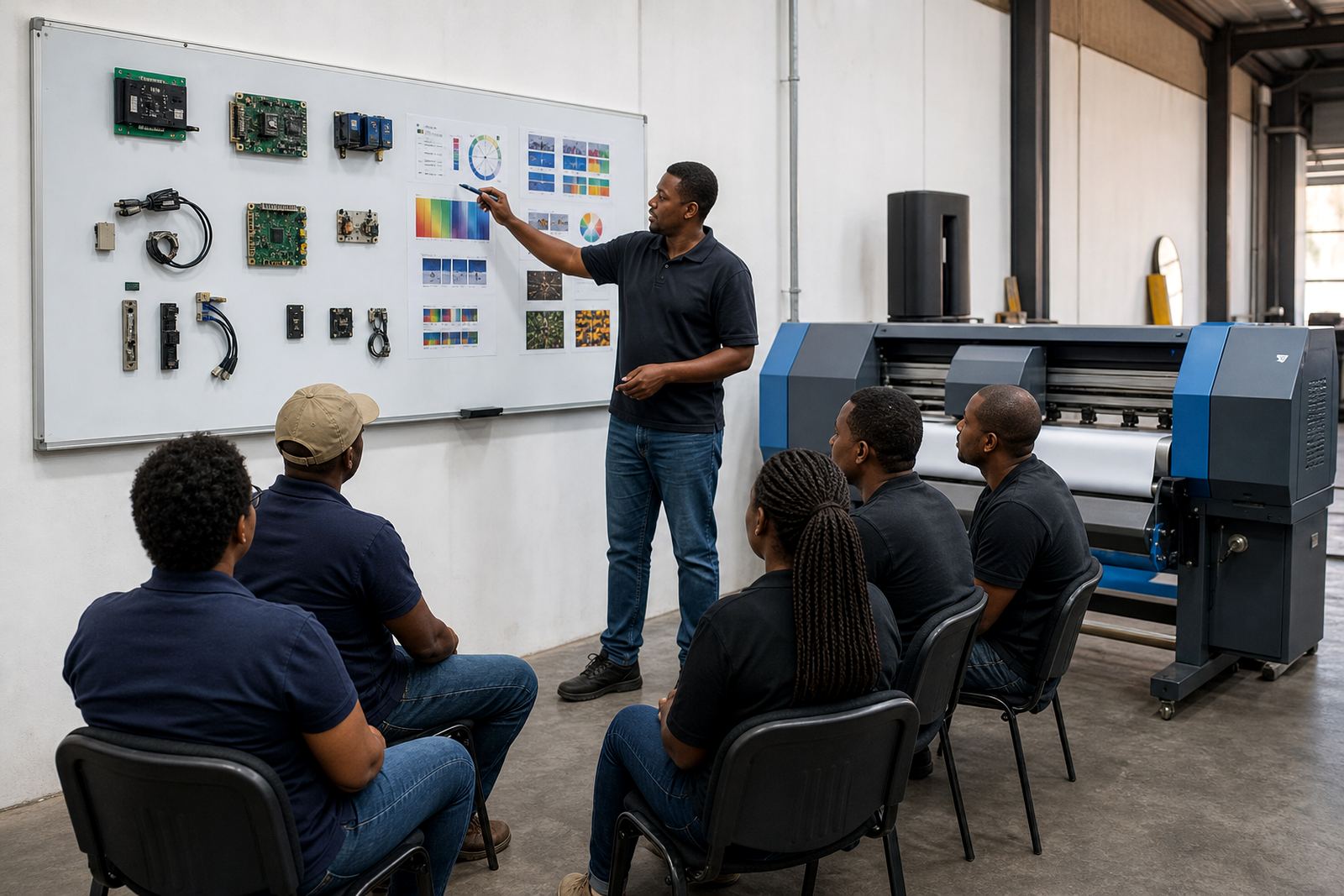
The best RIP setup still needs people who can run it properly. Operator training should cover loading jobs, checking media presets, handling queue changes, saving reprints and recognising a colour shift before a whole run is wasted. When the team knows the order of steps, the printer spends more time producing and less time sitting idle while someone tries to work out what went wrong.
Training also helps with handovers between shifts. If one person sets up a job and another finishes it, the workflow must be clear enough that the second person does not need to reverse engineer the whole process. That is especially useful in larger production rooms where several operators share the same RIP station and each one has a different work pace.
- Use the same preset names across all machines
- Keep one clear process for reprints and repeats
- Store backup copies of key colour and queue settings
- Write down the steps for common media and job types
A practical way to compare RIP options before you buy
When you compare RIP software, look past the sales talk and check how it performs in your own production flow. Ask whether it handles your common file sizes, whether it supports the printer board already installed, and whether the colour tools are detailed enough for the work you sell. If the answer is vague, that usually means the shop will carry the problem later.
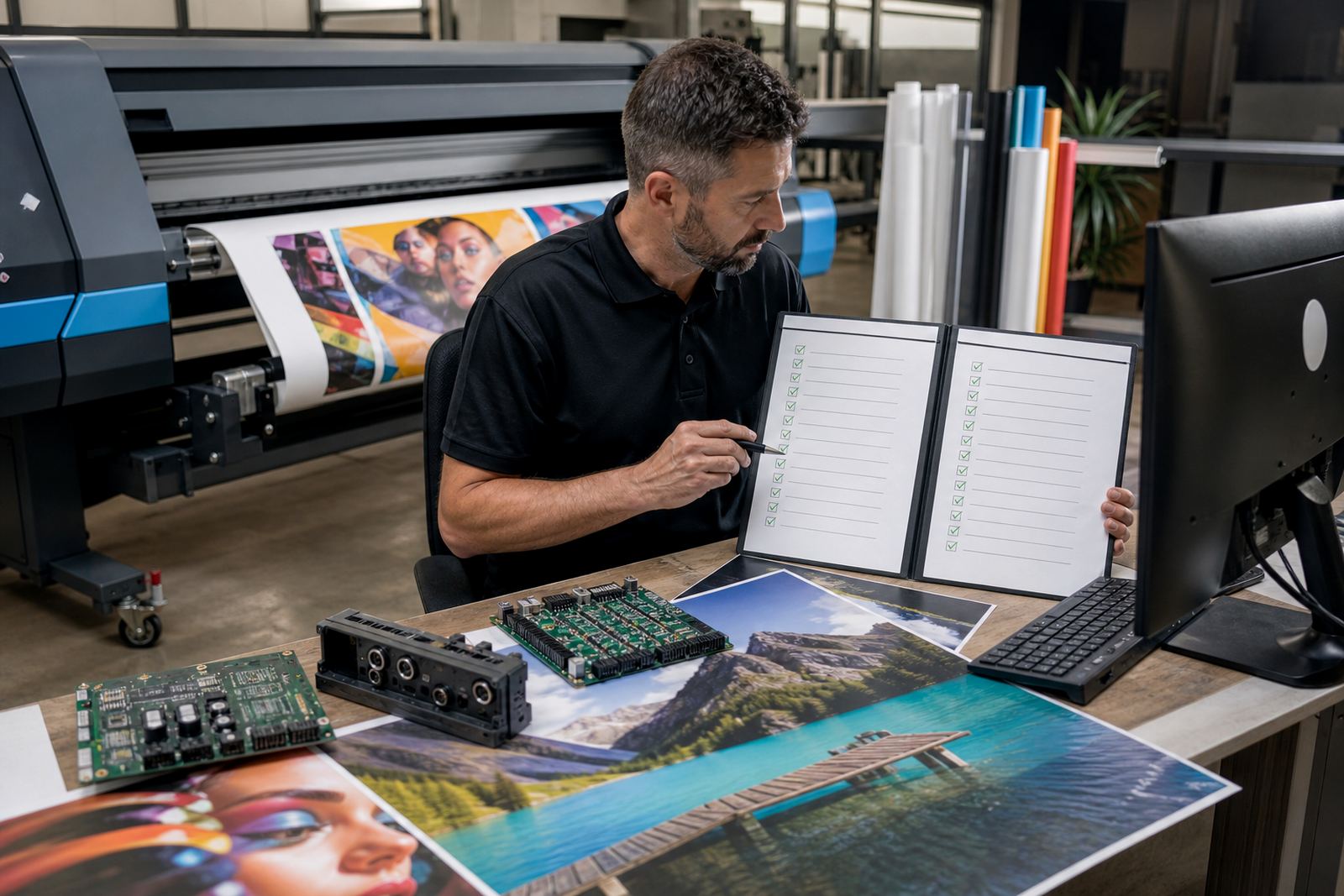
Use a short test list with real files from your own jobs. Include a heavy image file, a text-based layout, a repeat order and a job that needs strong colour matching. Then watch how long setup takes, how easy the queue is to read, and whether the output stays steady across several prints. A decent RIP should make the room calmer, not busier.
For shops across South Africa, the useful question is simple: does the software help the printer run in a controlled way on the floor you already have? If it does, it earns its place. If it creates more manual fixes, the workflow will feel it every day.