

Skip to content
Boards and RIP Software
Home / Products

Boards and RIP Software

Explore control boards, printhead driver units and RIP software used in wide-format inkjet production. Each option focuses on practical printer control, reliable output and easier daily operation.

Main Control Board

Main Control Board

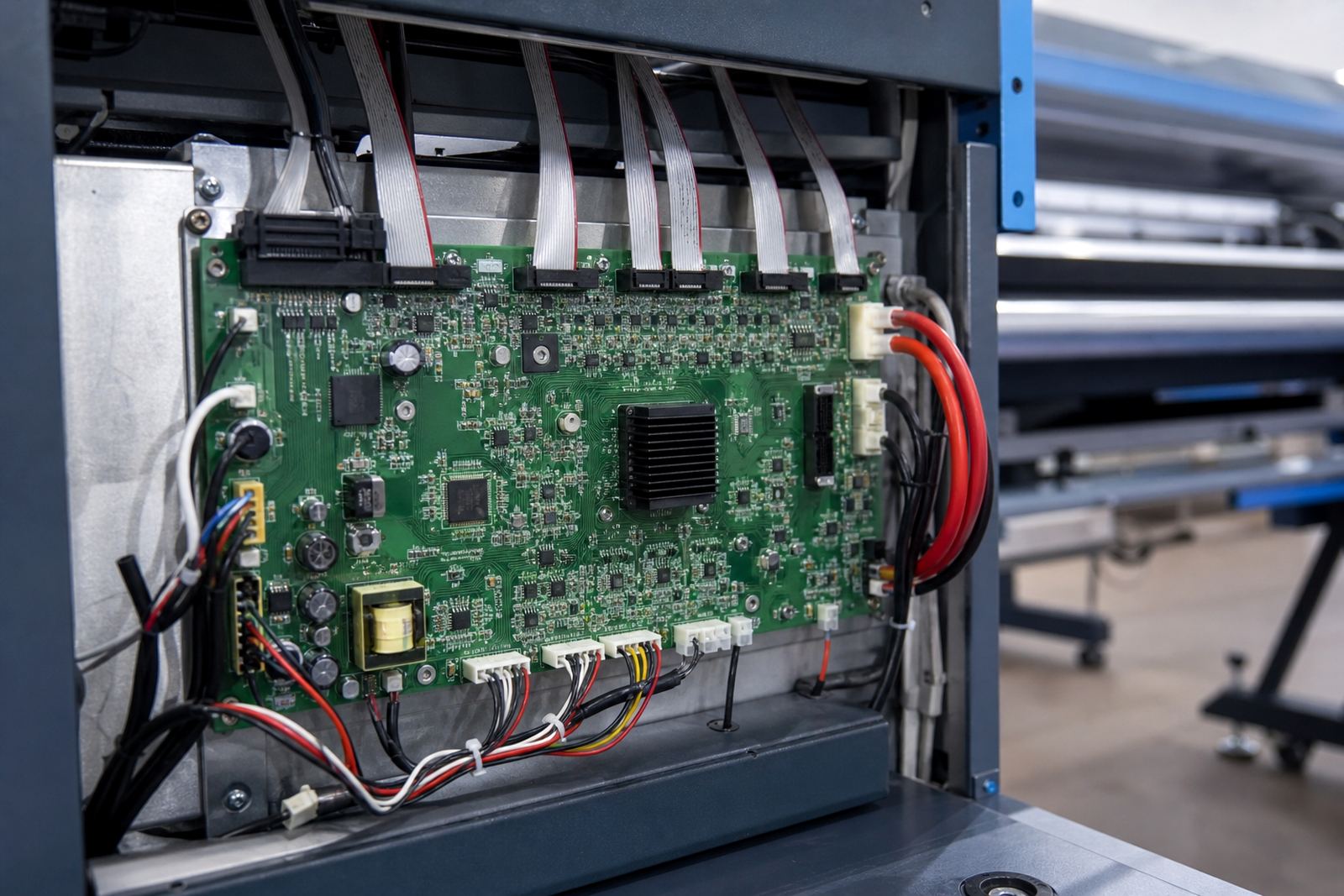
A central motion and signal board for coordinating carriage travel, media feed and core printer functions.

Printhead Driver Board

Printhead Driver Board

A specialised driver board that manages firing signals between the printer system and installed printheads.

Carriage Control Board

Carriage Control Board

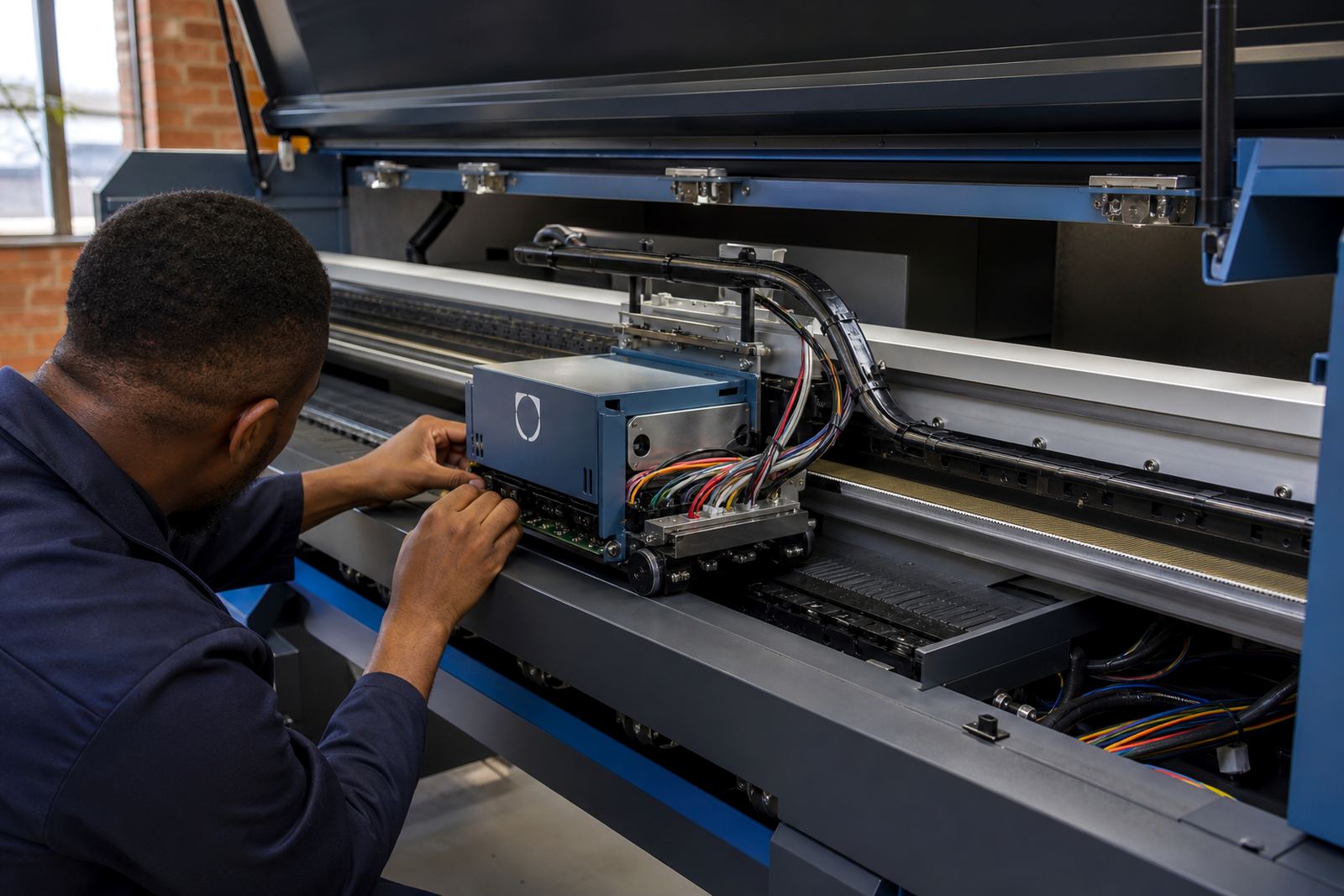
A board designed to regulate carriage communication and support smoother head movement across the rail.

Feed Motor Board

Feed Motor Board

A media drive control board for more accurate feed control during long production runs.

Encoder Sensor Kit

Encoder Sensor Kit

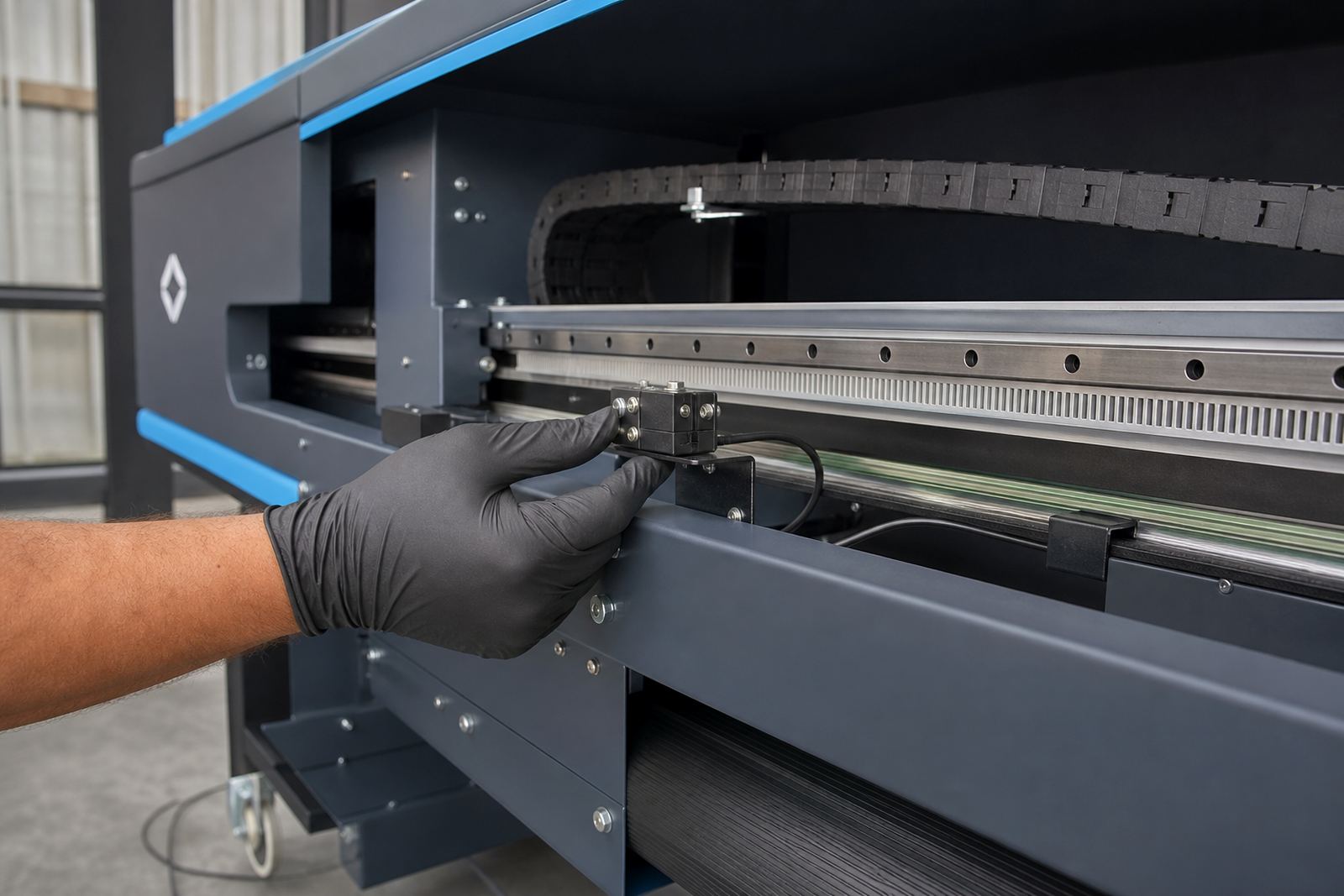
A sensor and interface kit that helps maintain positioning accuracy for cleaner passes and better registration.

Head Voltage Module

Head Voltage Module

A voltage regulation module used to support stable printhead operation and more consistent jetting behaviour.

Ink Pump Board

Ink Pump Board

A control board for coordinated pump activity during priming, circulation and standard maintenance cycles.

Capping Station Board

Capping Station Board

A service-station control board that supports capping, wiping and cleaning routines for routine maintenance.

RIP Software Core

RIP Software Core

Production RIP software for processing files, managing queues and driving wide-format print output.

RIP Workstation Package

RIP Workstation Package

A complete RIP workstation setup with software configuration for everyday print room use.

Colour Profile Set

Colour Profile Set

A profile package built around media, ink behaviour and practical production colour requirements.

Nesting Module

Nesting Module

A software module that groups jobs efficiently to reduce media waste and improve throughput.

Step and Repeat Module

Step and Repeat Module

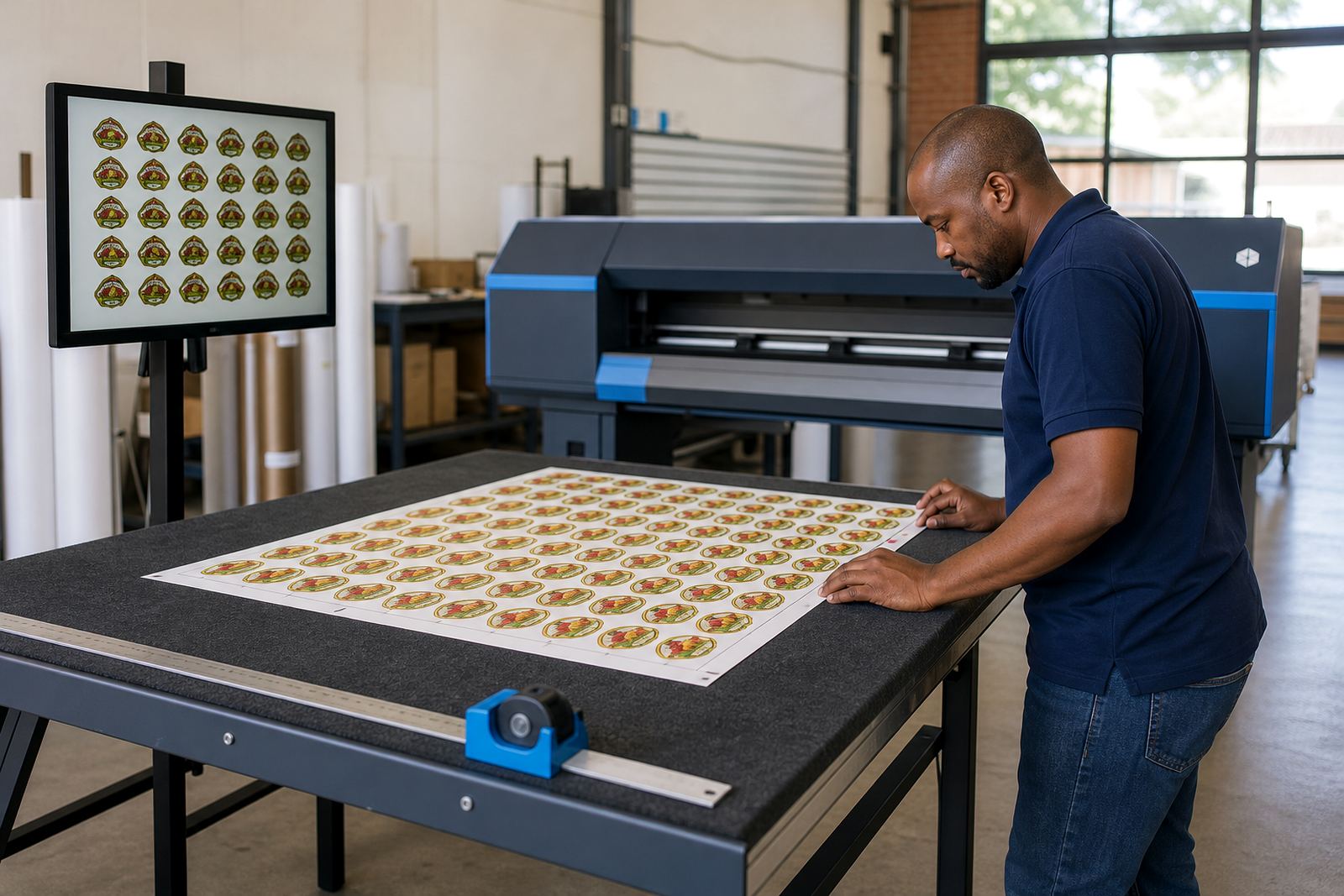
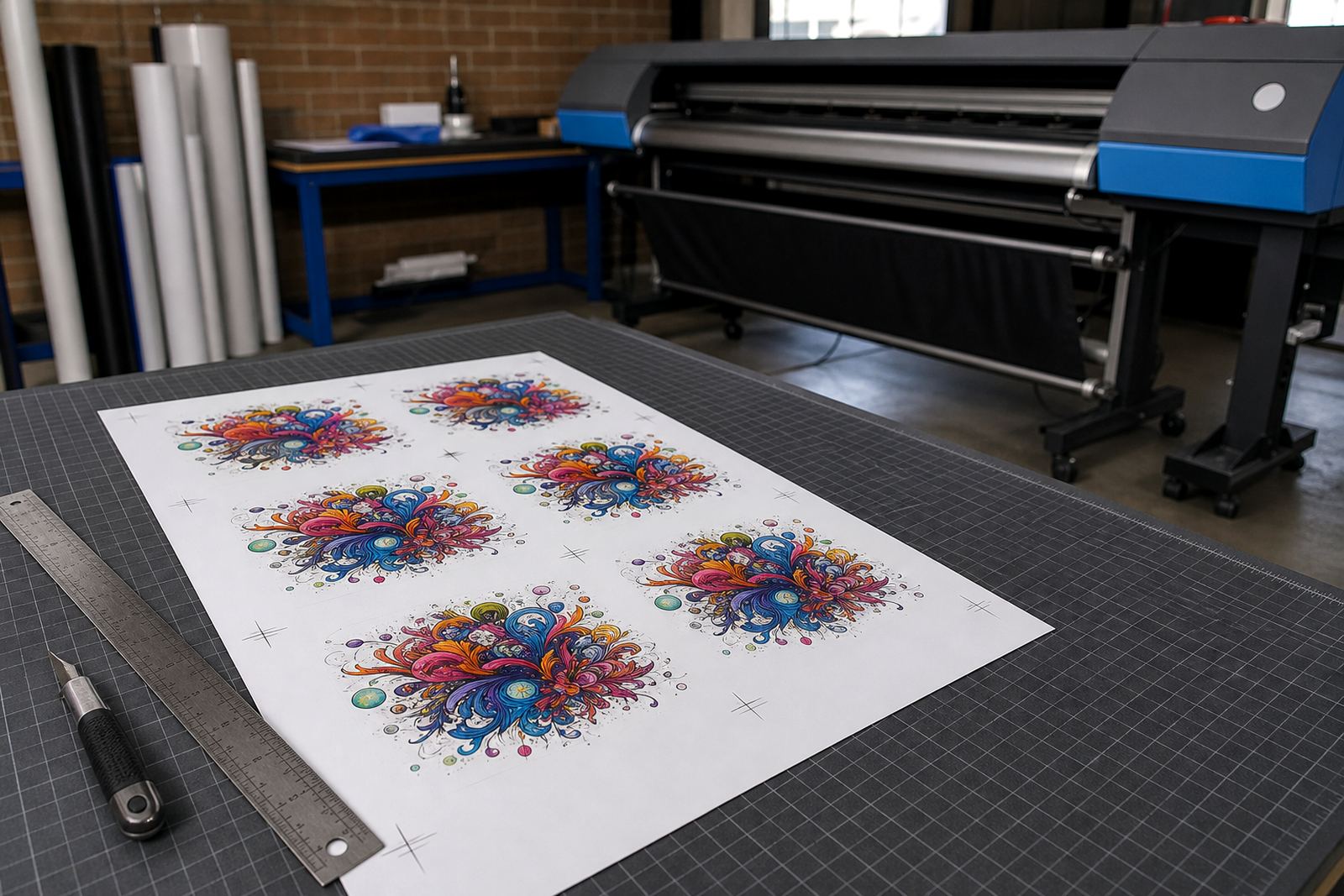
A layout tool for repeating labels, decals and similar artwork across sheets or roll media.

White Ink Module

White Ink Module

A RIP feature set for managing white layers, print order and underbase preparation on suitable jobs.

Variable Data Module

Variable Data Module

A production module for handling sequential graphics or changing fields across repeating print jobs.

Dual Roll Control

Dual Roll Control

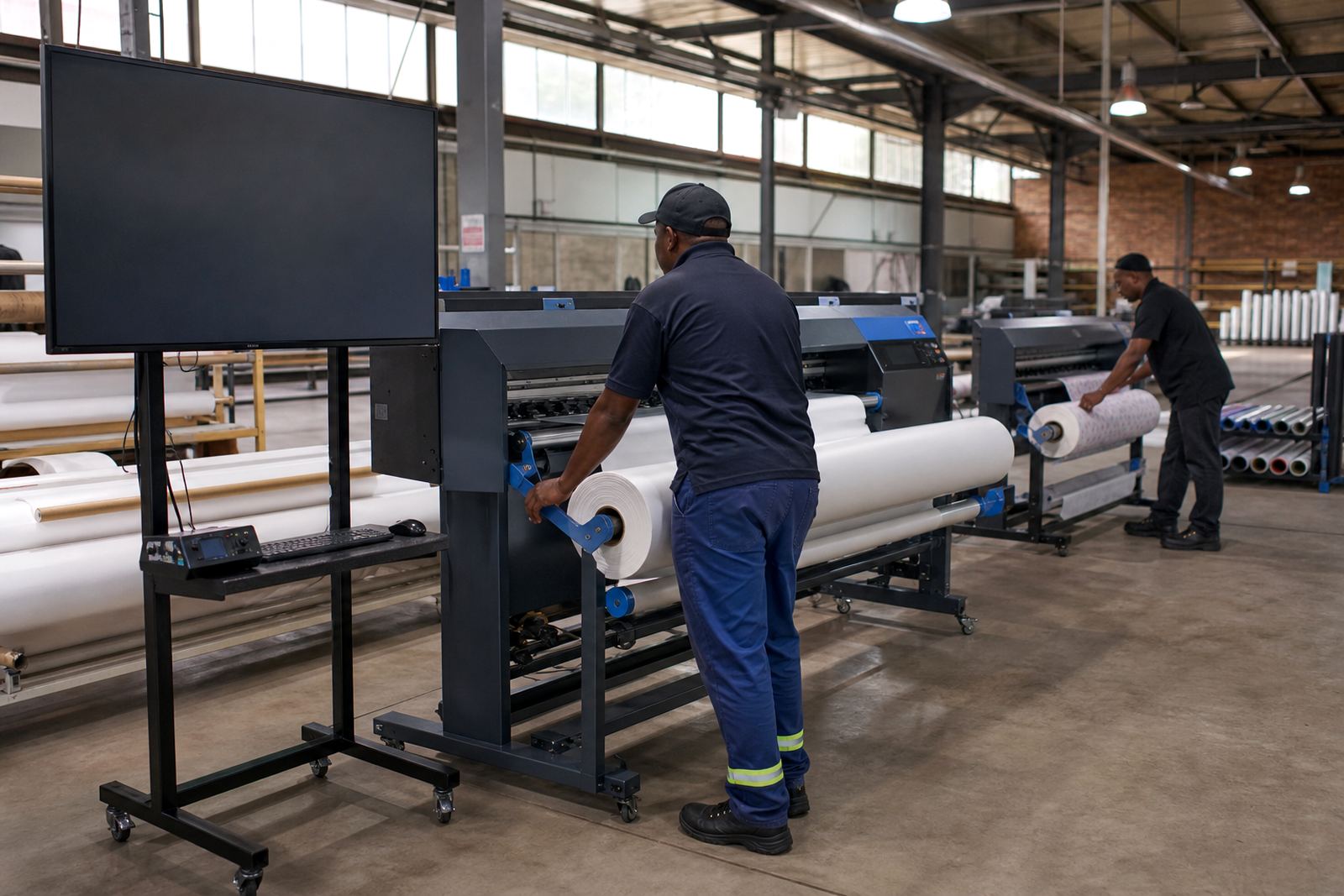
A control and workflow option for handling two media lanes with clearer production planning.

Take-Up System Board

Take-Up System Board

A board for synchronising media take-up and helping maintain neat collection on longer runs.

Heater Control Board

Heater Control Board

A heating control board for print zones where media drying and handling stability matter.

Vacuum Control Board

Vacuum Control Board

A vacuum management board that helps media stay flatter during printing on suitable machines.

USB Interface Board

USB Interface Board

An interface board that supports stable communication between RIP workstation and printer electronics.

Network RIP Licence

Network RIP Licence

A multi-user RIP option for shared job submission and better production workflow across a team.

Backup Configuration Kit

Backup Configuration Kit

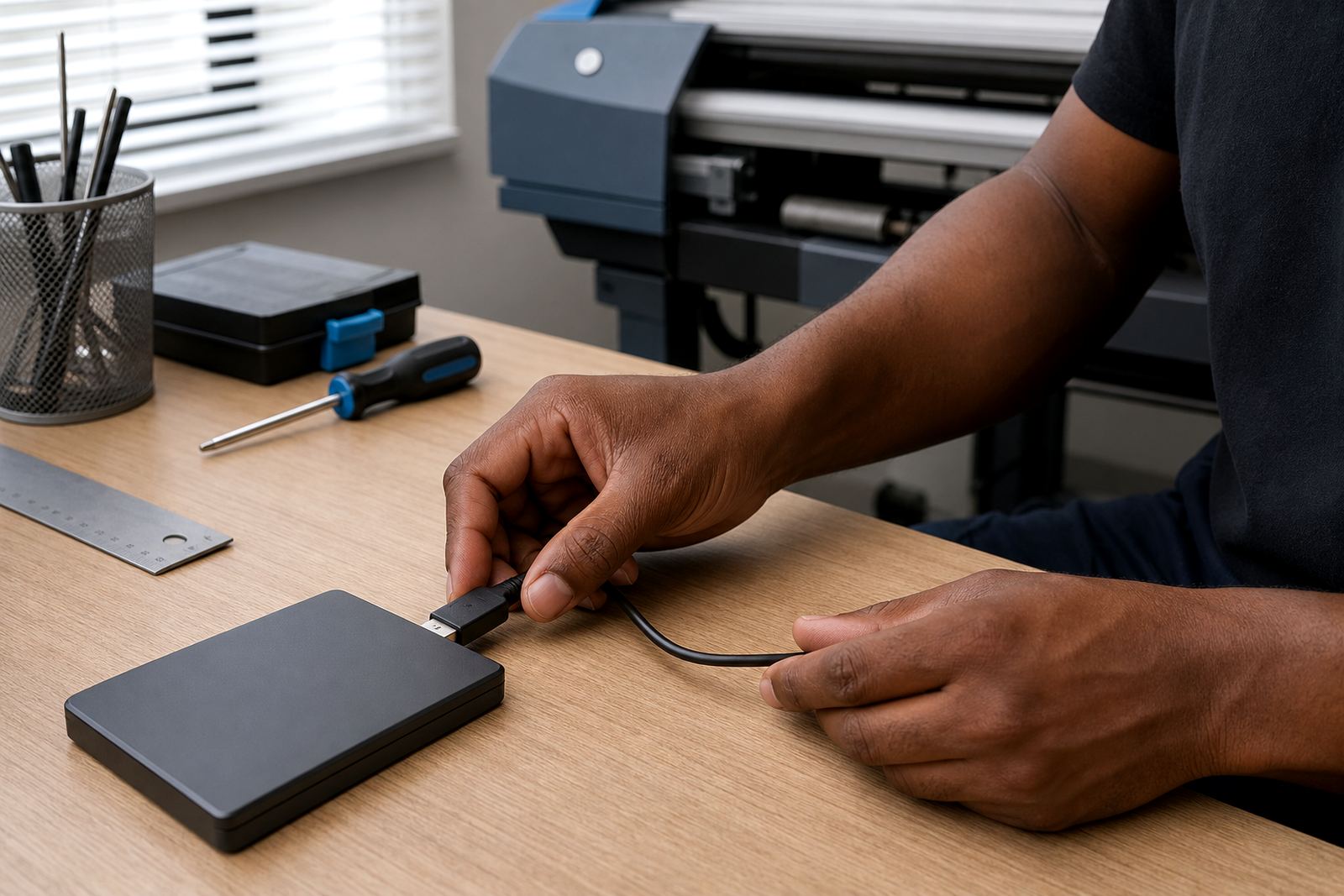
A practical backup package for saving printer settings, queues and core RIP configuration data.

Maintenance Flush Kit

Maintenance Flush Kit

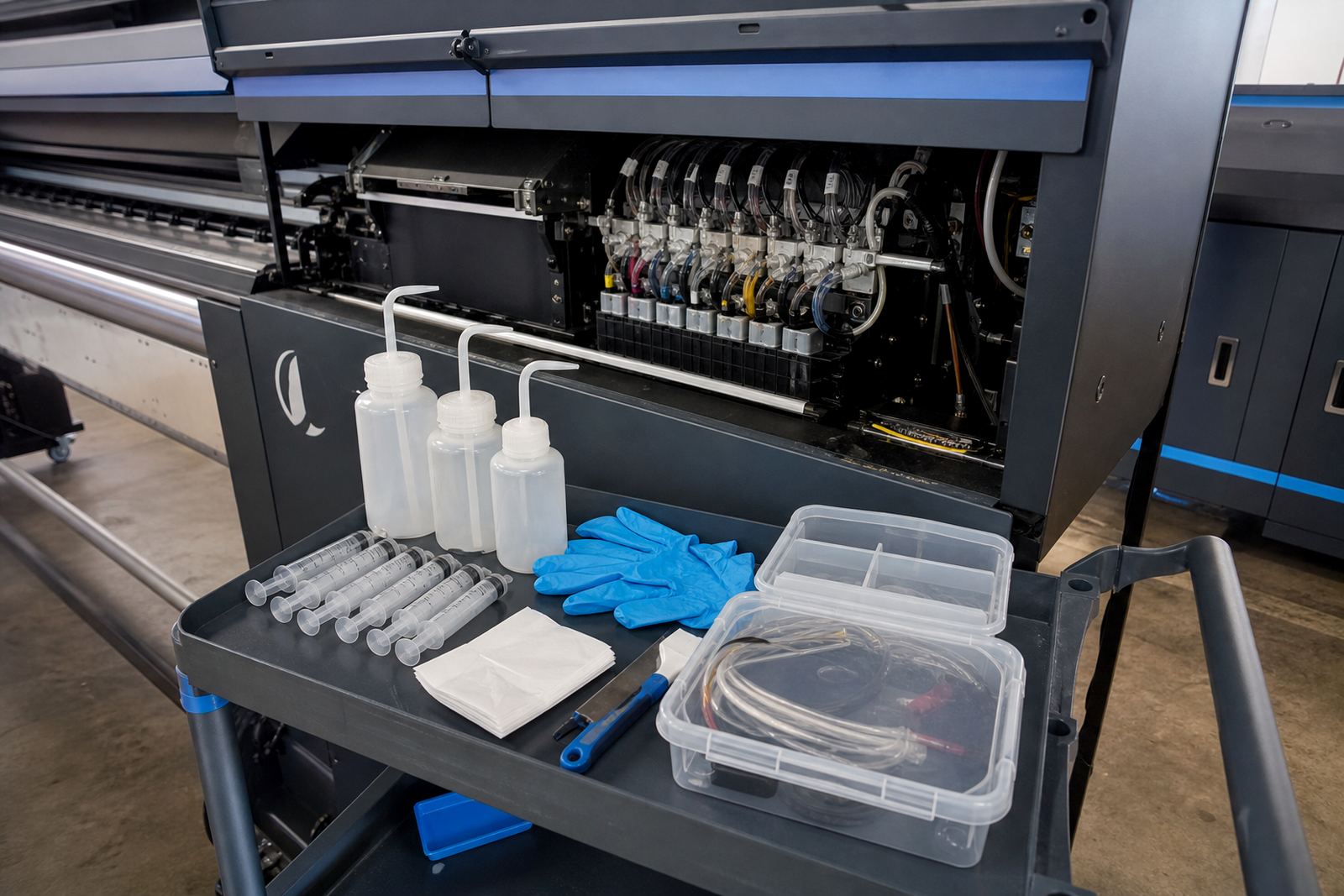
A service kit used during controlled cleaning and line maintenance procedures for ink systems.

Head Alignment Tool

Head Alignment Tool

A setup tool for printhead positioning, helping support cleaner bi-directional and multi-pass output.

Waveform Setup Pack

Waveform Setup Pack

A technical setup package for configuring firing behaviour in line with supported printhead operation.

Media Feed Upgrade

Media Feed Upgrade

An upgrade package that improves feed consistency and helps reduce banding from uneven movement.

Colour Calibration Pack

Colour Calibration Pack

A setup package for balancing ink limits, linearisation and output consistency on common media types.

Remote RIP Setup

Remote RIP Setup

A remotely delivered setup option for RIP installation, queue creation and base workflow configuration.

Remote Board Config

Remote Board Config

A guided remote configuration service for supported board parameters and communication checks after fitting.

Test Print Pack

Test Print Pack

A practical file pack for checking nozzles, alignment, gradients and media feed during commissioning.

Raster Speed Module

Raster Speed Module

A workflow add-on aimed at speeding raster processing for busy production environments.

Job Archive Module

Job Archive Module

A storage and recall tool for repeat jobs, helping operators retrieve settings quickly.

Cut Mark Module

Cut Mark Module

A print workflow feature that adds registration marks for downstream trimming and finishing.

Production Queue Pack

Production Queue Pack

A queue management package for grouping jobs by media, colour mode and output priority.

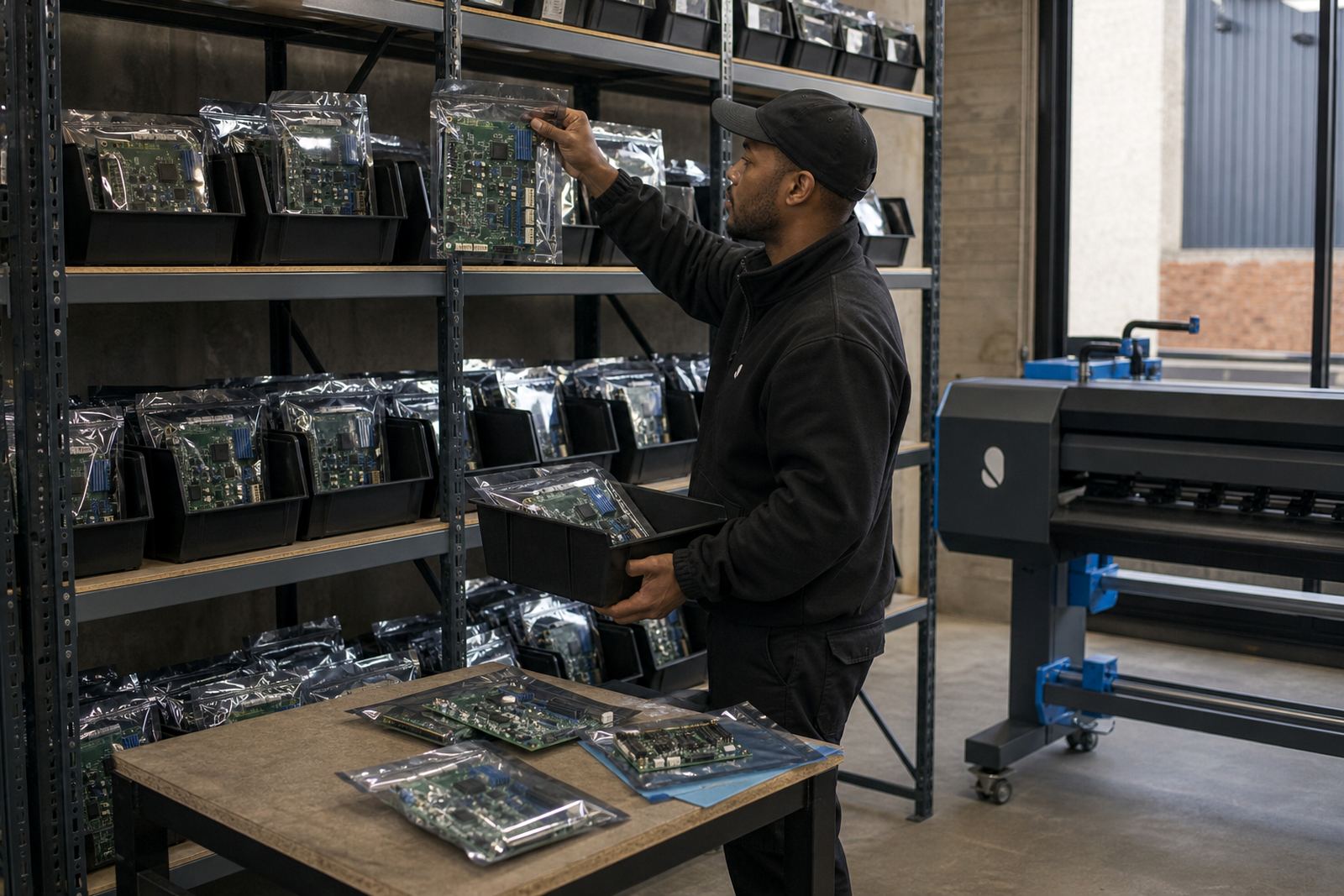
Spare Board Stock

Spare Board Stock

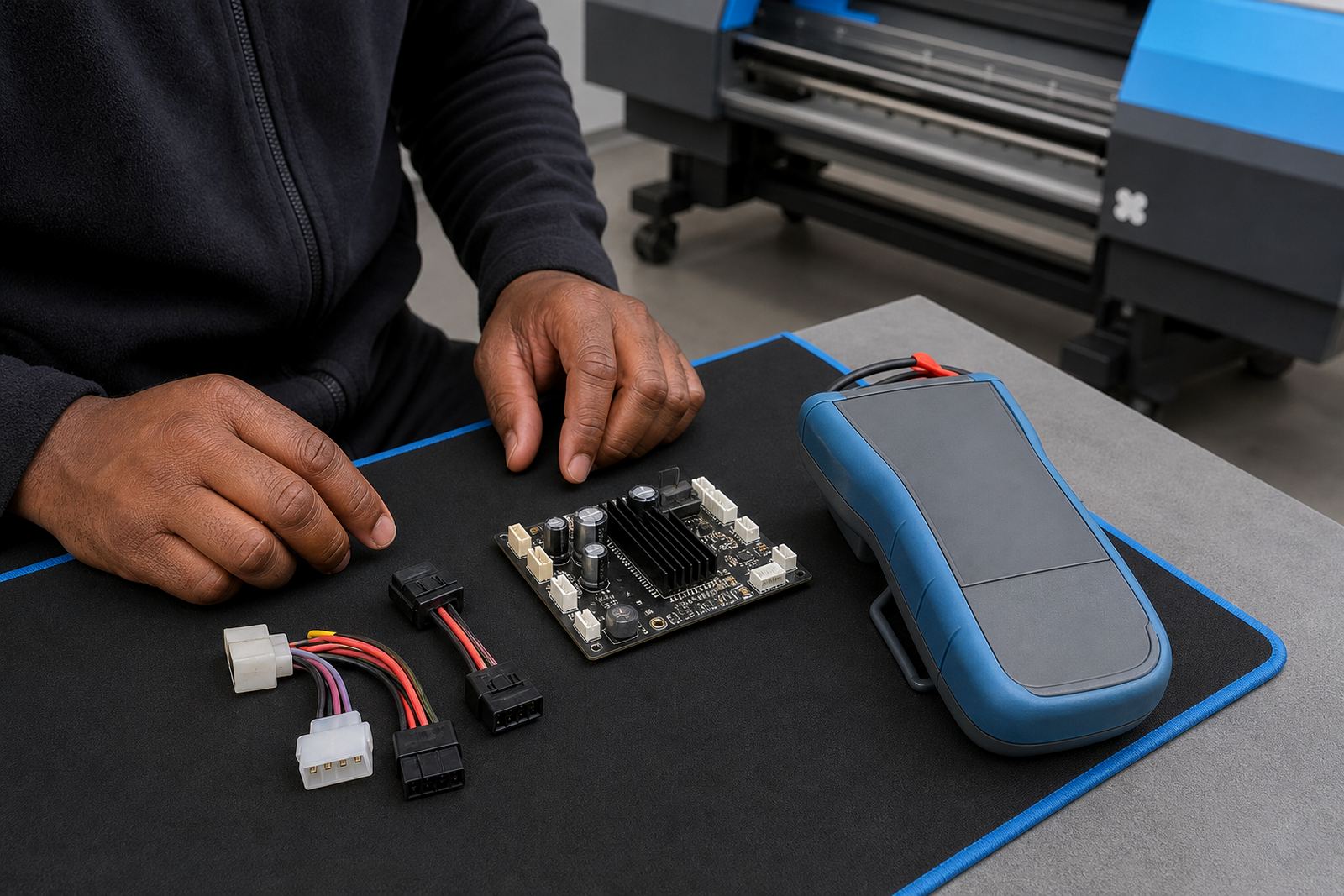
Locally held common replacement boards to reduce waiting when critical printer electronics fail.

Three parts that shape the print path

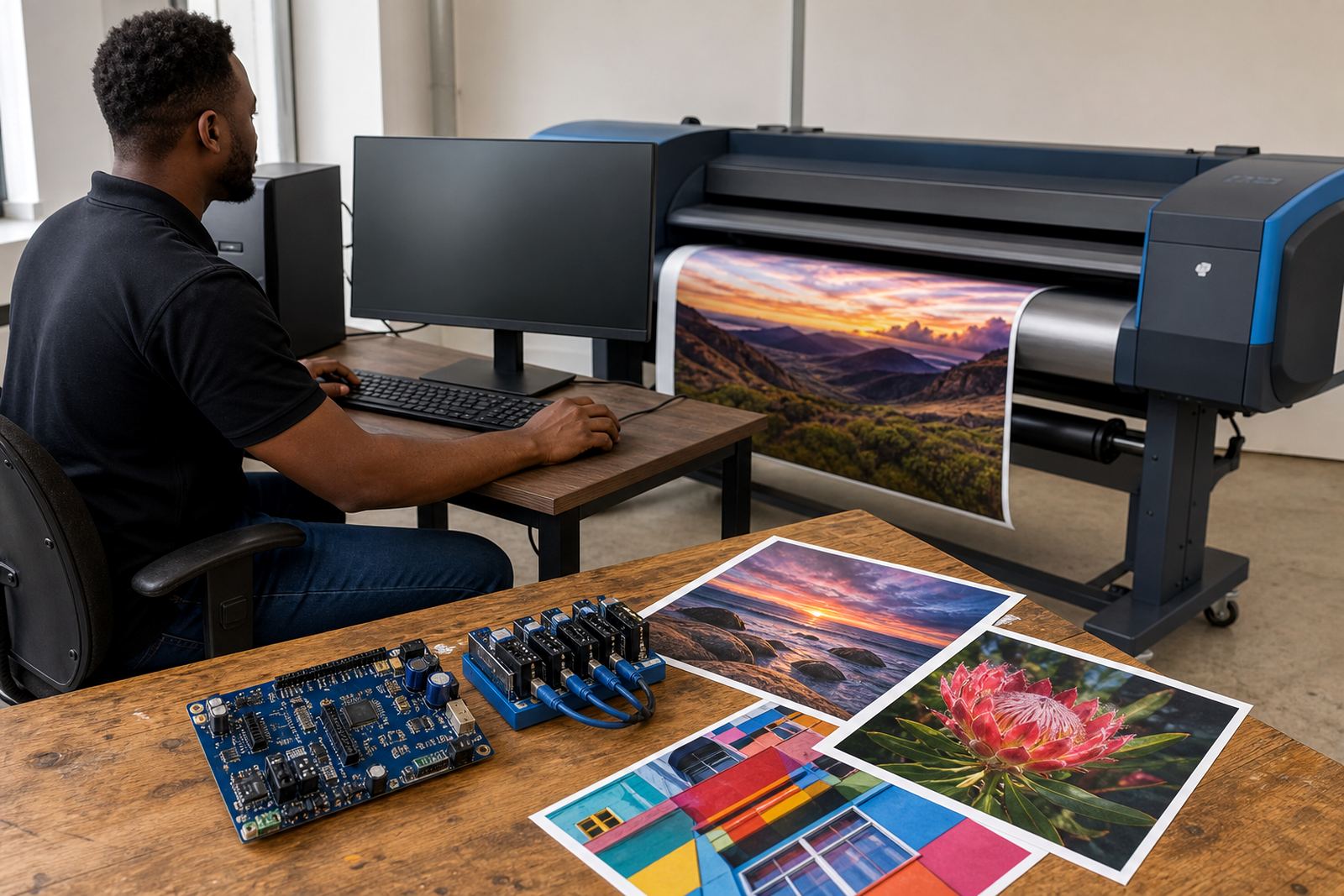
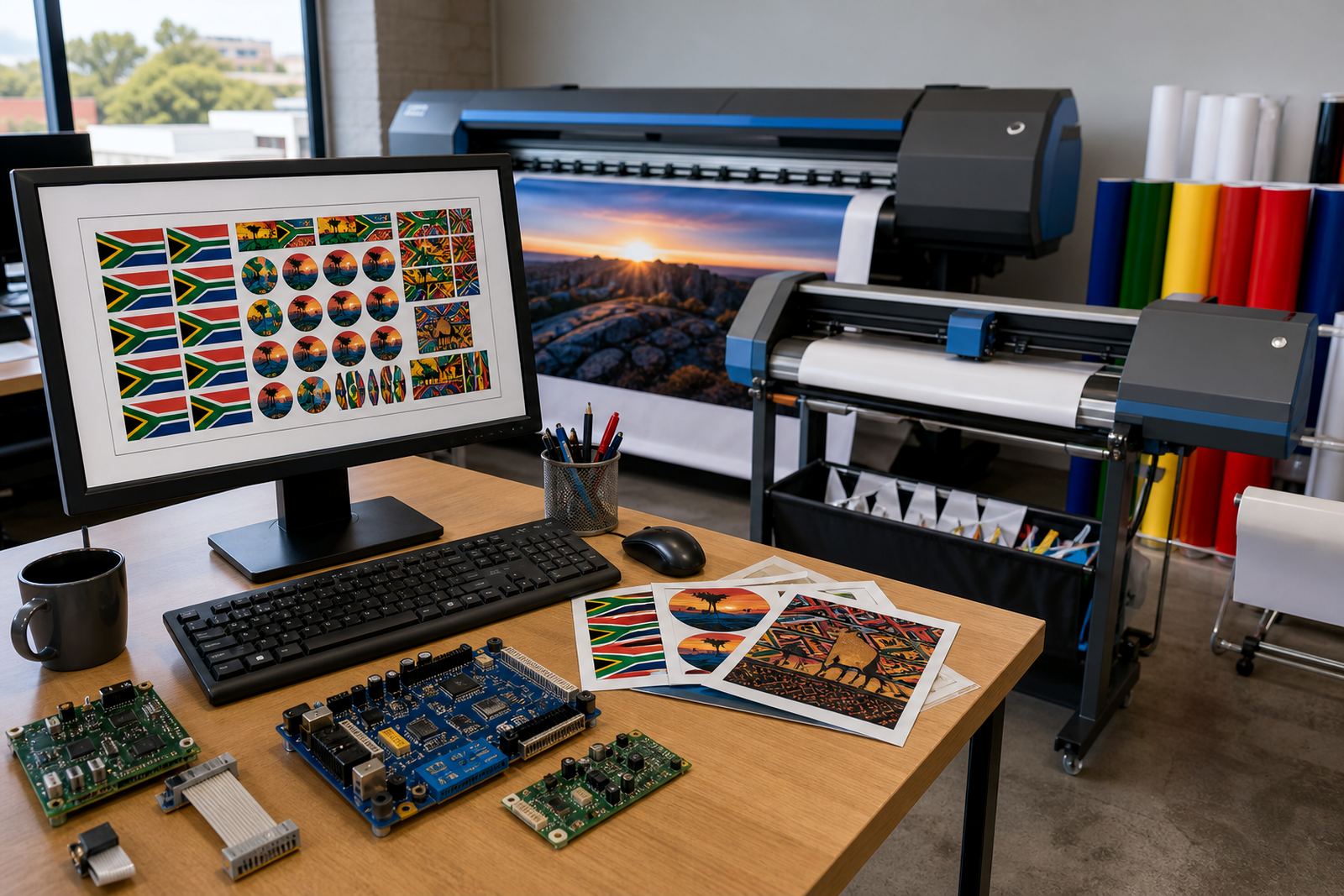
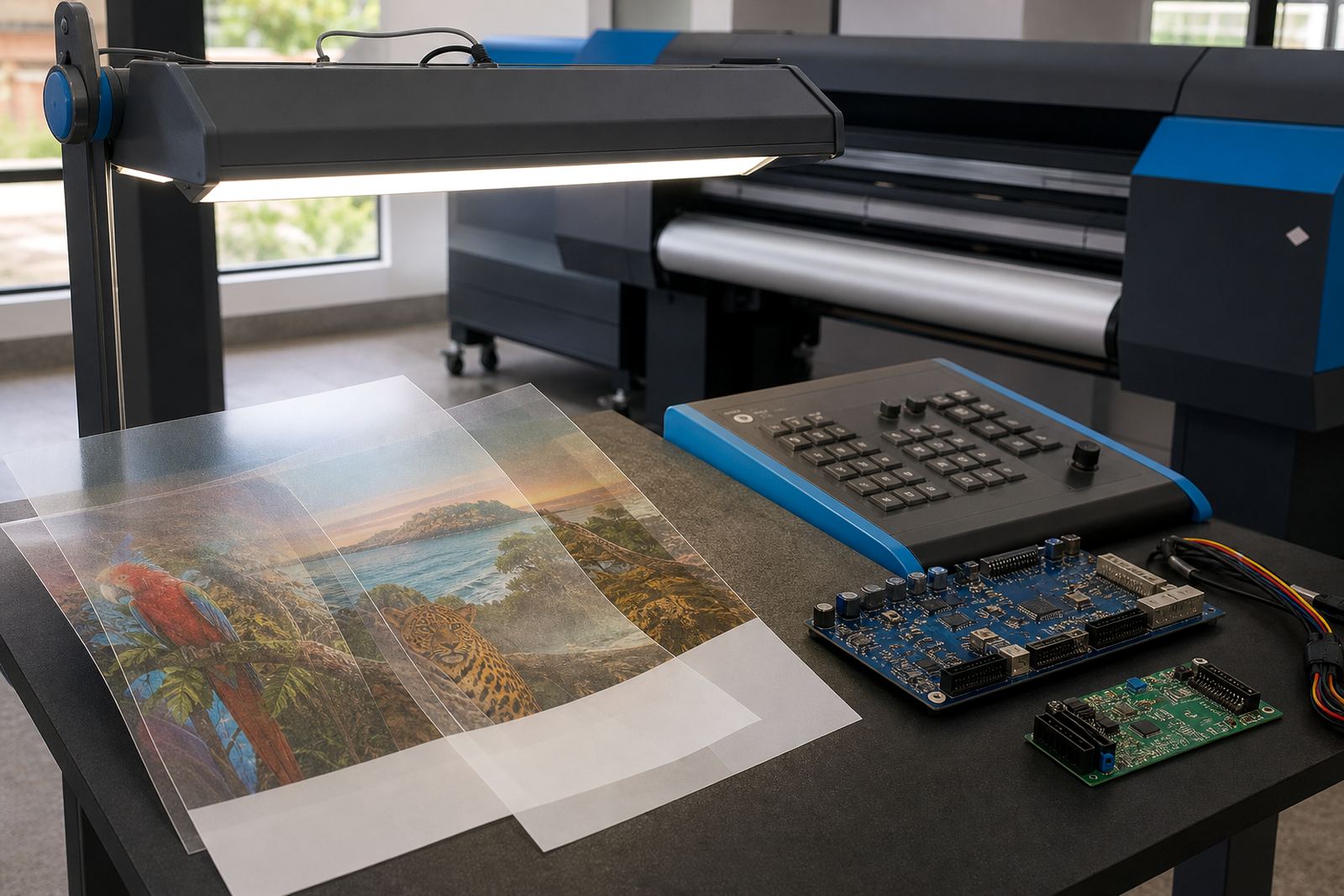
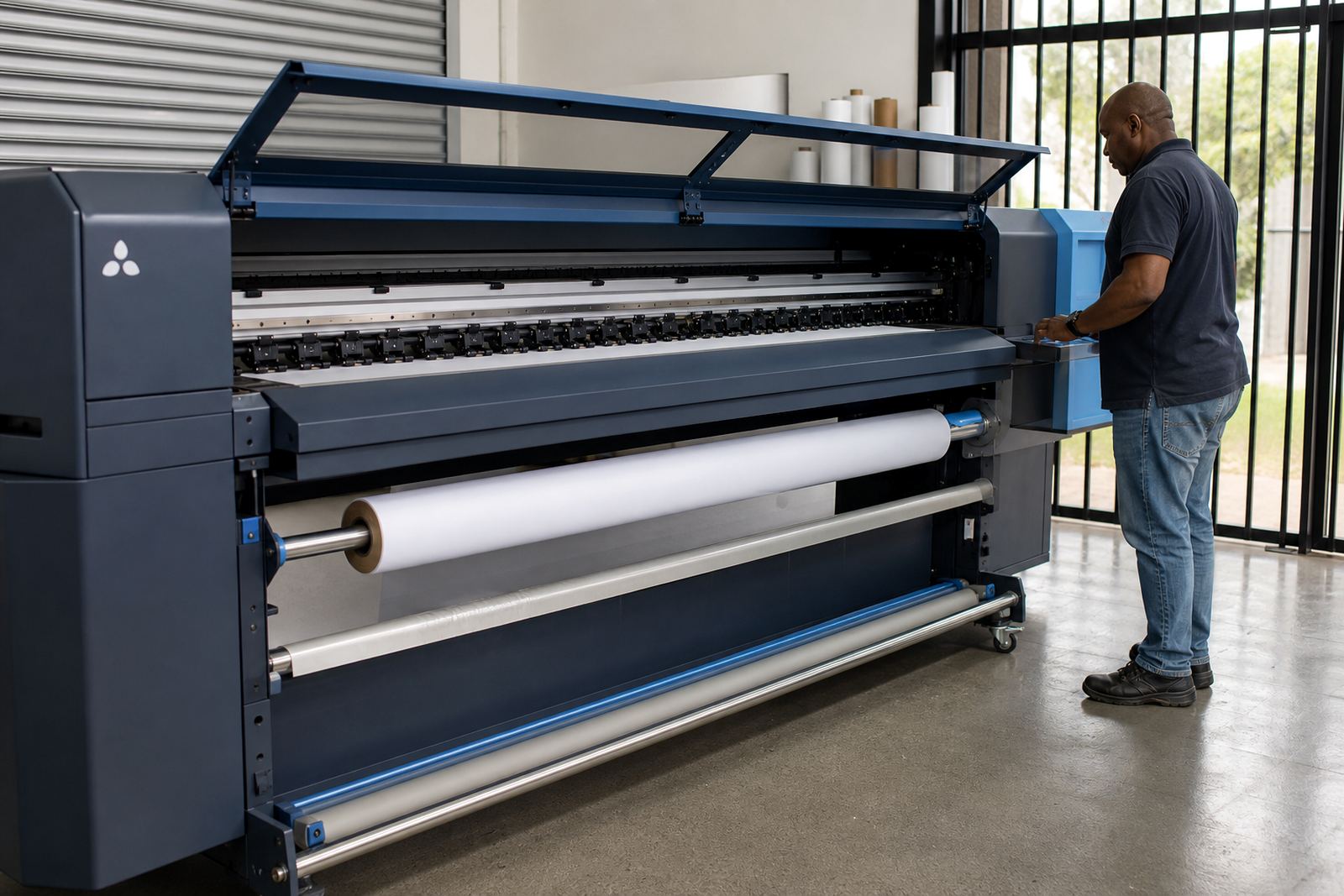
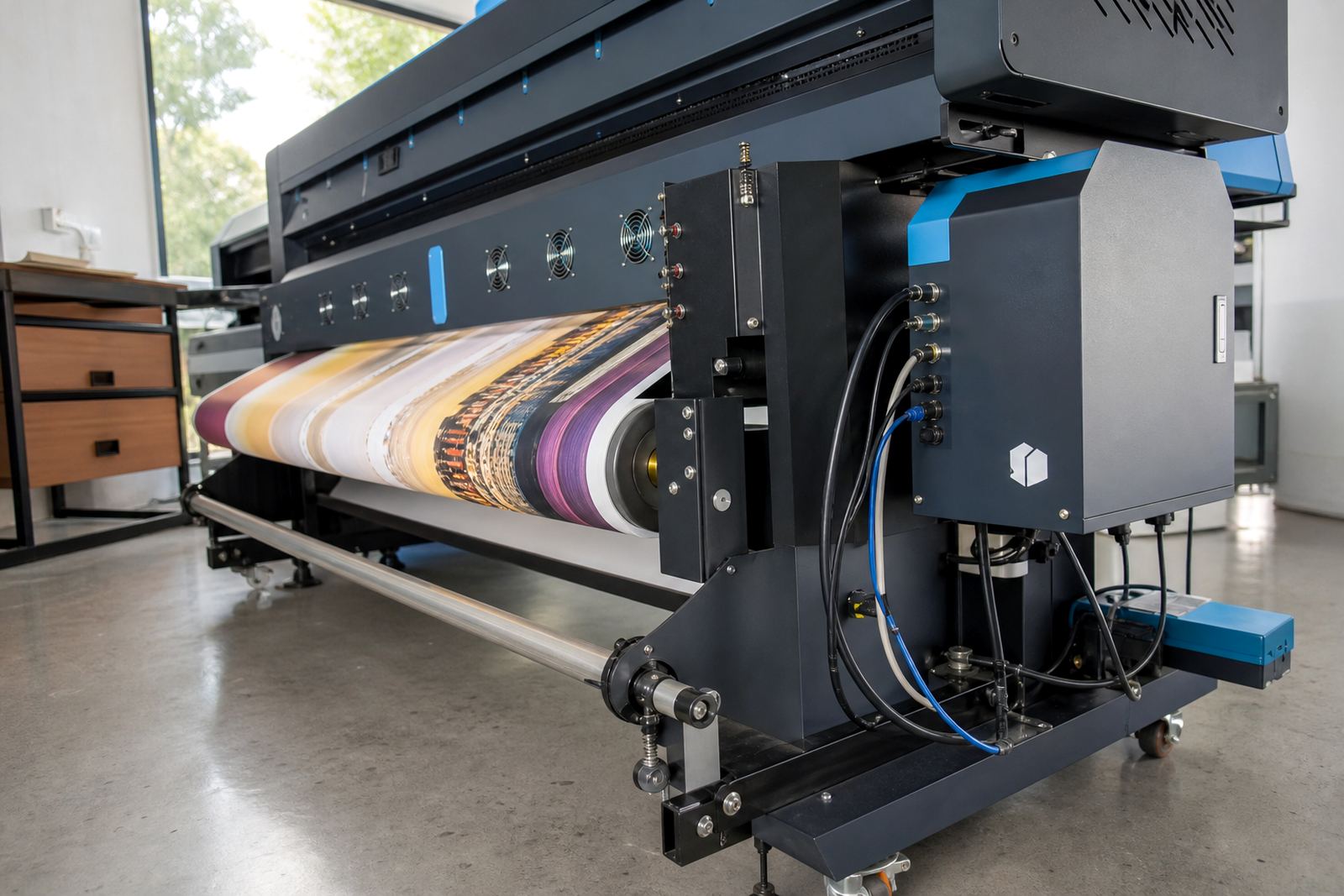
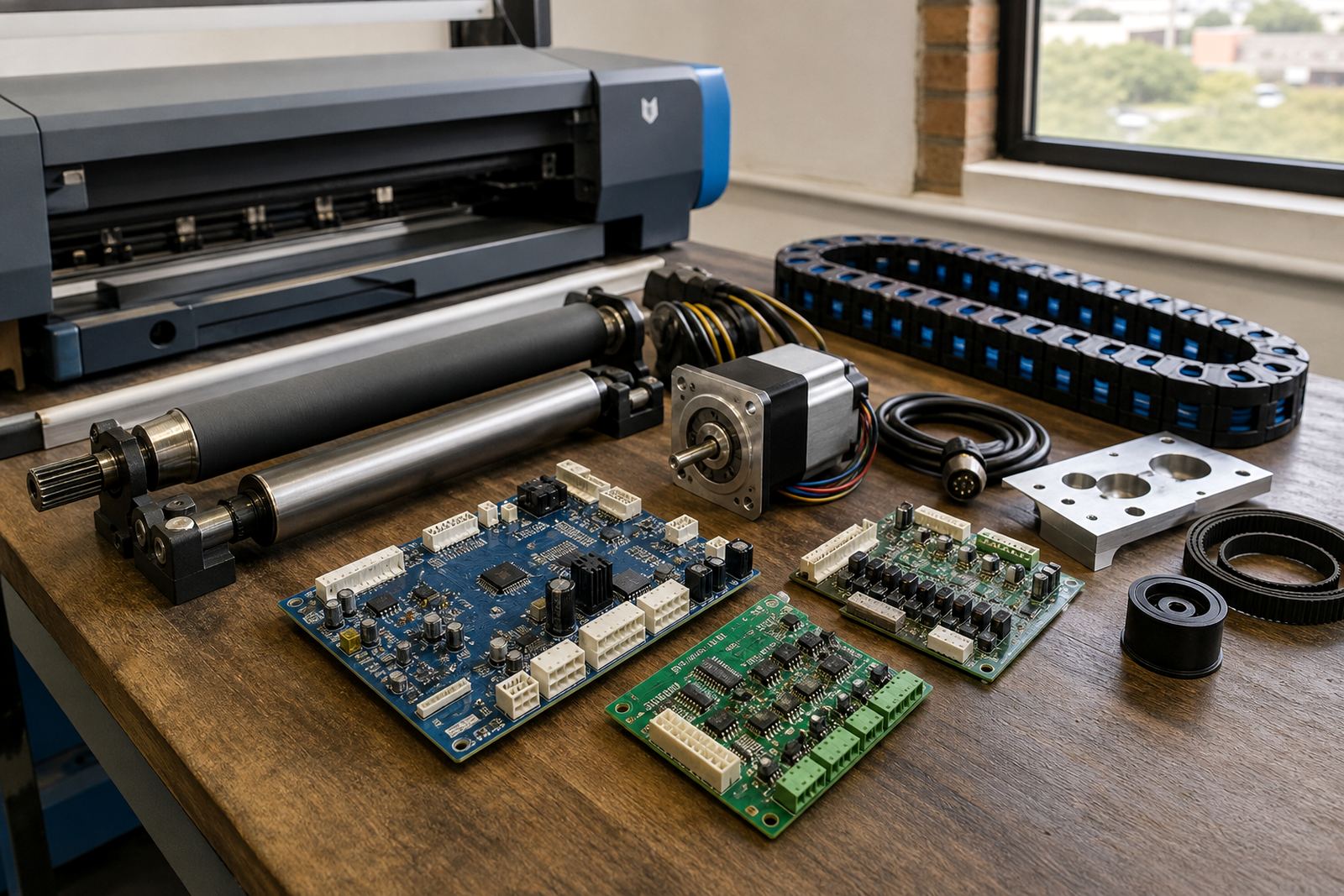
In a production room, the control board, printhead driver and RIP software each carry a different load. The board manages communication inside the printer, the driver handles the printhead firing signals, and the RIP turns artwork into print-ready data with the right resolution, screening and colour handling.

When these parts are matched properly, operators spend less time fighting file errors, banding or awkward queue changes. That matters in Johannesburg, Durban and Cape Town, where the work can shift from short runs to longer production jobs in the same week.

Choosing the right board and driver setup

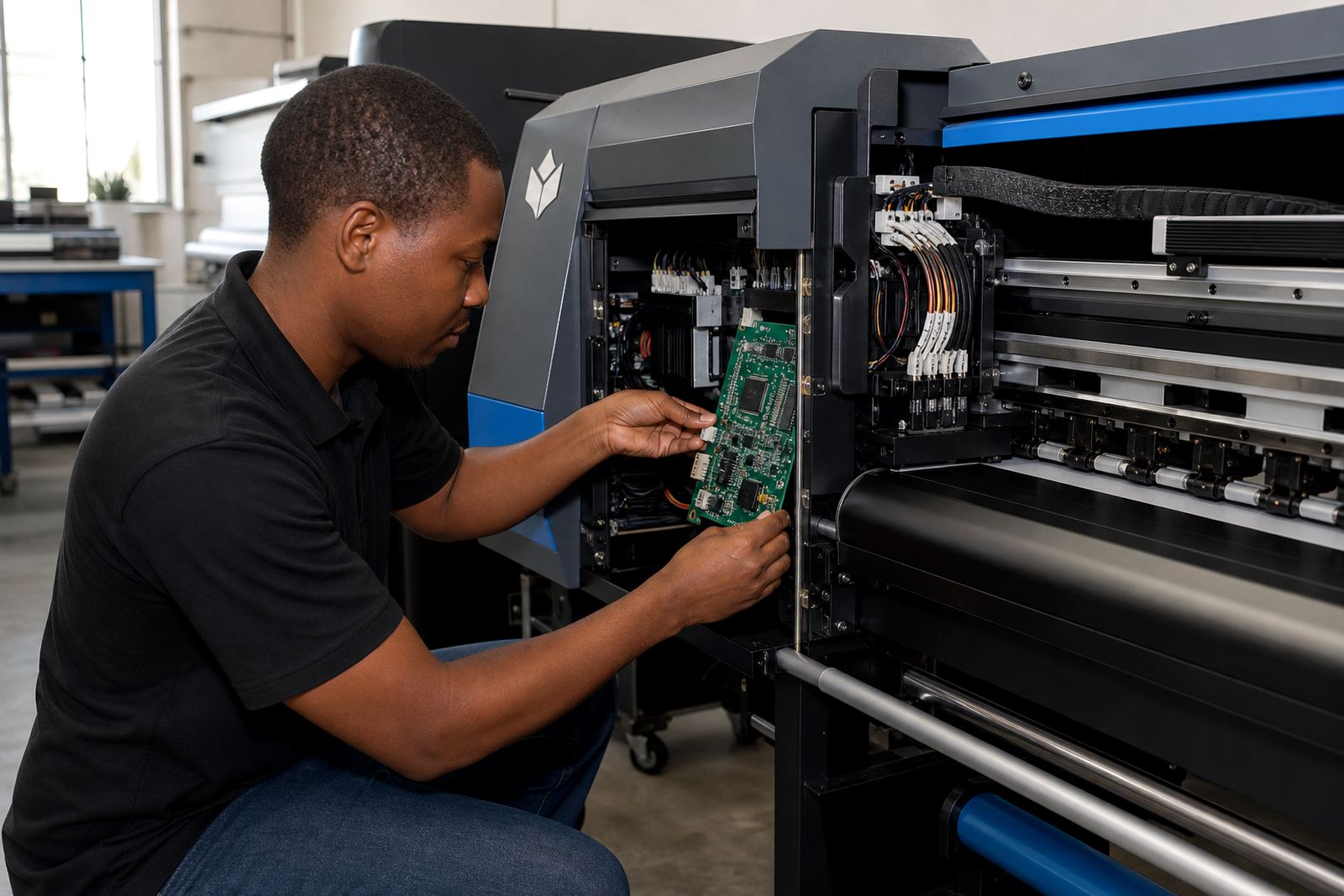
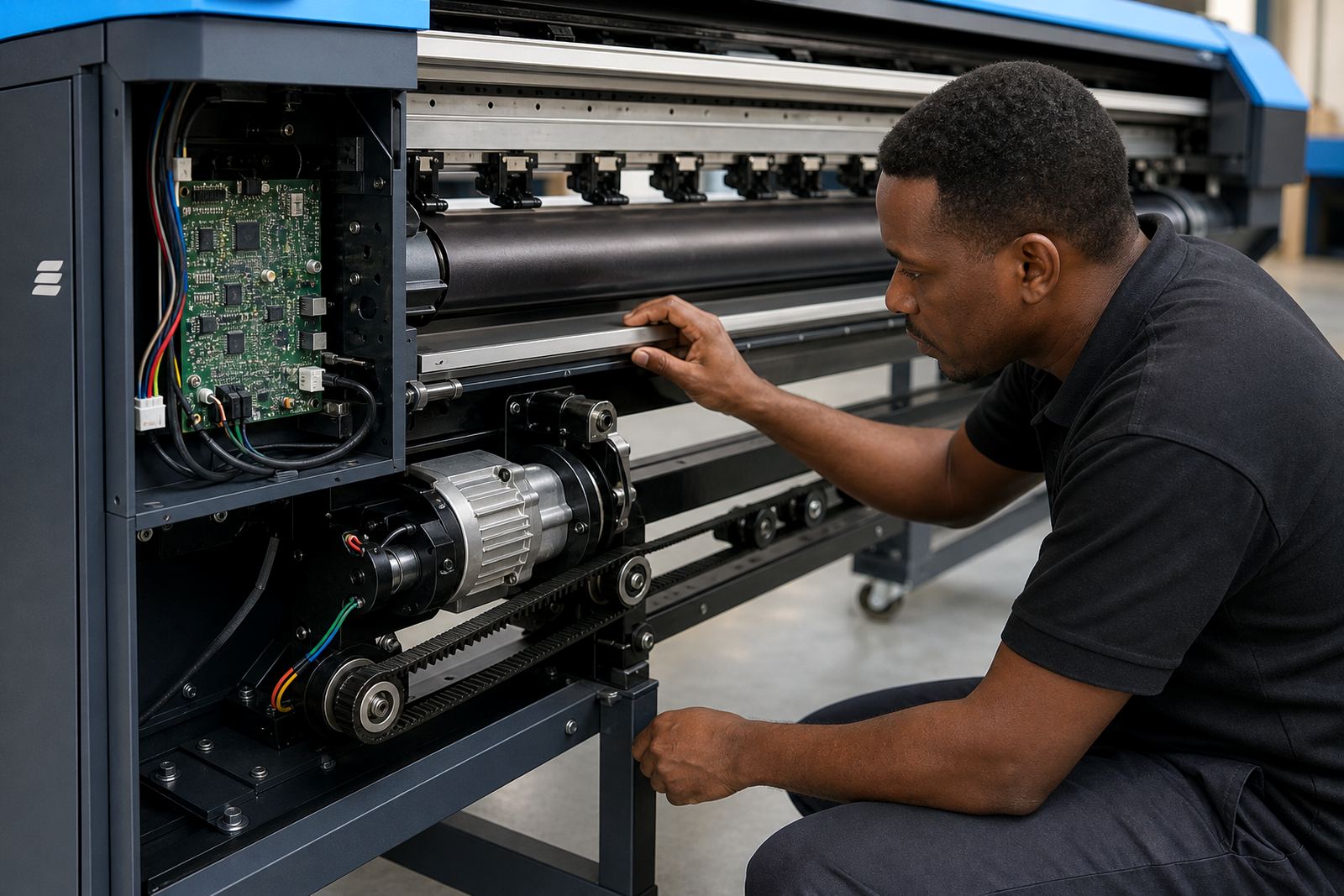
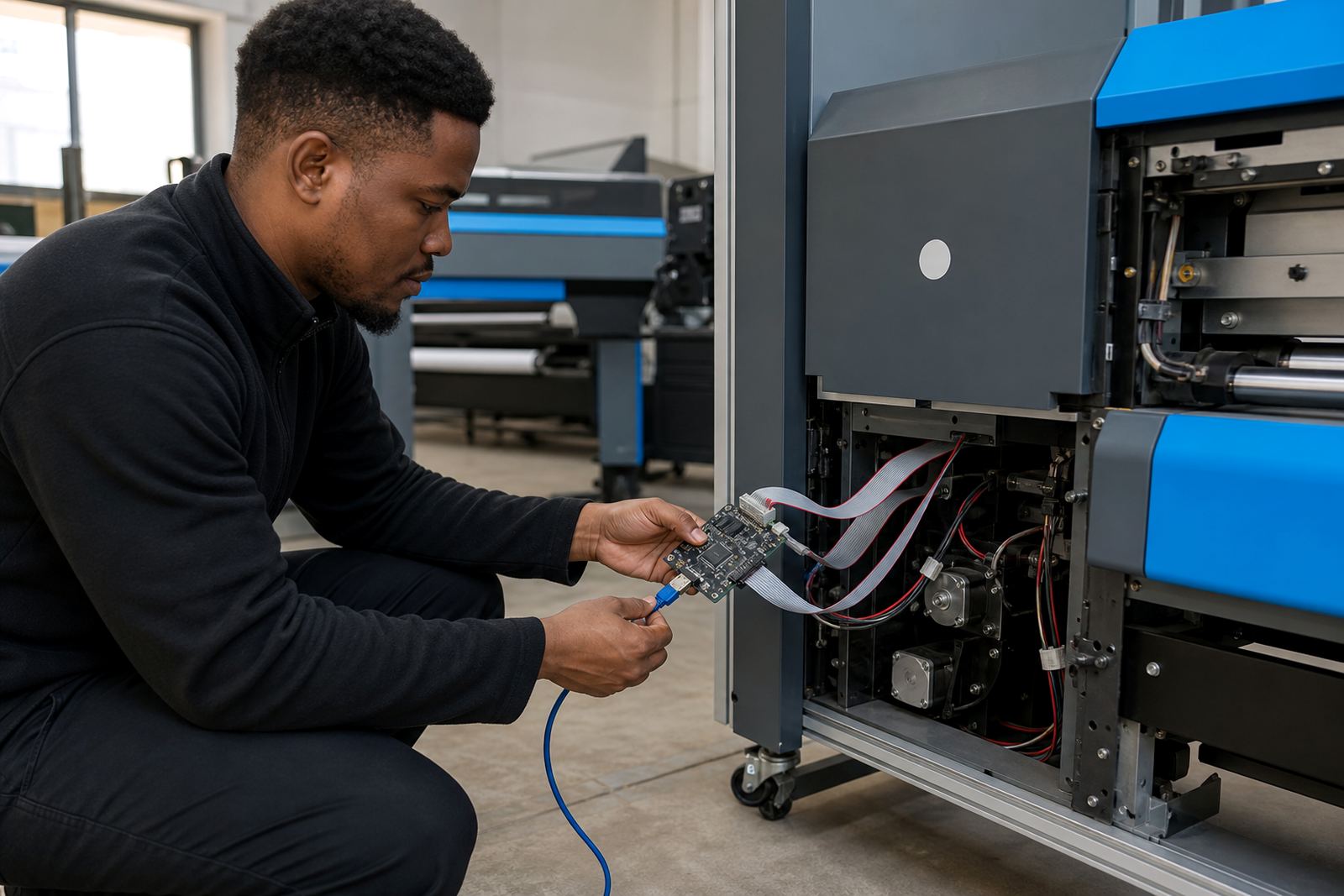
Different machines need different control paths, and the right match depends on the printer frame, ink delivery system and the printhead type in use. A board that is suited to one setup may not handle another printer’s carriage timing or signal layout correctly.

  • Control boards for wide-format inkjet printer management
  • Printhead driver units for stable firing control
  • Signal matching for single-head and multi-head systems
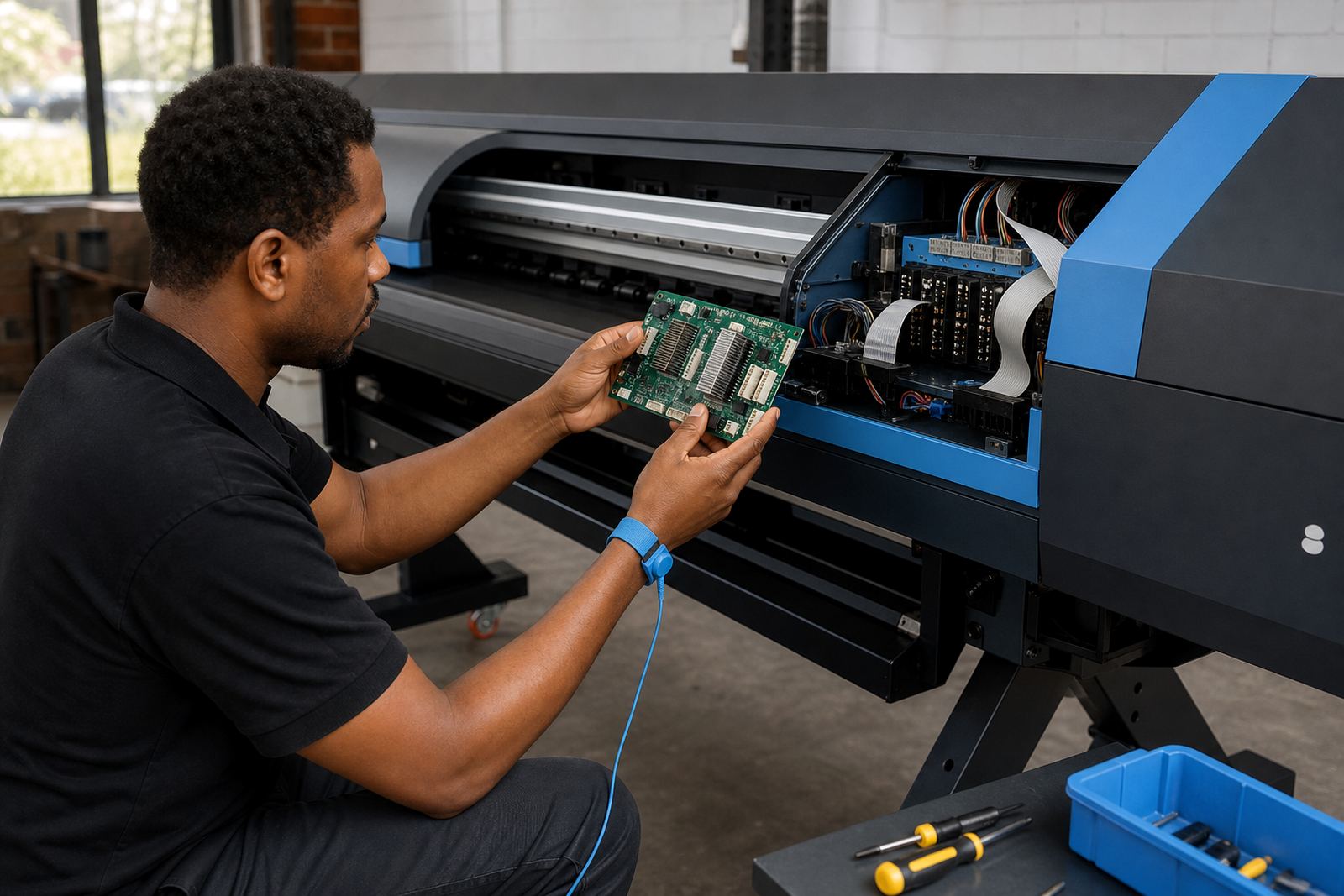
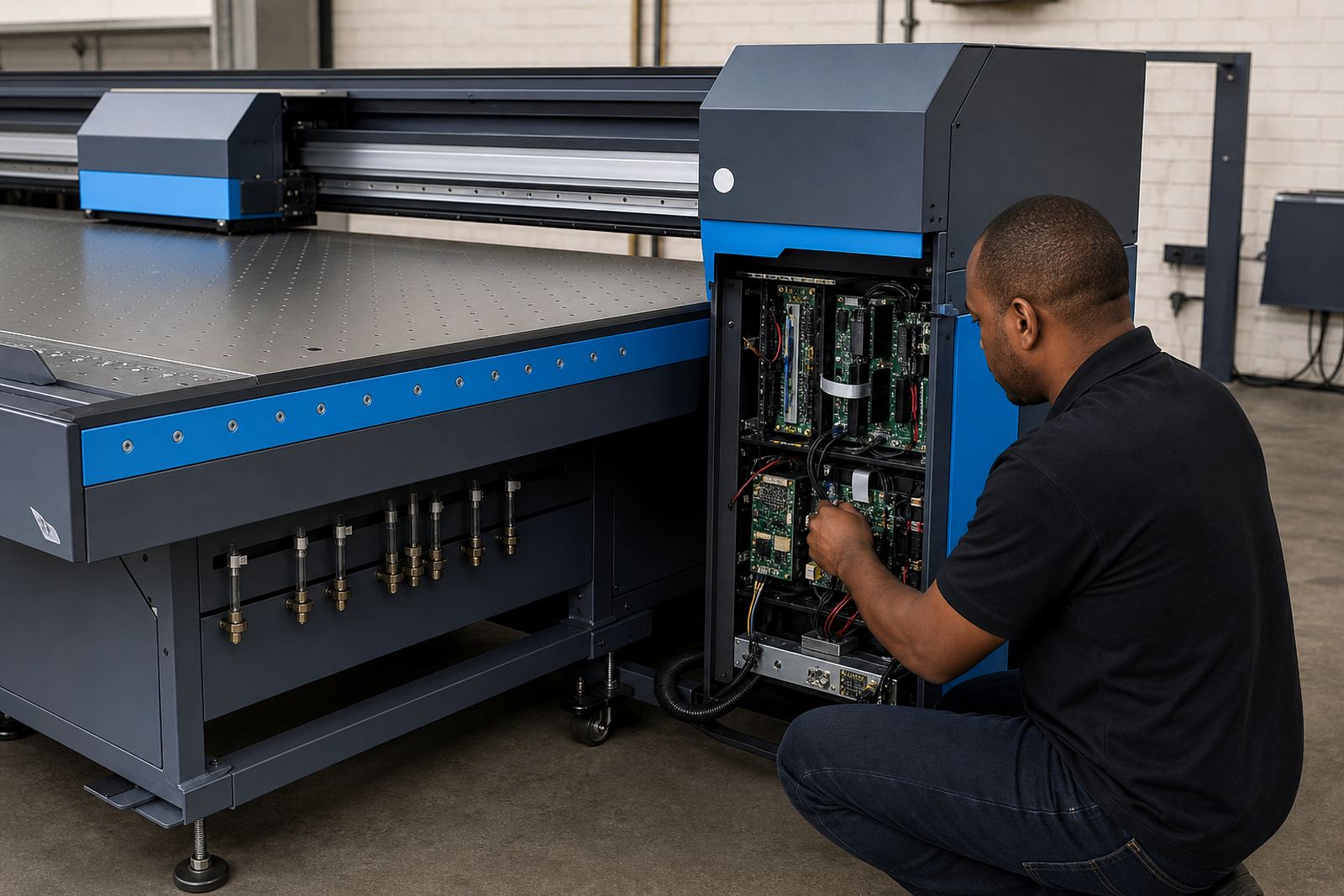
  • Options for board repair, replacement and fault tracing

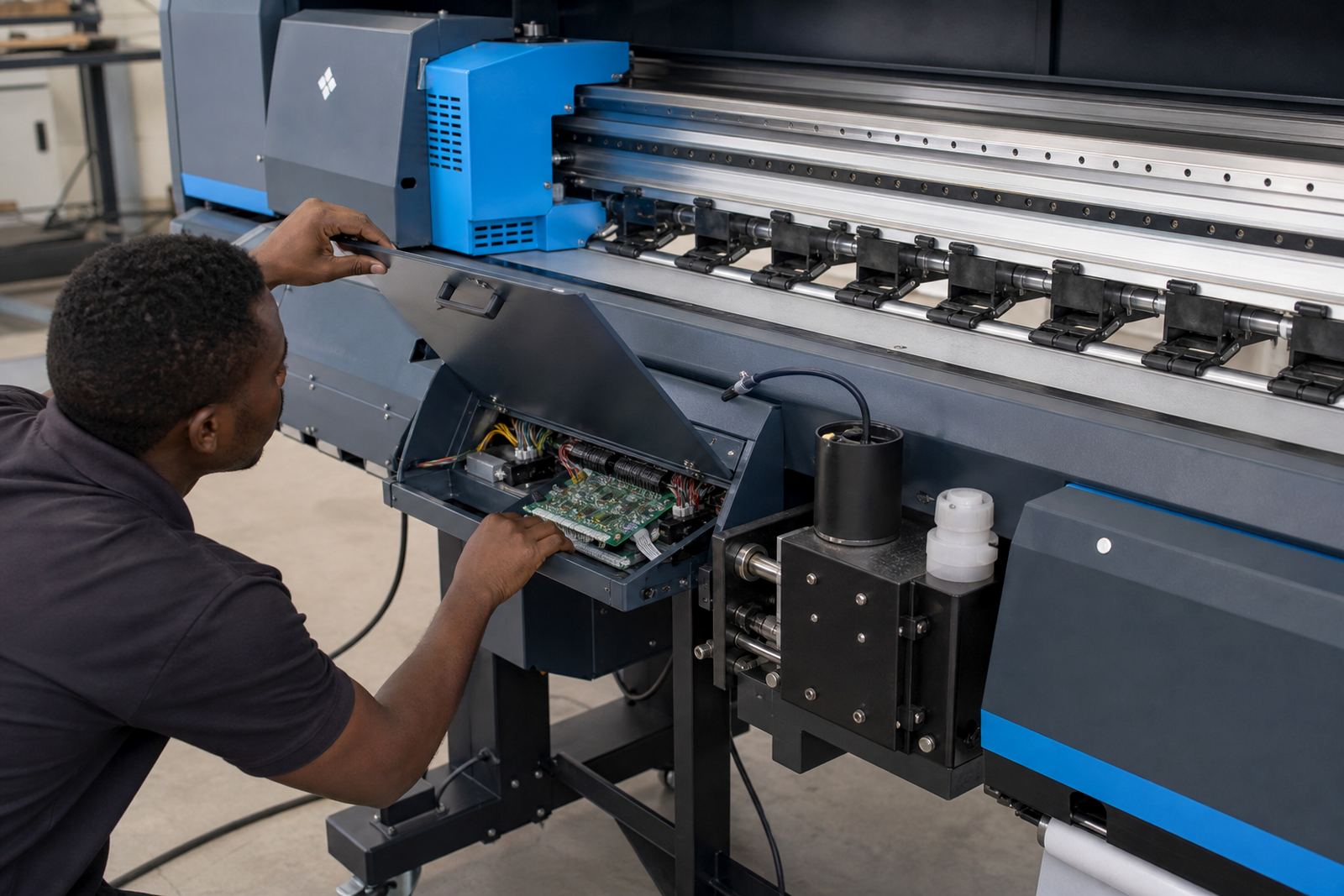
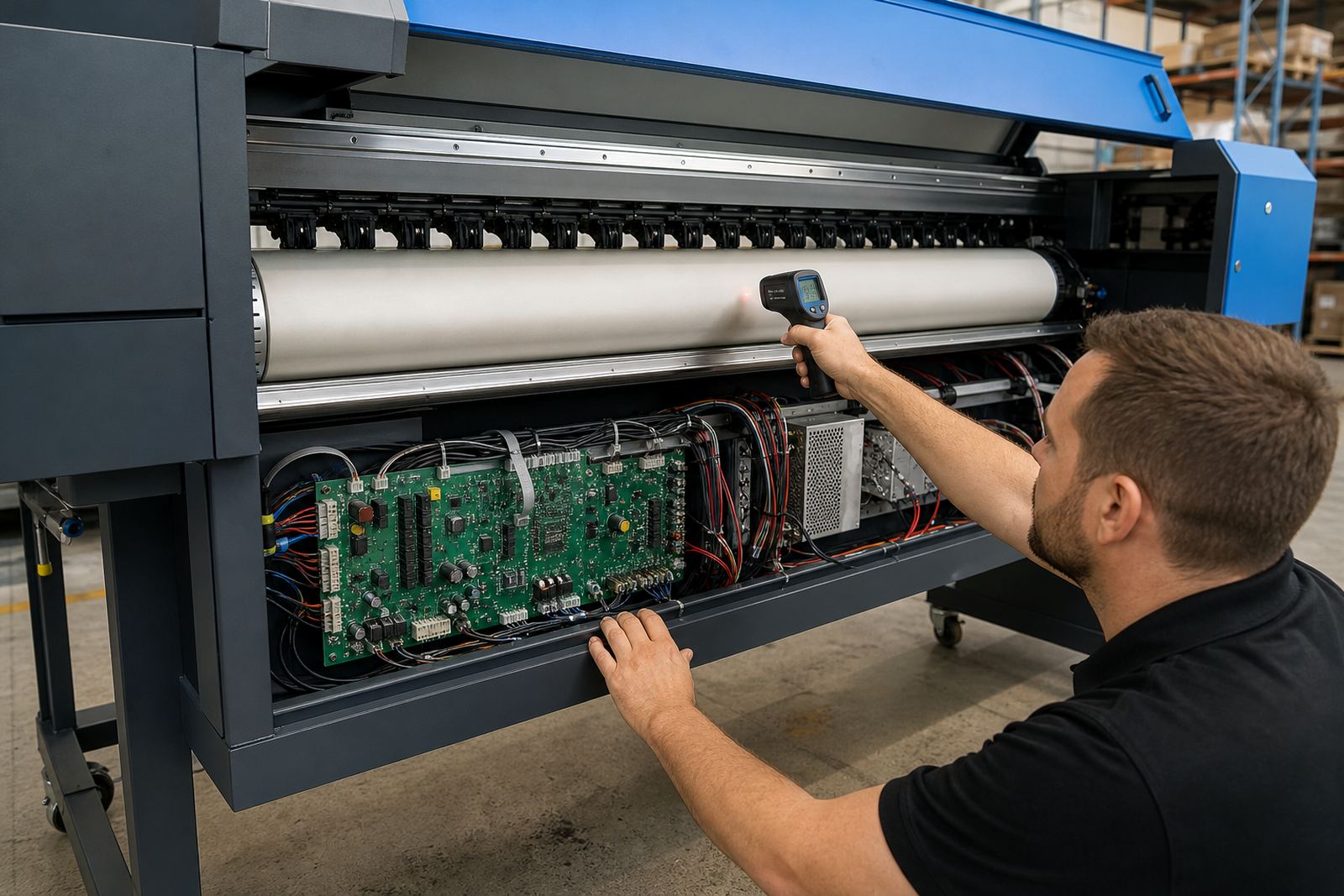
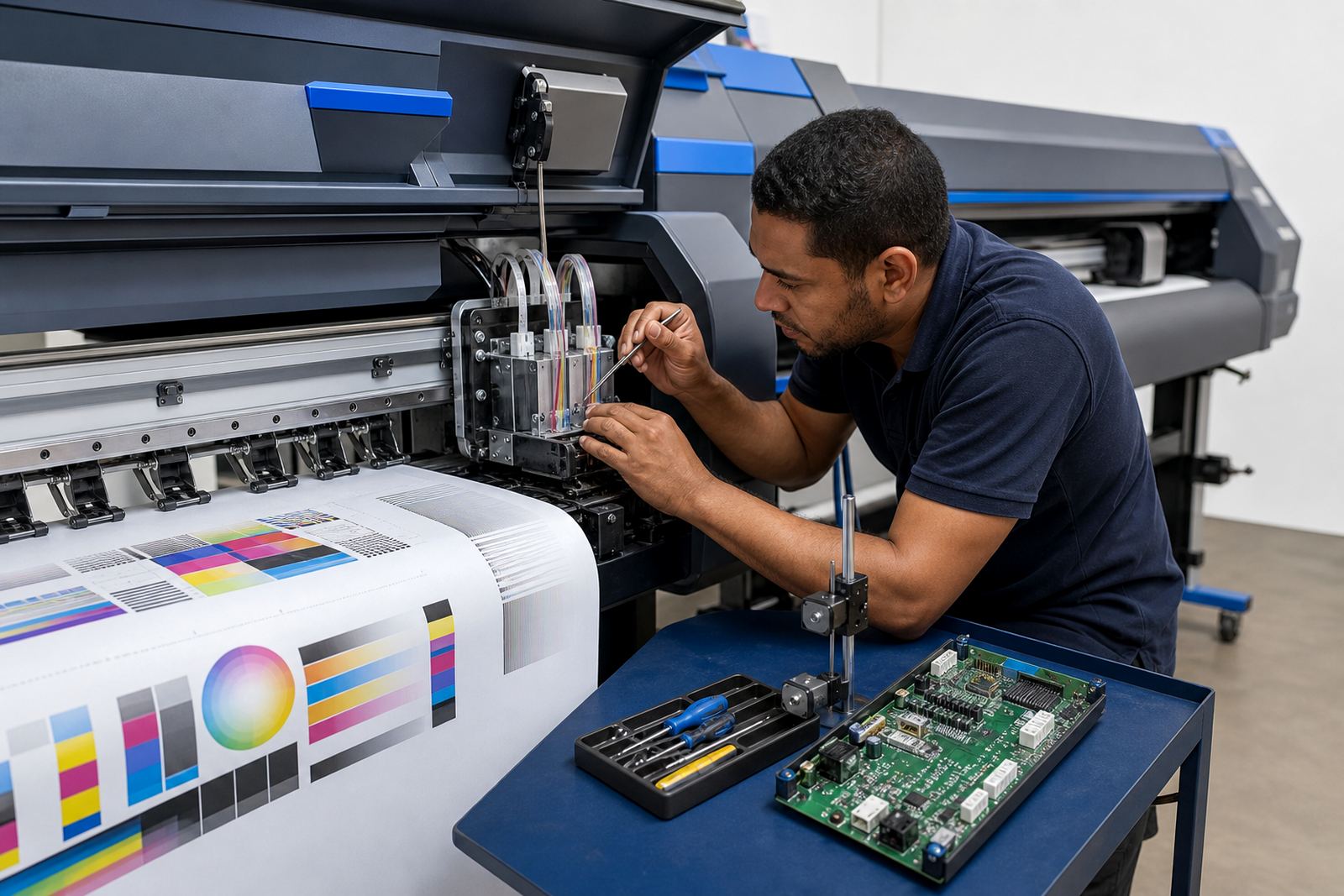
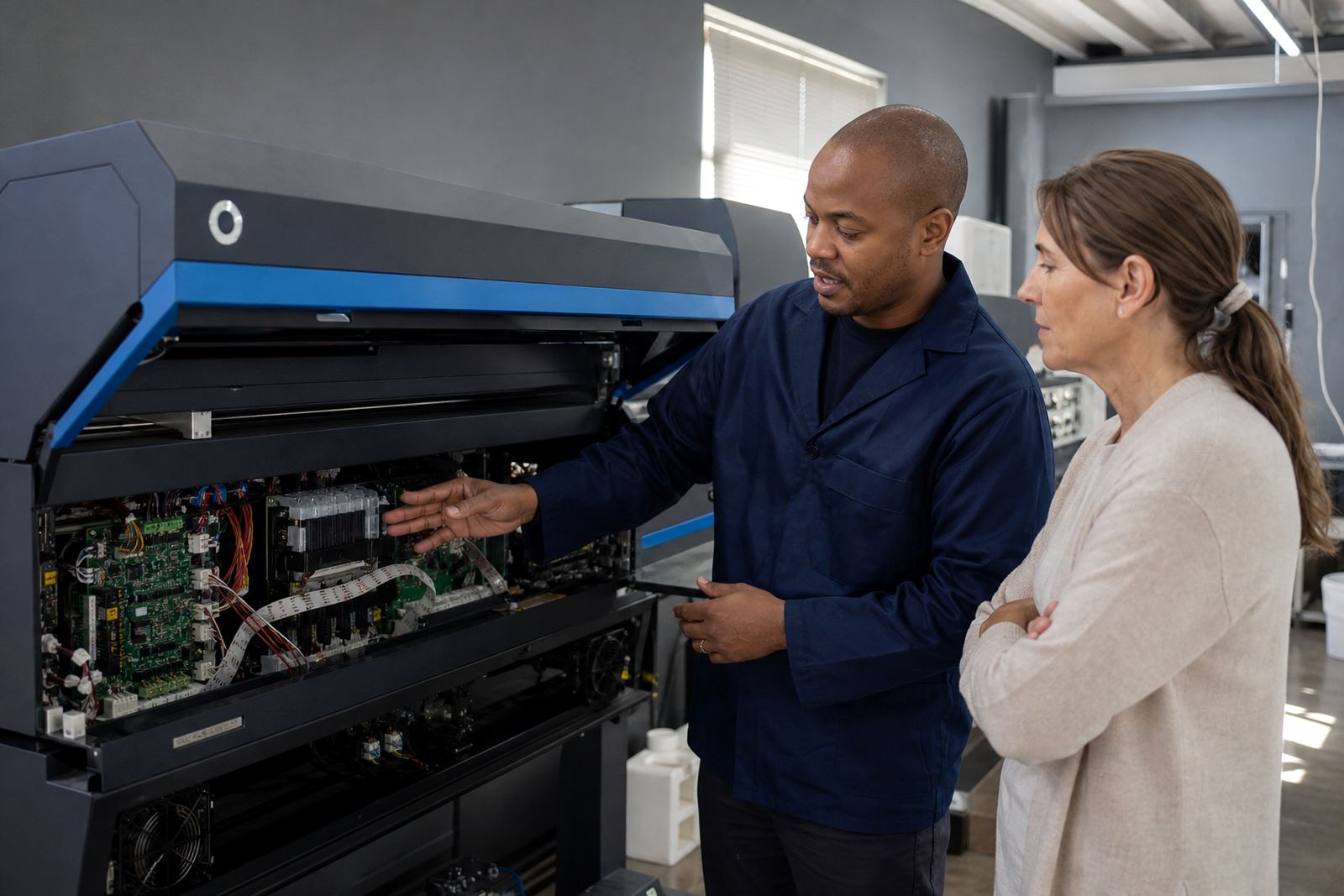
In Midrand and the East Rand, we often see older machines where a board fault shows up as dropped channels, uneven passes or sudden communication loss. A proper assessment helps separate a board issue from cable wear, software settings or a printhead problem.

RIP software for cleaner file handling

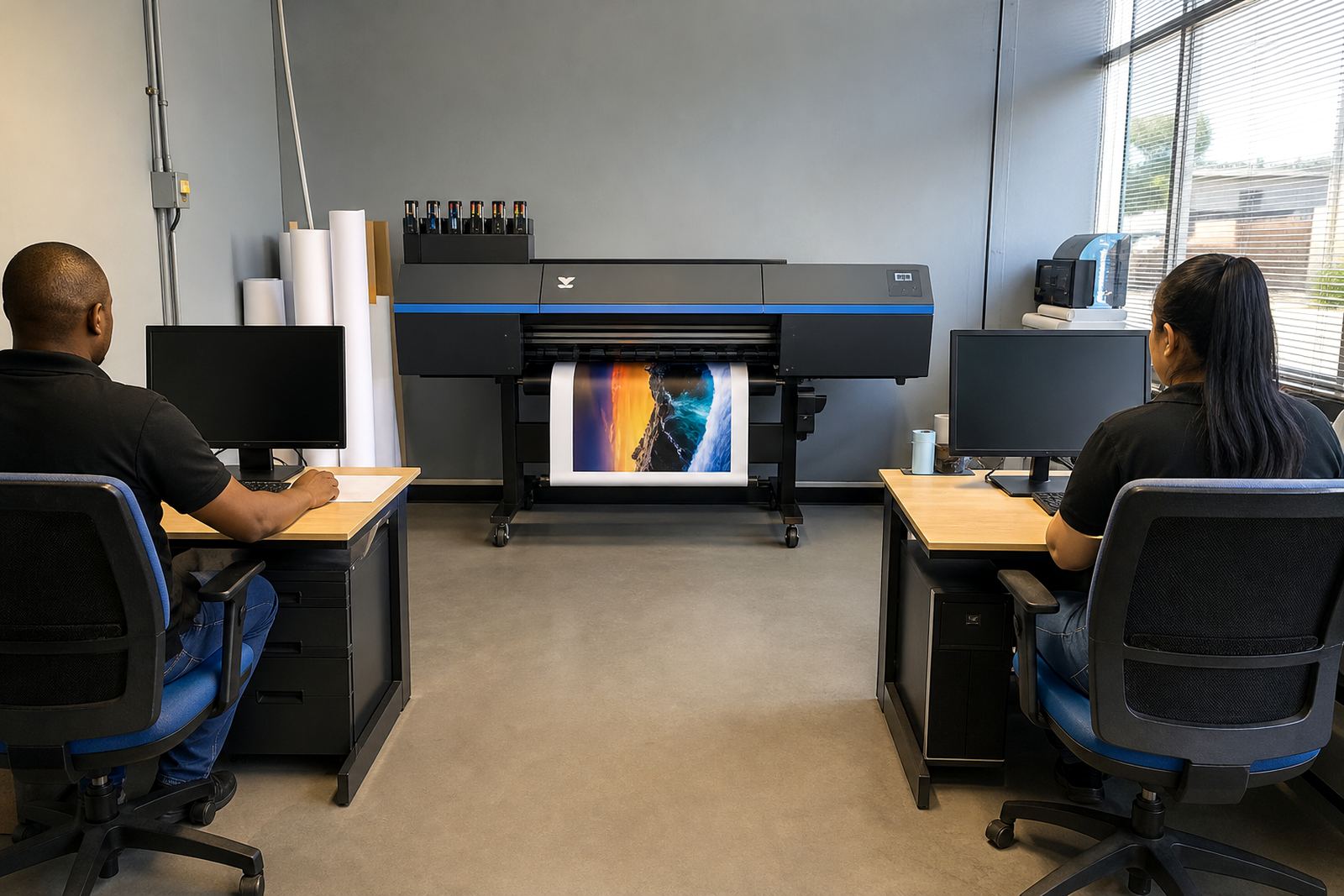
RIP software does more than send a file to print. It controls colour conversion, ink limits, nesting, media sizes and queue order, which can make a real difference on busy production days. Good setup helps reduce waste and makes job handover easier for the operator.

For print shops handling banners, vehicle graphics, exhibition panels or backlit work, the RIP needs to suit the way files arrive from design and prepress. That may mean tighter colour profiles, better nesting for narrow rolls, or workflow rules that keep urgent jobs at the front without upsetting the rest of the queue.

  • Colour profile setup for consistent output across media types
  • Nesting for better roll use and fewer offcuts
  • Queue workflow design for live production rooms
  • Backup and recovery planning for job libraries and profiles

Colour control that holds up on real jobs

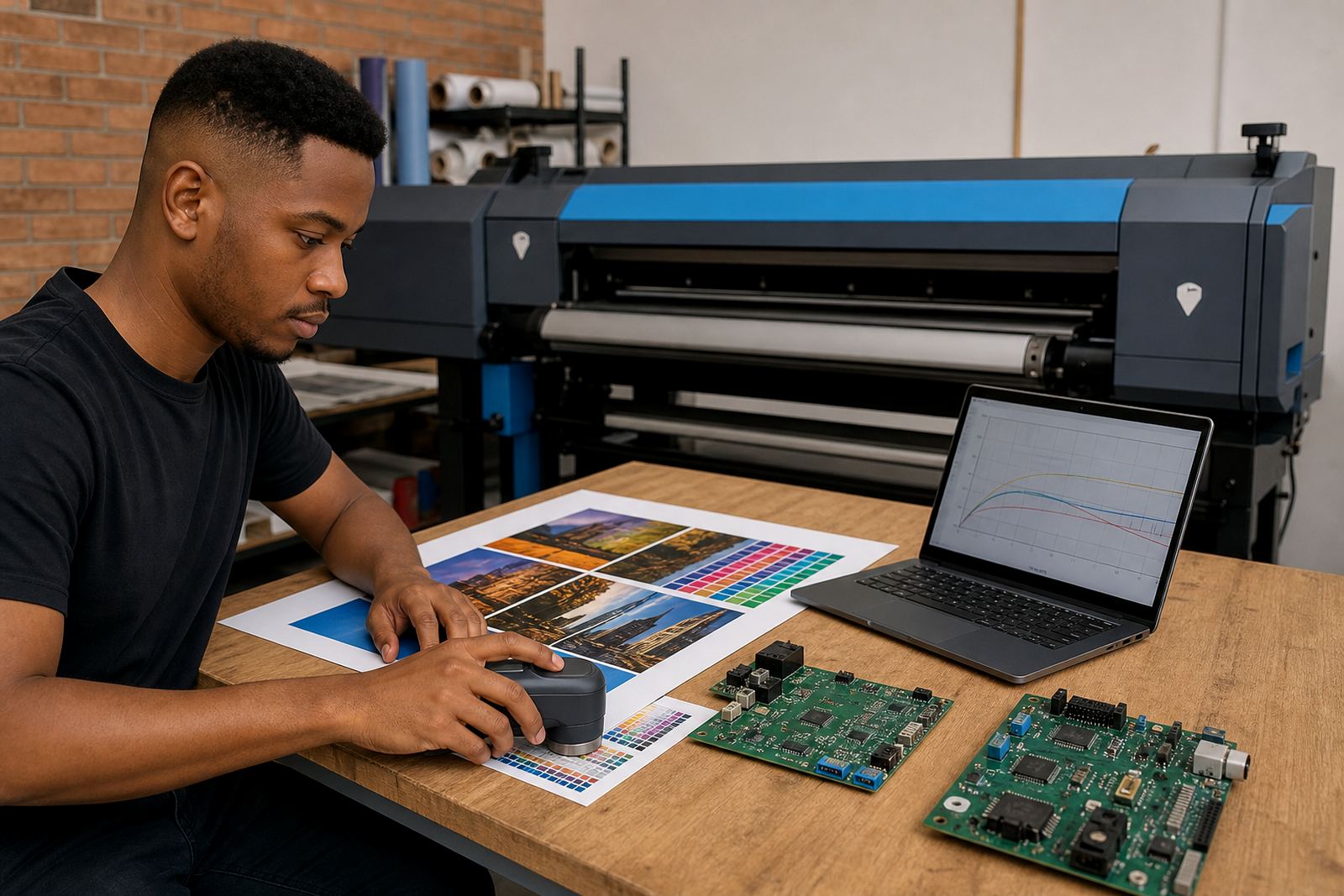
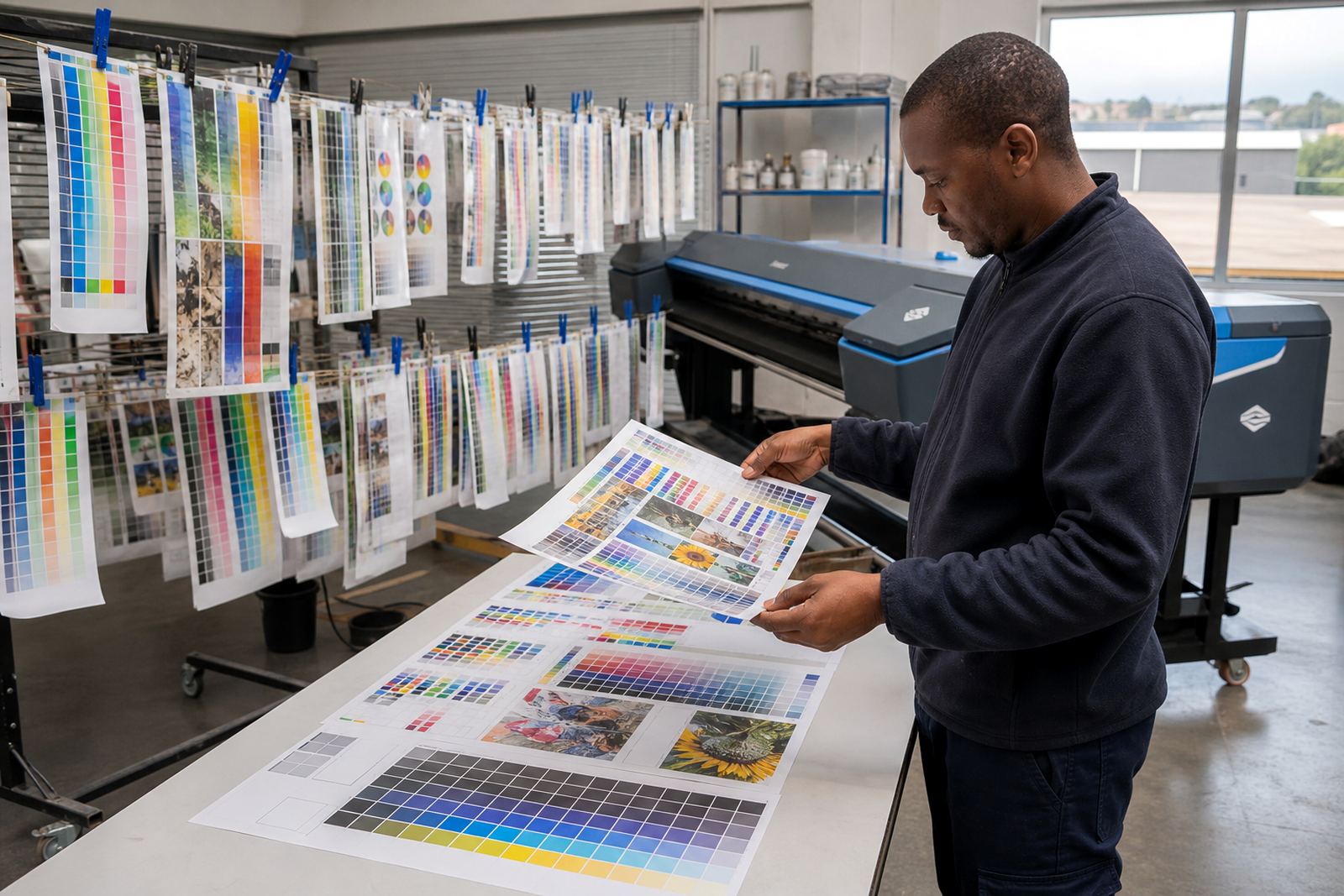
Accurate print work depends on how the RIP interprets colour and how the printer responds on the chosen media. Gloss, matte and coated substrates all behave differently, and coastal humidity in places like Durban can affect drying and handling if the profile is not tuned well.

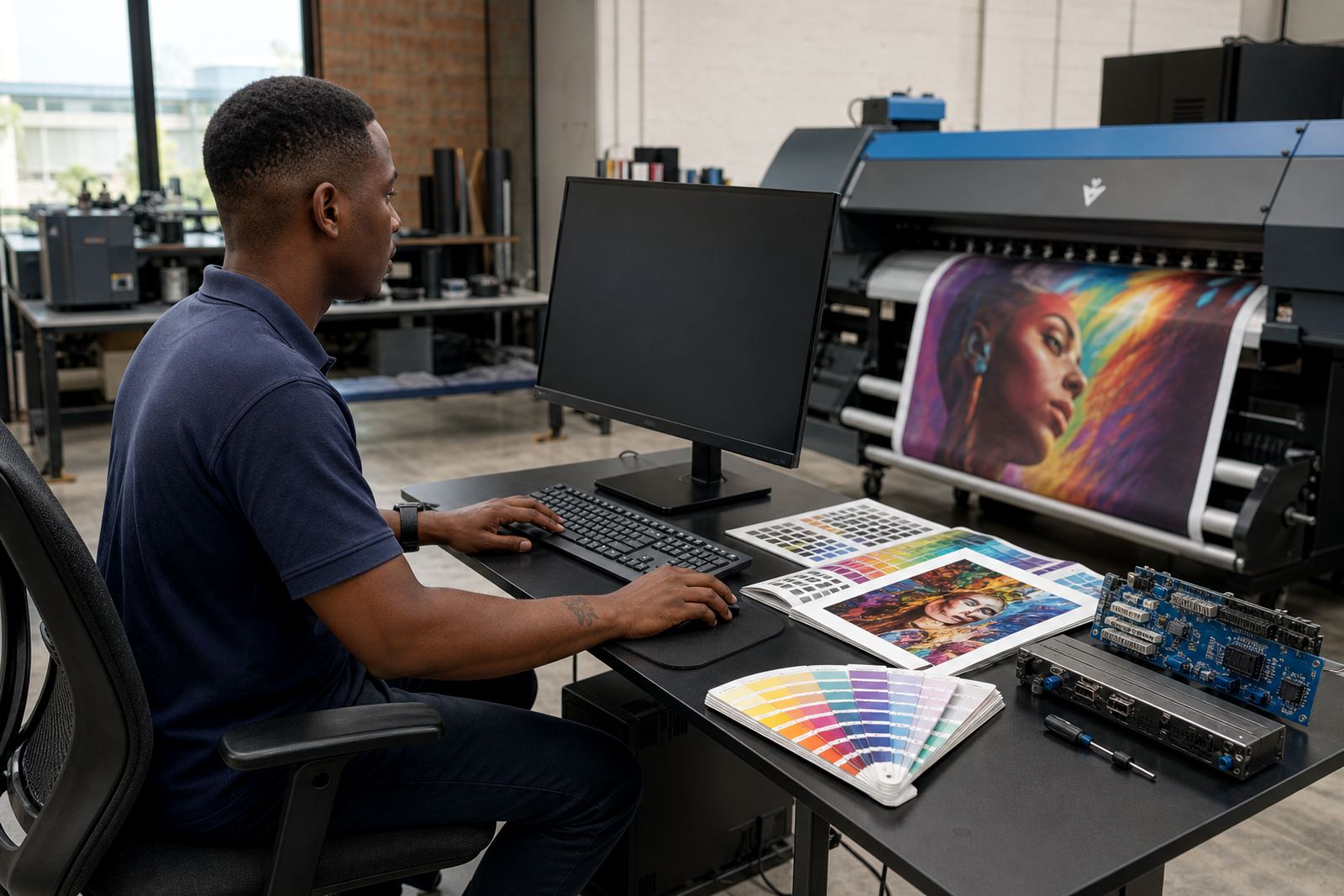
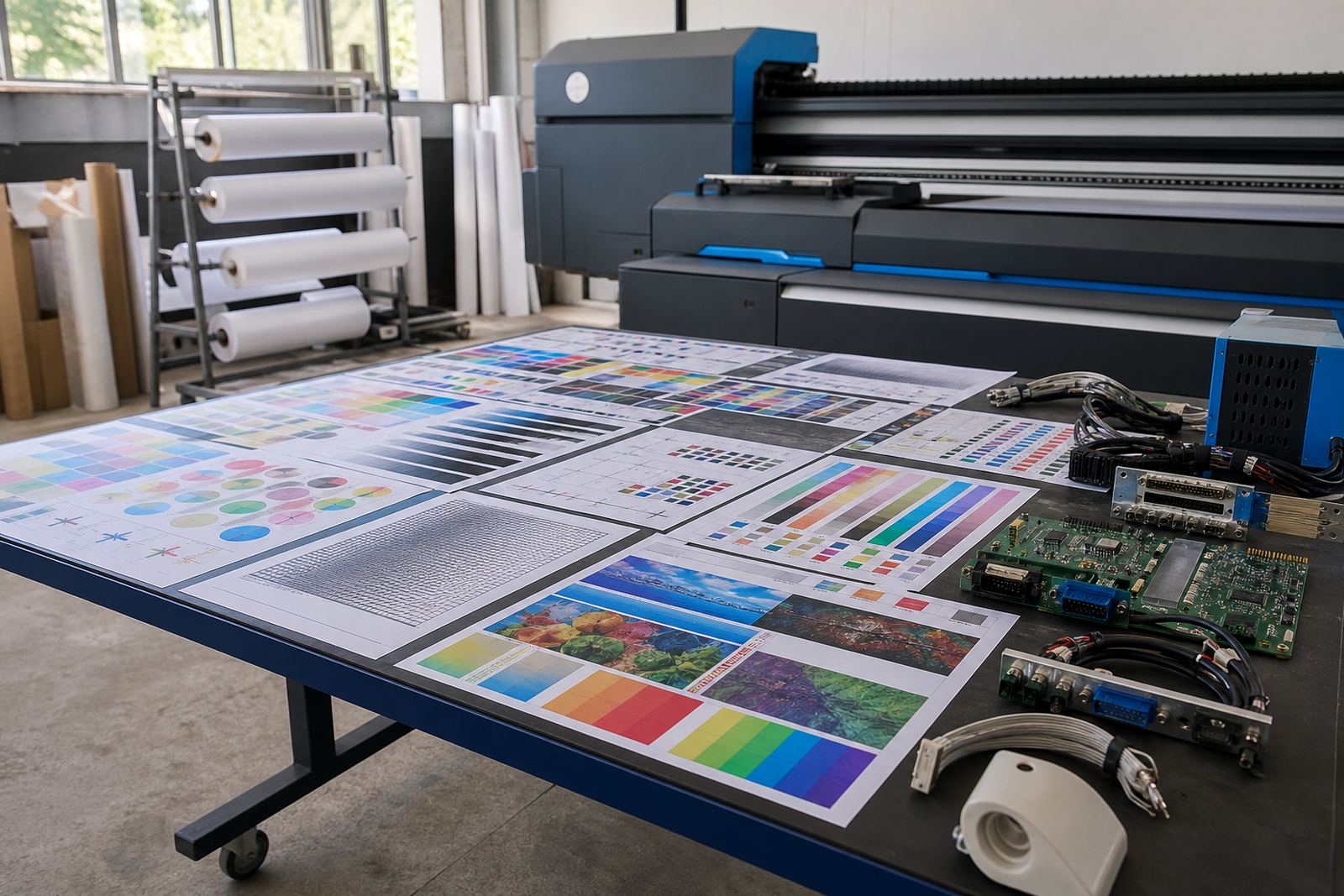
We set up profiles with the final output in mind, not only the test sheet. That includes ink limits, linearisation, media compensation and the way spot colours are managed across repeated runs. The aim is stable colour, not guesswork on every reprint.

Maintenance that protects production time

Preventive maintenance is easier to manage when the printer control system is clear and the RIP is not full of old queue clutter. Small checks on cables, signal paths, backup files and driver settings can prevent avoidable stoppages.

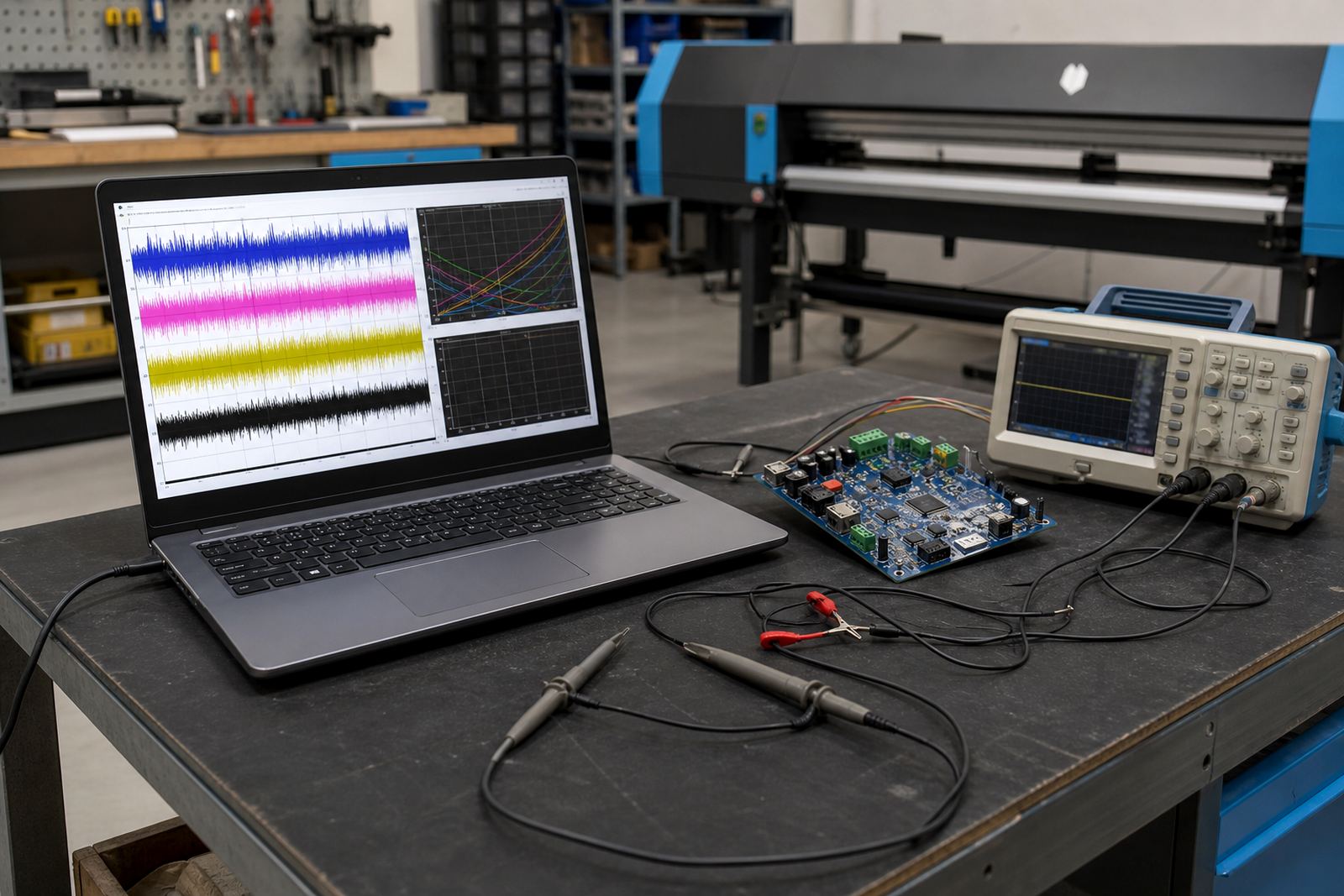
For shops running long shifts, a tidy workflow also helps operators spot a real fault sooner. Fault finding can then focus on board communication, head driver output, profile corruption or a media setting that no longer suits the job.

  • Preventive maintenance for production printers
  • Fault finding on boards, drivers and RIP settings
  • Operator training for daily use and job loading
  • Production tuning for steadier throughput

Remote setup across South Africa

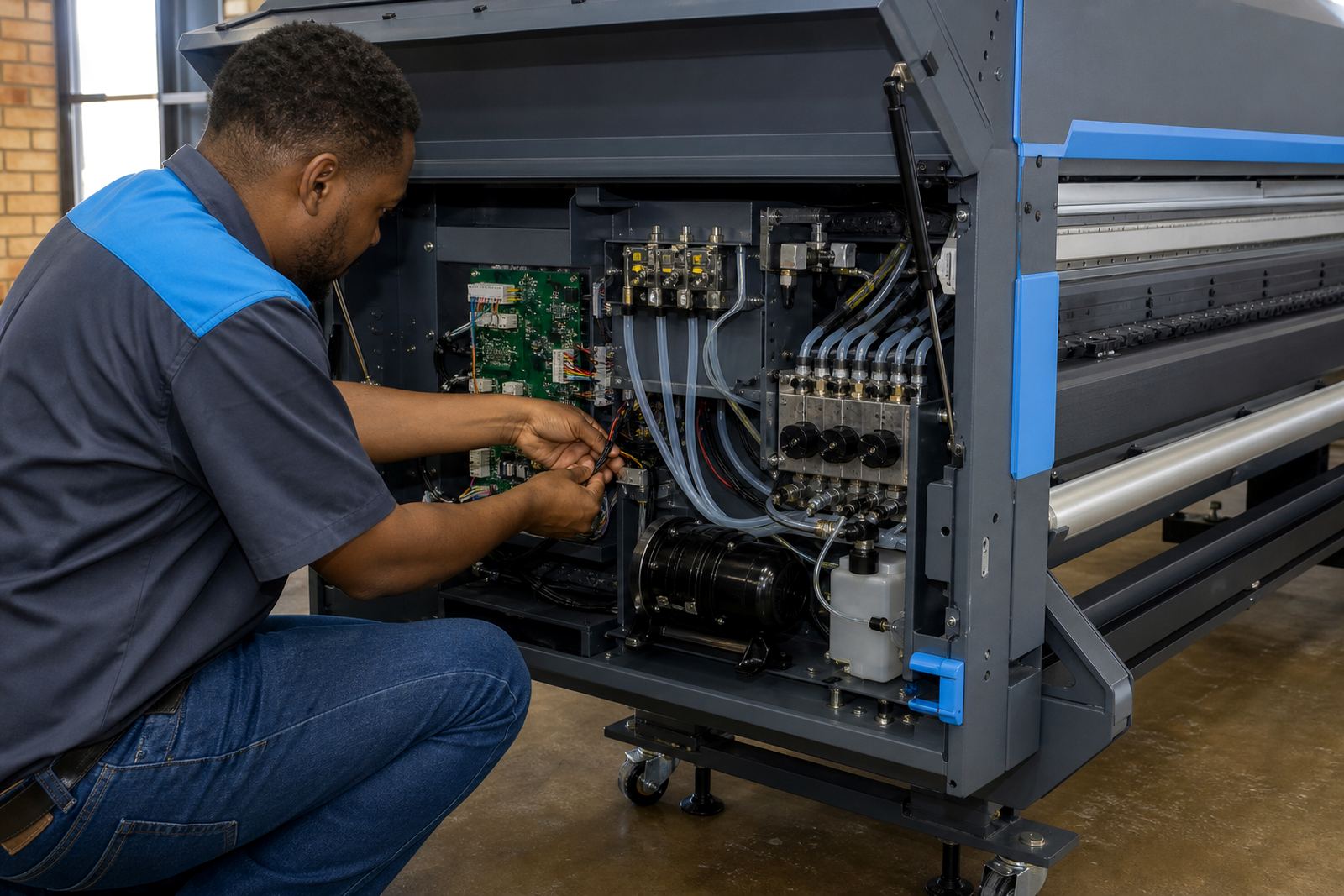
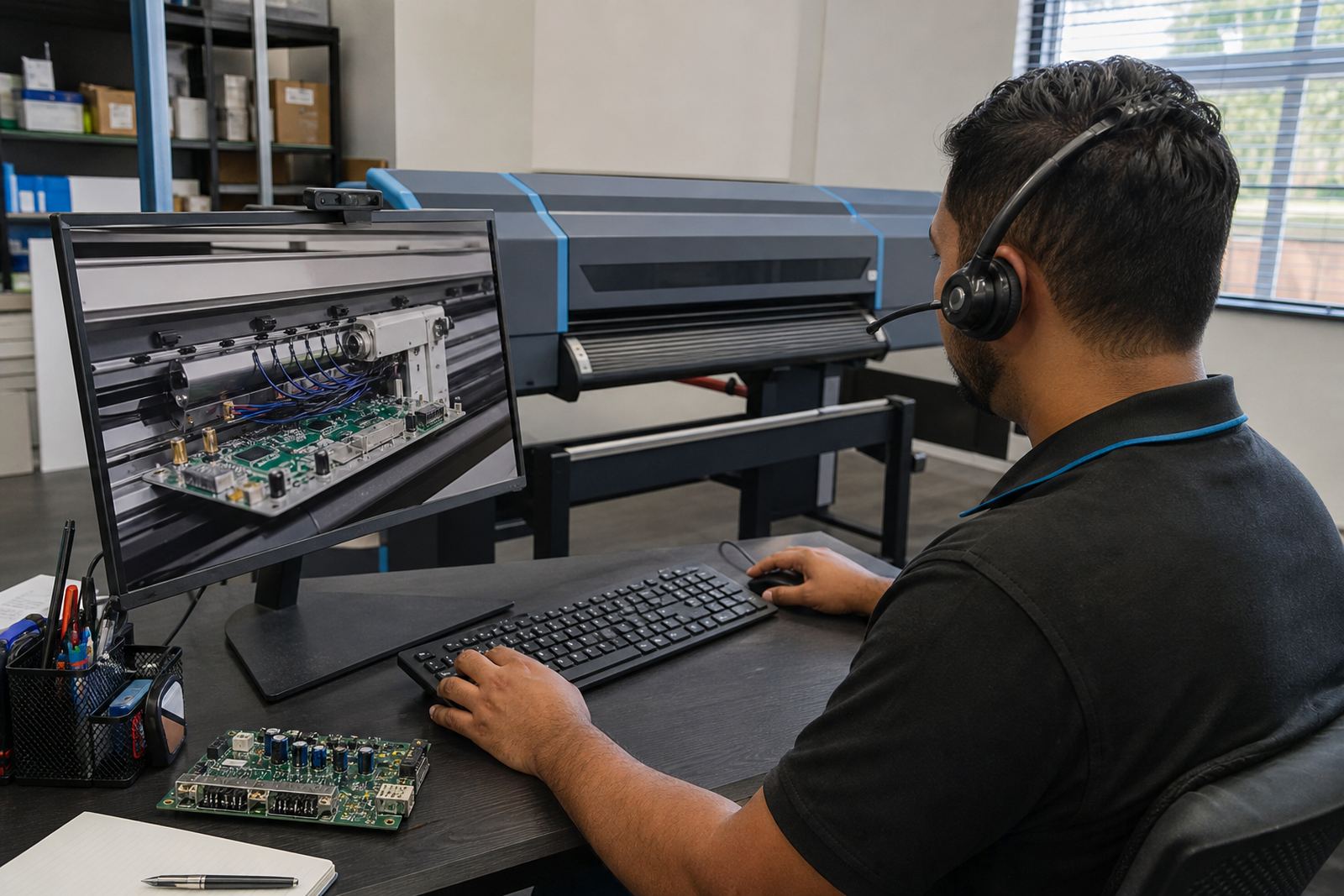
InkFlow RIP supports print shops across Johannesburg, Pretoria, Durban, Cape Town and Bloemfontein, with remote setup where the job suits that method. That includes board installation guidance, printhead driver setup, RIP installation and colour workflow checks.

Our Midrand base supports work across the province and further afield, with area support covering the East Rand and West Rand too. For teams that need help with a new queue layout, a recovered profile set or a driver issue after a board change, the setup has to fit the printer and the production floor, not the other way round.

Questions we get asked

What is the difference between a control board and a printhead driver?

The control board manages the printer’s internal communication and job control, while the printhead driver sends the firing signals that help the heads print accurately.

Can RIP software help with colour consistency?

Yes. RIP software handles profiles, ink limits, screening and queue control, so the same file can print more consistently across the media you use.

Do you support printers outside Gauteng?

Yes. We support wide-format inkjet setups across South Africa, including Durban, Cape Town and Bloemfontein, with remote setup where suitable.

Send the team a message

Contact form