Shared RIP access without job chaos
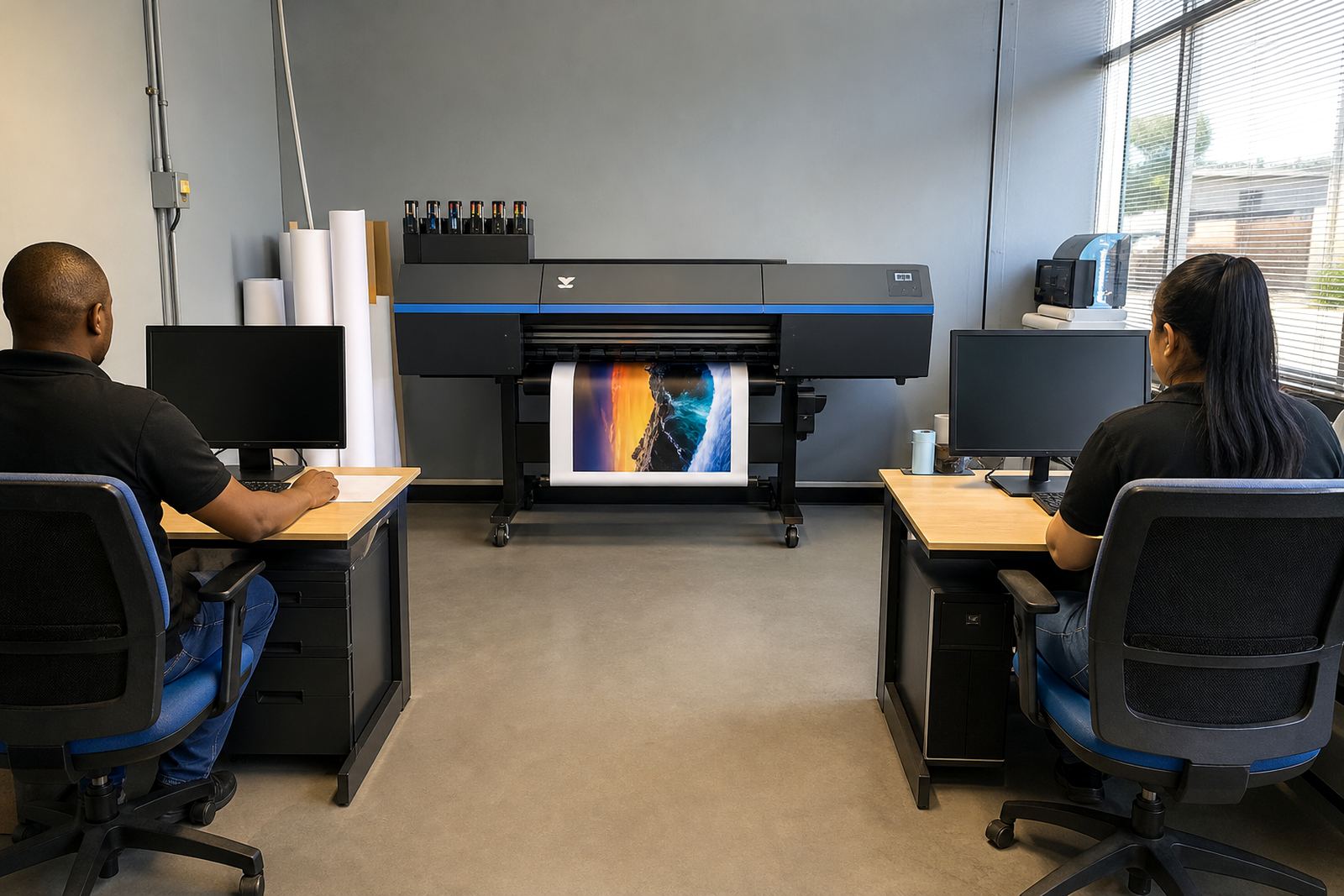
This licence is set up for teams that handle more than one operator, more than one design station, or more than one print queue in the same room. Instead of each workstation running a separate workflow, the RIP sits at the centre and receives jobs from the network with one set of profiles, nesting rules and print presets.
That helps keep repeat work consistent across posters, vehicle graphics, exhibition panels and roll media. In busy print shops around Midrand, Johannesburg and Pretoria, the benefit is less manual checking and fewer mixed settings between operators.
- Multi-user job submission from connected workstations
- Shared queue control for organised production flow
- Central profile use for stable colour handling
- Suitable for wide-format inkjet production rooms
Licence sizes and licence pairings
Network RIP licensing is usually matched to how many users need access and how the production room is arranged. Some sites only need a small team licence for a few operators, while larger shops may need broader access across design, prepress and print control stations.
The licence can be paired with printer control boards, printhead driver setup and colour profile work so the same output rules stay in place from file intake to final print. If a site runs more than one printer model, the licence structure is planned around each device path and queue behaviour.
- Single printer or multi-printer setups
- Small team access or wider department use
- Shared queue work for one production floor
- Compatible with profile driven colour control
Where this licence fits on the floor
This product suits print rooms that need more order during busy production, especially where jobs move between design, prepress and output stations. It is a practical fit for signage teams, trade printers, short-run production rooms and facilities handling recurring wide-format work.
It also works well where one operator checks the file, another sets the queue, and another loads media or monitors output. That kind of handover is common in Gauteng production spaces and in coastal shops too, where humidity can affect media handling and print consistency if workflow is loose.
- Graphic studios with multiple job sources
- Print shops with shared RIP control
- Production facilities with shift handovers
- Remote support setups across South Africa
Installation and setup on a live network
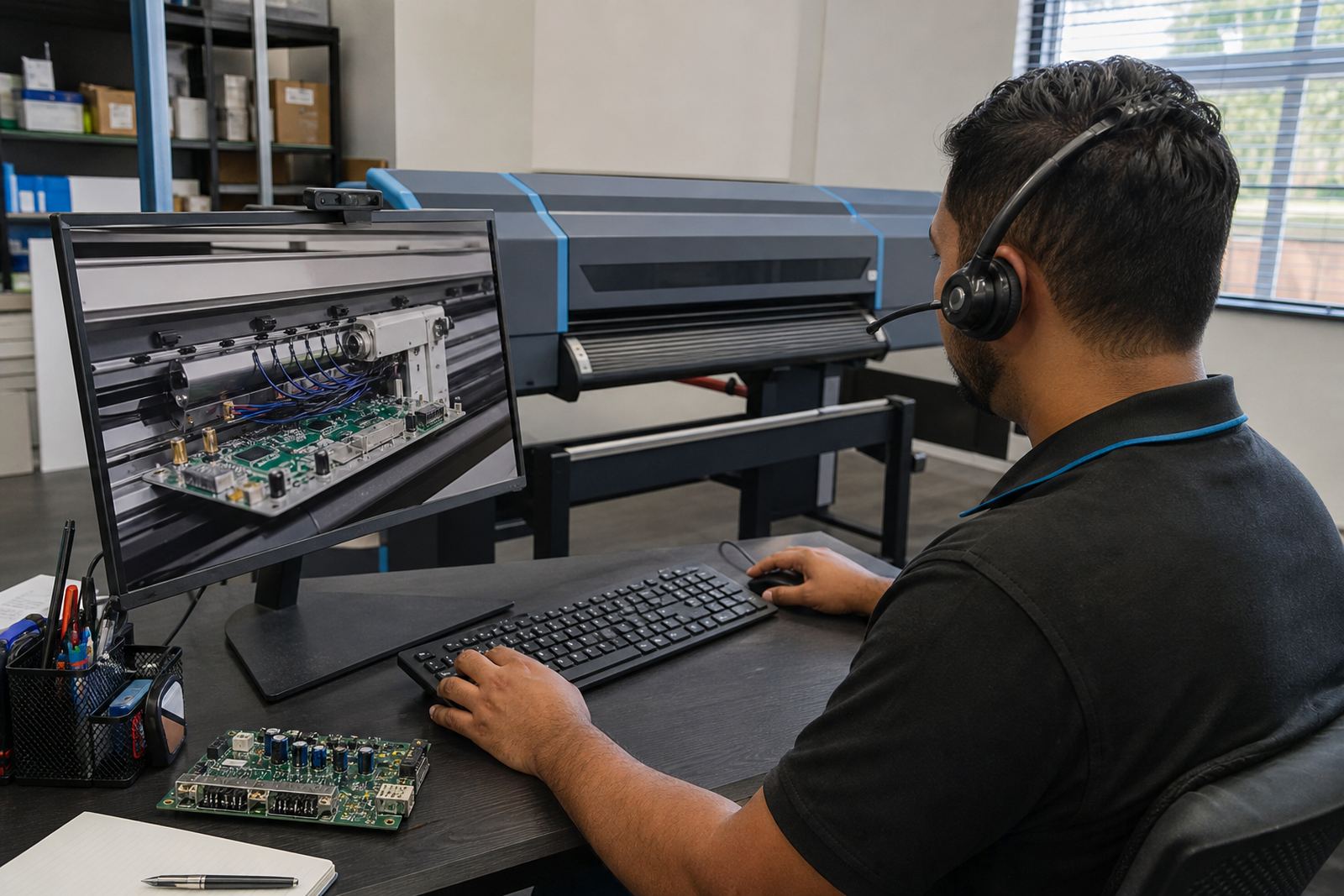
Network RIP setup usually involves licence activation, workstation access, queue mapping and printer communication checks. The technician also checks printhead driver settings, media presets, nesting behaviour and file paths so the team can use the system without guesswork.
Where needed, remote setup is used for branches in Johannesburg, Durban, Cape Town and Bloemfontein, with local site detail confirmed before the licence is placed into production. If the shop runs backup and recovery procedures, those files should be aligned with the RIP structure so profiles and hot folders do not drift out of place.
- Licence activation and access assignment
- Queue mapping for each workstation
- Profile and driver checks for stable output
- Backup path setup for safer recovery
Care, maintenance and daily use
A network RIP licence does not need physical wear care, but the surrounding workflow does need attention. Operator names, queue permissions and preset folders should be reviewed when staff change or when a printer is moved, serviced or reassigned.
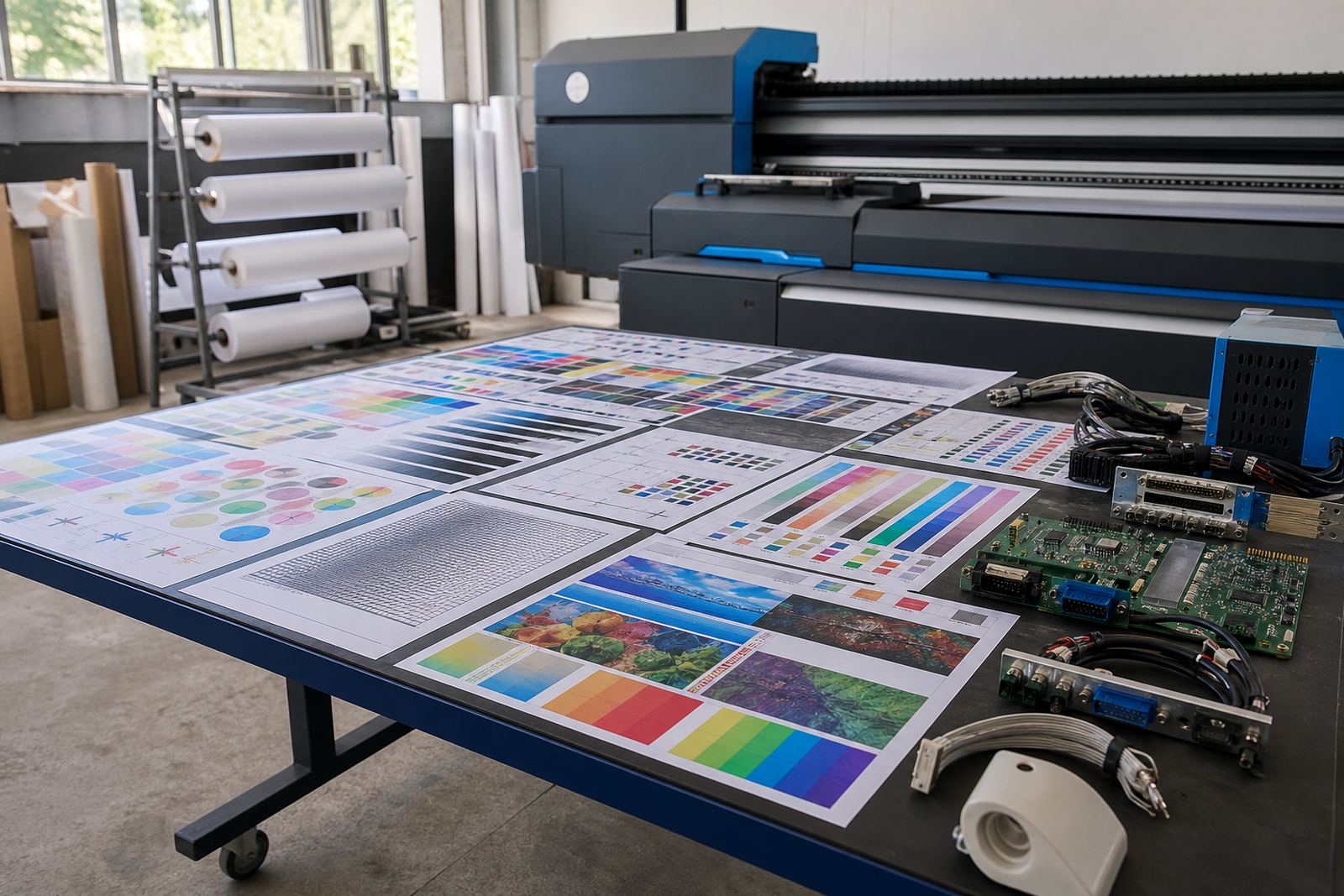
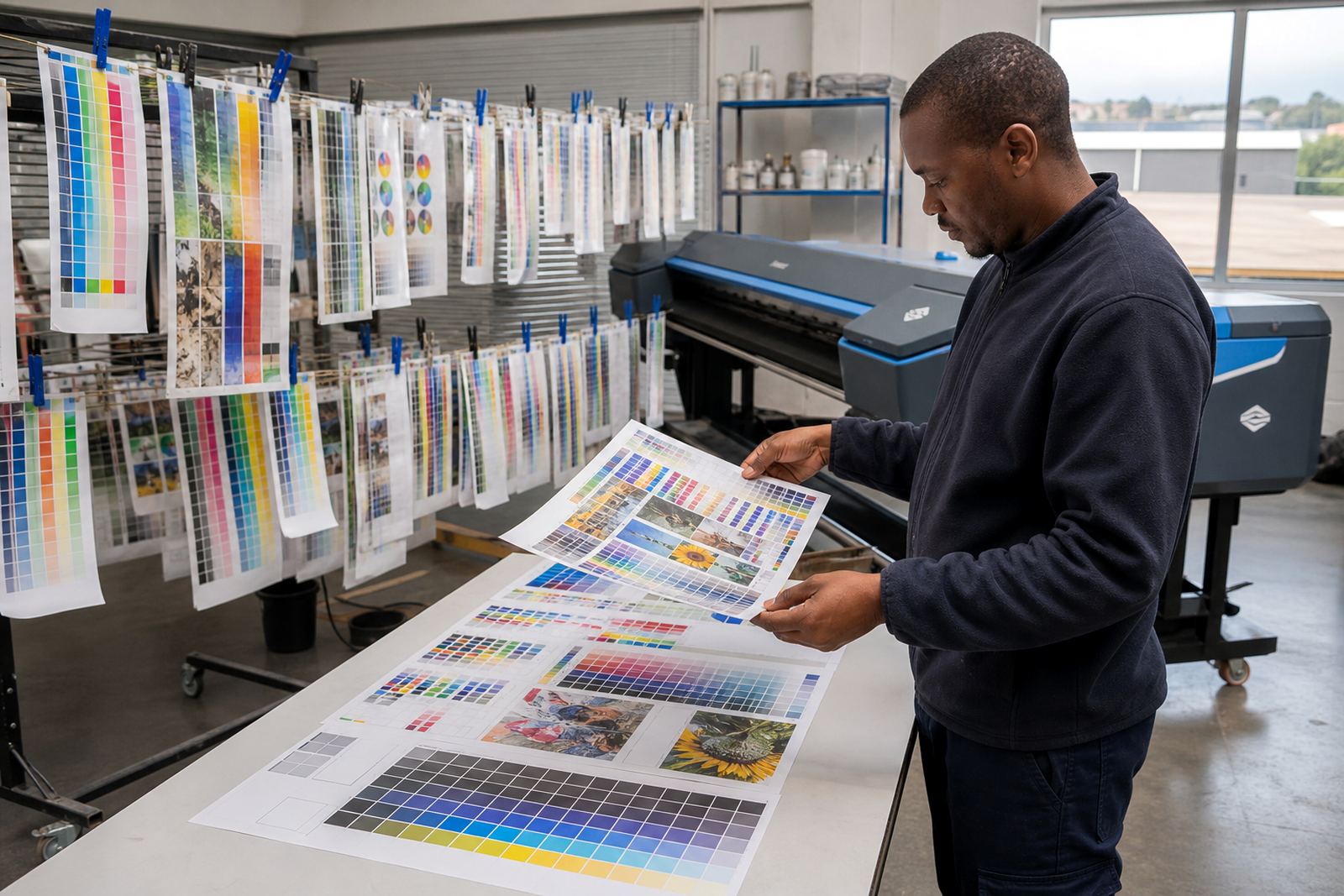
Colour profiles should be rechecked after major media changes, after board installation, or when maintenance work changes print behaviour. In a busy room the main risk is not the licence itself, it is the drift that happens when people start using old presets for new jobs.
- Keep profiles tied to the correct media type
- Review queue permissions after staff changes
- Check backup copies after any workflow update
- Reconfirm printer connection after board work
Details to confirm before the licence is issued
Before a network RIP licence is allocated, the job environment needs to be clear. We confirm how many users will access the RIP, how many printers sit on the network, and whether the team needs shared submission or more controlled output roles.
It also helps to confirm the operating system version, the printer model family, the number of queues needed and whether the shop wants nesting, calibration files, colour profiles or maintenance presets included in the setup. If the production room is split between Midrand and another branch, the connection plan should be stated clearly so the licence sits in the right place.
- Number of users who need access
- Printer count and queue count
- Desired workflow for prepress and output
- Need for profiles, nesting or maintenance presets
Key facts
| Product type | Network RIP licence for shared print production |
|---|---|
| Use case | Multi-user job submission and central queue control |
| Compatibility | Wide-format inkjet printer workflows |
| Typical use | Signage, graphics and production print rooms |
| Setup | Licence activation, queue mapping and profile alignment |
| Support area | Midrand and remote support across South Africa |