Balanced colour for real production work
The Colour Calibration Pack is built for inkjet printers that need tighter control over ink limits, linearisation and profile behaviour. It is used where a printer must handle coated paper, vinyl, backlit media and everyday production stock without chasing colour shifts from one job to the next.
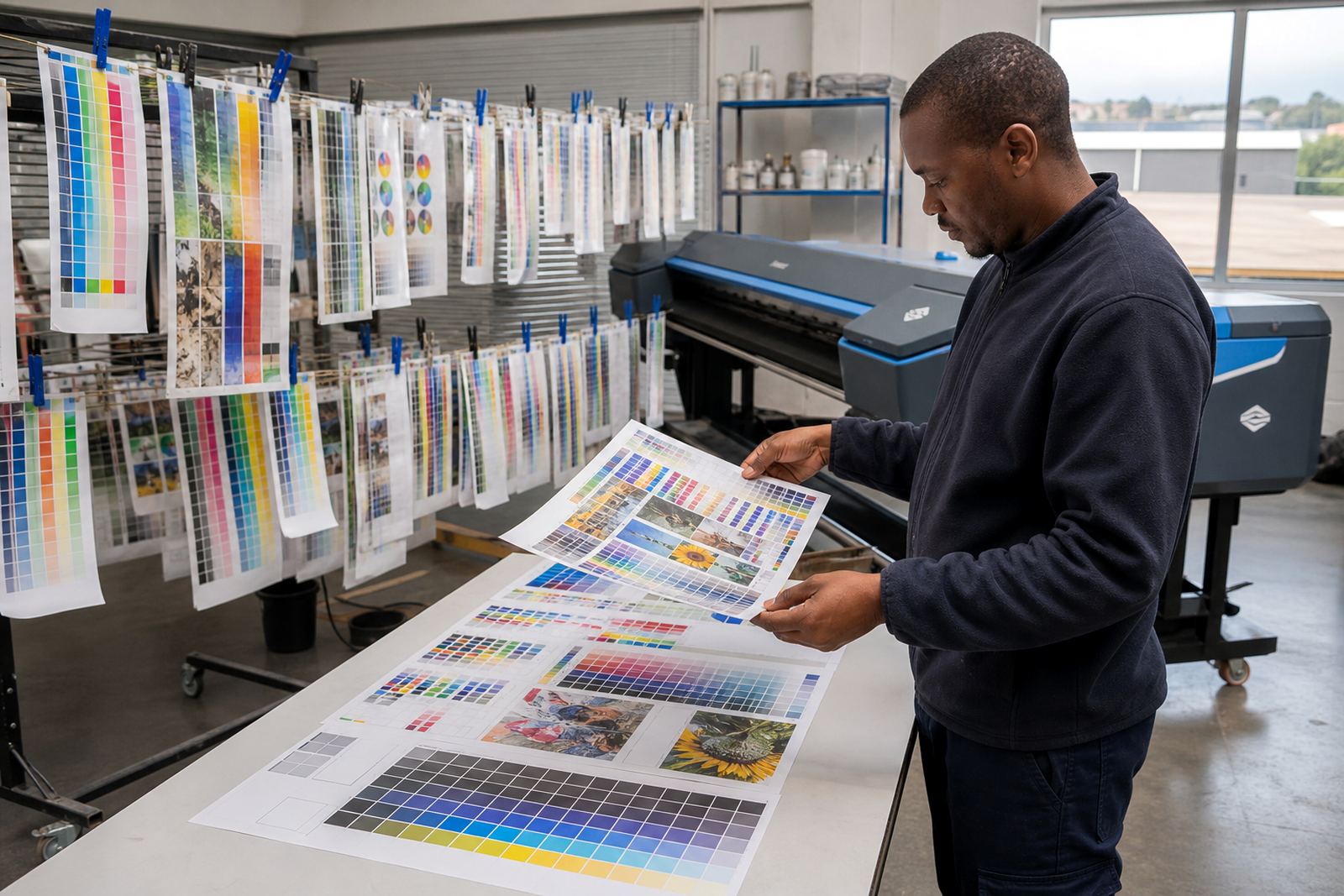
The setup focuses on the practical parts of colour management that matter on the floor: how much ink the media can take, how the tones spread through the print, and how the final output behaves under different viewing conditions. In a busy shop, that means less trial output and better consistency when operators hand work between shifts or between machines.
- Ink limit control for each media preset
- Linearisation for smoother tone movement
- Profile alignment for common wide-format output
- Repeatable settings for reprints and queue work
What the pack covers in the RIP workflow
The pack works inside the RIP setup and ties colour control to the printer queue, media preset and print mode. It is not only a profile file, but a setup process that looks at ink laydown, head behaviour and how the printer renders solids, skin tones, greys and fine text on practical production stock.
Where needed, we can also align printhead driver settings, queue rules and maintenance reminders so the output stays stable over longer runs. That helps with common issues such as over-inking on absorbent stock, weak blacks on dense media and colour drift after a change in operator settings.
- RIP media presets matched to the printer setup
- Printhead driver settings for controlled output
- Queue handling for single jobs and repeat runs
- Maintenance notes linked to colour stability
Where it suits in the print room
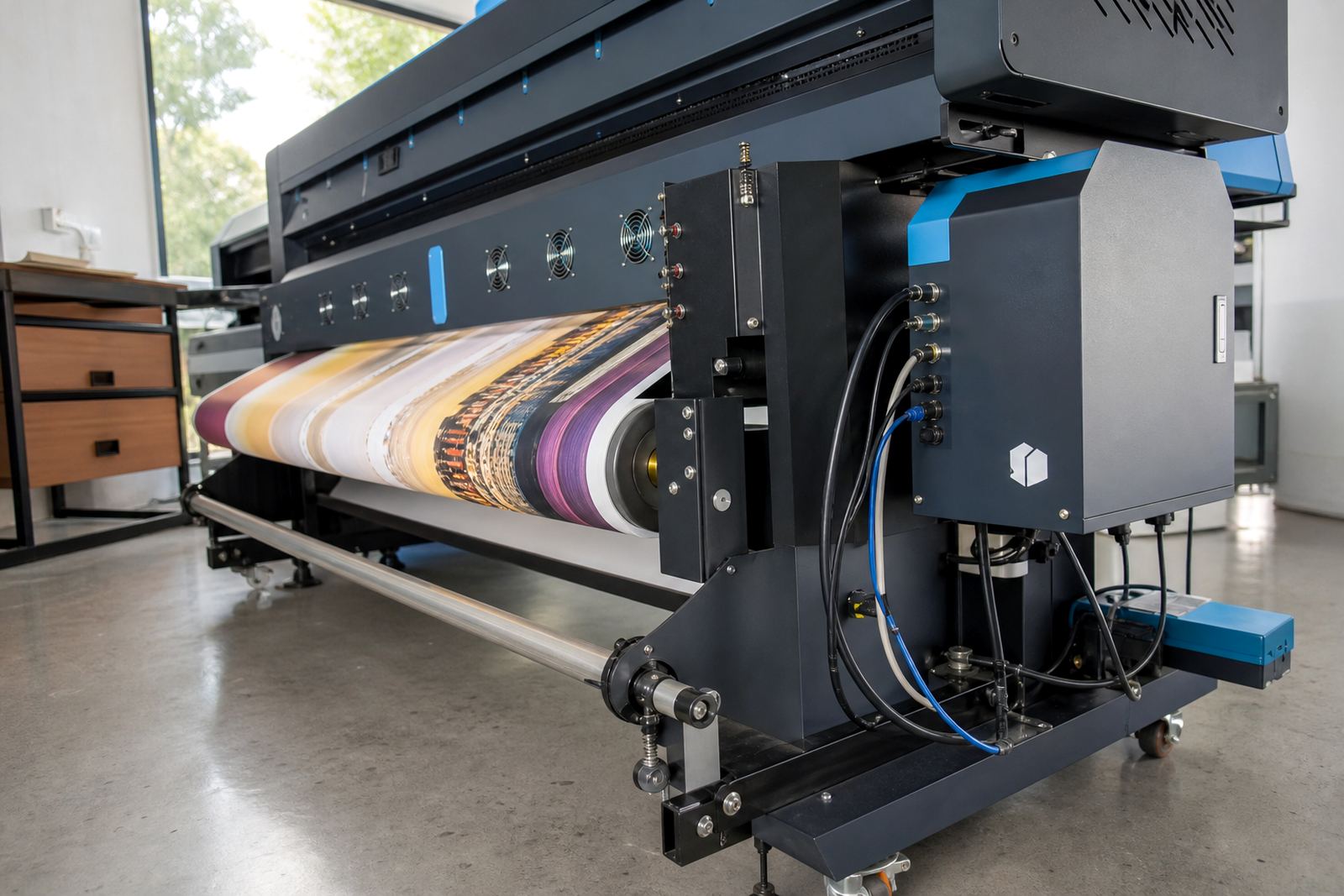
This pack suits sign shops, graphics studios and production floors in Midrand, Johannesburg, Pretoria, Durban, Cape Town and Bloemfontein that need steady results across wide-format inkjet work. It is useful where the same device prints a mix of indoor display work, shop signage, exhibition panels and short-run client pieces.
It also helps when more than one operator handles the machine, because a known colour path reduces the guesswork around density changes and media swaps. In humid coastal conditions, for example in Durban or Cape Town, the media can behave differently from inland stock, so the calibration needs to reflect the actual working environment.
- Wide-format eco solvent, aqueous and UV inkjet workflows
- Print rooms with regular media changes
- Production teams needing repeatable colour across shifts
- Sites managing inland and coastal stock conditions
Setup details and fitting on site or remote
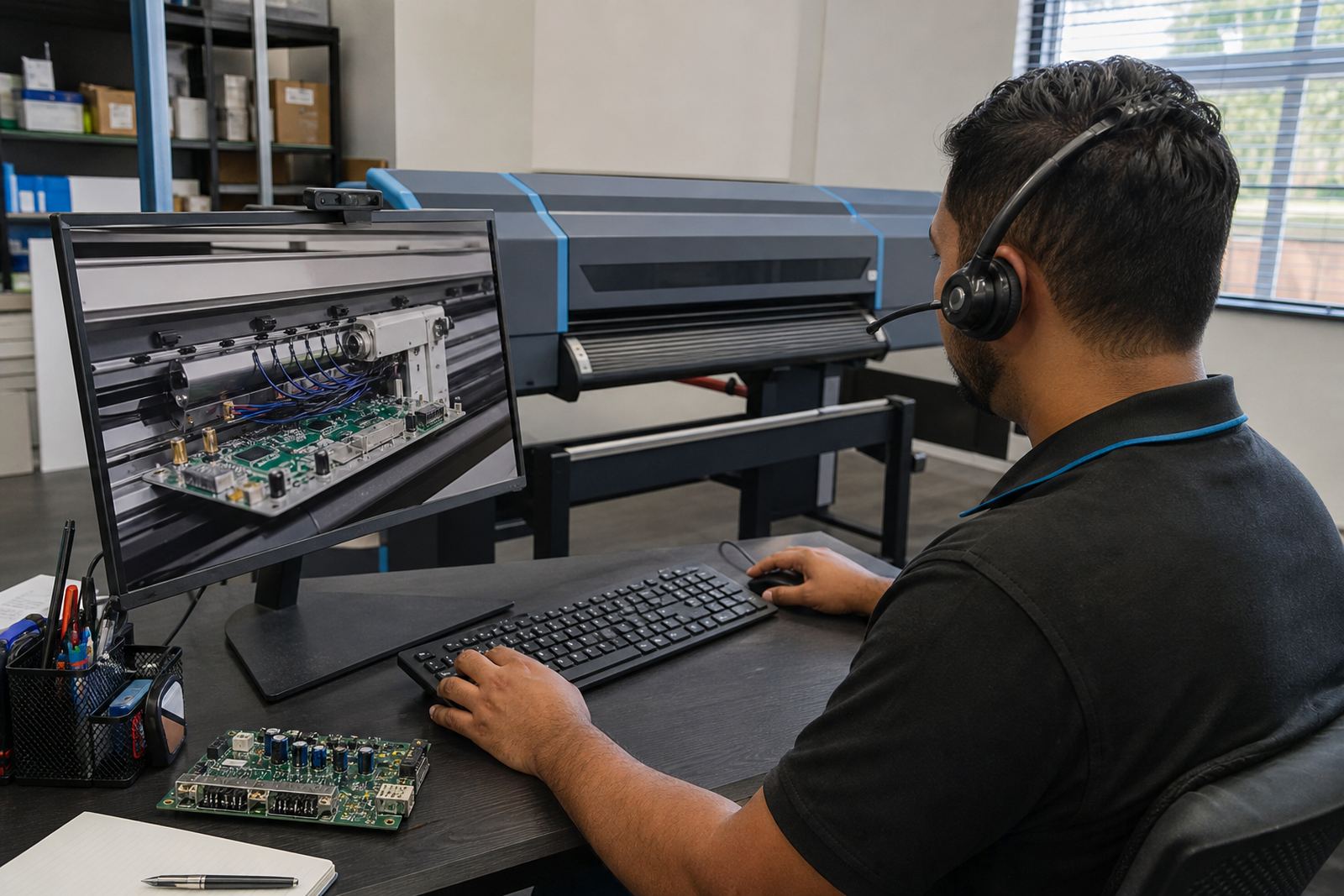
The Colour Calibration Pack is set up through the RIP and printer control workflow, with remote setup where the machine access and operator process allow it. For some boards and printer models, a direct fitting or board-side configuration may be needed before the calibration stage can begin properly.
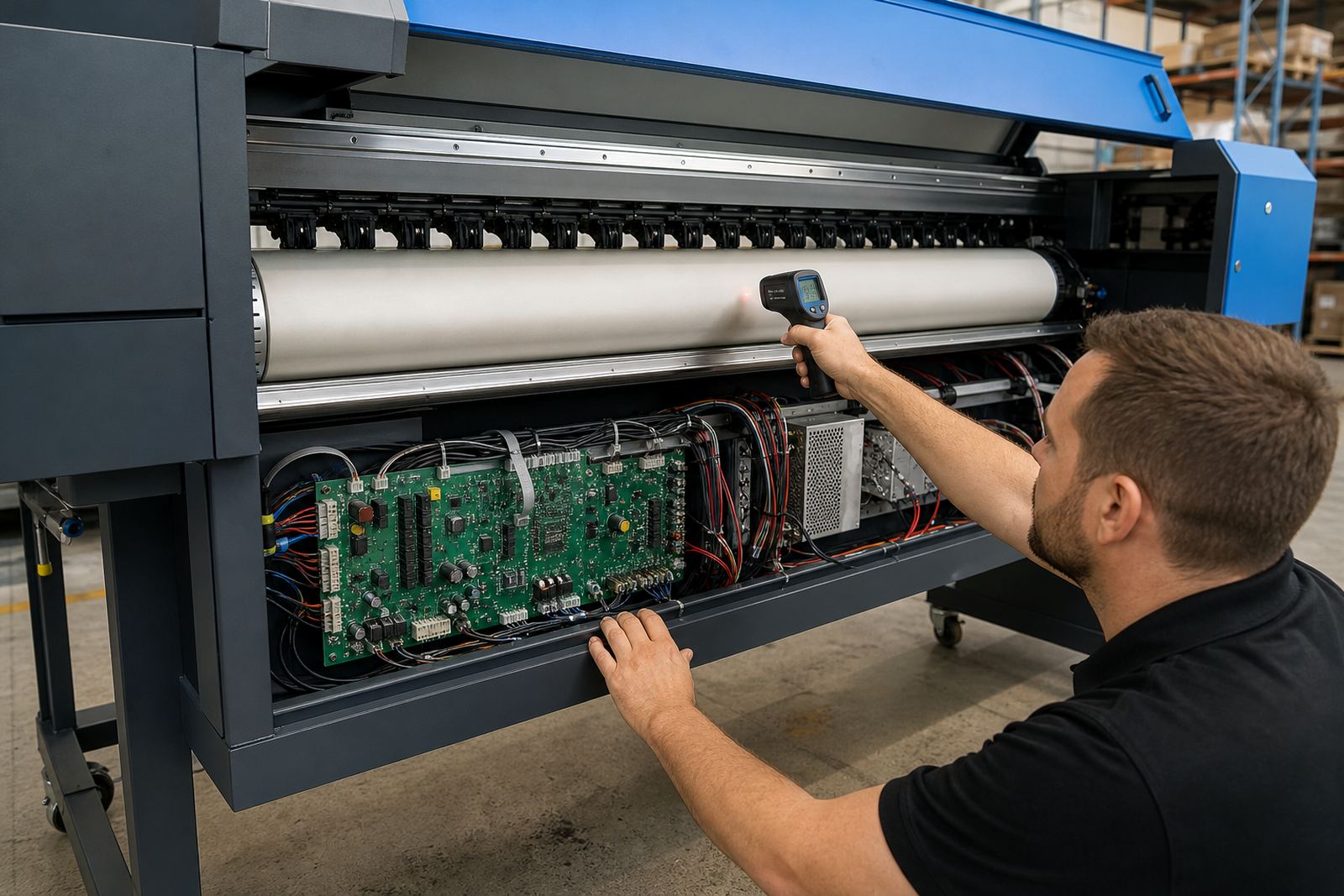
During setup, we check the printer communication, print mode behaviour, media response and the calibration target structure before the final profile is loaded. If the printer has a control board that governs head timing or carriage behaviour, that part must be matched correctly so the colour work holds during production and not only on a test strip.
- Remote setup for suitable printer environments
- Board-side checks where the printer control path needs attention
- Profile loading after ink and media testing
- Operator handover once the setup is verified
Care that keeps the calibration useful
Colour settings stay reliable when the printer is kept in a stable working state. Head checks, nozzle checks and regular maintenance help the calibration hold its shape, especially on machines running daily queues or mixed media jobs. Dust, dried ink and worn feed settings can all affect output more than people expect.
Media should be stored flat and in a dry area, with opened stock sealed properly between jobs. On coastal routes and in humid conditions, paper and coated stock can change behaviour quite quickly, so it helps to keep the workflow consistent and to avoid mixing media batches without checking the response first.
- Run regular nozzle checks and head tests
- Keep media sealed and stored flat
- Use the same print mode for linked jobs
- Review calibration after maintenance or board changes
Details to confirm when ordering
To match the pack to the printer properly, the important details are the printer model, ink type, media range and the way the machine is used in production. It also helps to know whether the setup is for one printer or several, and whether colour work must match an existing output standard already in the shop.
Please confirm the board type, RIP version, print width, head configuration and the main media families that need calibration. If the site uses remote setup, the operator should have access to the printer controls, media files and current queue structure so the calibration can be checked against the real workflow, not guessed from a spec sheet.
- Printer model and print width
- Ink system and head configuration
- Media types and finishing method
- RIP version and queue structure
- One machine or multiple linked printers
Specs that matter on this pack
The Colour Calibration Pack is centred on measurable print behaviour rather than vague colour promises. It is set up to shape ink use, tonal balance and repeatable output on common wide-format media used in South African print rooms.
For production teams, the value lies in how the settings hold under day-to-day use, especially where jobs are repeated, media changes are frequent and print quality has to stay within an agreed visual range. A careful calibration makes the printer easier to run and easier to hand over between operators.
- Ink limit setup for each supported media preset
- Linearisation across the chosen print mode
- Profile behaviour for common wide-format output
- Repeatable settings for reprints and queue handling
- Suitable for indoor display and signage stock
- Works within the RIP and printer control workflow
Key facts
| Product type | Colour calibration setup package for wide-format inkjet printers |
|---|---|
| Core functions | Ink limits, linearisation, output consistency and media matching |
| Supported workflow | RIP software, printer control boards and printhead driver setup |
| Typical media | Coated paper, vinyl, backlit stock and similar production media |
| Service method | Remote setup or on-site fitting where required |
| Coverage area | Midrand, Sandton, Tshwane, Durban, Cape Town and Bloemfontein |