What Remote RIP Setup Covers On A Working Print Floor
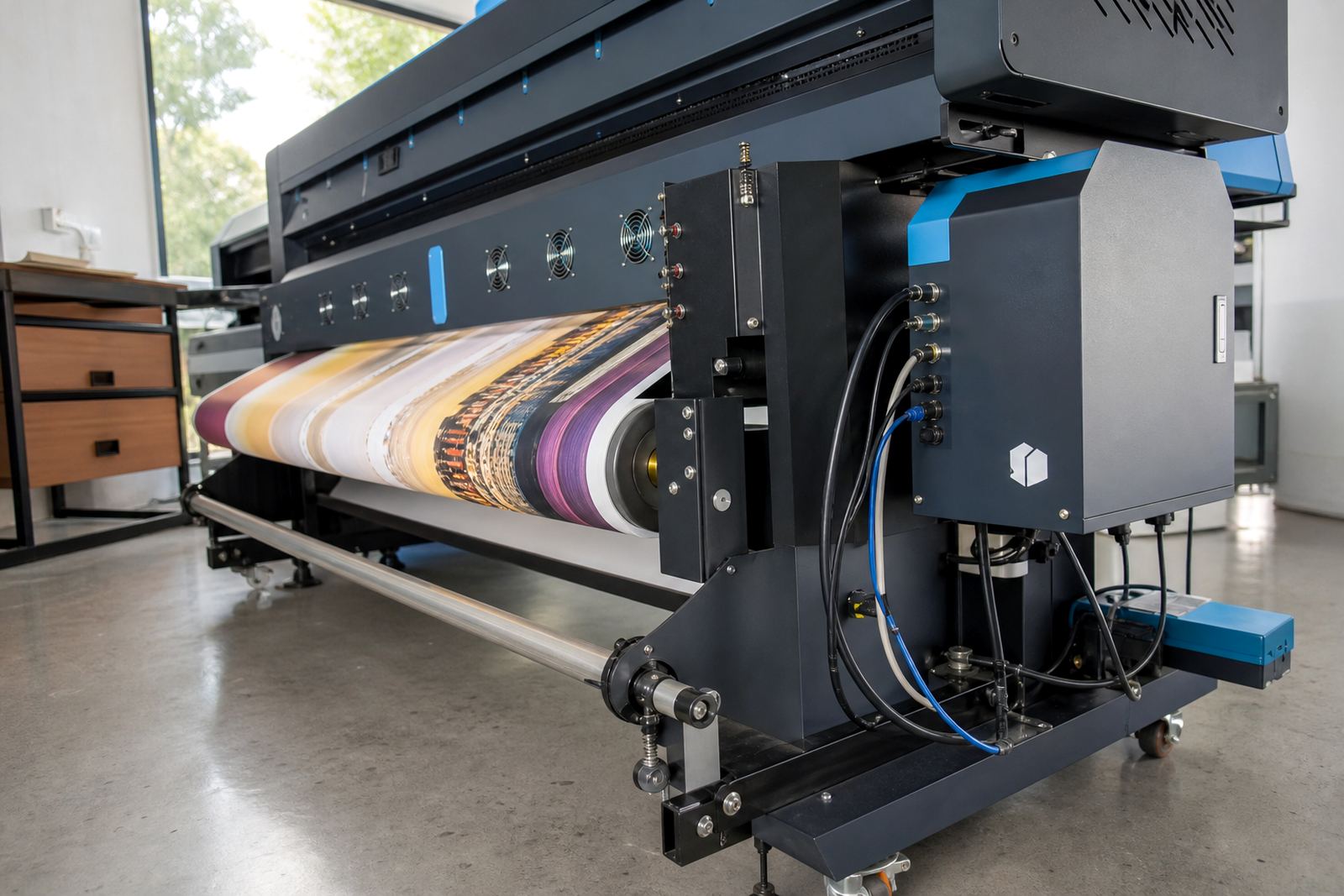
Remote RIP Setup is the practical setup of RIP software, print queues and core output settings on a wide-format inkjet printer system. It is used where a shop needs the job flow set properly from artwork intake through to print output, with the RIP matched to the printer model, media, ink set and daily production habits.
The service is usually arranged for print rooms in Midrand, Johannesburg, Pretoria, Durban, Cape Town and Bloemfontein, with remote support also reaching smaller satellite sites in the East Rand and West Rand. A careful setup helps prevent messy queue handling, duplicate jobs, mixed media settings and colour drift when different operators use the same machine during a busy week.
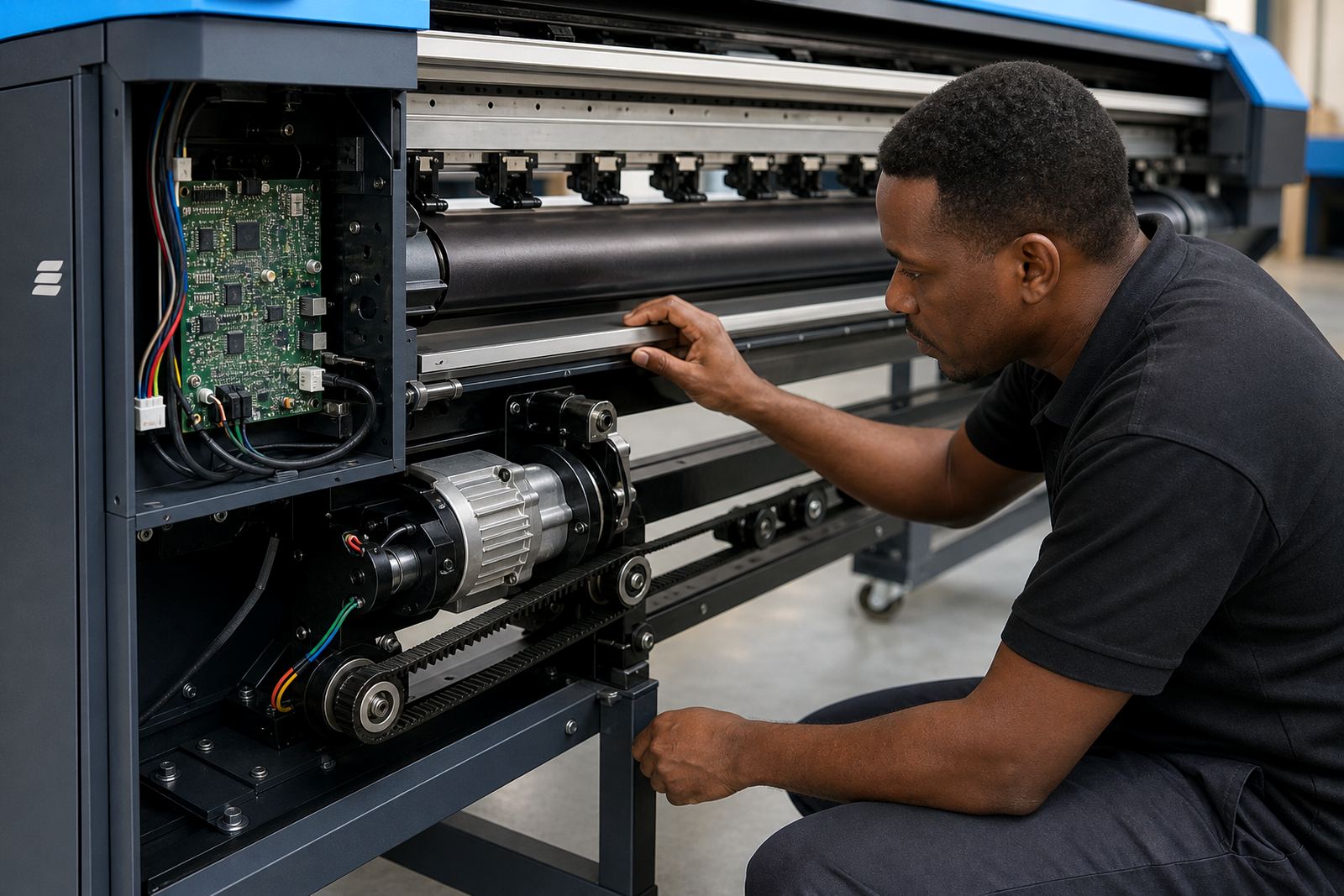
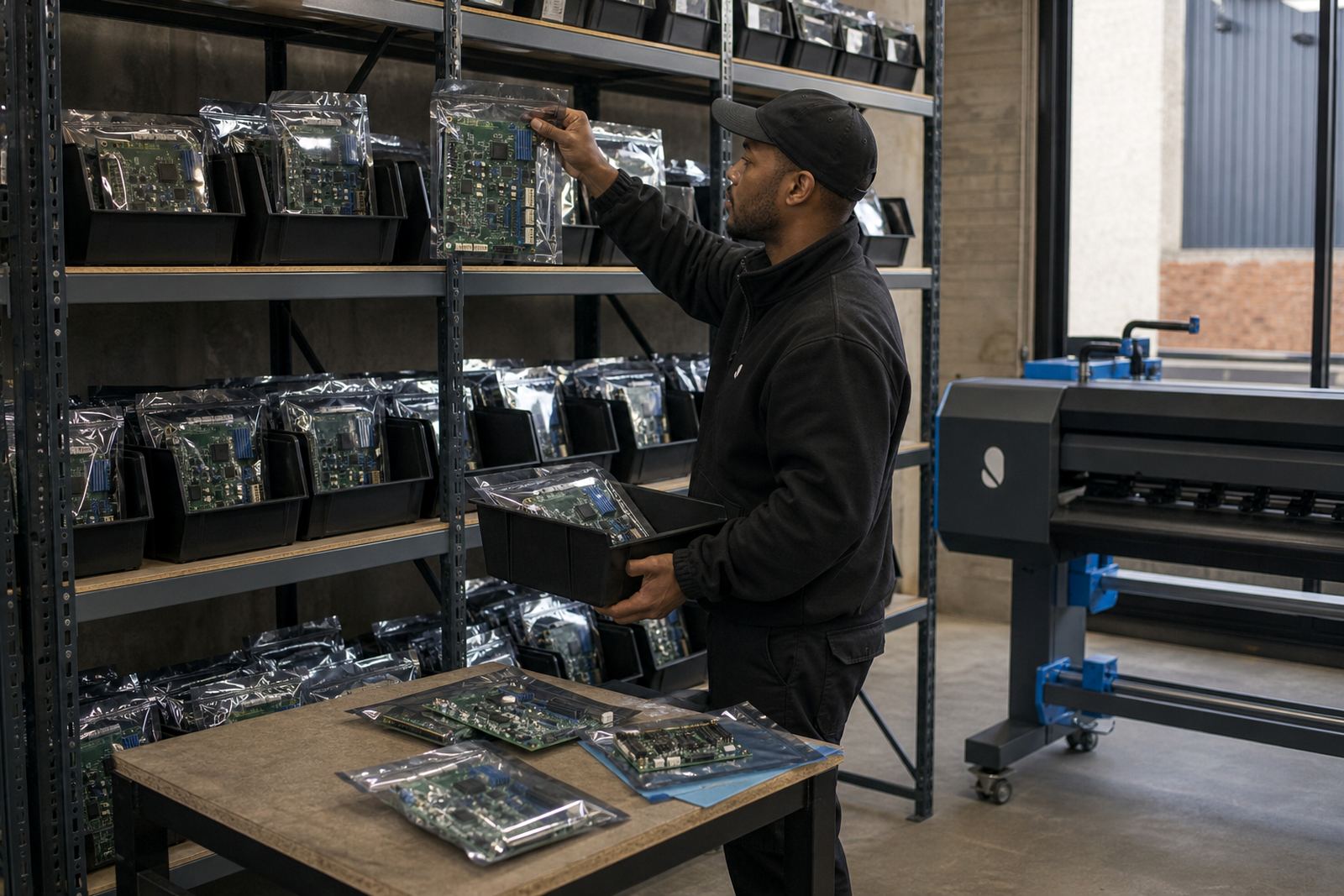
For many shops, the work includes first-time installation, reworking an existing RIP file structure, or recovering a setup after a PC rebuild or software fault. We also check that the printer control board and printhead driver settings are talking to each other properly, because a clean RIP profile alone will not fix a mismatched control path.
Setup Sizes And Workflow Options That Fit Real Production
Remote RIP Setup is not one fixed package. It can be shaped around a single printer, a dual-printer room, or a larger production site with multiple queues and different output priorities. The right option depends on how many machines you run, how many operators share the system, and whether you need one general queue or separate queues for photo work, signage and repeat production.
- Single-printer RIP setup with one main queue
- Multi-queue workflow for several media types
- Colour profile loading and soft proof alignment
- Printhead driver setup for stable firing behaviour
- Queue naming and job handling structure for operators
- Backup and recovery notes for the current system state
Some shops only need a base workflow, while others want nesting rules, tiling habits and media presets arranged so the staff can move jobs through without guessing. A tidy setup also helps on heavier production days when more than one person touches the queue, because the settings stay in the right place instead of being adjusted job by job.
Where It Suits Better Than A Full On-Site Callout
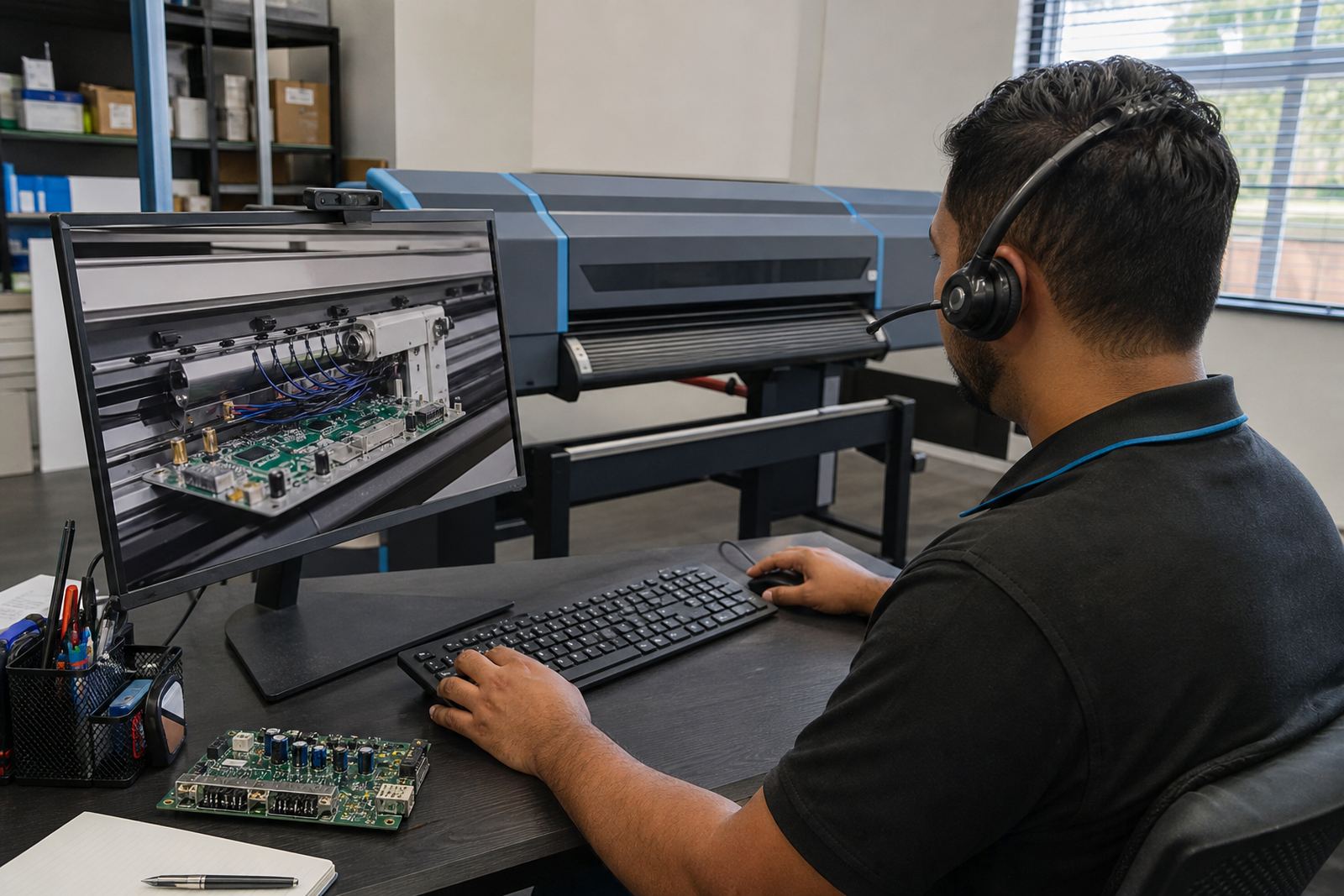
This service suits print shops that already have the printer in place and need the software side sorted without waiting for a full visit. It works well for new installations in Gauteng, as well as for regional sites that need a controlled setup while production continues on other equipment. A remote session is also useful when the printer is in a tight room, on an upper floor or inside a site with limited access.
Remote setup is often the right fit when the issue is software driven, such as queue errors, missing profiles, job direction problems or a workflow that has been passed around between different operators over time. It can also support a maintenance plan where the shop wants the RIP reviewed after a board change, PC upgrade or media change.
When the printer hardware itself is suspect, the session may be paired with board fault finding or printhead driver checks. If the control board is unstable, the RIP side will only hold for so long, and that is why the wider job picture matters.
Installation Steps And What The Remote Session Needs
The setup starts with matching the software to the printer and confirming which control board or print path is in use. From there, the queue structure is created, the media presets are loaded or rebuilt, and the colour workflow is tested with a small print run. Where needed, nesting and step-and-repeat habits are set so the printer can handle repeated jobs in a cleaner order.
- RIP software version and licence details
- Printer model and board type in use
- Current media list and preferred sheet or roll sizes
- Ink set, print mode and resolution preference
- Existing colour profiles, if any are available
- Operator access for the session and remote connection method
A stable remote link is important, and the staff on site should have access to the printer PC and any required admin rights. If files are scattered across several folders, or the workstation has old presets mixed with fresh ones, the first part of the job is often cleaning that structure before the live queue goes in.
Colour Control, Queue Design And Production Tuning
The stronger part of a good RIP setup is not the software screen, it is the way the workflow behaves under real print pressure. Colour profile setup helps keep output predictable across different materials, while queue workflow design keeps urgent work separate from slower production runs. For shops in coastal cities like Durban or Cape Town, steady profile use is especially useful when humidity changes the way some media behaves through the day.
Production tuning can include pass count choices, drying gaps, nesting settings and operator prompts that make the queue easier to manage. If a shop prints short runs for sign work, then longer roll jobs later, the setup can be organised so the system does not waste media or ask the operator to keep rechecking the same base values.
Maintenance support also matters. A clean queue plan can help catch small faults earlier, such as a blocked profile, a misread media width or a printhead driver setting that has been changed without notice. That kind of housekeeping saves time and keeps the printer room more predictable, even when load shedding affects the broader day and the operators are shifting between jobs.
Aftercare, Training And Ordering Details To Confirm
Remote RIP Setup works best when the details are clear before the session begins. Confirm the printer type, the control board in use, the RIP software version, the number of queues needed and whether colour profiles must be loaded, rebuilt or reviewed. If the shop wants backup and recovery included, that should be stated at the start so the file structure and export notes are handled properly.
Training can be added for operators who need a practical handover on queue use, job nesting, profile selection and basic fault finding. That is useful for teams with more than one shift, or where the person who normally handles colour is not always on the floor. Lerato Khoza oversees operations, with Johan Letsoalo handling deeper RIP work and Zanele Moagi guiding colour workflow setup when a shop needs finer control.
Clients contact InkFlow RIP through the enquiry form on our contact page. From Midrand, we support print rooms in Johannesburg, Pretoria, Durban, Cape Town and Bloemfontein, with remote assistance arranged around the way each shop works, not the other way around.
Key facts
| Service type | Remote RIP installation and workflow setup |
|---|---|
| Core setup | Queue creation, base configuration and profile loading |
| Supported output | Wide-format inkjet printers |
| Workflow features | Nesting, tiling, media presets and production tuning |
| Support areas | Midrand, Johannesburg, Pretoria, Durban, Cape Town, Bloemfontein |
| Related services | Board installation, printhead driver setup, fault finding and recovery |