Media drive control for long print runs
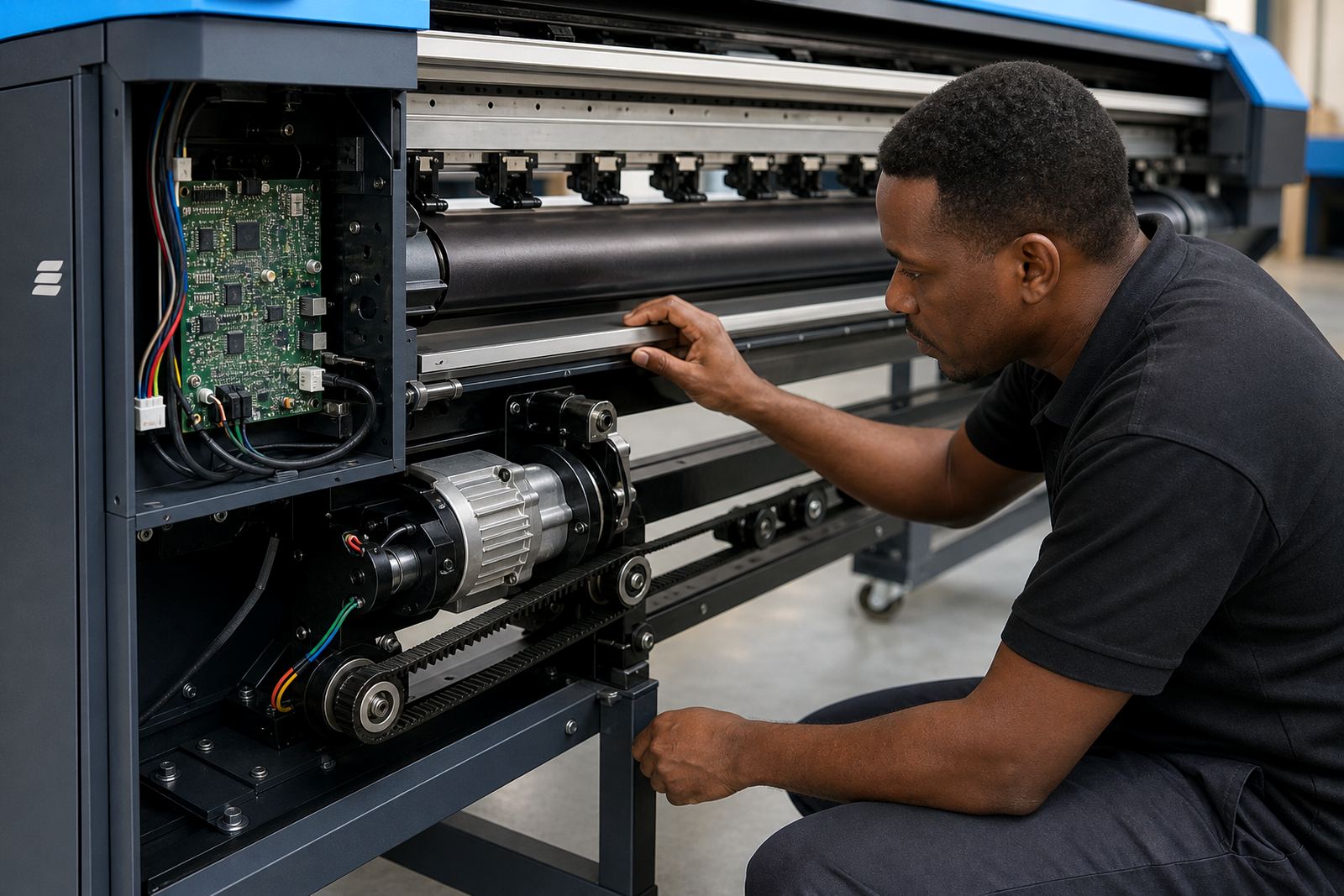
The feed motor board sits in the motion control chain and manages the media drive motor that advances the substrate through the printer. In practical terms, it helps the machine move vinyl, coated paper, canvas or other roll media in measured steps, so the image lands where it should. On wide-format inkjet work, especially when jobs run for metres at a time, that control matters. If the feed drifts or hunts, you can see banding, step mismatch or skew, and the run may need to be stopped for correction.
This board is used where accurate feed control is required during continuous production. It is common on printers that handle signage, exhibition graphics, labels, POP material and long banner jobs. The board may work with encoder feedback, motor signals and printer firmware settings, so the correct match is important. A board that is close but not exact can cause erratic feed behaviour, even if the printer powers on and the carriage still moves.
- Media advance control for roll-to-roll and sheet fed wide-format printers
- Supports stable feed timing during longer production sequences
- Works alongside the printer control system and motion sensors
- Useful where registration must stay consistent across repeated passes
Options and form factors that fit real machines
Feed motor boards are not all the same, and the right choice depends on the printer model, the number of motors in the system, the connector layout and the board revision. Some boards are compact single-board units, while others are part of a larger control set with separate communication and motor sections. In wide-format inkjet equipment, the board must match the printer architecture closely, including plug positions, signal type and software handshake. If one of those details is off, the machine may throw feed errors or refuse to run the queue properly.
When a board is supplied for replacement or upgrade, the main checks include whether the printer uses a stepper or servo feed motor, the supported voltage range, connector pinout, firmware compatibility and whether a harness or bracket is needed. Many production sites in Johannesburg, Durban or Cape Town keep a spare board ready because a feed fault can put a full queue on hold. On some machines the board is mounted inside the base frame, on others it sits close to the drive section for easier access.
- Board type matched to printer model and revision
- Motor interface matched to stepper or servo drive needs
- Connector layout checked against the existing harness
- Firmware and communication compatibility confirmed before fitting
Where it suits in South African production rooms
This board suits print environments that depend on repeatable feed control rather than hand correction. That includes graphic studios with overnight banner runs, retail display producers, signage shops, and larger production floors that print across multiple shifts. In humid coastal conditions such as Durban or Cape Town, dust and moisture can affect drive components over time, so control boards and wiring should be kept clean, dry and properly seated. Inland sites in Midrand, Pretoria and Bloemfontein often see more dust from loading bays and finishing areas, which can settle on sockets and boards if covers are left open.
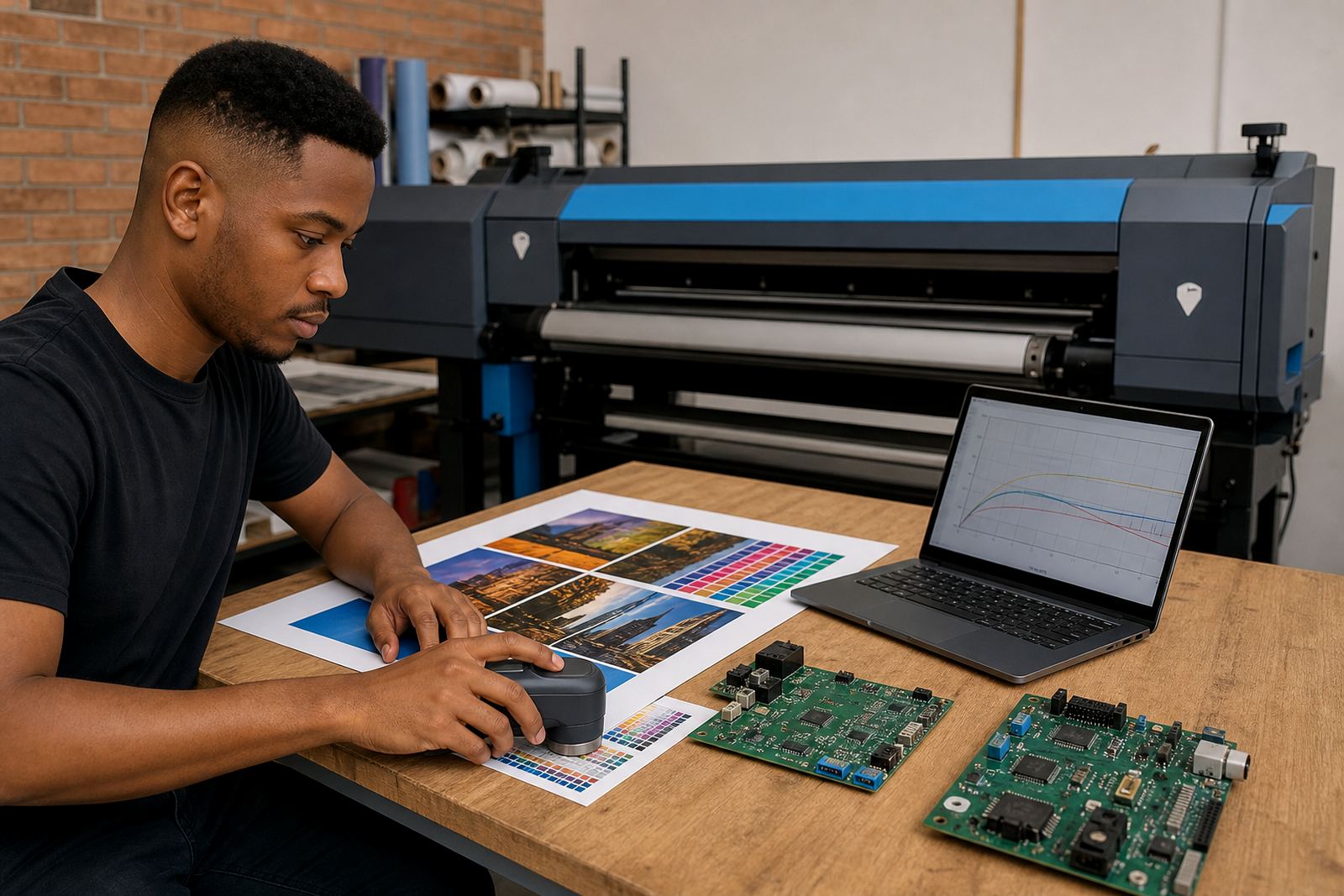
Feed control faults often show up during longer jobs, not at the start. A printer may pass short tests then drift after metres of media have moved through the rollers. That is why this part is relevant for printers running repeat jobs, long decals, exhibition panels and production queues where the operator needs less manual intervention. If the feed motor board is unstable, the whole print path can be affected and colour alignment may start to look off even when the RIP file is correct.
- Suitable for signage, retail graphics and exhibition output
- Works in shop floors with daily queue based production
- Helpful where long roll media runs need steady advance
- Relevant in coastal and inland sites with dust or humidity exposure
Fitting, setup and support on the printer side
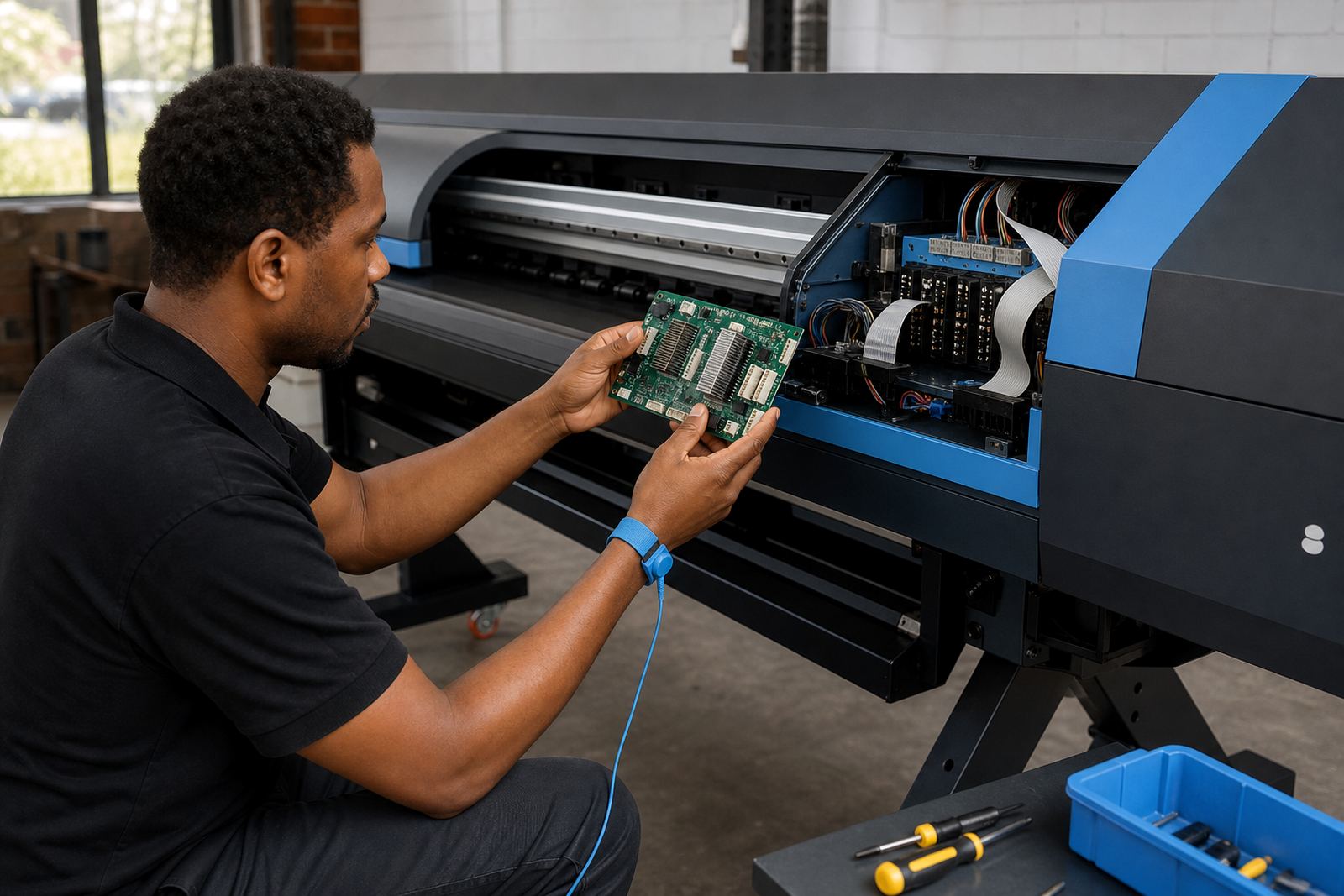
Installing a feed motor board normally needs the printer to be isolated, the covers opened and the existing board identified against the machine’s wiring layout. Static handling matters, and the harness should be checked for wear, loose terminals or heat marks before the new board is fitted. In some cases the board can be changed as a direct replacement. In other cases the firmware, motor calibration or feed parameters need to be reviewed after installation so the printer can read the drive correctly.
Our remote setup support can be used where the printer is already on site and the operator needs help with board recognition, feed calibration or fault tracing. For sites with multiple printers, a board change may also be paired with queue workflow checks so the production line keeps moving cleanly between jobs. If the feed motor board is tied into other motion parts, the technician may also check the encoder, carriage signal path and any linked driver boards. That saves time when the fault appears to be the board but is actually a related signal issue.
- Power down and isolation before removal or fitting
- Inspect harnesses, terminals and mounting points
- Check feed calibration after board replacement
- Review firmware, motion signals and related drive settings
Care that keeps feed control steady
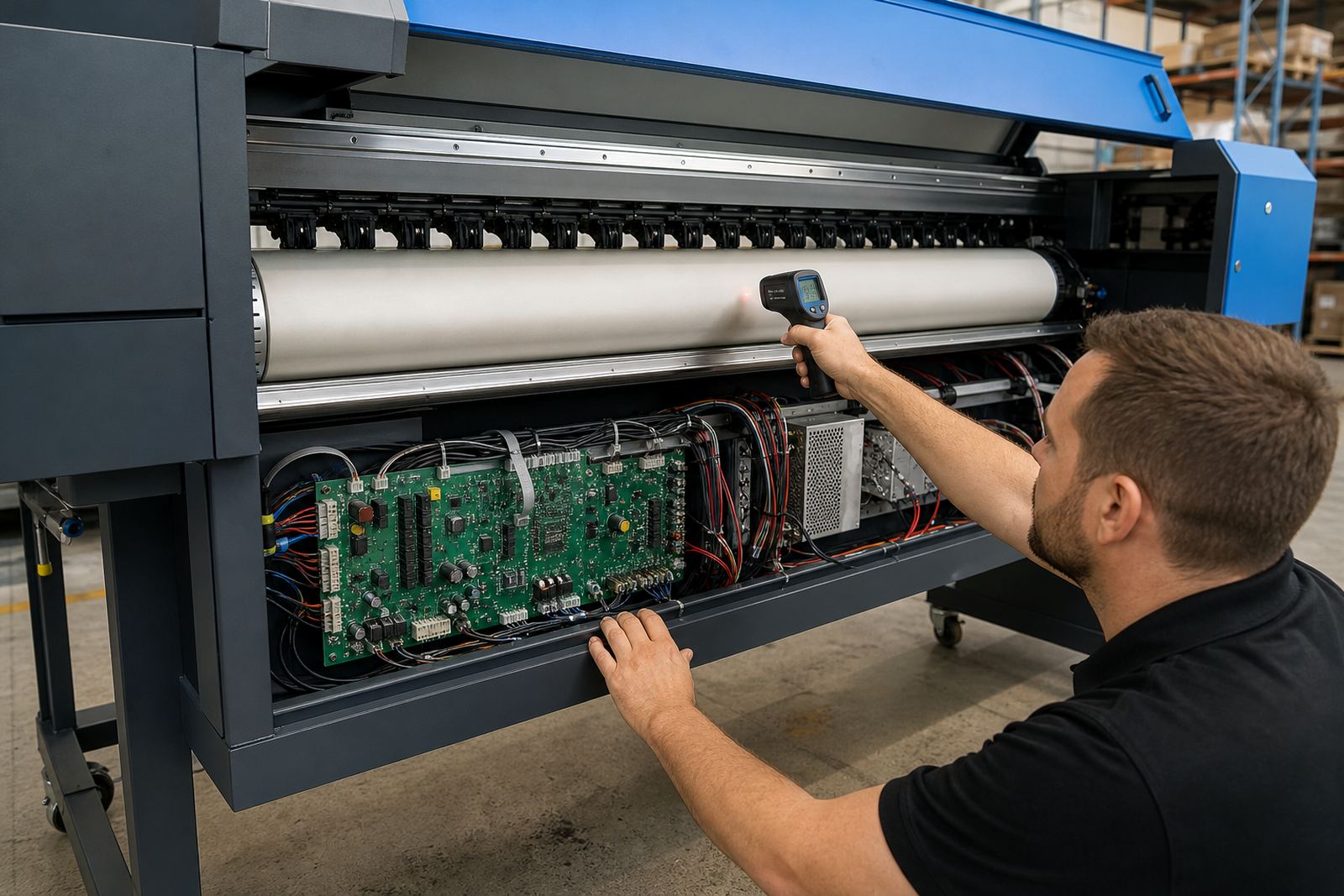
Feed motor boards last better when the printer room is kept clean and the machine is serviced before faults spread. Dust buildup, ink mist and vibration can loosen connectors over time. On a busy floor, a quick visual check of the drive area, cable clamps and board housing can pick up early signs of trouble. If a printer has had repeated feed errors, it is worth checking whether the board is getting warm, whether there are signs of oxidation, or whether a motor is drawing unevenly.
Preventive maintenance should include clearing dust from the electronics compartment, checking the fan path, confirming cable routing and reviewing feed history in the RIP or printer menu where available. A clean board does not guarantee smooth feed, but it gives the system a better chance of staying accurate through long print runs. Small faults caught early tend to cost less than a full stoppage. A missed connector or a scorched plug can turn into a much bigger repair if the machine keeps running under load.
- Keep the control compartment free of dust and overspray
- Check for loose plugs, heat marks and worn cabling
- Inspect board mounting and vibration points during service
- Review feed error history after recurring print faults
Details to confirm before ordering a replacement board
To match the correct feed motor board, the printer model, serial details, board revision and the motor type should be confirmed first. It also helps to note whether the board is for the main feed drive, a secondary media drive or a related control section. Some printers use similar looking boards with different firmware or connector layouts, and that can lead to the wrong part being sent if the details are not checked carefully. A photo of the existing board, the connectors and the label area usually makes the matching process easier.
It also helps to confirm the symptom, such as feed slip, banding, intermittent motor movement, board no response, or a fault that appears only under heavy production. That information gives the technician a better picture of whether the board is the cause or part of a wider motion issue. For sites in Midrand, Johannesburg, Pretoria, Durban, Cape Town, Bloemfontein and the East or West Rand, we can assist with remote checks and board selection for wide-format inkjet printers used in daily production. The order should include the exact machine details, because a near match may look fine but still fail under load.
- Printer model and serial number
- Board revision, connector layout and label details
- Motor type and any linked drive board information
- Fault description, including when the problem shows up
Key facts
| Product type | Feed motor board for wide-format inkjet printers |
|---|---|
| Primary function | Media drive control for accurate feed over long runs |
| Compatibility | Matched to printer model, revision and motor interface |
| Installation | Fitted inside the printer control or drive section |
| Support | Remote setup, board installation and fault finding |
| Use cases | Signage, display graphics, banners and production queues |