Profile building that follows your media and ink mix
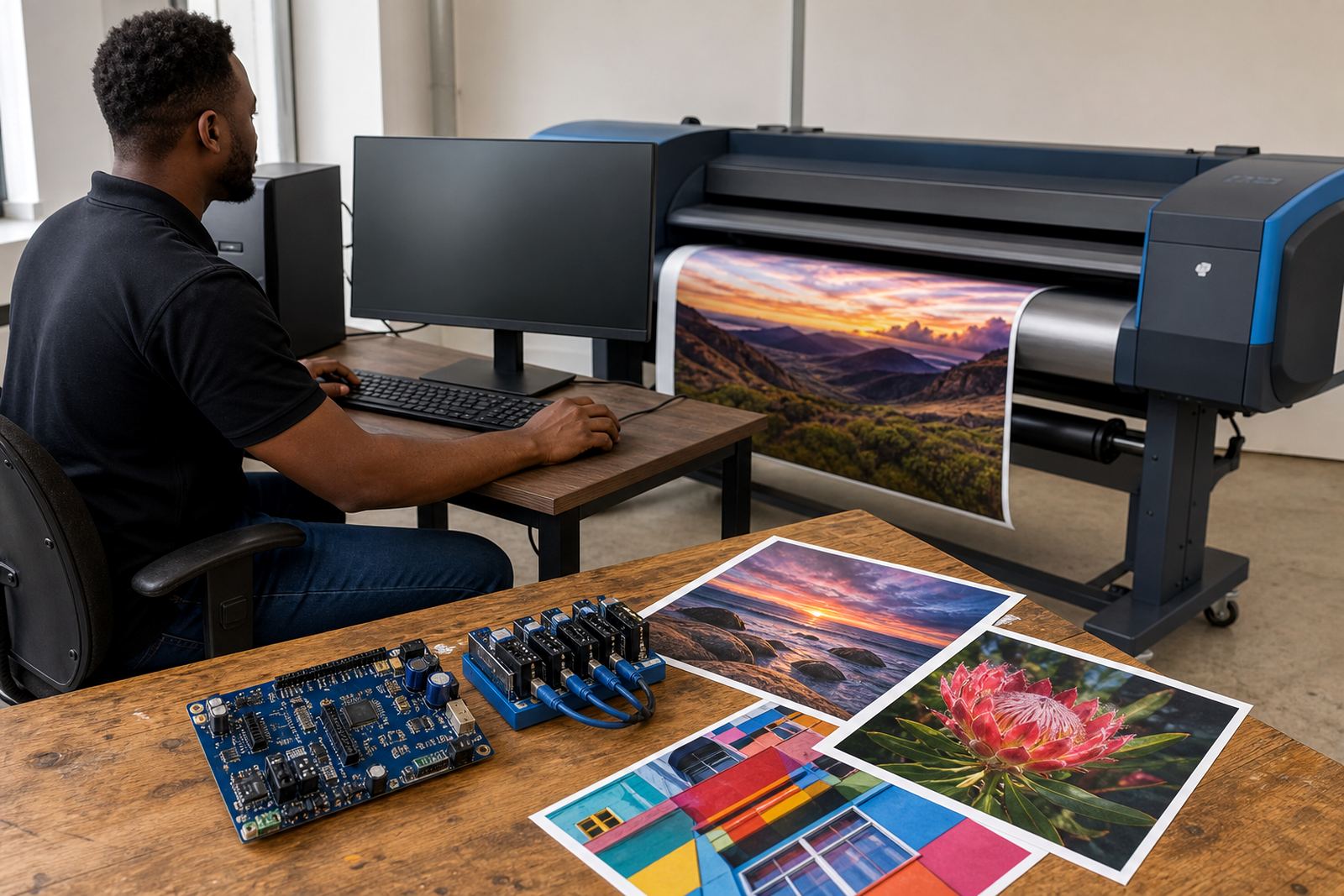
This profile package is built for wide-format inkjet work where the substrate, ink set and print mode all affect the final result. A colour profile is not just a file loaded onto a RIP, it is a controlled set of corrections that helps the printer read greys, skin tones, brand colours and deep blacks in a predictable way. In practical terms, that means less chasing shadows on one job and too much warmth on the next.
The package is suited to glossy PVC, self adhesive vinyl, banner media, coated paper, backlit film and other common production materials used in signage and display work. It can be set up for light production queues or heavier daily output, depending on the printer board and RIP workflow in place.
- Media specific colour mapping
- Ink limit control for safe density
- Linearisation for smooth tone steps
- White point and grey balance adjustments
- Profile naming for clear queue use
What sits inside the profile set
A proper colour profile set usually includes more than one output file. For production use, the setup can include a base profile for each media type, alternate settings for draft and final modes, and queue presets that match the way operators send work through the RIP. That helps when a shop runs the same artwork on different rolls or shifts between indoor graphics and tougher outdoor material.
We also set the profile against the actual printer behaviour, not a guess from a brochure. Ink spread, drying, colour cast and head firing all shape the result. On humid coastal jobs, for example, a media that reads fine in Johannesburg can behave differently in Durban, so the profile set needs to fit the working conditions as well as the printer itself.
- ICC style output profile sets
- Custom ink limits per media
- Grey axis and neutral balance tuning
- Queue presets for repeat production
- Profile notes for operator reference
Where this package fits best
This package suits print shops, sign makers, repro houses and production teams that need repeatable colour across a busy week. It is especially useful where several operators touch the same machine, or where one RIP is driving more than one wide-format printer. In that setting, named profiles and sensible queue layout cut down on mistakes and wasted media.
It also suits facilities that work with brand colours, exhibition graphics, corporate displays and retail signage. Those jobs often need the same blue, red or grey across different substrates, and a clean profile set helps keep each run within a tight visual range. When a shop in Pretoria or Cape Town sends out matching panels on more than one printer, the profile structure matters a lot.
- Signage and display production
- Corporate branding work
- Retail window graphics
- Short run production with reprints
- Multi printer environments
Setting it into the RIP and printer workflow
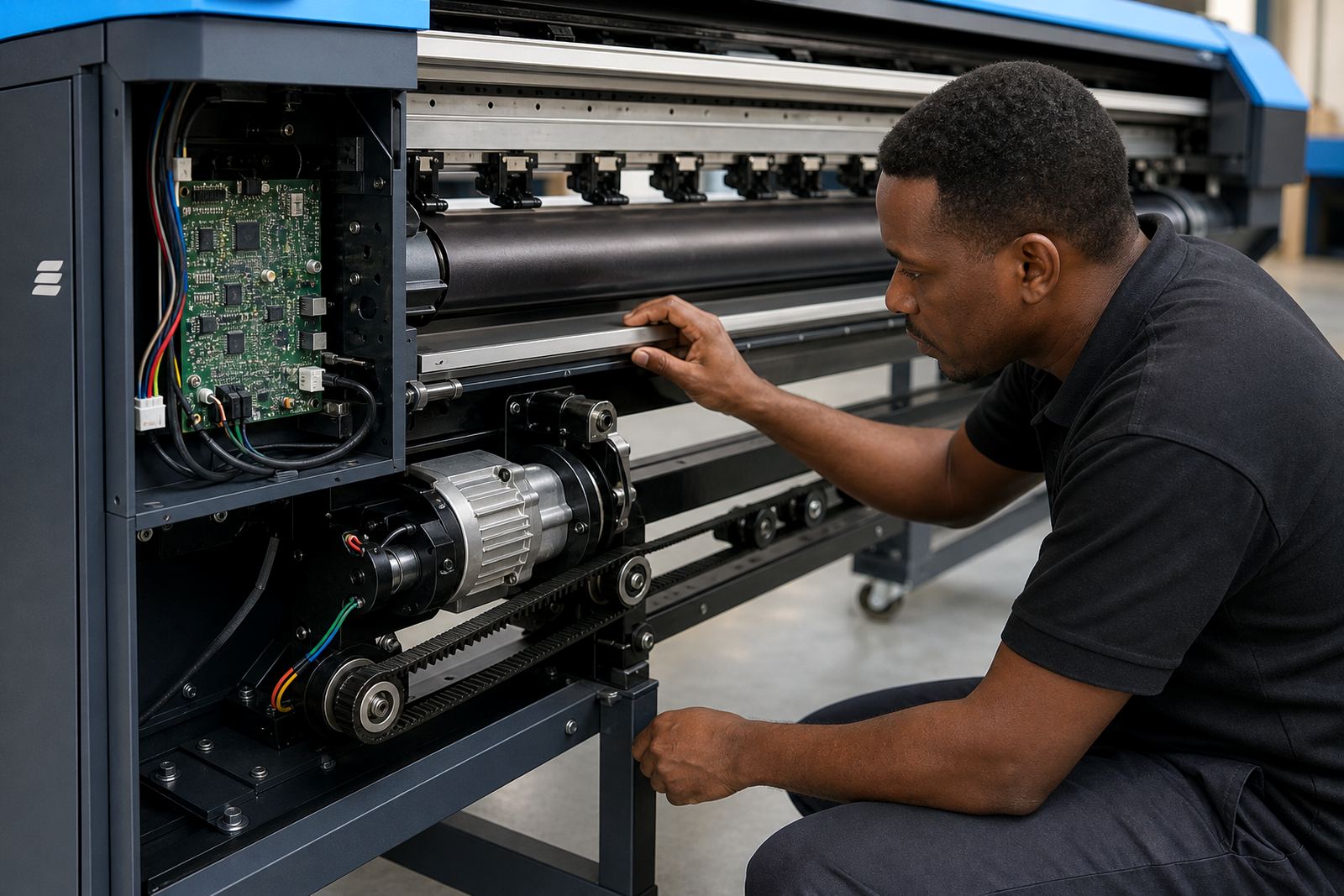
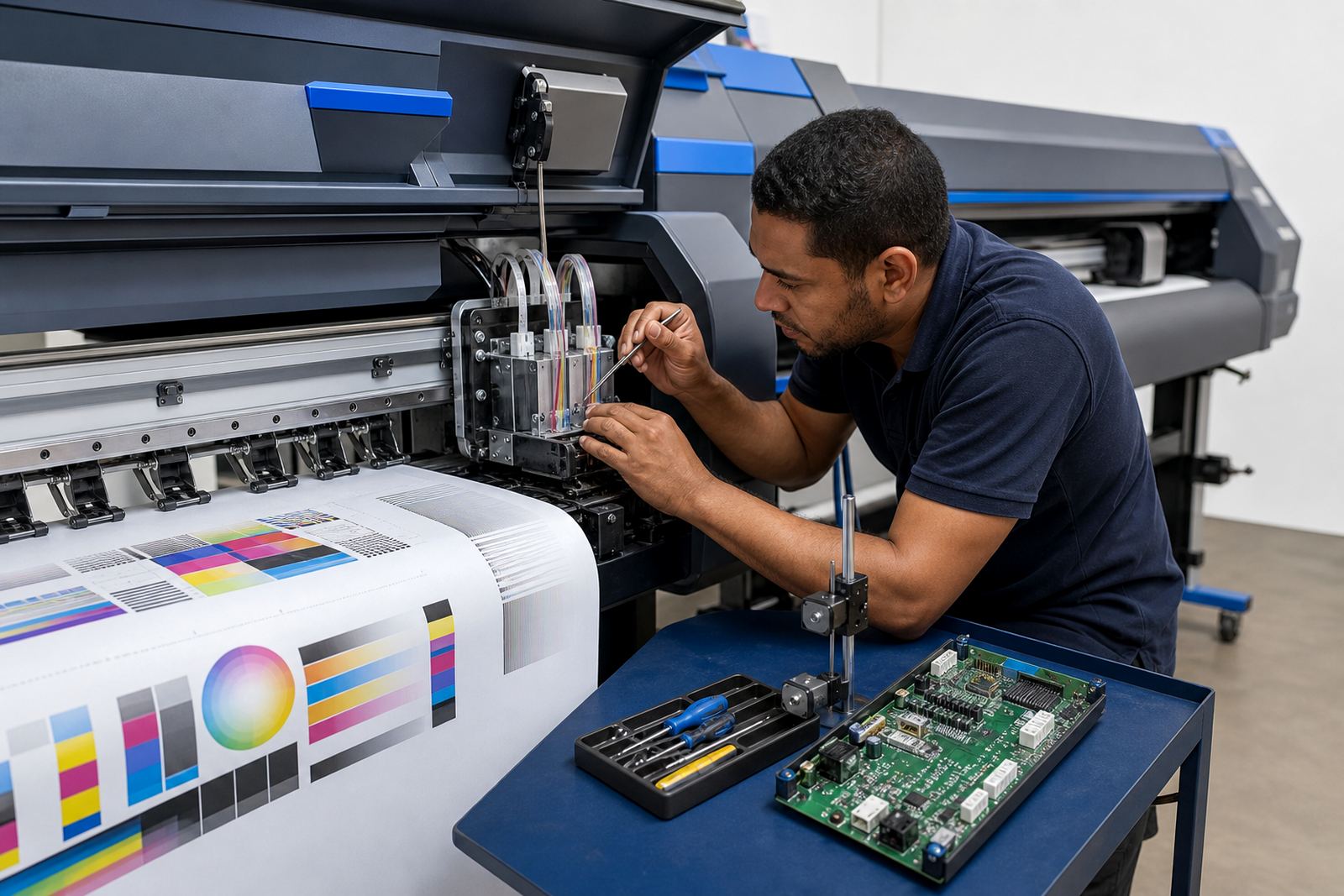
Installation normally means loading the profile set into the RIP, linking it to the correct media preset and testing output with a controlled print chart. If the printer board or printhead driver settings are off, colour will drift even when the profile itself is good, so the setup needs to sit with the rest of the machine configuration. That is where proper RIP work and board knowledge go together.
Remote setup is often enough for standard profile deployment when the printer is already functioning and the workflow is stable. If the queue structure, ink channels or maintenance settings need attention, the same session can include printhead driver checks, profile assignment and a short operator handover. For shops in Midrand, Johannesburg, Durban, Cape Town and Bloemfontein, that keeps the process practical and less disruptive.
- RIP profile import and assignment
- Queue preset matching
- Printer mode matching to media
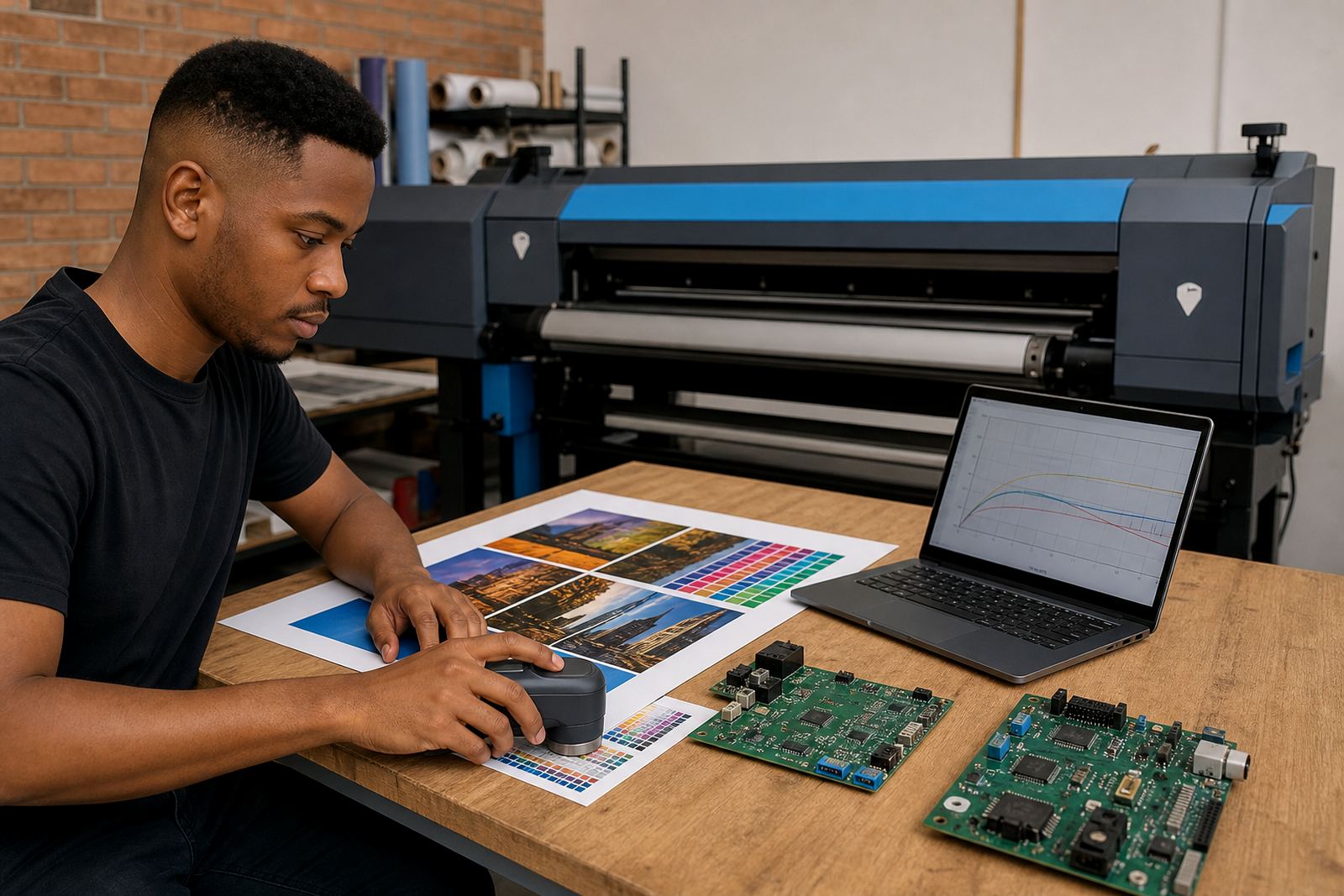
- Output chart check and fine tuning
- Operator notes for day to day use
Care that keeps colour steady in daily production
Once a profile set is in use, the printer needs sensible care so the results stay consistent. Heads should be kept in good condition, ink delivery checked, and media storage managed away from dust and damp where possible. In coastal areas, humidity can shift drying and surface behaviour, so the same roll stored in one place may not print the same way in another and thats worth watching.
Operators should avoid swapping media types on the fly without checking the correct preset, and they should note when a roll has changed batch. A small change in coating or ink load can alter the final colour enough to matter on a matched job. Preventive maintenance, nozzle checks and regular queue housekeeping all help the profile do its job properly.
- Keep media sealed until use
- Track batch changes on repeat work
- Run nozzle checks before colour critical jobs
- Use the matching preset every time
- Review profiles after service work
Ordering details that help us set the right profile
When ordering a Colour Profile Set, the main details to confirm are the printer model, RIP version, ink type, media name and the output standard you want to hit. It also helps to know whether the printer is used for indoor display, outdoor signage or a mixed production line, because that changes the ink limit and target density. If the job needs a special finish or unusual substrate, say so at the start so the profile set can be built around it.
It is also useful to note the operating site and conditions. A shop in Midrand may run differently from a coastal site in Durban, and a busy floor in Pretoria may need more practical queue presets than a smaller studio in Bloemfontein. Those details shape the final profile package and reduce guesswork during setup.
- Printer make and model
- RIP software version
- Ink set and channel layout
- Media type and coating
- Target use, indoor or outdoor
Key facts
| Product type | Custom colour profile set for wide-format inkjet printers |
|---|---|
| Compatible workflows | RIP-based queue setup, printhead driver alignment, media preset matching |
| Media coverage | Vinyl, banner, coated paper, backlit film, display substrates |
| Output tuning | Ink limits, grey balance, linearisation and profile naming |
| Setup mode | Remote deployment or on-site fitting by arrangement |
| Service area | Midrand, Johannesburg, Pretoria, Durban, Cape Town, Bloemfontein and surrounding areas |