Core RIP control for daily production
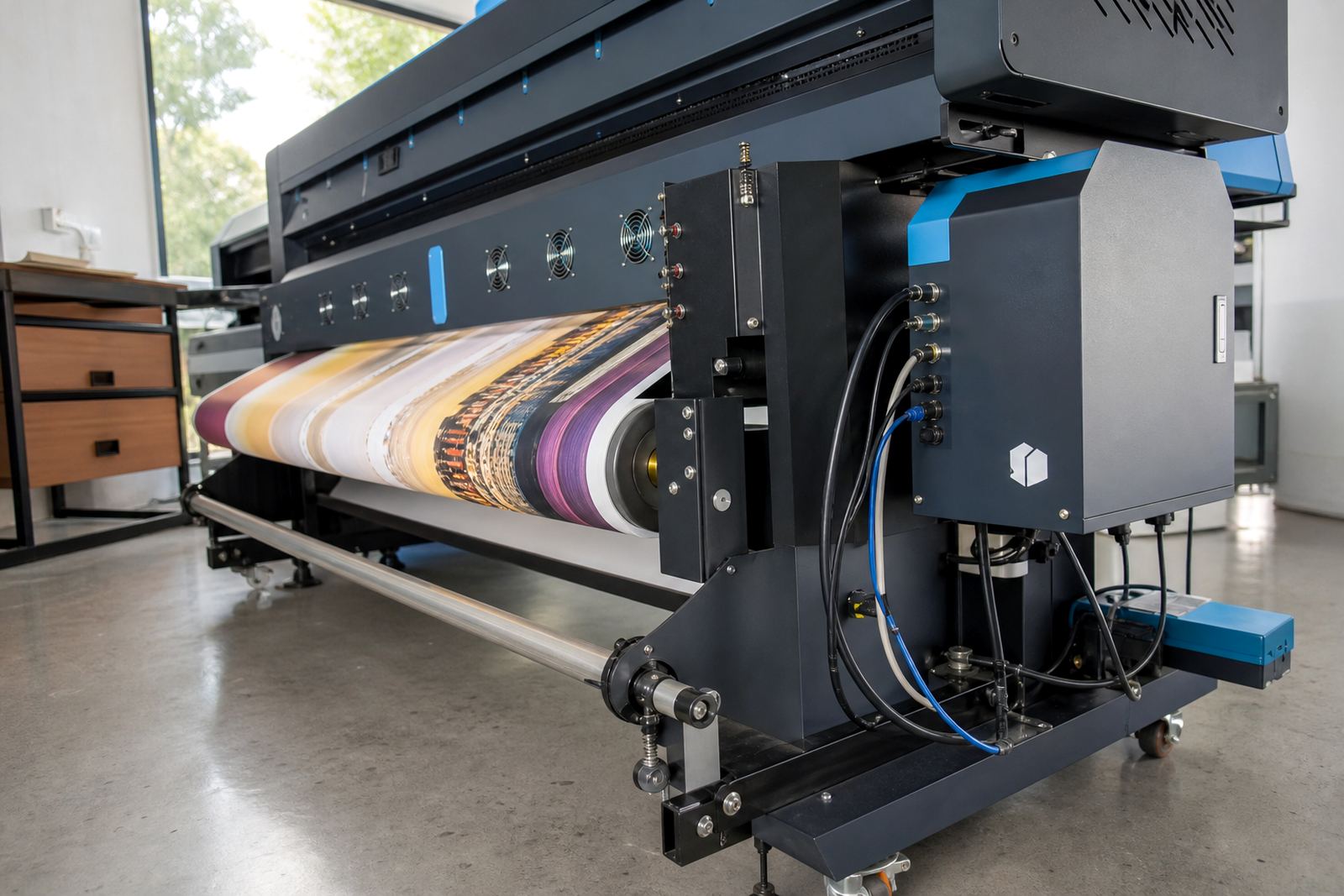
InkFlow RIP Core handles the front end of wide-format output, where files are received, checked, ripped and sent to the printer queue in the right order. It is used for inkjet production work where operators need clear control over job handling, colour data and print direction, without a cluttered interface slowing the line down.
The software supports common production tasks such as page tiling, nesting, scaling, media presets and ink limit control. It also helps manage job priorities when a rush order lands in the middle of a longer run, which is common in busy print shops in Midrand, Johannesburg and Durban.
- File processing for large format artwork and production files
- Queue control for single jobs or multiple printer lines
- Colour profile loading for repeat output on set media
- Nesting tools to reduce waste on roll media
- Job scaling, rotation and tiling for panel work
Options that suit different print rooms
The Core package is set up for wide-format inkjet printers used in signs, POS work, decor print and production graphics. Options are usually matched to the number of printers, the size of the queues, and whether the site needs a single operator station or a shared workflow across several users.
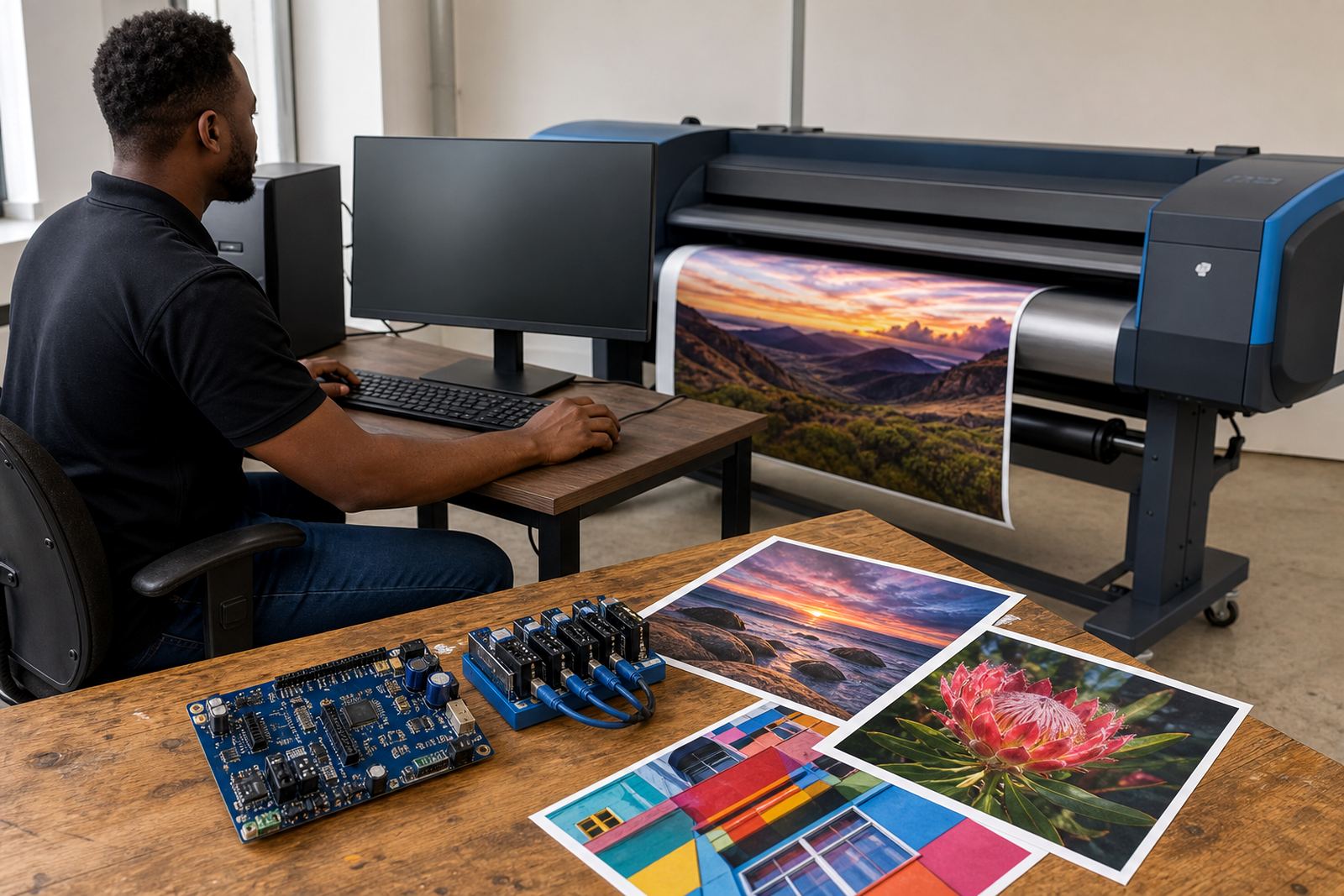
Some setups only need one control station with standard output handling. Other sites need a wider workflow with multiple printers, separate media presets, and colour managed profiles for different substrates. In those cases the system can be arranged to fit the room layout and the way operators hand over jobs during a shift.
- Single-printer or multi-printer workflow setups
- Operator screens for job checking and queue movement
- Preset media handling for vinyl, banner, canvas and coated stock
- Colour workflow support for consistent repeat jobs
- Scalable use across smaller shops and larger production floors
Where RIP Core fits best
This software suits print shops that need dependable control over daily output rather than basic office-style printing. It is often used in signage firms, commercial print rooms, vehicle wrap production, and larger facilities that run long rolls or mixed media jobs through the week. Coastal humidity in Durban and Cape Town can change how some media behaves, so consistent profile use and proper queue settings matter more than guesswork.
It also works well where jobs are passed between design staff and operators. A clean RIP setup helps reduce file issues, avoids repeated manual edits, and keeps production moving when multiple deadlines land on the same day. In Gauteng, where many shops work with fast turnaround cycles, that structure makes a real difference.
Installation, setup and workflow fitting
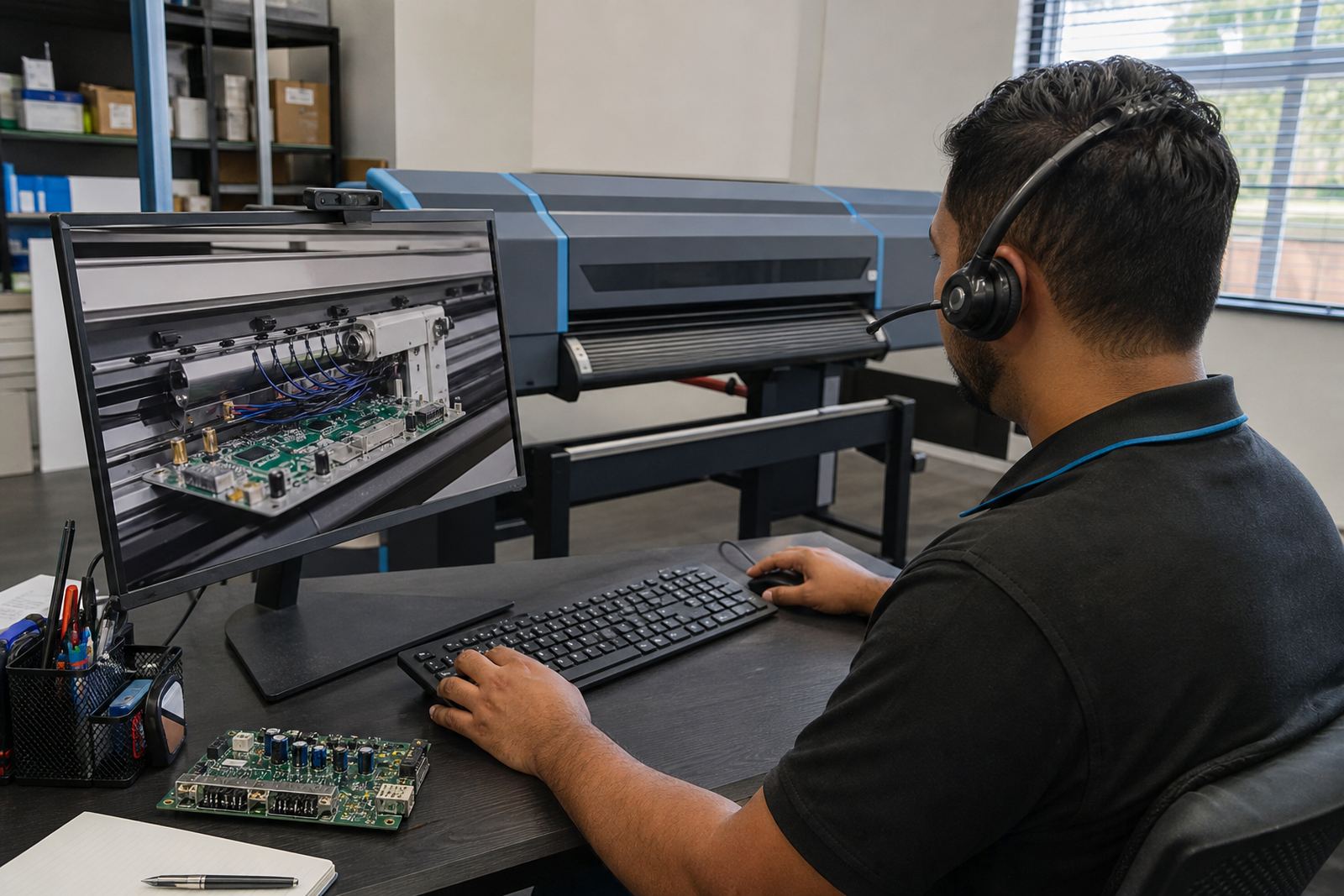
Core software is installed and set up to suit the printer model, the printhead driver arrangement and the output path used on site. That includes workstation settings, file paths, hot folders if required, and the printer profile structure used for production. Remote setup is often suitable when the shop already has the computer and network ready for the install.
Where the job calls for board installation or printhead driver setup, the hardware side is checked first so the RIP can be matched to the machine properly. That avoids poor channel mapping, colour drift and queue errors later in the week. The setup is handled with practical attention to each printer's output mode, media width and operator routine.
- Printer model matching before workflow setup begins
- Remote configuration for supported sites across South Africa
- Printhead driver alignment where the control board requires it
- Colour profile linking for different media and ink sets
- Operator handover notes for the day-to-day team
Care that keeps jobs steady
RIP software works best when the workflow stays tidy. Queue names should be clear, unused presets removed, and profile folders kept in order so operators do not waste time hunting through old settings. Backup copies of working profiles and queue configurations are worth keeping, especially when more than one printer is running or when a board is swapped during maintenance.
Preventive care also means checking that the workstation is stable, the printer communication is clean, and the file handling process is not being overloaded by damaged artwork. A print room that skips that upkeep often ends up with missed jobs, colour mismatches or a queue that stalls at the worst moment.
- Keep backed up copies of profiles and queue settings
- Remove old presets that are no longer in use
- Check folder structure after major software changes
- Review output after maintenance or board repair
- Use the same file naming system across the team
Details to confirm before ordering
When ordering RIP Software Core, confirm the printer make and model, the number of machines, the operating system on the control computer, and the kind of media being printed. It also helps to note whether the setup needs remote support, colour profile work, queue redesign or backup recovery after a fault.
The more exact the details, the easier it is to match the software to the printer line and the way the shop actually works. A good quote starts with the machine list, the output size range and the operator flow, not guesswork. For sites in Pretoria, the East Rand or Bloemfontein, a clear description of the existing setup saves time during installation planning.
- Printer model and the number of connected units
- Media widths and the largest sheet or roll size used
- Current operating system and workstation details
- Whether colour profiles already exist or need setup
- Need for remote setup, training or recovery work
Key facts
| Product type | Production RIP software for wide-format inkjet printers |
|---|---|
| Main functions | File processing, queue handling, nesting, scaling and colour profile use |
| Typical use | Signage, graphics, vehicle wrap, decor print and production output |
| Workflow support | Single printer or multi-printer queue management |
| Setup options | Remote setup, printhead driver setup and workflow fitting |
| Support areas | Midrand, Sandton, Tshwane, Durban, Cape Town and Bloemfontein |