What the Job Archive Module holds in daily production
The Job Archive Module is a storage and recall layer inside the RIP workflow, built for reprints on wide-format inkjet printers. It saves the parts that matter on a live run: media choice, resolution, pass count, ink limits, colour profiles, nesting layout, queue order and printhead driver settings. When a job comes up again, the operator does not need to rebuild the setup from zero and small differences are less likely to creep in.
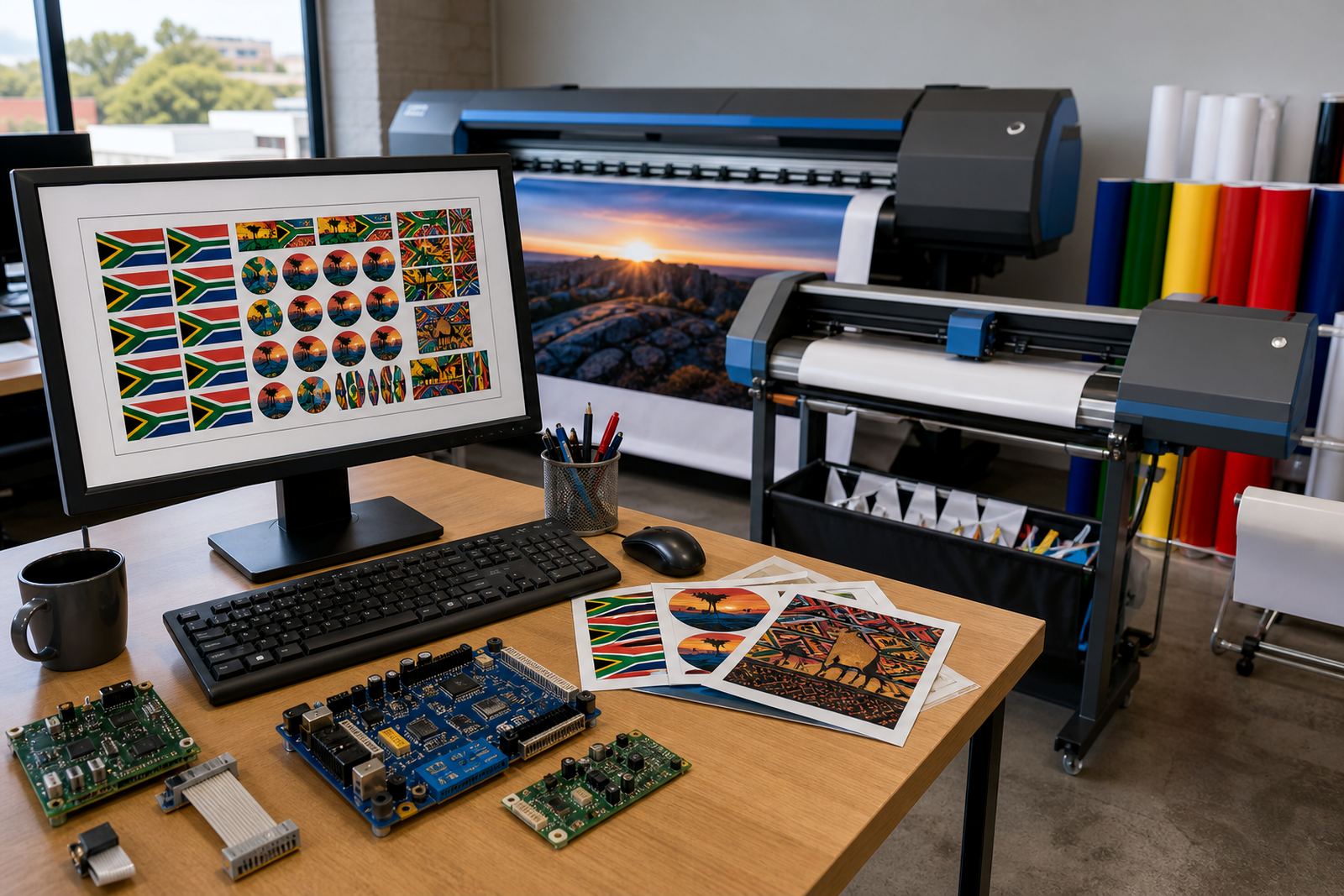
In a print shop handling PVC banners, self-adhesive vinyl, backlit film or canvas, this makes a real difference. A file can be linked to the correct printer, board, ink set and finishing note, then recalled with the same settings the next time the order lands. That helps keep colour steadier across reprints and cuts down the back-and-forth that happens when multiple people touch the same queue.
Archive sizes and options for different print rooms
The module can be set up for a single operator station or for a multi-user production floor where several people need access to the same library. Larger teams often want separate job folders for retail work, vehicle graphics, exhibition panels and short-run signage, while smaller shops may prefer one shared archive with clear naming rules. The right structure depends on how often the same artwork returns and how many printers sit in the queue.
- Single-workstation archive for one RIP station and one operator
- Shared archive for multi-user production rooms and remote access setups
- Tagged job groups for media type, printer, resolution and finishing route
- Colour-linked archive entries for profile recall and repeat calibration notes
- Queue templates for frequent banner, board and self-adhesive jobs
Where jobs move between branches, a central archive can help keep settings aligned from Johannesburg to Durban or Cape Town, especially when the same artwork must print on different machine models or across different media batches. It is still worth keeping local naming rules tight, because a messy archive is hard to use when the floor is busy.
Where the module fits in South African print work
This module suits print shops that repeat the same jobs for agencies, retail clients, event work and internal signage. It is also useful for production facilities that print high volumes on wide-format inkjet equipment, where operators need to move fast without losing control over colour and layout. In humid coastal towns like Durban, archived notes about drying time and media handling can be useful too, because certain substrates behave differently when the weather turns damp.
For mid-sized teams in Pretoria or the East Rand, it helps when different shifts handle the same queue. The archive gives a traceable record of how a job was built, which board or media was used, and which profile sat behind the last successful run. That is helpful when a client sends the same file six weeks later and wants the same look, not a fresh guess.
- Repeat banner and signage work
- Retail display runs with fixed colour standards
- Vehicle graphics and cut-vinyl support queues
- Exhibition, board and promo panel reprints
- Multi-shift print rooms with shared settings
Installation, fitting and setup notes
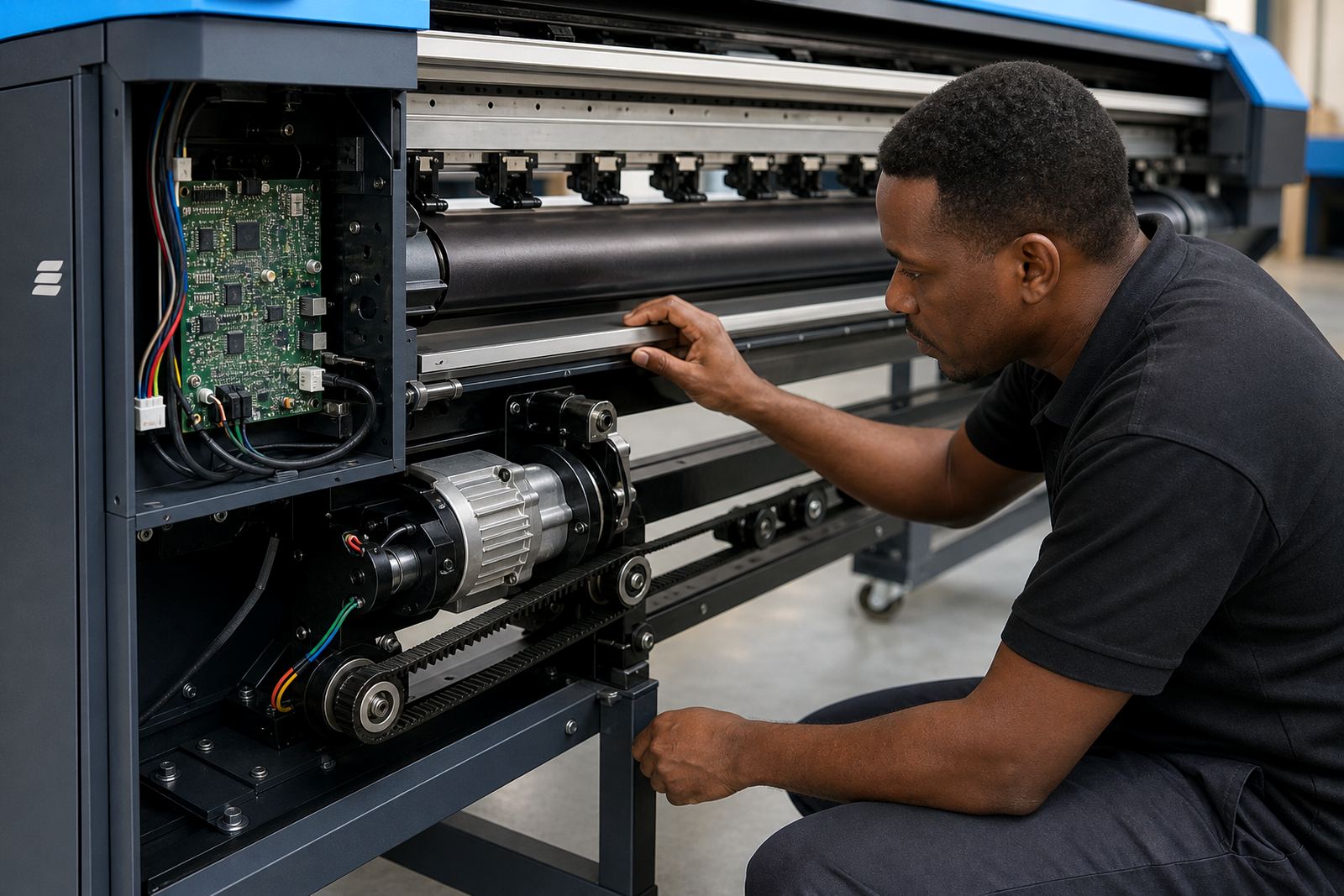
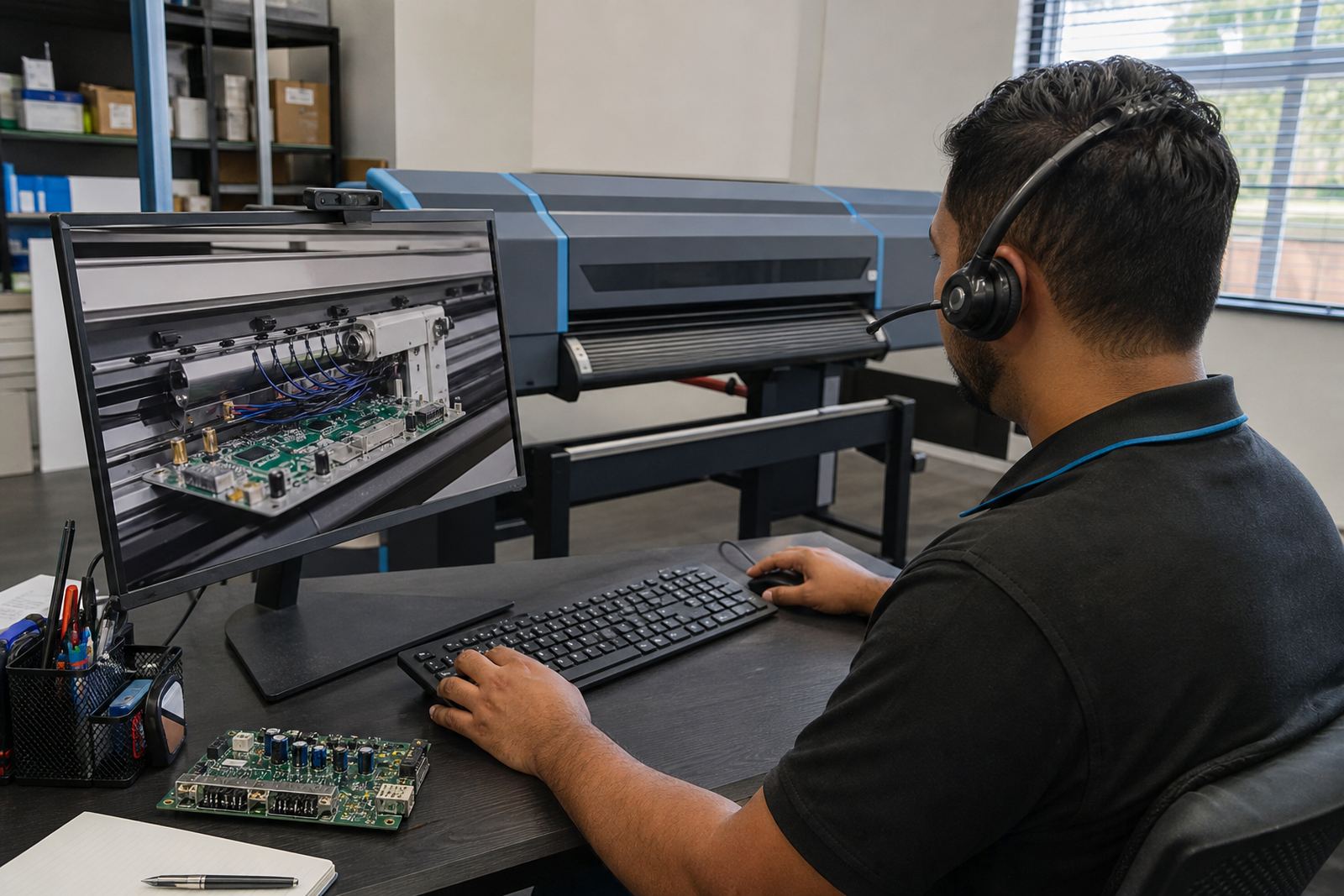
The module is fitted into the RIP workflow alongside the printer control board, printhead driver setup and colour workflow. In practice that means checking the RIP station, linking the archive to the correct printer path, and confirming that saved jobs point to the right board, media and output folder. If the shop already runs remote setup or support tools, the archive can be tied into those working methods as well.
During setup, the operator should be trained on naming rules, version control and how to mark a job as final. A good archive needs discipline. If two people save the same job under different names, the system becomes cluttered and old settings get used by mistake. In a production room, that can waste media and ink, and it can slow down handovers between staff.
- RIP station check and folder mapping
- Printer board and driver compatibility check
- Archive naming structure for teams and shifts
- Profile linking for repeat colour output
- Operator training on save, recall and revision control
Care, housekeeping and archive discipline
Like any production record, the Job Archive Module works best when it is kept tidy. Old test files, duplicate entries and half-finished queues should be moved out of the active view, while final production jobs stay clearly named and dated. Where colour management matters, keep the latest approved profile and note the substrate, ink set and pass count used on the last run.
Regular backup and recovery is part of keeping the archive useful. If the RIP station is changed, repaired or reimaged, the saved jobs need to be restored cleanly so production can carry on without rebuilding the library from memory. It also helps to review archive entries after maintenance on printhead drivers or control boards, because some settings may need to be checked again after fault finding.
- Remove duplicate or stale entries
- Back up archive files with the rest of the RIP data
- Keep final approved profiles separate from test work
- Review saved queues after board or driver changes
- Store notes on substrate, ink limits and finishing path
What to confirm before ordering the module
To match the module to your shop, confirm the printer model, RIP software version, number of users and the kind of repeat work you handle. It also helps to list the media types in use, the number of queues you want to store and whether the archive must work across a single site or several branches. If the shop runs from Midrand support into Johannesburg, Pretoria, Durban, Cape Town or Bloemfontein, the setup can be planned around that structure.
Useful details include the printer count, board type, media widths and whether you need local or remote access to saved jobs. If colour accuracy is critical, note the profile workflow, calibration routine and who signs off on the final print file. That gives the support team enough to map the archive cleanly to real production needs, not just a generic folder tree.
- Printer model and RIP version
- Number of workstations or operators
- Media widths and common substrate types
- Required archive size and queue count
- Need for single-site or multi-branch access
- Colour profile and approval workflow
Specs for archive storage and recall
The Job Archive Module is built for practical production use rather than office-style filing. It stores job metadata, queue settings and linked colour data in a format that can be recalled inside the RIP workflow. On a busy floor, that gives operators a cleaner path from saved job to printed output, with less re-entry and fewer slips when work is moving.
The exact capacity depends on the host RIP environment, but the module is structured to handle repeated production jobs, grouped folders and profile-linked records. It is suitable for shops that need a reliable way to hold onto repeat settings for boards, banners and specialty print runs, especially where several operators touch the same queue during a week.
Key facts
| Function | Job storage and recall for repeat wide-format inkjet production |
|---|---|
| Stored data | Queue settings, media choice, nesting, colour profiles and printhead driver notes |
| Use case | Repeat signage, board work, banner runs and multi-shift print rooms |
| Setup | Integrated with RIP station, printer board and workflow folders |
| Access | Single-user or shared multi-user archive structure |
| Support | Remote setup, training, backup and recovery from Midrand base |