How the nesting module handles real production work
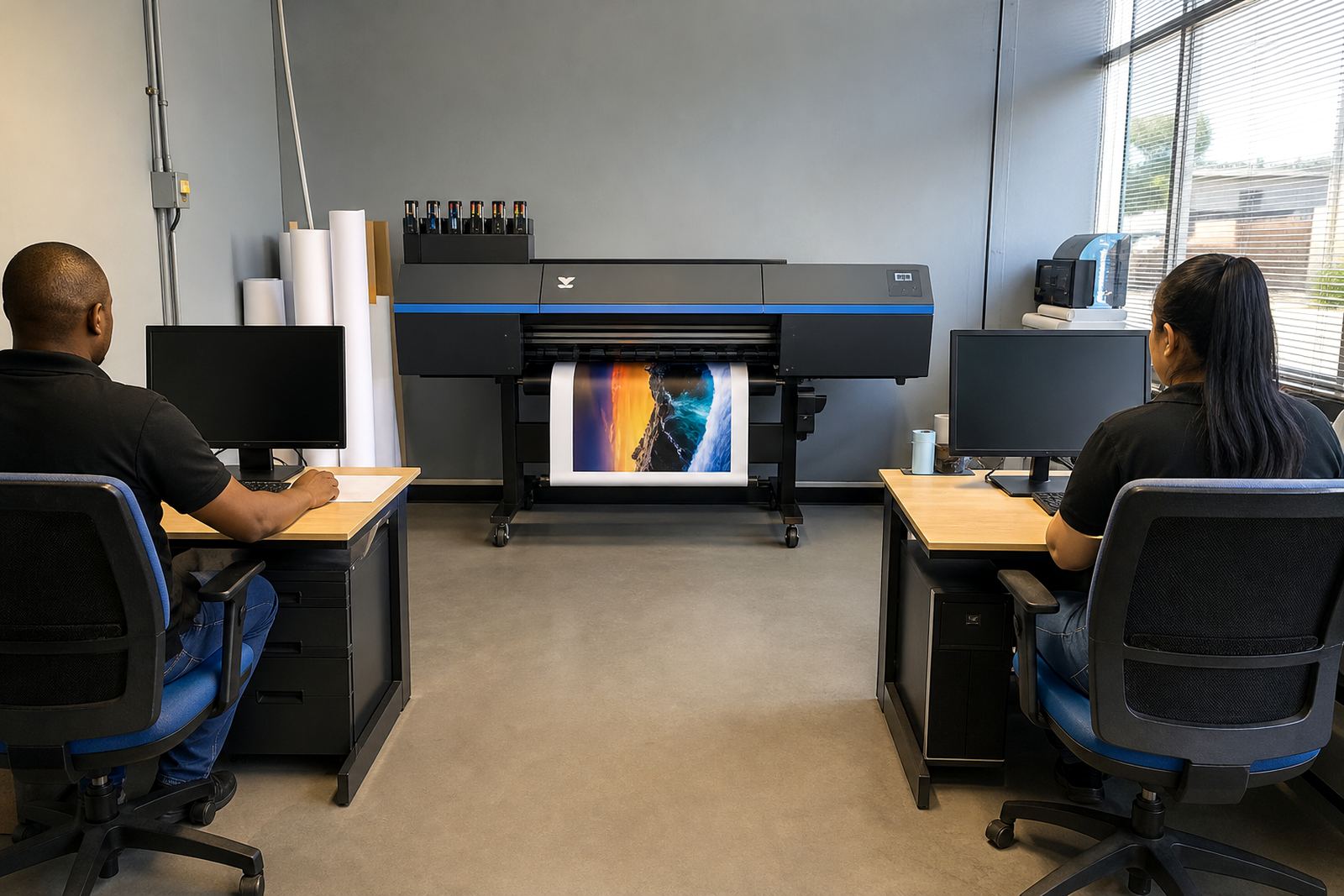
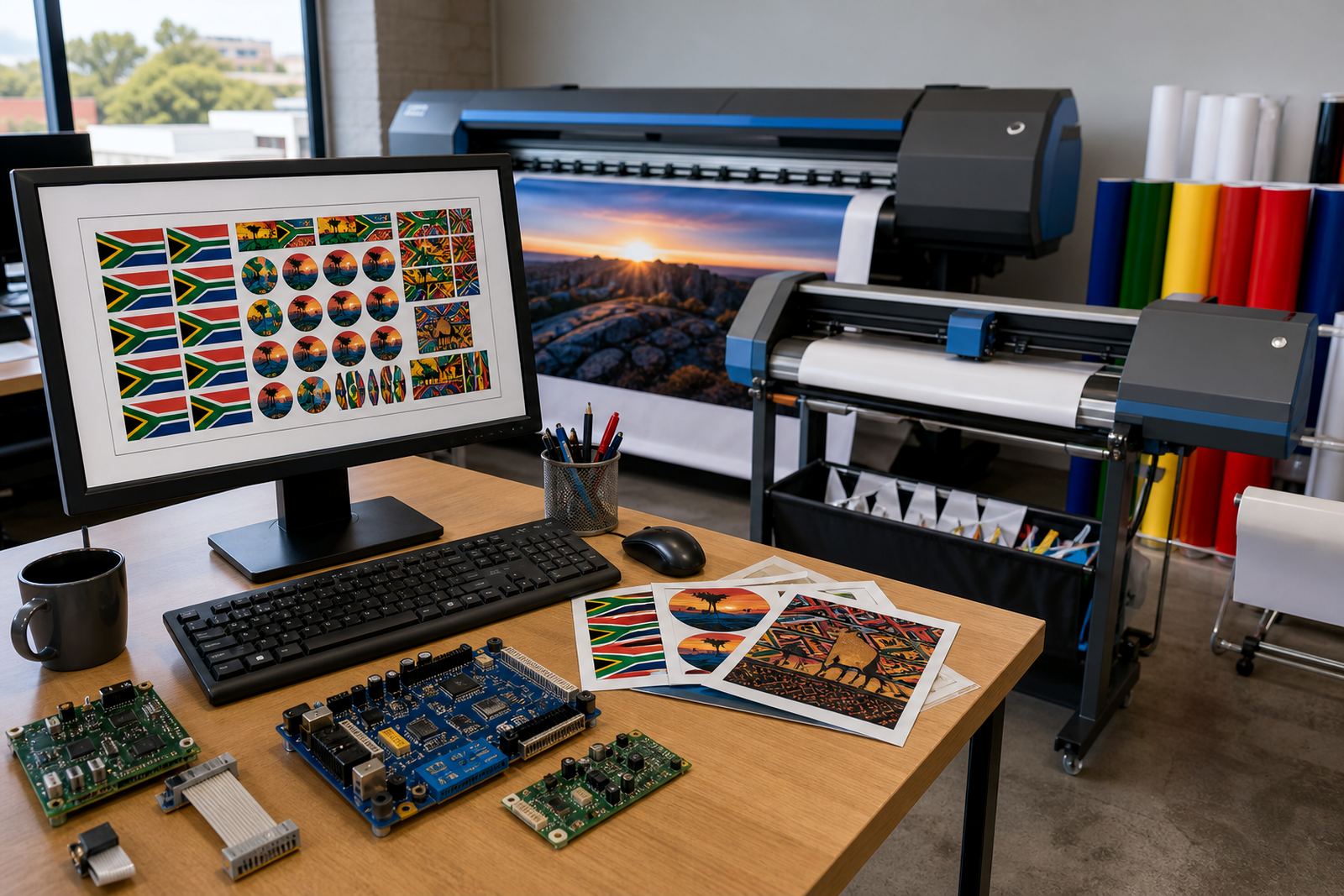
This module sits inside the RIP workflow and arranges artwork so smaller jobs can share one sheet or one roll run. It is used when the operator needs tighter media use, cleaner cutting margins and fewer empty gaps between jobs.
In a busy print room, nesting is not just about saving material. It also helps a team make better use of wide-format machines when orders vary in size, shape and run length. The module can be set to respect spacing, rotation limits, bleed allowance and crop marks so the layout stays ready for output and finishing.
- Groups multiple jobs on a single layout
- Supports roll media and sheet-based output
- Controls spacing, bleed and rotation rules
- Improves throughput on mixed-size work
Layout settings that matter on a print floor
The nesting module is fitted for print shops that run posters, signage panels, decals, exhibition pieces and short-run production work. It is useful where the job mix changes through the day and the operator needs a repeatable way to pack layouts without wasting material. Shops in Johannesburg, Pretoria, Durban, Cape Town and Bloemfontein often use it for queues that include both small urgent items and larger repeat runs.
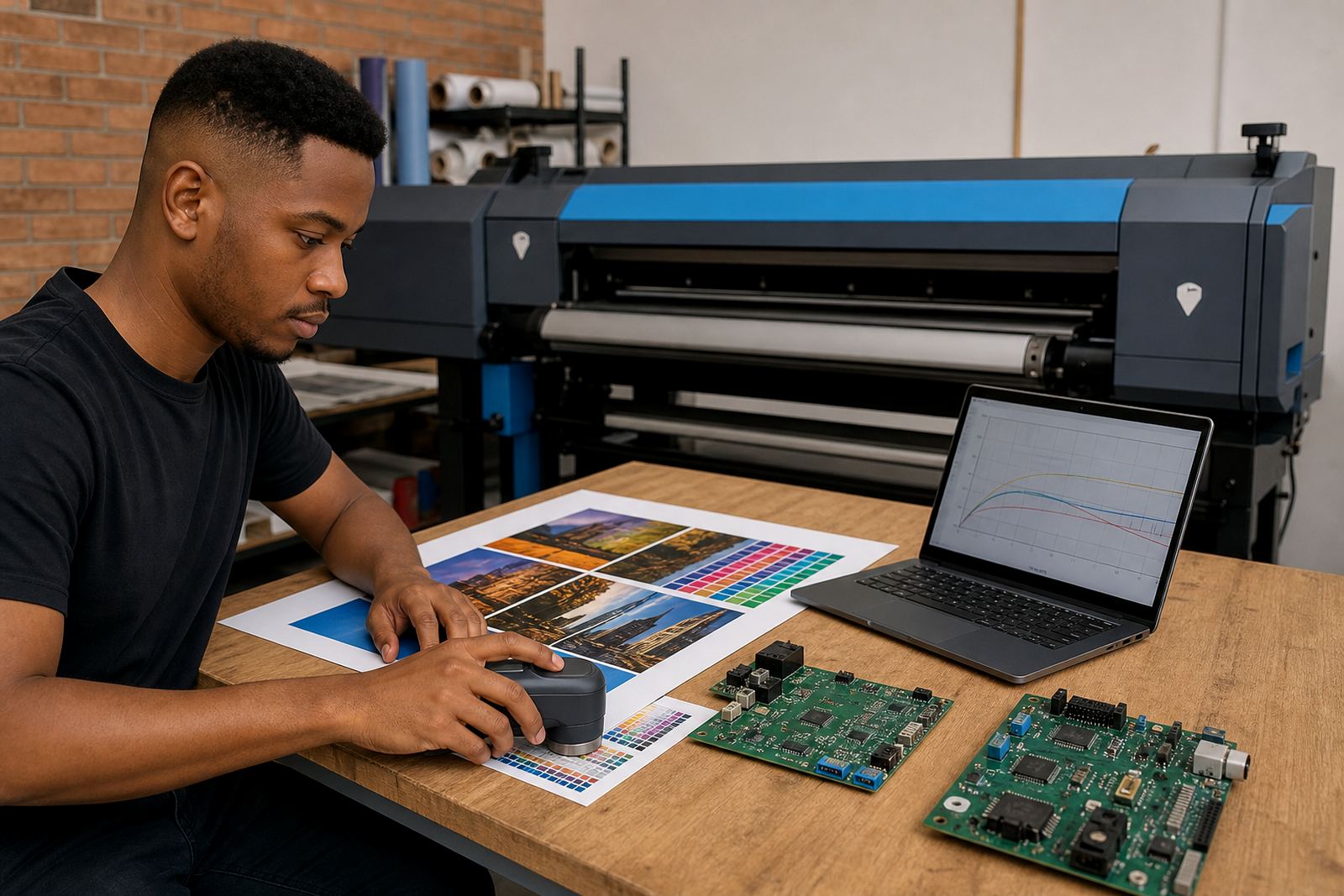
Common options include automatic nesting, manual placement override, margin controls, rotation by angle limits and barcode or job label placement for sorting after print. Some teams prefer a strict rule set for brand work, while others allow looser placement when they are chasing maximum media yield. The module can be matched to the way a specific queue is handled, rather than forcing one fixed layout style.
- Automatic or operator-led nesting
- Rotation control for odd-shaped jobs
- Margin, bleed and gap settings
- Barcode or label placement support
Where it fits in South African print rooms
InkFlow RIP supplies the nesting module to Midrand and to print shops across South Africa that run wide-format inkjet production. It suits businesses that are trying to keep media usage tighter on vinyl, paper, photo media and other common roll stocks, especially where trimming and reprints can eat into margin.
The module is also useful in shops with shifting daily demand. One hour the queue may carry a stack of small decals, the next it may be long banner panels or mixed display items. Nesting helps bring those jobs onto fewer passes through the printer which can support better floor discipline and less handling. On larger production lines, that can make handover to cutting or finishing a bit cleaner too.
- Wide-format inkjet production
- Short-run and mixed-size queues
- Roll media planning
- Signage, display and print finishing lines
Installation and workflow fitting
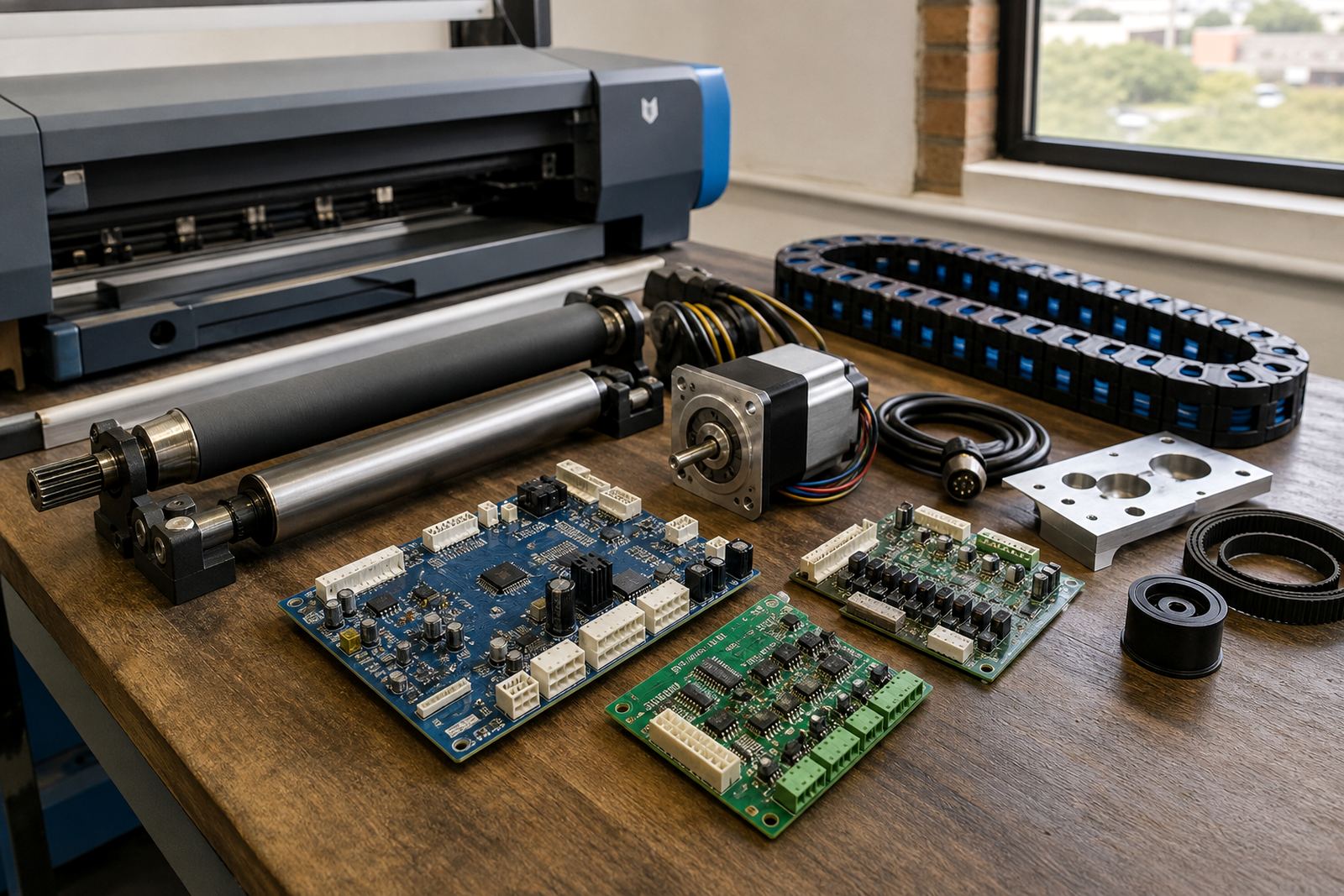
Setting up the nesting module means matching it to the RIP version, the printer queue and the operator workflow already in place. In many cases the work is done remotely, with queue rules, default spacing and job naming patterns adjusted to suit the shop. Where a control board or printhead driver setup is involved, the nesting settings can be checked alongside those items so the production path stays consistent.
The fitting process usually looks at how the shop wants to separate jobs after print, whether by job number, customer, material type or finishing route. It also checks whether the team wants nested output for one machine or for several printers feeding one finishing area. If a shop is running multiple shifts, the settings can be standardised so the next operator sees the same layout logic and does not have to rebuild it from scratch.
- Remote setup for most queue environments
- Works with printer control board and RIP setup
- Can be tuned for single or multi-printer use
- Supports repeatable operator routines
Care, upkeep and day-to-day use
The module itself does not need mechanical servicing, but the workflow around it should be kept tidy. Operators should review nesting defaults after changes to media width, cutter setup or queue structure. If the shop changes material type, the spacing and bleed values may need a small adjustment so the finished job still trims cleanly.
Maintenance planning is mostly about keeping the RIP environment organised. Archive old queue presets, back up working profiles and make sure staff use the same naming logic across shifts. That keeps nested output predictable. In humid coastal areas such as Durban and Cape Town, it also helps to store media properly because warped rolls can affect how neatly jobs sit in a layout. A regular check on operator habits can prevent a messy queue from turning into wasted material.
- Review nesting presets after workflow changes
- Back up queue settings and profiles
- Keep media storage and handling under control
- Check trimming and finishing allowances regularly
Confirm these details before ordering
Before the module is supplied, the key details are the RIP version in use, the printer model family, the media widths handled most often and the type of finishing after print. It also helps to know whether the shop wants full automatic nesting or only partial assistance with manual positioning. That allows the settings to be matched to the real queue instead of forcing a generic layout.
It is also worth confirming whether the same setup must serve one site or several branches. A shop in Midrand may want different defaults from a team running in Pretoria or Durban if the output mix is not the same. Where backup and recovery are part of the workflow, the nesting presets can be included so the production team does not lose its preferred layout rules after a system restore.
- RIP version and printer range
- Common media widths and roll sizes
- Preferred spacing, bleed and rotation rules
- Finishing method and job separation needs
- Single-site or multi-site workflow requirements
Key facts
| Product type | RIP nesting module for wide-format inkjet workflow |
|---|---|
| Primary function | Groups multiple jobs to improve media use and throughput |
| Layout controls | Spacing, bleed, margin, rotation and placement rules |
| Media support | Roll media and sheet-based production layouts |
| Workflow fit | Single printer, multi-printer or shared finishing queue |
| Support model | Remote setup, queue tuning and ongoing support from Midrand |