Tighter feed movement for cleaner output
This upgrade package is used to improve the way media advances through the printer, with the aim of reducing uneven step movement that can show up as banding, visible pass lines or small shifts in panel alignment. In day to day production, the feed system works alongside the printer control board, media sensor readings and RIP settings, so the hardware and software need to match the way the machine is actually used.
We supply feed upgrade parts and setup support for wide-format inkjet printers used on vinyl, banner, backlit stock, coated paper, self-adhesive media and similar roll materials. The right setup depends on the printer width, the media thickness, the take-up arrangement and how hard the machine is pushed during long production runs. In humid coastal conditions such as Durban and Cape Town, media handling can also be affected by curl and slipperiness, so feed control matters even more.
Parts and control options that can be matched to the machine
The upgrade can include feed control components, drive adjustments, encoder related checks and board-side configuration where the printer supports that route. On some machines the feed path is adjusted through firmware or software settings, while others need physical parts changed or repaired first. We work with the existing printer architecture and set the feed behaviour to suit the production target, not a one-size setup.
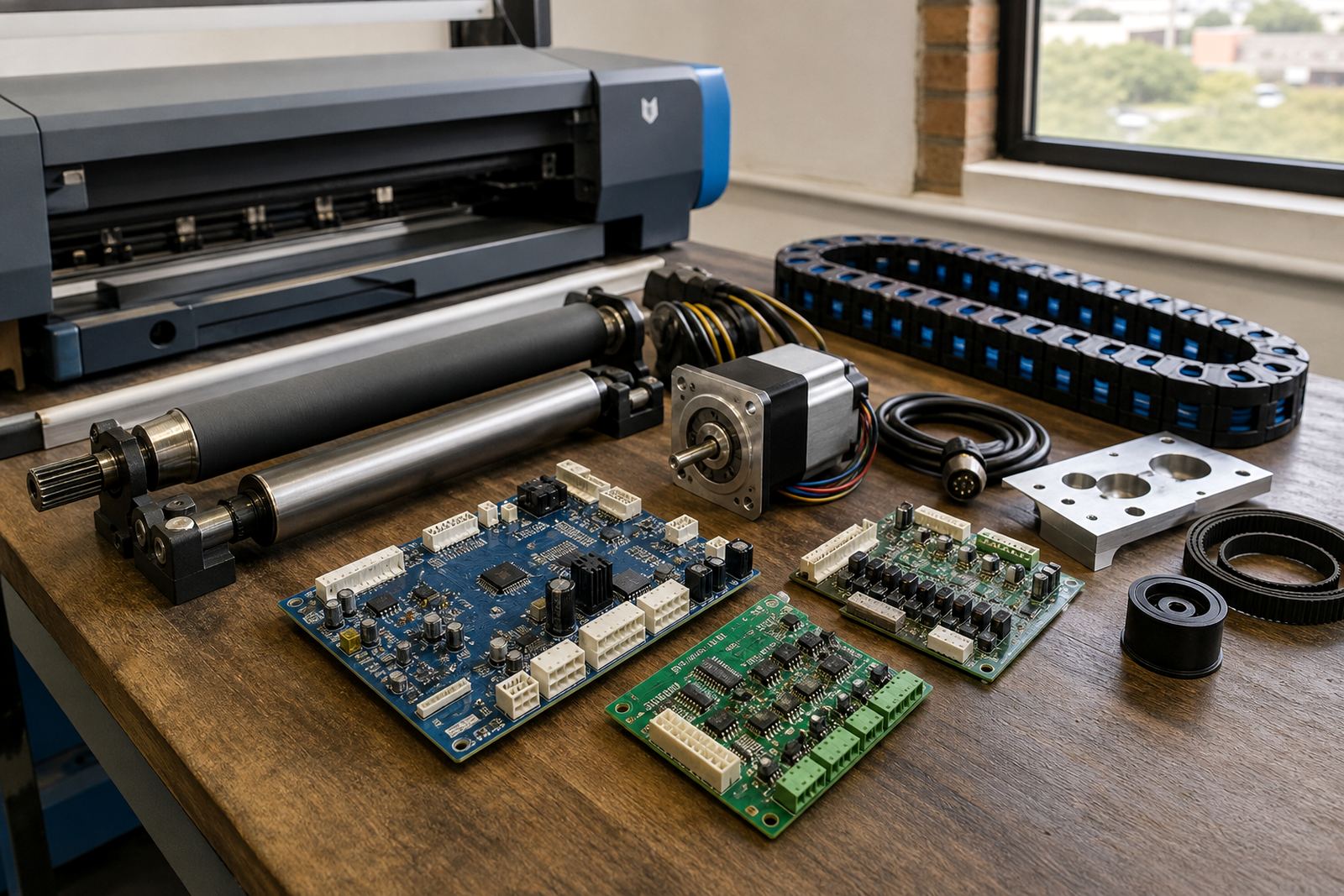
- Feed rollers and drive related parts for stable media advance
- Sensor and encoder checks where movement feedback is part of the system
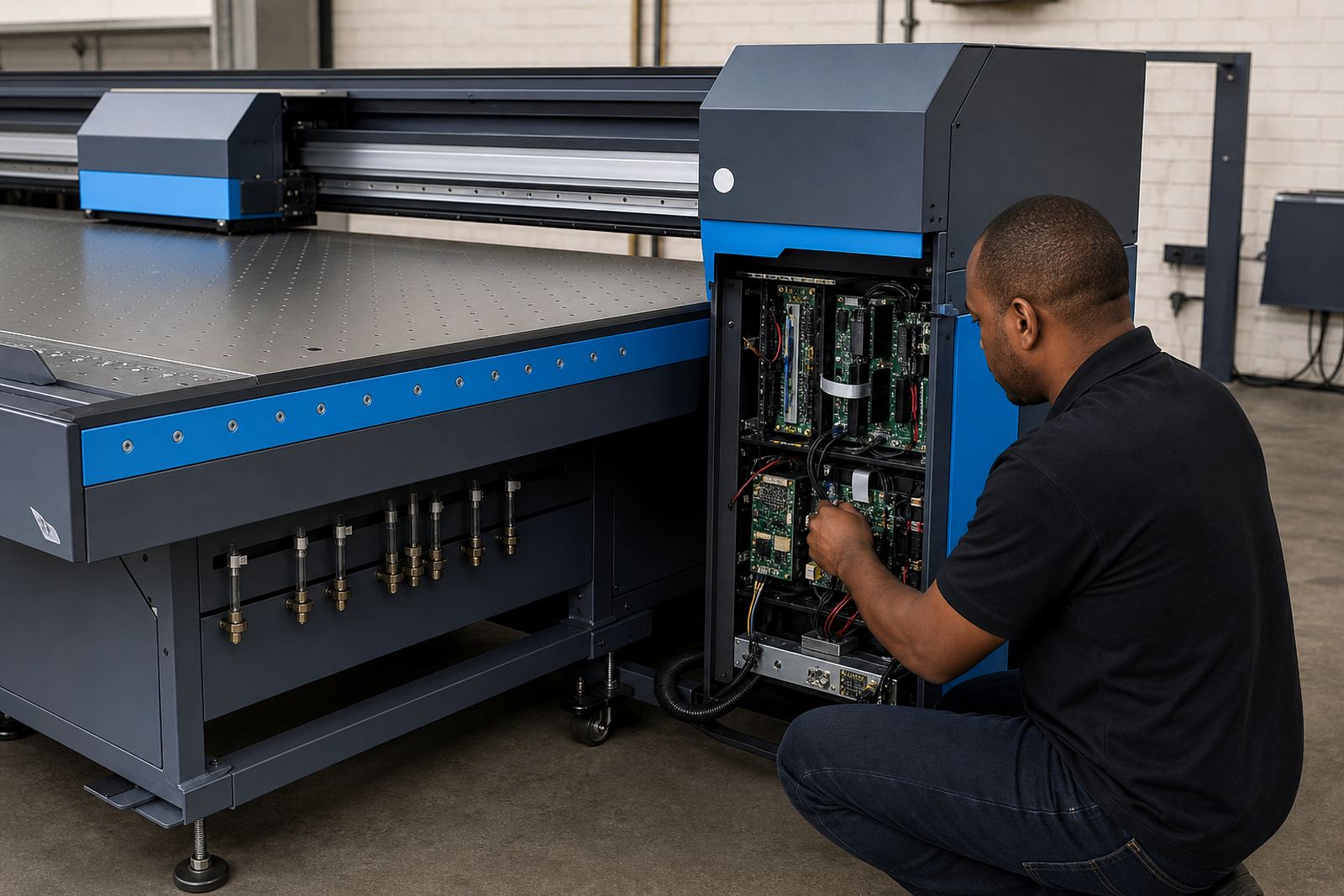
- Printer control board support when feed behaviour is managed at board level
- RIP settings that help keep pass counts, media advance and print speed in balance
- Alignment checks after installation so the upgrade performs correctly on real jobs
For some installations, a board repair or replacement is paired with the media feed work if the machine has already developed inconsistent advance. That is common on older production units where wear, dust or previous fault repairs have left the feed path inconsistent.
Where the upgrade suits best
This package suits print shops and production lines that run roll-to-roll work day after day, especially where repeat panels need to land cleanly and the feed must stay steady over long lengths. It is often requested for shops producing vehicle graphics, indoor display work, outdoor signage, exhibition material and wide panels that have to match from one roll to the next.
It is also useful where operators keep adjusting settings to chase a banding issue that keeps returning. A feed upgrade helps when the real cause is not only ink density or profile choice, but uneven media movement during printing. In Johannesburg, Pretoria, Midrand and the East Rand, many shops run mixed jobs on the same machine, so having a more controlled feed path saves a lot of correction work later.
- Wide-format shops with repeat production on roll media
- Printers showing light or dark bands caused by uneven advance
- Operations that switch between heavy and light media types
- Facilities that need steady alignment on long print runs
- Shops where the feed system has worn parts or drifting settings
Installation, fitting and setup steps
Fitting depends on the printer model and on how much of the feed system is already built into the machine. Some upgrades are installed through a board and software adjustment with a calibration sequence, while others need physical fitting, testing and correction of media tension. Remote setup can be used where the printer is already running and the support team can work through the controller, RIP and print queue settings, but some machines need on-site attention for the hardware side.
Before final handover, the feed advance is checked against standard print patterns and production media. That includes test panels, repeat length checks and a look at how the printer behaves at different speeds. If the machine has a heated platen or drying stage, those settings are reviewed too because heat can change how media moves through the printer, especially on lighter films and coated stock.
- Board configuration or replacement where feed control depends on electronics
- Mechanical fitting and alignment on the media path
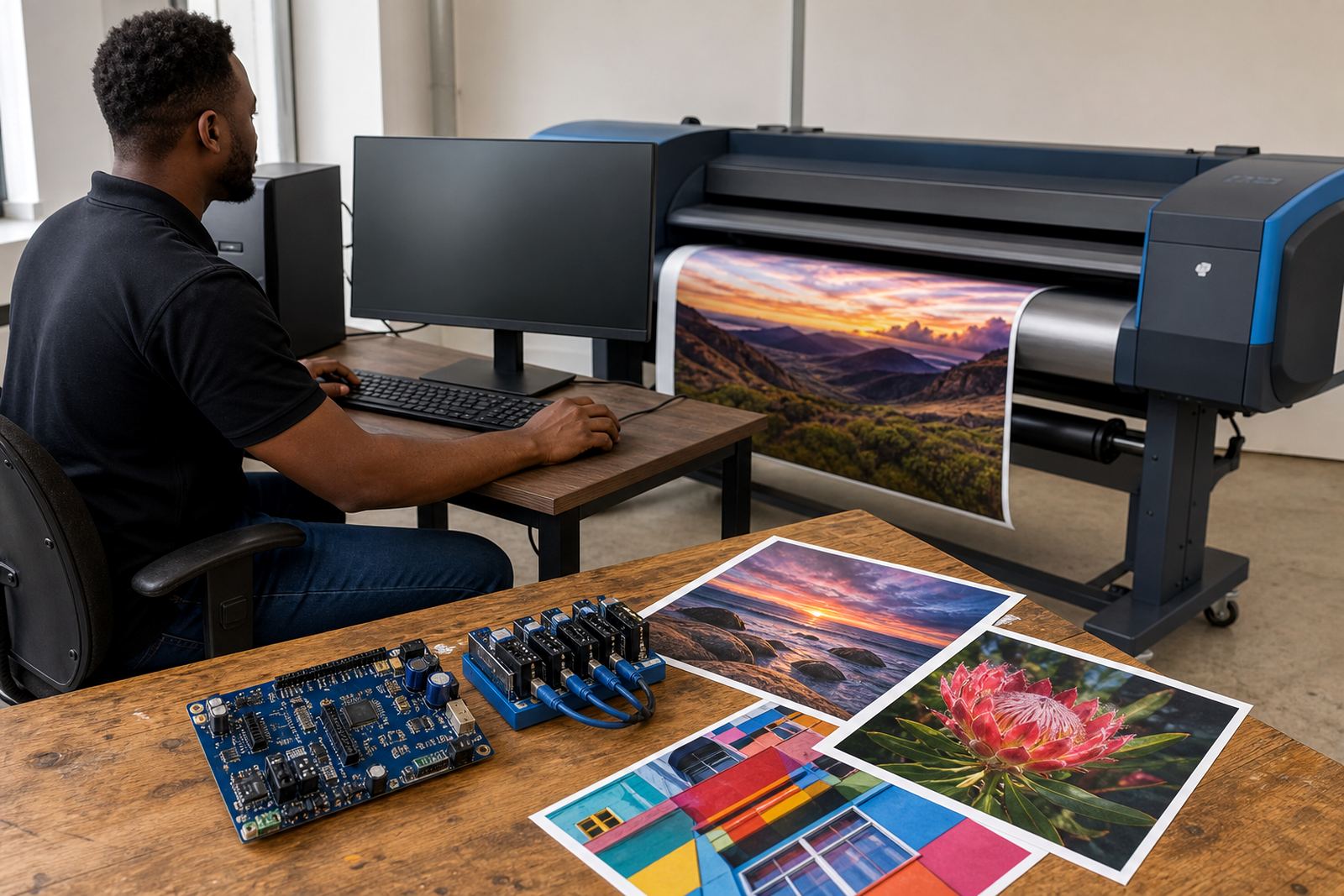
- Calibration on the printer’s own control interface or through RIP software
- Test output on the actual media used in production
- Adjustment of tension, advance and pass settings where needed
Care that keeps feed movement steady
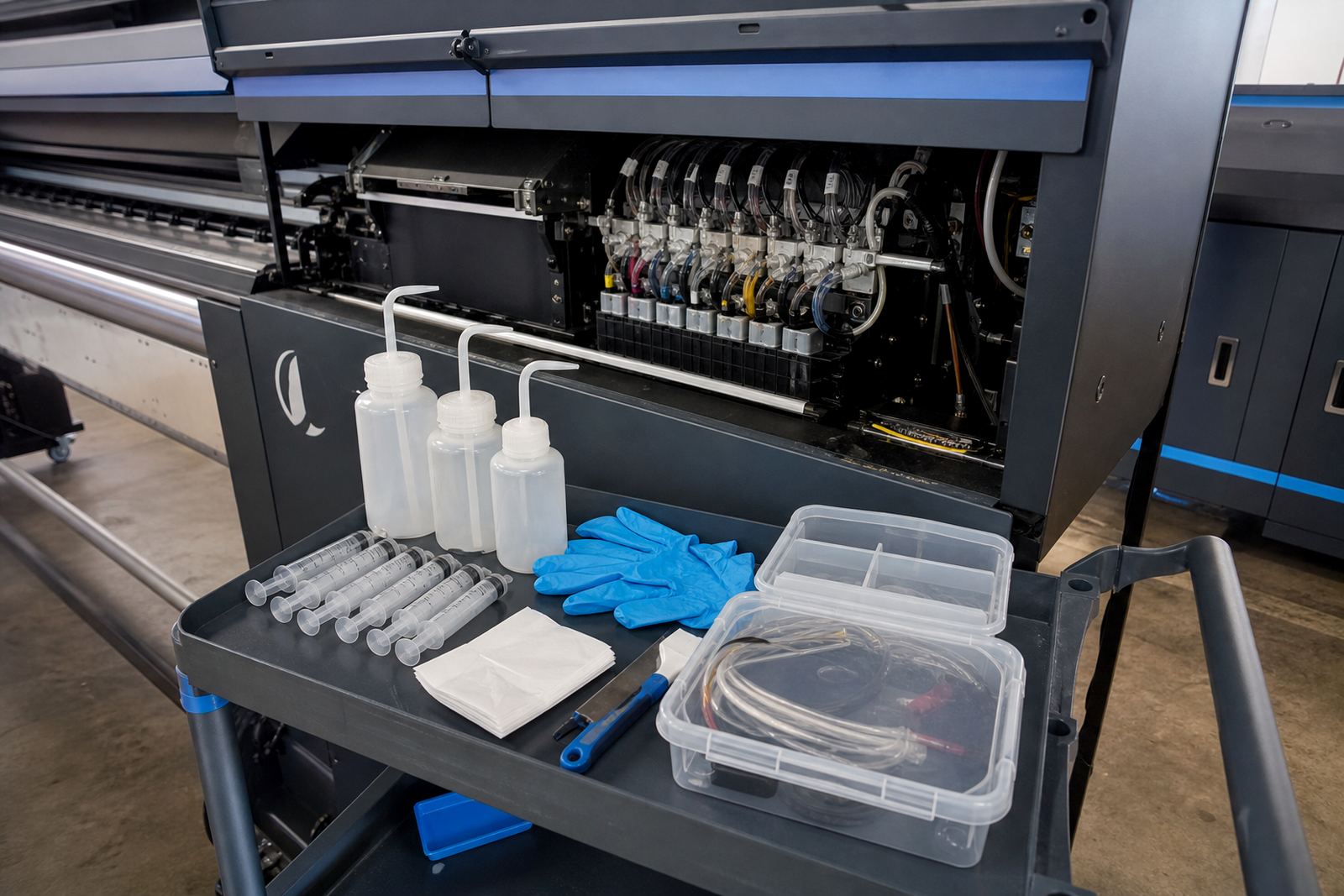
Feed upgrades work best when the printer is kept clean and the media path is inspected regularly. Dust, adhesive residue, worn pinch rollers and tired bearings can all affect advance accuracy. In a production room with heavy daily use, especially where cut sheets and roll media are both handled, small changes in the feed path can show up fast in the print quality.
Routine care is practical rather than complicated. Keep the media path free of loose scraps, inspect rollers for glazing, and check that the take-up system is tracking square. On coastal sites, air humidity can affect some media and make handling less predictable, so storage and feed tension matter. If the printer is left idle for periods, it is worth checking the feed path before the next run rather than assuming the settings are still correct.
- Clean rollers and guide areas so grip stays even
- Watch for media curl, slack or slipping on the feed path
- Inspect belts, gears and encoder surfaces for wear
- Keep software profiles and machine settings matched after changes
- Log recurring banding or step issues before they grow into bigger faults
Order details that help match the right upgrade
When ordering, the key details are the printer model, media width, current feed behaviour, control board type and the materials used most often in production. It also helps to know whether the machine is used for short runs, long banners or repeated panel work, because each use case places different demands on the feed system. If the printer already shows banding, note where it appears and whether it changes at certain speeds or temperatures.
For Midrand, Johannesburg, Pretoria, Durban, Cape Town, Bloemfontein and the broader South African market, we can help specify the right feed upgrade path and support the fitting or remote configuration around the machine you already have. Where needed, the upgrade can sit alongside RIP installation, printhead driver setup, colour profile setup, queue workflow design and preventive maintenance so the print line works as one system, not separate pieces. A clear set of machine details makes the matching process cleaner and avoids guesswork on the production floor.
Key facts
| Product type | Media feed upgrade package for wide-format inkjet printers |
|---|---|
| Primary purpose | Improve feed consistency and help reduce banding from uneven movement |
| Compatible systems | Selected wide-format roll-to-roll inkjet printers with matched control support |
| Installation | Board adjustment, mechanical fitting, calibration or remote setup depending on model |
| Typical media | Vinyl, banner, coated paper, backlit stock and self-adhesive roll media |
| Support areas | Midrand, Johannesburg, Pretoria, Durban, Cape Town, Bloemfontein and surrounding regions |