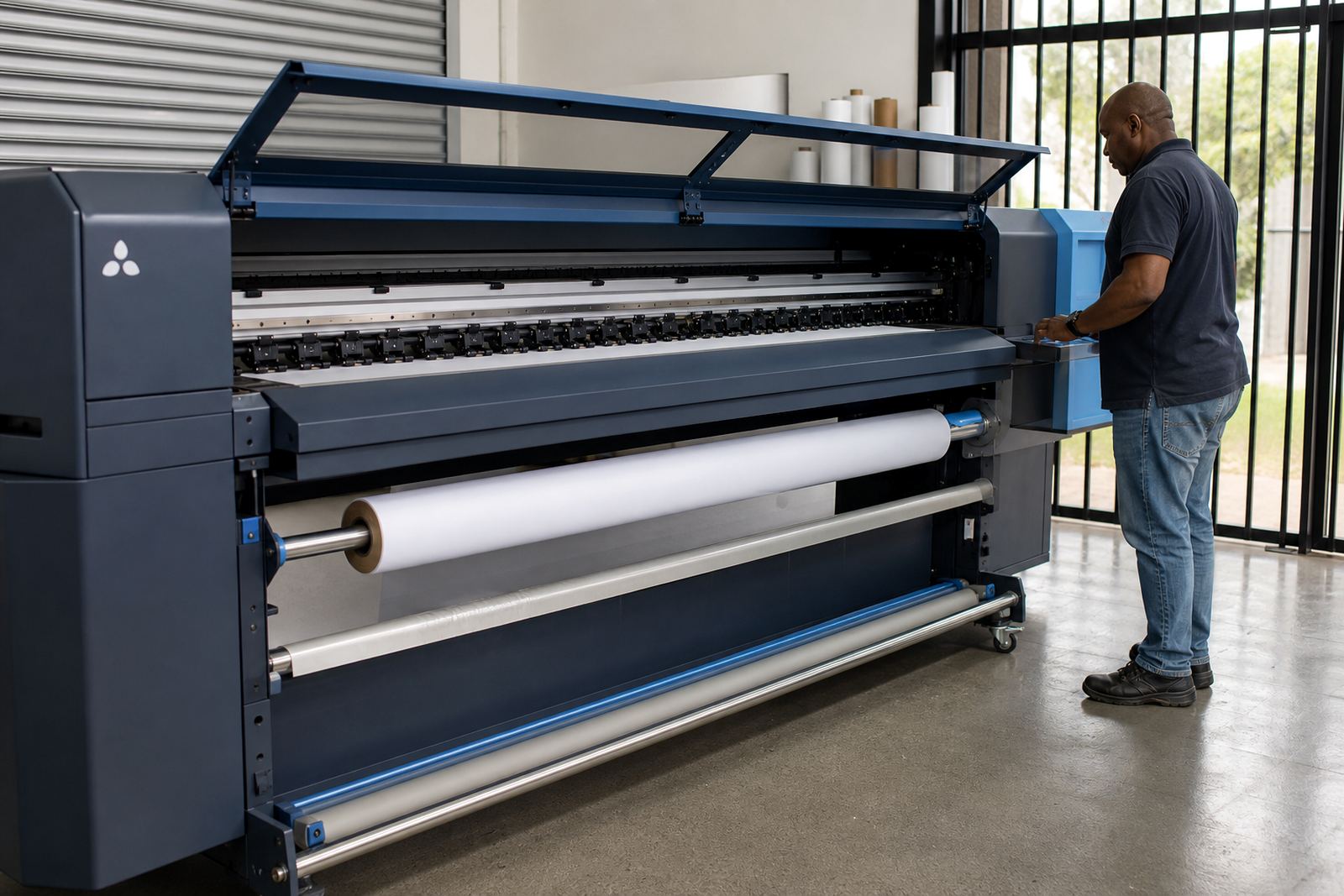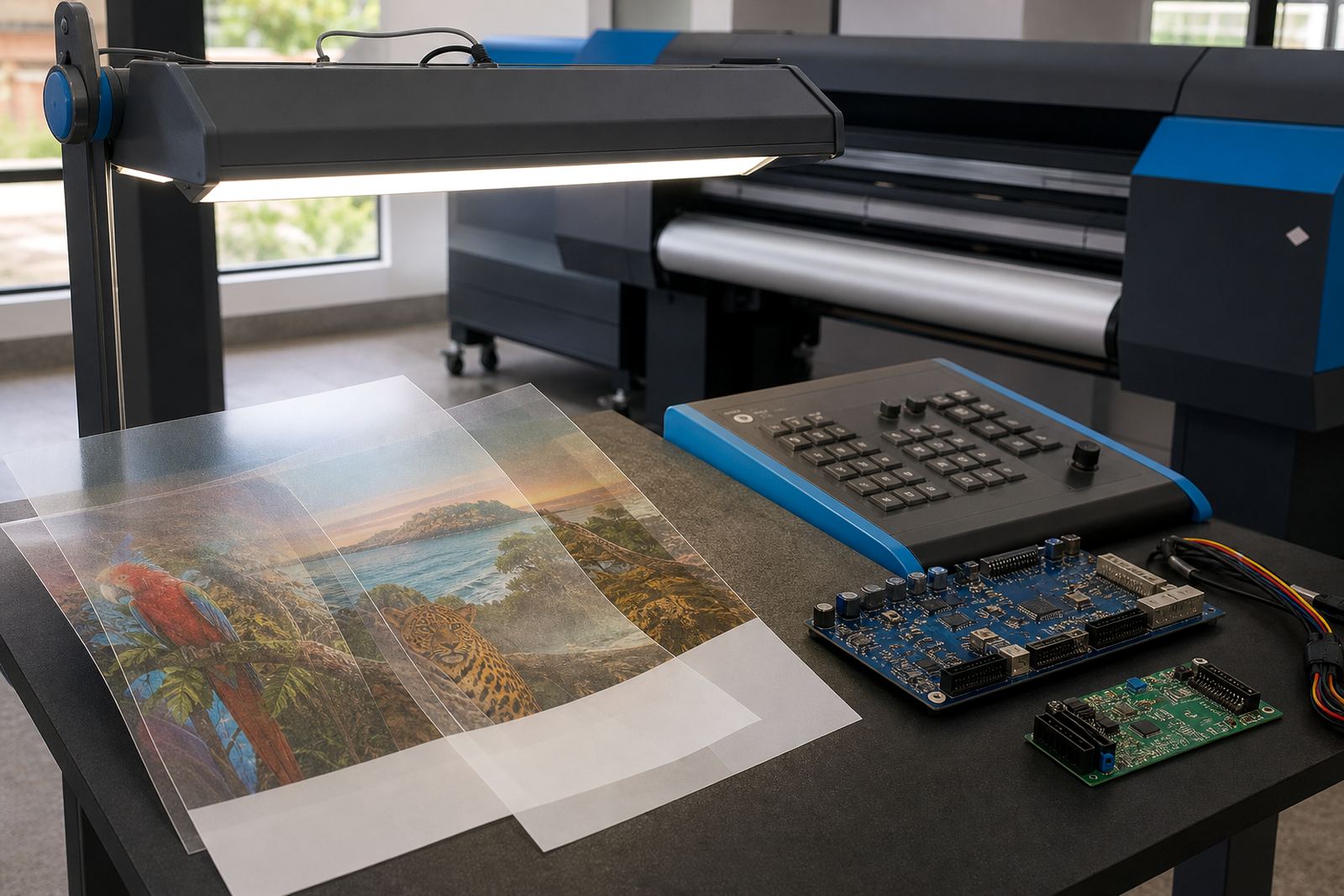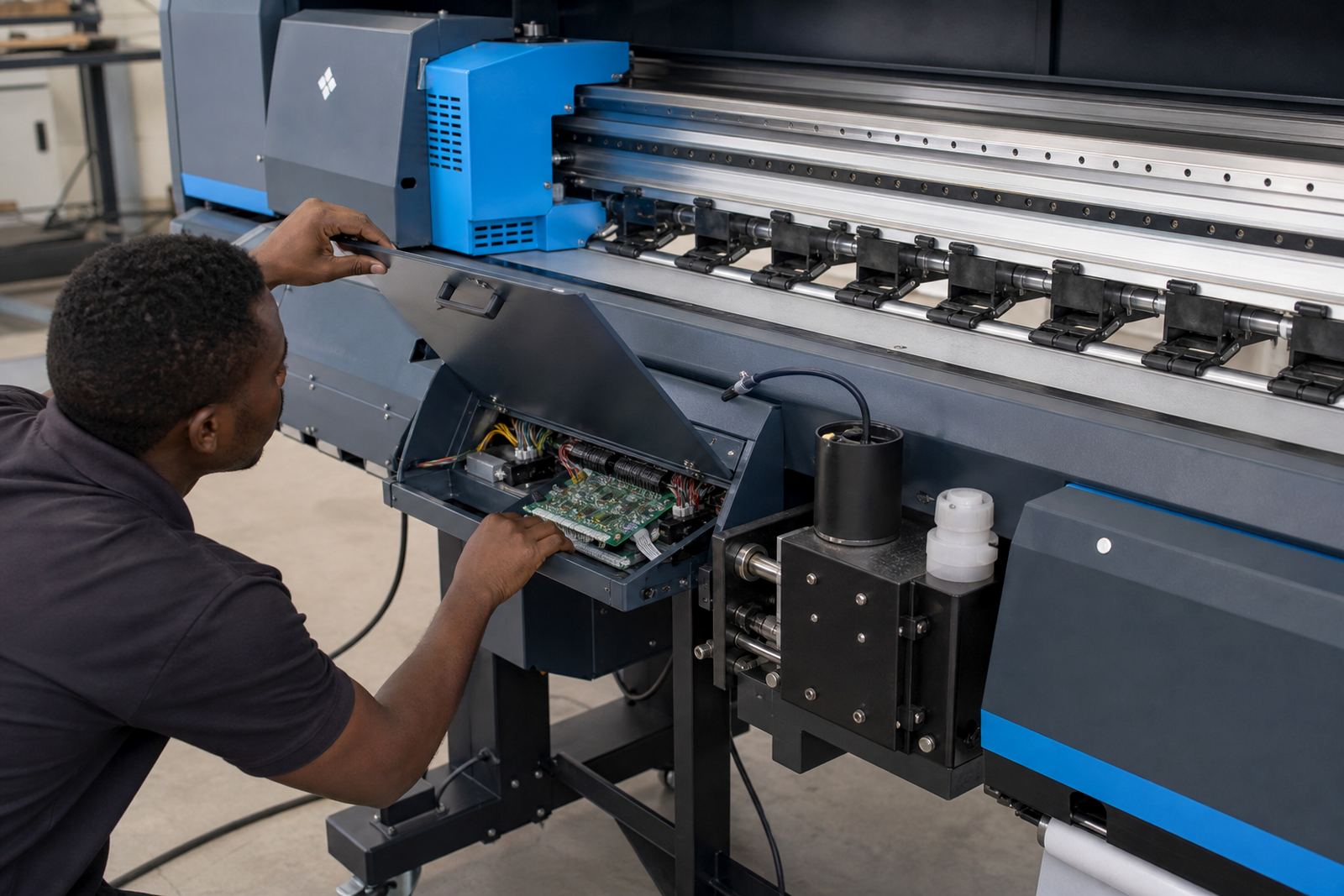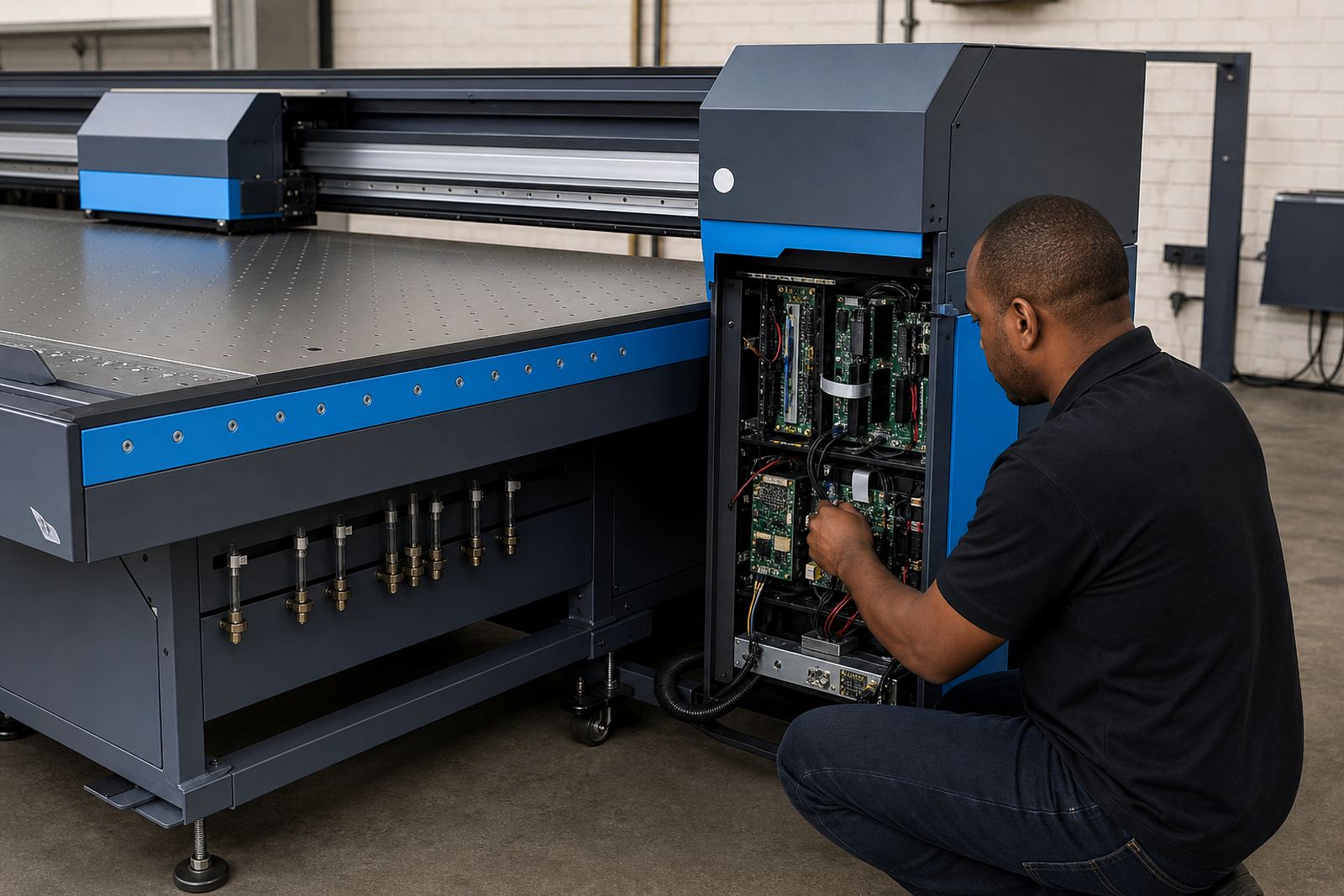
How the vacuum board works inside the print path
This board sits in the machine control side of the vacuum system and regulates how suction is switched for the bed or zones under the media. On the right machine, it supports steadier hold during printing, especially where sheet movement, curl or lifted corners can upset alignment. In day to day production, that means less fighting with media that shifts under the carriage and fewer stops to flatten a sheet by hand.
The board is used with a compatible vacuum table, blower or suction assembly, and the machine’s own wiring and control logic. It is not a one-size part. Voltage, connector type, zone count, trigger method and mounting pattern all need to match the printer model or retrofit layout. On wide-format machines in busy print shops, the vacuum control board is often part of a broader control stack that includes printhead drivers, carriage motion, and the RIP queue settings that tell the printer how to move through the job.
Sizes, control styles, and common setup options
Vacuum control boards are supplied in different layouts depending on the machine. Some units manage a single vacuum circuit, while others control multiple zones across a wider bed. In larger production printers, separate zone control can help when the job is narrow on one side and full width on another. That keeps suction where it is needed, instead of pulling hard across the entire table all the time.
- Single-zone boards for compact wide-format machines and simpler beds
- Multi-zone boards for wider tables with sectional suction control
- Boards with relay outputs for direct switching of vacuum loads
- Boards with signal inputs for integration into machine logic or service menus
- Replacement boards for fault repair and older control panels
We work with boards used in flatbed, hybrid and roll-to-roll systems where vacuum hold is part of the print process. When a client in Midrand, Johannesburg or Cape Town needs a replacement, the match has to be checked against the existing board image, connector count, power input and the vacuum system already fitted to the machine.
Where this board fits well in South African print rooms
This product suits print shops that run wide-format inkjet work on rigid boards, vinyl, coated media, textile transfer sheets or other substrates that can lift under suction changes. It is especially useful where humidity shifts through the day, such as coastal jobs in Durban or Cape Town, because a flatter sheet makes it easier to keep registration steady. It also suits production floors where operators are moving quickly between short runs and longer batches.
In Gauteng, where many shops handle mixed work for retail graphics, exhibition panels and industrial signage, a reliable vacuum board helps the machine hold the sheet steady while the RIP sends the job through at the chosen pass count. The board is also relevant where the printer is used in multi-user environments and settings need to stay consistent from shift to shift. On some machines, the board can help reduce small errors that show up when the media shifts at the leading edge or when suction drops unevenly across the bed.
- Wide-format inkjet printers with vacuum beds
- Flatbed and hybrid printers used for rigid and flexible media
- Production environments handling repeat jobs and colour-critical work
- Machines needing board replacement after electrical or moisture related faulting
Fitment, wiring, and commissioning on the machine
Installing a vacuum control board is a technical job. The machine must be isolated, the existing wiring identified, and the replacement board checked against the original connection map before any fitting is done. Some systems use plug-in harnesses, while others need terminal wiring, relays or sensor inputs aligned to the printer control cabinet. If the board manages multiple zones, each zone should be tested separately so the suction pattern matches the bed layout.
Our team in Midrand handles remote setup where practical, and supports local fitting for South African print rooms that need the board configured properly after installation. Johan Letsoalo works on RIP-side control alignment when the machine logic needs to be matched with queue settings, while Kagiso Pienaar handles board repair assessment where the old unit can be checked first. The goal is to get the vacuum switching cleanly, without odd timing, partial zone activation or pressure dips that affect the first sheets of a run.
After fitment, operators should confirm that the bed seals well, the vacuum comes in evenly, and no cable rub or loose mount can create intermittent faults. On some jobs, the board needs to be paired with production settings that hold the media longer before the first pass. That small adjustment can make the print feel steadier from the start.
Care, cleaning, and signs the board needs attention
A vacuum control board works best in a clean cabinet with stable airflow and dry cable terminations. Dust buildup, ink mist and damp conditions can shorten the life of a board and its connectors. In workshops near the coast, a little extra attention to cabinet seals and corrosion points goes a long way. Keep the machine interior tidy, check that cables are seated firmly, and avoid letting coolant, cleaning fluid or media dust collect around the control area.
Signs that need checking include vacuum zones not switching correctly, inconsistent sheet hold, a board that heats abnormally, relay chatter, or suction that works on one area but not another. If the machine is used heavily, preventive maintenance should include visual inspection of the board, terminal tightness, fan paths and nearby wiring. These checks help catch a failing board before it affects a full production run.
- Keep the cabinet dry and free of paper dust
- Check connectors after transport or relocation
- Test each vacuum zone during routine servicing
- Inspect for heat marks, burnt contacts or loose terminals
- Match the board against the machine’s original layout before refit
What to confirm before ordering a replacement board
To supply the right vacuum control board, we need the exact machine model, the board photo, connector count, power rating, and any markings on the old unit. It helps to know whether the board controls one vacuum line or several zones, and whether the printer cabinet uses relay switching, signal control or a mixed setup. If the machine has already been altered, note those changes too, because a retrofit can affect the board choice.
It also helps to confirm the type of media most often run through the printer, the bed width, and whether the problem is a full failure or an uneven vacuum issue that only shows up on certain jobs. Lerato Khoza and Zanele Moagi often work through these details with shops handling colour-critical output, since a stable vacuum board supports the rest of the print workflow. Bianca Rademeyer can also guide training notes for operators after the board is installed, so the day shift and night shift use the same checks.
- Printer make and model
- Board photo from front and rear
- Connector count and wire colours
- Voltage or power rating on the old board
- Number of vacuum zones controlled
- Any fault code, symptom or service note from the machine
Key facts
| Product type | Vacuum management control board for suitable wide-format inkjet printers |
|---|---|
| Control function | Switches vacuum zones or suction circuits to help media stay flatter |
| Compatibility | Model-specific, checked against wiring, connectors, power input and zone layout |
| Typical use | Flatbed, hybrid and other wide-format machines with vacuum beds |
| Installation notes | Needs correct fitting, wiring verification and post-install testing |
| Support area | Midrand, Johannesburg, Pretoria, Durban, Cape Town, Bloemfontein and surrounding regions |