White layer control that sits inside the RIP workflow
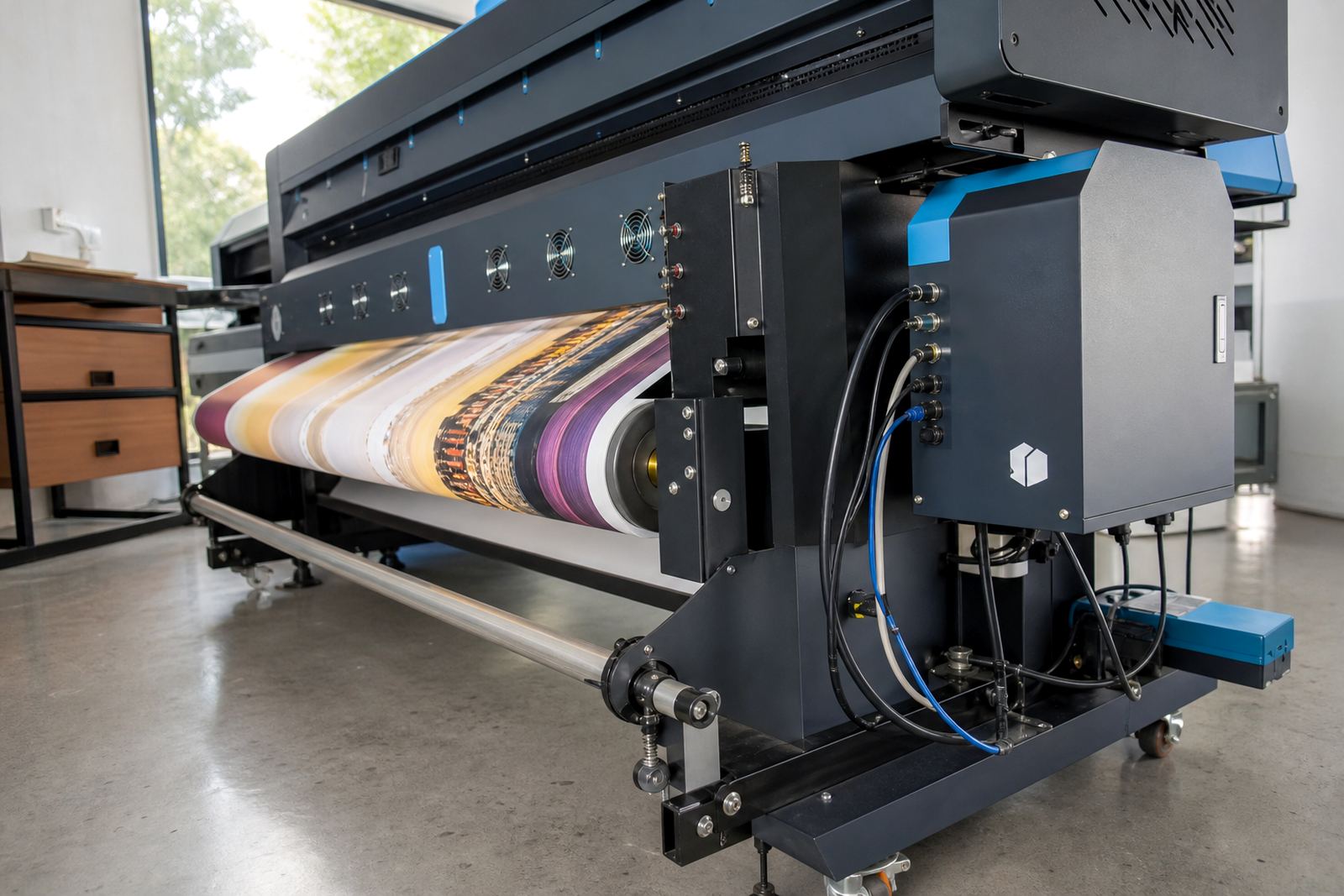
The White Ink Module is a RIP feature set for handling white ink paths on compatible inkjet printers. It gives the operator control over where white is laid, how much is laid, and the order in which layers print, so the file can move cleanly from artwork to output.
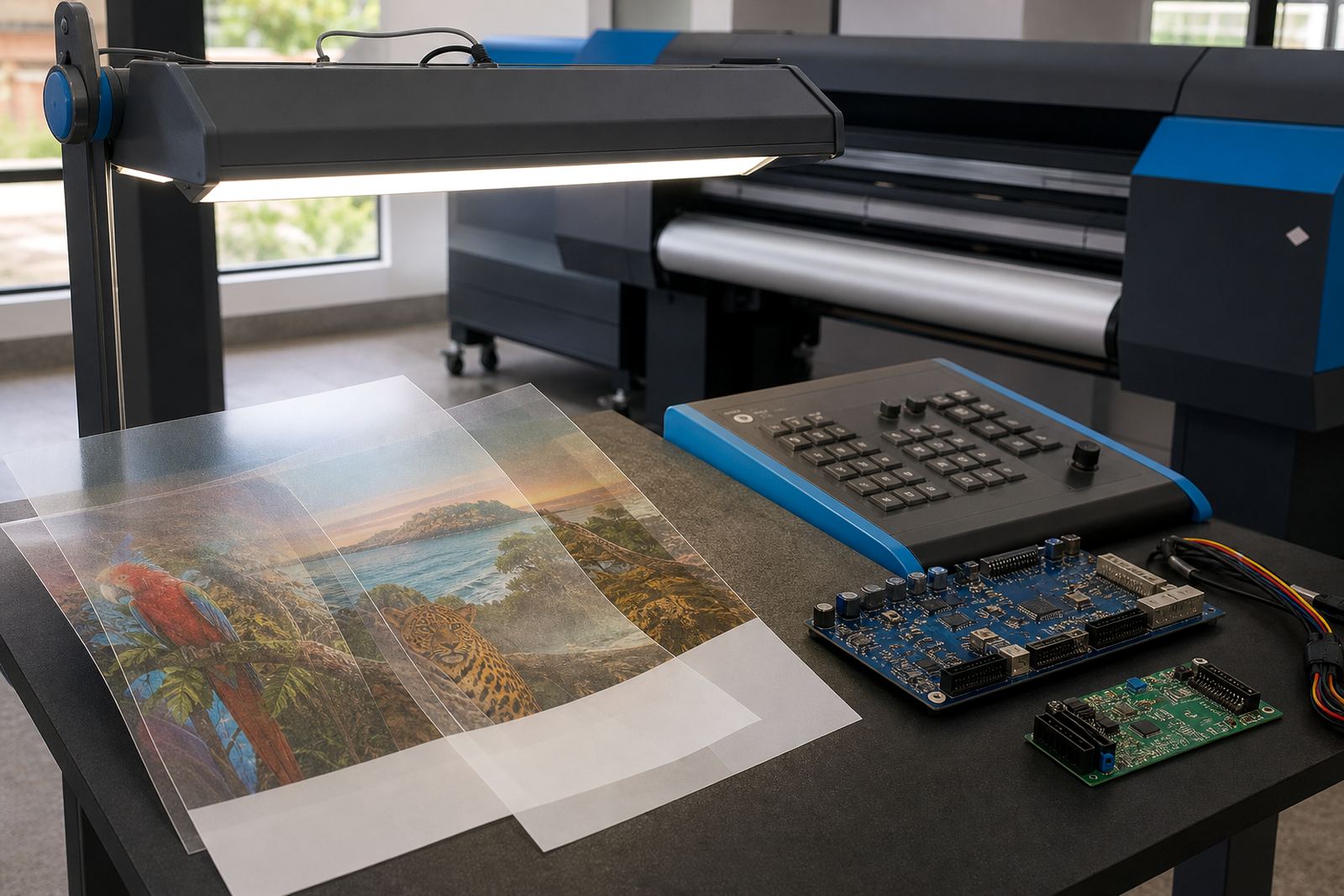
In day to day production, that matters on jobs where the white layer carries the colour above it. A clear decal, dark substrate panel or backlit print can shift if the underbase is not set correctly, so the RIP needs to place that layer with care and keep it aligned to the artwork edge.
- White underbase preparation for dark or coloured media
- Layer order control for print, white and overprint passes
- Spot white handling for selected objects, text or backgrounds
- Support for nested layouts where white and colour must stay registered
Jobs that benefit from white ink handling
This module suits print shops in Johannesburg, Pretoria, Durban, Cape Town and Bloemfontein where white ink work forms part of everyday production. It is used for short runs and longer runs alike, especially where artwork needs a bright base on non-white stock.
It fits graphic studios, signage counters, packaging sample work and industrial print rooms that run wide-format inkjet equipment. Coastal humidity in Durban and Cape Town can affect handling and drying behaviour on some media, so tighter control over white layers and pass order helps keep the job consistent across a shift.
- Clear film graphics and reverse prints
- Dark board, rigid panels and coloured media
- Backlit panels where opacity matters
- Sample work for labels, displays and presentation boards
Sizes, options and workflow settings
The White Ink Module is configured around the printer model, carriage layout and the type of white work being sent through the RIP. There is no single fixed size, because the module is matched to the print width, ink channel setup and the operator's required layer method.
Typical options include spot white, underbase white and multi-pass white output. Some jobs need a fine edge on lettering, while others need a heavier base under full coverage graphics. The operator can set knockouts, choke values, trapping where required and the layer sequence used for each job.
- White layer opacity control for lighter or heavier coverage
- Single pass and multi-pass white output options
- Layer mapping for artwork with hidden or selective white areas
- Queue-based settings for repeat jobs and production packs
Fitting and setup on production equipment
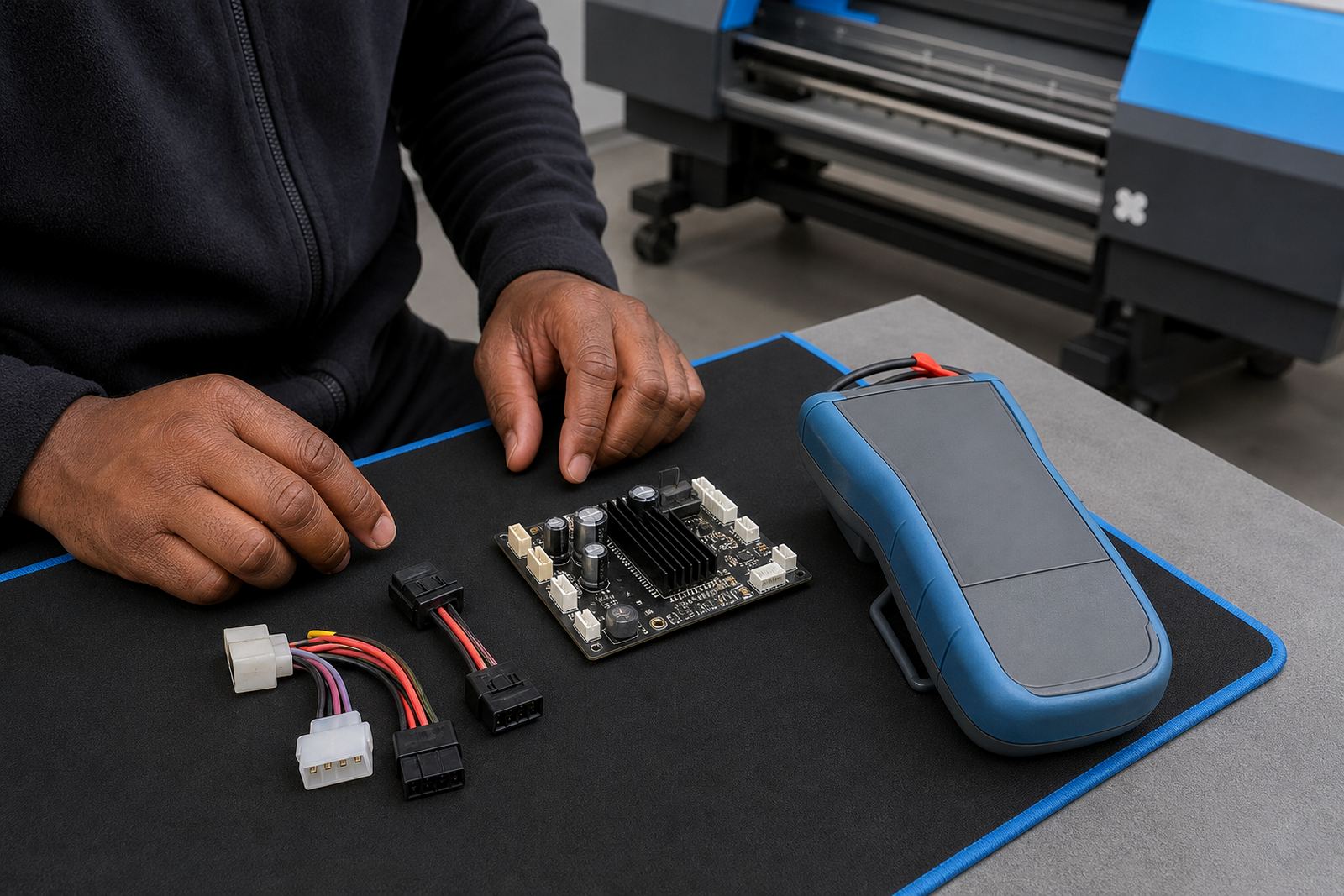
Installation is usually tied to the RIP installation, board setup or printhead driver setup already in place on the machine. For some printers the white layer is enabled through software settings only, while others need a control board configuration, channel mapping checks and test output before live work starts.
Remote setup is often suitable for print shops with a stable network link and access to the RIP workstation. Where a board repair or replacement is involved, the control board may need bench testing before the white module is commissioned. On site visits are arranged where the machine state, wiring or firmware alignment calls for physical work.
- Printer model confirmation and channel mapping check
- RIP licence or module activation verification
- Test files for white registration and layer order
- Operator walk-through for queue use and reprint handling
Care, maintenance and daily handling
White ink systems need regular attention because settling, nozzle loss and layer drift can show up in production quickly. The module itself is software-based, but the output depends on good printer maintenance, clean head checks and a stable workflow from file prep to final print.
Daily care usually includes nozzle checks, purge routines where required, and a look at the raster order before long runs. If the shop uses backup and recovery steps for its RIP settings, the white profile and queue presets can be stored safely, which saves time when a workstation is rebuilt or moved.
- Keep the RIP queue names clear and job specific
- Store white presets with media notes and pass counts
- Review maintenance logs after long production stretches
- Back up white layer profiles, presets and queue rules
Details to confirm before the module is ordered
To match the module to the right printer setup, a few points need to be checked. The make and model of the machine, the RIP version in use, the number of print channels available and the type of white work expected all affect the setup path.
It also helps to confirm whether the job uses spot white, full underbase or a combination of layers. If the machine already has a colour profile set, that profile should be reviewed with the white workflow so the final output does not carry an unwanted shift on coloured stock.
- Printer model and carriage width
- RIP version and existing licence state
- White layer type needed for the work
- Media type, print size and production volume
- Whether the job needs remote setup or on-site fitting
Key facts
| Product type | RIP feature set for white layer control on suitable wide-format inkjet jobs |
|---|---|
| Primary use | Underbase preparation, spot white control and print order management |
| Compatibility | Matched to supported inkjet printer control boards and RIP workflows |
| Layer methods | Spot white, underbase white and multi-pass white output |
| Setup method | Remote setup or on-site commissioning where required |
| Support areas | Midrand, Johannesburg, Pretoria, Durban, Cape Town, Bloemfontein and surrounding Gauteng areas |