A backup pack built for production printers
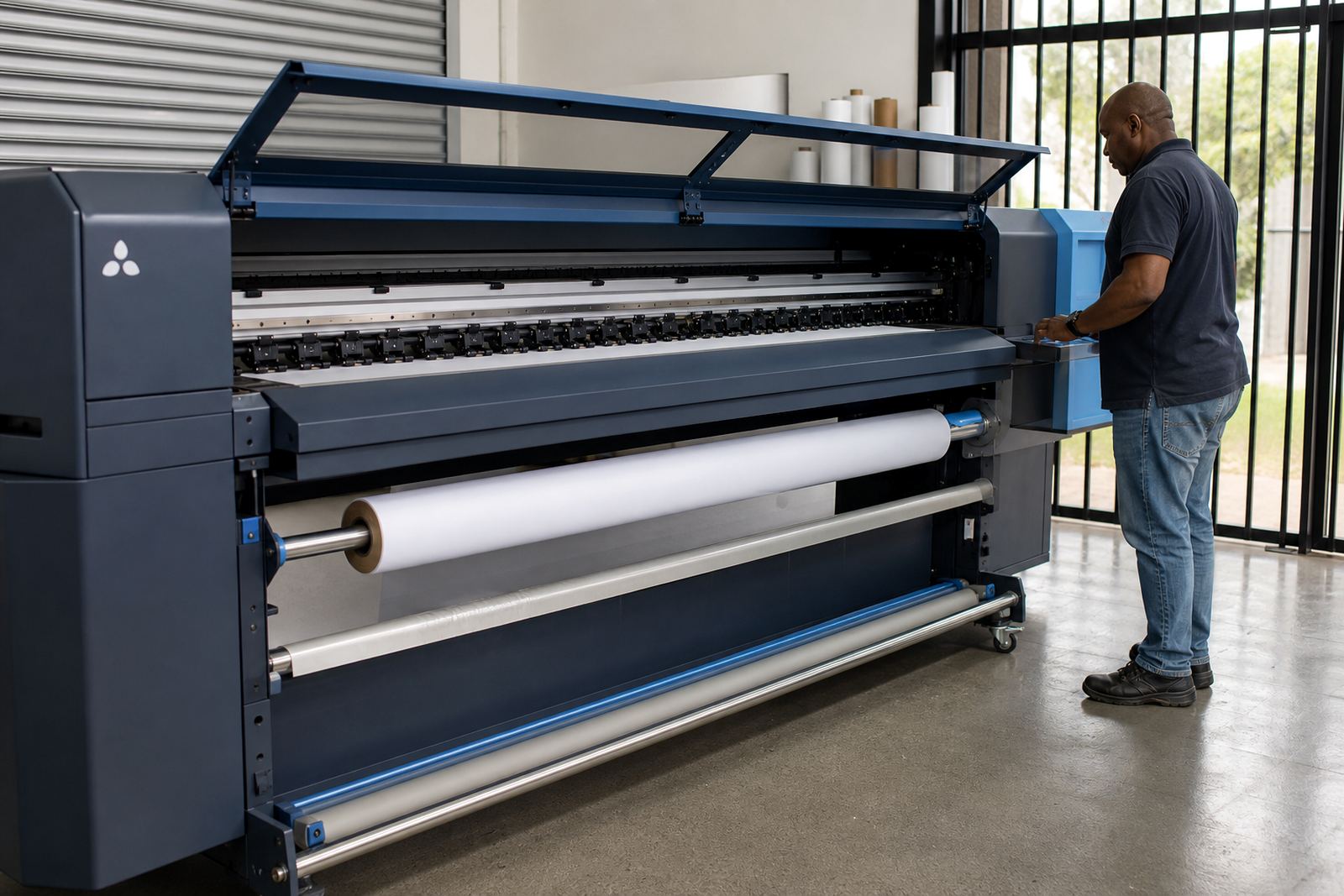
The Backup Configuration Kit is a practical set of backup tools and setup files used to capture the working parts of a wide-format inkjet RIP environment. It is made for print shops that run daily production, where queue settings, colour profiles, printer presets and device mappings need to be kept in order for later restoration.
In a busy shop, a small change at the control PC can affect output on every machine in the queue. This kit helps save the details that matter most, including RIP configuration data, printhead driver settings, nesting rules and operator preferences used for live work. The aim is to keep the setup repeatable from one shift to the next, even when a workstation is repaired or replaced.
It is used with common production workflows in Midrand, Johannesburg, Pretoria, Durban, Cape Town and Bloemfontein, where shops often manage more than one printer or one operator station. The package is suited to teams that need a sensible backup routine without keeping loose files spread across different drives or memory devices.
What sits inside the backup set
The kit covers the working files and configuration items that are most often needed during recovery or reinstallation. Depending on the RIP environment and printer model, the backup can include queue definitions, hot folder paths, media presets, colour profiles, device calibration data and user access settings. It is not just a file copy, it is a structured save of the production logic behind the printer.
- RIP queue settings for wide-format jobs
- Colour profiles and calibration references
- Printer and media presets used for recurring work
- Nesting rules and page placement settings
- Printhead driver setup and device communication files
- Operator presets, hot folder paths and basic user access data
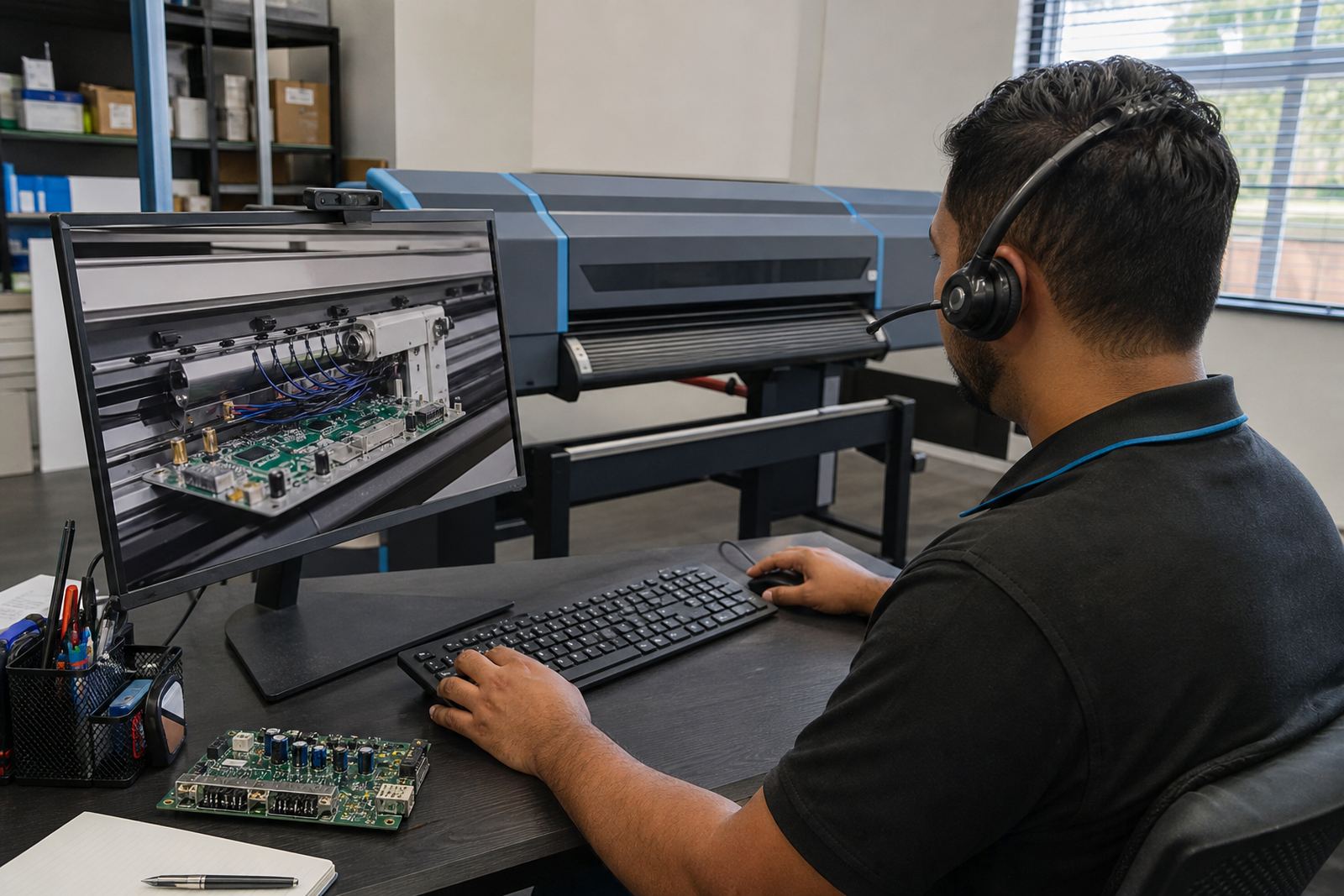
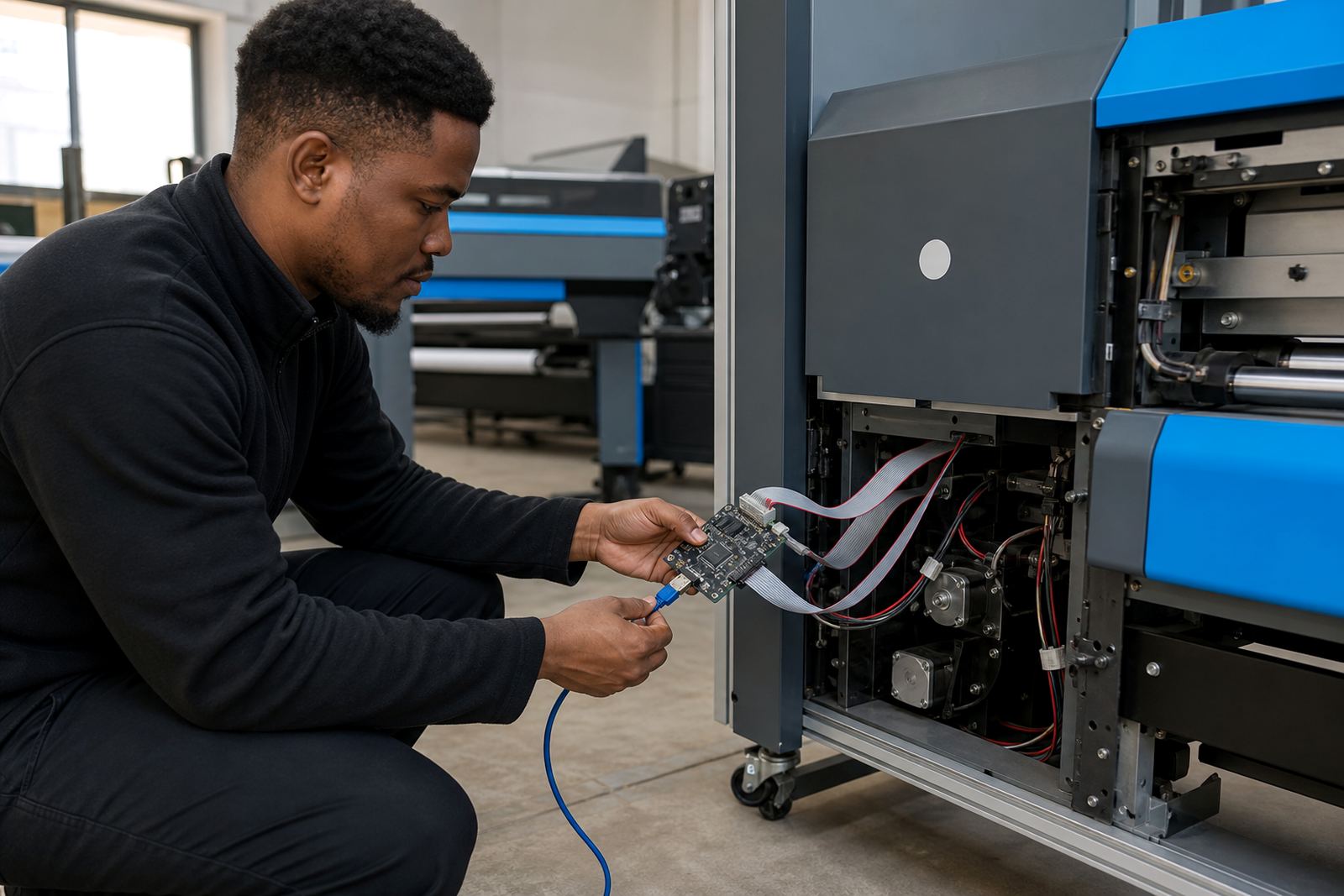
For board-based printer control systems, the backup can also cover control parameters linked to the printer interface board and the live job path. That matters when a board is swapped, firmware is updated, or the production PC has to be rebuilt after a fault.
Sizes and setup options for different shops
The Backup Configuration Kit is available in practical options that suit a single printer setup or a wider production room. Smaller shops often need one complete backup set for a single RIP station and one or two printers, while larger production floors may need separate sets for each machine, queue and operator profile.
- Single station pack: for one RIP PC and one production printer
- Multi-printer pack: for a shared workstation driving several wide-format devices
- Shop backup pack: for a full production environment with colour and queue separation
- Recovery bundle: for sites that want a clean restore path after a PC rebuild
The structure can be scaled to suit the number of printers, the size of the queue list and the way the shop handles artwork handoff. A site with local operators in Johannesburg and a remote admin point in Midrand may need a different arrangement from a single-room print shop in Bloemfontein, so the backup set is matched to the actual workflow rather than forced into one format.
Where this backup package earns its keep
This product suits print rooms that depend on steady settings across long jobs, reprints and mixed media runs. It helps where a missing profile, a damaged queue or an unexpected software reset can delay production and create avoidable rework.
It is a practical fit for large-format banner work, exhibition graphics, vehicle graphics, indoor décor prints and retail signage, where colour repeatability and queue order matter. Shops working near the coast in Durban or Cape Town also tend to benefit from tighter file control, because humidity, dust and daily operator changes can make a disorganised system harder to manage.
For teams with several operators, the backup kit helps keep the same media and print settings available even if one workstation is down for servicing. It supports better handover between shifts and reduces the chance of a rushed manual setup under pressure.
Installation and fitting on a live RIP station
Setup is done against the existing RIP environment and the printer control board layout already in use. The backup process normally starts with identifying the active queues, profiling files, calibration records and driver links that belong to each printer. From there the configuration is saved in a structured format so it can be restored in the right order later.
In some installations the backup routine also includes a board configuration check, especially where a printer control board or printhead driver board is part of the workflow. This helps prevent a mismatch between saved settings and the hardware that receives them after restoration. Remote setup is available for sites across South Africa, which is useful when the shop runs from one town and the technical support point sits elsewhere.
- Confirm the RIP software version in use
- Match the printer model and control board type
- Check how many queues and media presets must be saved
- Note whether colour profiles are shared across machines
- Confirm if the backup must cover one station or several
Care, storage and recovery discipline
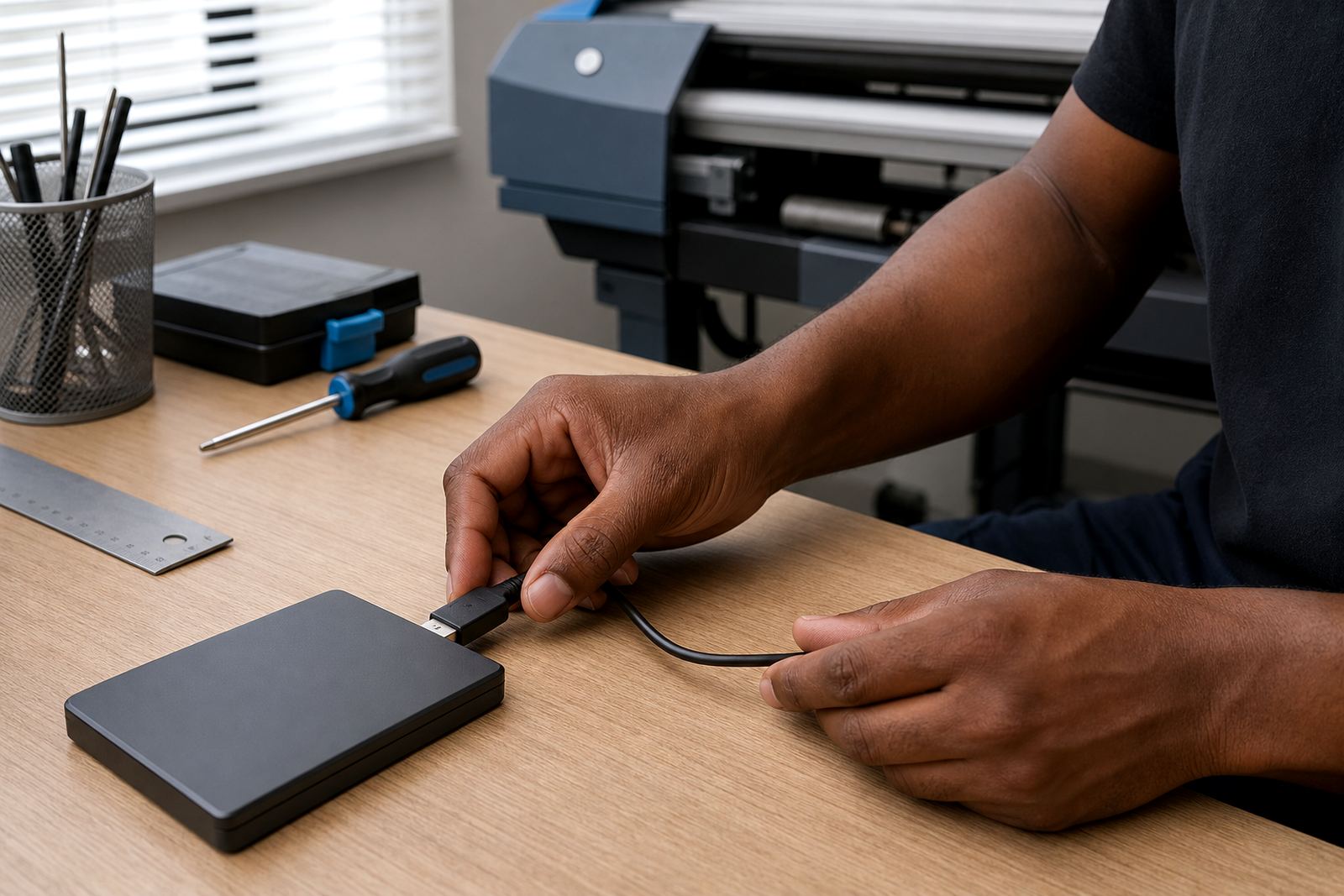
A backup only helps if it is stored cleanly and checked at sensible intervals. The saved files should be kept in more than one place, with a clear naming structure so operators can find the right set without guessing. For production sites, it also helps to keep a printed note of the queue order and media naming used at the time of backup, especially when several jobs are set up under similar names.
Where a shop updates RIP software, replaces a board or adjusts colour management, the backup should be refreshed after the change. That keeps the saved configuration aligned with the live setup rather than holding stale data. The same applies after new printhead driver settings, revised nesting rules or major maintenance work on the printer.
Midrand-based support from InkFlow RIP can assist with restoring saved data after maintenance, fault finding or a workstation rebuild. Our team handles RIP Installation, Board Installation, Colour Profile Setup, Queue Workflow Design, Fault Finding, Preventive Maintenance, Operator Training, Production Tuning, Backup and Recovery, and Ongoing Support for print shops across Johannesburg, Pretoria, Durban, Cape Town, Bloemfontein, the East Rand and the West Rand.
Local team: Thabo Zungu leads the business, with Lerato Khoza, Johan Letsoalo, Zanele Moagi, Aiden Phiri, Kagiso Pienaar and Bianca Rademeyer supporting operations, colour, remote setup, board repair and training.
Key facts
| Product type | Backup configuration package for wide-format inkjet RIP systems |
|---|---|
| Main contents | Queue data, printer presets, colour profiles, calibration references and driver settings |
| Compatible environments | Single-station and multi-printer production rooms |
| Restore use | Workstation rebuilds, board swaps, software changes and fault recovery |
| Support method | Remote setup and guided recovery for South African print shops |
| Typical use areas | Johannesburg, Pretoria, Durban, Cape Town, Bloemfontein, Midrand, East Rand and West Rand |