Two rolls, one cleaner production plan
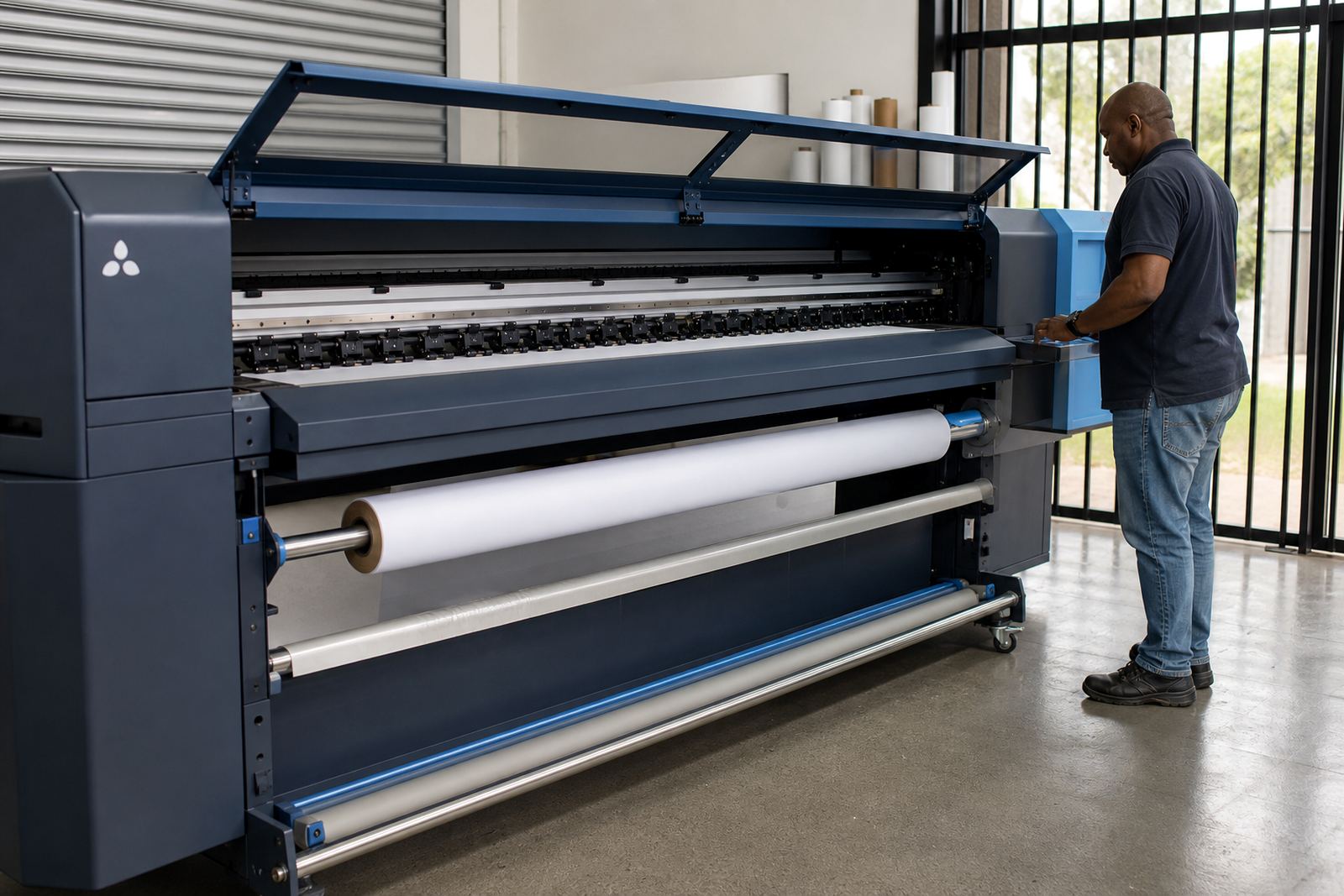
Dual Roll Control is a workflow option for wide-format inkjet printers that handle two media lanes from the same control point. It helps a print room assign jobs to the correct roll, keep artwork grouped sensibly, and reduce lane mix-ups when the day is busy.
In practice, the setup gives operators a clearer view of what is loaded on each side, what can print together, and which job should move first. That matters in Johannesburg signage shops, Pretoria production rooms, and Durban sites handling mixed media, where one wrong placement can waste material and time.
- Controls two lanes from one RIP workflow.
- Supports cleaner job separation by roll.
- Helps plan mixed runs with less confusion.
- Useful where short runs and repeat work share a shift.
Spec choices that match the printer line
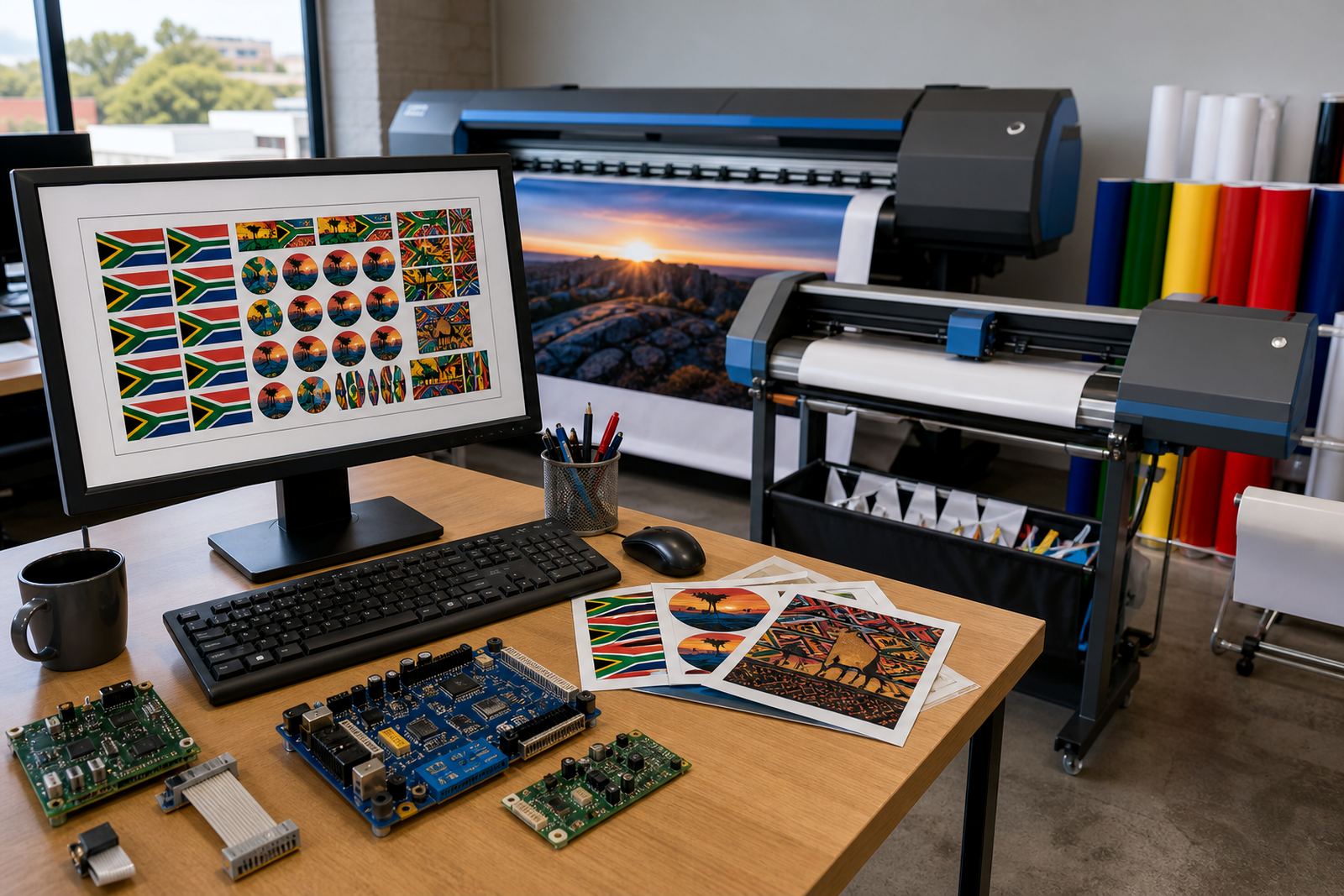
Dual Roll Control is usually supplied as a software workflow option together with the correct control board or driver setup for the printer model in use. The exact fit depends on the machine’s carriage width, feed system, and the way the printer reads job data from the RIP.
Options are often matched to the printer’s native width and the two roll sizes being used. A 1.6 m or 1.8 m class printer may need a different queue layout from a 2.5 m machine, and the control logic must suit the media path as well as the take-up arrangement. If the shop works with banner, vinyl, self-adhesive film, coated paper, or backlit media, the queue design should reflect those materials.
- Single workstation or networked RIP control.
- Two-lane job mapping for matched or mixed media.
- Colour profile assignment by media type.
- Queue naming that keeps lane use readable.
Where dual-lane control earns its keep
This setup suits print shops that run steady signage work, promotional graphics, point-of-sale pieces, and production batches with more than one media type in circulation. It also helps facilities that need to keep two rolls active, but want more order around which jobs land on which roll.
It is a practical fit for Cape Town and Durban operations where humidity can affect media handling, curl, and drying behaviour, especially on longer runs. In Bloemfontein and Gauteng, it works well where shops want to separate urgent short jobs from longer production queues without loading one roll after another all day.
Facilities with multiple operators benefit too, because the screen layout and lane naming make handover simpler. One team member can load while another finishes colour setup and proofing, with less room for confusion at shift change.
Fitting and setup on the production floor
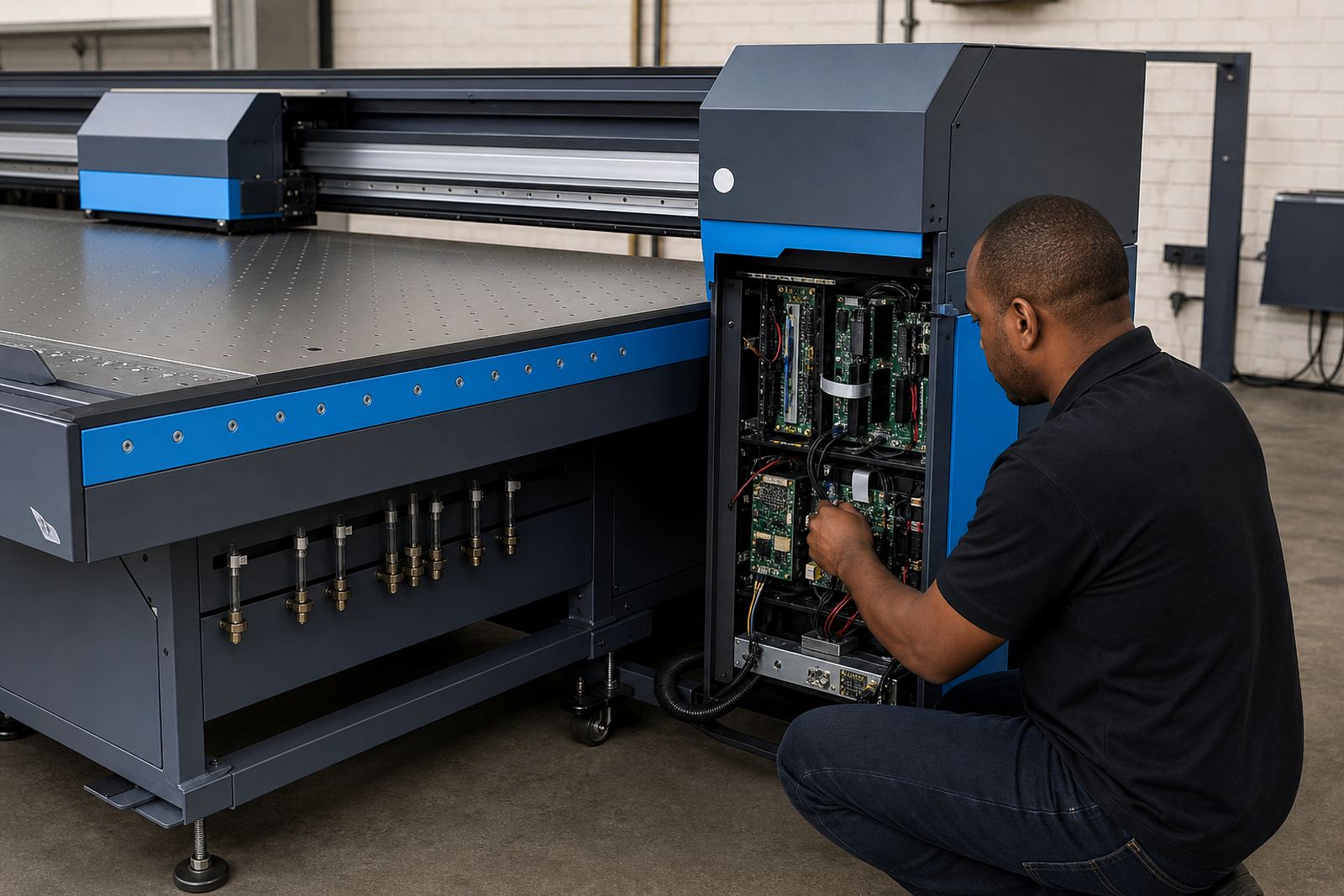
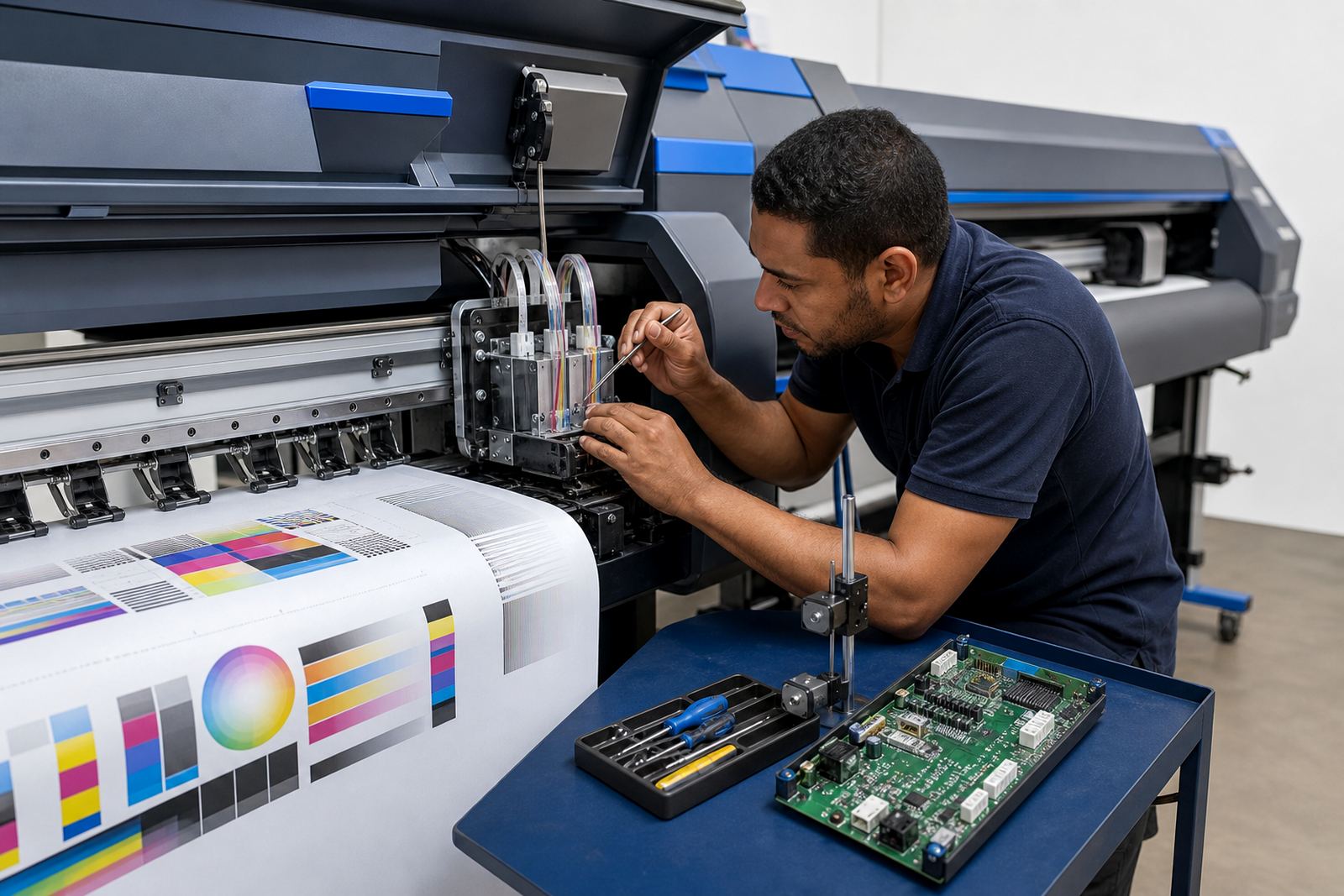
Dual Roll Control is normally fitted during a RIP installation or a board installation, depending on the printer platform and the control hardware already in place. Where the machine uses printhead driver boards, the driver mapping has to be checked carefully so that both lanes are read and driven correctly.
Remote setup is often used for shops outside Midrand, including East Rand, West Rand, Pretoria, Johannesburg, Durban, Cape Town, and Bloemfontein. That setup usually covers queue design, roll naming, test output checks, and colour profile assignment, then the operator is shown how to load, pause, and resume jobs without losing track of the lane order.
- Board alignment and driver mapping.
- RIP queue structure for both rolls.
- Profile loading for each media type.
- Operator walkthrough on the live workflow.
Care that keeps the lanes behaving
Clean maintenance helps Dual Roll Control stay reliable, especially where dust, lint, and media residue build up around the printer path. The control side should be checked during preventive maintenance, while the print room keeps the rollers, sensors, and feed areas clean and free of loose debris.
Operators should watch for uneven tension, edge wandering, and media slippage, because those problems affect both output quality and queue planning. On larger production lines, a small drift on one roll can throw off nesting and create avoidable reprints. When the printer sits idle for long periods, it is worth confirming the board settings and queue mapping before the next full batch starts.
- Keep feed rollers and sensors clean.
- Check media tension on both lanes.
- Run regular backup and recovery checks.
- Confirm profiles after board or driver work.
Details to confirm before ordering
To match Dual Roll Control correctly, the printer model, control board type, RIP version, and media width all need to be known. It also helps to confirm whether the shop wants matched colour on both rolls, or a split workflow where each lane carries its own profile and queue rules.
For a clean fit, the team should also know how many operators use the printer, what materials are loaded most often, and whether the shop needs remote support or on-site fitting in Midrand and surrounding areas. If there is a mix of urgent work and longer production batches, that should be mentioned early so the queue structure can be set up to suit the floor routine.
- Printer model and control board type.
- RIP software version and driver setup.
- Loaded media widths and roll count.
- Colour matching needs for each lane.
- Location for remote or on-site support.
Key facts
| Product type | Dual roll control workflow for wide-format inkjet printers |
|---|---|
| Media lanes | Two active rolls with separate queue handling |
| Supported widths | Typically matched to 1.6 m, 1.8 m, 2.5 m and similar platforms |
| Setup method | Board fitting, RIP setup, and remote workflow configuration |
| Use cases | Signage, promotional print, POS work, and mixed production batches |
| Support area | Midrand, Johannesburg, Pretoria, Durban, Cape Town, Bloemfontein, East Rand, West Rand |