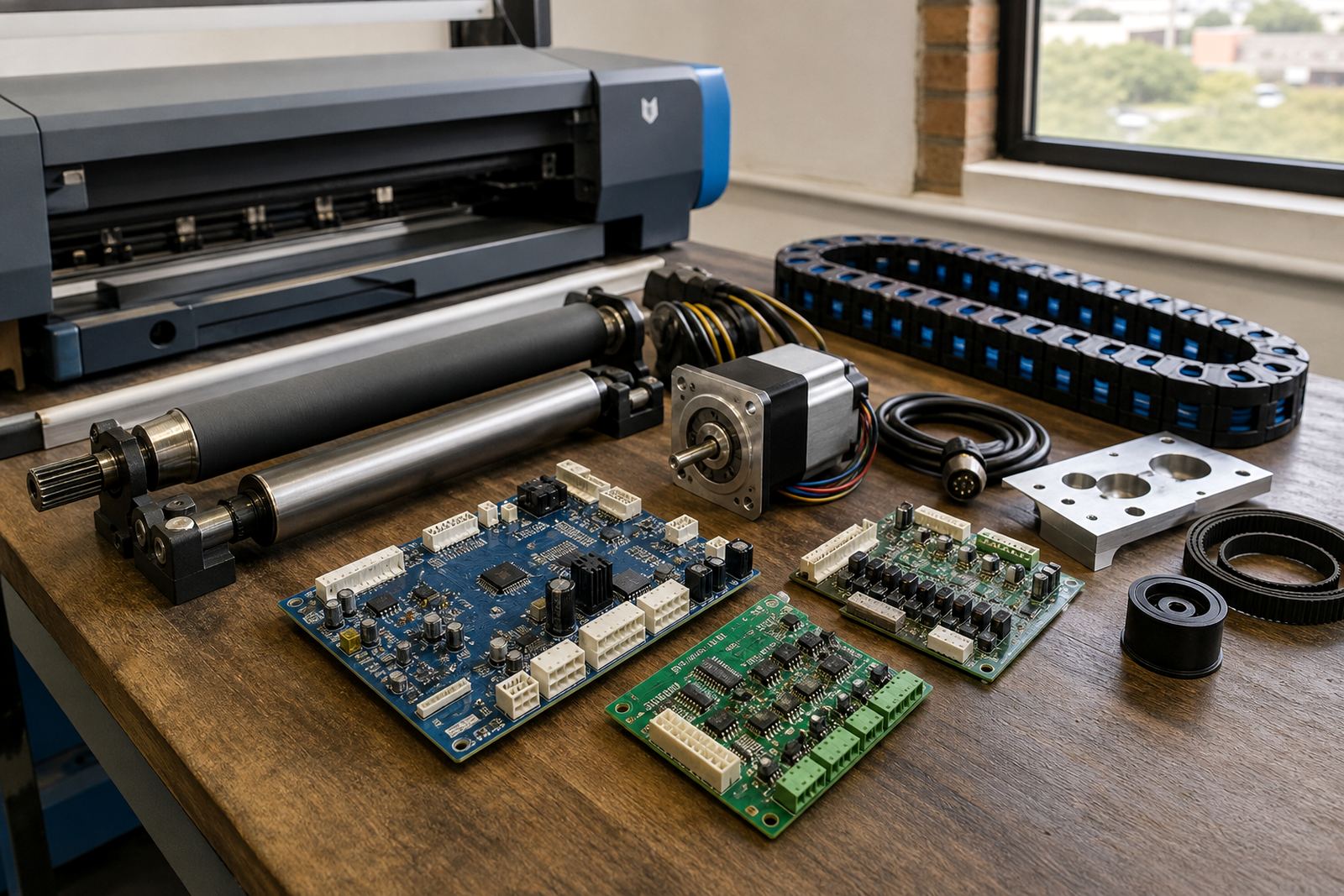
A fitting aid for printhead position work
This tool is used when a printer needs careful head positioning during installation, service work, or after a carriage disturbance. It helps a technician measure and set the printhead relationship to the platen or media path so the machine lays down ink with better line placement. On wide-format inkjet units, even a small shift can show up as banding, fuzzy text, or colour edges that do not sit cleanly. The alignment process is especially useful where jobs run in bi-directional mode and every pass has to land where it should.
In practical terms, it supports the kind of setup work that keeps banner, signage and wrap output cleaner from job to job. It is used alongside the printer’s service procedures and is most useful when the operator wants repeatable settings after fitting a new head, replacing a carriage part, or checking the machine after transport. The tool is not a guesswork item, it is part of measured setup work for accurate production.
Where the tool suits real production work
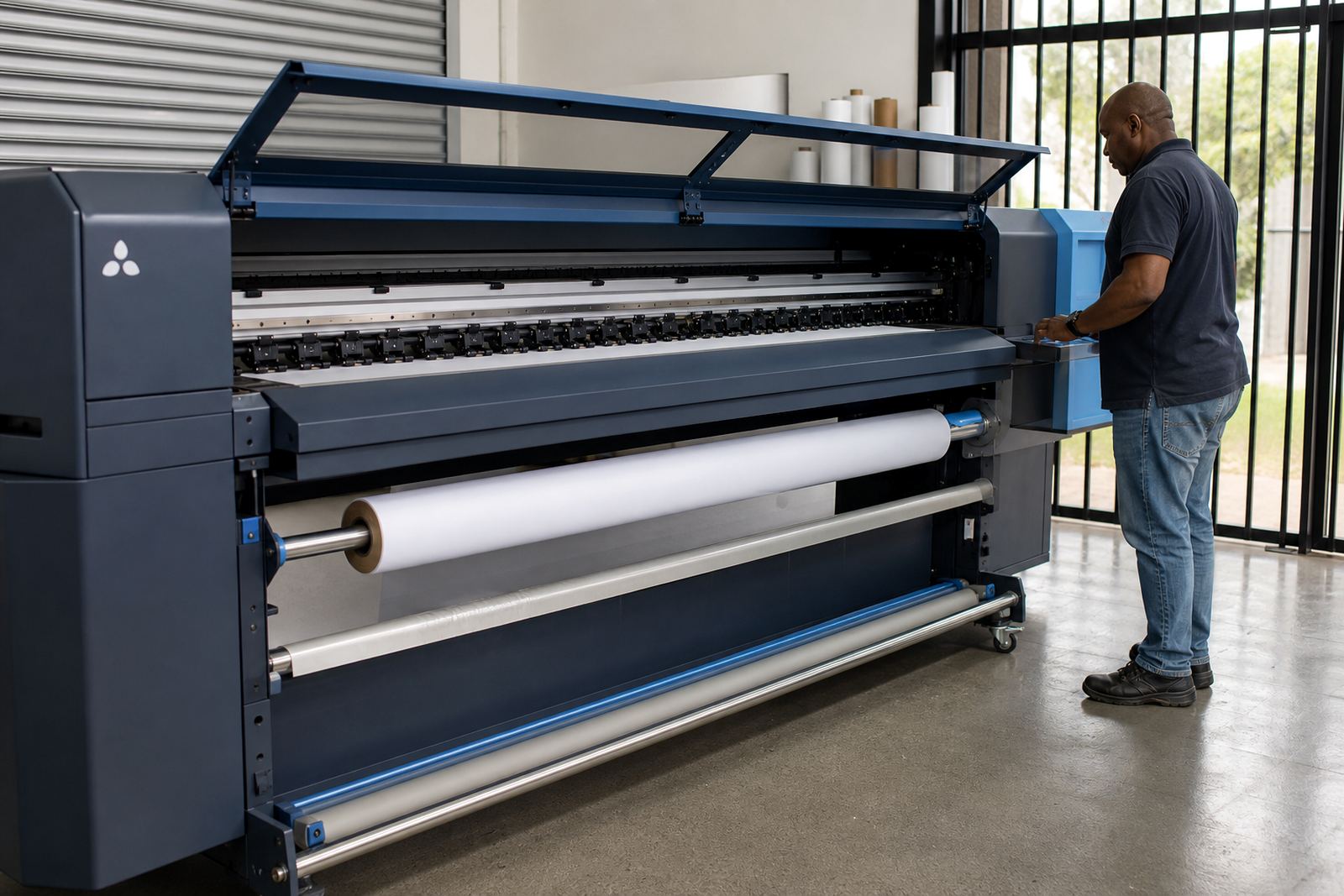
Head alignment work comes up in print shops that run wide-format inkjet equipment for indoor posters, vehicle graphics, exhibition boards, point-of-sale panels and long production queues. In Johannesburg, Pretoria, Durban, Cape Town and Bloemfontein, the same issue often shows up in different ways. On a dry Gauteng floor the machine may hold settings well, while coastal humidity in Durban or Cape Town can make media handling and print behaviour less predictable. Alignment helps remove one variable from that picture.
It suits operations that rely on sharper text, straight edges and clean overlaps. Shops doing multi-pass output benefit most because each pass builds on the last one. If the head position is even slightly out, the finish can look soft or uneven. This tool also helps where production teams need to standardise one machine against another in the same room, or keep an older unit running close to its normal setting after maintenance.
- Wide-format inkjet printers used for signage and display work
- Machines running bi-directional or multi-pass print modes
- Production lines that need tighter colour-to-colour placement
- Sites where a head change or carriage service has been completed
Sizes, fitment styles and setup options
The tool is supplied in practical workshop formats suited to different printer frames and service methods. Some technicians prefer a compact alignment aid for tighter carriage spaces, while others want a longer reference piece when working on larger beds or heavier machines. The right option depends on the model layout, the printhead count, and the space available around the carriage path. Where a printer has dual head banks or a wider gantry, a longer measuring face is often easier to work with.
Options are generally selected for the way the machine is maintained rather than for decoration or brand preference. A service team may ask for a tool that supports one head, two heads, or a full set across a multi-head carriage. The same page can be used on machines with different print widths, but the technician must match the tool to the printer’s carriage spacing and service access. If the fit is wrong, the result is wasted time and a less reliable setting.
- Compact alignment tool for tighter service access
- Extended reference format for larger carriage layouts
- Single-head, dual-head and multi-head use cases
- Workshop handling suited to repeated setup checks
How it works during installation and service
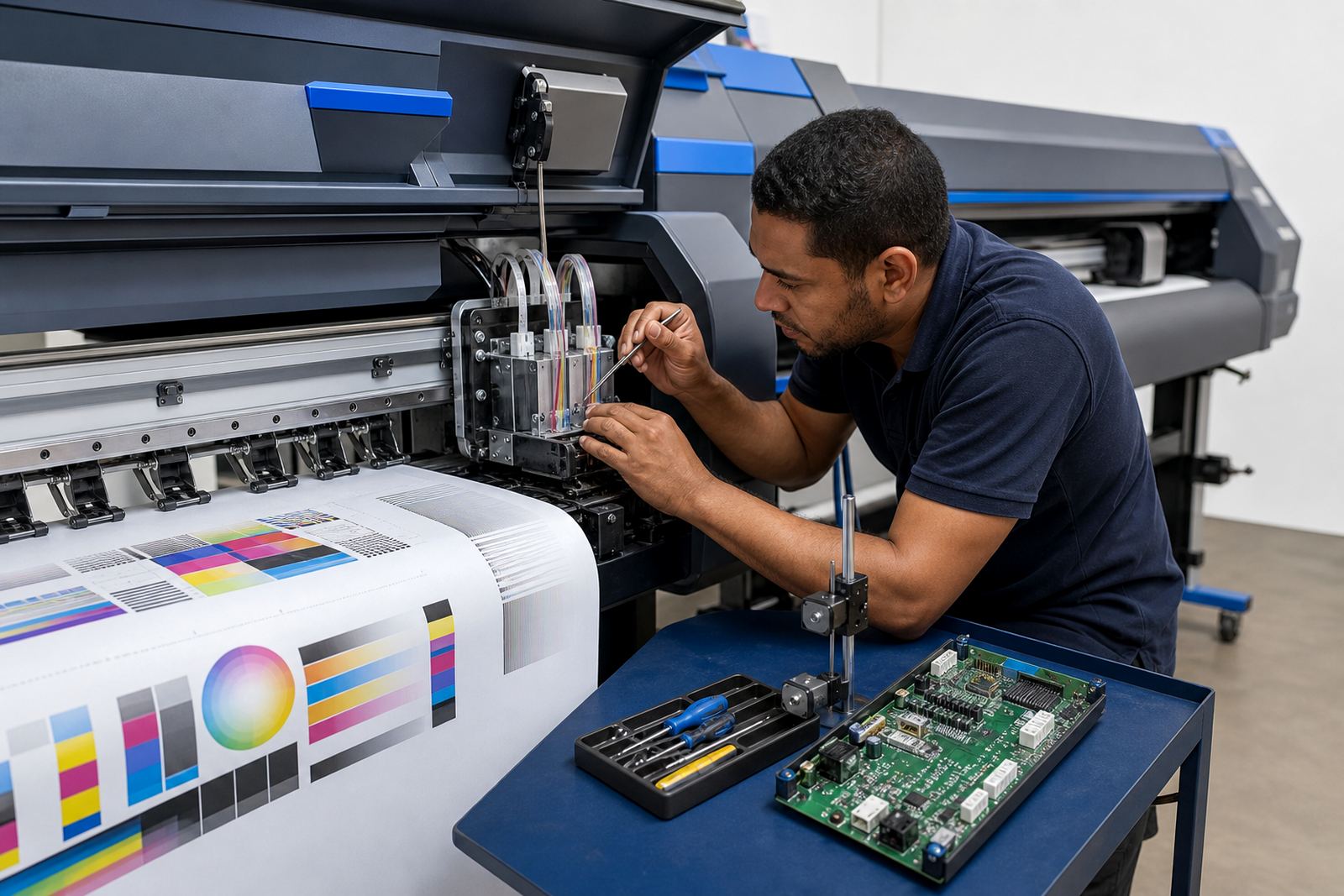
When fitted into the service routine, the tool helps the technician check printhead position against the printer’s reference points. It is used together with the machine’s own adjustment process and print test patterns, then the output is checked for drift, shadowing, and colour split between passes. A correct alignment makes the printed lines sit more tightly, which matters on fine text and edge work. If the printer is running a RIP queue with tight nesting or repeated panels, a cleaner head setup reduces the chance of visible errors spreading through the job.
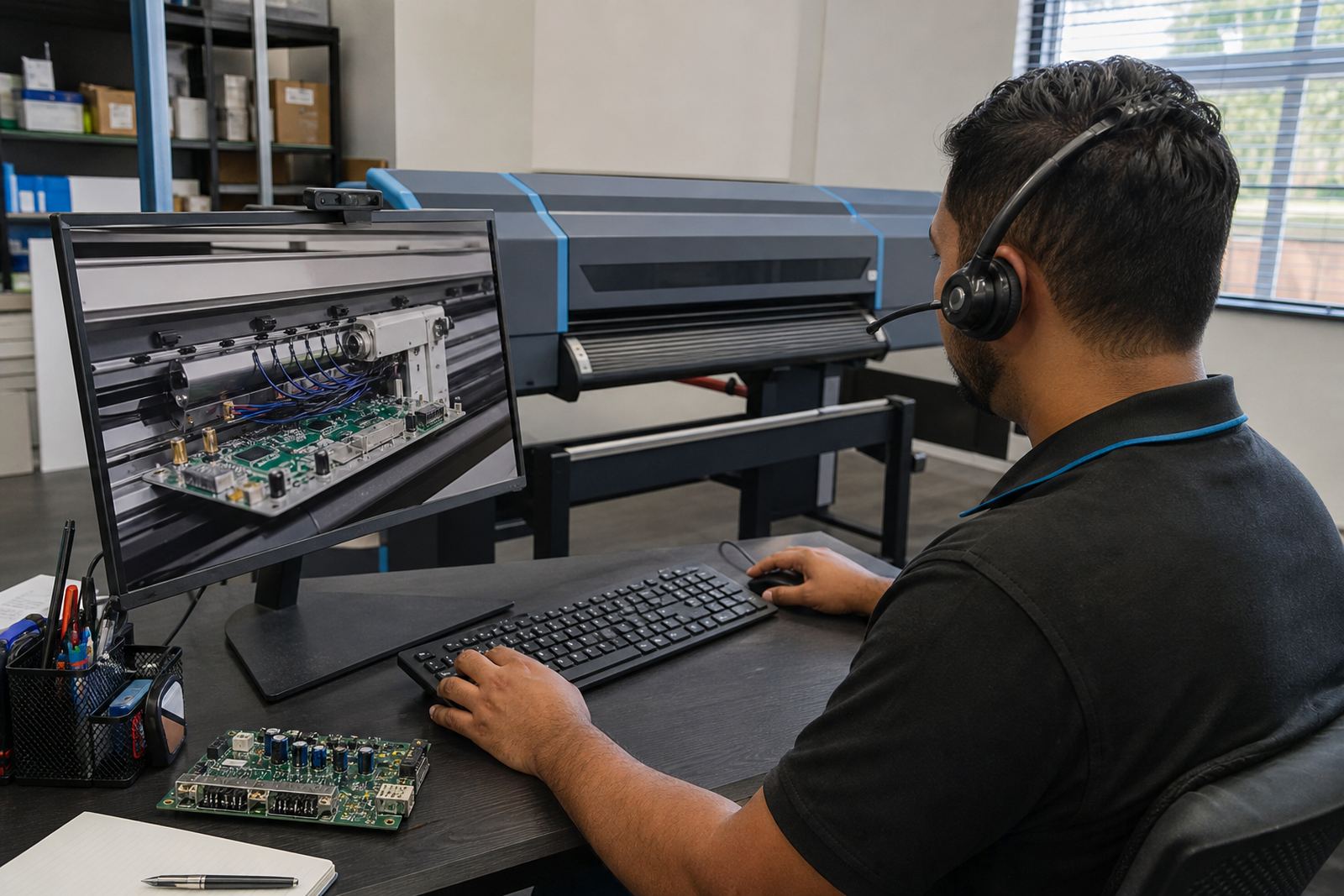
Our Midrand base supports remote setup where the machine and workflow allow it, and physical fitting is handled where the printer is on site. For South African print shops, the need is often practical and immediate: a machine must be set back into production without overcomplicating the process. The tool is part of that repair and setup path. Lerato Khoza and Johan Letsoalo often work with shops that want the printer checked against the production file flow, so the head position sits properly with the RIP settings and colour profile used on the job.
Care, storage and repeat use on the shop floor
This is a workshop tool, so care matters. Keep it free of dried ink, dust and metal filings, and store it flat where it will not be bent or knocked out of shape. A scratched or warped reference face can throw the alignment work off, even if only slightly. In humid coastal areas, a dry storage cupboard is useful so the tool does not pick up corrosion on any metal surfaces. In a busy shop, it helps to keep the tool with the printer service kit rather than mixed into general hardware.
Before each use, the technician should inspect the contact areas and check that the measuring edges are clean. If the printer has been moved, or the carriage has taken a knock, a fresh alignment check is usually worth doing before production resumes. Small marks on the tool can affect the reading, so careful handling saves unnecessary rework later on.
- Wipe after use with a clean lint-free cloth
- Store away from ink mist, heat and loose tools
- Check for bending or wear on the reference edge
- Keep with the printer’s own service records if possible
Details to confirm before ordering
When ordering a Head Alignment Tool, the important details are tied to the printer itself. The carriage width, head count, service access and the type of printer frame all affect which tool is suitable. It also helps to know whether the machine is used mainly for rigid board work, roll media or a mixed production line. If the site uses a specific printhead arrangement or a non-standard carriage spacing, that needs to be stated clearly so the tool can be matched correctly.
For shops in Midrand, Johannesburg, Pretoria, Durban, Cape Town, Bloemfontein and the surrounding areas, the enquiry should include the printer model description, the current service issue, and whether the tool is needed for a new installation or for maintenance. That lets the team recommend the right fit for the job and the workflow around it. Aiden Phiri, Zanele Moagi and Kagiso Pienaar often deal with the support side of these checks, especially where the printer also needs driver setup, colour profile work or backup and recovery after a fault.
- Printer make and model description
- Number of printheads on the carriage
- Carriage width and available service clearance
- Whether the use is install, repair or routine checking
- Media type and the main production work the machine handles
Key facts
| Product type | Printhead alignment aid for wide-format inkjet printers |
|---|---|
| Use | Head positioning for cleaner bi-directional and multi-pass output |
| Compatibility | Used on wide-format inkjet systems with service access to the carriage |
| Options | Compact or extended reference formats, depending on printer layout |
| Application | Installation, repair, preventative maintenance and setup checks |
| Support | Remote setup and on-site guidance from Midrand, Gauteng |