Clean handoff between workstation and printer electronics
A USB interface board is used where the RIP workstation must speak clearly to the printer controller or main electronics board. In wide-format inkjet work, that handoff matters because a weak signal can show up as dropped jobs, stalled queues, or odd pauses during long prints.
Our boards are supplied for production environments that handle posters, point of sale work, vehicle graphics, exhibition panels and textile output. They are used with RIP software, printhead driver setup, queue workflow design and colour profiles, so the whole line from file to print stays predictable.
- Supports stable USB communication between host computer and printer electronics
- Works with wide-format inkjet print environments and RIP control
- Suitable for single-printer rooms and larger production floors
- Useful where queue control and job handoff need tighter consistency
Board formats, cable lengths and mounting choices
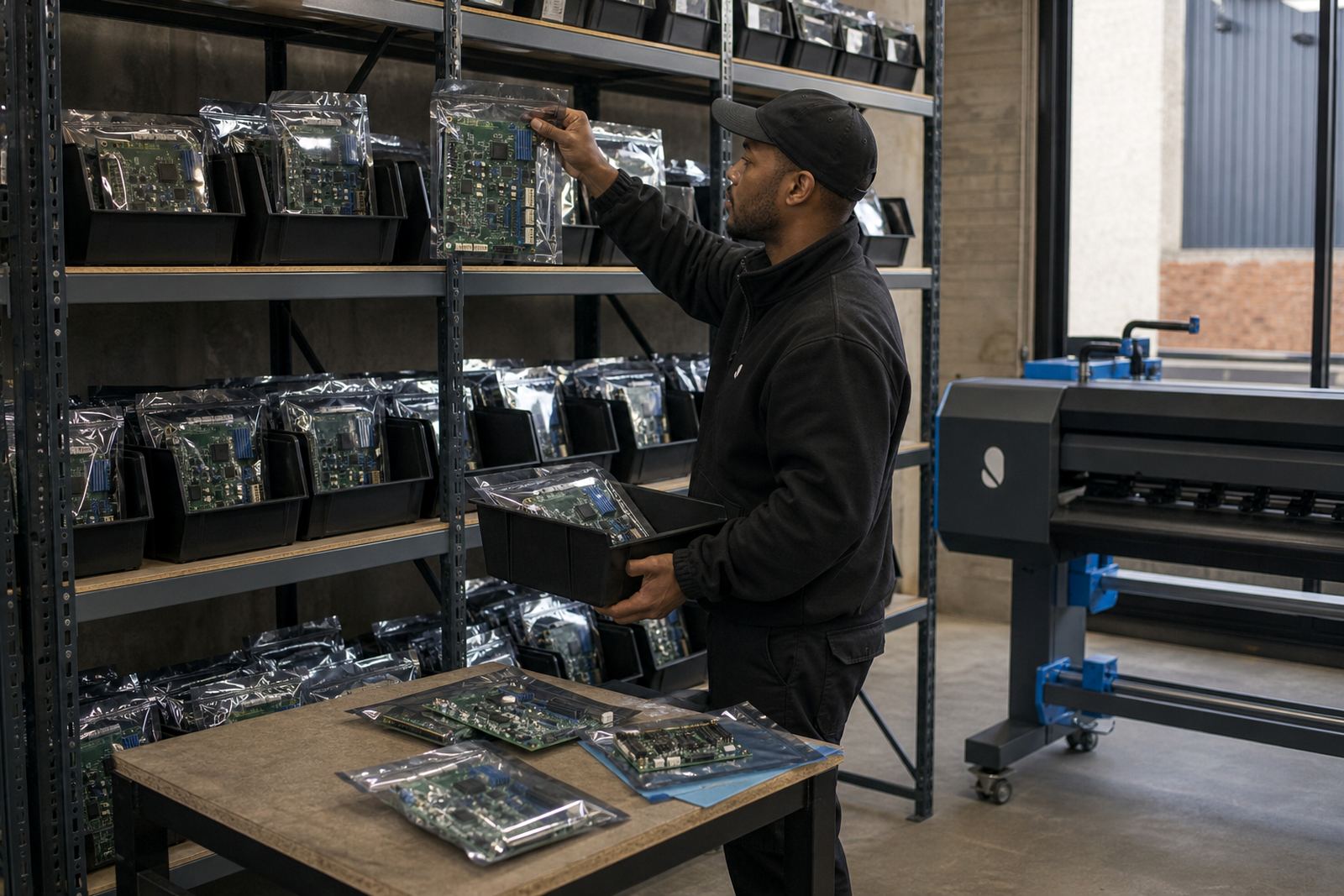
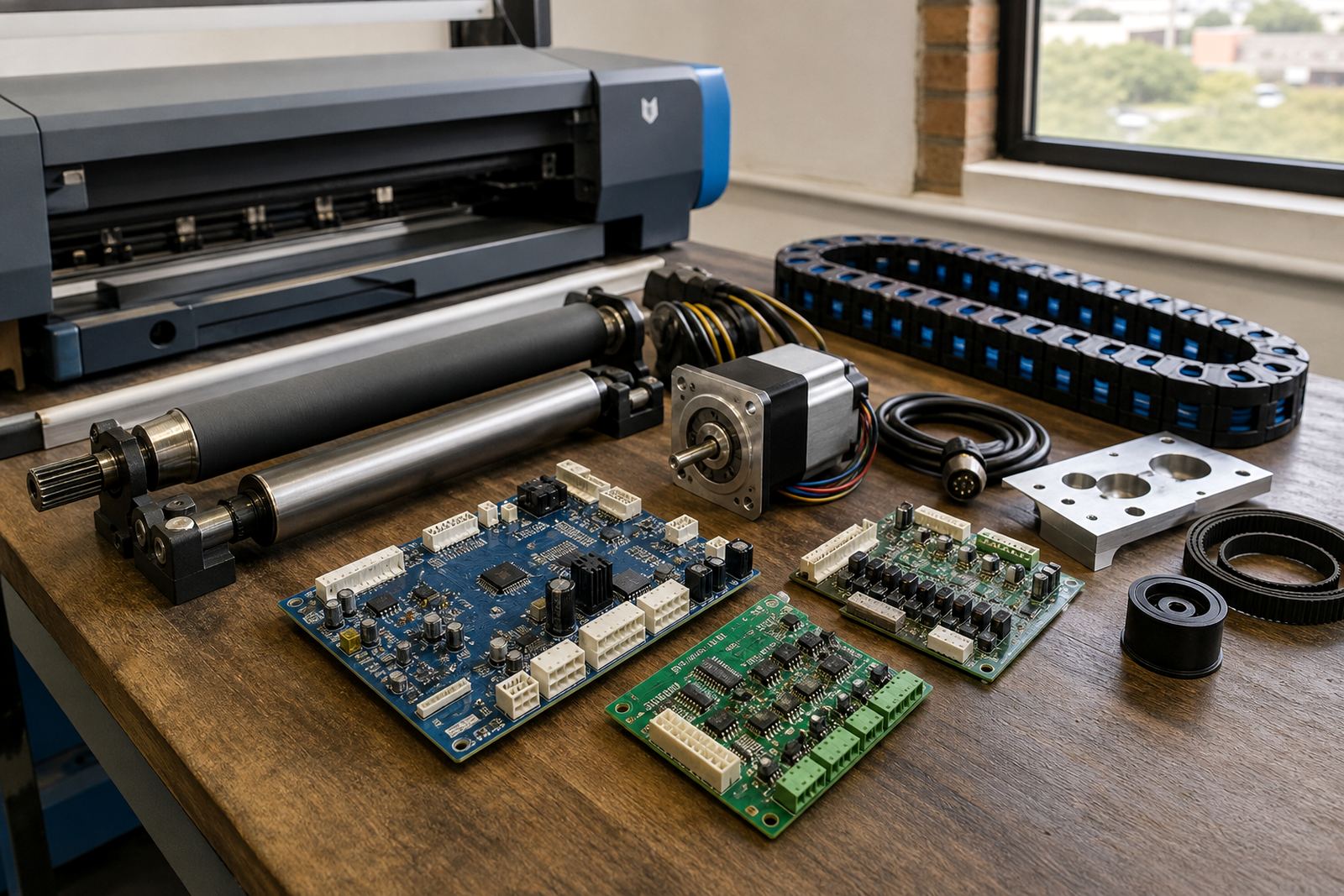
We supply interface boards in formats matched to common control layouts used in wide-format printers. Some fit as compact internal boards, while others are supplied with external mounting, cable leads or bracketed layouts for easier service access. The right option depends on the printer cabinet, controller spacing and how the operator bay is arranged.
In production rooms where the electronics sit in a sealed bay, the mounting position should allow airflow and a neat cable run. Coastal humidity in places like Durban and Port Elizabeth can make tidy cable management and dry mounting even more important, especially where fine dust and ink mist build up around the cabinet.
- Internal board options for compact controller bays
- External or bracketed options for easier fault access
- USB lead lengths matched to workstation placement
- Mounting styles chosen for tidy cable routing and servicing
Where this board suits the print floor
This board suits shops that run wide-format inkjet printers from a dedicated RIP workstation, especially where multiple operators share the same queue. It is also used in production rooms that need cleaner communication during heavy job loads, colour-critical work, and repeated reprints from saved jobs.
It fits well in Johannesburg, Pretoria, Midrand, the East Rand and the West Rand where many print rooms run mixed media jobs through the day. It also suits Durban, Cape Town and Bloemfontein operations that need remote setup support and practical fault finding without waiting around for simple board issues to be traced by guesswork.
- Graphic design studios with in-house production output
- Print shops handling short runs and fresh artwork
- Large-format facilities with queue-heavy workflows
- Sites using remote support for setup and maintenance
Fitting, setup and signal checks that matter
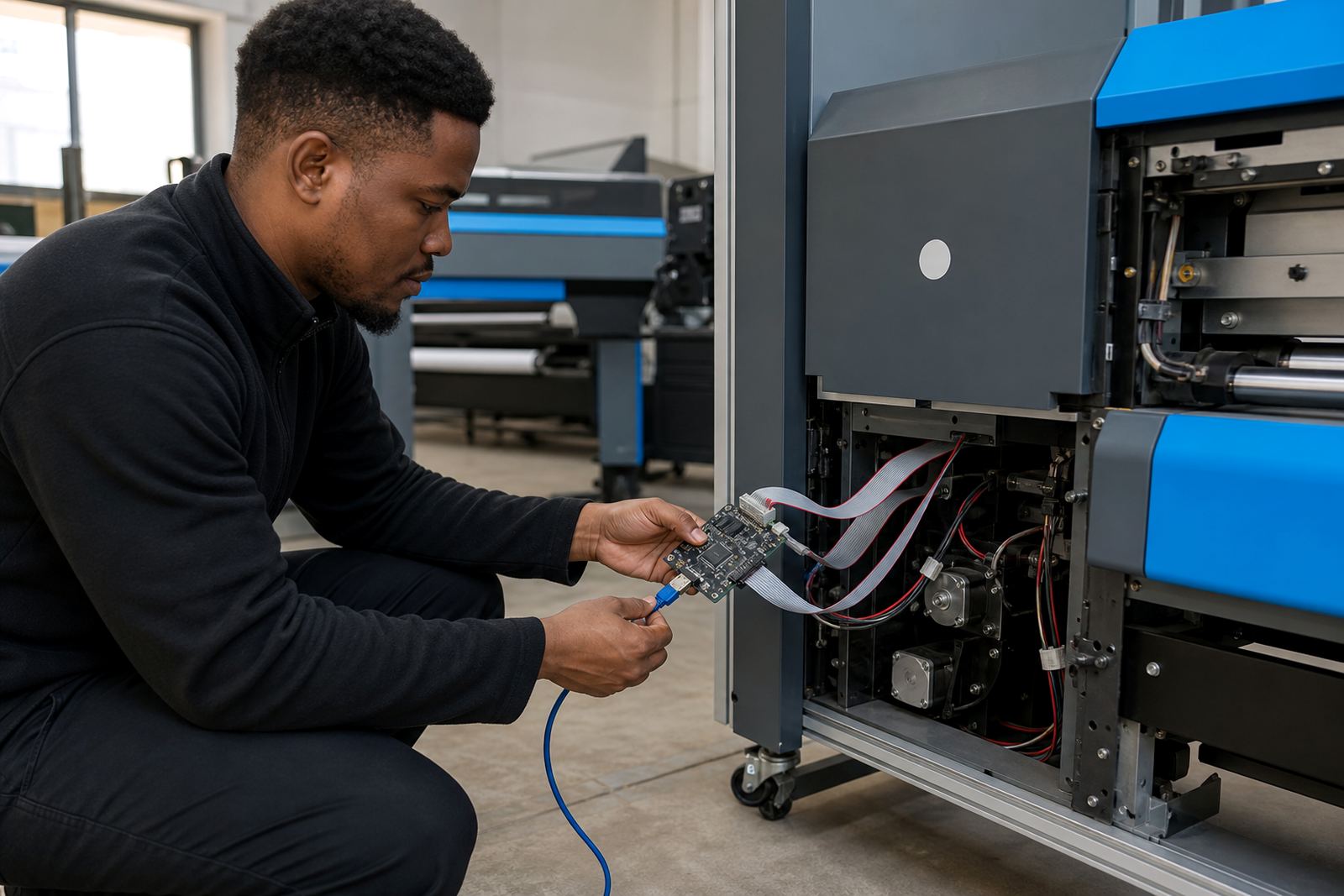
Fitting a USB interface board is more than swapping hardware. The printer model, board revision, cable pinout and RIP settings all need to line up so the workstation talks to the printer without dropped handshakes or false faults. Where a machine has had earlier repairs, the wiring path and connector condition should be checked first.
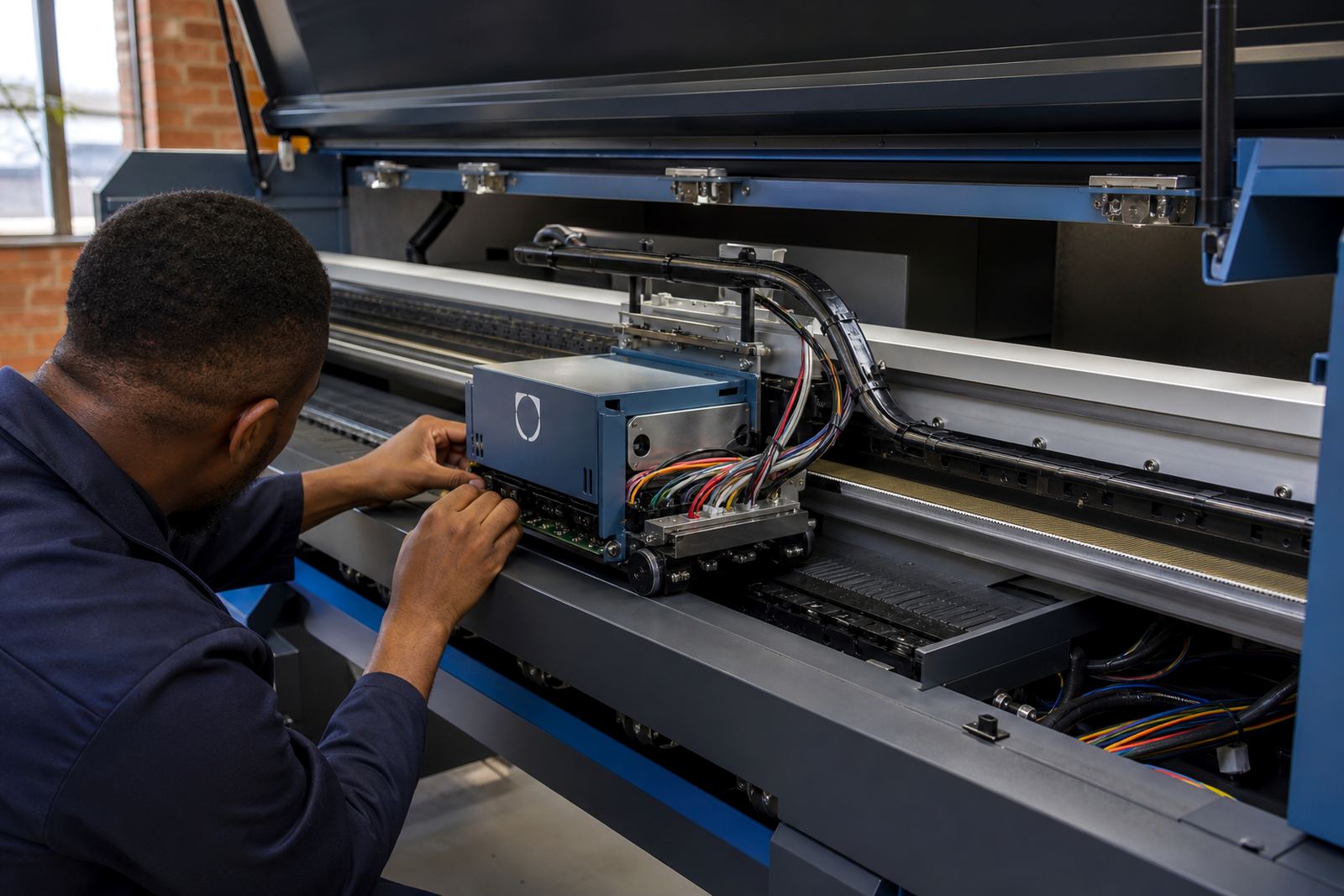
Our team handles board installation, remote setup, printhead driver setup and fault finding across South Africa. Where needed, we also check backup and recovery steps so the print room can keep its settings safe before changes are made. A neat install saves time later and keeps the line stable when the shifts get busy, simple as that.
- Match the board to the printer controller revision
- Check cable pinout and connector seating before powering up
- Confirm RIP port settings and queue communication
- Test file transfer with a controlled print job
Care, cleaning and day-to-day protection
Interface boards do not need much attention, but they do need proper treatment in a print room. Keep the cabinet dry, protect connectors from dust, and avoid tugging on USB leads during operator cleaning. A loose plug can look like a software problem when it is really a connector issue at the board.
If the site has heavy ink mist, lint or regular cabinet opening, preventive maintenance should include a quick check of the board seating, cable strain relief and surrounding airflow. In workshops with load shedding backups and generator changeovers, stable shutdown practice helps protect settings and avoid unnecessary rework after power returns.
- Keep connectors clean and firmly seated
- Route cables away from sharp edges and moving panels
- Check for dust or ink residue around the board area
- Include the board in scheduled preventive maintenance
Ordering details that prevent the wrong board
To supply the right USB interface board, the printer model, controller type and existing board layout need to be clear. It also helps to note whether the site uses an internal fit, a bracketed mount, or a replacement linked to a repaired electronics path. Small details matter here, because a board that is nearly correct can still misread signals.
Please confirm the printer make and model, the board photo if available, the connector style, and whether the current setup uses a direct workstation link or an intermediate controller path. If the printer has already had board repairs, mention the fault history and any recent changes to the RIP software or colour workflow. That gives the install team a proper starting point and avoids chasing the wrong part.
- Printer make and model
- Current controller board photo or reference
- USB connector style and cable length needed
- Whether installation is internal, bracketed or replacement fit
Key facts
| Product type | USB interface board for wide-format inkjet printer communication |
|---|---|
| Use case | Stable link between RIP workstation and printer electronics |
| Compatibility | Selected to suit printer controller layout and wiring path |
| Fitment | Internal, bracketed or external mounting options |
| Support | Remote setup, board installation and fault finding |
| Service areas | Midrand, Sandton, Tshwane, Durban, Cape Town and Bloemfontein |