What the carriage control board does in print production
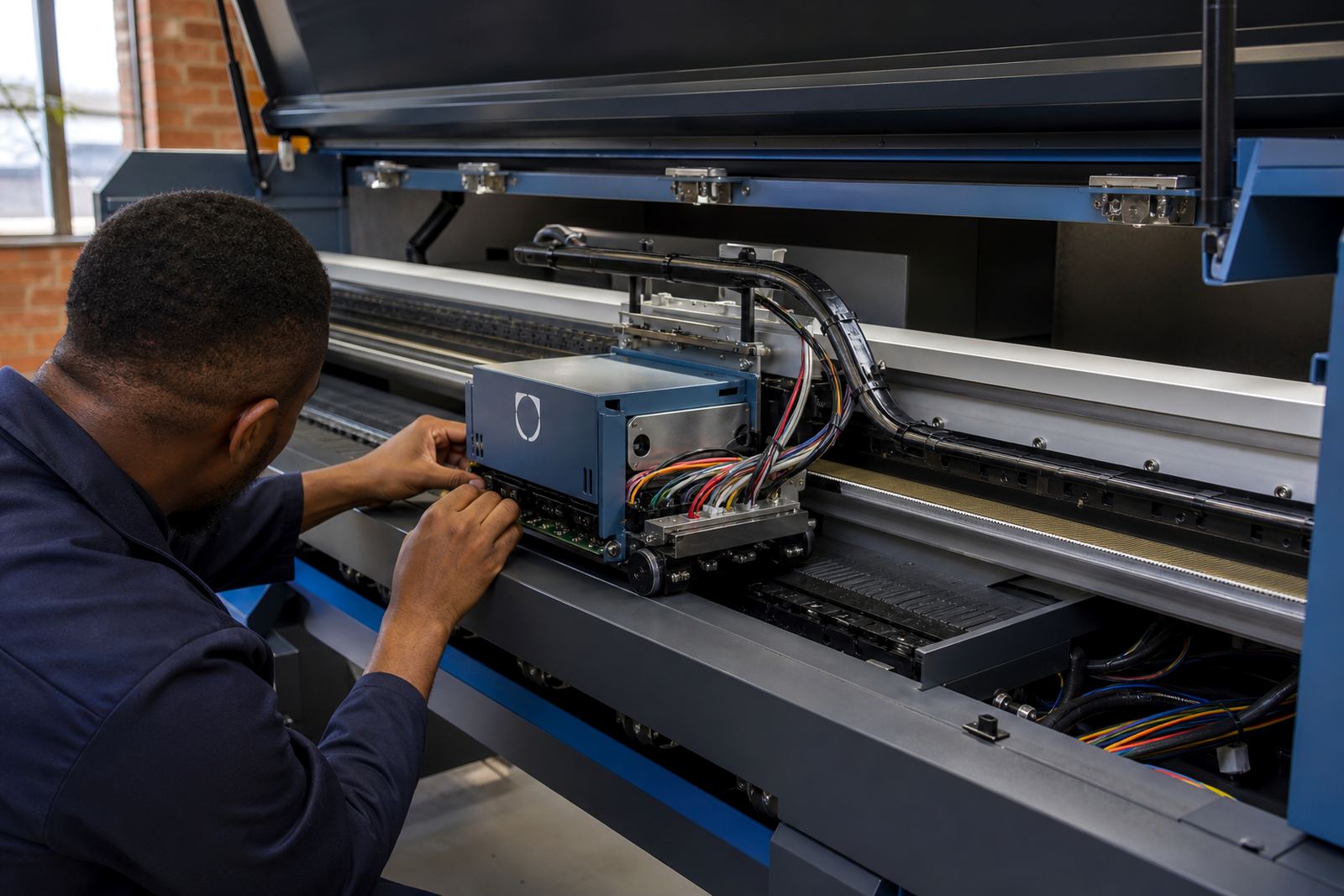
The carriage control board sits in the control chain between the main printer system and the moving carriage assembly. It helps coordinate carriage position, scan timing, and signal handling for the printhead group, so the carriage travels cleanly across the platen without erratic movement or missed steps. In a wide-format environment, that matters on banner work, display graphics, vehicle graphics and fine detail jobs where banding or carriage jitter shows up quickly.
In practical terms, the board helps the printer understand where the carriage is, how fast it should move, and when the heads should fire during each pass. When that communication is off, operators often see carriage stalls, noisy travel, uneven passes, error messages, or a machine that starts a job but does not complete it properly.
At InkFlow RIP, this part is handled as part of the wider control system, not as a loose component on its own. A board can be paired with RIP software settings, printhead driver setup, encoder behaviour, and production workflow checks so the full path from file to print stays coordinated.
Board formats and fitment options used on wide-format machines
Carriage control boards are selected to suit the printer architecture, carriage count, connector style, and signal requirements of the machine. Some units are supplied as direct-fit replacement boards, while others are used in board sets that work with a specific control path, harness arrangement, or head carriage format. The important point is matching the board to the printer model, the carriage design, and the installed firmware or controller environment.
Common options include single-board carriage control, integrated driver boards, and replacement modules used in repair or upgrade work. On some machines the board sits close to the main controller and links through ribbon cabling or shielded signal lines. On others it connects through dedicated carriage harnesses with plug positions that must match exactly.
- Direct replacement boards for fault repair and restoration
- Matched control modules for integrated printer systems
- Repairable boards with component-level diagnostics
- Harness and connector matching for the existing carriage layout
- Options suited to printhead driver communication paths
Midrand support handles board matching for print shops in Johannesburg, Pretoria, Durban, Cape Town, Bloemfontein and nearby production areas. That includes cases where a machine has been moved, rebuilt, or put back into service after a control fault.
Where this board suits the work on the floor
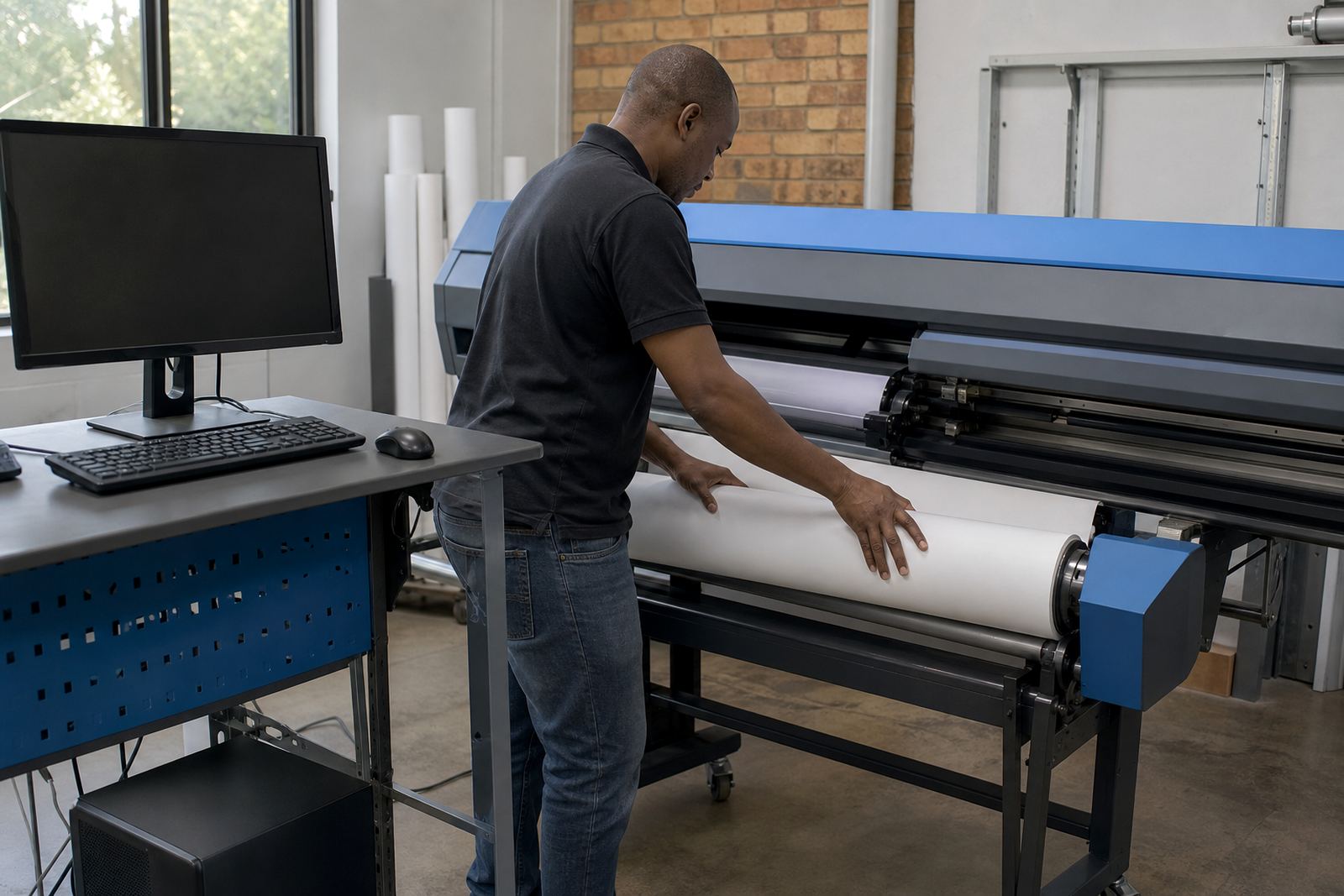
This product suits wide-format inkjet machines used in print shops, sign production rooms, and larger production facilities running daily output. It is useful where carriage movement needs to stay repeatable over long runs, especially on machines producing backlit graphics, exhibition panels, POS material, decals, and exterior signage. In coastal towns, humidity and salt in the air can affect connectors and harness points, so stable carriage communication becomes even more important.
It also suits operations where jobs are split across shifts and the printer is loaded with different media types through the week. If a carriage fault appears during a production run, the issue is often not only mechanical. The board, the encoder signal, the printhead driver chain, or the software queue settings may all need to be checked together.
- Wide-format inkjet printers used for signage and display work
- Production rooms running long jobs and mixed media
- Machines with carriage errors, scan faults, or start-stop movement
- Sites needing local support in Gauteng and remote setup nationally
For operators in busy environments, keeping the carriage board in healthy condition helps reduce wasted material and keeps fault tracing more focused. That matters when jobs are lined up and the machine has to stay in production rather than sit idle while parts are swapped one by one.
Installation and setup details that matter on site
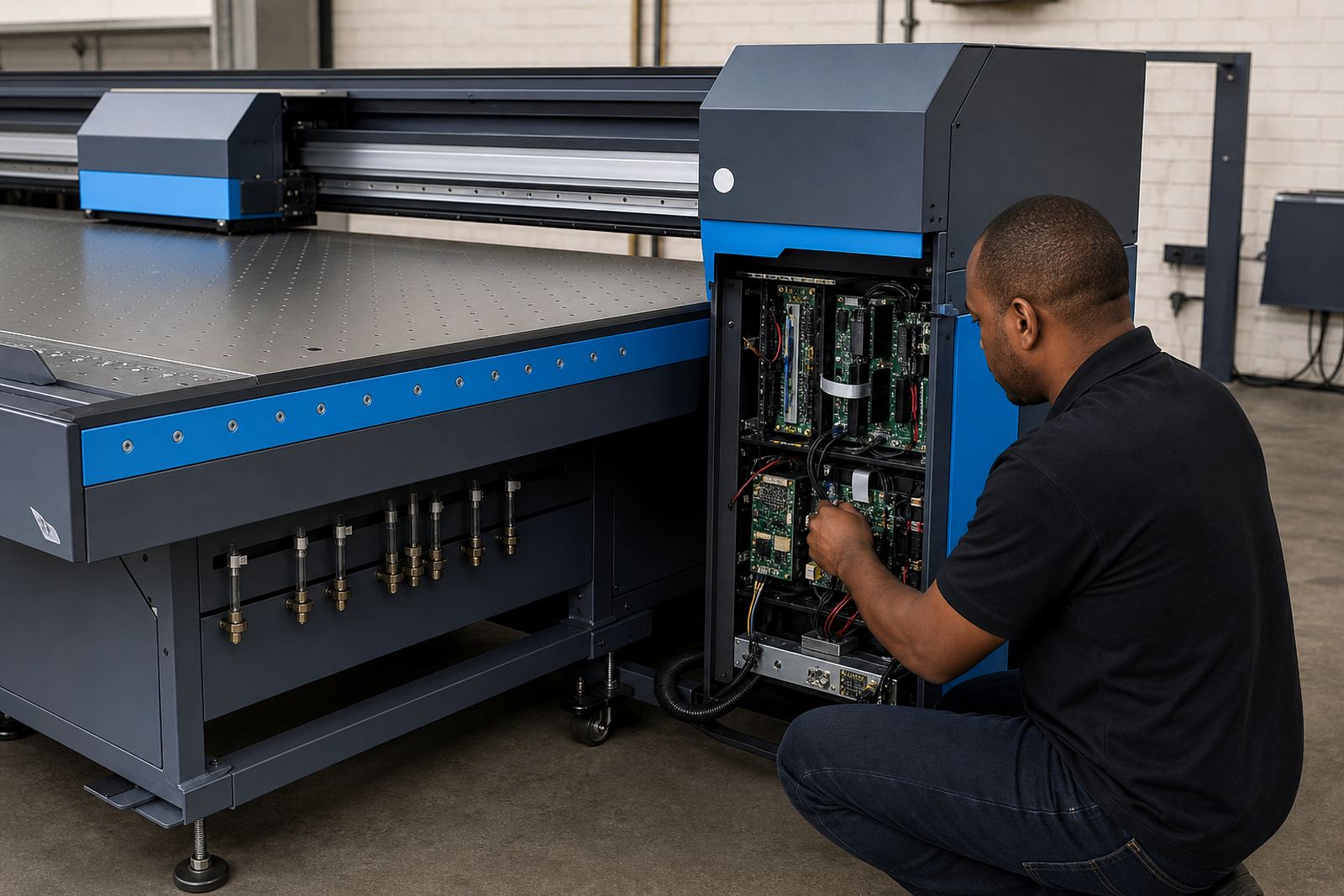
Fitting a carriage control board needs careful handling, correct power isolation, and an orderly check of the printer’s signal paths before the machine is returned to service. Connectors must be seated properly, harnesses checked for wear, and grounding points inspected for signs of heat or corrosion. On some printers, board replacement also requires firmware alignment, parameter checks, and carriage calibration so the new board communicates cleanly with the rest of the system.
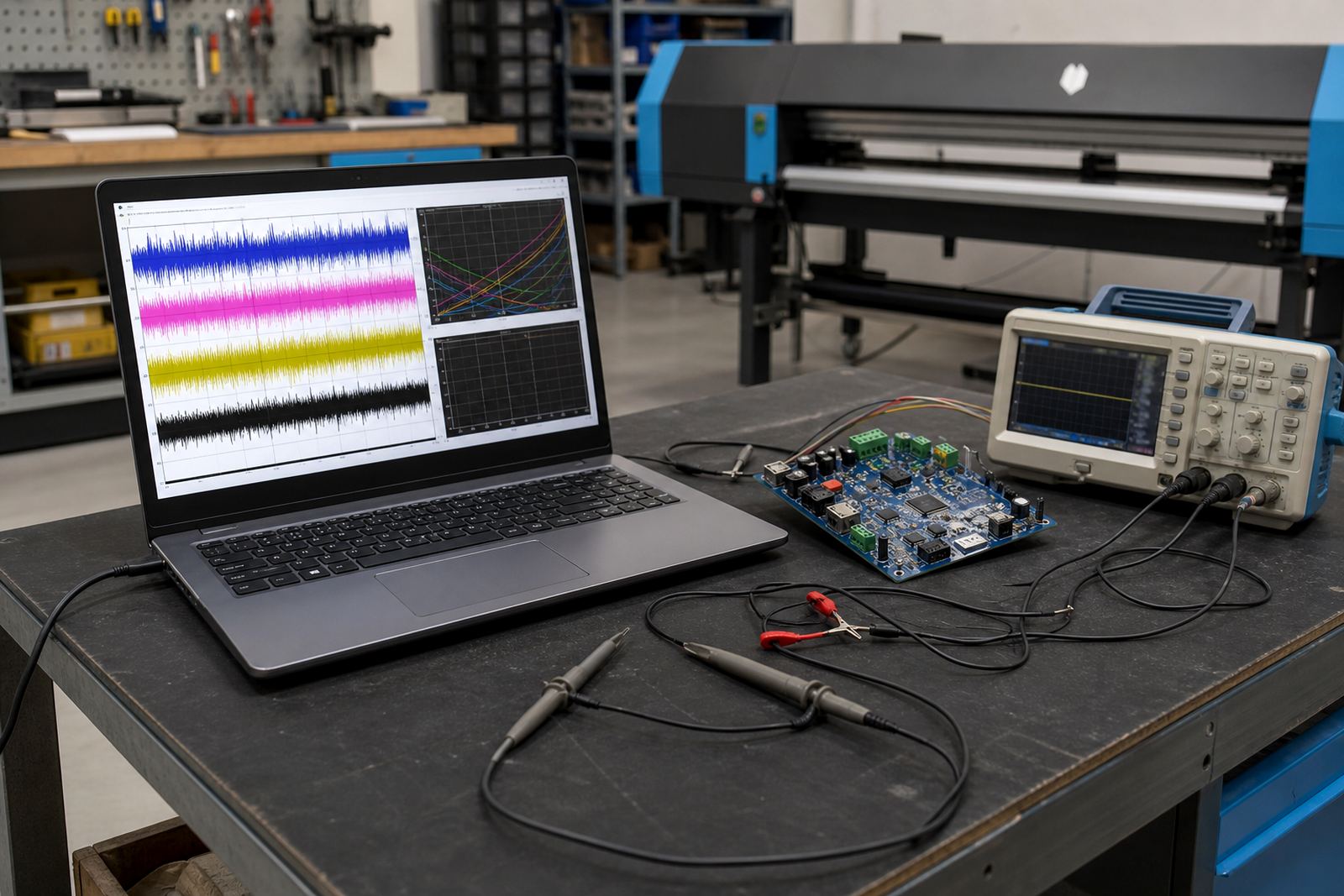
Where the printer uses printhead driver boards in the same chain, those parts are tested alongside the carriage board to confirm that the carriage can move and fire in step. If a board was damaged by a short, moisture ingress, or a failed cable, the surrounding components must be checked too, because a fresh board will not solve a hidden harness fault.
- Power isolation and safe access before removal
- Connector and harness inspection before reassembly
- Firmware or controller matching where required
- Carriage alignment and encoder checks after fitment
- Fault tracing across the full carriage signal path
Remote setup support is available for print shops that already have the board on hand and need guidance during fitting. For larger production sites, on-site installation can be arranged through the Midrand support team when the machine and the job schedule call for physical intervention.
Care, handling, and day-to-day protection
Carriage control boards last longer when the printer environment stays clean and the machine is not pushed through repeated fault recovery without checking the cause. Dust, ink vapour, vibration, and moisture can all affect board connectors and nearby cabling. In workshops near the coast, extra attention to storage and cabinet sealing helps limit corrosion on terminals and socket pins.
Preventive maintenance on the board area should include visual inspection, checking for loose connectors, confirming that the carriage rail is clear, and looking for wear on cables that move with the carriage. Operators should avoid forcing a job back into production when the carriage has already reported a movement fault, because repeated retries can spread the issue into other parts of the control system.
Where the printer is used heavily, regular backup and recovery of settings also helps. If a replacement board is fitted later, the saved workflow and profile information can shorten restoration work and reduce the chance of mixed settings going back into the queue.
Details to confirm before ordering a replacement board
To match the correct carriage control board, the printer model, carriage configuration, firmware level, connector style, and fault symptoms need to be confirmed. A board that looks similar can still use different pinouts, signal logic, or harness positions, so visual similarity alone is not enough. The serial information from the machine, existing board markings, and the behaviour of the fault all help narrow the correct option.
It also helps to note whether the printer is reporting a carriage communication fault, a scan movement error, an encoder issue, or a general board failure. That detail tells the technician whether the problem is likely on the board itself, in the cable path, or in another part of the control system. For print shops running more than one wide-format machine, separating those details per unit keeps the repair process cleaner.
- Printer model and carriage layout
- Existing board reference or part marking
- Firmware level and controller type
- Fault message or movement symptom
- Connector count and harness position
- Whether the machine has had earlier board repair work
Enquiry details can be sent through the form on the contact page, and the Midrand team will use that information to check the fit, the setup path, and the support required for the machine in question.
Support around the board, the software, and the run list
The carriage control board is only one part of the print path, so it is often handled together with RIP installation, colour profile setup, queue workflow design, fault finding, and operator training. That way the board, the software queue, and the production sequence all point in the same direction. When a machine is being returned to service, this joined-up approach helps prevent a fresh board from being blamed for a workflow problem left elsewhere in the system.
InkFlow RIP supports print shops across Johannesburg, Pretoria, Durban, Cape Town, Bloemfontein and the wider Gauteng area, with remote support available where the issue can be handled off-site. The team includes board repair, colour workflow, production tuning, and preventive maintenance support, which is useful when the carriage fault is tied to a larger control or print quality problem. For operators, it means the machine is not viewed as a single part, but as a production unit that needs the control board, drivers, profiles, and queue behaviour to work together.
Key facts
| Product type | Carriage control board for wide-format inkjet printers |
|---|---|
| Function | Regulates carriage communication and scan movement control |
| Compatibility | Matched to printer model, carriage layout, and connector format |
| Use environment | Print shops, sign production rooms, and production facilities |
| Support options | Remote setup, board fitting, fault finding, and recovery |
| Common related services | RIP installation, printhead driver setup, colour profile setup, and maintenance |