Firing control for the print engine
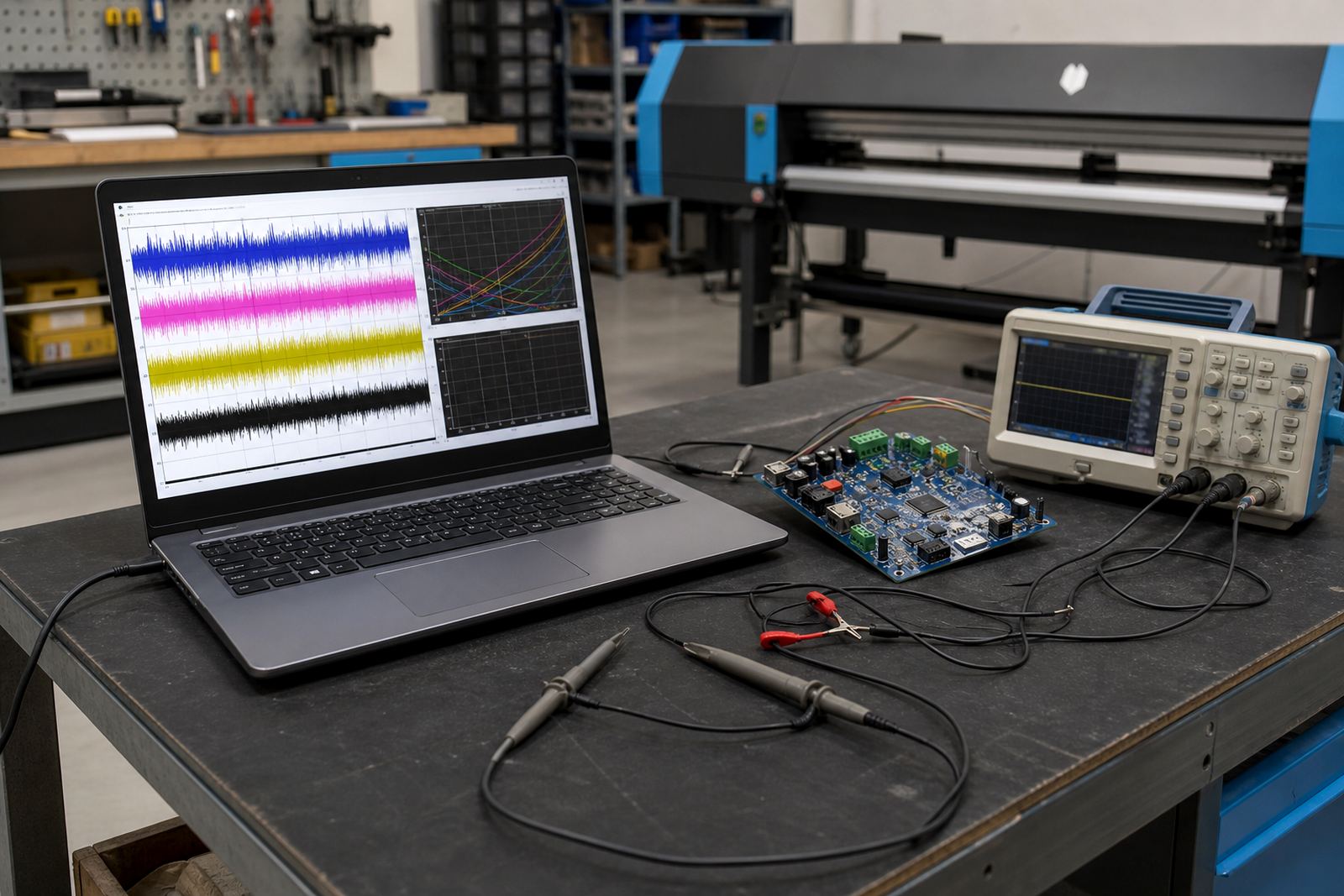
The Waveform Setup Pack is used to set the firing behaviour between the control board, printhead drivers and RIP software so the printer can put ink down in a controlled way. It is suited to wide-format inkjet systems where pass count, waveform timing and head response all need to line up, especially on textile, signage and roll-to-roll production in busy print shops.
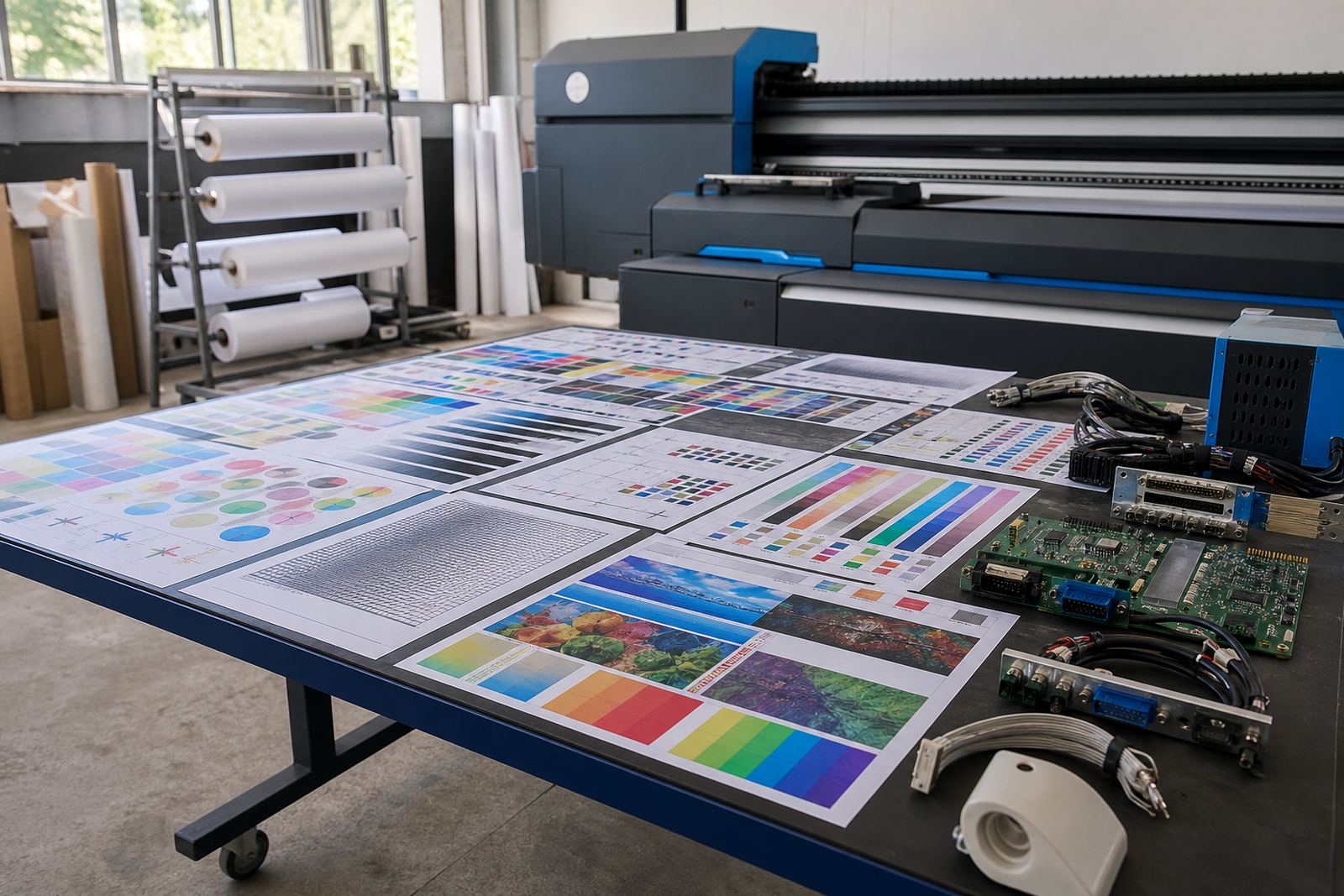
In practical terms, the setup is about matching supported printhead operation to the board settings and the file flow coming out of the RIP. That covers drive values, timing checks, nozzle pattern behaviour and the small adjustments that keep output steady when jobs run through long shifts or change between media types. On some systems the difference is felt in smoother solids, cleaner fine text and fewer banding marks, not magic, just proper setup.
What the pack includes for the shop floor
This package is built around the parts that normally affect print behaviour the most. The exact mix depends on the printer platform and head family already fitted to the machine.
- Waveform setup for supported printheads
- Printhead driver configuration
- RIP queue and pass setup
- Colour profile loading and basic verification
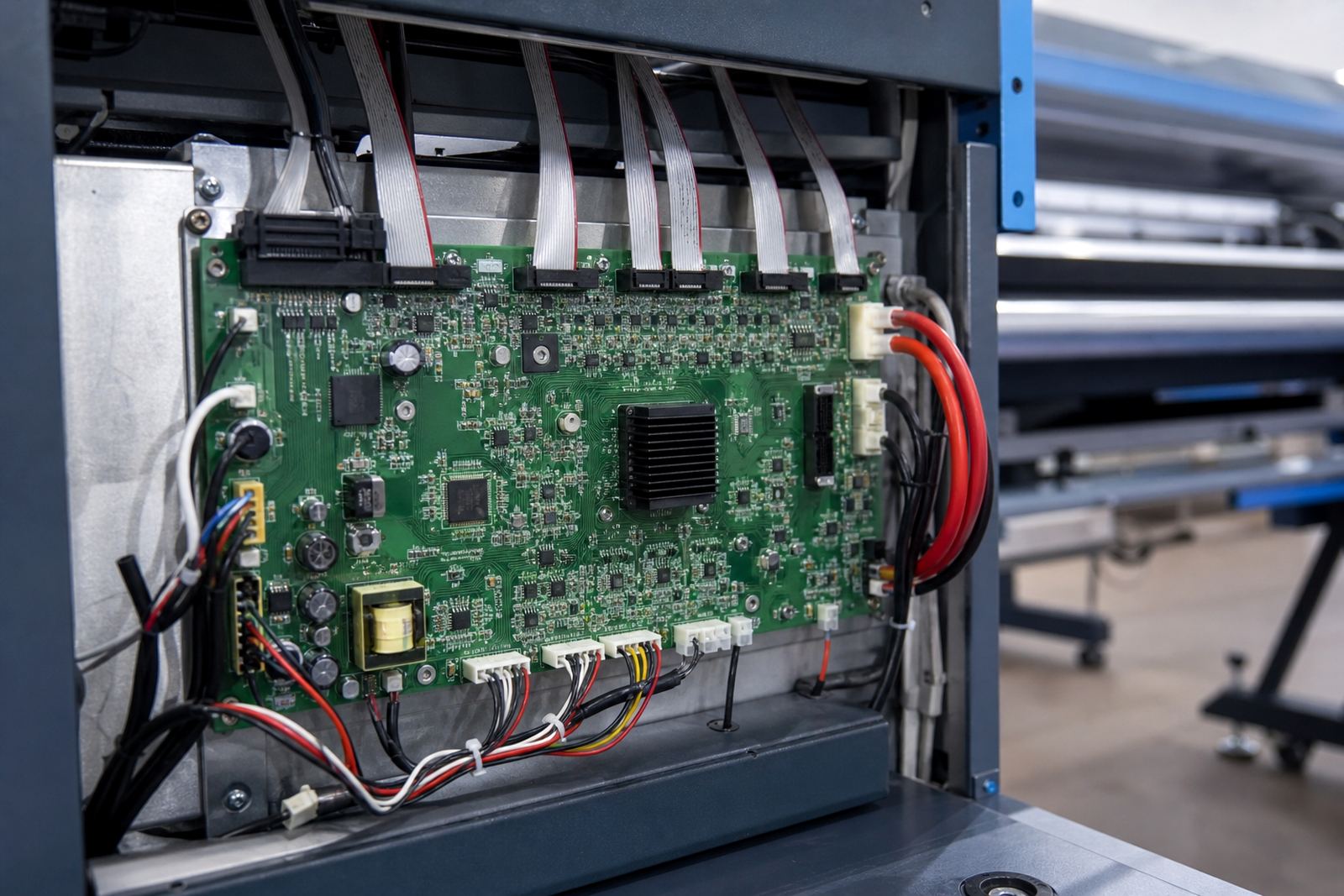
- Board parameter checks linked to print output
- Test print review and adjustment notes
Where a printer runs a mixed workload, the setup can also be tuned for more than one media class. That may include banner, vinyl, coated board or other common wide-format stocks, provided the machine and head configuration support it.
Sizes and option paths that fit real production
Waveform Setup Pack is not a one-size exercise. The work is scaled to the printer carriage width, the number of active heads and the RIP environment already in place. A small shop in Midrand with one wide-format unit usually needs a leaner setup than a production floor in Durban running multiple queues and operators.
Options are normally guided by the printer format and the control path in use.
- Single-machine setup for one wide-format printer
- Multi-queue setup for shared RIP workstations
- Profile-led setup for colour critical jobs
- Maintenance-focused setup for older machines with drift in output
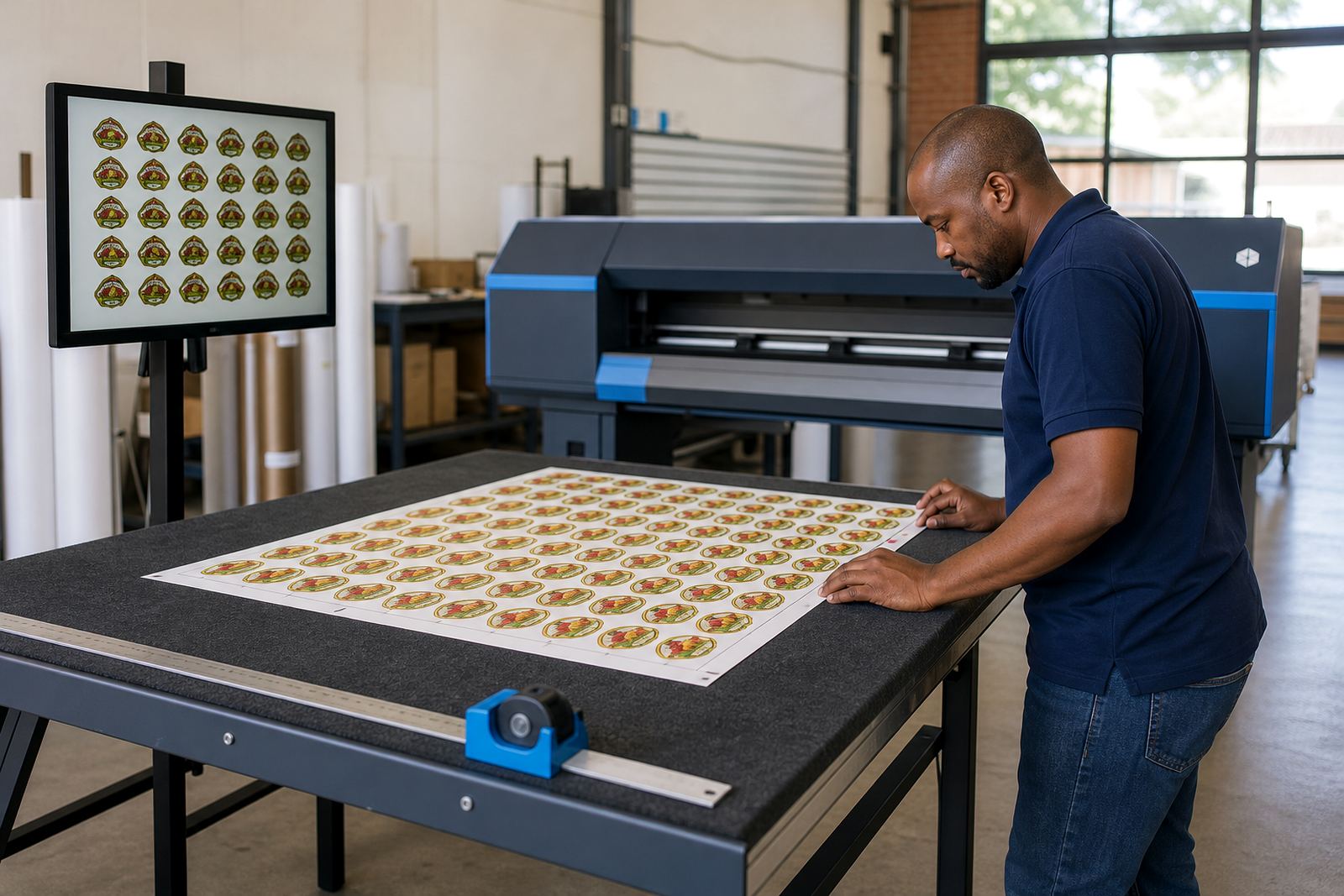
Where production depends on fast queue switching, nesting and repeat jobs, the pack can be set up around those habits so the operator does not keep reworking the same file paths every day.
Where this setup suits best
This pack suits print shops, in-house production rooms and large-format facilities that depend on reliable inkjet output across daily runs. It is often useful where a machine is printing, but the output changes too much between heads, passes or operators.
Typical fitment areas include Johannesburg, Pretoria, the East Rand, West Rand, Durban, Cape Town and Bloemfontein, with remote setup available for sites that need hands-on help without sending the machine out. Coastal humidity in Durban and Cape Town can affect how some media behaves, so the profile and maintenance side matter there too. Inland shops around Gauteng often see issues from dust, heat and long operating hours, which shows up in the same way on the print.
- Graphic print studios with colour-sensitive work
- Signage shops handling repeat production
- Factories with an internal print room
- Sites that need tighter print consistency across shifts
Installation, fitting and the support path
Setup work can be done on site in Midrand and surrounding Gauteng areas, or remotely where the printer and network access allow it. The process normally starts with the current board state, firmware or driver path, RIP version and the printhead family already installed. From there the technician checks firing behaviour, profile matching and queue flow before final test output is reviewed.
Depending on the machine, fitting may include board parameter changes, printhead driver setup and recovery of backed-up RIP settings. If the printer has recently been repaired, this stage is often where hidden issues show up, such as a mismatch between board output and the actual head response. That is why the pack is handled as a setup job, not a quick toggle in software.
Care, upkeep and the details to confirm
Once the setup is in place, the printer still needs routine care so the waveform work stays useful. Nozzle checks, head cleaning, cable inspection and periodic verification of profiles all help keep output stable. If the machine is left idle for long periods or runs in a warm room, the operator should watch for changed head behaviour or drift in colour balance.
When ordering the Waveform Setup Pack, please confirm the following details so the configuration matches the machine first time round:
- Printer make and model
- Printhead type and number of heads
- Current control board in use
- RIP software version and workstation details
- Media types normally run
- Whether the job needs colour profile work, nesting or queue tuning
For local support from Midrand, clients can use the enquiry form on our contact page. The team covers Pretoria, Johannesburg, Durban, Cape Town, Bloemfontein and the wider Gauteng area, with remote help available where the setup allows.
Key facts
| Product type | Technical setup package for wide-format inkjet printer waveform control |
|---|---|
| Main function | Aligns firing behaviour with supported printhead operation |
| Compatible environment | Wide-format inkjet printers using a control board and RIP workflow |
| Typical outputs | Cleaner pass behaviour, steadier solids, better queue consistency |
| Support mode | Remote setup or on-site fitting where required |
| Service areas | Midrand, Johannesburg, Pretoria, Durban, Cape Town, Bloemfontein and surrounding regions |