Repeat layouts that stay tidy on press
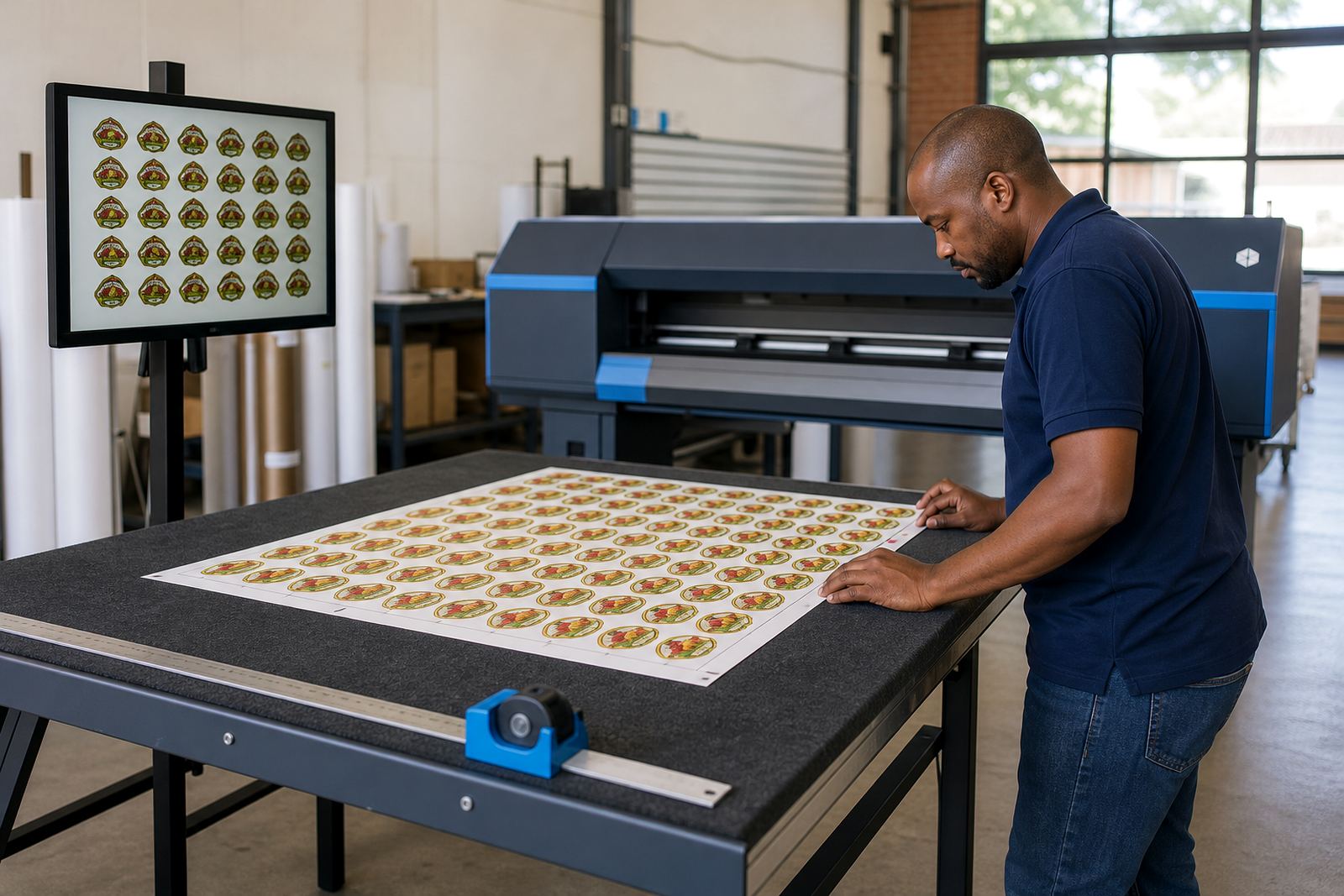
The Step and Repeat Module is a layout tool for wide-format inkjet work where the same artwork must appear many times on one sheet or across roll media. It is used for labels, decals, sticker sets, POS graphics, small signage, transfer artwork and similar jobs where spacing and placement matter as much as colour.
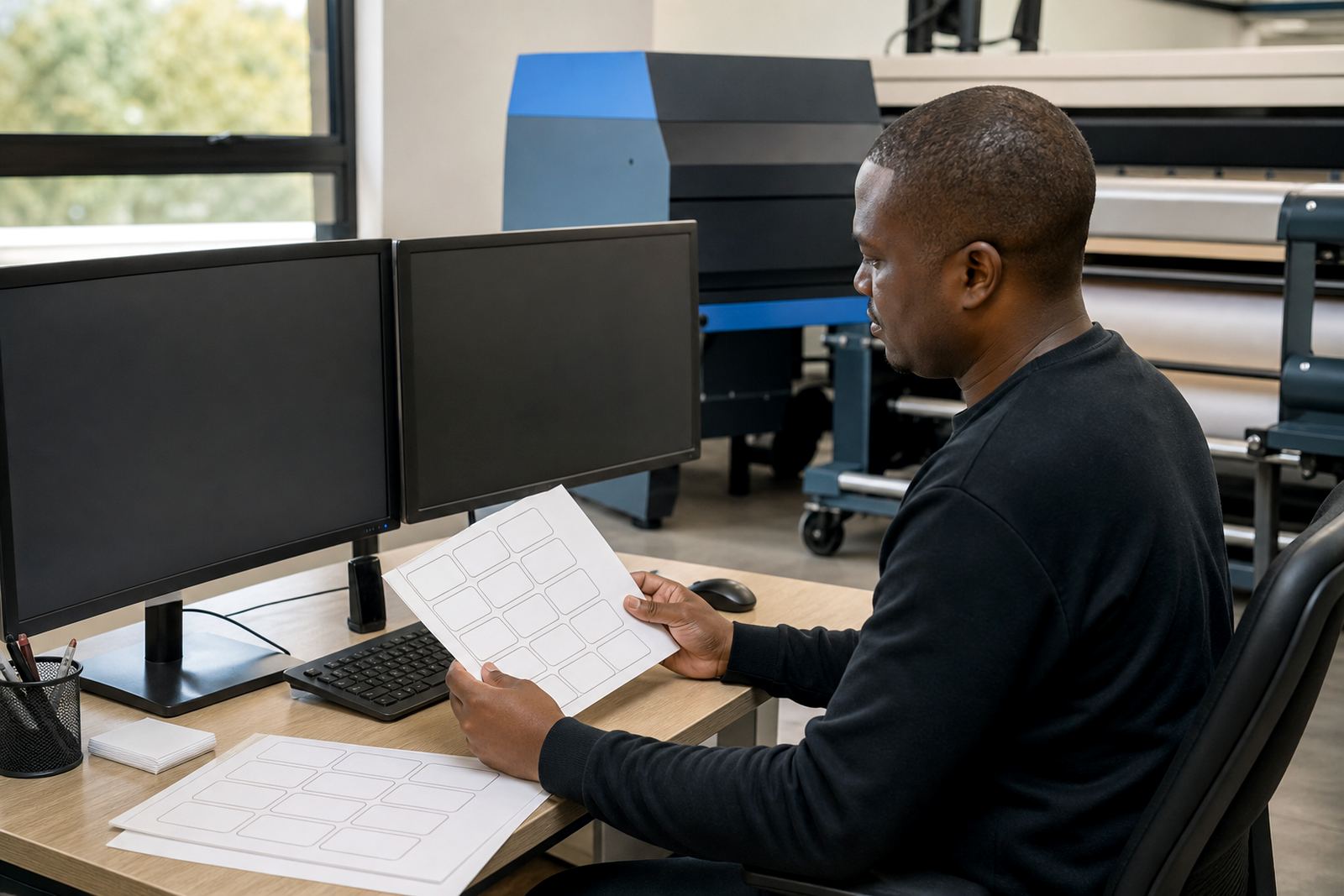
In day-to-day print production, the module helps the operator set repeat count, row count, gutter spacing, bleed, trim marks and rotation before the job goes to print. That reduces manual copying in layout software and cuts down on uneven margins that can waste media. For shops running mixed work across Johannesburg, Pretoria or Durban, it makes shorter jobs easier to stage beside larger runs.
- Repeat by row, column or both
- Set fixed gaps between copies
- Use bleed and crop marks where required
- Support sheet or roll output
Where the module suits everyday production
This module suits print shops that handle repeated small artwork on a daily basis, especially where media cost and operator time both matter. It is useful for label sets, decal sheets, job cards, product stickers, event graphics and other repeat items that need a clean grid before output.
On roll media, the module helps keep repeats aligned for long runs and makes it easier to plan finishing at the cutter or guillotine. On sheet-fed work, it supports orderly placement across the sheet size you are printing to, which is useful where the final piece must line up with trimming or contour cutting. In coastal towns such as Durban or Cape Town, where humidity can affect handling and curling, having a controlled layout helps the team manage stock more carefully.
- Print shops with mixed short-run work
- Label and decal production
- Graphic studios preparing multiple sets
- Facilities that run repeated artwork on roll or sheet media
How setup links into the RIP workflow
The Step and Repeat Module is fitted into the RIP workflow alongside queue setup, colour profiles and output controls. It can be added during new system installation or included in a software upgrade where the existing workstation is already handling wide-format output. In many shops, the module is loaded by remote setup, then checked against the printer queue so the repeat order, margins and print direction match the real machine settings.
Installation usually involves checking the printer model, media width, RIP version, operating system and the way the shop handles finishing. Where the printer uses separate printhead drivers or board control, those settings must be lined up with the repeat tool so the data flows cleanly from artwork to output. The operator is then trained on how to open the module, set the repeat values and save job presets for work that returns often.
- Remote setup for South African print shops
- Queue alignment with printer control boards
- Preset saving for repeat jobs
- Operator training on layout and output checks
Sizes, media widths and output settings
The module is generally used with wide-format jobs, but the useful size depends on the printer carriage width, media roll width and the trim allowance needed for finishing. Shops in Midrand, East Rand or West Rand often handle a mix of smaller decal runs and larger repeat sheets, so the layout settings must match the actual stock on hand. A tight 610 mm roll behaves very differently from a 1 300 mm roll, and the repeat spacing has to suit the chosen finishing method.
For accurate production, confirm the live media width, the printable area, the preferred margins, the number of repeats per row and whether the job needs marks for contour cutting. It also helps to confirm if the artwork must be duplicated at the same size throughout, or stepped to a set count across the sheet. Small errors in these settings can waste vinyl or paper, and that shows quickly on a busy production floor.
- Sheet or roll media support
- Repeat count per row and column
- Margin, bleed and trim control
- Rotation options for tighter nesting
Care, upkeep and day to day use
The module itself is software-based, so the main care is keeping the RIP environment organised and the job presets consistent. Operators should save common layouts under clear names, keep the output queue tidy, and check that the repeat settings still suit the current media width after a roll change. In busy shops, a preset that worked on Monday can cause waste by Friday if the stock or cutter setup has changed.
Where the module forms part of a larger RIP installation, preventive maintenance should include checking backup files, queue settings and output paths. If the workstation is shared across jobs, it is worth keeping the repeat workflow separate from artwork meant for single-copy printing. That reduces operator confusion and helps preserve a steadier output line during peak production, especially when the same machine handles stickers, decals and general wide-format print in the same shift.
- Keep named presets for repeat jobs
- Review media width after each stock change
- Back up queue and job settings
- Keep artwork versions clearly identified
Order details worth confirming before supply
When a shop asks for the Step and Repeat Module, the best outcome comes from clear production details rather than vague artwork notes. The printer model, RIP version, media width, job type and finishing method all shape how the module should be set up. If the job will be printed on several machines across Johannesburg and Pretoria, the same repeat logic may need slight adjustment from one setup to the next.
It also helps to confirm whether the work is for labels, decals, roll graphics or sheet layouts, because each one uses different spacing and finishing habits. If the shop wants remote setup, the workstation access details and the current print queue structure should be ready. For fault finding or backup work, the team may also need the current profile set, saved presets and any notes on trimming or nesting rules already in use.
- Printer model and RIP version
- Sheet size or roll width
- Artwork size and repeat count
- Need for crop marks, bleed or nesting
- Finishing method, such as cutting or trimming
Key facts
| Module type | Step and Repeat layout tool for wide-format inkjet workflows |
|---|---|
| Supported output | Sheet and roll media layouts |
| Typical use | Labels, decals, stickers, transfer sets and repeat artwork |
| Layout controls | Rows, columns, spacing, bleed, margins and rotation |
| Installation | Remote setup or on-site fitting with RIP queue checks |
| Support | Printhead driver setup, colour profile setup, training and ongoing support |