Changing content without rebuilding each file
This module is used when the same layout carries different names, codes, images, barcodes or serial numbers across a run. It sits inside the RIP workflow and treats the variable fields separately from the fixed artwork, so the operator can keep one master layout and feed in the changing data from a spreadsheet, CSV file or linked text source.
For wide-format inkjet production, that matters on short personalised runs, repeat campaigns, point of sale panels and tiled graphics with updated wording. The module helps keep line breaks, image placement and colour handling steady across the set, even when the content changes from sheet to sheet or roll section to roll section.
Sizes and setup paths that fit real production floors
The module is supplied as a software feature for workstation based RIP use, with remote setup for operators working from Midrand, Johannesburg, Pretoria, Durban, Cape Town, Bloemfontein and surrounding industrial areas. It is suited to single operator stations, shared prepress rooms and larger production teams that need controlled access to templates and job queues.
- Variable text fields for names, dates, codes and references
- Sequential numbering with start, step and reset controls
- Image swapping for artwork sets with linked file names
- Barcode and QR placement where the layout calls for it
- Template based runs for repeat jobs on roll or sheet media
Where the print room handles higher volumes, the module can be set up alongside queue logic, nesting rules and output presets so the operator is not rebuilding settings for every file batch. That reduces handling errors when several jobs land in the same shift.
Where the module earns its place
It suits print shops producing labels, packaging mock-ups, retail graphics, event panels, educational material, vehicle graphics and internal signage. In Durban and other coastal areas, where humidity can affect media handling and drying behaviour, keeping variable data inside the RIP workflow helps avoid last-minute file changes on press.
It is also useful in production facilities that run mixed jobs through the same wide-format device, because the operator can separate artwork rules from the changing information. That helps when a run needs different names, lot numbers, branch details or multilingual copy, while the base design stays unchanged across the order.
Fitting the module into the RIP workflow
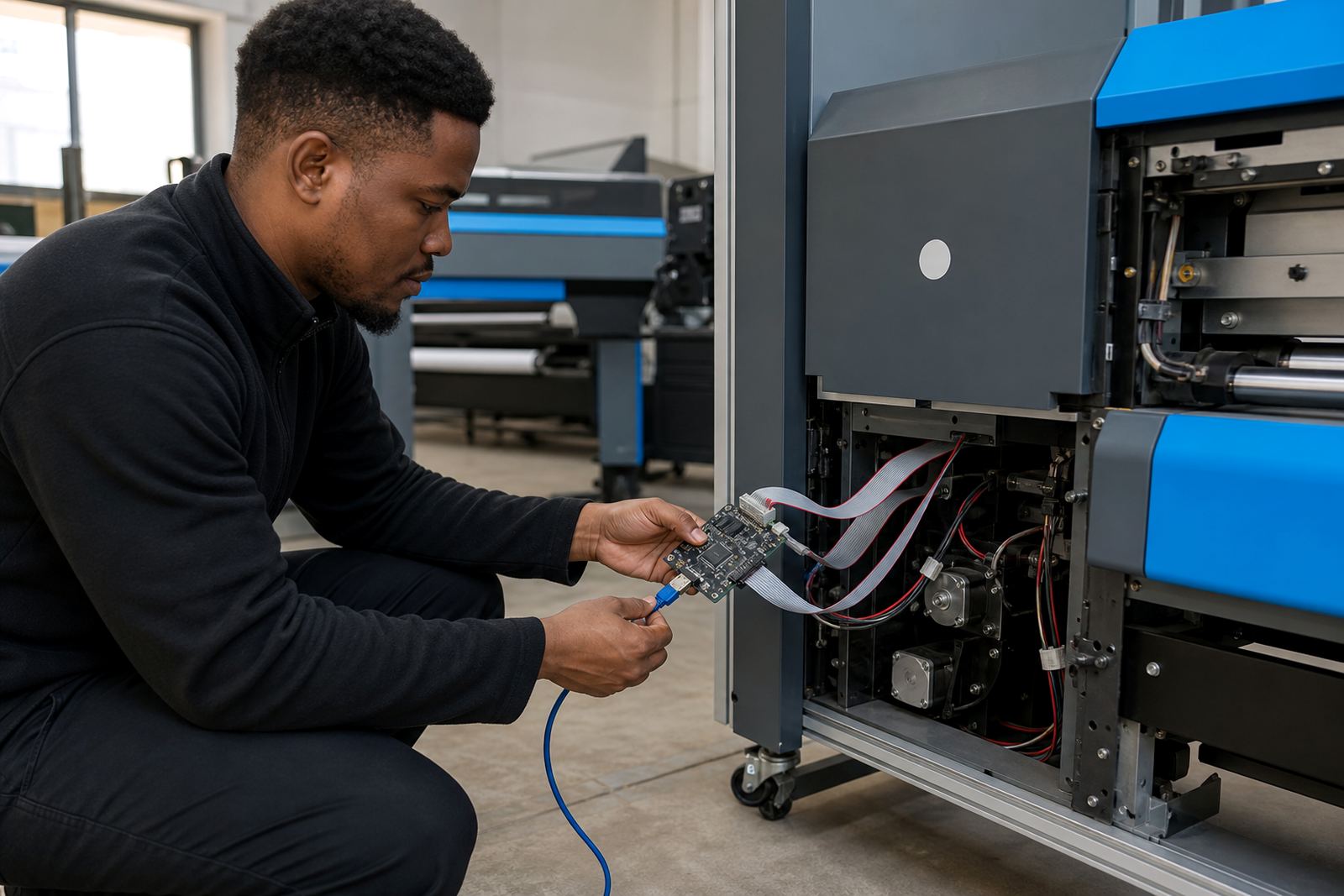
Installation normally involves the main RIP workstation, the printer control board if the device uses one, and the printhead driver settings already matched to the machine. During setup, the team checks file sources, field mapping, page count rules, output order and colour profile behaviour so the module sits neatly inside the existing production flow.
- Confirm the RIP version and job folder structure
- Check the data source format and field names
- Set the sequencing rules before live production
- Link template artwork to the correct printer queue
- Test a small batch before full roll out
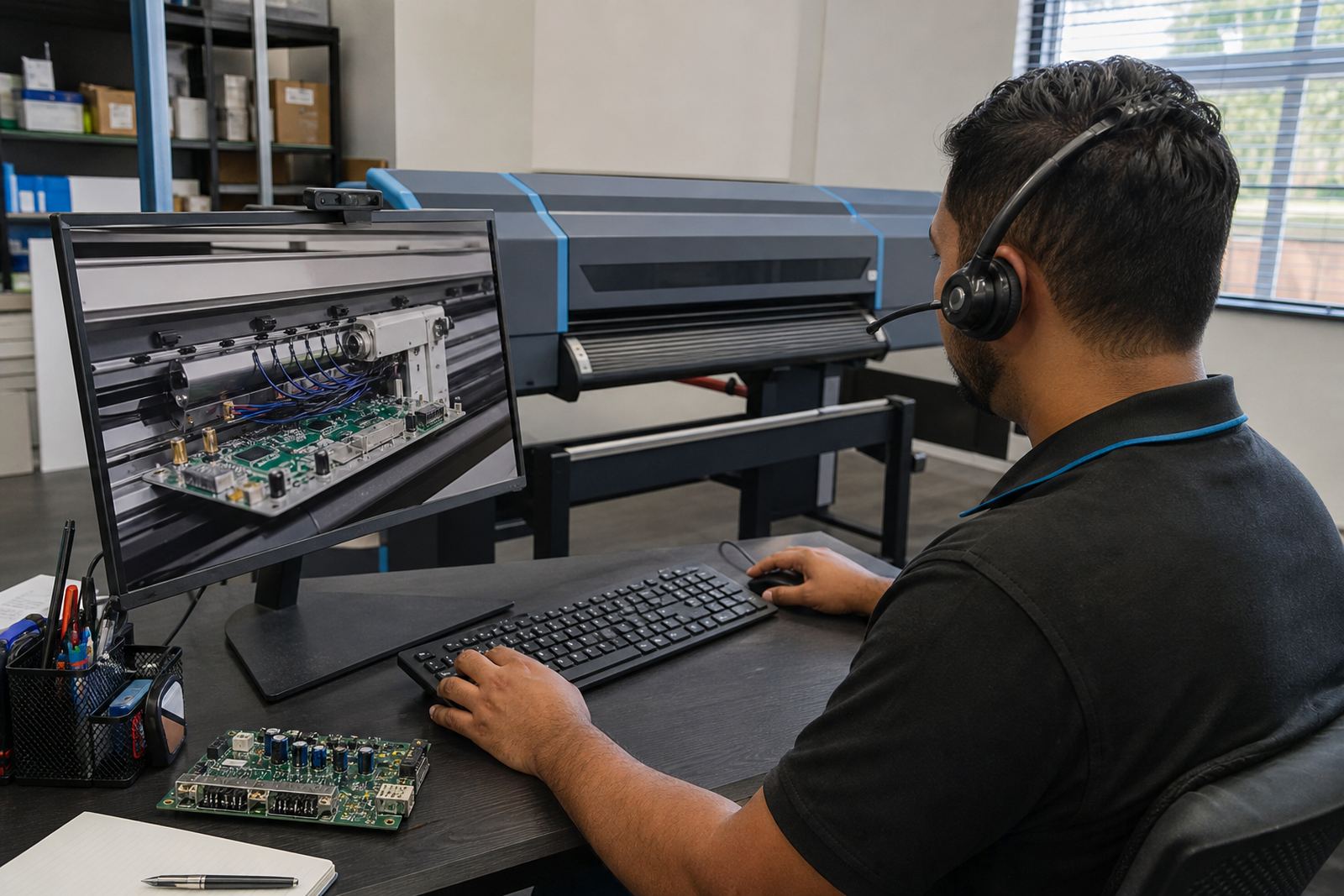
For remote setup, a stable network link and access to the workstation are usually enough for the configuration work, while larger sites may need board installation support or workflow correction if the existing queue setup is cluttered. If the printer already uses saved presets, those can be aligned with the new module rather than replaced.
Care, housekeeping and fault prevention
The module itself needs careful file discipline more than physical maintenance. Keep source data tidy, use named columns that match the template, and store test jobs in a separate folder so the live queue stays clean. When fields are renamed without warning or the data file picks up extra spaces, the print run can shift content or drop records, which wastes media and time.
For print rooms using roll media in humid conditions, it helps to verify that artwork, variable data and nesting rules are consistent before sending the batch. Preventive maintenance on the RIP workstation, board firmware where relevant, and printer profiles also reduces surprise faults. Operators should be trained to spot a missing field, a broken link or a misread sequence before the first full run goes out.
Details to confirm before ordering
When placing an order, the useful details are practical rather than decorative. The team needs to know the printer model family, whether the job runs on sheet or roll media, how many variable fields are needed, and whether the content changes by name, number, image or barcode. It also helps to know if the site needs remote setup only, or fitting work on a control board and printhead driver layer as well.
- Printer make and model family
- RIP software version already in use
- Field count and sequence pattern
- Source file type for the variable data
- Media width, print length and nesting needs
- Colour profile requirements for the substrate
For shops in East Rand, West Rand and the main metros, that information lets the module be matched to the actual production flow instead of a guessed layout. It also helps when backup and recovery settings need to be added for recurring work on the same machine.
Key facts
| Module type | Variable data production module for wide-format inkjet RIP workflows |
|---|---|
| Supported content | Sequential text, changing fields, image swaps, barcodes and QR placement |
| Input formats | Spreadsheet, CSV and linked text source files |
| Workflow features | Template mapping, queue control, nesting support and output order rules |
| Setup options | Remote configuration, workstation fitting and production tuning |
| Typical use | Personalised graphics, repeat campaigns, labels, panels and short-run production |