How the head voltage module sits in the print system
This module works inside the electrical chain that supports the printhead driver and the head board. Its job is to help hold the operating voltage in a controlled range so the printhead can fire more evenly across the carriage pass and across a full production shift.
On wide-format inkjet machines, small voltage drops or spikes can show up as banding, weak channels, fuzzy edges or uneven density. A sound module helps keep the electrical feed steadier, which gives the RIP and the print engine a better base to work with.
For shops handling signage, display graphics and long repeat runs, the part is often used as part of a board repair, a printhead circuit refresh, or a fault-finding job where jetting has become unstable.
Typical sizes and build options
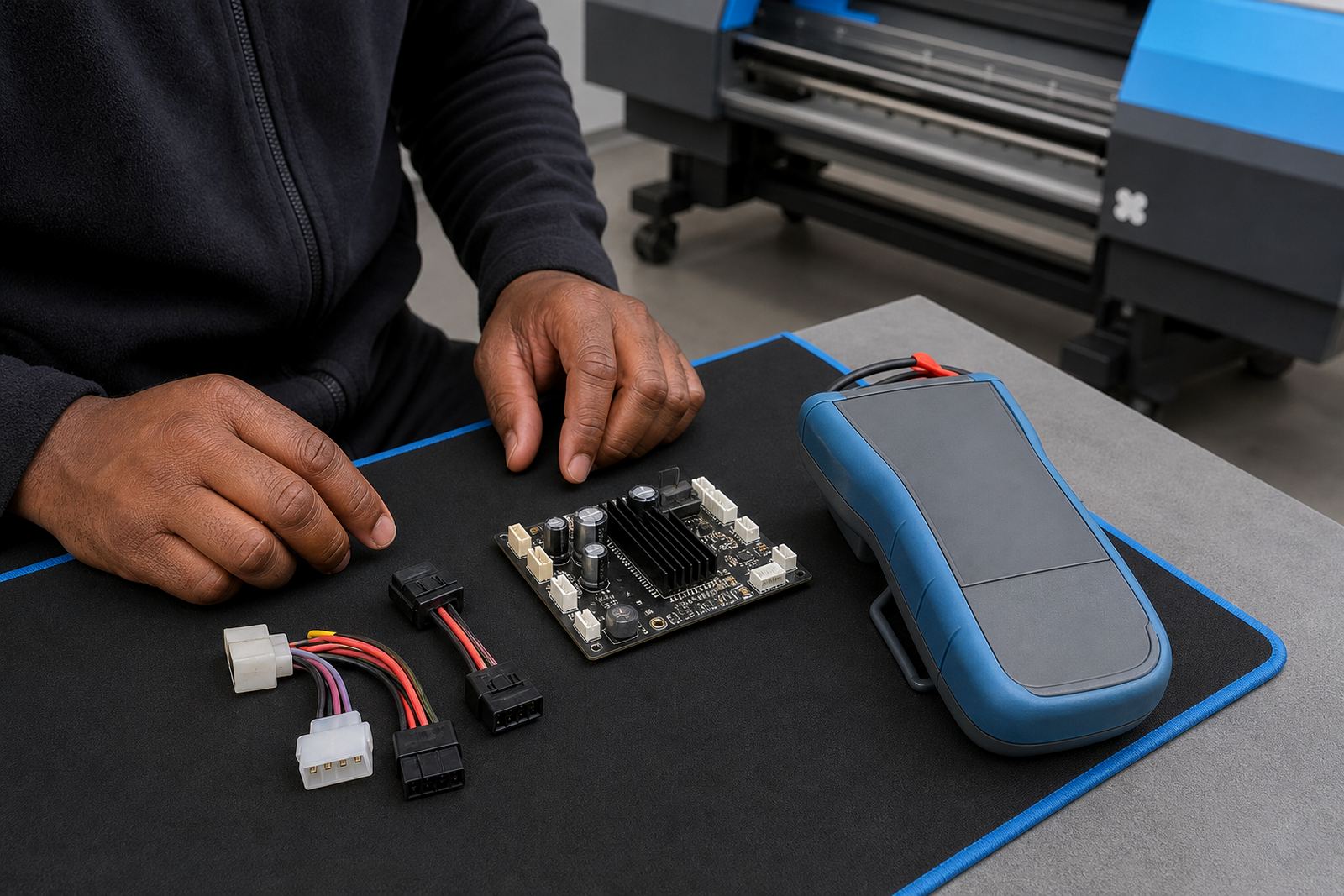
Head voltage modules are matched to the board design and the printer platform, so the correct option must fit the machine’s voltage range, connector layout and control logic. The housing may be a compact board-mounted unit or a slightly larger service module with plug-in terminals for faster replacement.
- Input range matched to the printer control board design
- Output regulation for stable head drive behaviour
- Single-channel or multi-channel layouts, depending on the carriage architecture
- Connector formats that suit ribbon, plug-in or harnessed wiring
- Board-mounted or cased module styles for different service access needs
In practice, the right fit is determined by the printer model, the head type, and the board set already installed in the machine. A module that is close but not exact can create intermittent faults, so matching matters more than appearance.
Where this module suits best
This part is commonly used in wide-format inkjet environments where the printer runs daily and must keep colour steady across different media. It suits print shops in Midrand, Johannesburg, Pretoria, Durban, Cape Town and Bloemfontein, especially where the machine handles a mix of short urgent work and longer production queues.
It is also useful in coastal conditions where humidity can affect electrical stability and connector health over time. In inland production rooms, dust build-up and heat inside the cabinet can put extra strain on board-level components, so voltage control becomes part of keeping the print line predictable.
- Sign shops running vinyl, banner and board work
- Production rooms with long daily print cycles
- Machines that show recurring head alarm faults
- Setups that have already had board or cable repairs
- Sites needing steadier jetting after colour drift or banding
Fitting and setup on a live printer
Fitting a head voltage module is usually handled during a controlled service visit or remote-guided repair, depending on the machine layout and access to the board bay. The printer should be powered down properly, disconnected where needed, and checked for any burned traces, swollen components or loose harnesses before the new part is seated.
The module must be aligned with the correct board points and tested before full production resumes. Where the printer uses separate printhead drivers, the voltage module should be checked alongside those drivers so one weak section does not mask another fault. In a few cases the fault is not the module alone, but a cable, a printhead cable socket or the mainboard feed path.
After fitting, the technician normally checks test patterns, nozzle performance and head temperature behaviour. A proper install should leave the machine with calmer jetting and fewer unexplained dropouts in the print line.
Care, cleaning and service checks
The module itself does not need rough handling. Keep the cabinet dry, free of ink mist and clear of loose dust. Sticky residue around the board area can draw in grime and cause tracking faults, especially on machines that run daily in warm rooms.
During scheduled maintenance, the surrounding harnesses, terminal points and board seats should be checked for corrosion, heat marks and vibration wear. If the printer is moved between sites, the module and nearby boards should be inspected before restart, because a knock in transit can loosen a connector or crack a solder joint.
- Inspect for heat discolouration around terminals
- Keep connectors seated and cable ties neat
- Check for ink mist, dust or corrosion on nearby boards
- Review test prints after any board work
- Store spare modules in anti-static packing
Details to confirm before ordering
The correct head voltage module depends on the printer electronics, not just the machine size. To match the right unit, confirm the control board model, the printhead type, the number of channels and the existing connector format. If the printer has already had repairs, the board revision should also be checked.
Useful details to share include the printer make and model, the head board part reference if visible, the fault symptom, and whether the unit is being replaced after an electrical issue or used as a planned spare. For remote setup or support across South Africa, having clear photos of the board area and the wiring layout can save a lot of back and forth and avoid ordering the wrong module.
InkFlow RIP supports print shops with board installation, remote setup, fault finding, preventive maintenance and operator training, so the module can be matched to the rest of the print path rather than treated as a loose spare.
Key facts
| Product type | Voltage regulation module for wide-format inkjet printhead circuits |
|---|---|
| Use case | Supports steadier printhead operation and more consistent jetting behaviour |
| Compatibility | Matched to printer control board design, printhead driver layout and connector format |
| Installation | Board-level fitting, wiring check and post-install print test required |
| Service support | Remote setup, fault finding, board installation and recovery support |
| Working environment | Suitable for production rooms, print shops and coastal or inland sites with routine maintenance |