A commissioning pack built for day-to-day print room checks
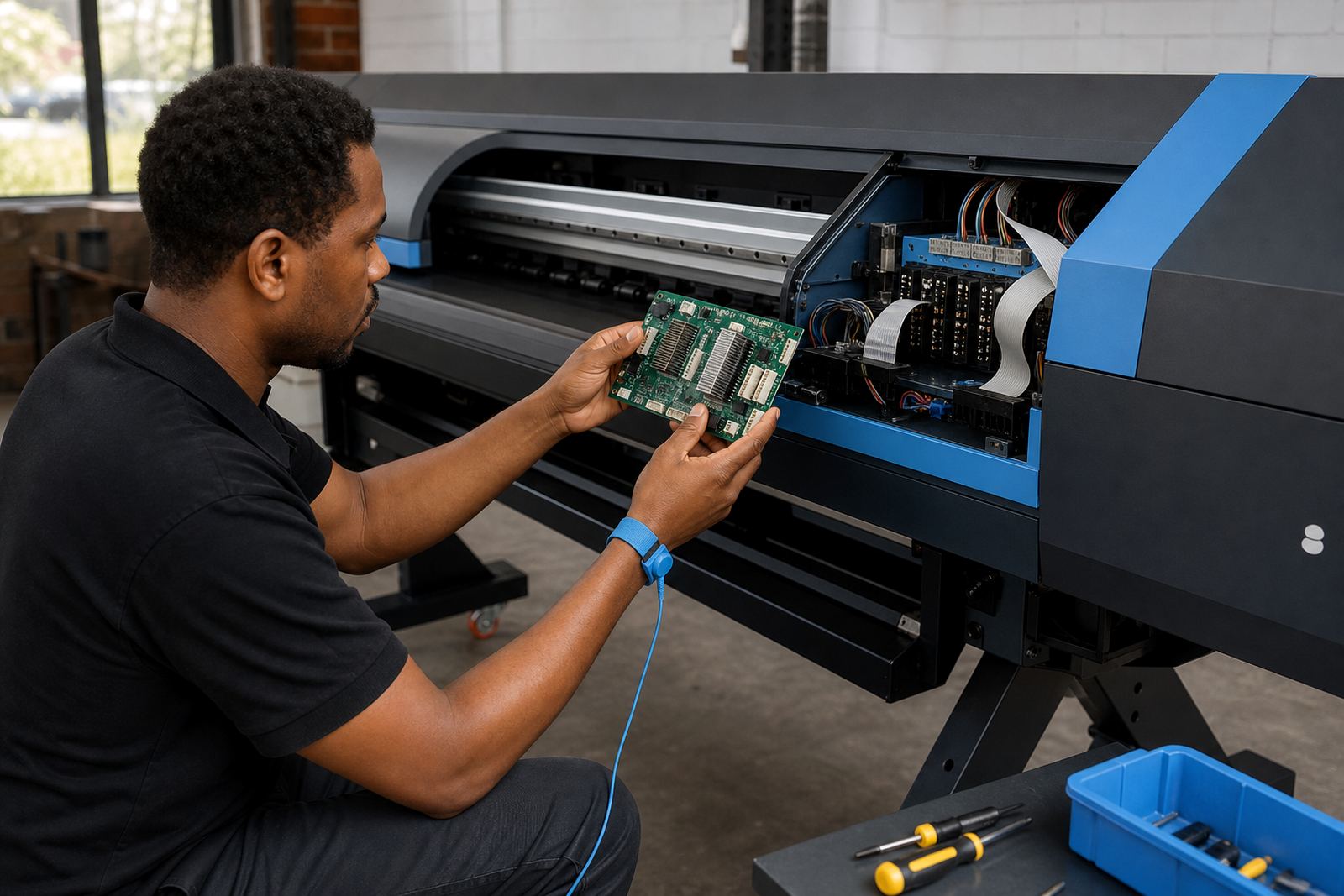
This Test Print Pack is used where a wide-format inkjet printer needs a clear, repeatable way to prove setup after installation, maintenance or a board swap. It is aimed at graphic studios, sign shops and production rooms that work with vinyl, banner, coated paper, backlit media and other common wide-format stocks.
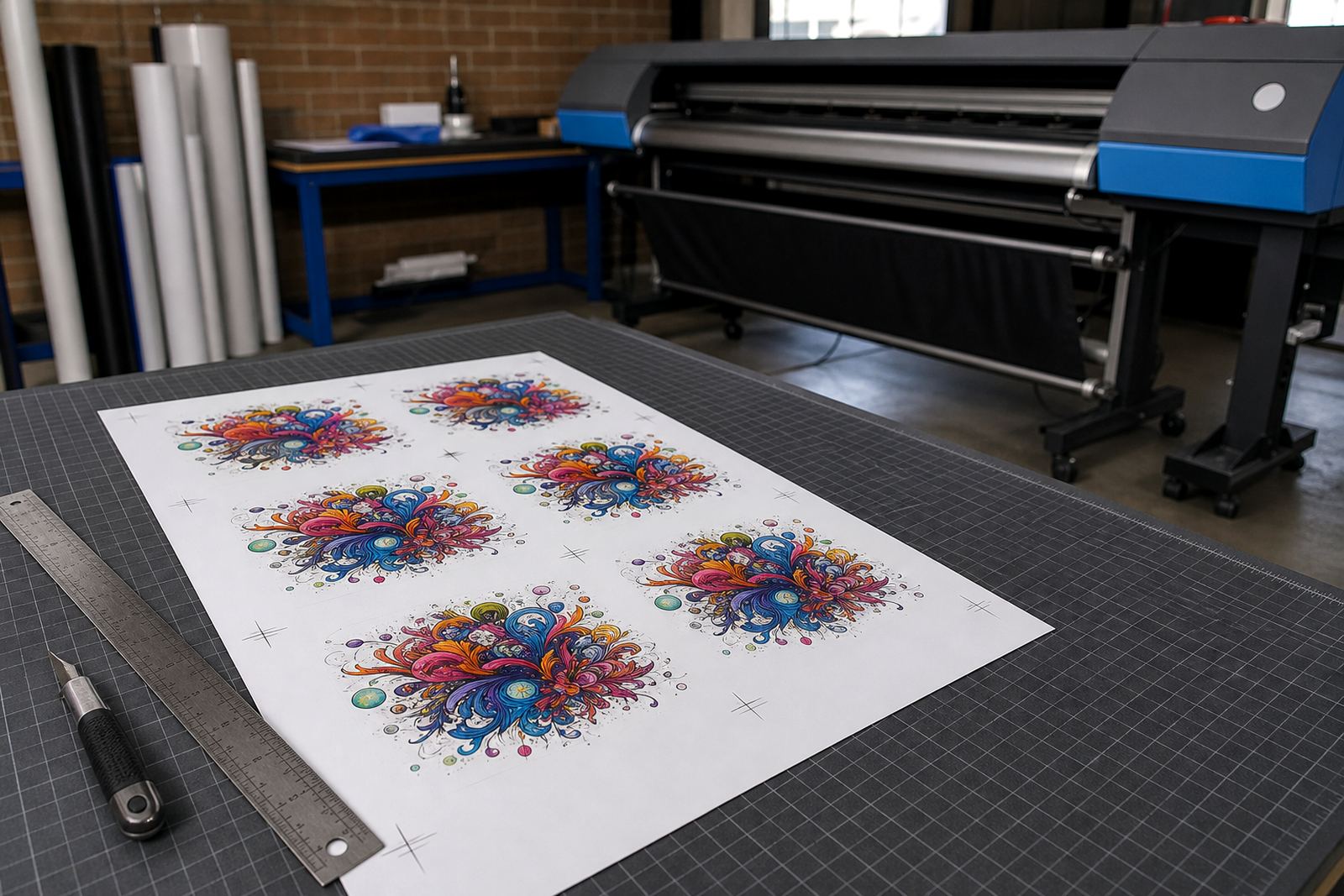
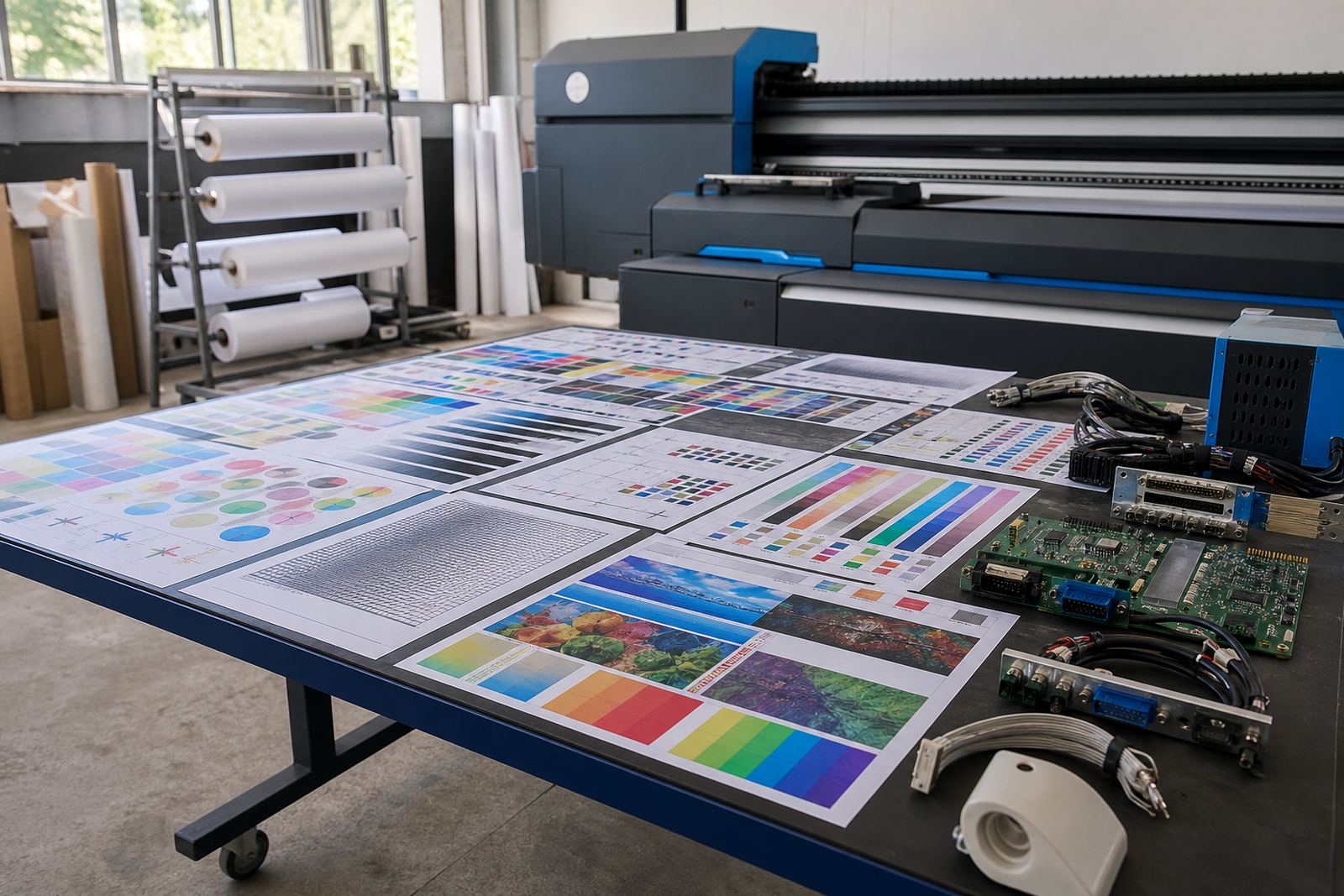
The files are arranged to show the issues that matter in real production. Nozzle drop-out shows up in solid panels and line work, head alignment is checked with fine registration marks, while gradients and small type reveal banding, gain and ink spread. A separate feed section helps show advance accuracy, step length drift and any wobble that can affect long runs.
Because the pack is practical rather than decorative, it fits the way local print rooms work in Midrand, Johannesburg, Pretoria, Durban, Cape Town and Bloemfontein. It is useful on a new install, after a printhead driver change, after moving a machine between sites, or after a service call when the operator wants a clean baseline before putting a job through the queue.
What is inside the file set
The pack is prepared as a working tool for technicians and operators who need to see how the printer behaves on a real sheet. It includes core checks that are easy to read on the press and easy to repeat after maintenance.
- Nozzle check patterns with fine lines and block fills for each ink channel
- Head alignment charts for bi-directional and uni-directional setup
- Gradient ramps for tonal smoothness and transition control
- Small text and micro line tests for edge clarity
- Media feed and advance patterns for step accuracy
- Solid colour panels for banding, density shifts and overprint review
The pack can be matched to the width of the printer and the type of work being done, from shorter bench checks to full production width output. Where a shop handles mixed media, the same set can be used on different substrates to compare how the machine tracks on each one.
Sizes, widths and output choices
Wide-format equipment varies a lot, so the pack is supplied in practical widths that suit common machines and test conditions. The main concern is not only paper size, but whether the pattern can be laid out neatly across the platen and still leave enough margin for reading registration marks.
Available options are normally set around the following working widths: A3 for short bench checks, 610 mm for compact roll machines, 914 mm for standard sign production, 1.3 m for broader commercial output and 1.6 m for larger-format systems. Custom layout adjustments can be made where the printer needs a narrower test strip or a wider full-bed sheet for a specific workflow.
- Landscape and portrait layout options for different feed paths
- Single-sheet output or roll-fed sequence use
- Light ink coverage versions for fine diagnostics
- Heavier coverage versions for showpiece proofing and calibration
- Optional mirrored layout for left-to-right or right-to-left scanning checks
The right option depends on the machine width, the media path and how the operator prefers to read the results. A 914 mm press used for signs in Pretoria will not be tested the same way as a 1.6 m production unit running long panels in Durban, so the pattern choice should fit the actual work.
Where this pack suits the print floor
This file pack suits shops that need a quick, structured check before releasing a job to production. It works well for shops producing vehicle graphics, indoor signs, promotional boards, exhibition panels and short-run display work. It also suits facilities that run several shifts and need a standard print check that different operators can read in the same way.
It is especially useful when colour consistency matters across multiple machines, or when a technician needs to compare one head set against another after cleaning. In humid coastal areas such as Durban and Cape Town, media behaviour can shift from one day to the next, so a practical test pack helps expose feed changes, drying differences and surface handling issues before a full batch goes through.
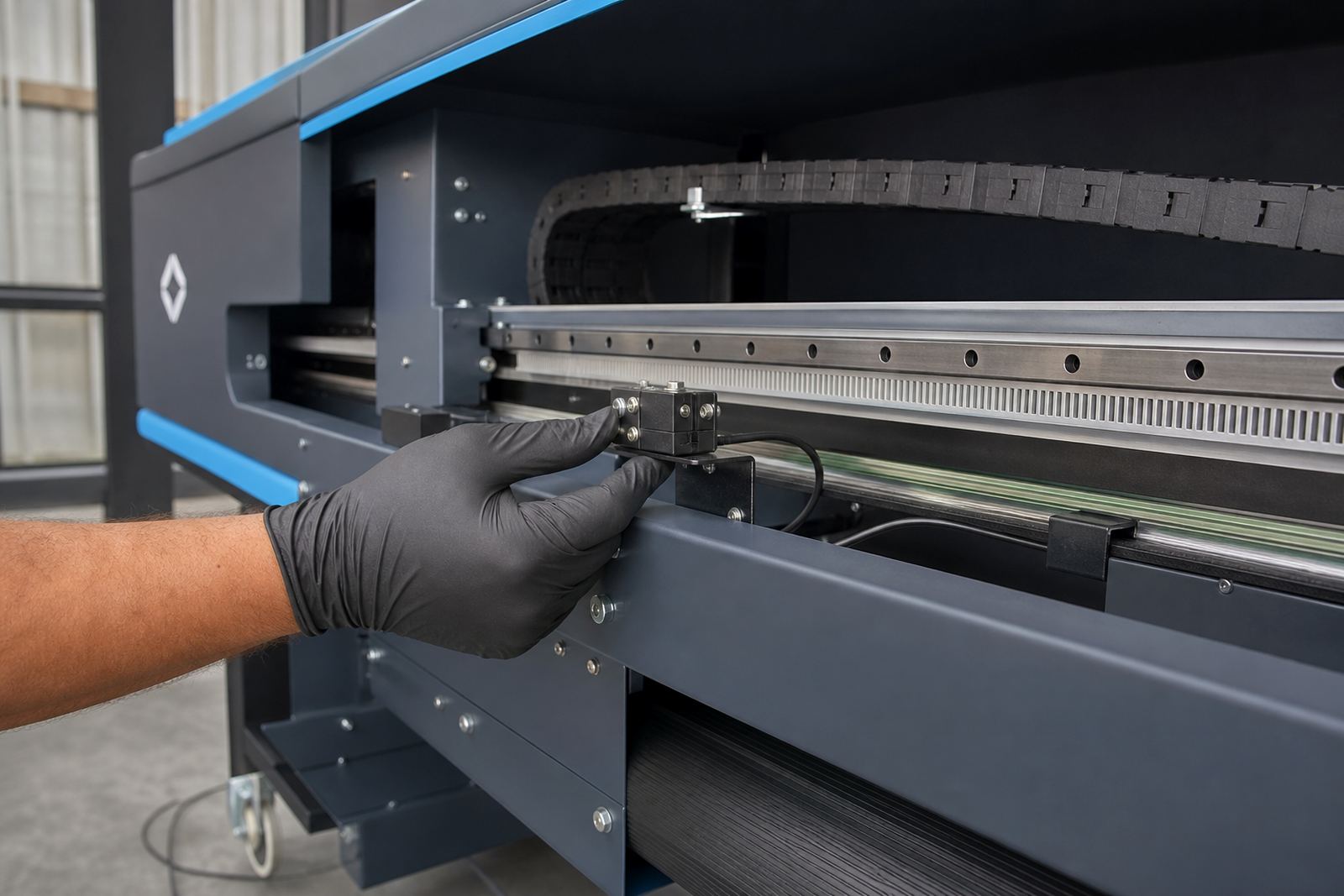
For Gauteng sites, the pack is also useful after transport, cabinet movement or service work where the carriage, belt tension or feed settings may have changed slightly. The file set is not tied to one printer type, so it can be used across a mixed workshop where one unit handles proofing and another handles longer production runs.
Setup, fitting and operator use
The Test Print Pack is loaded through the usual RIP workflow and sent to the printer as a controlled test job. It can be paired with colour profiles, printhead driver settings and queue rules already in place, so the output reflects the current machine state rather than an unrelated sample file.
For best results, the print operator should use the same media that is normally used for production testing. If the machine has just had board work, head driver setup or alignment corrections, the pack should be printed after the relevant adjustments have been loaded and the machine has stabilised. On remote support jobs, the same file can be used while the technician talks the operator through each stage of the print check.
- Load the file through the active RIP queue
- Use the intended print mode and media profile
- Print a fresh test on the substrate to be checked
- Inspect nozzle maps, solids, gradients and feed marks in good light
- Record any channel drop-out, misfeed, pooling or stepping before the job moves on
Where a shop relies on several shifts, the pack can become part of the handover routine so the next operator sees the same reference results. That helps keep production work consistent when the team changes through the week.
Care, storage and repeat checks
The file itself needs little care, but the way it is used matters. Keep a single master version in the production folder and avoid editing it for one-off jobs, because a changed test file makes later comparisons harder. If a shop uses different media types, it helps to label each print clearly with the substrate, date and machine name.
Printed test sheets should be stored flat, away from dust and direct sun, especially where colour checking is done against a light box or wall chart. A folded or damp sheet can distort fine line work and give a false reading on feed accuracy. In print rooms where humidity changes through the day, letting the sheet settle before review can make the result easier to judge.
For maintenance, the same pack can be run after head cleaning, after a board repair, after a software update or before a large run that needs a clean starting point. It is a practical way to see whether a correction has actually held through the full width of the machine.
Details to confirm before the file is sent through
When ordering or requesting this pack, it helps to confirm the machine width, the RIP in use and the kind of checks you want to read most clearly. A shop focused on line work may want finer alignment marks, while a display shop may want stronger gradient panels and larger solids. If the printer runs a special queue structure or a specific printhead driver setup, that should be matched so the pack reflects the real production path.
- Printer width and usable print area
- Media type used for testing
- Preferred unit of measurement, mm or metres
- Whether the pack should suit roll-fed or sheet-fed use
- Any colour profile or queue settings already in use
- Whether a full-width test or a compact strip is needed
For local supply and support in Midrand, Johannesburg, Pretoria, Durban, Cape Town, Bloemfontein and the wider Gauteng area, clients reach InkFlow RIP through the enquiry form on the contact page. The right pack helps the printer show its condition in plain view, which makes fault finding and setup work more direct.
Key facts
| Product type | Test file pack for wide-format inkjet commissioning and print checks |
|---|---|
| Primary use | Nozzle checks, alignment review, gradient testing and media feed verification |
| Common widths | A3, 610 mm, 914 mm, 1.3 m and 1.6 m layouts |
| Output format | RIP-ready working files for roll-fed or sheet-fed workflows |
| Best suited to | Sign shops, graphic studios and production rooms |
| Support area | Midrand, Johannesburg, Pretoria, Durban, Cape Town, Bloemfontein and nationwide remote support |