A small sensor set that keeps movement honest
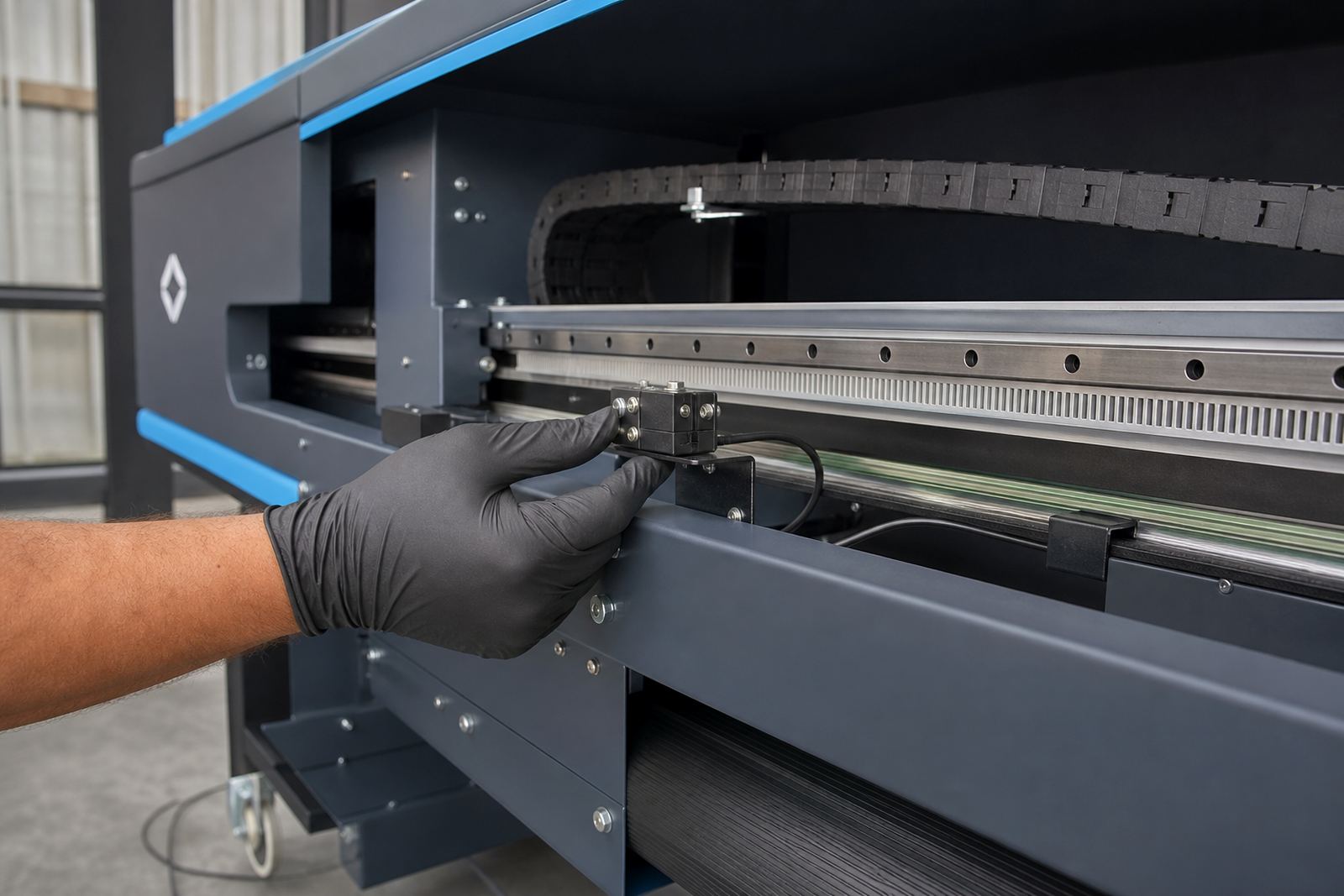
This encoder sensor kit is a combined sensing and interface solution used on wide-format inkjet printers to monitor position feedback. It supports the control system by reading carriage movement or feed movement, then passing that signal to the board and RIP workflow so the printer can place ink where it belongs. When the feedback signal is clean, the machine is less likely to drift on long runs, band on repeated passes, or build up registration error across a queue.
In practical production terms, this is the part that helps the printer know where it is on the media. That matters on graphic panels, exhibition work, wallpaper panels, vehicle graphics and other jobs where tight overlap and repeat accuracy are needed. It is a trade item, not a decorative extra, and it earns its place when the machine must keep passing the same line without wandering.
Sizes and fit options we supply
Encoder sensor kits for wide-format printers are usually matched to the carriage style, sensor mount and interface requirement of the machine. We supply kits in common mechanical and signal configurations for printers that use optical feedback, with mounting styles suited to flatbeds, roll-to-roll units and hybrid machines. Some systems use a single sensor and strip, while others need a paired sensor arrangement for carriage and feed control.
- Sensor head and mounting bracket
- Encoder strip or encoder disc, depending on the machine
- Interface cable and plug style matched to the control board
- Positioning hardware for carriage or frame alignment
- Signal type matched to the printer controller
Where the printer uses a narrow carriage path, the kit must match the available clearance and the strip length needs to suit the travel span. For larger units, longer strips and stronger mounting points are often used, especially where vibration or dust can affect reading stability. Coastal humidity in places like Durban can also affect exposed parts, so fitment detail matters more than people expect.
Where this kit fits into production work
Encoder sensor kits suit print shops that run wide-format jobs all day, especially where repeatable pass control and sharp registration are part of the job. They are useful on printers doing backlit media, vinyl, canvas, boards and layered work where a small movement error shows up quickly. In a shop with mixed operators, a sensor issue can look like a printhead fault or a RIP problem when the actual trouble is in the movement feedback.
We often see these kits needed when a machine has had a carriage knock, a worn strip, contamination on the reading path, or a board change that altered signal behaviour. They also help on older production units where the original sensor has drifted, the strip has marking damage, or the connector has become unreliable. If a printer is running in Johannesburg, Pretoria, Cape Town, Bloemfontein or the East Rand, the environment around the machine can change how well that signal holds up.
- Wide-format print shops with heavy daily output
- Colour-critical work that shows misregistration quickly
- Sites that need consistent repeat jobs and saved setups
- Repair jobs where movement feedback has become unstable
- Mixed fleet environments with different controller boards
Fitting and setup details that matter on site
Fitting an encoder sensor kit is part mechanical, part electrical, and the alignment has to be exact. The sensor must sit square to the strip or disc, the distance to the reading surface must stay within the expected range, and the cable route should avoid pinch points and moving parts. If the control board expects a certain signal pattern, the interface must match that pattern without forcing the printer to read noise as movement.
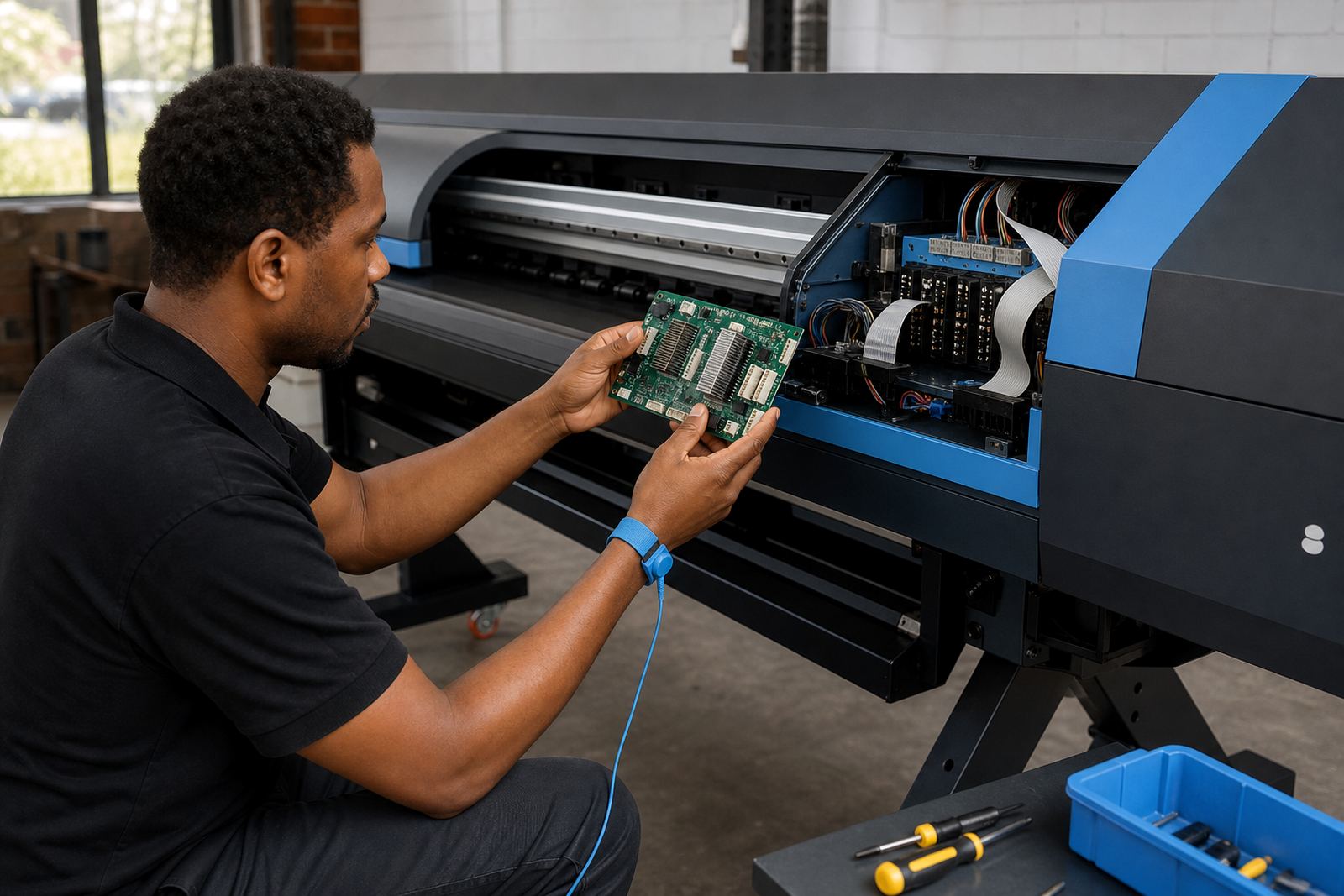
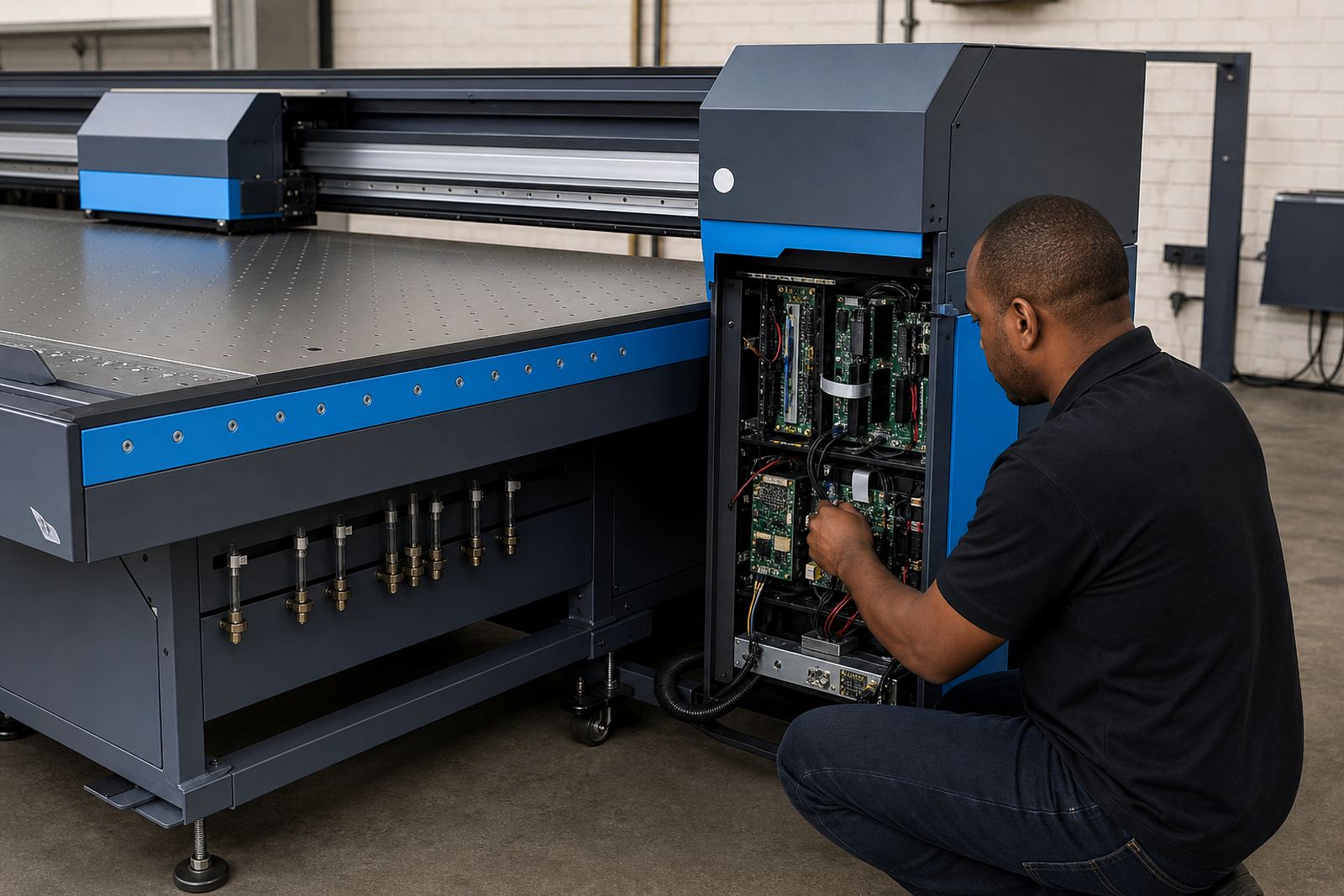
Our team can handle remote setup where the printer controller and RIP environment allow it, and we can support field fitting on machines that need physical adjustment. That includes checking board settings, confirming the printhead driver behaviour where relevant, and testing the feed and carriage response through sample passes. On some machines a fresh sensor fit also leads to queue workflow changes, because the operator can use tighter nesting and cleaner pass sequencing once movement is stable.
When a kit is fitted badly, the printer may show random shift, uneven overlap or repeated faulting on long runs. That is why the bracket line, strip tension and connector seating all need proper attention, not just a quick swap.
Care for the sensor path and reading surface
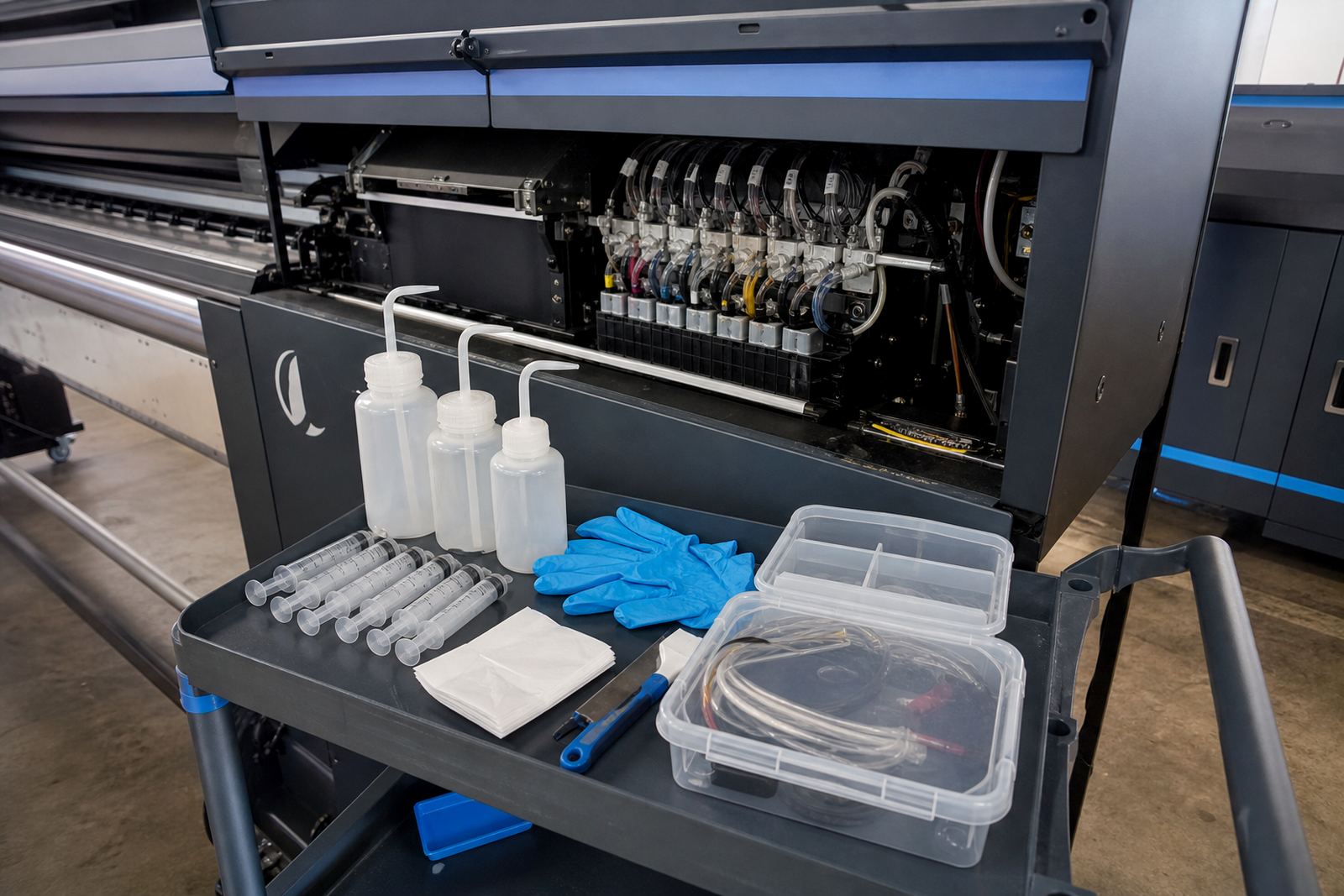
Encoder parts live best in a clean, dry area with regular checks, especially on machines that throw fine mist or dust into the cabinet. The strip or disc should be kept free of adhesive marks, ink vapour residue and greasy fingerprints. A soft lint-free cloth and suitable cleaning method are usually enough, but the reading face should never be scraped or rubbed hard.
Preventive maintenance on this part of the printer is simple but worth doing on a set schedule. Inspect the mounting points, check for loose cable clips, confirm that the sensor has not shifted after carriage service, and look for wear on the strip edges. On busy shops in Gauteng and the coastal cities, vibration and humidity can work on fittings more than people notice at first. If the machine has started making odd registration changes, the sensor path should be checked before the fault spreads into wasted media.
- Keep the strip aligned and free from damage
- Check the sensor mount after carriage work
- Watch for dust build-up near the reading point
- Replace worn strips before the marks become visible in print
- Verify signal stability after any board repair
What to confirm before ordering
To supply the right encoder sensor kit, we need the printer model details, controller board type, and the movement system used on the machine. The exact carriage width, strip length, connector style and signal format all matter. A kit that looks close but reads the wrong signal can create more downtime than it solves, so matching the part to the machine is the first step.
Please also confirm whether the printer uses an encoder strip, encoder disc or another position feedback method, and whether the current setup has a single sensor or paired sensing arrangement. If the machine has already had board repairs, printhead driver work or a previous retrofit, that history changes the fitment. If you are in Midrand, Johannesburg, Pretoria, Durban, Cape Town, Bloemfontein or surrounding areas, our support team can work through the details and organise the right parts for the job.
- Printer model and size
- Controller board type
- Strip or disc measurement
- Connector and cable style
- Fault symptoms and recent repairs
Key facts
| Product type | Encoder sensor and interface kit for wide-format inkjet printers |
|---|---|
| Main function | Position feedback for carriage and media movement |
| Typical use | Cleaner passes, stable registration, reduced movement drift |
| Compatibility | Wide-format inkjet printers with optical encoder feedback |
| Included parts | Sensor head, mounting hardware, strip or disc, cable set |
| Support | Remote setup, fault finding and installation support across South Africa |