Firing control that keeps the heads in step
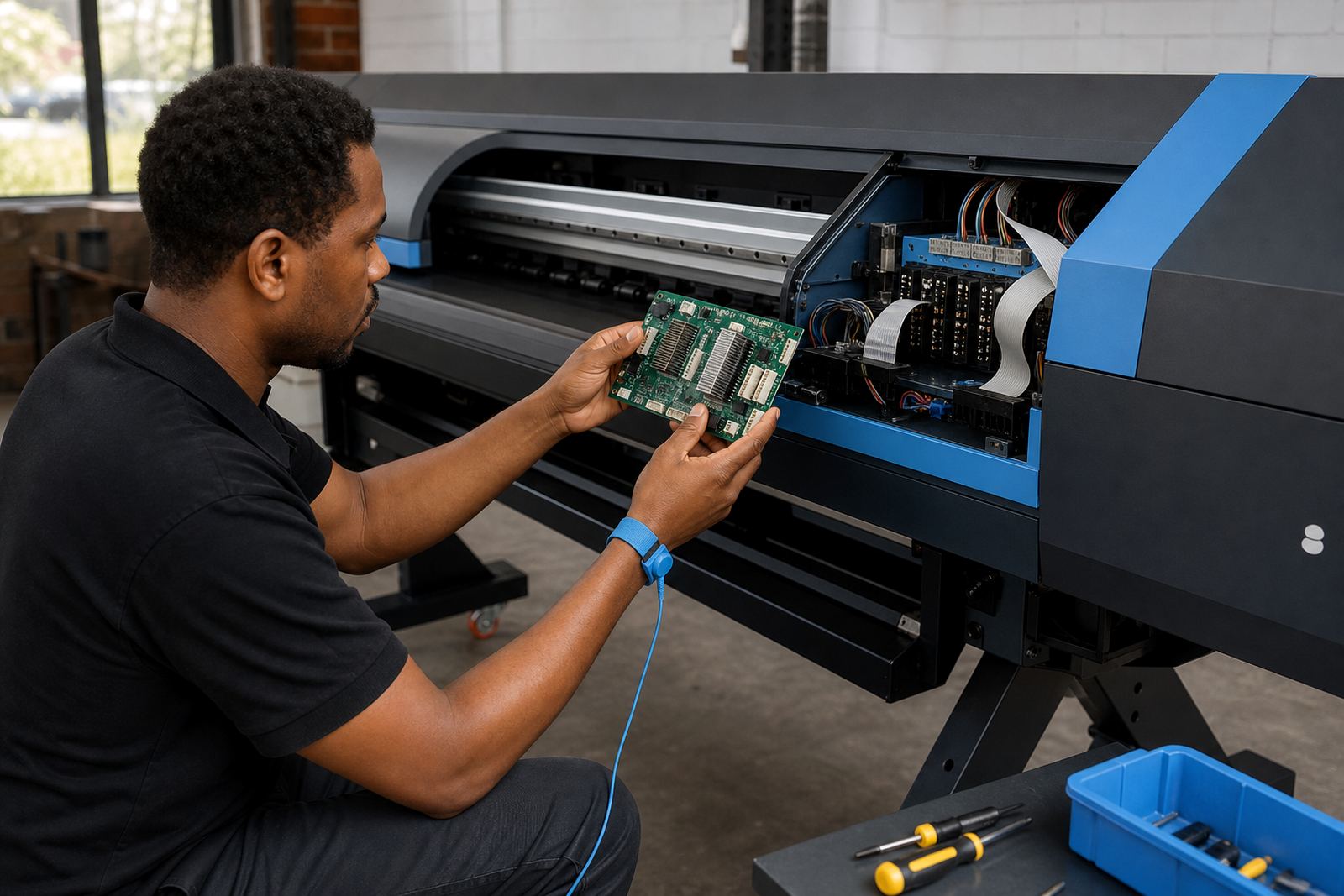
The printhead driver board is the part that translates print data into controlled firing pulses for the printheads. In a wide-format inkjet setup, that means each nozzle receives the correct signal timing, with proper coordination across channels, passes and pass directions. If the board is not matched to the machine or the head set, the result can be banding, missing nozzles, unstable ink laydown or random faults that slow production.
At InkFlow RIP in Midrand, Gauteng, we supply and set up driver boards for production environments that handle signage, décor, point of sale work and short-run industrial graphics. The board must suit the printer architecture, the head type, carriage layout and the control software driving the job. We work with print shops across Johannesburg, Pretoria, Durban, Cape Town and Bloemfontein, as well as the East Rand and West Rand, where many machines run long shifts and need careful signal matching.
Board formats and fitting choices that suit the machine
Driver boards are not one-size-fits-all. The correct option depends on the number of heads, the firing mode, the signal standard and the way the printer channels are arranged. Some machines use a single board for a smaller head count, while larger systems use multiple boards or paired modules for wider carriages and higher throughput. The board must also suit the ink type and the operating style of the machine, especially where fast curing or high ink density is involved.
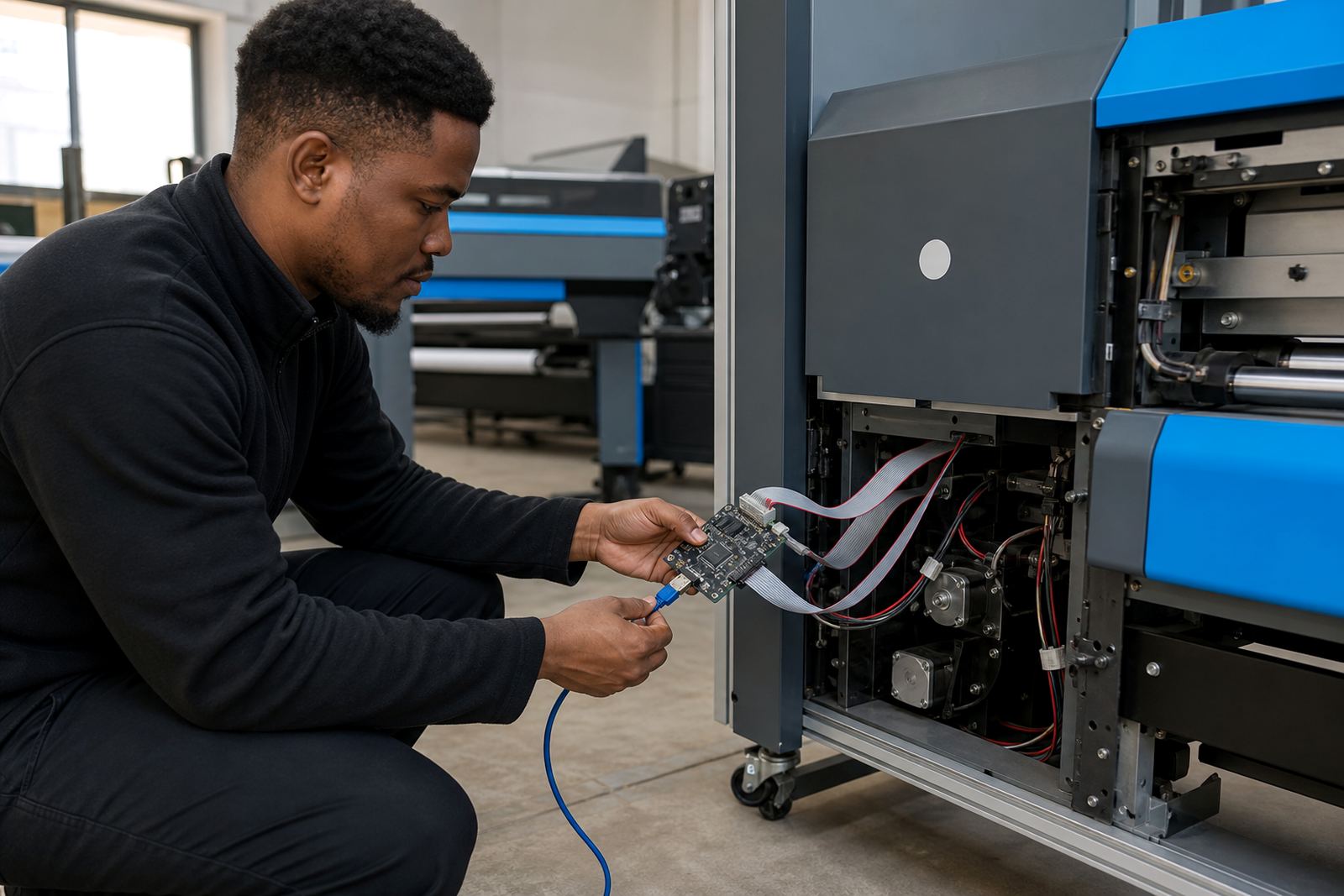
Common fitting choices include complete board replacement, matched board and cable sets, or integration into an existing control stack where the printer frame and wiring are already in place. We also look at the cabling route, connector type and the condition of the head harness. On coastal jobs in Durban or Cape Town, moisture and salt air can affect connectors and exposed contacts, so the physical fit needs a careful hand, not just the correct board number.
- Single-head and multi-head configurations
- Board and harness matching for specific carriage layouts
- Channel mapping to suit the installed printhead set
- Signal timing support for variable production speeds
Where this board suits daily production
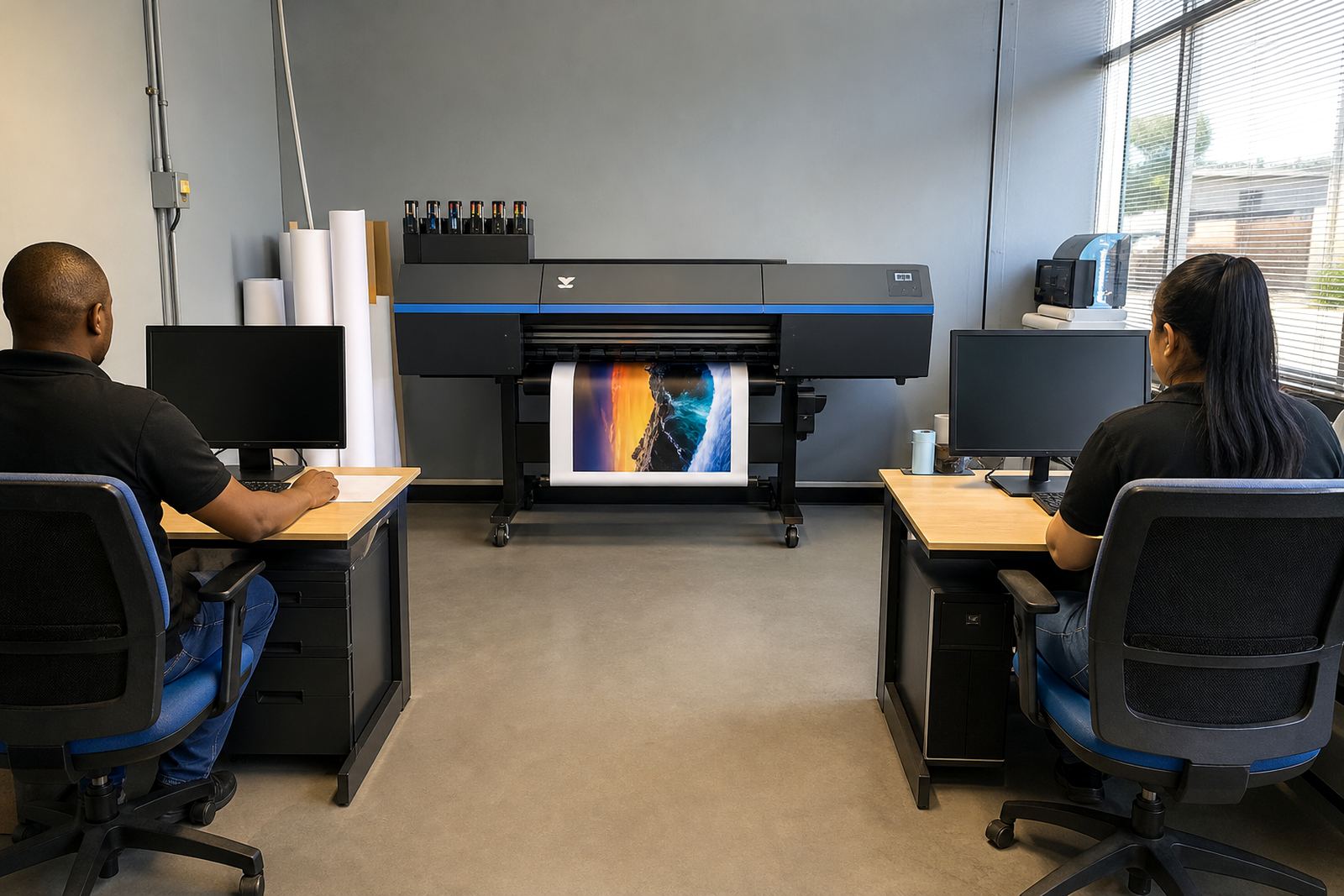
This component suits wide-format inkjet printers used for graphics, shopfront work, exhibition output, vehicle graphics and volume poster production. It is especially useful where print consistency matters across long queues and repeat jobs, because the board helps hold the signal pattern steady while the RIP software drives colour and placement data. For operators in busy print rooms, a healthy driver board is part of keeping output predictable from the first metre to the last.
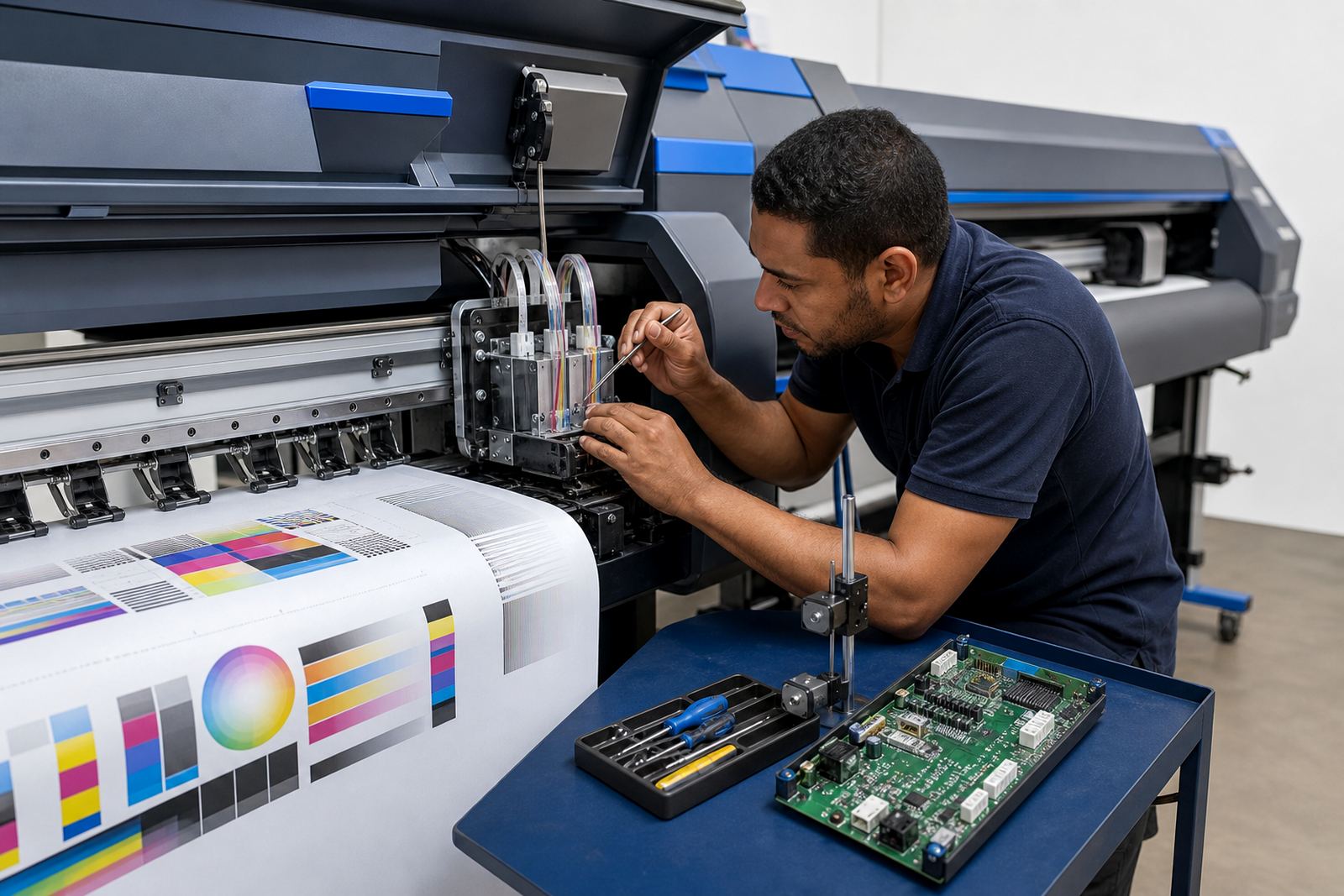
It is also suited to sites that need controlled production after maintenance or a head change. If the machine has been stripped for cleaning, refit or fault finding, the board must be checked together with the heads, dampers, cables and software settings. A printer can look mechanically sound and still print poorly if the driver board is not communicating cleanly with the rest of the system.
Large-scale facilities often need this part together with queue workflow design, printhead driver setup and colour profile setup. Graphic designers and print shops also benefit when the board is paired with the right RIP workflow, because accurate signal control supports sharper detail, better solids and more reliable grey balance over mixed media runs.
Installation work, setup and fault tracing
Fitting a printhead driver board is precision work. The printer should be isolated, the cable routes checked, and the head set confirmed before power is restored. Incorrect installation can damage the board or the installed printheads, so alignment, polarity and connector seating all matter. On some machines the board also needs to be paired with firmware settings or software parameters so the head timing and pass logic line up properly.
Our services include board installation, remote setup, fault finding and ongoing support for printers in South Africa. When the fault is not obvious, we trace the signal path from RIP output to carriage board to head connection, then check for moisture, heat stress, loose plugs, ink contamination or an incorrect channel map. In practice, a good repair is not just swapping a part, it is restoring the printing chain as a whole.
- Printer isolation and safe access before fitting
- Connector and harness inspection for wear or corrosion
- Signal path checking from software to printhead
- Board pairing with head layout and firing order
- Test prints for banding, missing channels and density shifts
Care that keeps signal quality steady
Driver boards need a clean environment and sensible handling. Dust, ink mist and heat build-up can shorten service life, especially in production rooms where machines run for long periods. Keep the board area dry, check that covers and fans are in place, and avoid touching the connector pins with bare hands. If a printer is moved, the harness and board mounts should be checked again before the next run starts.
Preventive maintenance on the wider print system helps protect the board too. That means monitoring head health, cleaning contacts, keeping the ink path stable and watching for software errors that point to signal trouble. In humid coastal conditions or in busy inland workshops, a little regular care saves a lot of downtime, and it usually shows up first in cleaner test patterns and steadier colour across the sheet.
Order details to confirm before fitting
Before a board is supplied or fitted, the machine details need to be matched carefully. The wrong board can look close enough on paper and still fail in the frame. We confirm the printer model, carriage arrangement, printhead type, board count and the signal standard used by the machine. If the job includes remote setup, we also check the RIP version, colour workflow requirements and any existing queue design.
Please have these details ready when making an enquiry through the contact page form:
- Printer make and exact model
- Installed printhead type and head count
- Board quantity needed for the machine
- Current fault symptoms or print defects
- Whether the job includes installation, recovery or testing
- Site location, such as Midrand, Johannesburg or Durban
For production sites that need backup and recovery, we can also help protect the settings around the board, including workflow notes, colour profiles and print queue structure. That keeps the machine easier to return to stable output after maintenance or a parts change.
Key facts
| Product type | Specialised printhead driver board for wide-format inkjet printers |
|---|---|
| Function | Manages firing signals between the printer system and installed printheads |
| Typical use | Signage, décor, display graphics and production inkjet work |
| Compatibility | Matched to printer model, printhead type, carriage layout and signal standard |
| Installation support | Board installation, remote setup, fault finding and test prints |
| Service area | Midrand, Johannesburg, Pretoria, Durban, Cape Town, Bloemfontein and surrounding regions |