What the Raster Speed Module does in a busy RIP room
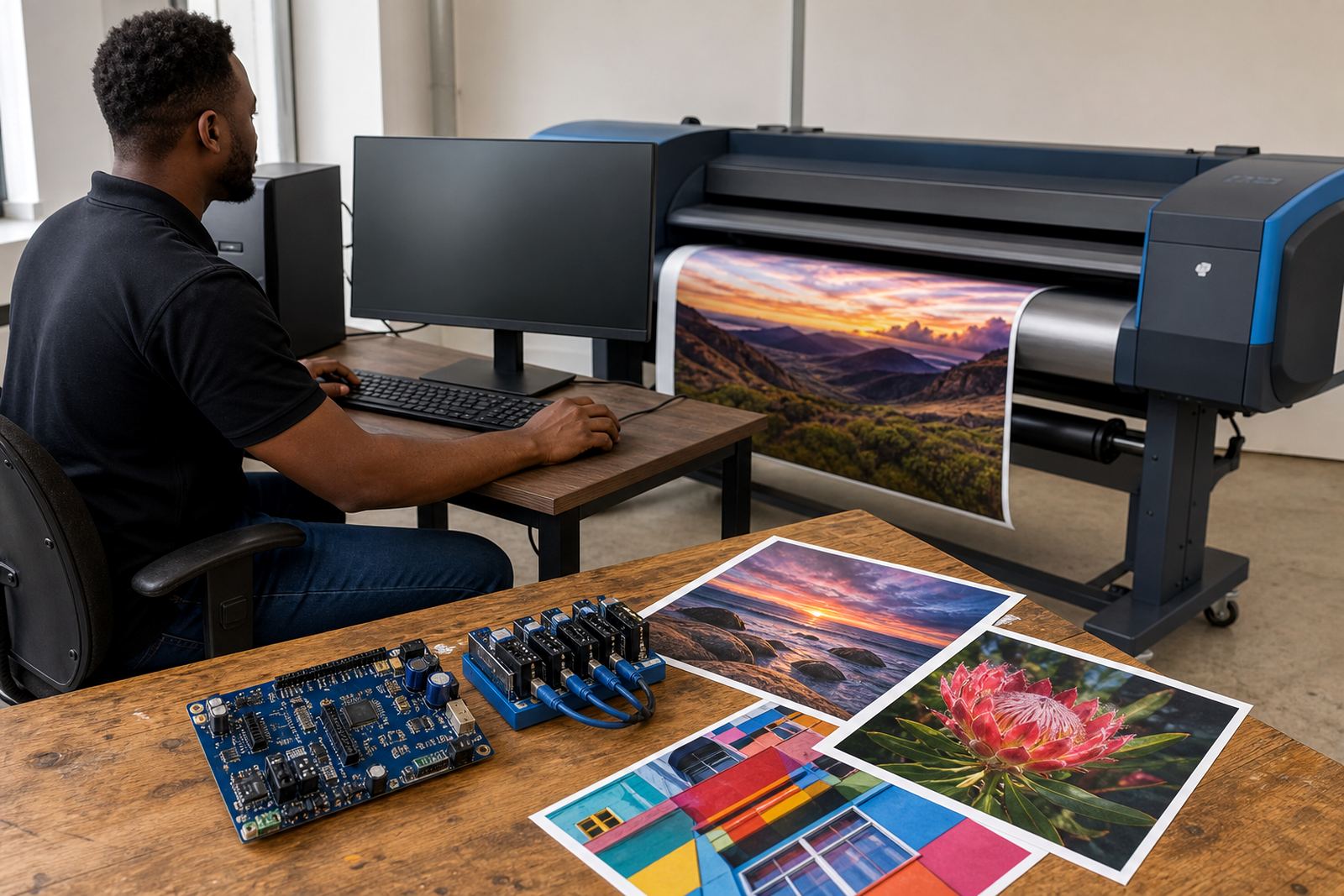
The Raster Speed Module is used where the RIP has to keep pace with repeated jobs, mixed artwork sizes, and large print queues. It manages raster processing so the operator spends less time waiting on file interpretation and more time moving work through the production line.
In practical terms, it supports smoother handling of high coverage graphics, detailed images, tiled panels, and jobs where the same layout needs to be set again. It is a workflow add-on, not a printer, and it works alongside your existing control board and RIP environment. On a floor where several operators share one queue, that extra control can keep the job list more orderly, especially when artwork files arrive in different formats and resolutions.
- Designed for wide-format inkjet RIP workflows
- Supports faster raster interpretation in production use
- Useful for recurring jobs, tiled work, and mixed artwork loads
- Works with queue management and production planning
Sizes and licence options for different shop volumes
The module is supplied in licence and configuration options that suit a smaller studio, a growing print shop, or a production site handling long daily queues. The right option depends on the number of workstations, the printer range in use, and how much raster load the RIP must carry at one time.
Some teams need a single-user setup with direct control from one production PC. Others need a shared environment where more than one operator prepares jobs, checks colour, and sends work to different wide-format machines. When ordering, it helps to confirm the RIP version, the operating system, and whether the module must sit on one machine or move across several workstations in the same department.
- Single workstation option for smaller production rooms
- Shared production option for multi-operator use
- Expanded configuration for heavier raster queues
- Licence matching for the RIP environment in use
Where it suits on real production floors
This module suits print shops in Johannesburg, Pretoria, Durban, Cape Town, Bloemfontein and Midrand where wide-format output must keep moving through the day. It is useful in sign shops, display houses, vehicle graphics departments, exhibition print rooms and larger production facilities handling banners, wall graphics, posters and technical artwork.
It also helps where job files arrive from several designers, or where the same printer is used for short runs in the morning and larger panels later in the day. In coastal towns like Durban and Cape Town, where humidity can affect paper handling and store room conditions, a steadier workflow helps keep the production line under control when the rest of the room is already busy.
For shops working with municipal signage, retail graphics or deadline driven event work, the module can sit inside the normal RIP process without changing the printer itself. It is there to keep raster preparation from becoming the slow point in the room.
Installation and fitting details that matter
Fitting the Raster Speed Module usually means loading the correct software component, matching it to the existing RIP build, and checking that the workstation has enough memory and storage for the job volume. Where the shop runs more than one printer, queue design may also need attention so that jobs move to the correct device without confusion.
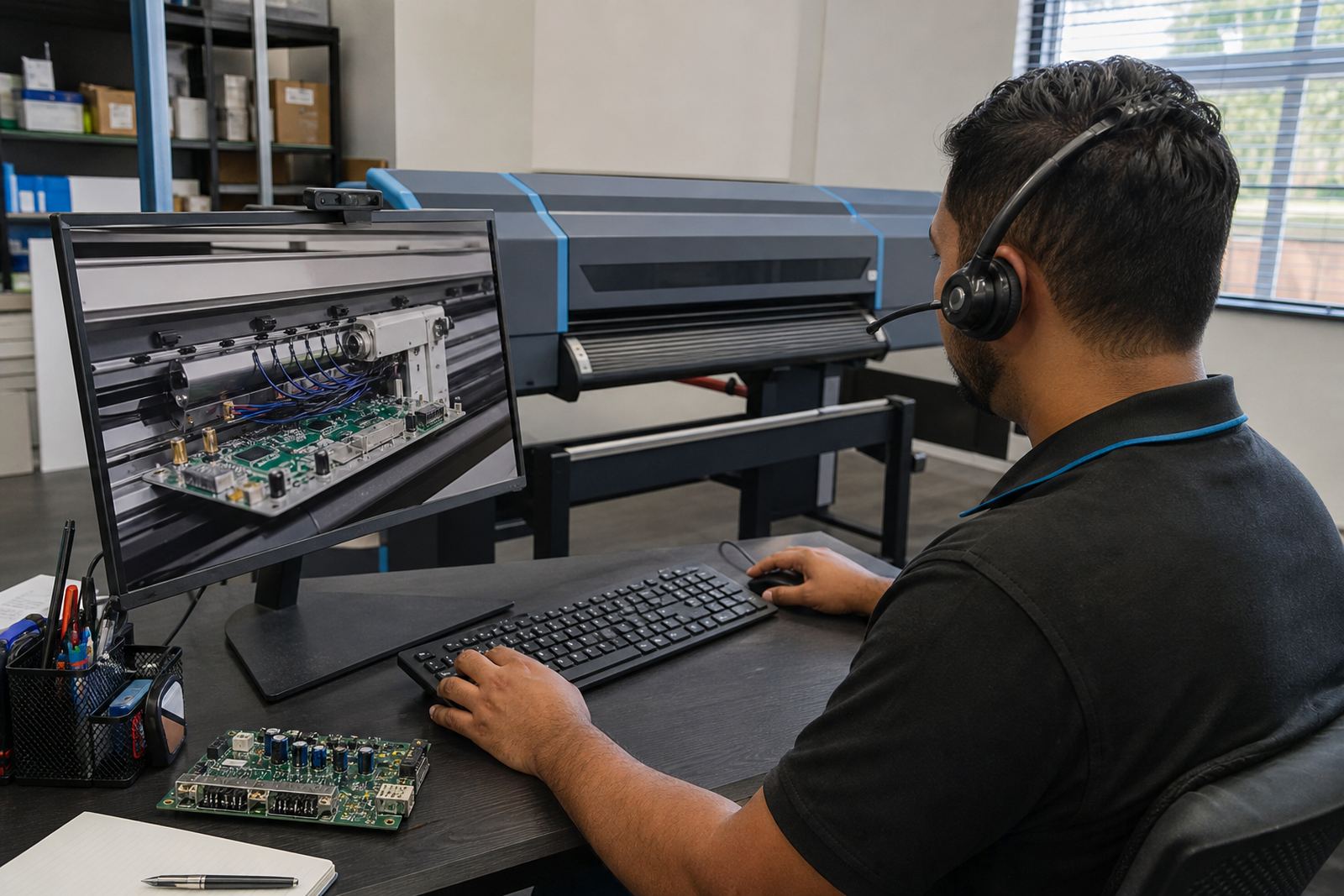
Remote setup is often the most practical route for South African print rooms, especially when the floor is already busy and the operators need to keep working. In some cases the module is installed together with printhead driver setup, colour profile setup, or queue workflow design so the full path from artwork to output stays aligned.
- Confirm RIP version and operating system before fitting
- Check workstation memory, disk space and user access
- Review queue structure for single or multiple printers
- Match the module to the current production workflow
Care, maintenance and day to day handling
The module itself is software based, so care is mostly about the system around it. Keep the RIP workstation free of unnecessary clutter, save versioned backups of key settings, and maintain a clean file structure for jobs, profiles and presets. When a shop stores old queue files, unused profiles or duplicated artwork paths, raster processing can become harder to manage than it should be.
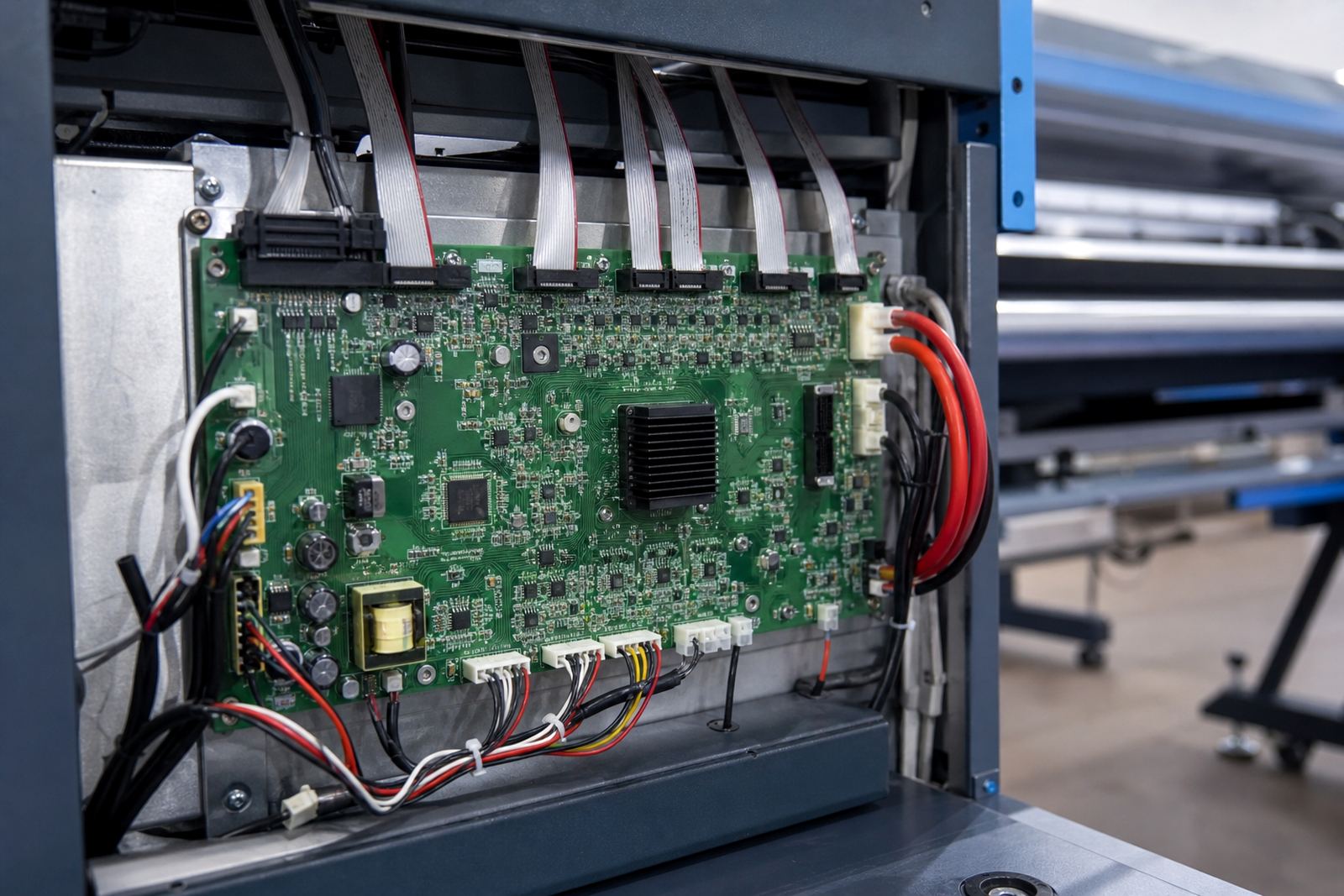
Preventive maintenance matters on the broader RIP side too. That means checking profile integrity, confirming that the board and driver links are still healthy, and watching for changed operator settings after updates or staff handovers. If the room runs on shared shifts, write down the approved workflow so the next operator does not have to guess which preset was used on a previous run.
- Keep backups of profiles, queues and presets
- Store jobs in a tidy folder structure
- Review settings after updates or operator changes
- Check that colour and queue files still match the printer group
Ordering details to confirm before the module is loaded
When ordering the Raster Speed Module, confirm the RIP name and version, the printer model group, and whether the job flow runs on one machine or across several stations. It also helps to note the operating system, available memory, current storage space and any colour workflow already in use.
If the room uses custom printhead drivers, nested queues or separate production presets for each printer, those details should be matched before installation. A module that fits the workflow on paper but not the actual floor layout can cause extra setup work later. Our team in Midrand supports printer control boards and RIP software for print shops across South Africa, with remote setup and support for Johannesburg, Pretoria, Durban, Cape Town and Bloemfontein.
Clients can send the details through the enquiry form on our contact page, and we can work from the information already in the production room rather than guessing at the setup.
Technical notes for production planners
The Raster Speed Module is intended for wide-format inkjet RIP environments that need faster raster handling, steadier queue throughput and cleaner production flow. It sits alongside common workflow tools such as colour profiles, nesting routines, printhead driver setup and backup systems.
Useful specs to keep on hand include the supported RIP platform, workstation memory requirements, disk space available for cache and job spooling, licence type, printer count, and whether the setup is local or remote. On larger floors, it is also worth noting if the shop uses one operator or a shared team, because that affects how queues and presets should be organised.
InkFlow RIP works with production teams that need practical control over the printing process, not just a faster machine on paper. The module is set up to suit the way a real shop moves jobs through the day, including reprints, short runs, and large format jobs that need careful handling.
Key facts
| Product type | RIP workflow add-on for raster processing |
|---|---|
| Use case | Speeding raster handling in production queues |
| Compatibility | Wide-format inkjet RIP environments |
| Deployment | Local workstation or remote setup |
| Typical use areas | Sign shops, display work, vehicle graphics, exhibition print rooms |
| Key settings to confirm | RIP version, OS, memory, storage, printer count, licence type |