Boards Kept Ready for the Parts That Fail in Real Print Rooms
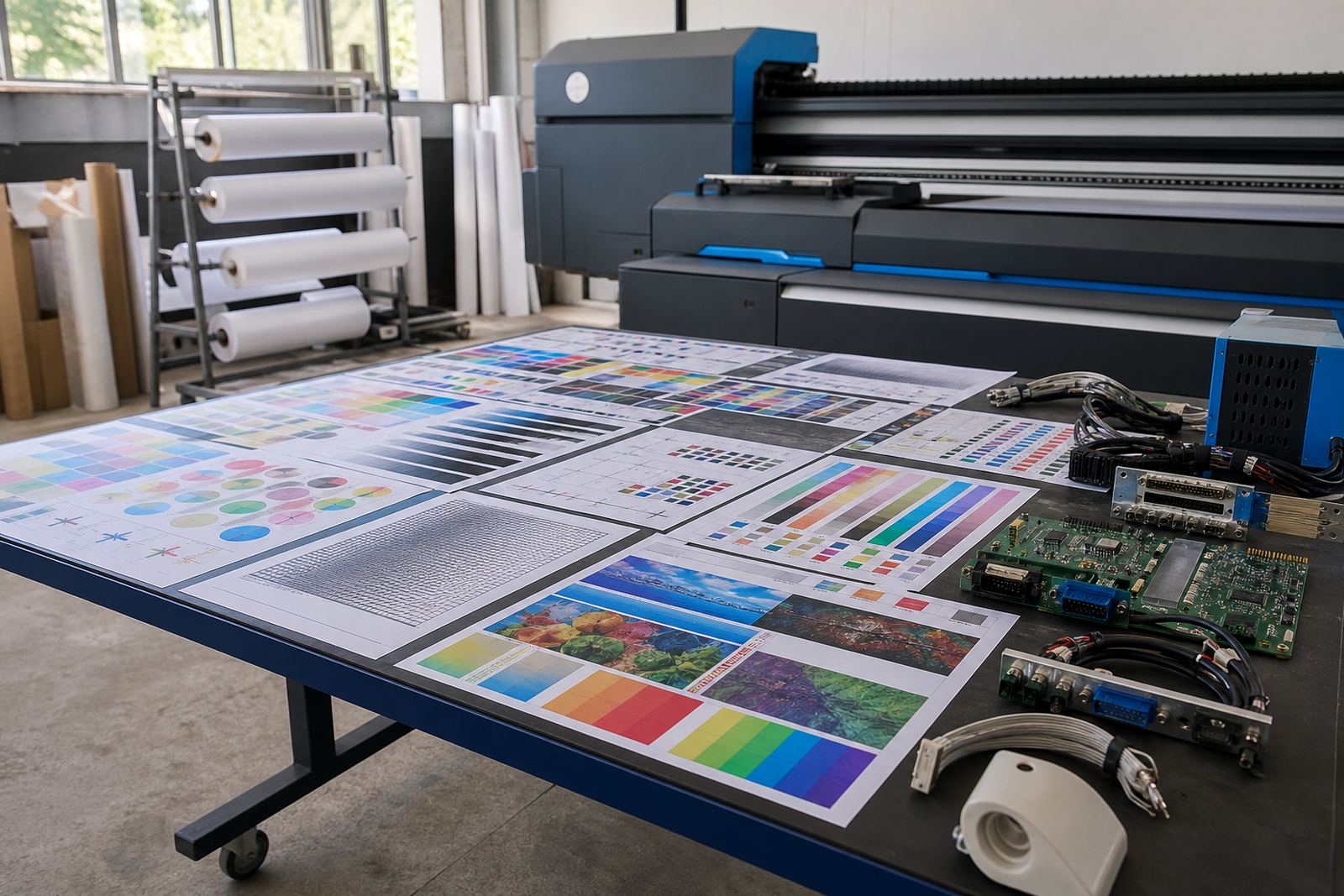
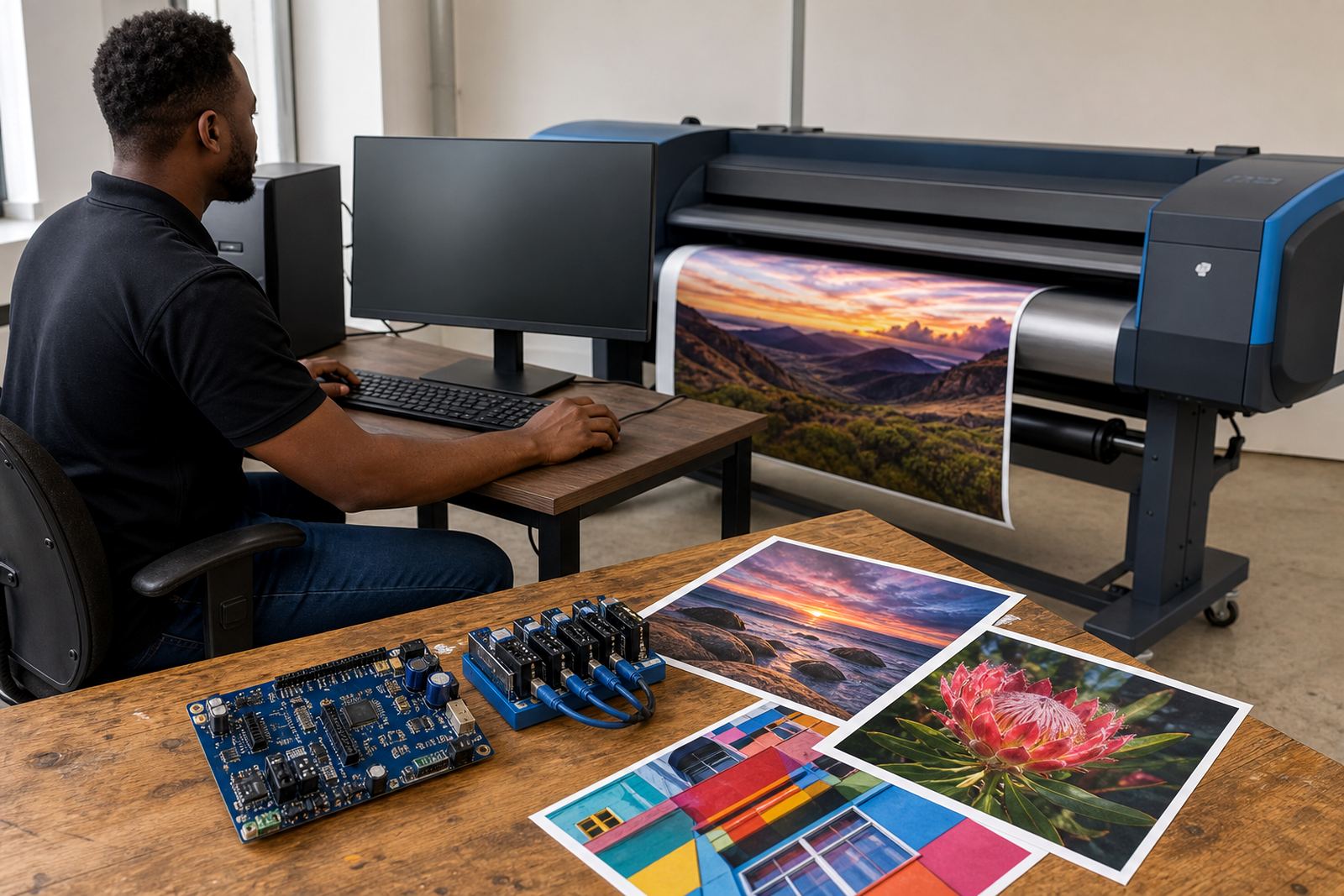
Spare Board Stock covers the control electronics that sit inside a wide-format inkjet printer and manage key functions such as carriage movement, sensor reading, communication, printhead control and job handling. In day-to-day production, these boards are the parts that matter when a machine powers on but will not initialise properly, drops communication, throws a fault, or begins sending broken output to the heads. Having a matched spare nearby can shorten downtime when a critical board gives trouble.
Our stock is centred on commonly replaced printer control boards, printhead driver boards, carriage boards, main logic boards and interface boards for wide-format inkjet equipment used in signage, décor, textile, display and industrial print work. We supply across Midrand, Johannesburg, Pretoria, Durban, Cape Town, Bloemfontein and surrounding production areas, with support for shops running multiple machines and tighter delivery schedules.
- Common replacement boards for wide-format inkjet systems
- Main control boards and auxiliary boards for printer electronics
- Printhead driver boards matched to specific machine layouts
- Interface and communication boards for job control and data flow
- Stock held for quicker replacement during fault conditions
Size, Board Type and Match-Up Details That Matter
Boards are not interchangeable just because the plugs look similar. The correct replacement depends on the printer model, board revision, connector layout, head arrangement, firmware, sensor configuration and the way the machine routes data to the printheads. On some units, a board may appear physically similar but still fail to communicate with the rest of the system, or it may require specific setup after fitment.
We work with boards suited to benchtop-style wide-format units, mid-size production printers and larger roll-to-roll systems. The physical dimensions vary by model, but the practical questions are usually the same: mounting points, connector positions, cable lengths, head count support and compatibility with the machine’s control logic. A board supplied for one carriage arrangement may not suit another, even inside the same general printer family. That is why the model code, board number and existing firmware details are worth confirming before the part is selected.
- Board revision number and printed part code
- Printer model, carriage count and head layout
- Connector style, pin count and cable routing
- Firmware version or machine control board version
- Whether the board controls the main logic, heads or carriage movement
Where Spare Board Stock Fits Best on the Production Floor
This stock suits print shops that depend on wide-format output for vehicle graphics, retail signage, exhibition panels, indoor décor, window film and bulk production work. It is also useful for teams in coastal areas where humidity can affect electronics over time, especially where dust, heat and power interruptions place extra strain on control boards. In Gauteng, Durban and Cape Town, operators often keep a board ready because the machine may be part of a busy daily queue and a failed electronic part can disrupt several jobs at once.
Spare board holding is especially practical where the printer is used on scheduled jobs, where a single device carries a large share of production, or where a backup unit is not sitting idle on site. It also helps when a workshop runs at night or over weekends and needs a replacement part already matched to the machine. A spare board does not solve every fault, but it gives the technician a known-good point of replacement when diagnosis points to electronics rather than software or ink delivery.
- Sign and display print shops with tight delivery schedules
- Busy production rooms running roll-to-roll jobs
- Sites exposed to heat, dust or coastal humidity
- Operations with limited spare machine capacity
- Workshops wanting a known replacement on hand
Fitting and Setup Work Around the Replacement
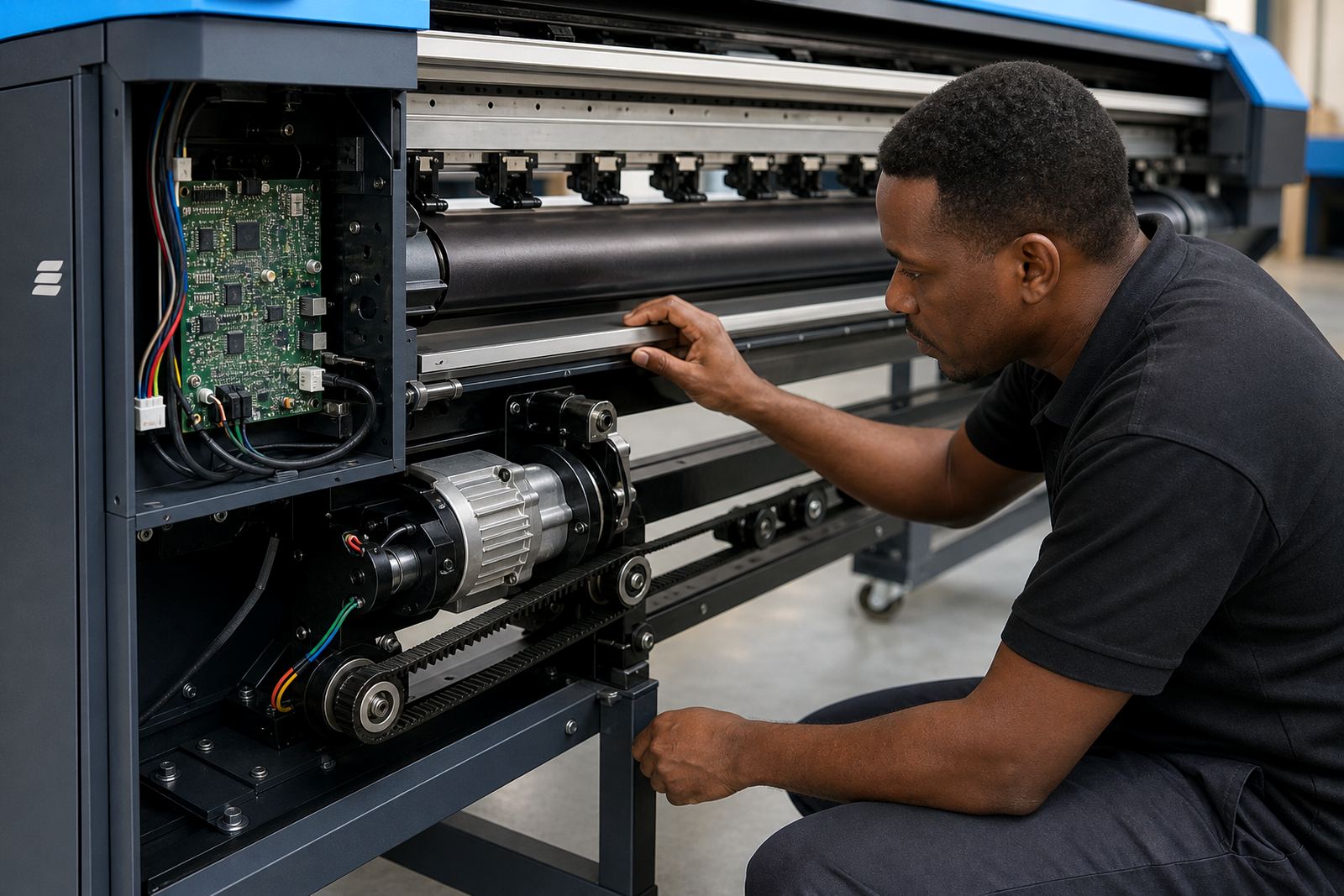
Board replacement normally needs a careful shutdown, static-safe handling, cable labelling and a check of the machine’s firmware and communication settings. After fitment, the printer may need calibration, head checks, sensor checks, media feed verification and a test queue before it returns to production. In some machines the board swap is straightforward, but in others the replacement must be paired with printhead driver settings or profile checks so the output remains stable.
Our team can assist with remote setup and support where the machine is able to connect for configuration and fault tracing. For shops in Midrand, Johannesburg, Pretoria and nearby industrial areas, board installation can be coordinated with wider RIP setup, colour profile checks or queue workflow work if the fault formed part of a larger production issue. A replacement board should be fitted carefully, because a loose connector or overlooked grounding point can create a new fault that was not there before.
- Safe shutdown and cable identification before removal
- Board replacement with connector and harness checks
- Firmware and communication verification after fitment
- Test prints to confirm movement, head firing and data flow
- Optional remote configuration for supporting software and workflow
Care for Spare Boards While They Sit on the Shelf
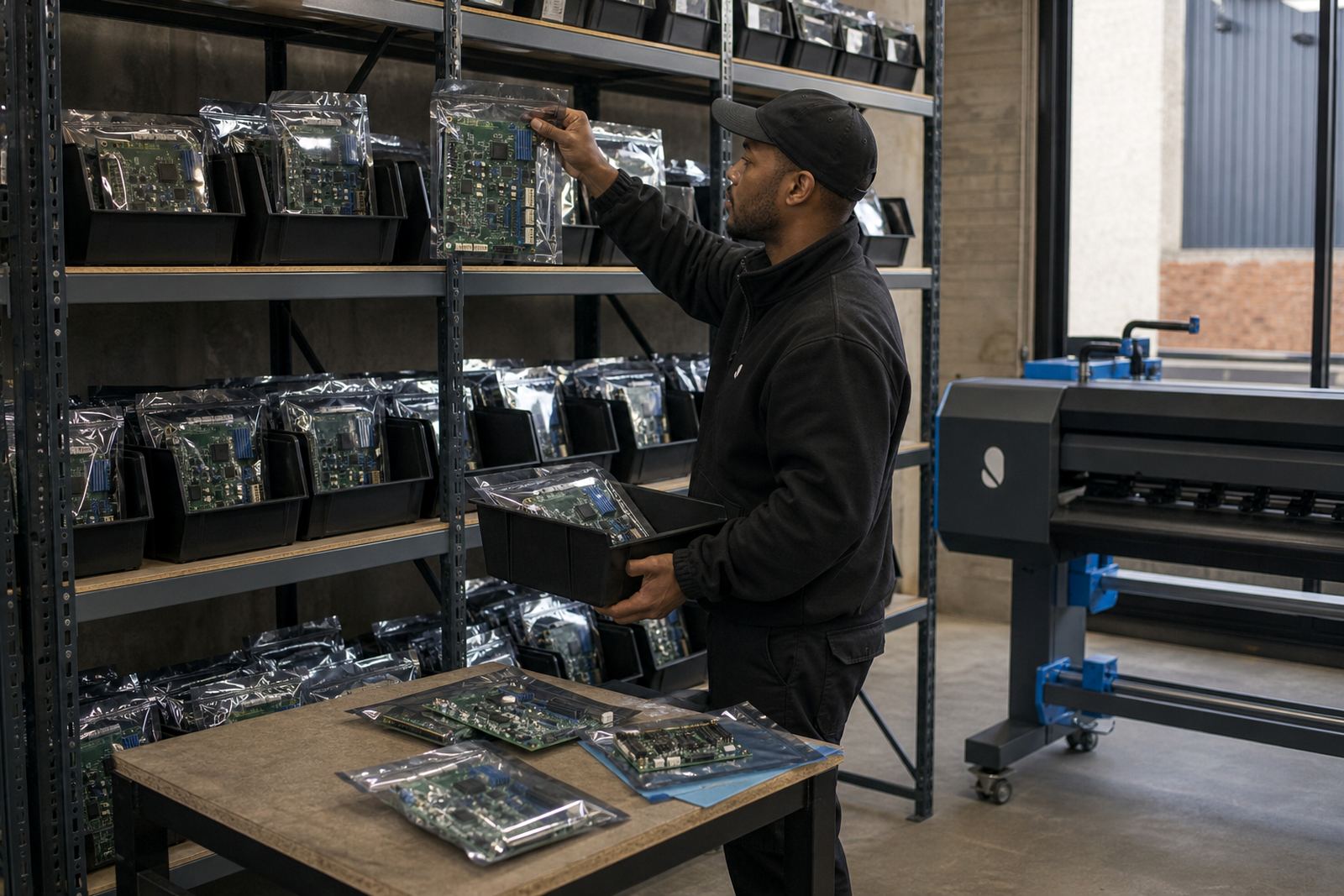
Electronics stored for later use need dry, clean conditions and sensible handling. Keep boards in anti-static packaging, away from moisture, grinding dust and direct sun. In humid coastal conditions, an unopened board still benefits from a tidy storeroom rather than a hot cabinet above a compressor or next to solvent vapours. When a board is taken out for inspection, avoid touching the contact points and do not lay it on a metal surface.
Before installation, check that the board has not suffered bent pins, burnt marks or moisture spotting, and confirm the cables and mounts are still in good condition. In a working print room it helps to label the spare by printer model and function, so the right part is pulled when a fault appears. A little care now saves confusion later, and the board is less likely to be damaged before it ever reaches the machine.
- Store in anti-static wrapping and original padding
- Keep away from moisture, heat and fine dust
- Label by printer model and board function
- Inspect for bent pins, scorching or corrosion
- Handle with clean hands and grounded precautions
Details to Confirm Before a Board Is Selected
For the correct match, the machine model, board code and fault description need to be checked together. It helps to note whether the printer is a single-head or multi-head unit, whether the issue sits on the main logic side or the printhead side, and whether the existing board has visible markings, revision codes or connector identifiers. If the machine has already been opened, photos of the board and cable positions are useful for matching the replacement.
Please also confirm the working environment and the role the printer plays in production. A board used in a high-volume shop may be kept differently to one on a smaller unit, and the support setup can change depending on whether the machine feeds from RIP software, a queue server or a direct workstation. That detail helps avoid a mismatch and makes the replacement easier to slot into the current workflow.
- Printer make, model and serial details where available
- Board number, revision mark and connector layout
- Nature of the fault and what the machine is doing
- Number of printheads and carriage configuration
- Photos of the existing board and cable positions
Related Support Around Boards, RIP and Production Control
Spare Board Stock works best when it sits alongside proper diagnosis, clean software settings and clear operator handover. We also support RIP installation, board installation, remote setup, printhead driver setup, colour profile setup, queue workflow design, fault finding, preventive maintenance, operator training, production tuning, backup and recovery, and ongoing support. When a fault turns out to be part board issue and part workflow issue, the shop gets a better result by dealing with both layers together.
Thabo Zungu leads the business from Midrand with support from Lerato Khoza, Johan Letsoalo, Zanele Moagi, Aiden Phiri, Kagiso Pienaar and Bianca Rademeyer. Clients across South Africa reach us through the enquiry form on our contact page, and the support structure covers Midrand Support, Johannesburg Support, Pretoria Support, Durban Support, Cape Town Support, Bloemfontein Support, East Rand Support and West Rand Support. For print rooms, the right spare board is often the quiet part of the plan until a fault shows up, then it becomes the part that matters most.
Key facts
| Product type | Locally held replacement boards for wide-format inkjet printers |
|---|---|
| Board classes | Main control boards, printhead driver boards, carriage boards, interface boards |
| Compatibility | Model-specific matching by board code, revision and connector layout |
| Supply area | Midrand, Johannesburg, Pretoria, Durban, Cape Town, Bloemfontein and surrounding regions |
| Fitment support | Remote setup, board installation and post-fit verification |
| Storage advice | Anti-static packaging, dry storage and protected handling |