Board setup that matches the printer, not guesses
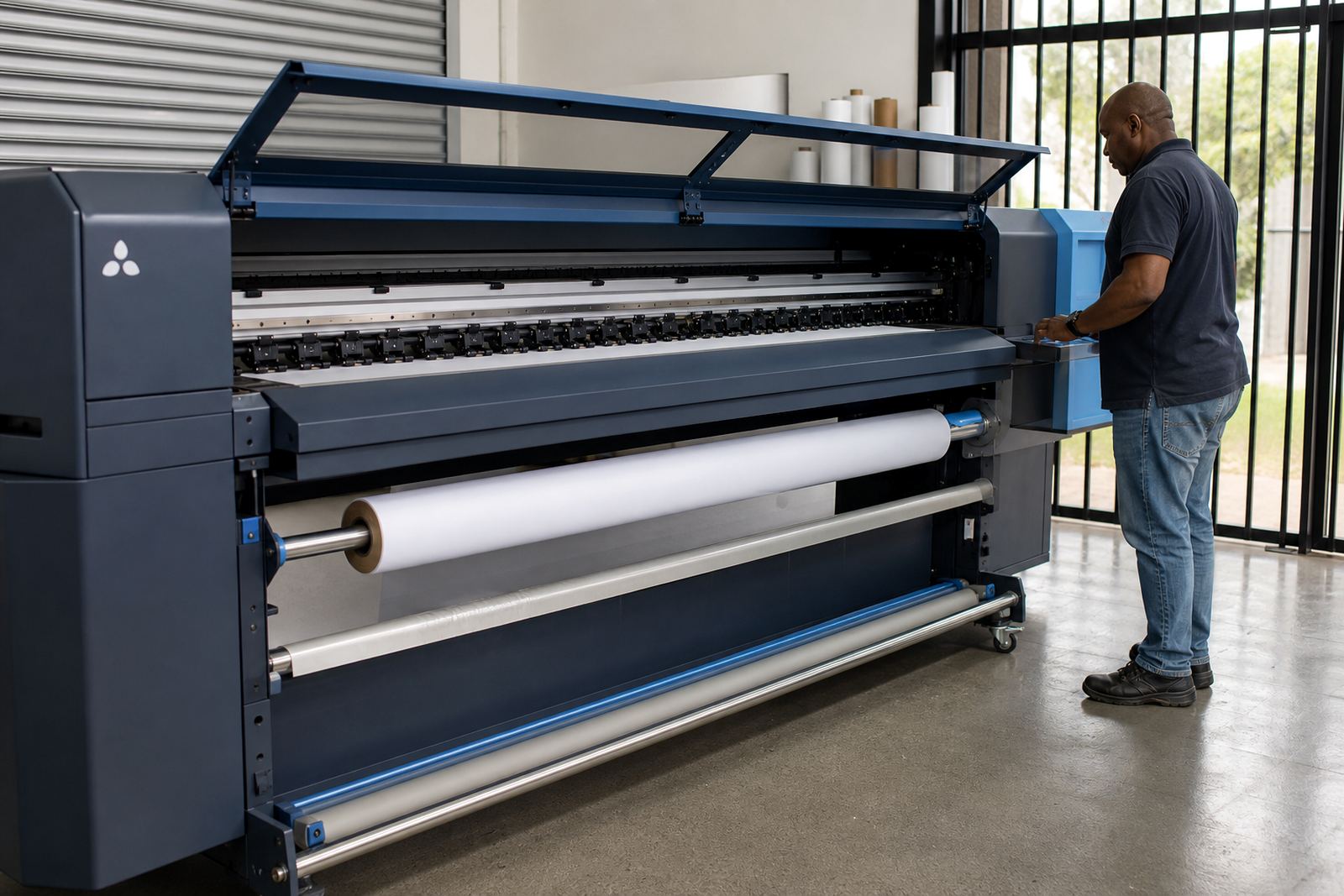
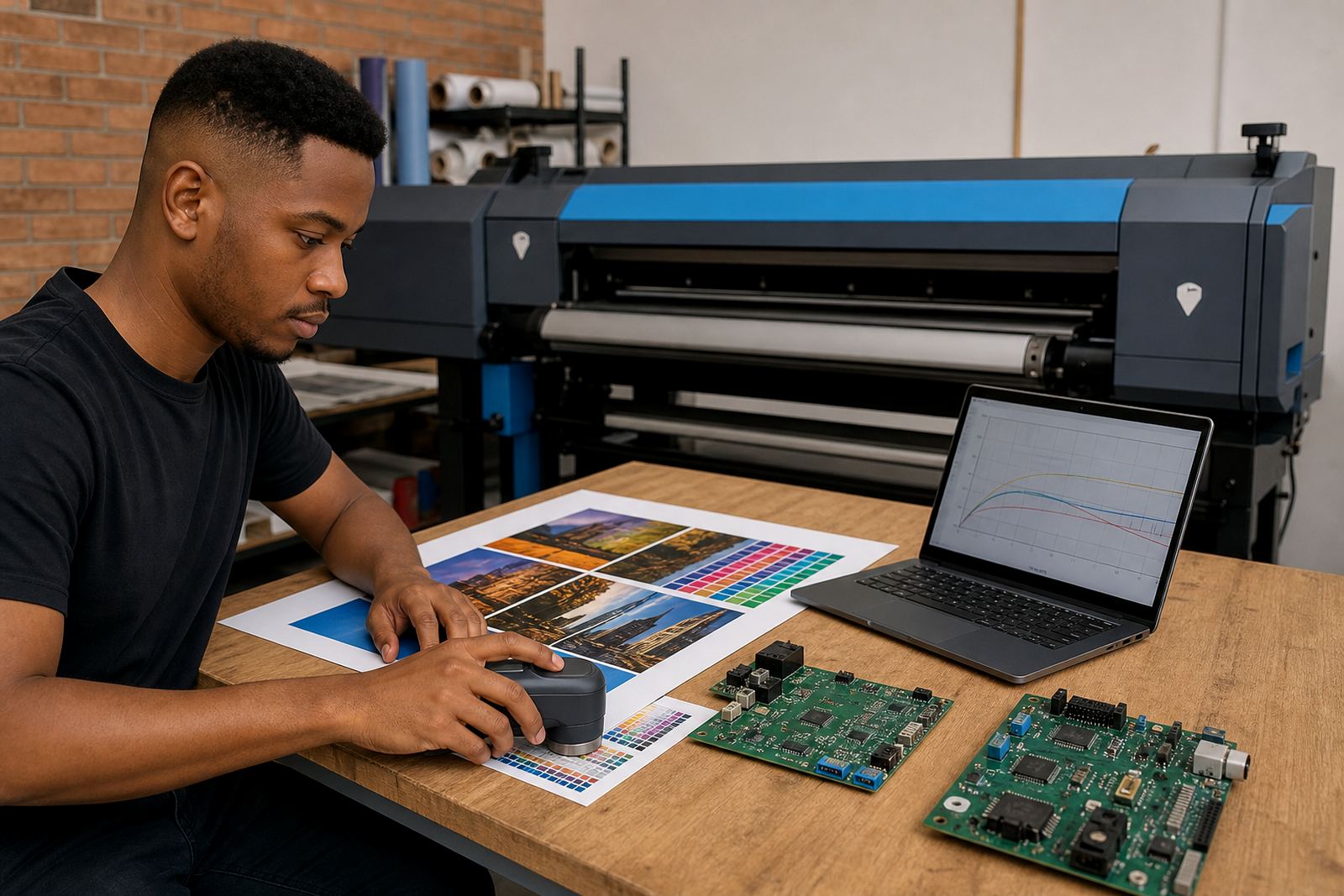
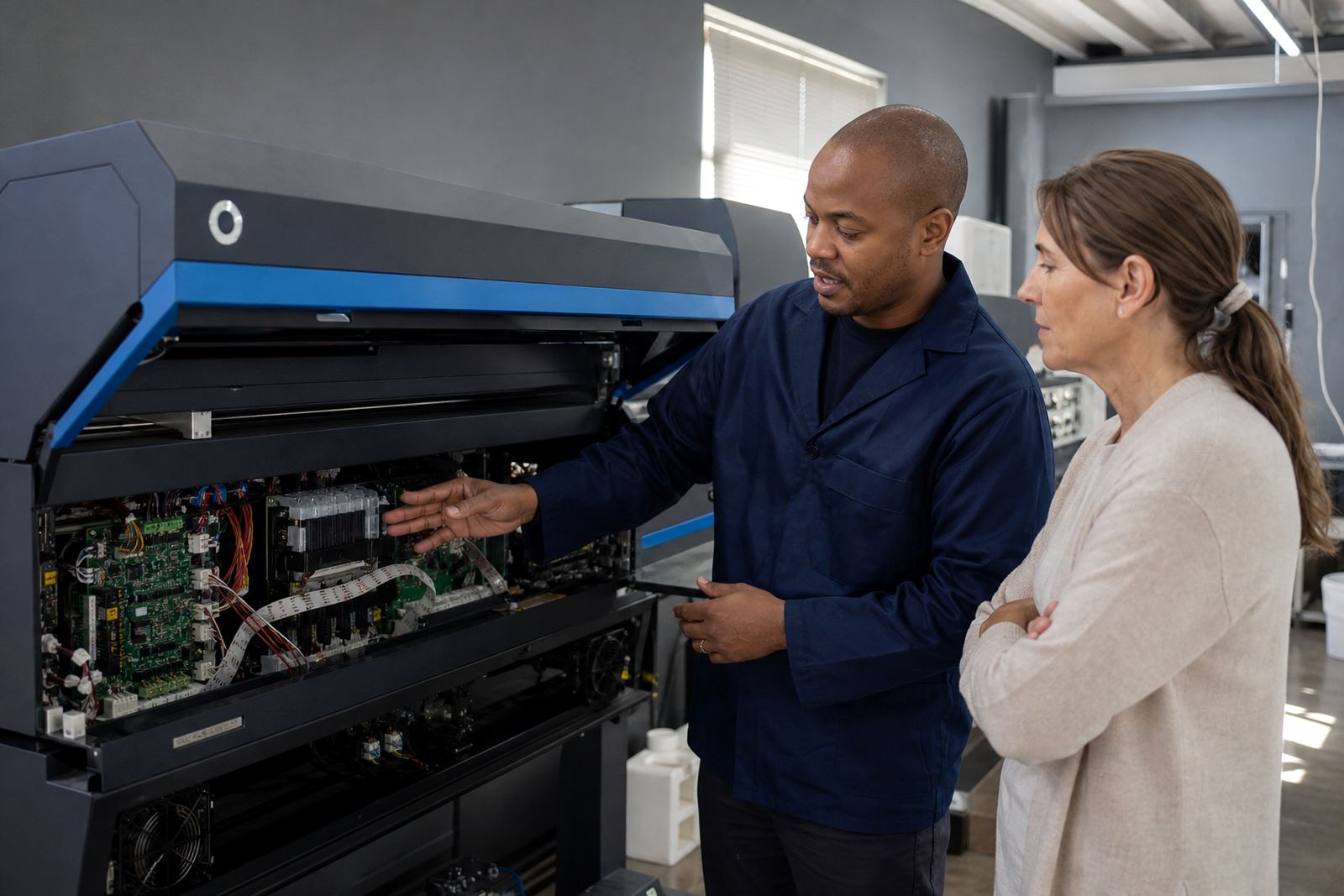
Remote Board Config covers the practical parts of getting a fitted control board ready for wide-format inkjet work. We confirm the board model, printer channel mapping, carriage direction, media width settings and the communication path between the board and the RIP workstation, then set the job up to suit the machine you have in front of you.
This service is useful when a printer has had a board change, a controller swap, or a fresh installation after repair. In many shops around Johannesburg, Pretoria and Midrand, the machine may already print physically but the board still needs parameter checks before colour work, nozzle tests and production queues behave properly.
- Supported board parameter review
- Communication and handshake checks
- Channel and head mapping confirmation
- Printer name, width and pass setup
- Queue and job routing alignment
What the remote configuration session covers
The session is carried out remotely with your operator or technician on site. We guide the on-site team through the menu structure, board utility screens and communication settings, then verify that the RIP can send jobs and read the printer back correctly. Where the board supports it, we also check media feed values, origin settings and head firing order.
For shops handling vinyl, banner, backlit film, mesh or coated board work, the aim is to keep the control board and RIP speaking the same language. That matters when a Durban shop is working in coastal humidity, or when a Cape Town production floor is running mixed shifts and needs the same setup loaded after maintenance or a power interruption.
- Parameter entry and correction
- Port, IP or USB communication checks
- Printhead driver setup guidance
- Basic fault finding on board communication
- Backup of working settings where supported
Sizes, board types and workflow options
Remote Board Config is offered as a service for supported wide-format inkjet control boards rather than as a physical product size. The options depend on the printer family, the number of printheads, the interface type and whether the machine uses a direct PC connection or a networked controller. Some installations only need a single board parameter set, while others need a fuller setup with colour profiles, queue logic and maintenance reminders built in.
We work with production setups used by print shops, signage teams and larger facilities that run long queues through the day. If the printer is linked to nesting, barcode workflow or production logs, those settings can be checked as part of the same session so the operator is not rebuilding the job path by hand each time.
- Single-head and multi-head printer setups
- USB, network and controller-linked communication
- Basic print mode or production workflow setup
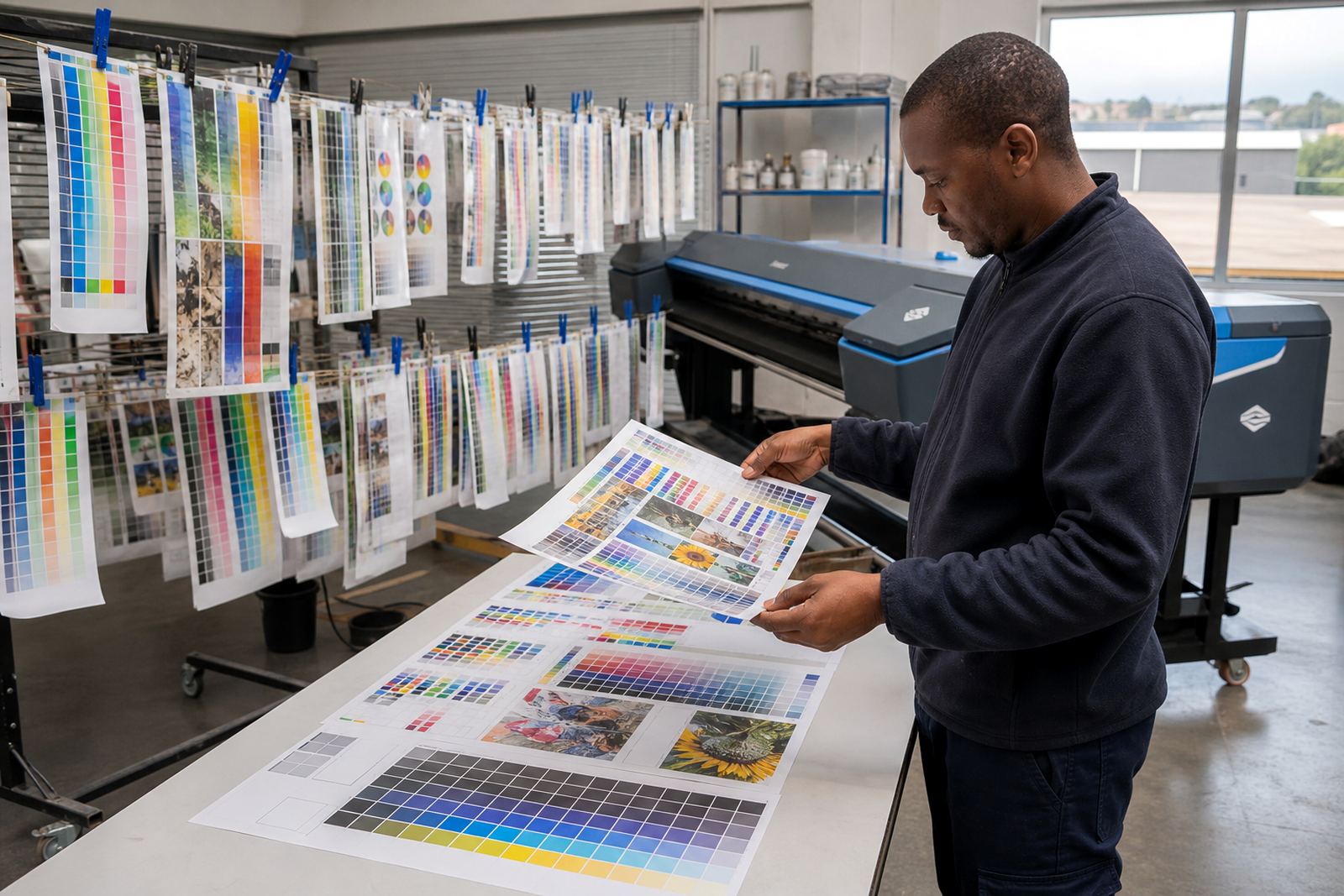
- Optional RIP profile and queue matching
- Backup file creation where the board allows it
Where this service suits the work floor
Remote Board Config fits shops that need steady output after hardware work, new operator handover or controller repair. It is especially useful in places where there is no time to trial settings on every job, such as litho support rooms adding wide-format inkjet work, or signage teams balancing urgent runs with planned production.
Across Gauteng and the major metro areas, the same board can behave differently if the communication path, firmware state or RIP queue is left half set. A careful remote session helps close that gap. The service suits print shops in Midrand, East Rand and West Rand, plus teams in Pretoria, Bloemfontein, Durban, Cape Town and Johannesburg that need the printer to settle into a repeatable setup.
- Post-repair board commissioning
- Fresh installation after hardware fitting
- Operator changeover and training support
- Queue recovery after system rebuilds
- Production tuning for repeat jobs
Fitting, cabling and on-site preparation
The board must already be fitted and powered in line with the printer maker’s wiring layout before the remote session starts. On-site preparation usually includes a stable PC connection, access to the machine menus and a working path between the RIP station and the printer controller. Where the printer uses multiple heads or external driver modules, those points need to be labelled and reachable before the call begins.
It helps when the team on site can confirm the board revision, the printer model, the connected ports and any fault lights or error messages shown on the control panel. That gives the remote technician enough detail to guide the session without wasted steps and avoids changing values that belong to a different configuration. The setup is often a mix of board work and print workflow work, not one or the other.
- Printer and board model identification
- Power and data connections checked on site
- Menu access and password details if used
- PC, network and RIP access prepared
- Any existing error codes recorded before setup
Keeping the settings stable after the job is live
Once the board is configured, the important part is keeping those settings consistent. We usually recommend saving a copy of the working profile, keeping the queue layout noted, and recording the printhead driver values used for each media type. That makes maintenance less disruptive when a head is replaced, a board is repaired or the RIP workstation is rebuilt.
Coastal dust, humidity and long production runs can shift behaviour over time, especially on machines that sit close to finishing rooms or loading bays. Regular checks on communication, nozzle test behaviour and parameter drift help keep the board from becoming the weak point in the workflow. If the shop uses backup and recovery routines, those should include the controller settings as well as the RIP profile data.
- Save a copy of working board settings
- Log media types and pass counts used
- Check queue behaviour after updates
- Review cabling and connectors during service
- Recheck communication after any repair work
Key facts
| Service type | Remote guided configuration for supported printer control boards |
|---|---|
| Printer class | Wide-format inkjet printers |
| Session scope | Board parameters, communication checks, printhead driver setup guidance |
| Workflow fit | RIP software, colour profiles, queue handling and production tuning |
| Coverage | Midrand base with support for Johannesburg, Pretoria, Durban, Cape Town and Bloemfontein |
| Support format | Remote setup with on-site operator or technician assistance |