The workstation built for daily RIP handling
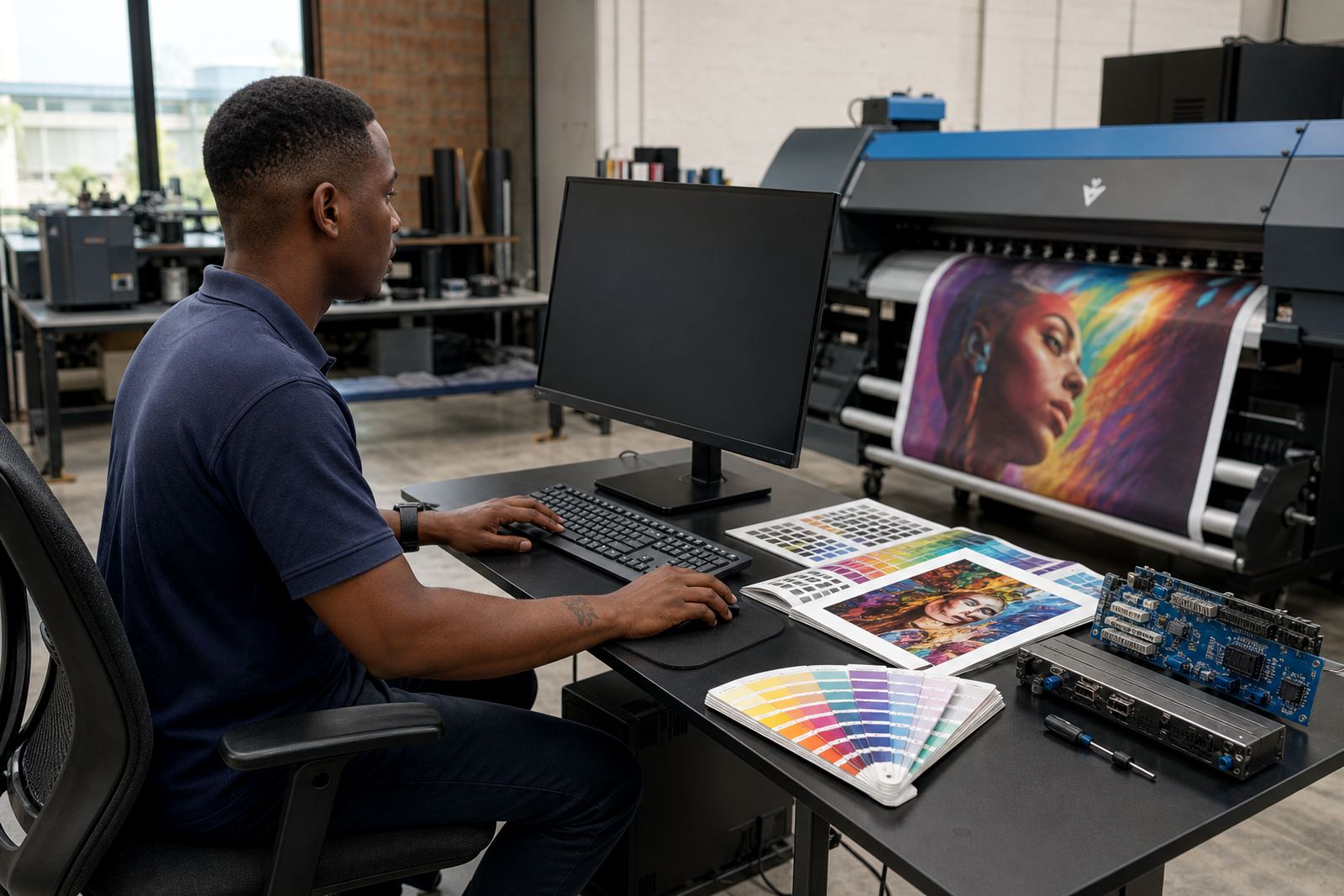
This package brings the computer, RIP software setup, colour profile handling and print queue structure into one working unit for wide-format inkjet production. It is built for the people who load files, nest jobs, send repeat runs and need the screen, software and output path to make sense from the first job of the day.
The setup is geared to the way print rooms actually work. Files may arrive from design offices in Johannesburg, a signage shop in Pretoria, or a production floor in Durban where the operator is dealing with long boards, mixed media and tight handovers. The workstation is configured to keep job naming, queue order, media presets and output checks in one place, so the team is not piecing things together under pressure.
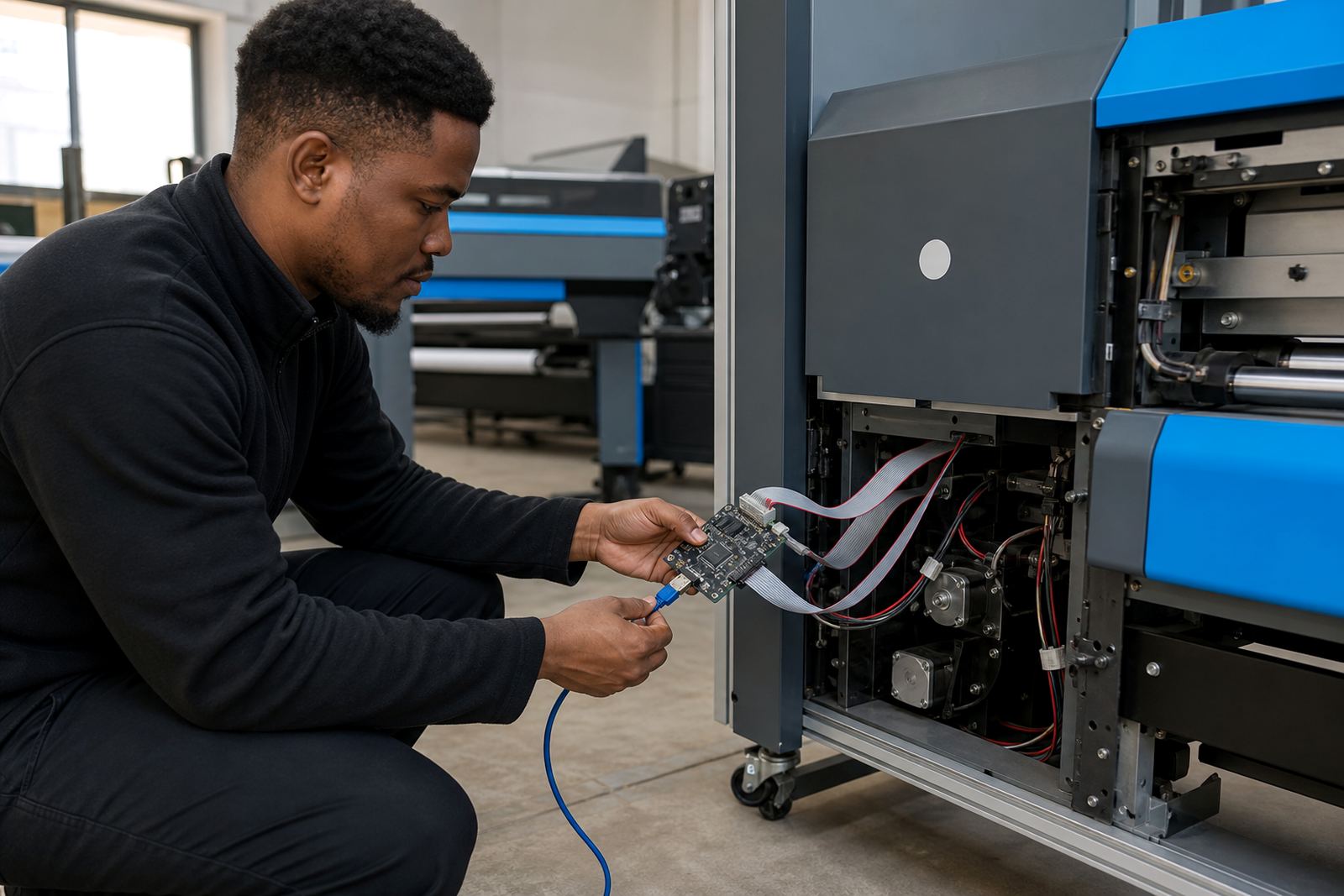
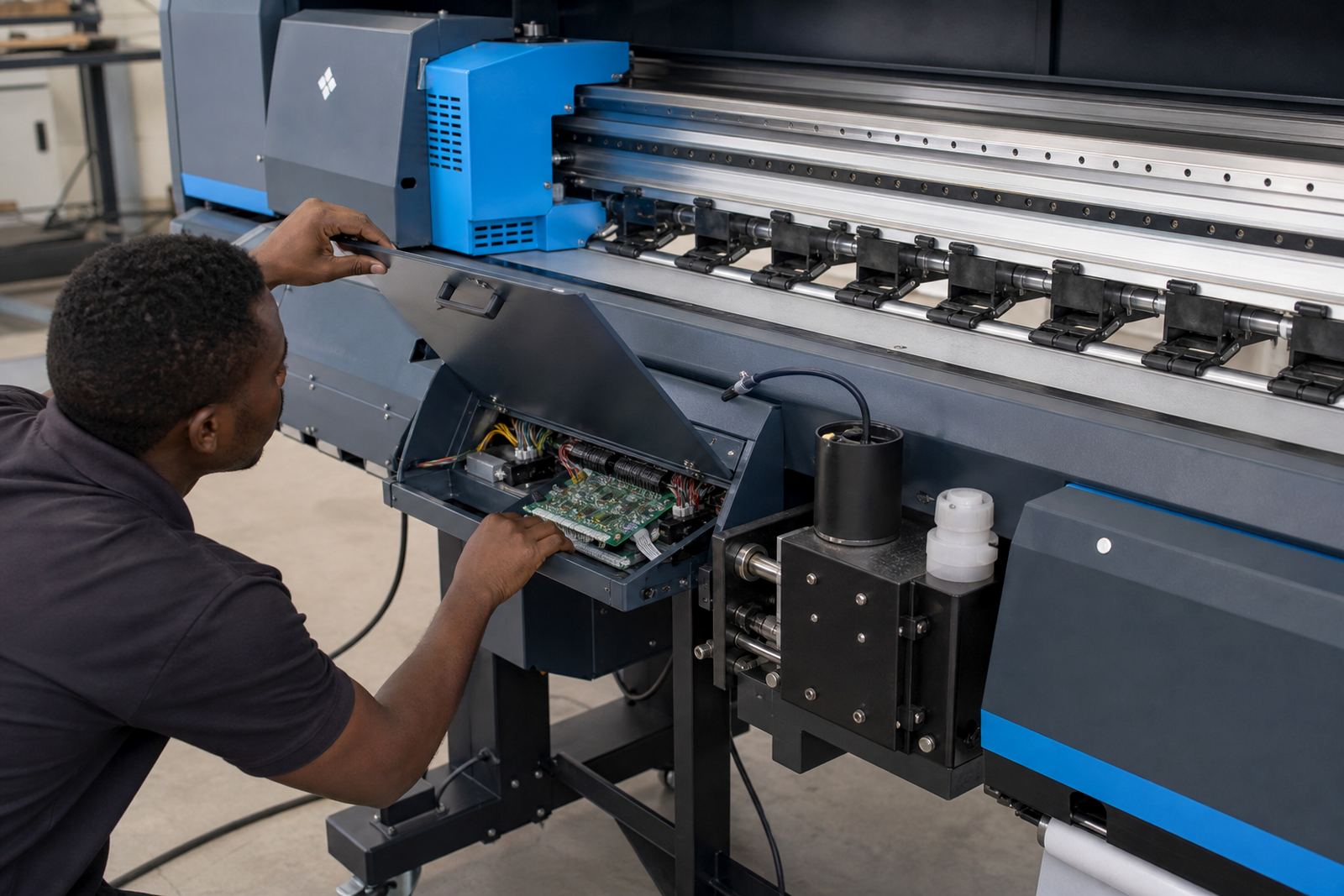
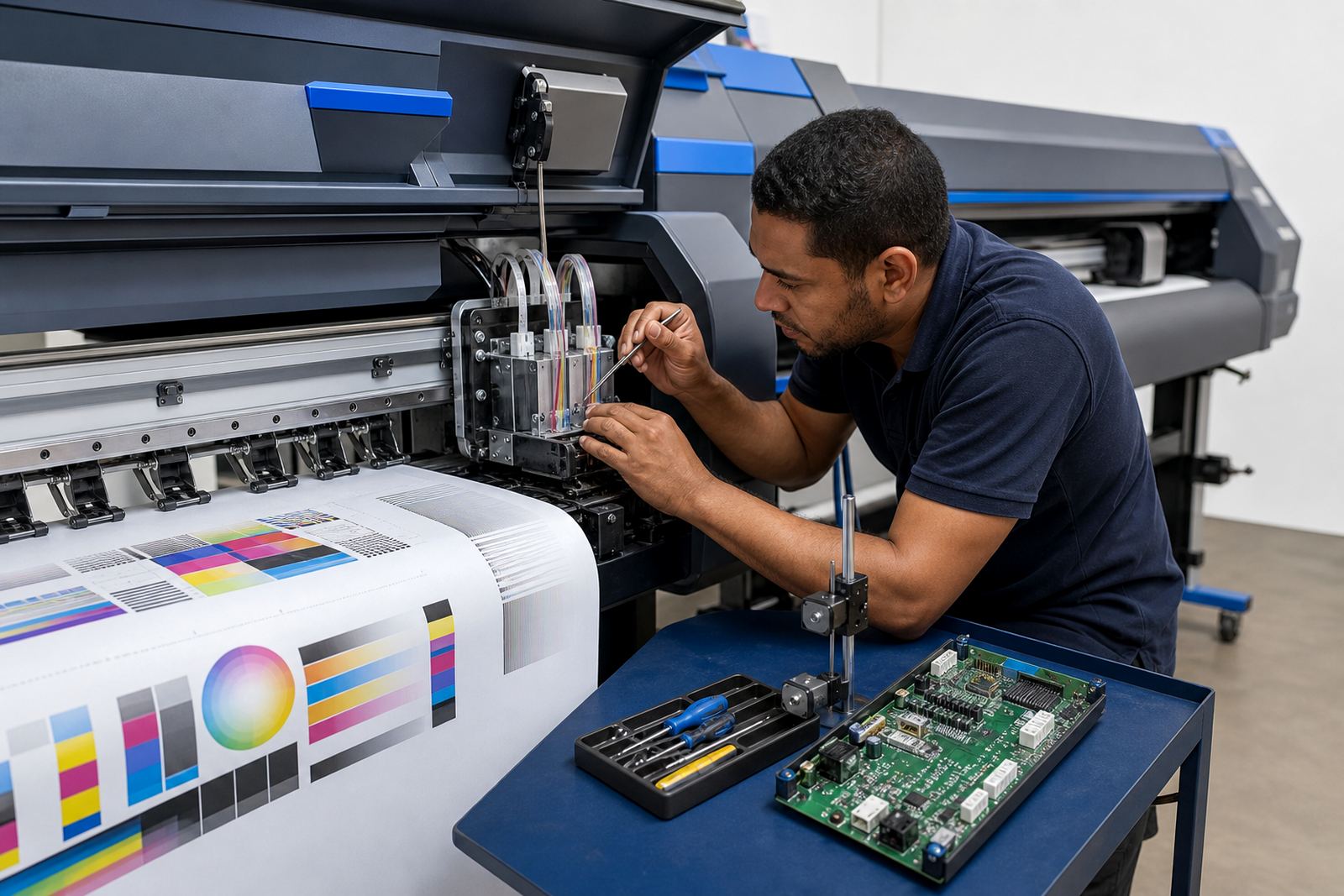
We set the software to match the printer control boards and printhead driver logic in use, then align the colour workflow to the type of work being run. That can include posters, vinyl, backlit media, textile transfer, canvas or rigid board output. The aim is not only to print, but to keep the flow steady across busy shifts, with less rework and fewer guesses on colour or scaling.
What comes into the package
The package can be supplied as a complete workstation bundle or as a configured software and control package for an existing computer. Options vary by printer size, queue depth and the number of operators using the system. Some rooms need a single local workstation, others need a machine that handles separate print and reprint queues with room for saved presets and backups.
- RIP software installation and licence setup where required
- Printer control board pairing and printhead driver setup
- Colour profile loading and profile naming structure
- Queue layout for nesting, repeats and mixed media runs
- Job folder structure for production, proof and archive files
- Backup set-up for presets, profiles and queue data
For larger rooms, the package can be arranged to support more than one printer line, with separate media setups and operator access. If the site runs from Midrand, the East Rand or the West Rand, we can set the workstation to fit the print room layout and the way files move between design and production.
Where this setup fits best
This package suits print shops, signage businesses, trade print facilities and production teams that run wide-format inkjet output every day. It is also useful where staff changes are common and the workflow must stay consistent even if different operators handle loading, proofing and handoff. On the shop floor, the value is in having one clear workstation that the team can trust for regular jobs and scheduled production.
It is well suited to shops that print on different media types through the week, or that need colour work to stay close across reprints. A team in Cape Town might be dealing with coastal humidity affecting media handling, while a Bloemfontein workshop may be managing dusty storage and frequent artwork changes. The workstation package is set up to help keep output controlled in those conditions, and the queue settings are adjusted to suit the site not the other way around.
- Wide-format inkjet print rooms
- Graphic design studios with in-house output
- Signage and display production floors
- Short-run and repeat-run trade printers
- Operations needing colour consistency across multiple jobs
Installation, fitting and remote setup
Installation can include on-site fitting in Gauteng or remote setup for sites in other parts of South Africa. The process covers the workstation, the RIP software, printer control board communication, printhead driver alignment and the first round of profile checks. Where a printer is already in place, we work from the current machine condition, media list and workflow style so the setup matches the room rather than forcing a generic arrangement.
Power supply stability matters for any production workstation that needs to stay reliable through the day. A clean mains supply, proper shutdown routine and sensible backup handling help protect software settings and queue data. If the site uses a UPS or similar protection for the computer and printer controls, we can work that into the setup plan. For rooms with load-shedding or interrupted supply, saving presets and scheduled backups becomes especially useful, no one wants to rebuild a queue from scratch.
Remote setup is useful for shops in Johannesburg, Pretoria, Durban, Cape Town and Bloemfontein that need configuration without waiting for a full site visit. It can cover the first installation, fault tracing on software settings, queue correction and colour profile loading. When a board or driver issue is involved, the technician will work through the signal path, file path and printer response so the fault is narrowed down properly.
Care for the workstation and the print room files
A RIP workstation lasts longer when the file structure stays clean and the software settings are treated as production tools, not one-off fixes. Operators should keep media names consistent, remove duplicate queues that are no longer used, and store profile sets in a clear order. If the room runs different substrates each week, it helps to separate those by folder and print preset so the wrong media does not get pulled into the wrong job.
The computer itself should be kept free of clutter, dust and unnecessary background tasks. Fans and ports need checking in a print room, especially where paper trim, powder, vinyl offcuts or dust are part of the day-to-day enviroment. Backups of queue data and profile files should be kept on a separate drive or secure storage, because the real cost is often in the time lost rebuilding a working setup after a fault.
- Keep colour profiles named by media and print mode
- Save queue presets after each change in settings
- Back up job templates, nesting rules and driver files
- Review output after media or ink changes
- Check the workstation for dust and heat build-up
Details to confirm before the order
To match the package correctly, we need the printer model or board type, the number of printers on site, the media sizes used most often and the RIP functions required by the production team. It also helps to know whether the room needs nesting, white ink control, variable data handling, dual queue support or repeat job recall. If there is already a workstation in place, the current computer specifications and software condition should be confirmed too.
The physical size of the workstation matters where floor space is tight. Some rooms can take a tower unit with separate monitor space, while others need a compact setup that fits beside the operator position without blocking material flow. We also look at whether the site prefers a single screen or dual-screen viewing for queue control, proofing and colour work. That detail changes how the layout is arranged and how the operator moves between artwork and output.
If the room runs short jobs, long rolls or rigid board work, let us know the usual sheet or roll widths so the nesting and scaling settings can be set properly. That reduces waste and makes the output more predictable. The aim is a workstation that suits the actual print mix, not just the machine on paper.
Key facts
| Package type | Configured RIP workstation for wide-format inkjet production |
|---|---|
| Software focus | RIP control, queue management, nesting and colour profile handling |
| Hardware format | Single workstation or expanded operator setup |
| Output support | Roll media, sheet media and mixed production queues |
| Setup method | On-site fitting in Gauteng or remote setup across South Africa |
| Best use | Daily print room operation, repeat jobs and colour-managed output |