Start With The Pressroom Reality, Not A Classroom Guess
Train The Basic Moves Before The Fine Details
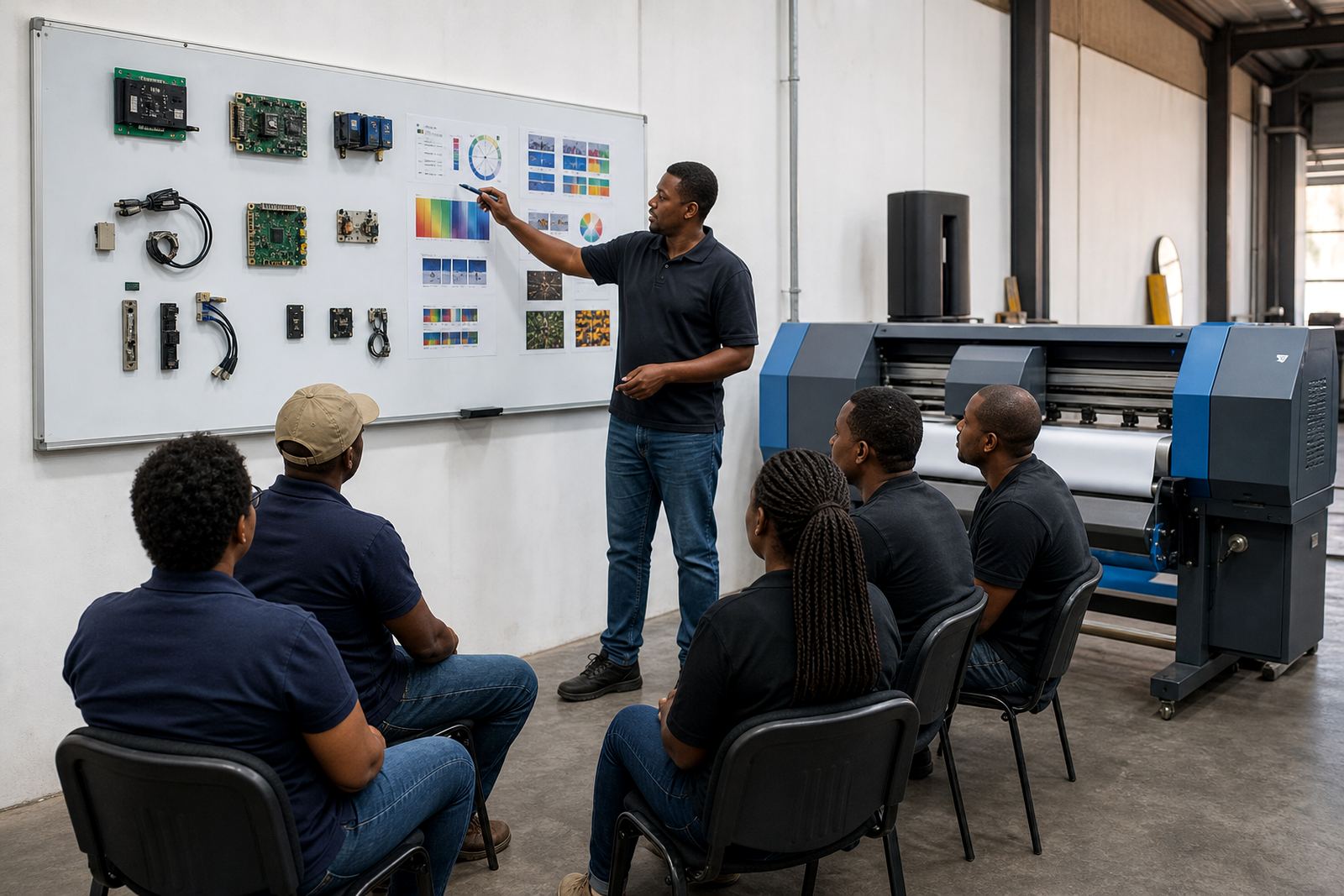
Good operators know where the controls are, but better operators understand what each setting changes on the printed sheet. Focus first on queue order, job nesting, media size selection, ink limits and printer pause points. Once those are consistent, the team can move into profile use, board settings and maintenance checks.
Keep the early sessions short and hands-on. A person who loads vinyl, clears a queue and checks a test strip learns faster than someone sitting through pages of notes. That practical rhythm matters in busy shops where a late order can throw the whole shift off.
- Show how to load a job without changing the artwork file.
- Demonstrate the difference between a quick reprint and a full setup.
- Teach what to check before sending a long run to the printer.
- Repeat the same sequence until it is done without prompts.
Use Colour Checks That Hold Up On Real Media
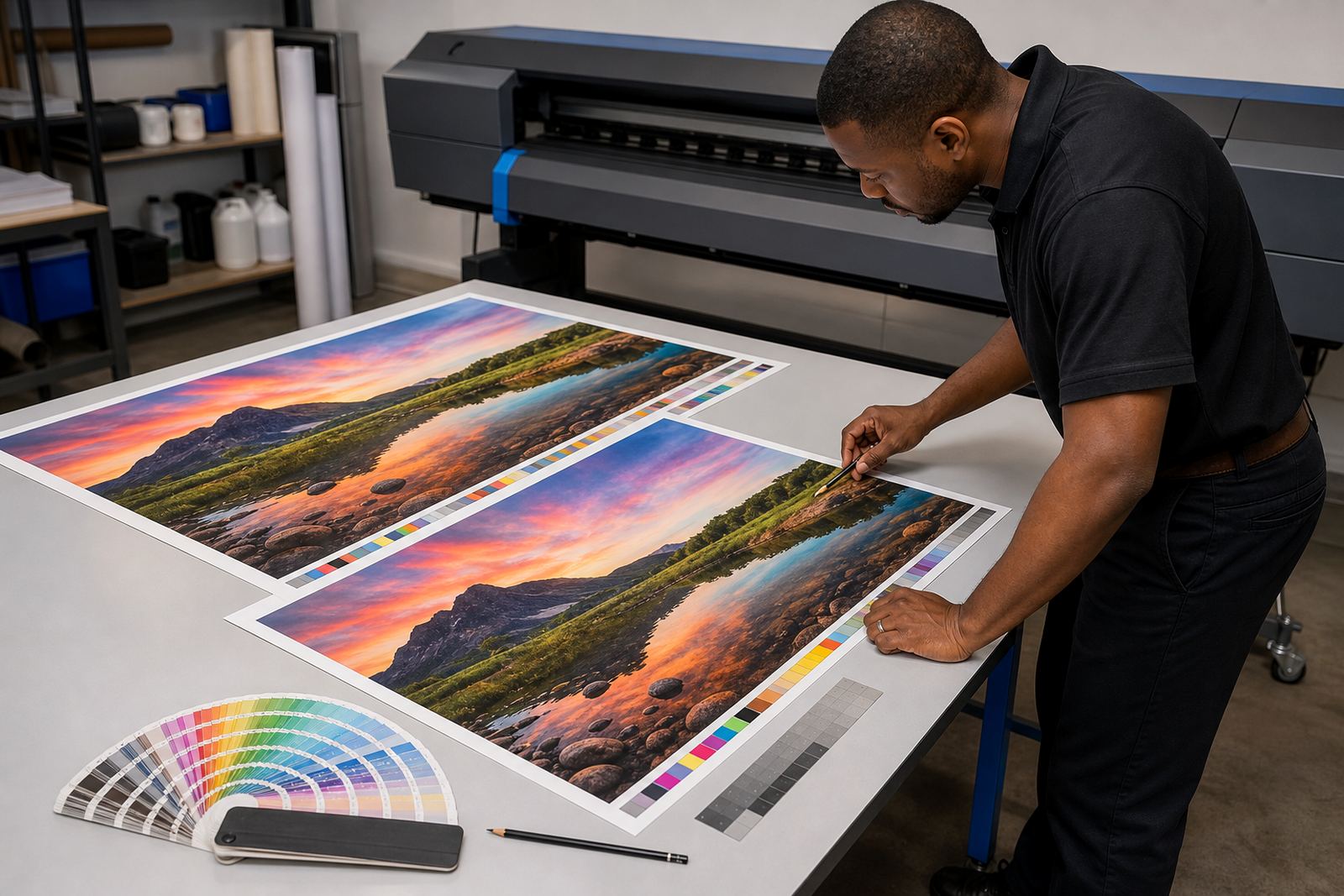
Colour training should be grounded in the stock being printed, not in a perfect sample on paper that never reaches the client. A profile that works on one coated vinyl can shift on another, especially in humid coastal areas like Durban where media handling changes through the day. Operators need to learn how to compare output against the correct reference and how to spot drift before a full roll is used.
Put simple colour routines into the schedule. That might mean checking neutral greys, skin tones, solids and black density at the start of a shift. It also means knowing when a profile needs adjustment instead of forcing the job through with heavy correction.
- Use the correct profile for each media and printer combination.
- Check for banding, oversaturation and weak blacks.
- Store approved test strips where operators can find them easily.
- Keep one person responsible for final colour sign-off.
Build A Queue Routine That Prevents Rush Errors
Many repeat faults start with queue handling rather than the printer itself. Jobs get rushed into the wrong preset, nesting is skipped, or two files are sent with similar names and the wrong one gets printed. A solid routine makes those errors less likely and helps the team keep production moving when the shop is busy.
Use one repeatable method for every job. The operator should confirm file size, media width, print mode, profile, nesting layout and finishing margin before the queue is released. If the team works across Johannesburg, Pretoria or West Rand sites, the same routine should apply in each place so nobody has to relearn the process from scratch.
- Check the job name against the order slip.
- Confirm the media width before nesting starts.
- Verify the profile and print mode before releasing the queue.
- Save finished settings for recurring work where appropriate.
Maintenance Habits That Belong In The Training Plan
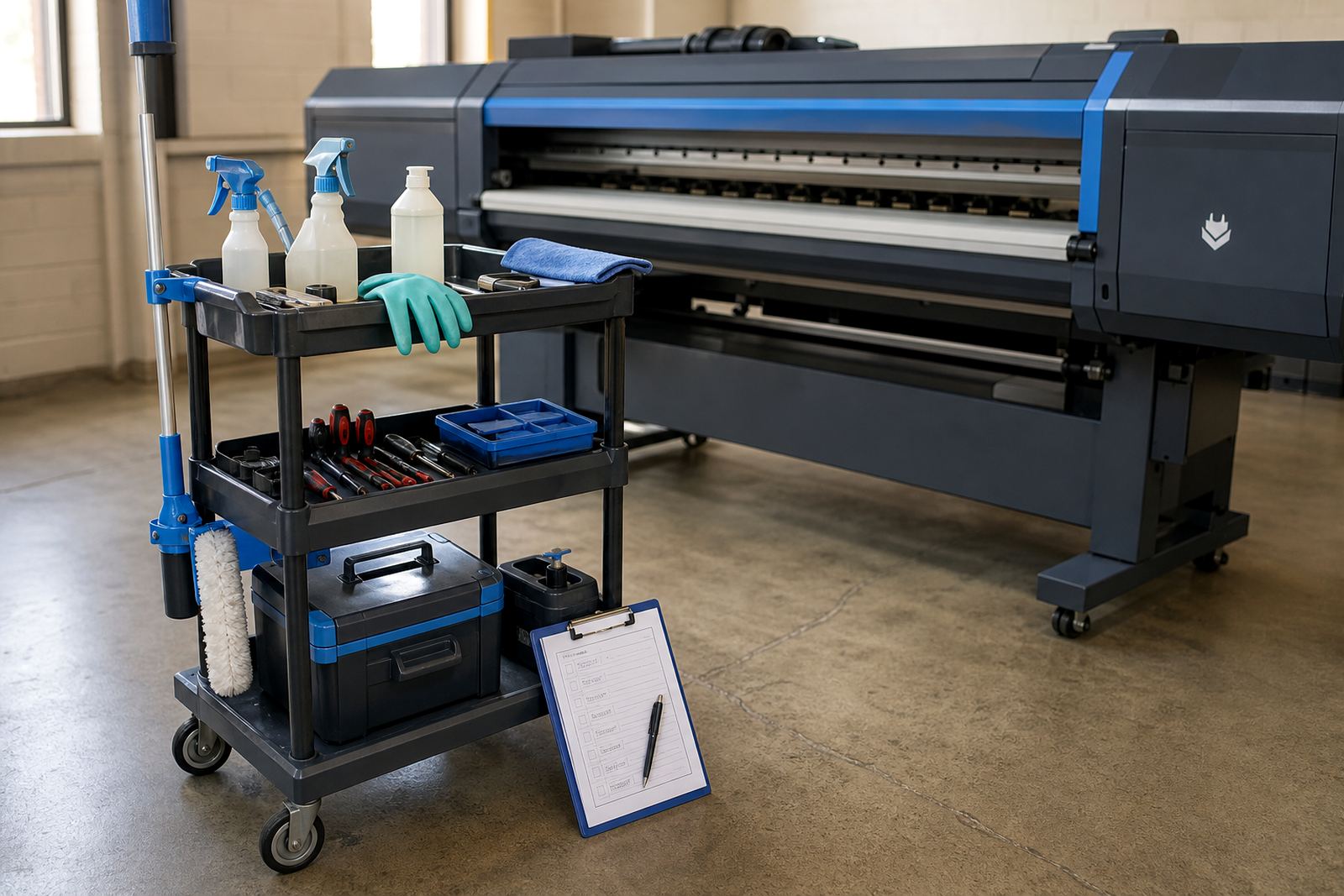
Training should cover maintenance as part of daily work, not as a separate chore that gets postponed. A printer in a production shop cannot afford avoidable downtime because someone forgot a nozzle check or left dried ink building up in the wrong place. Preventive habits protect output quality and reduce the chances of avoidable board faults or driver issues.
Operators do not need to strip machines every day, but they should know the signs that point to trouble. Ink starvation, unusual noise, recurring error codes and colour shift are all worth catching early. On coastal jobs or sites with dust, the inspection routine should be stricter and written down clearly.
- Carry out nozzle checks at the agreed intervals.
- Watch for repeat faults that point to a board or driver issue.
- Record cleaning steps and any changes to the machine state.
- Escalate recurring errors before the next production run.
Keep The Training Visible After The First Session
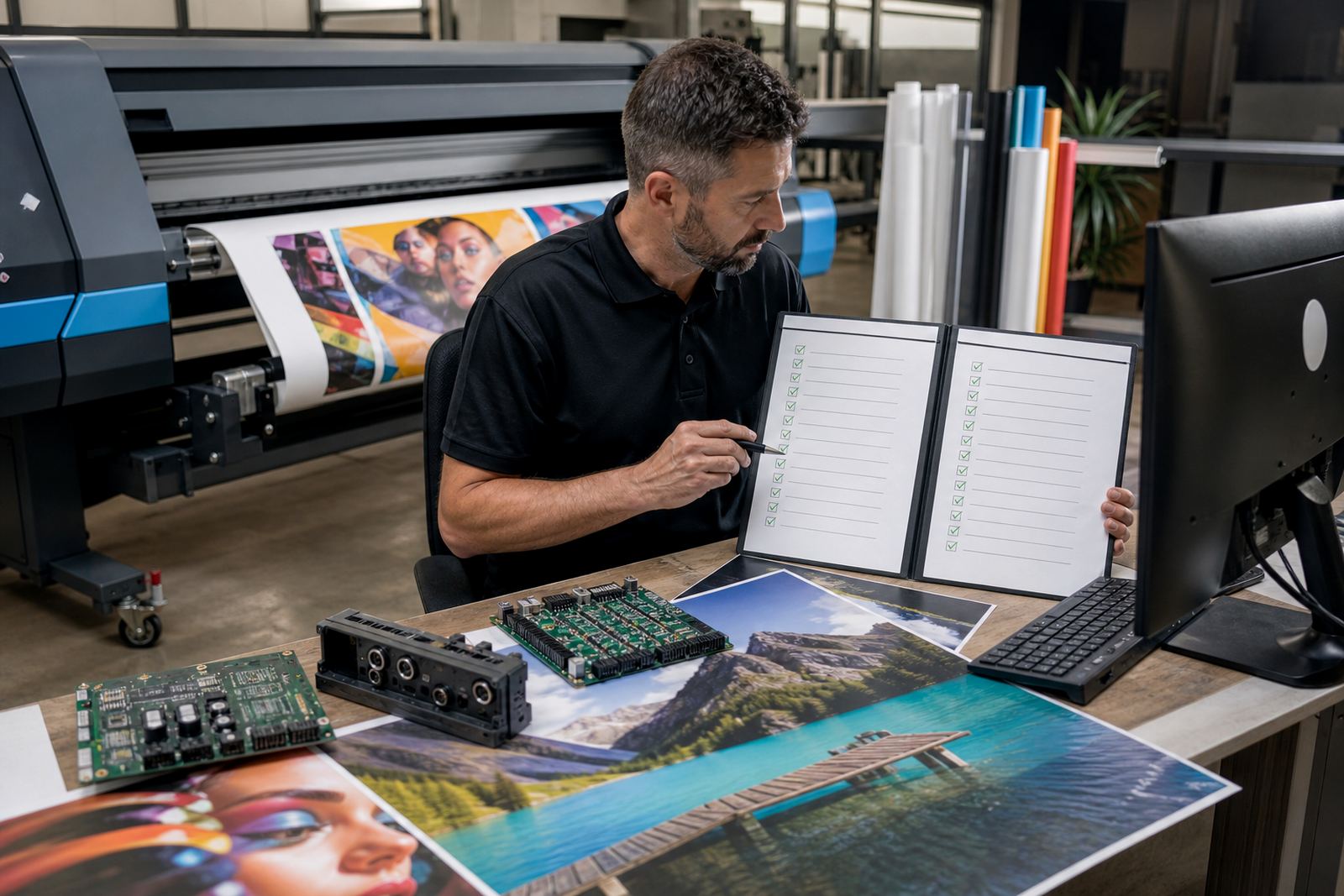
A good plan falls apart if the notes are hidden in a file nobody opens. Put the critical steps where operators can use them during a shift, near the queue station or as a printed checklist beside the printer. That way the process stays practical when the room is noisy and the work is moving quickly.
Short refreshers matter too. Staff change, workloads shift and new media arrives without warning. A brief refresher on colour profiles, backup recovery and operator handover can prevent a small mistake turning into a full reprint. Lerato Khoza, Johan Letsoalo, Zanele Moagi, Aiden Phiri, Kagiso Pienaar and Bianca Rademeyer each handle a different part of that follow-through, which keeps the training tied to real production tasks.
- Keep one printed checklist for daily start-up.
- Store backup settings in a place the team can access.
- Review common errors after busy production weeks.
- Update the plan when new board or RIP settings are added.
What A Solid Operator Checklist Covers
A checklist works best when it is brief, clear and matched to the machine on the floor. Its purpose is not paperwork for its own sake. It is there to help operators catch the issues that lead to poor print quality, extra waste and repeated setups.
For shops in Midrand and across South Africa, the checklist should include the same core points every time. A team using remote support can also follow the same list during guided fault finding, which makes the conversation easier and keeps the repair steps in order.
- Media loaded and aligned correctly.
- Correct profile selected for the job.
- Queue order checked before printing.
- Test strip approved where needed.
- Maintenance notes updated after the run.