Start with the job shape before you think about the roll
Nesting works best when the job list is checked before it reaches the RIP queue. Look at finished size, quantity, bleed, trims and whether the pieces will be cut on a router, guillotine or hand finished. A long banner, a set of A2 posters and a few stickers do not belong in the same layout just because they are waiting in the same queue. The aim is to group work by material, finish and production path, not only by the order it arrived.
On wide-format inkjet printers, media width and printable margin matter just as much as artwork size. A 1 370 mm roll and a 1 600 mm roll behave very differently once you add clamp marks, side margins and cutter clearance. If the printable width is used too tightly the job can shift out of alignment during output, especially on humid coastal runs where paper can move during handling.
Build nesting around real production rules
Good nesting follows the shop floor, not the other way around. Set the layout so the operator can load a roll, print a set, trim it cleanly and move to the next batch without reworking the same media twice. For print shops in Johannesburg, Pretoria, Durban, Cape Town and Bloemfontein, that also means planning for different stock conditions. Coastal humidity can soften some media, while dry inland air can make sheets curl and open up gaps between cuts.
- Match one nesting layout to one media type.
- Keep cutline spacing consistent across the group.
- Leave room for trim marks and barcode labels if used.
- Group the same finish together, such as laminated or unlaminated work.
- Separate urgent reprints from long production runs.
Once those rules are set, the RIP queue becomes easier to manage. The operator can see which jobs belong together and which ones should stay separate because they need different curing, drying or cutting handling.
Use the RIP tools that save media without slowing the line
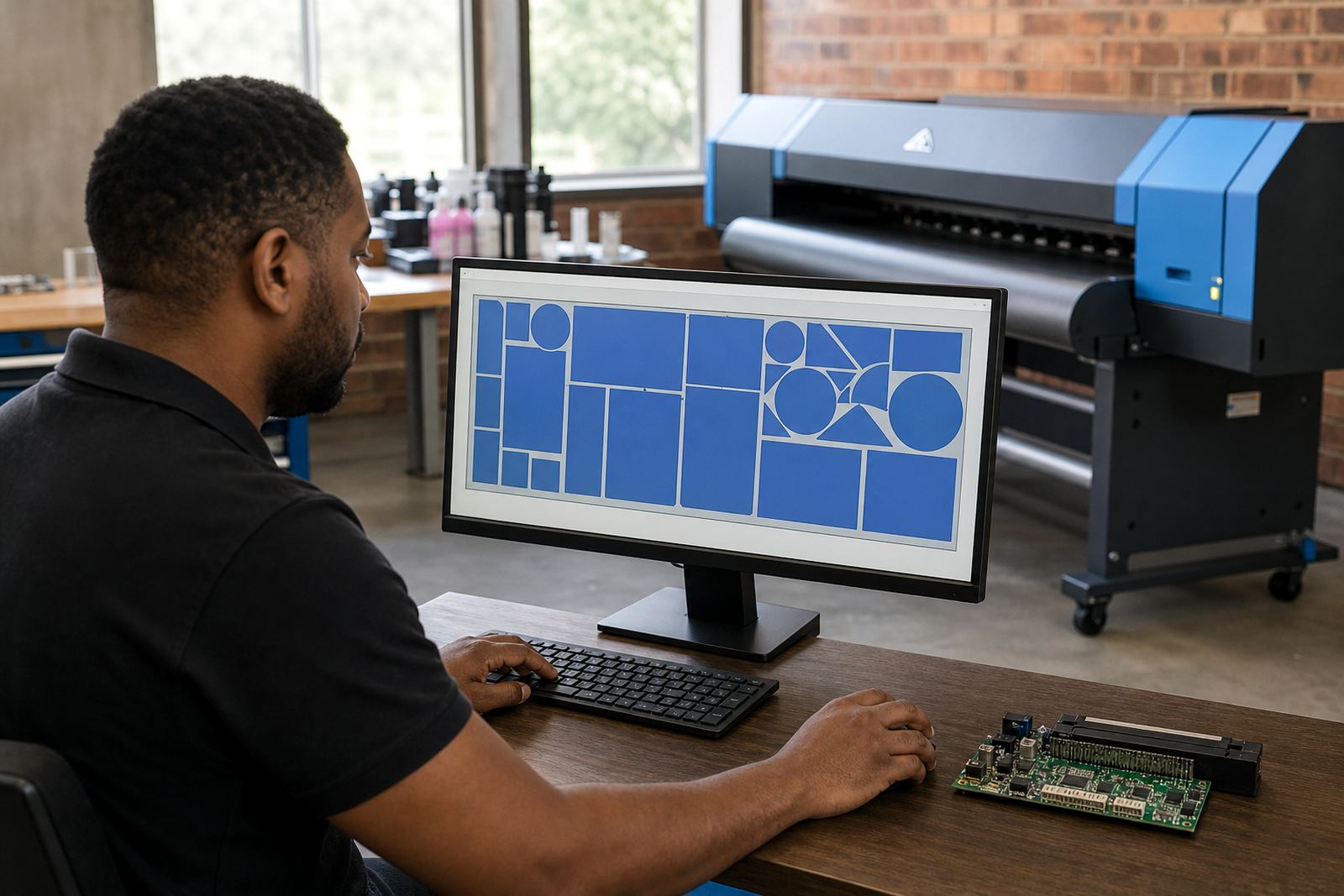
Nesting in RIP software is strongest when it is set up with the right defaults. Auto-nesting can save space, but it still needs sensible spacing, rotation rules and quantity settings. If a job can be rotated safely, the software may fit more pieces across the roll, though text direction, grain direction and finishing marks must be checked first. A layout that looks tight on screen can still waste material if the cutter path or operator handling was not considered.
Printhead driver setup also affects nesting performance. If the output speed, pass count and ink limit are badly matched, the printer may slow down or lay down more ink than the media can take cleanly. That adds dry time and can push the next queue behind schedule. Colour profiles matter too, because a job that holds colour well at one coverage level may need a different profile when the artwork is repeated many times on the roll.
For larger production facilities, queue workflow design is often what separates a tidy nesting setup from a messy one. A clear queue lets the team keep short runs, tiled panels and repeat work in the right order without mixing settings that do not belong together.
A steady nesting routine for grouped orders
Many shops lose media because nesting is left to the last minute. A better routine is to prepare the artwork list, confirm the finish and then nest by production batch. That keeps repeated logos, labels, signage panels and display pieces together, while odd-sized jobs are moved into spaces that would otherwise sit empty. The result is less waste and fewer pauses while the operator tries to fill gaps by eye.
A practical routine also helps when the printer needs board fitting or service work. If the machine is adjusted, reloaded or recalibrated, the nesting file should still be simple to reopen from a saved queue. Backup and recovery matter here, because losing a queue can mean rebuilding the layout, the colour setup and the output order from scratch.
- Check the artwork dimensions before nesting begins.
- Confirm bleed, crop marks and rotation rules.
- Save the queue settings for repeat production.
- Test one sheet or one roll section before full output.
- Record any media that shifts or scuffs during output.
Colour control and nesting work better when they travel together
Nesting is not only a space-saving task, it also affects colour control. When different pieces are packed tightly together, the printhead can cover a wide area in one pass and the ink load can vary across the roll. That is why colour profile setup should be checked against the media, the ink set and the intended finishing method. A profile that holds solids neatly on one stock may produce banding or oversaturation on another.
Where a shop prints branded panels, exhibition pieces and indoor signage on the same machine, it helps to build nesting groups around similar colour demands. Deep blacks, skin tones and fine gradients all behave differently, and a crowded layout can make a weak profile look worse. Good production tuning keeps the printer steady, while operator training helps the team read the queue before the roll is started.
For shops in Midrand and across South Africa, this is often the point where a few small settings save a lot of media. A tighter layout is useful only when the print still dries cleanly and the final cut line stays true.
Maintenance checks that protect a nesting workflow
Nesting depends on the printer running evenly from one job to the next. If a board fault, blocked nozzle or unstable feed causes the output to drift, the neatest layout in the queue will still waste media. Preventive maintenance should cover the control board, printhead drivers, feed path and sensor readings, because one weak point can throw out the whole batch. Fault finding is easier when the operator keeps notes on the media used, the layout size and any marks that appeared on the print.
After maintenance, do a short test on a small group of pieces before the full queue is released. That check is not a formality, it is where the team sees whether the nesting gaps still suit the cutter, the drying stage and the roll tension. If the test holds, the rest of the job can move with fewer interruptions.
A quick nesting checklist for the shop floor
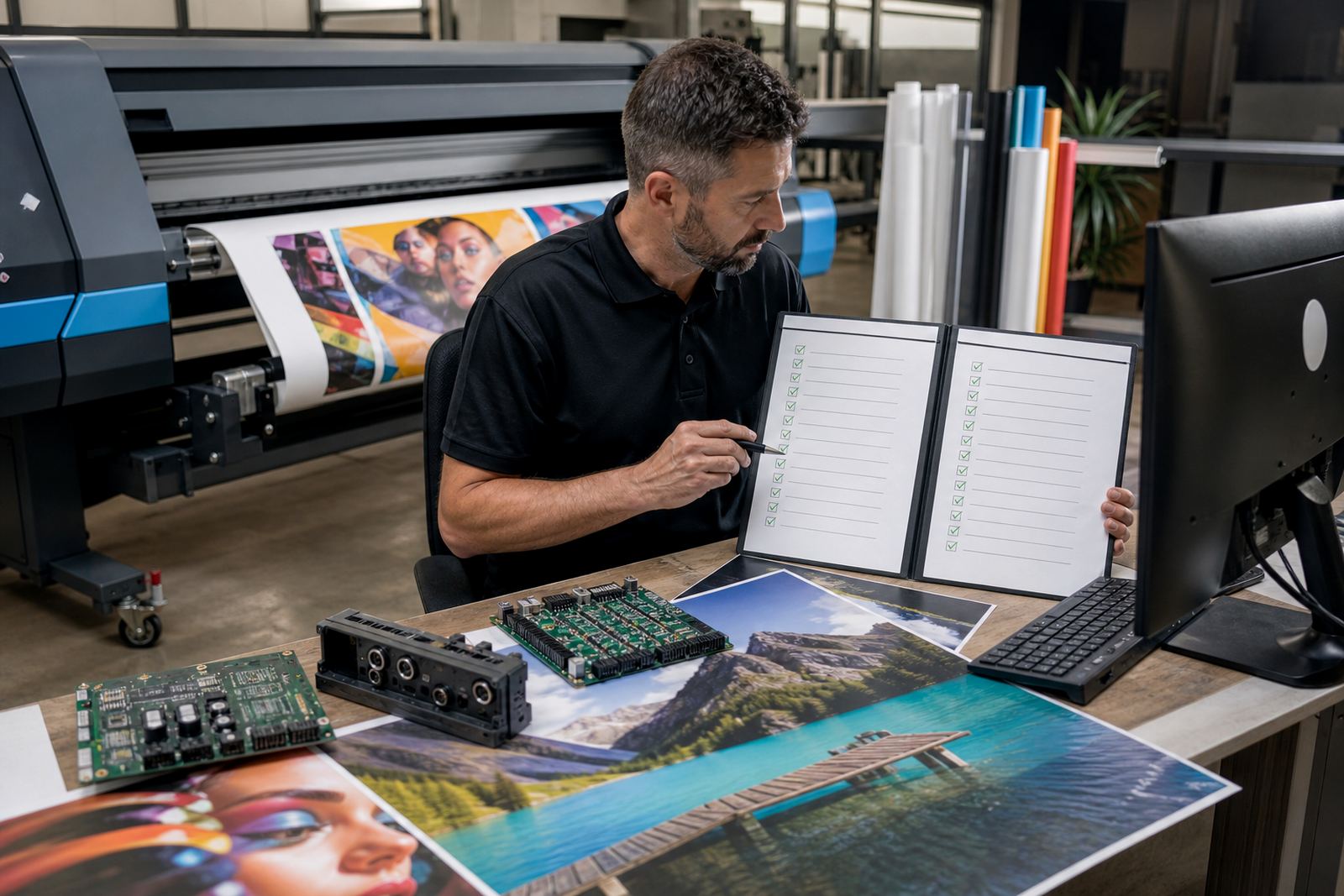
Before sending a grouped job into production, a short checklist keeps the queue practical. It should be simple enough for the operator to use without slowing the shift, but detailed enough to catch the common problems that waste media.
- Is the artwork grouped by media type and finish?
- Do the rotation and spacing rules suit the cutter?
- Are the colour profile and ink limits correct for this stock?
- Has the queue been saved for backup and recovery?
- Has the printer been checked for feed, nozzle and board stability?
- Will the layout still work after trimming and handling?
When nesting is handled this way, the RIP queue becomes easier to trust. The print shop spends less time rescuing offcuts and more time moving completed work through the line in an orderly way.