Start With the Surface, Not the File
Media profiling begins with the surface under the printhead, not the artwork on the screen. A coated banner, self adhesive vinyl, backlit film and art paper all absorb ink differently, so the same file can finish with very different density, gloss and drying behaviour. In Midrand workshops and larger production rooms in Johannesburg or Durban, that difference shows up fast when a queue carries mixed substrates through one shift.
Before a profile is built, note the media weight, coating type, roll width, finish and whether the job will be viewed close up or from across a room. A display panel for a retail window needs cleaner mid tones than a short run poster on a matte sheet, while outdoor graphics need stable colour under harsh sunlight and humidity. Profile thinking starts with those conditions, not with guesswork.
- Identify the exact substrate and finish.
- Check whether the job is viewed near or far.
- Note drying needs for humid coastal work.
- Keep a record of the ink limit used.
Set the RIP to Match the Job Intent
RIP software should guide the print towards the goal of the job. A colour accurate proof, a bold promotional banner and a production run for point of sale all need different choices for ink limit, linearisation and rendering intent. When those settings are carried across without adjustment, the operator ends up correcting issues with wasted media instead of using the queue properly.
Good setup usually starts with the media family, then moves into profile selection, ink channel checks and print mode. For wider formats, queue design matters too, because a busy print shop often runs boards, roll media and repeat work in the same shift. Clear naming in the RIP helps the team avoid loading the wrong profile when the pressure is on.
- Choose a profile that matches the substrate family.
- Set print mode before fine colour changes.
- Use clear queue names for each media type.
- Keep one approval file for each recurring job.
Colour Checks That Hold Up in Real Production
Colour profile setup is never only about matching a sample once. It must hold together through changes in temperature, humidity and printer use. In coastal areas such as Durban, some coated stocks shift slightly during storage, while inland shops in Pretoria may see more variation from dry air and static build-up. A profile that works on a cool morning can drift by the afternoon if the printer has been pushed hard all day.
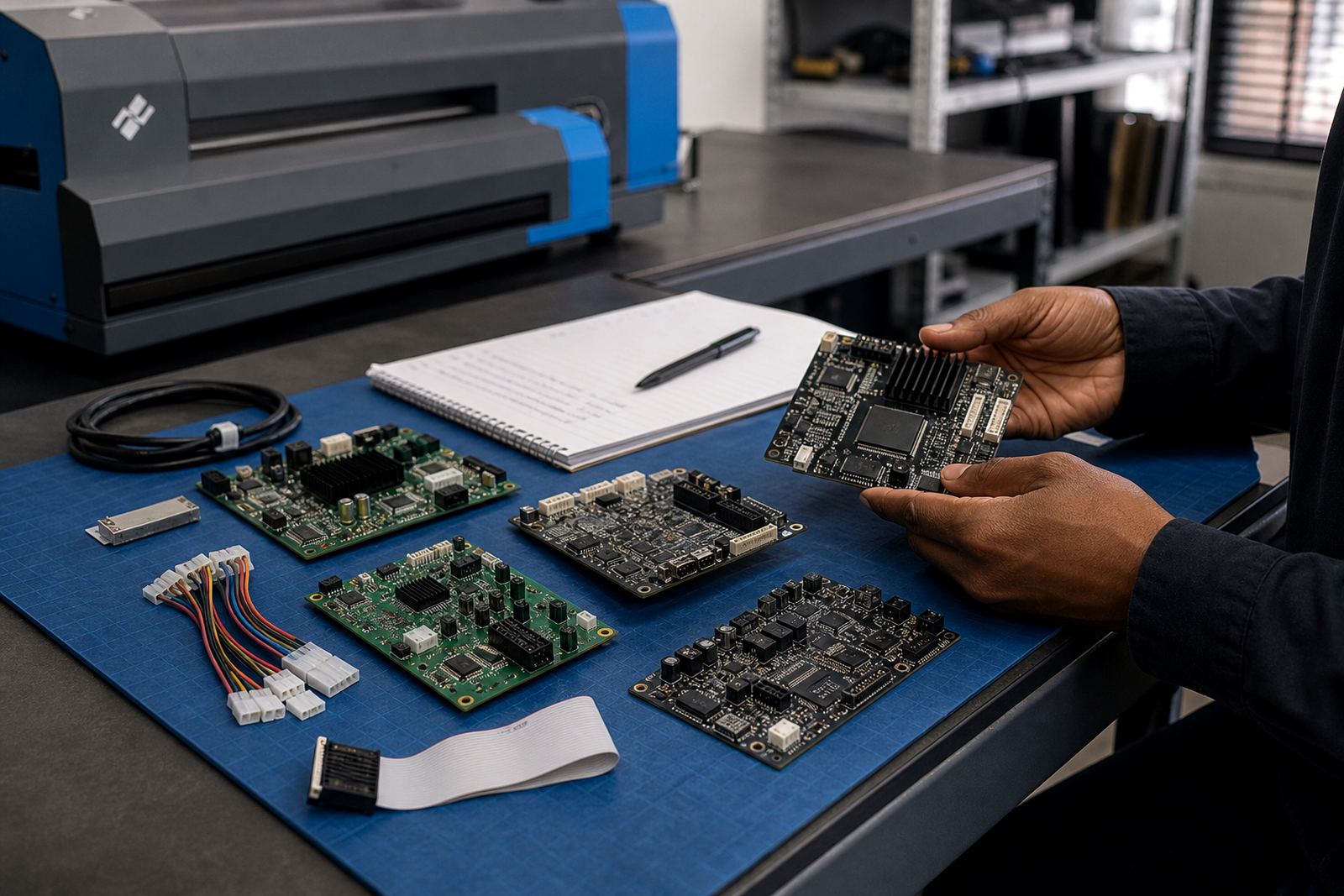
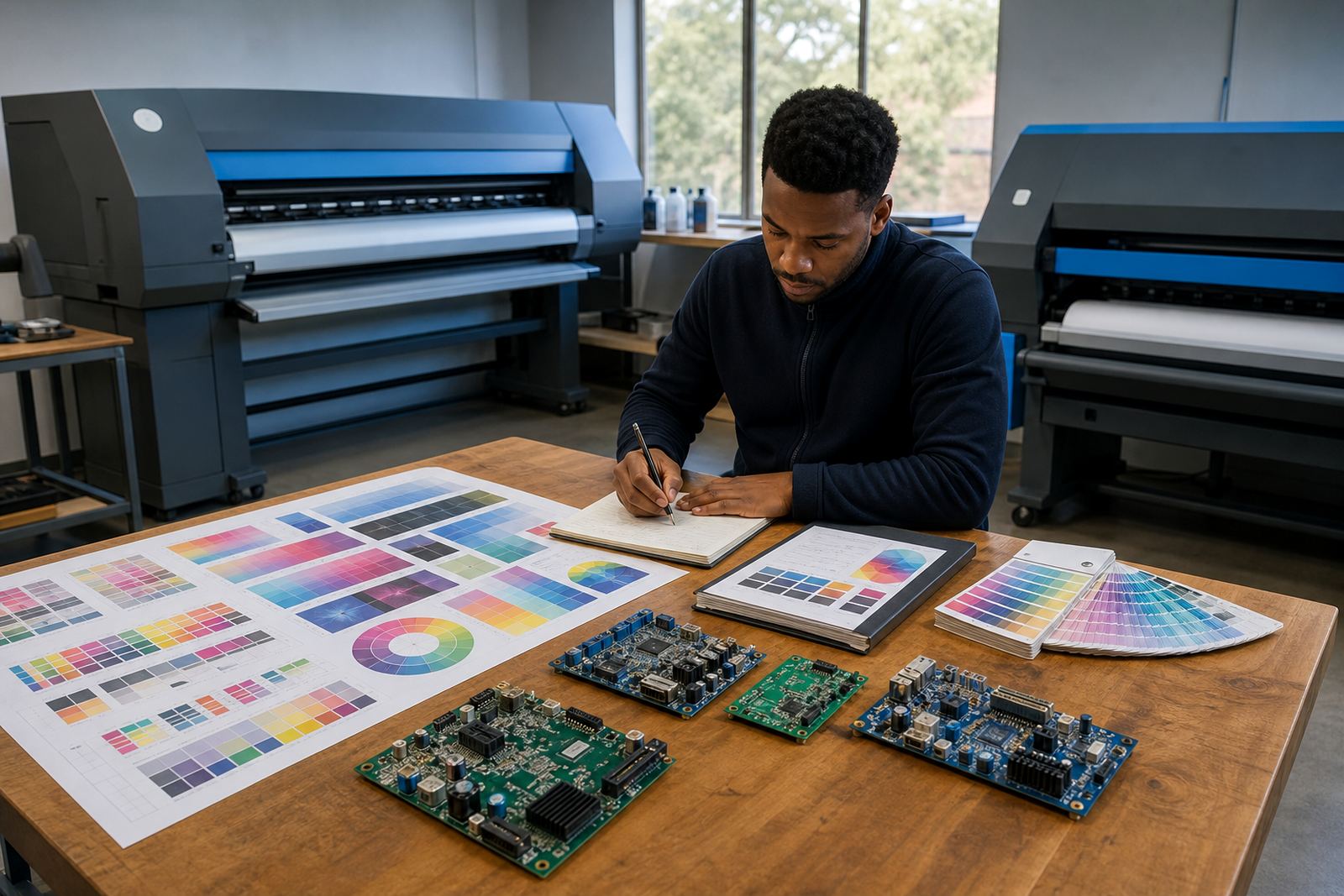
Operators should check neutral greys, skin tones, brand solids and fine gradients when testing a profile. These areas show drift sooner than bright artwork. If the printer uses separate channels for light inks or special colours, confirm that the board or printhead driver setup is reading the channels correctly before blaming the media. Small mechanical faults can look like a profile problem, so fault finding has to sit beside colour work.
- Test greys for neutral balance.
- Check solids for banding or weak density.
- Watch gradients for stepping or grain.
- Confirm channel mapping before changing profiles.
Nesting, Scaling and Waste Control
Profile thinking also touches layout. A well set RIP can nest jobs tightly, rotate repeats and group similar media so the roll is used properly. That matters on high volume days, especially when a print shop in Johannesburg or Cape Town is running short turn jobs alongside long production runs. Poor nesting wastes metres quickly, and then the operator starts cutting into fresh stock for no good reason.
Queue workflow design should match the sort of work that lands on the floor. Short panels, long banners and board sets need different spacing rules and different drying allowances. When nesting is too aggressive, edges can touch before the ink has settled. When it is too loose, the shop loses material and time. The right balance depends on the ink load and the media surface.
- Group jobs by media type and ink coverage.
- Leave enough space for drying and trimming.
- Rotate repeats only when the image allows it.
- Keep a record of wasted metres per queue.
Maintenance Habits That Protect the Profile
Media profiles do not stay accurate if the printer drifts mechanically. Worn rollers, blocked nozzles, dirty encoder strips and tired printhead drivers can all distort output even when the file is correct. Preventive maintenance keeps the machine inside the range the profile expects, which is far cheaper than redoing a full batch of panels on a Monday morning.
For shops working long hours in Midrand, East Rand or West Rand, routine checks should happen before colour complaints start. Clean the carriage path, verify vacuum where relevant, and watch for feed errors that alter pass alignment. If the printer is handling thicker board stock, the board path must stay true or the profile will not hold its shape. A stable printer gives the RIP a stable base to work from.
- Check nozzles before high value runs.
- Keep rollers and paths clean.
- Watch feed accuracy on rigid media.
- Log faults before they spread through a queue.
A Working Profile Routine for South African Print Shops
A practical routine makes profile work easier for the whole team. Start with a clean board or roll, confirm the print mode, load the right profile, print a short test strip and check it under proper light. After that, the operator can move into production with less risk of surprise shifts. If the job is critical, save the settings with the media name and the approved queue so the next run starts from the same point.
Training helps here, because a profile only works when operators know where to look and what to leave alone. The team should understand when to call for board repair, when to recheck colour workflow and when to hold a job for maintenance. In Bloemfontein, Pretoria or Cape Town, that habit saves time and keeps the print standard steadier across different shifts and staff changes.
- Print a short test before full production.
- Approve the result under consistent lighting.
- Save settings with clear media names.
- Escalate mechanical issues before re profiling.