Site boards that stay readable in hard daylight
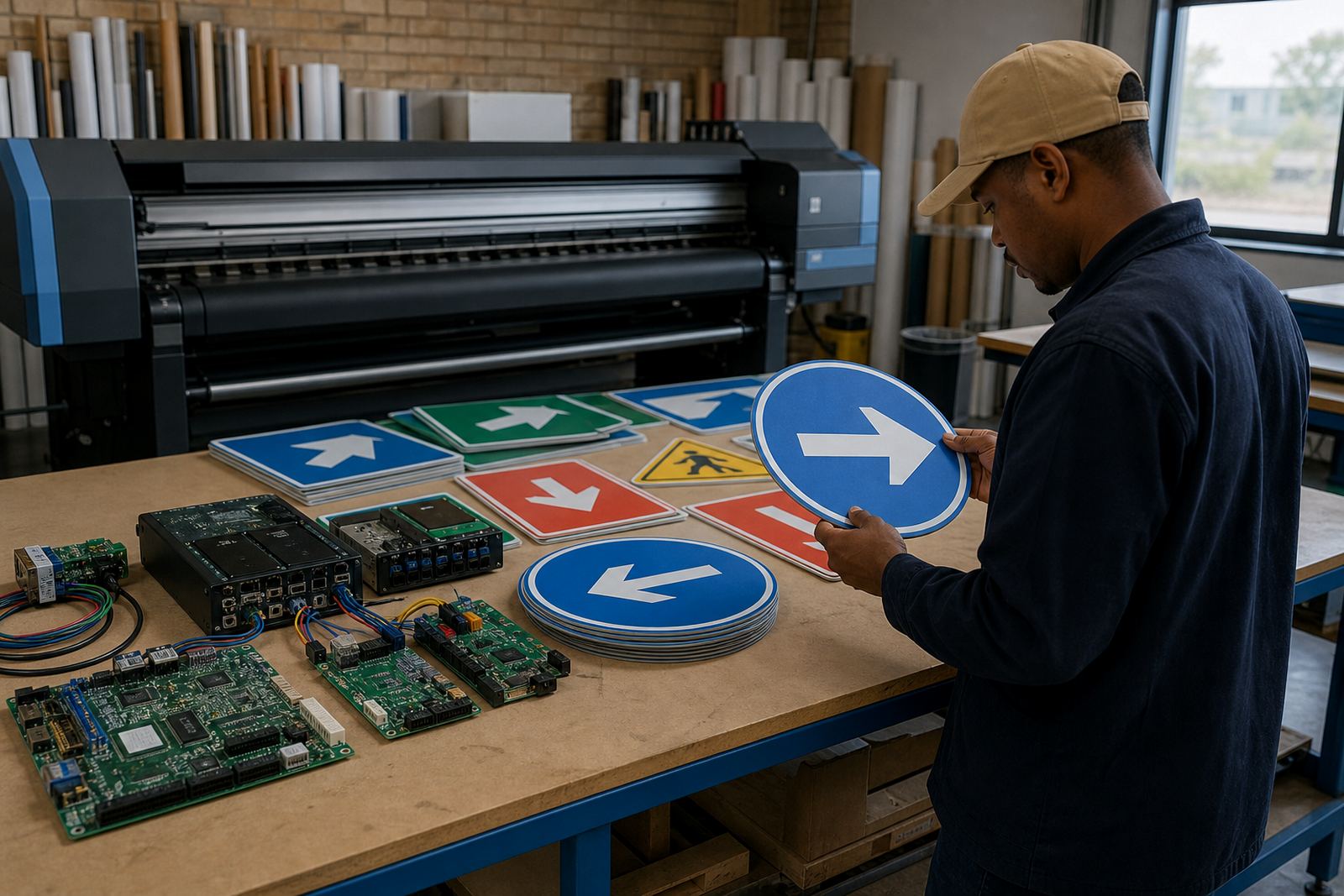
Construction signage usually starts with site boards, warning panels and wayfinding graphics that have to be read from a moving vehicle or at a gate entrance. On those jobs, the RIP setup matters because a weak black, muddy red or soft edge can make the whole sign look unfinished. We set output rules for dense solids, sharp text and the right ink limits for common outdoor media such as self-adhesive vinyl, coated board and flexible banner material.
In Midrand and across Gauteng, many print shops handle both short-run site boards and larger roll-to-roll graphics for contractors. The same printer may be asked to produce safety notices in the morning and branded hoardings by afternoon, so the queue settings have to hold up under mixed file types. Colour profiles are matched to the actual substrate and viewing distance, not only to what the artwork looks like on screen.
Good construction signage also needs consistency when several operators share one machine. A signed-off file should print the same way on Monday and Friday, even after media changes or a shift handover. That is where operator training and sensible presets reduce waste and prevent reprints.
Printer control boards and RIP software in the shop
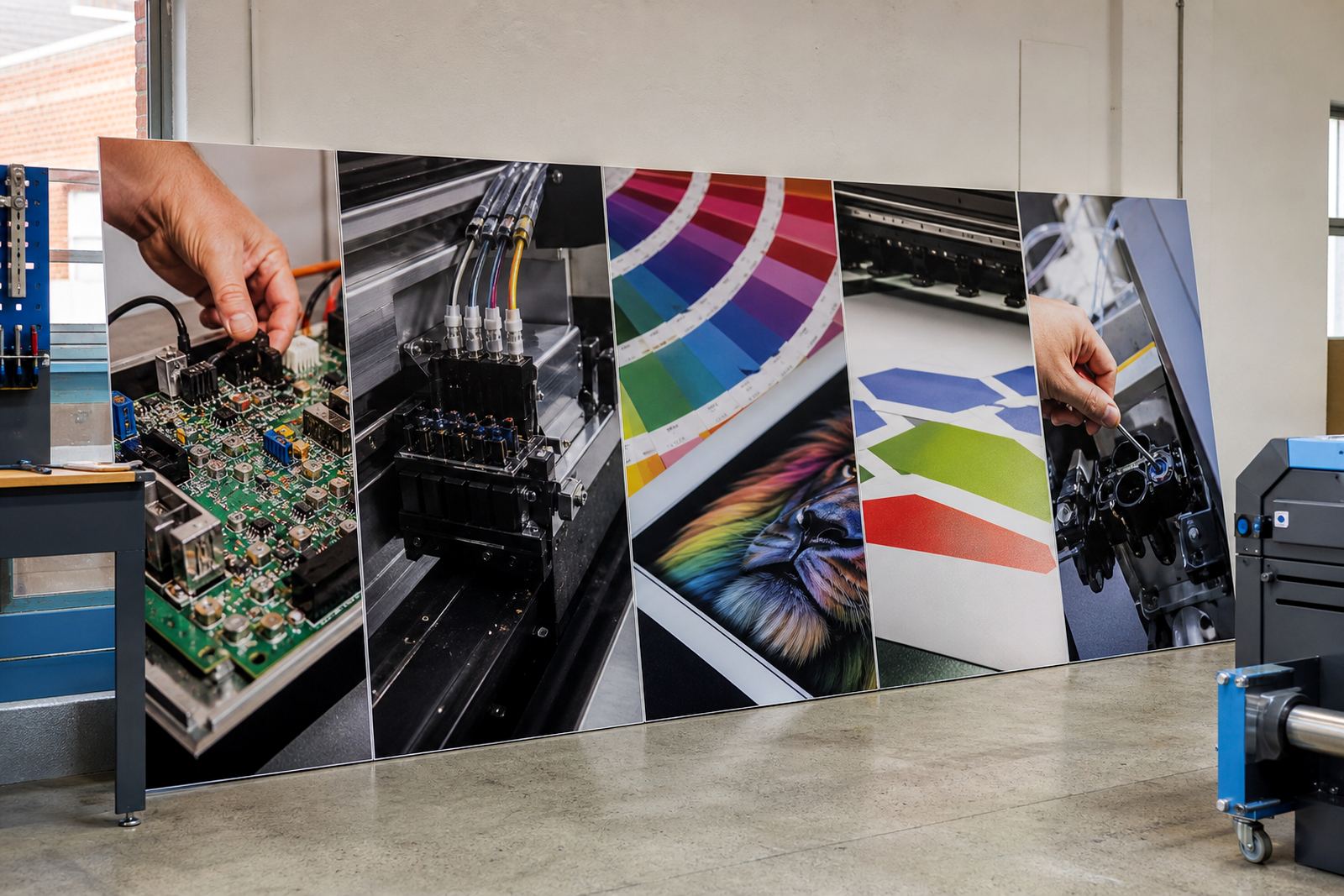
Wide-format inkjet systems rely on more than the printer hardware. The control board, printhead driver setup and RIP software work together to manage ink firing, passes, speed, pass overlap and colour conversion. When one part is not matched correctly, the result can be banding, broken text or over-inking on the edges of a solid block.
For construction signage production, the usual equipment set includes:
- A printer control board matched to the machine model and carriage logic
- Printhead driver setup for stable nozzle timing and ink delivery
- RIP software for job layout, nesting, scaling and colour control
- ICC colour profiles for board, banner and coated media
- Workstation support for queues, backups and file handling
Where a print shop runs several printers, queue workflow design can save a great deal of handling time. Jobs can be grouped by media type, finish and urgency, so a site board does not sit in the same queue as a long banner run or a proof sheet. That structure is practical in busy shops in Johannesburg, Pretoria, Durban, Cape Town and Bloemfontein.
Layout planning for boards, banners and hoardings
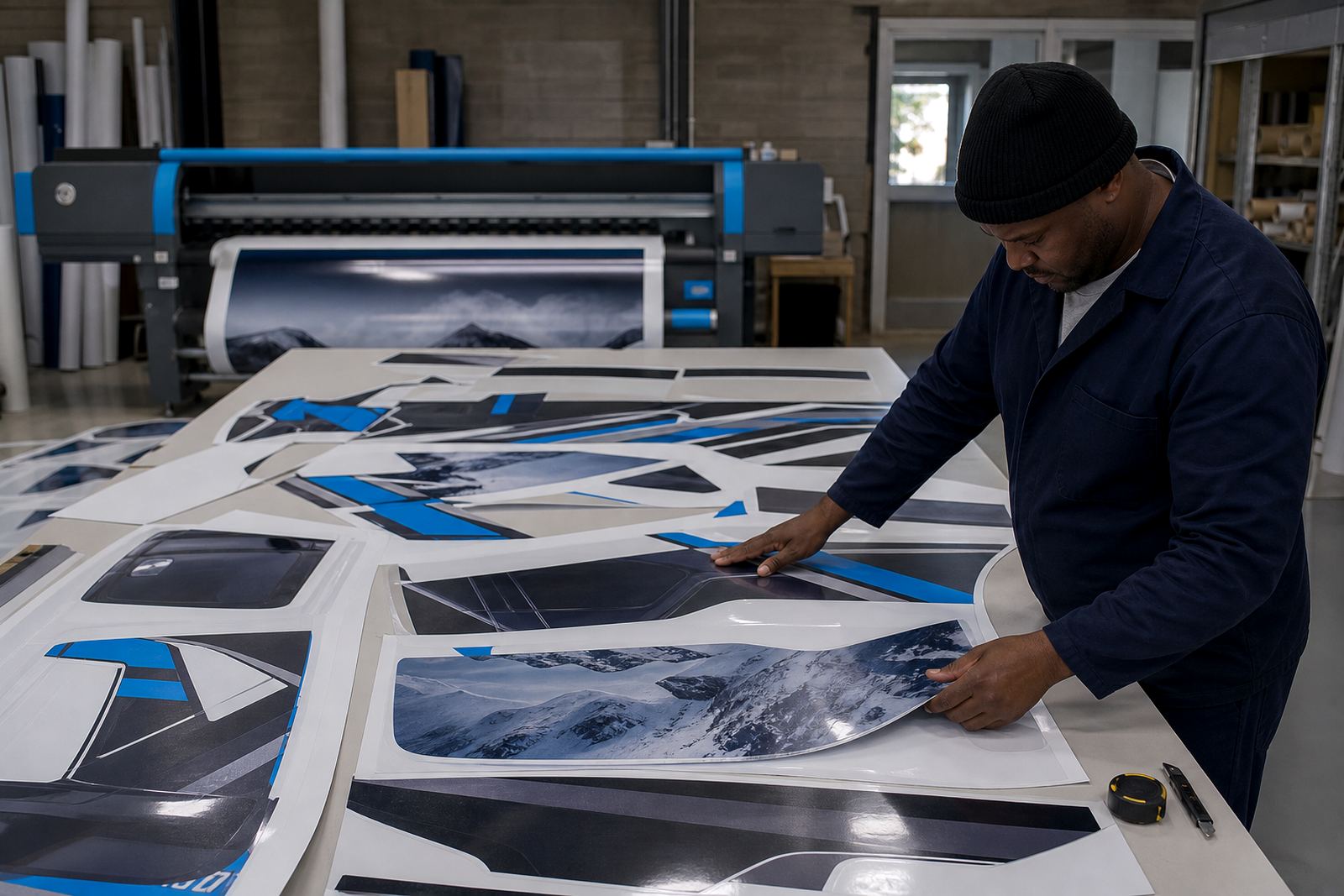
Construction signage often includes more than one format on the same day. A contractor may need a fence banner, a rigid board for the entrance and smaller directional signs for the site office. The RIP should support nesting so multiple artwork files use the media width well, with sensible gaps and cut marks where needed. That matters on expensive outdoor stock, and it reduces trimming waste.
When planning layouts, the useful questions are about viewing distance, mounting position and weather exposure. A board near a road entrance needs stronger contrast and fewer fine details. A hoarding panel viewed from a pedestrian path can carry more information, but still needs a bold hierarchy. On coastal jobs around Durban or Cape Town, ink loading and drying behaviour may need extra attention because humidity changes the way some media handles solids and edges.
- Keep type large enough for the real viewing distance
- Use solid colour areas only where the substrate can hold them cleanly
- Allow bleed and trimming space for rigid boards
- Save separate presets for banner, board and decal work
Common faults that waste material on site work
Construction signage is unforgiving when the RIP or board setup is out of step. A slightly wrong profile can shift corporate colours, while poor nozzle calibration can leave pale strips through a safety panel. Wrong nesting settings can also waste a full metre or more of material on every run, which is a painful cost on larger jobs.
Common issues we see include files submitted in the wrong colour mode, too much ink on absorbent stock, and operators changing media without loading the matching preset. Another problem is poor recovery after a power interruption. If the control board or queue settings are not backed up, the shop loses time rebuilding work settings and checking whether the last print was completed cleanly. Preventive maintenance helps here, especially on printers used daily for outdoor work.
Fault finding usually begins with the print path, then moves to board communication, driver timing and the RIP queue. That sequence avoids guesswork and helps isolate whether the issue is mechanical, software-related or operator setup. On a busy production floor, that method is more useful than swapping settings at random.
Budget bands for construction signage production
Costs for construction signage setup depend on the printer type, the number of workstations, the level of colour control and whether the shop needs remote setup or on-site board installation. A single RIP software setup for a smaller operation may sit in the lower thousands of Rand, while a fuller package with multiple queues, colour profiles, remote training and recovery planning can run into the mid to upper thousands. Larger production environments with board repair, several printers and production tuning will sit higher again.
For planning purposes, these are the kinds of ranges many shops work with:
- Basic RIP setup and operator start-up: around R3 500 to R8 000
- Colour profile setup and queue workflow design: around R6 000 to R15 000
- Board installation and printhead driver setup: around R4 500 to R12 000
- Preventive maintenance, backup and recovery planning: around R2 500 to R7 500
The final figure depends on the number of printers, the age of the equipment and whether the work is concentrated in one branch or spread across several sites. A print shop in East Rand or West Rand may need the same care as a central Gauteng plant, only with different support logistics and production pressure.
Remote setup for multi-site print shops
Many construction signage jobs are produced under pressure, with files arriving from different offices and project managers. Remote setup helps standardise the RIP environment so every branch uses the same colour rules, queue structure and maintenance checks. That is useful when a shop in Midrand coordinates output for Johannesburg, Pretoria, Durban, Cape Town or Bloemfontein.
Training matters just as much as software. A strong setup still fails if an operator saves the wrong preset or bypasses the nesting rules to rush a job. Bianca Rademeyer handles client training coordination, while the support team works through practical use of the system rather than generic theory. Lerato Khoza oversees operations, Johan Letsoalo handles senior RIP work, Zanele Moagi focuses on colour workflow, Aiden Phiri leads remote support, Kagiso Pienaar repairs boards and Thabo Zungu directs the business.
For sign production, the best routine is a clear one: load the right media preset, confirm the profile, check the queue and keep a backup of the working configuration. It sounds plain, but that is what keeps outdoor output legible when the next site board is due and the weather is not helping.