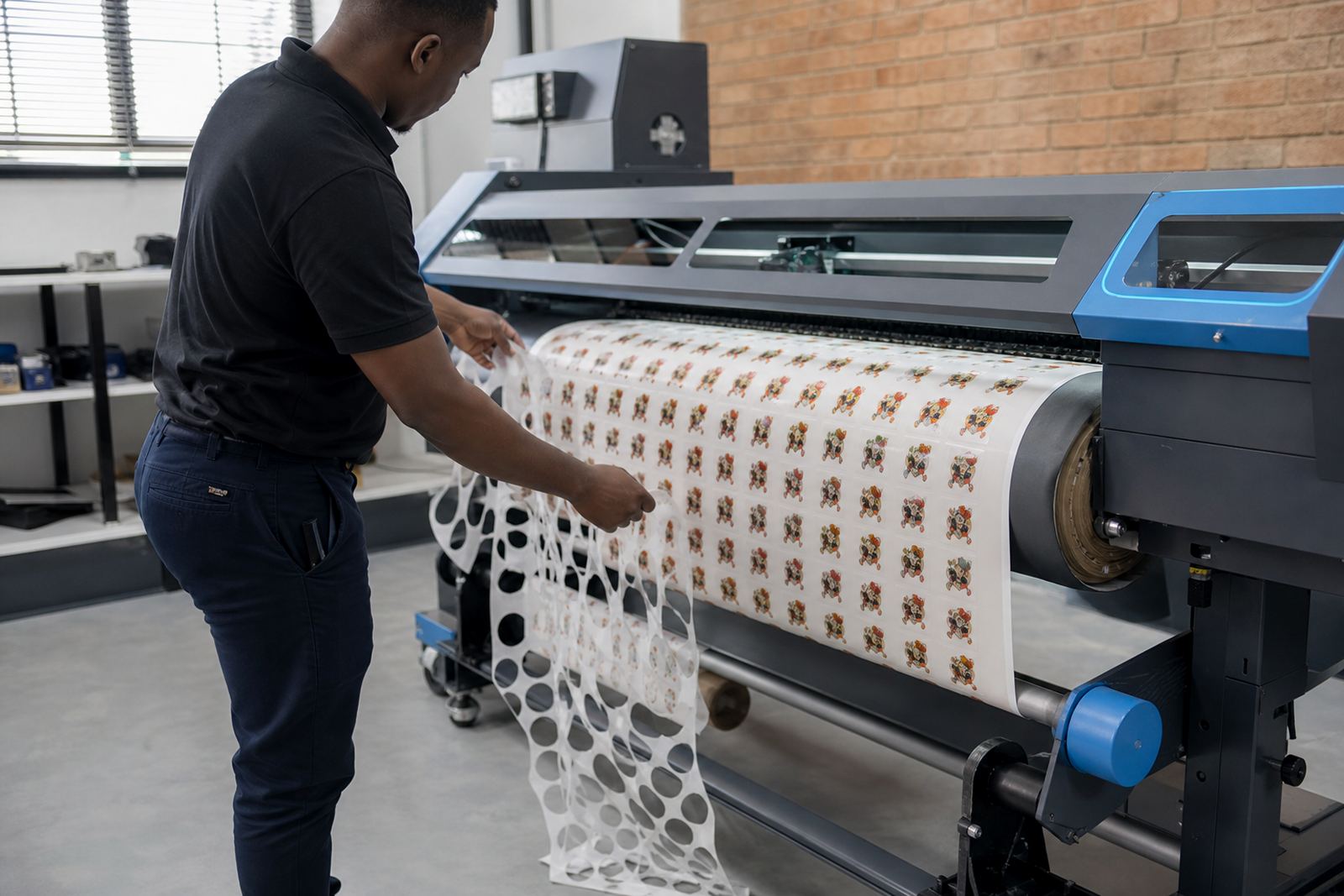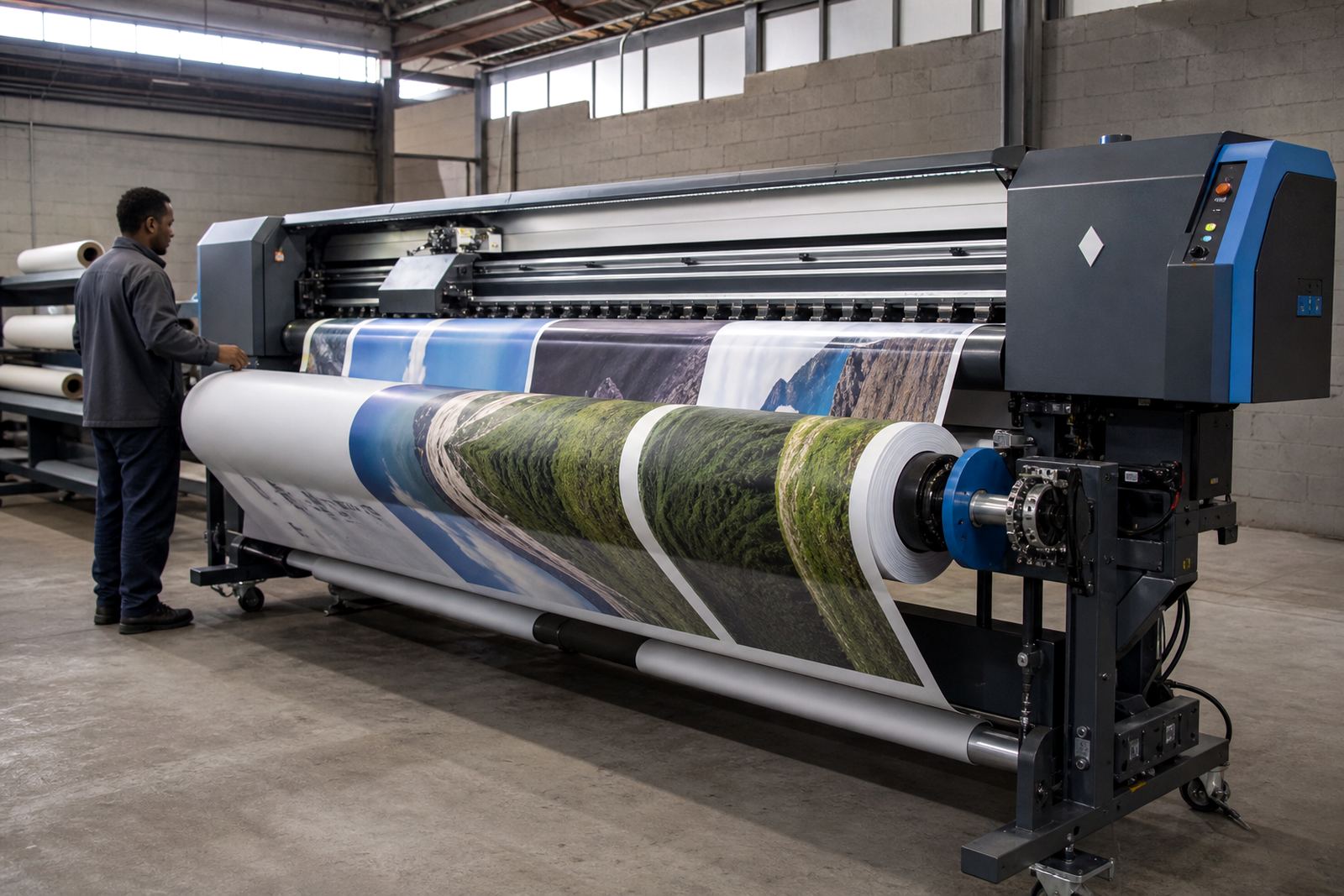
When a wrap job starts with artwork that is too busy
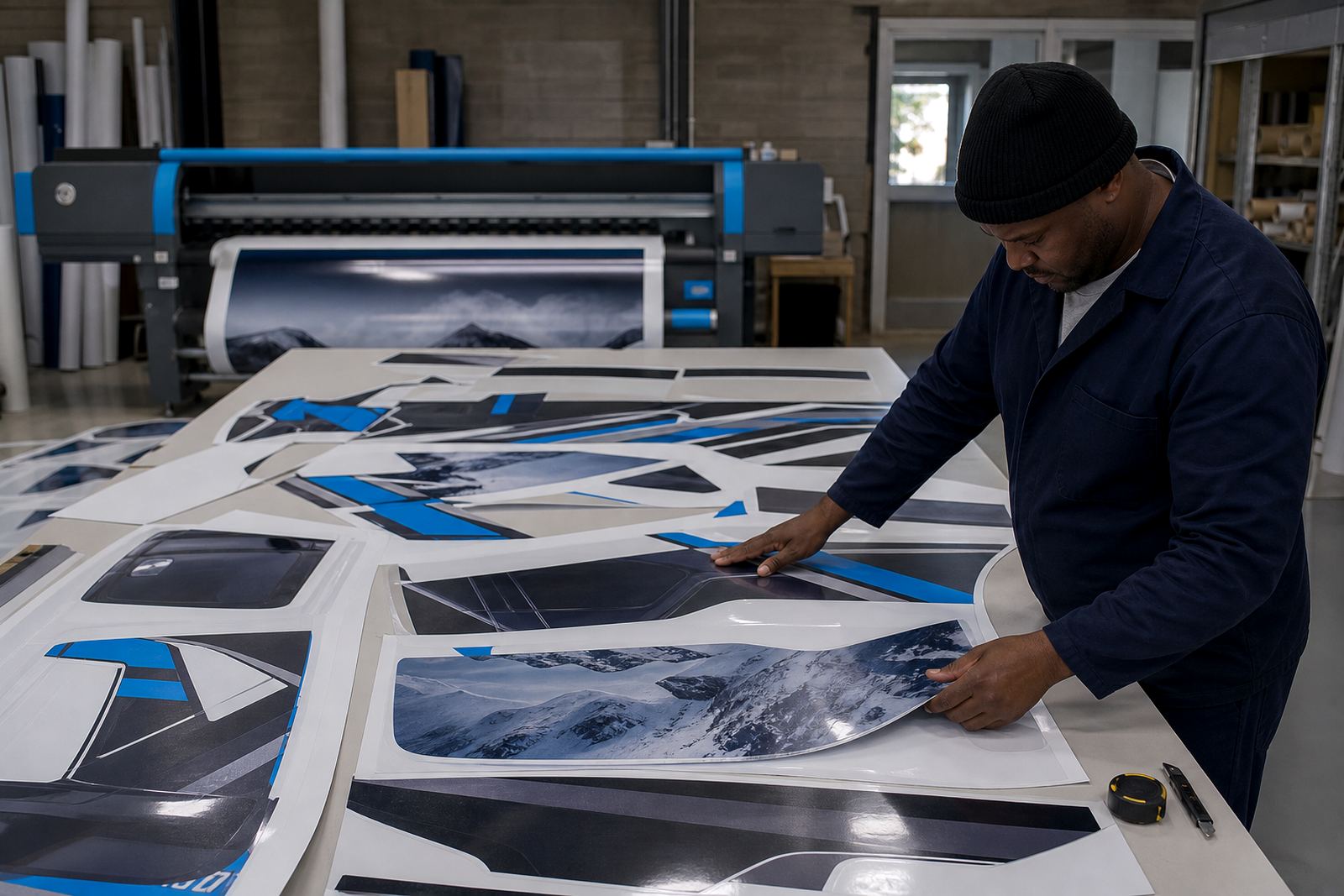
Vehicle graphics often arrive as full side panels, partial wraps, decals and cut vinyl that must sit together without crowding the layout. When the art has many layers or mixed sizes, the RIP setup has to keep panel order clear, preserve overlaps and keep the print queue organised for the installer.
Midrand teams often deal with couriered vinyl, rushed fleet jobs and a mix of one-off bakkie panels and larger commercial wraps. That is where a practical RIP setup helps by setting page sizes, nesting panels tightly and keeping the colour path consistent from proof to print.
For wrap work, the print file is only part of the job. The board, the printhead driver setup and the RIP queue all need to behave in the same way, or the panel edges drift and the installer spends time trimming what should have lined up already.
Typical hardware on a vehicle graphics line
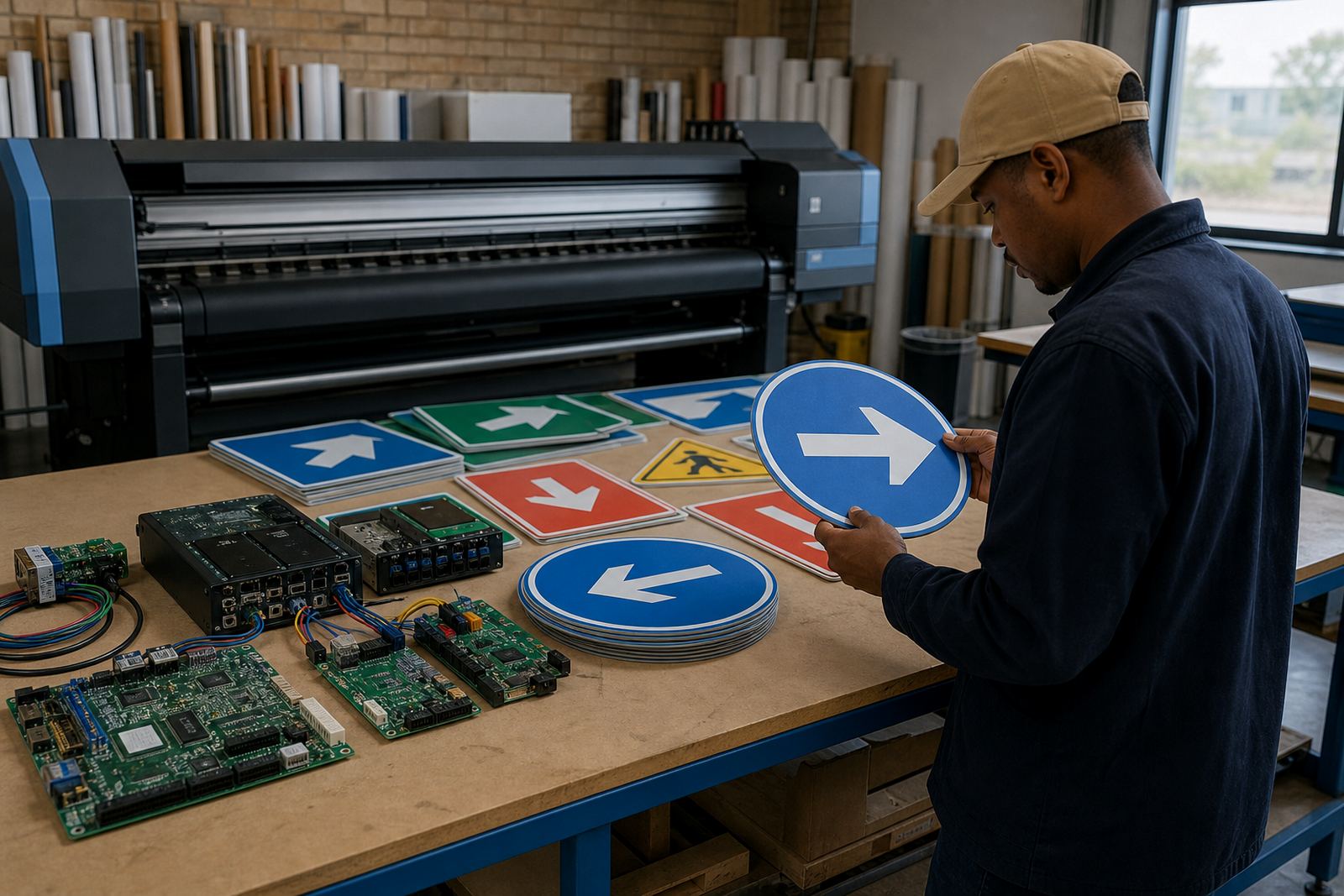
A wrap studio usually runs a wide-format inkjet printer with a control board, printhead drivers, a RIP workstation and enough storage for artwork files, profiles and queues. Some sites also need a backup board or spare interface parts so production does not stop while a fault is being traced.
- Inkjet printer control boards for mainboard control and communication
- Printhead driver setup for stable firing and nozzle behaviour
- RIP software for layout, raster control and output management
- Colour profiles for different vinyl, ink sets and laminates
- Queue workflow setup for panel order, nesting and batch printing
- Backup and recovery routines for job files and production settings
In humid coastal areas such as Durban and Cape Town, print rooms often need tighter maintenance habits around dust, static and storage conditions. In Gauteng, many shops work with a faster turnaround pace and larger mixed batches, so queue control and operator handover become important.
Layout planning that keeps panels usable on the bay
Vehicle graphics work is easier when the RIP layout mirrors the fitting plan. Long side panels, bonnet pieces, mirror caps and rear doors should be grouped in a way that matches the installer’s sequence, not just the designer’s layer stack.
Nesting also matters. A well planned layout can reduce waste on expensive media by placing smaller strips around larger panels without crossing critical crop lines. That helps on fleets with repeated door markings, numbering and reflective detail where the same shape is printed many times.
- Set bleed and trim allowances before nesting starts
- Keep handed panels clearly marked left and right
- Lock profile settings per media type and finish
- Separate proof files from production queues
- Save repeat jobs with the same panel order
Colour control for company liveries and branded fleets
Fleet colours need steadiness across doors, tailgates and replacement panels. A red that prints warm on one run and cool on the next can be hard to match when a damaged panel is reprinted, so colour profile setup needs to be treated as part of the production line.
InkFlow RIP works with colour workflow setup, profile testing and production tuning so the printer stays predictable on solid fills, gradients and fine text. That matters for delivery vans, service vehicles and municipal fleets where the logo, striping and contact block all need the same tone from job to job.
Where light vinyl or gloss laminate changes the appearance, the profile may need adjustment for ink limit, drying behaviour and black build. The result is less rework and fewer arguments at fitting time, especially when the sun catches the panels on the yard.
Common mistakes that slow a wrap shop down
The most common trouble comes from rushing the RIP stage and assuming the printer will sort out bad setup on its own. Wrong media selection, loose queue settings and outdated profiles can all leave banding, colour shift or an awkward panel order that wastes time.
Another issue is poor maintenance. Printhead driver faults, blocked nozzles and worn cables often look like artwork trouble, when the real problem sits in the board or the printer control path. Fault finding needs to be practical and methodical, not a guess in the middle of production.
- Using one profile for several different vinyl types
- Skipping nozzle checks before a long wrap run
- Printing panels without a clear fit sequence
- Leaving old queue settings in place after upgrades
- Ignoring backup copies of working profiles and jobs
Budget ranges that make sense for vehicle graphics work
Budget depends on whether the site needs a profile cleanup, a new RIP licence, board installation or a full workflow reset. A small setup check for a wrap shop may sit in the lower thousands of Rand, while broader installation and training work can move into the mid to higher Rand range depending on the hardware involved.
Where control boards need repair, replacement parts and bench testing add to the total. Ongoing support for a busy production floor usually costs less than emergency recovery after a printer stops in the middle of a fleet run, so many teams budget for maintenance before the panels are overdue.
For vehicle graphics teams in Johannesburg, Pretoria, Durban, Cape Town, Bloemfontein and the East and West Rand, the practical question is not only the price of the software. It is whether the setup keeps the wraps moving with fewer reprints, less waste and cleaner handover between design, print and fit.
What the support process looks like on real jobs
Support usually starts with the printer model, board condition, current RIP version and the kind of vehicle work being produced. From there, setup can cover board installation, printhead driver setup, colour profile setup, queue workflow design and preventive maintenance.
For shops with more than one operator, training matters as much as the software. If one person knows the queue habits and the rest are guessing, the system drifts. Clear operator routines keep panel naming, media presets and recovery steps in the same order across the team.
Remote setup suits many South African wrap studios because it allows the production settings to be checked without pulling the printer out of service for long stretches. When a fault needs deeper attention, board repair and fault finding can be handled with the same practical approach that keeps the shop moving.