When school signs must read cleanly from a distance
School signage has a practical job to do. Parents need to find the right gate, learners need to spot the hall entrance, and visitors need to move through reception without asking three times where they should go. In that setting, a fuzzy headline or washed-out colour is more than a nuisance, it slows the whole site down.
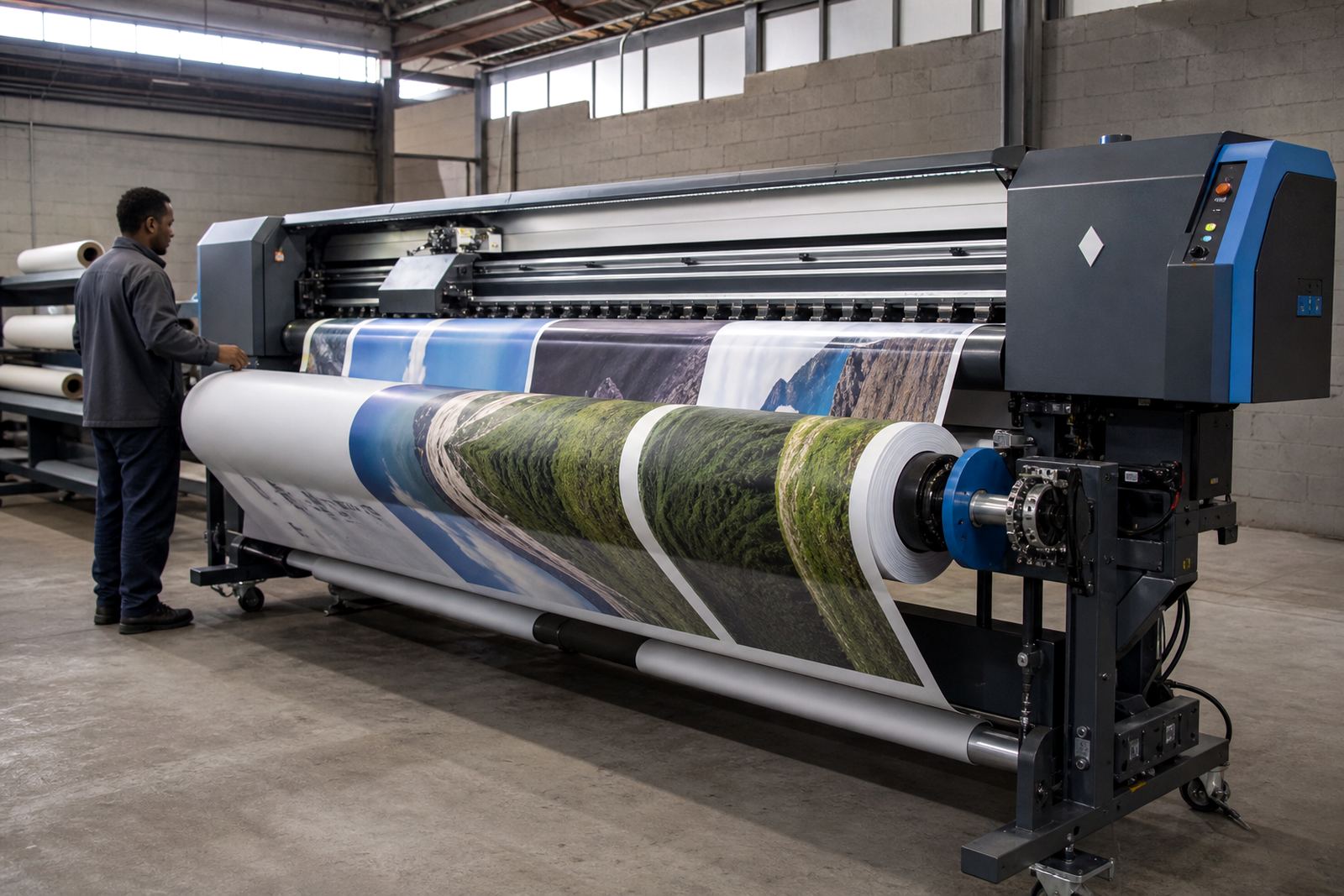
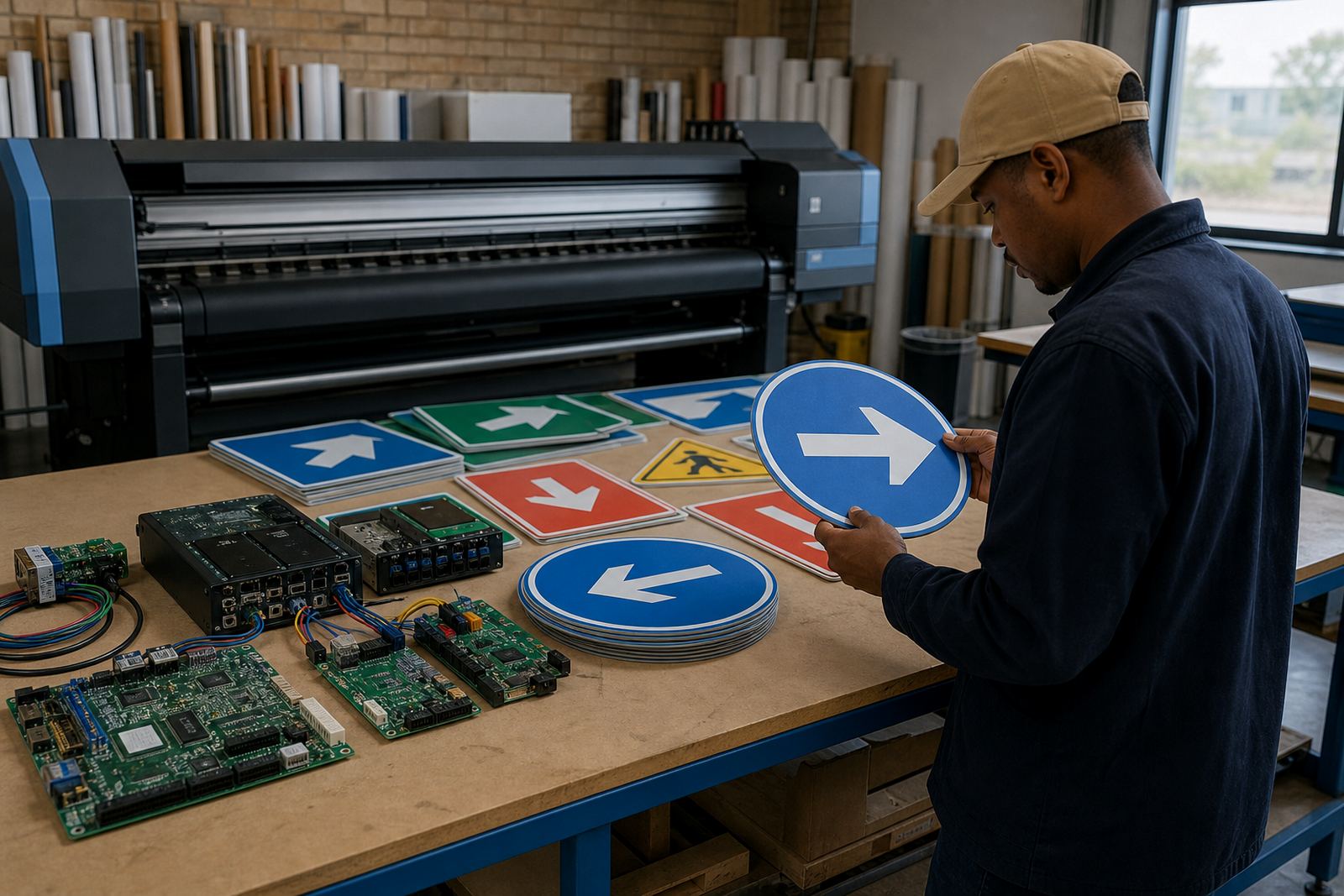
We support print shops and in-house production teams that prepare directional boards, safety notices, timetable panels and event graphics for schools, colleges and training campuses. The work usually runs on wide-format inkjet printers with control boards, printhead drivers and RIP software that must speak the same language. If the queue is set badly or the colour profile is off, a simple A1 sign can shift tone, drop detail or print with uneven coverage.
Equipment that sits behind a dependable school print run
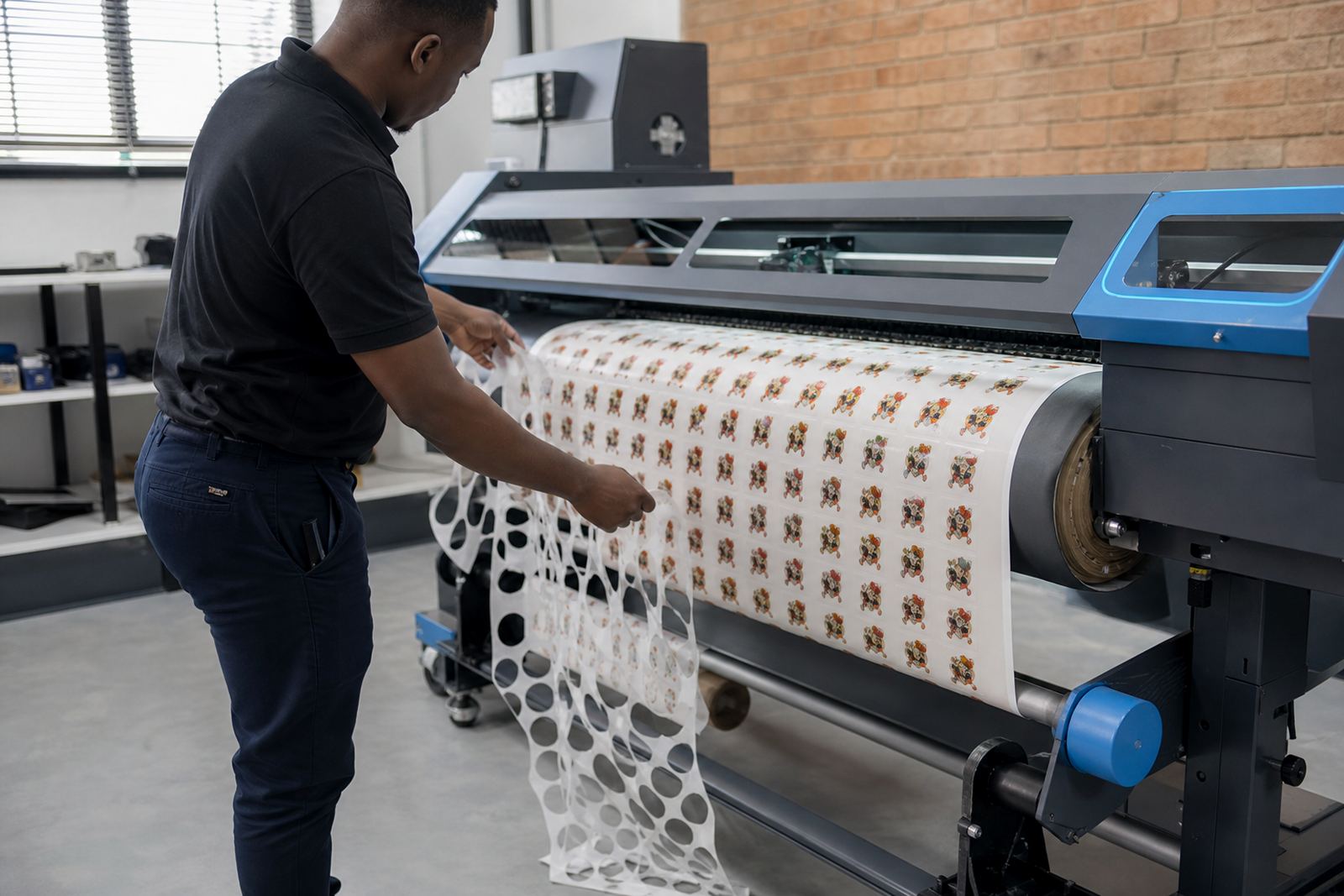
A school signage workflow normally uses a wide-format printer, a computer running RIP software, a printer control board, stable printhead drivers and file handling that keeps jobs in order. For many sites, there is also a cutting machine or laminator in the mix, especially where event boards, directional arrows and display panels are produced in batches.
InkFlow RIP works with the moving parts of that workflow so the operator can keep colour, nesting and output settings under control. In practical terms, that means print queues are arranged properly, media widths are matched to the job, and colour profiles are applied where they matter. On a busy production floor in Midrand or Johannesburg, those details save material and cut reprints that eat into the day.
- RIP installation for wide-format inkjet systems
- Board installation and printhead driver setup
- Colour profile setup for school crests, banners and text-heavy boards
- Queue workflow design for grouped jobs and mixed sizes
- Backup and recovery for production files and settings
Layout planning for wayfinding, notices and event graphics
Good planning starts before the first sheet is printed. Wayfinding signs need a clear hierarchy, with the most important words set larger and positioned where the eye lands first. Notice boards should leave room for changing dates, venue notes and safety information, while event prints often need stronger colour and careful scaling so logos and sponsor panels stay legible.
For schools in coastal towns like Durban or Cape Town, the substrate and ink handling also matter because humidity can affect drying, flatness and edge finish. In Gauteng, dust and temperature swings are more common concerns, especially where equipment runs through a long production week. Layout planning should take those local conditions into account, along with the final mounting method and the viewing distance of the sign.
- Keep directional text short and direct
- Leave safe margins for trimming and fixing points
- Match colour settings to the final material, not only the screen
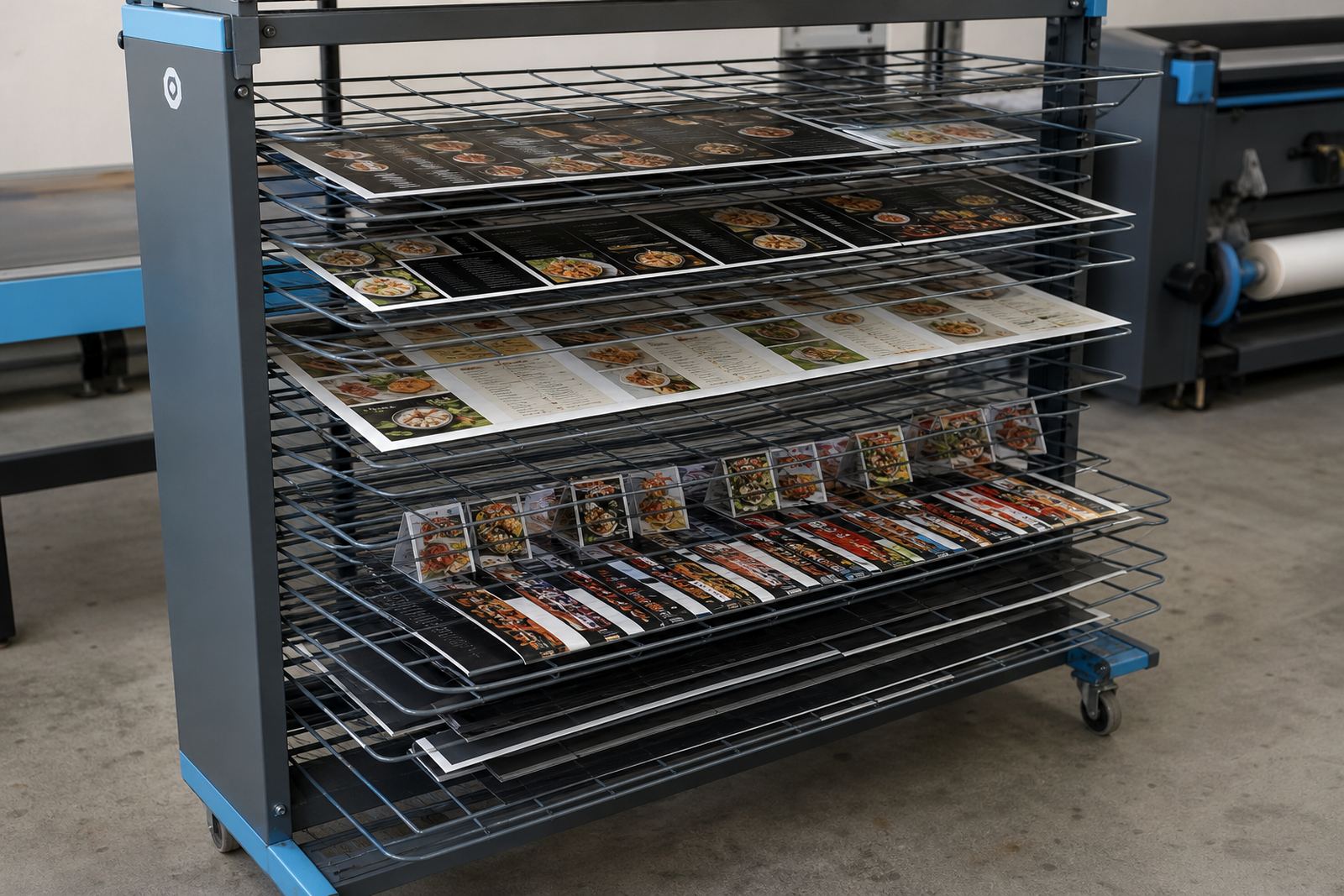
- Group repeated notices into efficient print batches
- Allow for indoor glare on glossy panels and laminates
Common mistakes that slow a school signage workflow
The most common faults are not dramatic, but they waste time. Files arrive with mixed dimensions, raster logos are too soft, and text is placed too close to trim lines. On larger runs, a weak colour setup can make blue uniforms turn muddy and red event text print too dull for quick reading.
Another issue is queue handling. If the RIP is not set up for the way the print shop works, jobs can land in the wrong order or use the wrong media preset. That creates stop-start production and makes maintenance harder than it should be. Preventive checks on the control board, cabling and driver settings help catch those problems before they turn into a flat day on the floor, which nobody needs during exam season or sports week.
Support for shops handling multi-campus printing
Many South African print shops handle more than one school at a time. A job may include a notice board for Pretoria, event pulls for Bloemfontein and directional panels for a campus in Durban, all prepared in the same week. Remote setup helps keep the workflow tidy across those locations, with support for colour profiles, print queue structure and output settings that fit the equipment already in place.
We also assist with fault finding, preventive maintenance, production tuning and backup recovery. That matters when a board fails mid-run or a profile has drifted after a software change. The aim is to keep the machine producing cleanly, with less trial-and-error on every new batch.
- Remote setup for print shops across South Africa
- Operator training for school signage production
- Ongoing support for colour and queue issues
- Board repair and replacement guidance where needed
Budget bands for school signage work in Rand
Budgets vary with the size of the machine fleet, the amount of setup needed and whether the shop is starting from a clean installation or fixing a difficult workflow. For school signage, a smaller RIP and driver setup can sit in the lower range, while full workflow design, colour profile work and training push the total higher.
As a working guide, a focused setup for one printer may start around R3,500 to R7,500. A more involved install with queue design, colour profiling and operator training often sits between R8,000 and R18,000. Larger production environments with board work, backup planning and ongoing support can move beyond that, depending on the number of machines and how much repair or tuning is required.
For schools that print throughout the term and across event periods, the better value is usually the setup that reduces reprints, keeps text readable and lets the team move between jobs without constant resets. That is where clean control board work and a sensible RIP layout earn their place.