Menus that must read fast, from a few steps away
Restaurant menu printing is less about decoration and more about clarity. A customer glances at a board, a table tent or a counter card and makes a decision quickly, so the layout has to carry the message without crowding the eye. In busy stores and food courts, the print has to hold up under bright lights, fingerprints, steam and daily handling.
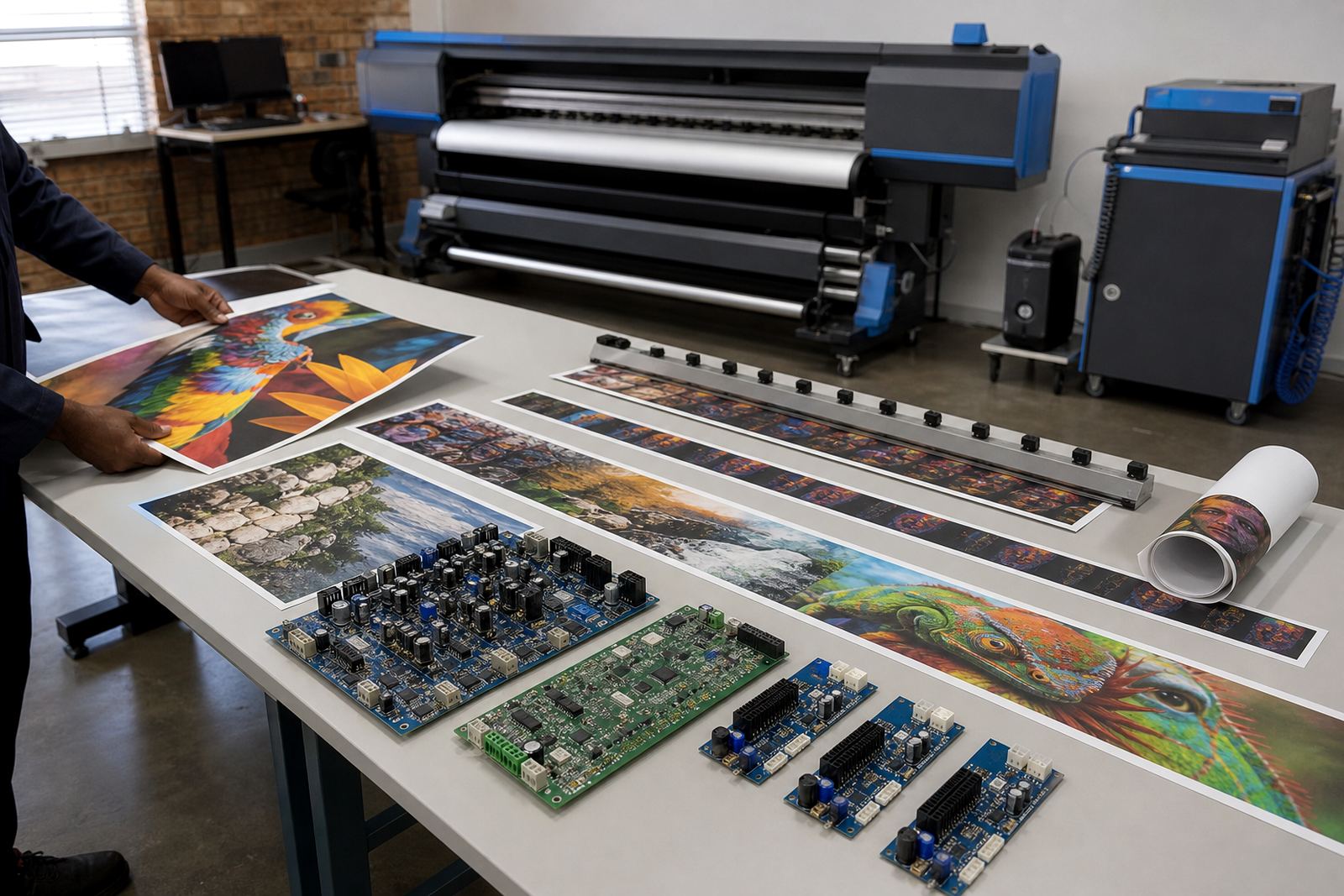
That is where printer control boards, printhead driver setup and RIP software matter. The RIP handles the file as a print job, keeps colour consistent, and helps the operator manage layers, ink limits and pass settings. For menu work, that control is important because black text, brand colours, food photography and pricing all sit on the same page, often on different media sizes too.
Typical set-up for menu boards and counter graphics
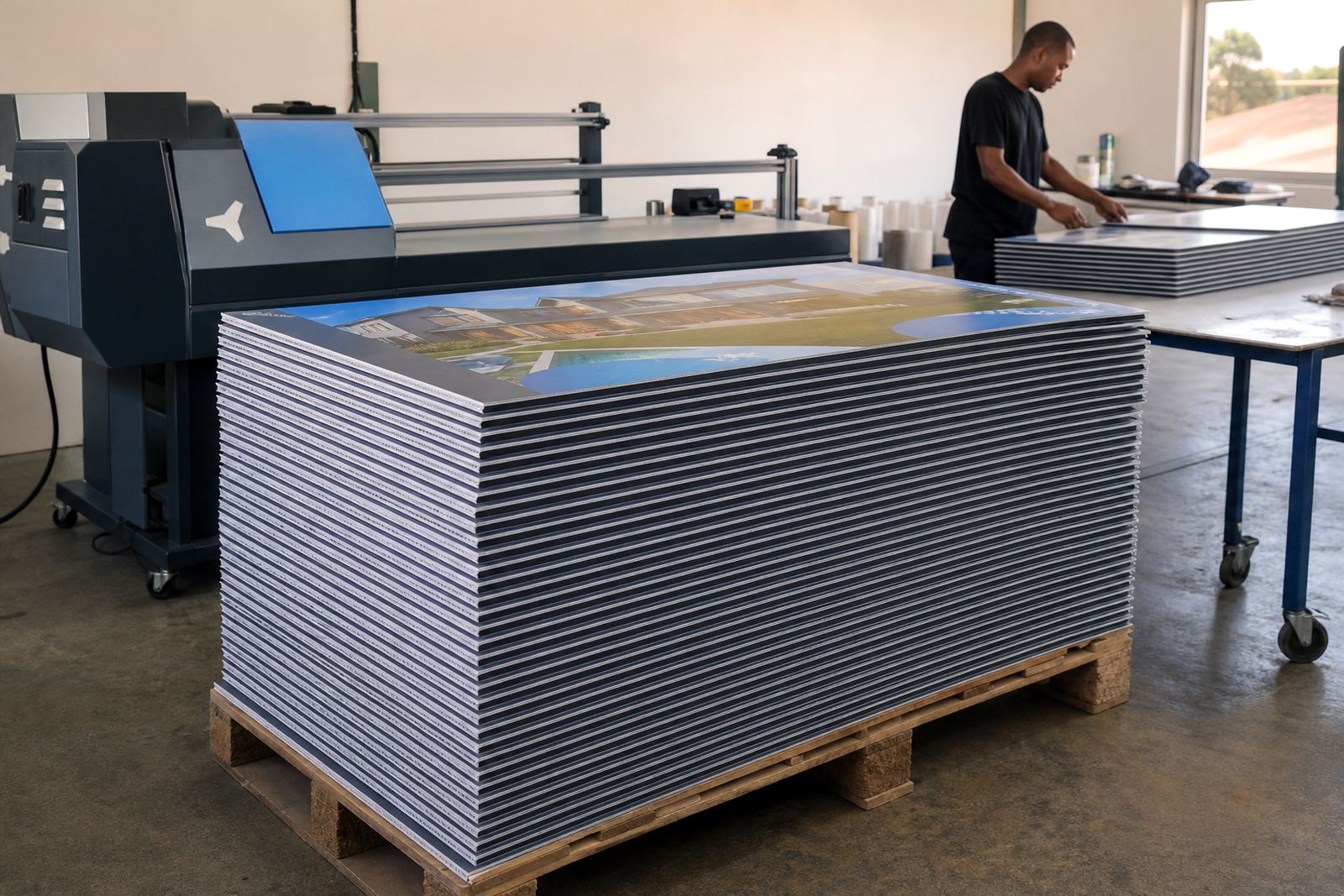
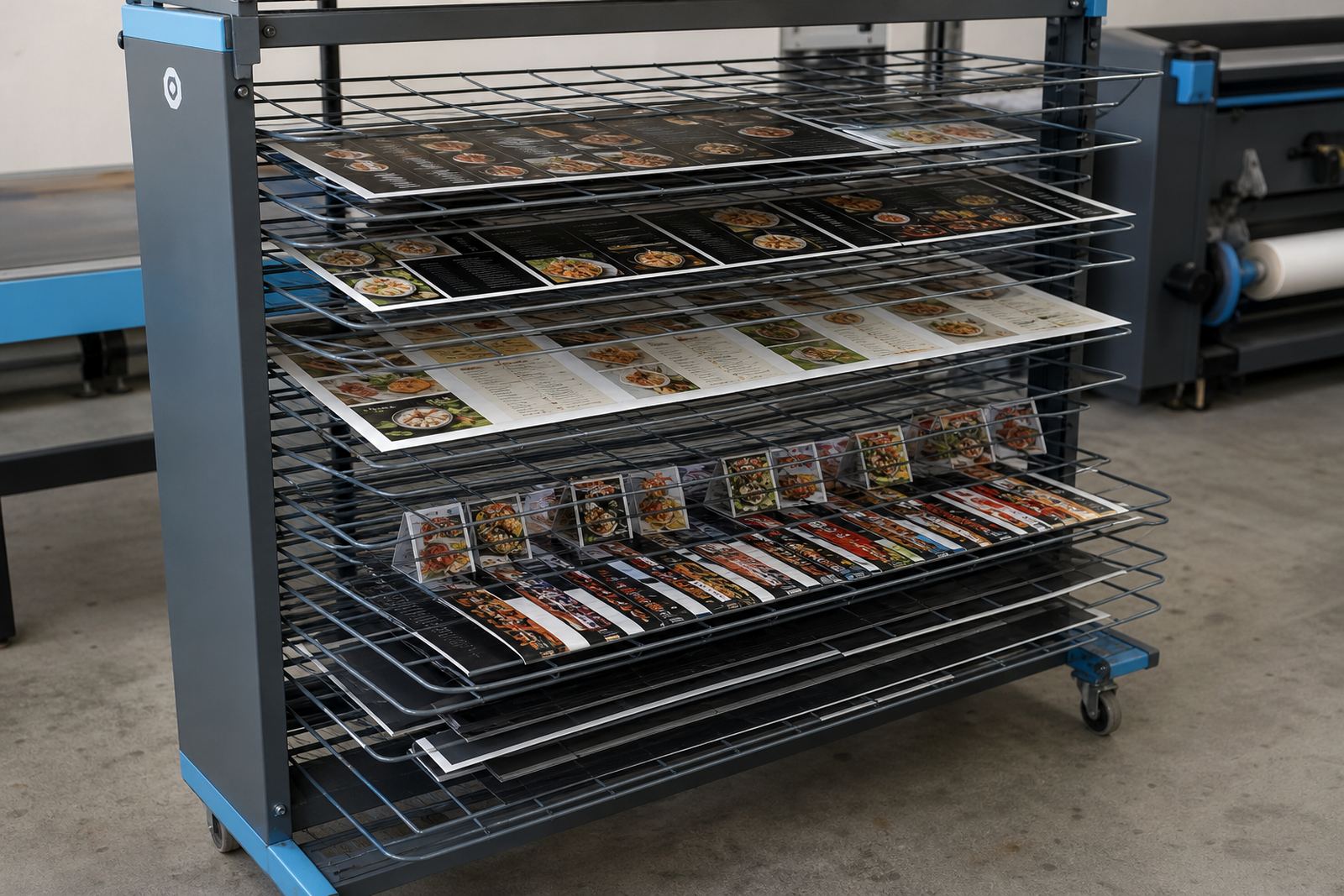
A restaurant print set-up normally includes a wide-format inkjet printer, a stable control board, printhead drivers, calibrated colour profiles and a clear file workflow. Some shops print directly onto board, while others produce vinyl graphics, posters and rigid inserts for frames, easels or hanging menu displays. In coastal towns like Durban, humidity can affect media handling and dry-down, so the workflow must match the material and the room conditions.
- Wide-format inkjet printer with consistent feed control
- Printer control board and matching printhead drivers
- RIP software for nesting, colour management and queue control
- ICC-style colour profiles for food images and brand colours
- Backup files for repeat menu runs and price changes
- Operator steps for maintenance, nozzle checks and head cleaning
For food-service work, a small error in file setup can show up immediately. A menu board that looks fine on a monitor can print too dark, too warm or too soft around the edges. The right setup reduces that risk and helps the production team keep the same colour from one reprint to the next, even when the menu changes often.
Layout planning for specials, pricing and photo panels
Good menu layout starts with the order a customer reads, not the order the designer builds. The main product names need space, prices need a consistent column or alignment rule, and promotions need to stand out without stealing attention from the actual menu. If a board carries breakfast, lunch and drinks together, the hierarchy has to be obvious at a glance.
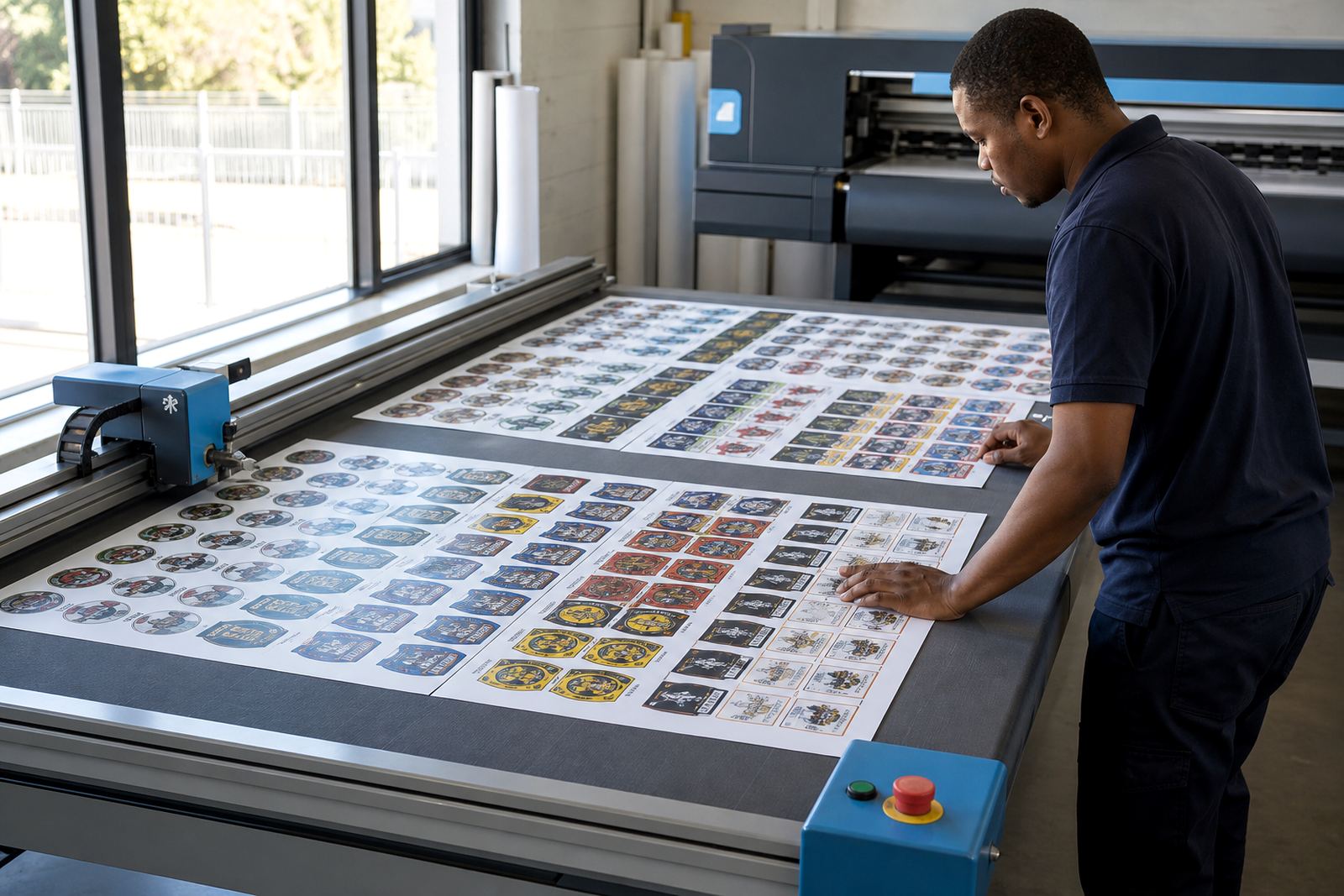
In practice, that means planning margins, image sizes, line spacing and cut marks before print day. It also means using nesting inside the RIP to fit more panels per sheet where possible, without trapping important text near trim edges. For framed specials or table graphics, a slight layout shift can be the difference between a clean fit and a reprint.
- Keep prices aligned in one visual path
- Leave safe margins around logos and product names
- Use strong contrast for daily specials and combo offers
- Match photo warmth to actual food colour, not screen colour alone
- Separate permanent menu items from items that change often
- Check cut lines before nesting multiple boards on one sheet
Common mistakes that waste time and material
Restaurant menu jobs often fail in the same places. One is overloading the page with too many fonts, box styles and colours. Another is letting low-resolution images go straight into production, which can leave burgers, salads or drinks looking soft and uneven. A third is not checking black ink behaviour on coated and uncoated media, which can shift the whole panel toward grey or brown.
There is also the issue of maintenance. When printhead nozzles are not checked and the machine sits idle, fine text and small pricing can break up. Preventive maintenance, backed up jobs and a disciplined recovery process protect the next print run. For chains and larger groups, that matters because a missing price or wrong item name can cause front-of-house confusion and angry kitchen calls, which no one wants on a Friday lunch rush.
- Using low-resolution food images for large boards
- Changing artwork without rechecking colour profiles
- Ignoring nozzle checks before a priority run
- Placing text too close to trim or folds
- Mixing several menu formats in one unmanaged queue
- Skipping backup copies for seasonal pricing updates
Support for shops in Midrand and across the major routes
InkFlow RIP works with print shops, designers and production teams in Midrand, Johannesburg, Pretoria, Durban, Cape Town and Bloemfontein. Remote setup and support help teams get the printer board, RIP settings and colour workflow lined up without unnecessary travel. For multi-site restaurant groups, that can keep the same menu look across different branches, even where the hardware differs slightly from site to site.
We also help with queue workflow design, fault finding, board installation and operator training. The goal is practical control over the menu print process, from file receipt to finished panel. A kitchen is not the place for guesswork, and a dining room is not the place for dull reds or shifted logos. Clean setup gives the shop more certainty when reprints or price changes arrive.
Budget bands for restaurant menu print work
Menu print budgets vary with the size of the printer, the number of queues, the amount of colour calibration needed and how much training the team needs. A smaller menu-only workflow can sit in a modest range, while a larger print room with board repair, backup recovery and colour profiling will need a fuller spend. The figures below are working ranges in Rand, not fixed quotes, because every shop runs different media and volumes.
- Basic RIP setup for menu boards and promo prints: R7 500 to R18 000
- Board installation and printhead driver setup: R6 000 to R15 000
- Colour profile setup and queue workflow design: R8 500 to R22 000
- Remote fault finding and operator training package: R5 500 to R14 000
- Ongoing support and maintenance planning: R3 000 to R9 500
For restaurants that print specials every week, the budget should include the time needed for colour checks, file cleanup and recovery backups. That keeps the menu system steady when seasonal items change or pricing moves. A solid workflow usually costs less than repeated reprints and the quiet frustration of a board that does not read correctly under the lights.