Retail jobs that move from one size to the next
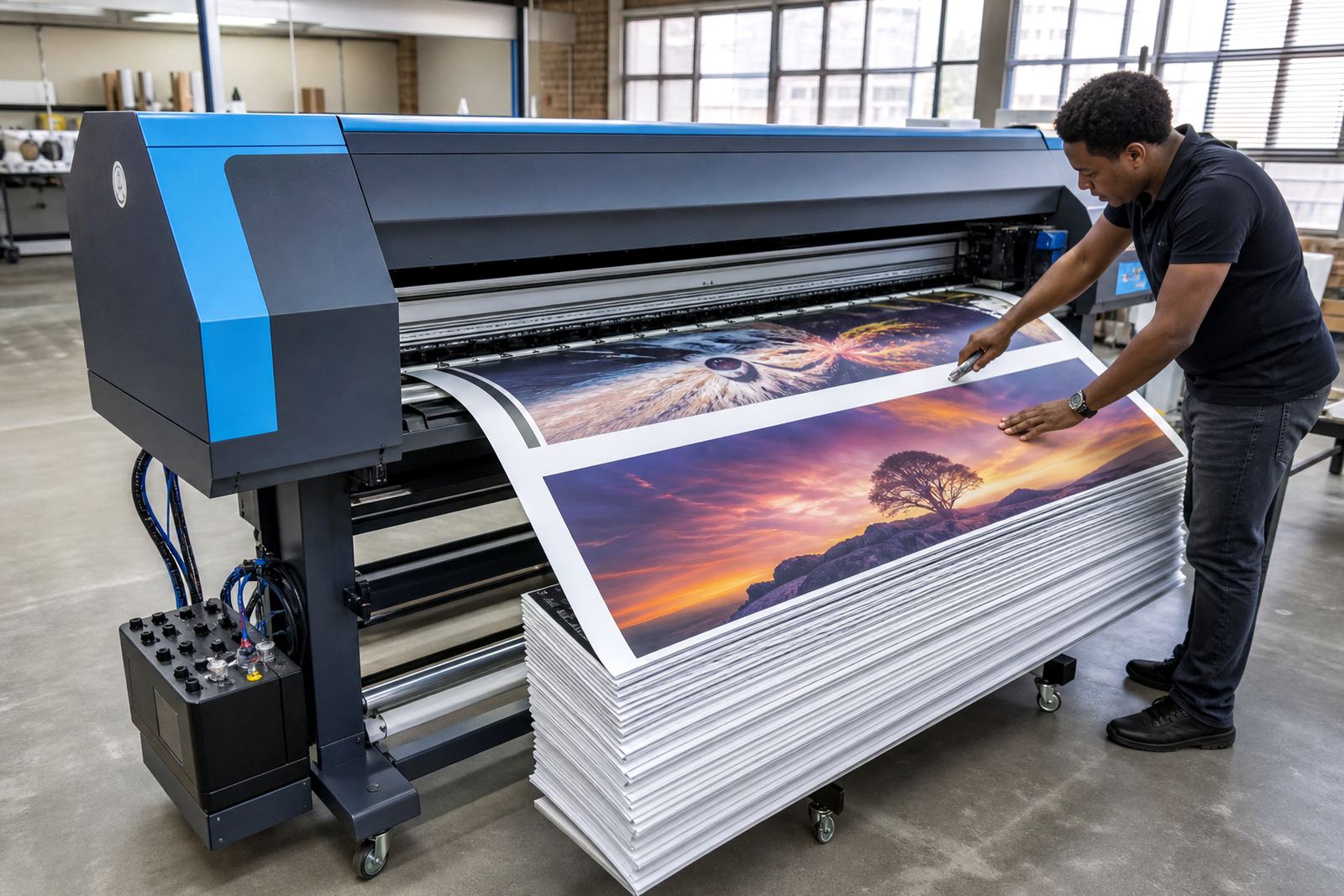
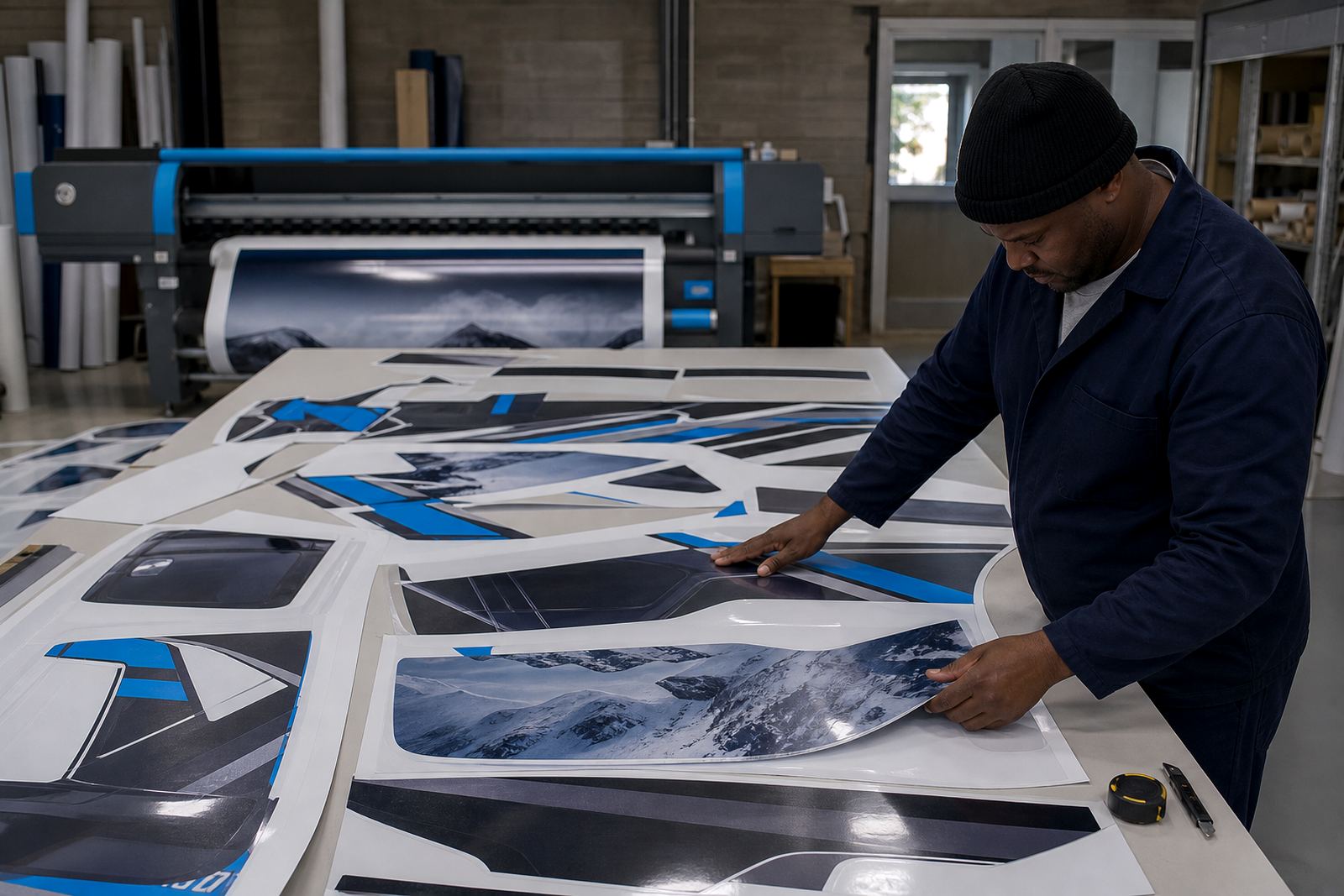
Point of sale printing usually means posters, shelf talkers, wobblers, window graphics, aisle signage and short-run promo sets moving through the same printer queue. One hour may carry six A3 specials for a Cape Town store, then a handful of hanging signs for Johannesburg, then repeat labels for a Pretoria rollout. The pressure is not only speed. It is keeping colour steady, file order clean and reprints close to the first run.
A mixed retail queue needs more than a print button. The RIP has to sort artwork, hold the right media setting, and keep each job matched to the board, vinyl or backlit film on the machine. When that part is handled properly, the print room spends less time checking sheets and more time pushing work out in the right sequence. It helps when the same operator can open a day’s files without digging through old folders or guessing at settings.
Boards, drivers and software in one working chain
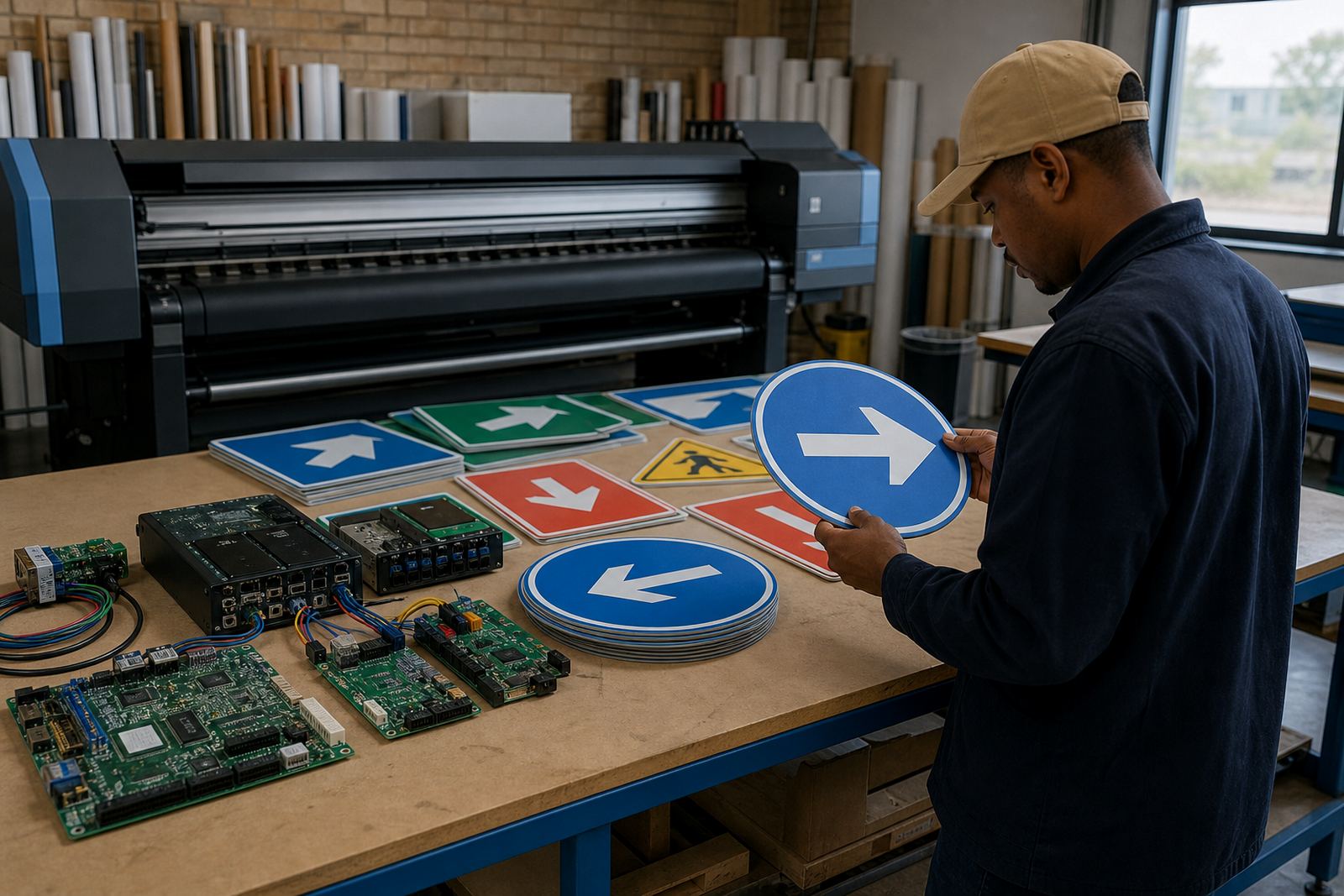
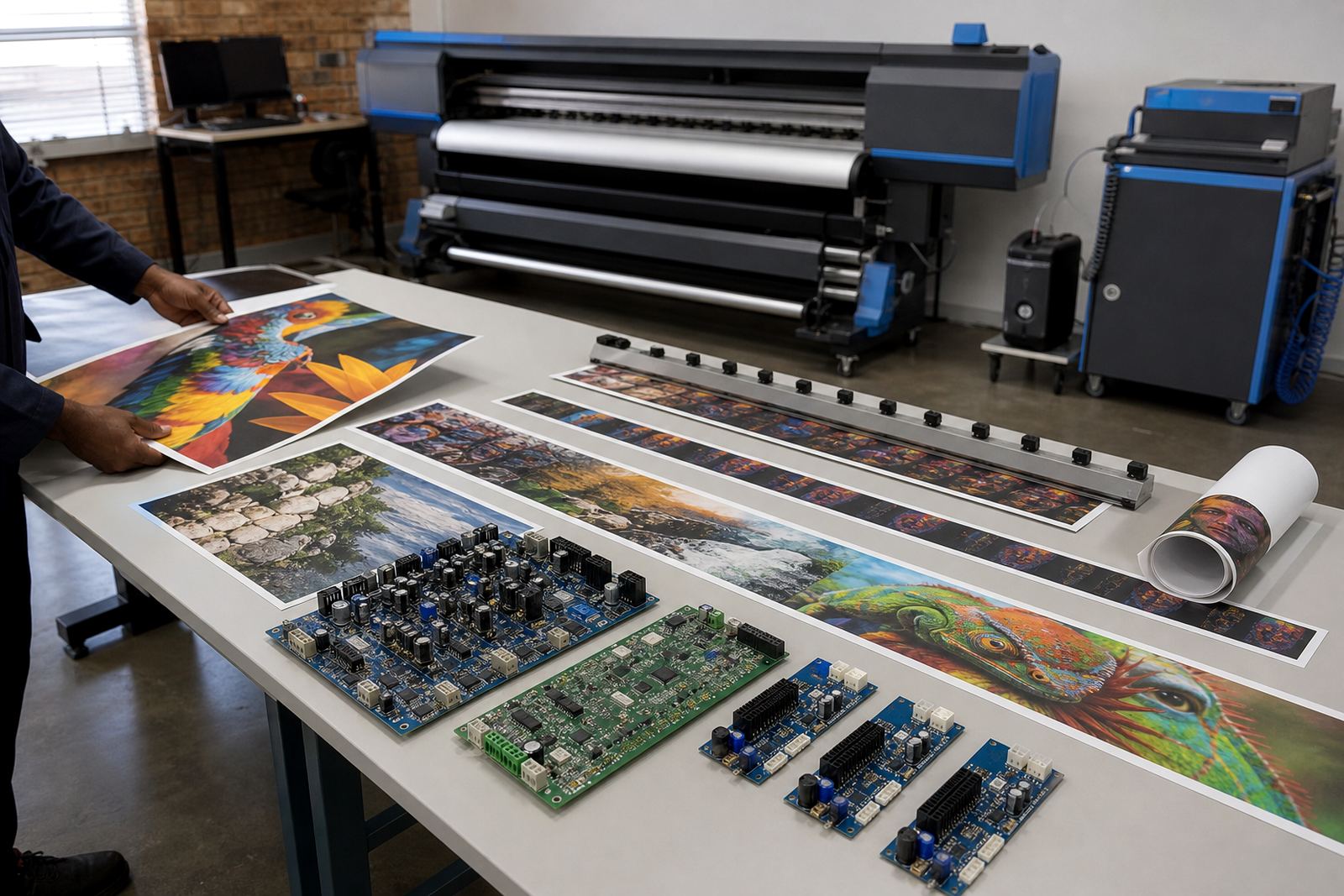
For point of sale work, the usual set-up is a wide-format inkjet printer, a control board, printhead drivers, RIP software and a colour workflow built around repeatable output. The board handles communication with the machine, while the driver layer sends the right fire pattern and timing to the heads. The RIP handles imposition, nesting, spot colour handling and queue control, so a 200 mm shelf strip does not waste the same space as a full-size poster.
Remote setup is often enough for shops in Midrand, Sandton, Randburg, Pretoria or Durban when the machine is already installed and the printing path just needs sorting out. Where a board repair or replacement is needed, the job becomes more hands-on. We also see many shops needing printhead driver setup after a change in hardware, or after a machine has been idle and the workflow no longer matches the current production pattern.
- Queue control for mixed daily retail work
- Nesting to reduce waste on boards and vinyl
- Colour profiles matched to common substrates
- Maintenance checks for clogged nozzles and misfires
- Backup and recovery for repeat campaign files
Layout choices that save time on busy retail runs
Point of sale jobs work better when the layout is built around the way retail orders arrive. Short runs need to sit together, repeated items should be grouped, and the operator should be able to separate urgent work from planned campaigns without confusion. A clean folder structure and sensible queue naming help, especially where several stores send artwork for the same promotion in different sizes.
For production floors in Gauteng or the coastal cities, the environment matters too. Coastal humidity in Durban and Cape Town can alter drying behaviour on some media, while dust in busy workshop areas can affect board handling and head health. Good planning includes storage for media rolls, a stable place for proof prints, and a clear handover point for finished retail sets. If the team prints onto backlit film, adhesive vinyl or mounted board, the workflow should keep each material type separate in the RIP.
- Keep repeat items in fixed folders for easy reprint
- Use one naming system across branches and sales teams
- Hold urgent specials apart from long campaign batches
- Match colour profiles to the actual substrate in use
- Leave space for proofing, trimming and pack-out
Common mistakes that slow down mixed queues
A lot of retail print trouble starts with files that look right on screen but behave badly in production. The artwork may be sent in the wrong colour space, flattened badly, or arranged in a way that wastes material. Another common problem is using one profile for every substrate, then wondering why the same red looks too warm on one board and too flat on another.
Control boards and RIP software also suffer when maintenance is left too long. Heads drift, the queue settings get copied without checking, and the machine keeps running with old test values. Operator training matters here, because the person loading the job should know when to pause for cleaning, when to check the media feed, and when to flag a fault before it grows into a bigger interruption. If a print shop in Bloemfontein runs seasonal retail work, those checks can make a real difference during a busy week.
What budget usually looks like in rand
Costs depend on whether the job needs software only, board replacement, full setup or ongoing support across more than one machine. A remote RIP setup for a single printer can often sit in the lower range, while board installation, printhead driver setup and colour profiling move the total higher. Shops with multiple queues, training needs and recovery planning should allow a larger working budget.
As a broad guide, simple remote software configuration may fall in the region of R3,500 to R8,000. Board installation or fault finding can range from about R7,500 to R18,000 depending on the machine and access required. A fuller production workflow with colour profile setup, queue design, operator training and preventive maintenance can sit between R15,000 and R35,000, especially where several retail lines or branches need the same standard. Spare parts, head replacements and major repairs are separate from the labour and setup work.
Remote support for branch work and repeat campaigns
Many retail print teams operate across more than one site, with a main room in Midrand and smaller workgroups in Johannesburg, Pretoria, East Rand, West Rand, Durban, Cape Town or Bloemfontein. In that setting, point of sale printing needs shared settings, a consistent colour approach and a safe way to recover files when a job is rerun. Remote support is useful for keeping the same workflow across branches without rebuilding everything from scratch.
At InkFlow RIP, the work is handled by people who deal with printer control boards, RIP software, colour workflow and recovery every day. Thabo Zungu leads the business, with Lerato Khoza on operations, Johan Letsoalo on RIP setup, Zanele Moagi on colour workflow, Aiden Phiri on remote support, Kagiso Pienaar on board repair, and Bianca Rademeyer on training. The aim is a stable print path for retail runs, not a pile of settings that only one person understands.
When the queue is orderly, the colour is matched and the machine is properly tuned, point of sale printing becomes much easier to manage. The shop can move through small repeats, fresh specials and branch-specific versions without losing time on avoidable corrections. That is the real value of a controlled RIP environment in retail production.