Poster runs that move from one special to the next
Retail poster work often arrives in batches, not in neat daily files. One hour it is A1 specials for a chain store, the next it is A0 window posters, shelf talkers, or price boards for a launch in Sandton or Centurion. The RIP setup has to handle constant file changes, different paper weights, and quick changes in colour emphasis without turning every job into a fresh setup.
For this kind of work, the printer control board, printhead driver settings and RIP queue all need to speak the same language. If the queue is untidy, the operator spends time chasing missed pages, duplicate jobs, or wrong size output. That slows production and creates waste, which is never welcome when a store wants posters out before opening.
The equipment pattern we see on retail poster lines
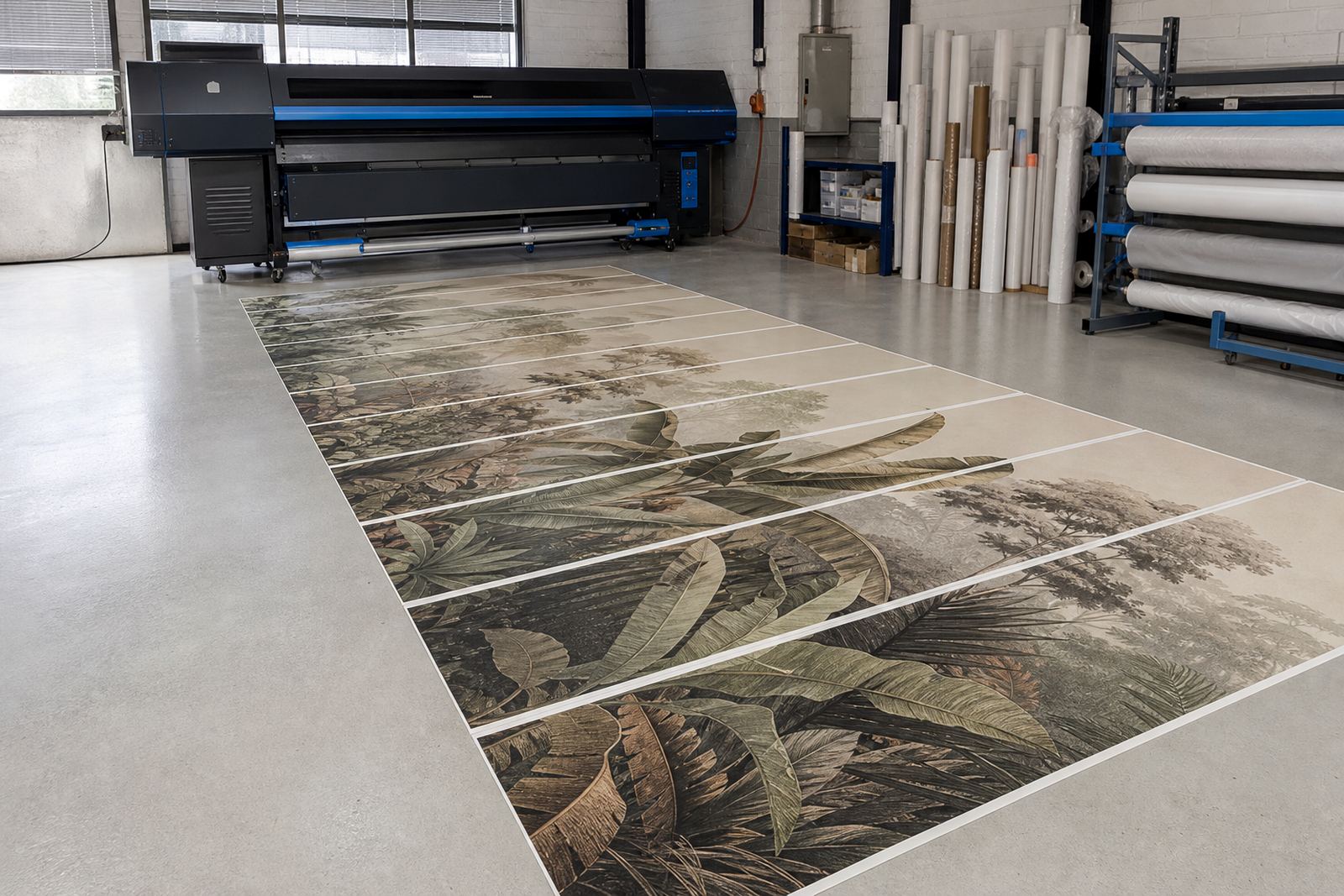
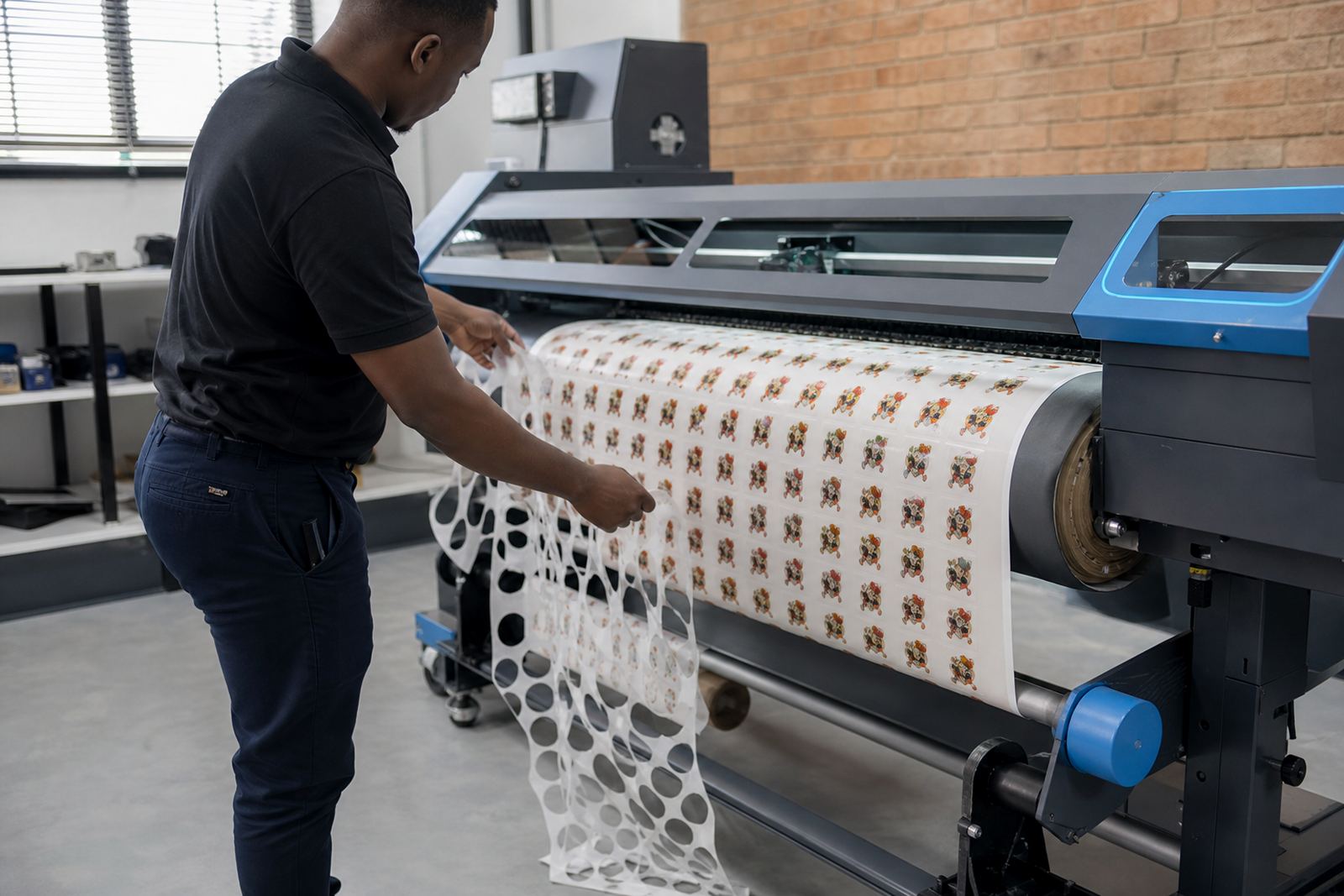
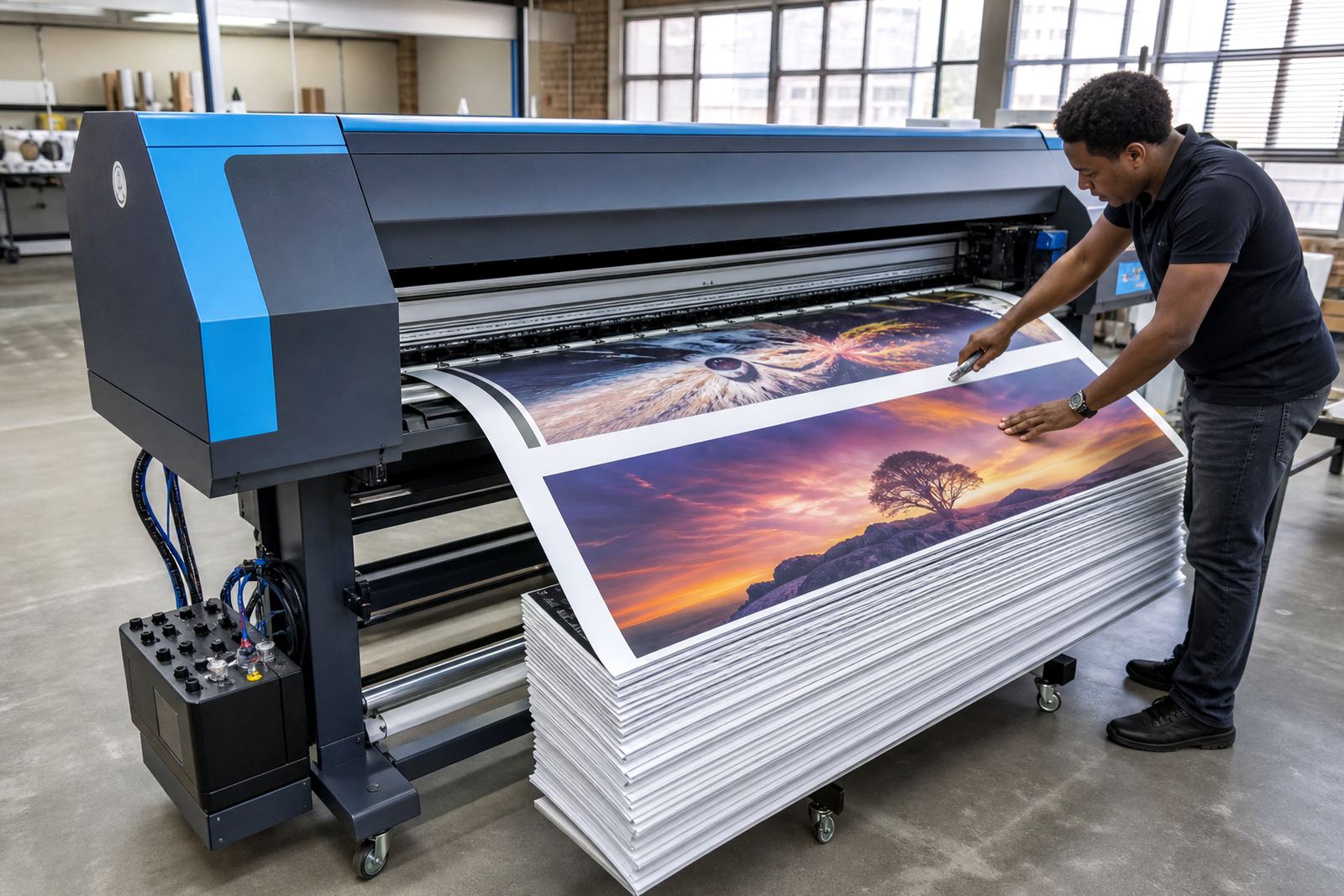
A typical retail poster line uses a wide-format inkjet printer, a control board matched to the machine, RIP software, and a workstation that sends jobs into a queue. Some shops also add a cutter or finishing table nearby, though the finishing step is usually kept separate so the printer can keep moving. In humid coastal towns like Durban or Port Elizabeth, paper handling and ink drying need a bit more care, especially on lighter coated stock.
- Printer control board setup for stable job handling
- Printhead driver adjustment for clean text and solid blocks
- RIP software profile setup for coated paper and poster stock
- Queue rules for urgent jobs, reprints, and staggered artwork
- Colour profile work for branded reds, blues, greys, and skin tones
We also look at maintenance settings so the machine does not sit with clogged nozzles after a quiet spell over a weekend or public holiday. For stores that print in bursts, that matter quite a lot.
Layout planning that keeps posters readable
Retail posters have one main job, get read fast. That means type sizes, contrast, margins, and image placement need to work from a few metres away. A poster with too much copy becomes cluttered, while one with weak contrast can disappear under bright store lighting. In many cases the best layout is not the prettiest one, it is the one that keeps the offer legible near the entrance and at the aisle end.
Queue workflow helps here too. A clean workflow separates portrait and landscape jobs, keeps reprints in their own folder, and uses naming that the operator can understand under pressure. If the queue is mixed up, a 594 x 841 mm poster may end up sent to the wrong stock or scaled badly. That kind of mistake wastes media and time.
Common faults that show up in shop poster production
Retail poster lines usually fail in predictable ways. The file is fine, but the output looks dull because the wrong profile is loaded. Or the colours drift because the board and RIP settings are not matched after a repair. Sometimes the poster comes out with jagged small text because the printhead driver settings are pushing speed too hard for the chosen media.
- Wrong colour profile for the stock in use
- Banding from poor nozzle alignment or weak maintenance
- Queued files printing in the wrong order
- Over-saturated reds that stain the whole layout
- Cut marks or bleed settings left off the artwork
Fault finding usually starts with the print path, then moves to the queue, then to the board and driver settings. That order saves a lot of guessing. It also helps to test on the same paper the shop uses for live work, not a random sheet from the storeroom.
What budget usually looks like in Rand
For retail poster work, the spend depends on whether the shop needs only RIP setup or a full control board and workflow rebuild. A smaller setup with remote installation, colour profile work and queue tuning may sit around R4 500 to R12 000. A broader job that includes board installation, printhead driver setup, training and backup recovery can move into the R15 000 to R35 000 range.
When the printer needs fault finding or board repair, the range changes with the fault itself and the parts involved. Shops with several printers or multiple branches in Johannesburg, Pretoria, Cape Town or Bloemfontein often prefer a staged approach, so the main production unit gets priority first and the rest follow once the poster line is steady.
Keeping the queue steady across busy retail weeks
Retail work gets messy during promotions, month-end pricing, and seasonal campaigns. One operator may need to send dozens of files before noon, then a different person picks up the machine after lunch. That is where queue workflow design earns its keep. The aim is not fancy settings, it is predictable output that does not need a small investigation every time a job lands.
For shops in Midrand, the East Rand, or the West Rand, remote setup often works well when the printer is already in place and the issue is mostly software or workflow. If the problem sits inside the board or the print path, a more hands-on visit may be needed. Either way, maintenance notes, profile backups, and operator training make the whole line less fragile, which is good when posters need to be out the door before the afternoon rush.